A search for printer service near me can mean a machine that has just stopped, or an office manager who wants the machines looked after properly so they stop surprising everyone. This page deals with the second need as well as the first: what a planned service covers, how to decide how often a machine needs one, what a service report should show and what to ask before you agree to a service contract.
What printer service near me means when the machine is in your office
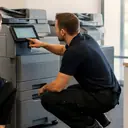
Business printers and copiers are not shop items. They are fitted into an office, cabled to a network, fed by a particular paper supply and used by a particular group of people. Service that is near you in any useful sense means a technician who comes to that machine, in that room, and looks at it in the conditions it lives in.
That is the Laser Printers Sunshine Coast model. Certified technicians work at the customer's premises across metropolitan Sunshine Coast, for commercial clients such as offices, practices, schools, councils, warehouses and strata. The same visit model applies whether the call is a repair or a planned service. If you want the repair side, our page on photocopier repairs and the page for commercial printer repairs go further into it.
Two kinds of call: fix it now and look after it
The two calls have different goals, and mixing them up makes any service hard to judge.
| Fault repair | Planned service | |
|---|---|---|
| Trigger | A machine has stopped or is producing bad output | A schedule agreed in advance |
| Goal | Get the machine working and confirm it | Keep the machine reliable and find wear before it causes a stop |
| Timing | Same day service is available, depending on the fault and the diary | Booked in advance |
| Price | Agreed on the phone | Scope and price agreed on the phone |
| If it goes wrong | A fault that returns is fixed again at no charge | Ask on the call how a fault between visits is handled |
98% of repairs are done on the first visit. For planned service, the aim is that you have fewer of those calls to make.
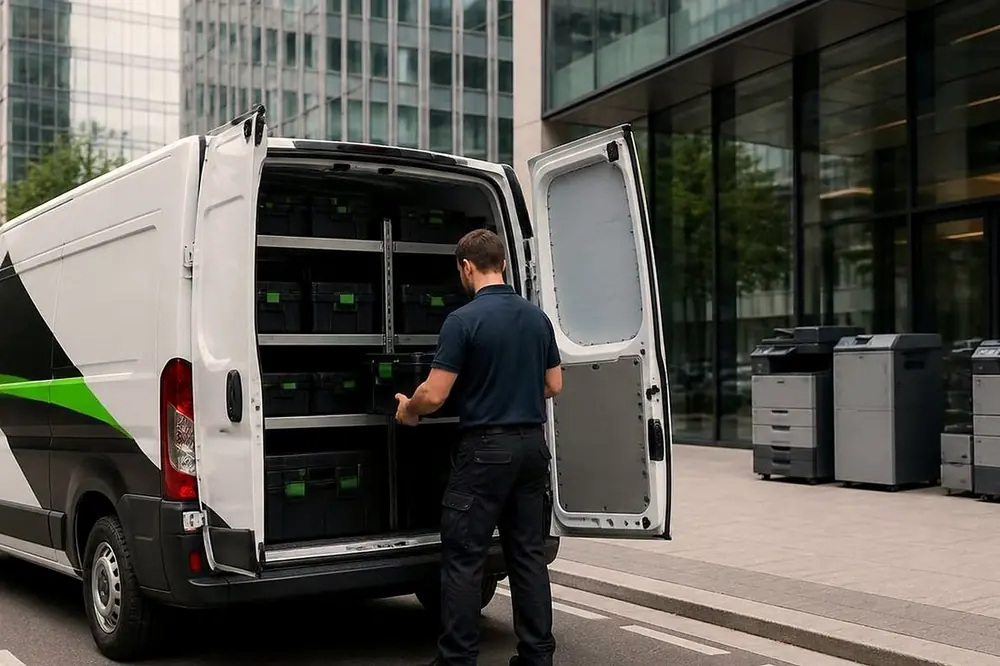
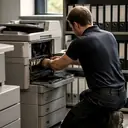
What a planned service visit typically covers
The exact scope depends on the machine and what you agree, and that is settled on the phone. In general terms, a planned service on a business printer or copier looks like this.
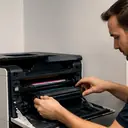
- Cleaning the paper path. Paper dust, toner and small scraps of paper collect along the route a sheet takes, and they affect how reliably it feeds.
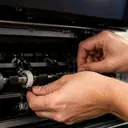
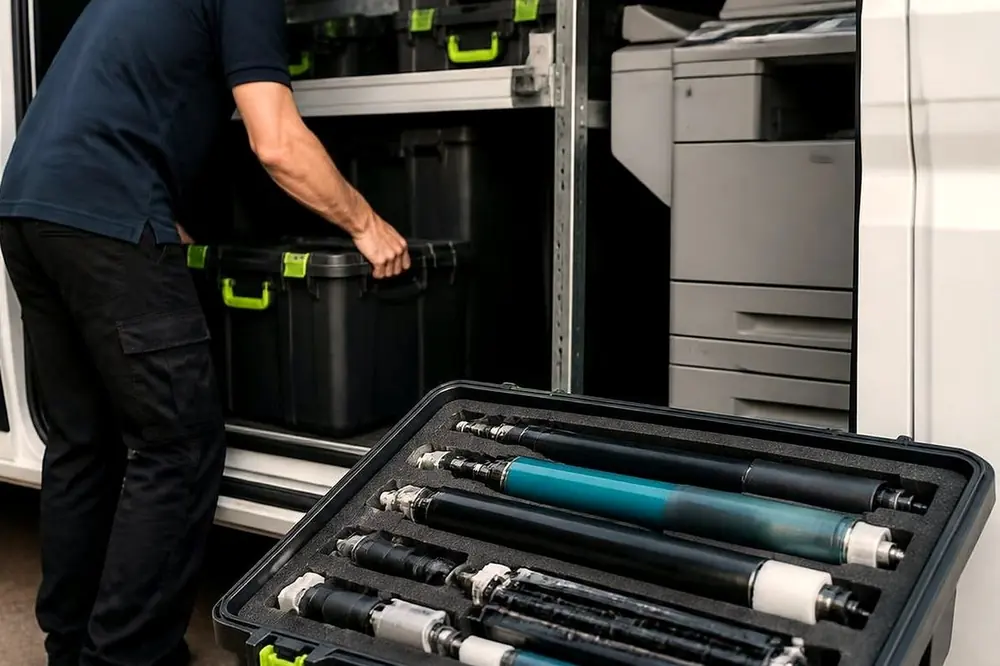
- Checking wear parts against their page ratings. Makers publish expected lives for items such as rollers, drums, fusers and belts. A technician can compare the machine's own counters with those figures and say what is approaching the end of its life.
- Looking at the document feeder and the trays. These are the places where worn pickup rollers and bent guides show first.
- Test prints, copies and scans. Streaks, shadows, skew and uneven density are easier to spot on a test sheet than on a busy day.
- A note of what was done and what is coming due. This is what turns a visit into a plan.
A service does not replace the small weekly habits that keep a busy machine happy. Our post on a ten minute weekly check for a busy copier covers what staff can do themselves, and toner handling and waste containers covers a job that is often done carelessly.
How often should an office service its machines
There is no single answer, and a repairer who gives you one before asking questions is guessing. Three things decide it.
- How hard the machine works. A copier shared by a whole floor wears its parts faster than a back office printer used by one person. Compare the machine's page counter with the ratings for its wear parts.
- What it prints. Heavy stock, labels, envelopes and thin recycled paper each load the paper path differently.
- Where it sits. The coast is humid and the air carries salt, and summer storms can cause power problems. A machine in a hinterland shed or a room beside the sea is in a different position from one in an air conditioned suite.
A practical starting point is to book a planned service for the machine that the business can least afford to lose, see what the report says and set the rhythm for the rest from that. Ask on the call what rhythm suits your volume and your premises.
What a service report should show
A planned visit is only as useful as the record it leaves. As general good practice, a report from any repairer should let a manager answer these questions without calling anyone.
| What the report shows | Why it helps you |
|---|---|
| The machine, by make, model and serial number | You can tie the report to the right asset, especially in an office with several similar machines |
| The date, and who attended | A history you can check if a fault returns |
| The page counter at the visit | It shows how hard the machine is worked and when wear parts will be due |
| What was cleaned, adjusted or replaced | You can see what the visit achieved |
| Wear parts approaching the end of their rating | You can plan the next service before something stops |
| Any fault codes found in the machine's history | Repeated codes are a warning, and a note of them stops them being forgotten |
| What you should watch for | Staff know what a warning sign looks like |
If a report is missing most of these, ask why. A report that says only that service was done is not much use at a budget meeting, or when an auditor asks how you look after equipment.
Planned service contracts: what to look for
Some offices prefer a planned service contract, and Laser can set one up. The scope and the price are agreed on the phone. Whatever you consider, from us or from anyone else, these questions help you compare like with like.
- Which machines are covered, and does the cover include printers as well as copiers?
- What does each planned visit include, and is it written down?
- What happens when a machine fails between visits, and who do you ring?
- How will you receive the report, and what will it show?
- What is outside the cover, so that nothing is a surprise later?
The point of a contract is to remove uncertainty about who looks after the machine and when. If a proposal leaves those questions open, it has not done its job.
How to compare printer services near me
Once an office has two or three options, the differences are usually in a handful of places. Weigh them in this order.
- Do they come to you? Service that depends on carrying a floor standing machine somewhere else is not service for a business.
- Do they cover your make? A repairer comfortable with one brand may be uncertain with another. We service Toshiba, Kyocera, Fujifilm, Xerox, Fuji Xerox, Canon, Ricoh, Konica Minolta and Sharp copiers, HP, Lexmark, Brother, Epson and OKI printers, Zebra label printers, plotters and wide format machines.
- Is the technician certified? Ours are.
- Is the price agreed before the visit? Ours is, on the phone.
- What happens if the fault returns? A fault that returns is fixed again at no charge with us. Ask every company the same thing.
Our pages for each make list the models and faults we are asked about: Toshiba, Kyocera, Fujifilm and Xerox, Xerox, Canon, Ricoh, Konica Minolta, Sharp, HP, Lexmark, Brother, Epson, OKI, Samsung, Zebra and plotters.

Printer servicing across the Sunshine Coast by type of premises
Different parts of the coast lean towards different kinds of business, and that changes what a service plan should look after. Here is where we attend, grouped by premises.
Health and allied health. Kawana and Birtinya are close to the Sunshine Coast University Hospital, and health and allied health practices are common there. Maroochydore, Nambour and Buderim also have practices and professional offices. Our post on health and allied health practices goes into their particular needs.
Education and care. Sippy Downs is where the University of the Sunshine Coast is, and the same page covers the nearby industrial area. Schools, aged care and childcare services sit across the region, and the post on community services and printing speaks to them.
Hospitality, tourism and real estate. Mooloolaba and Alexandra Headland, Noosa, Tewantin and Coolum and Peregian Beach are tourism and hospitality centres with real estate offices. Salt air can be hard on paper and rollers, so regular attention is sensible.
Trades, warehouses and industry. Warana and Kunda Park, Coolum industrial and Marcoola and Sunshine Coast Airport have trade units, warehouses and logistics. Label printers and dusty premises are worth raising when you plan service, and the post on trade and warehouse printers covers them.
Small business and professional offices in the south. Caloundra, Pelican Waters and Bribie Island, Little Mountain, Baringa and Currimundi, Landsborough and Mooloolah Valley, Beerwah and the Glass House Mountains and Bli Bli and Pacific Paradise.
Hinterland, rural and the north. Palmwoods, Montville and Mapleton, Maleny, Yandina and Eumundi, Cooroy, Pomona and Cooran, Kenilworth, Imbil and the Mary Valley, Kilcoy and D'Aguilar, Cooloola, Tin Can Bay and Rainbow Beach and Gympie include agriculture and small businesses. Cooler hinterland air and coastal salt air affect machines differently, which is a good reason to ask about a service rhythm that suits the site.
The overview is on the areas we service page.
When a machine fails between planned visits
Planned service lowers the chance of a stop. It does not remove it. If a machine stops, treat it as a repair call. Note the message on the panel, write down what happened just before, and ring. The copier error codes page and the copier and printer faults page can help you describe it. Same day service is available, depending on the fault and the diary, and a fault that returns is fixed again at no charge.
If you are unsure which of your machines to look at first, start with the one whose failure would hurt most, and book that one. Then contact us to agree the scope and the price.