What does salt do to a copier?
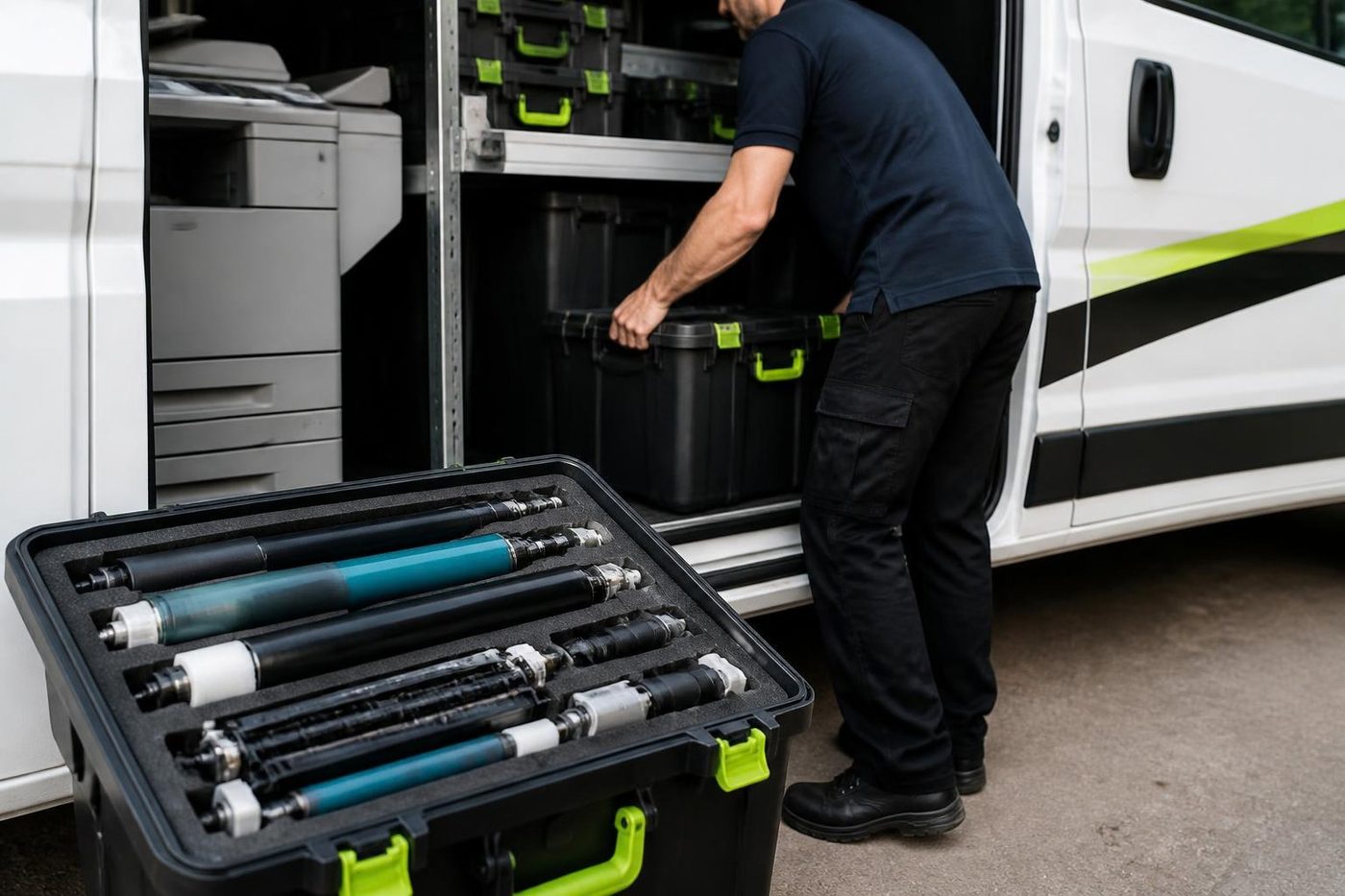
Less than people think, and more than they would like. Salt air does not eat a plastic case, but it settles on metal, finds connectors, and makes paper heavy. The most common results are damp paper that misfeeds, rollers that glaze and lose grip, and sensors that fail because a film has built up on them.
The worst place for a machine is the one next to a sliding door that stands open all day. The best is an inner room with a door that closes. If you cannot move the machine, we can at least clean it more often.
Corroded connectors are the one thing that can look dramatic. A machine that works when you wiggle a plug is telling you about one. A technician cleans and reseats it in minutes, and nothing needs replacing.


Who is where
The Esplanade and Brisbane Road side of Mooloolaba holds apartments with body corporate offices, real estate and holiday management agencies, and a good deal of hospitality. Around the Mooloolaba wharf and the marina are cafes, tourism operators, charter businesses and marine services. Up the hill at Alexandra Headland, the businesses sit along Alexandra Parade and the side streets: dental and medical practices, surf and sports retail, small agencies.
Body corporate and holiday management offices
A strata manager prints and posts a lot. Notices, minutes, levy notices, insurance paperwork. The busy times are easy to predict, with a general meeting coming up or the books closing for the year. A copier that fails in the week before a meeting is a disaster.
So book a service in the quiet weeks. Rollers get checked, the feed path gets cleaned, any finisher gets a test run, and we write down what is likely to need attention next. A stapler that jams halfway through a thirty page agenda is the commonest failure we see in these offices, and it is almost always a worn feed or a bent staple cartridge.
Holiday managers have a different cycle. Their peak is changeover day, and the printers produce guest instructions, receipts and invoices in a rush. An A4 laser pulling two sheets at once in that rush has a tired pickup roller or separation pad, two small parts that cost little to replace.
Wharf and marina businesses
Tourism operators print tickets, waivers and booking sheets. Charter and marine businesses print invoices, manifests and safety documents. The machines are small, and they live in damp, busy rooms.
A label or ticket printer that goes faint or skips usually needs a clean and a new platen roller. A laser printer with grey streaks is picking up dirt on the drum or the cleaning blade. We deal with both on site.
Boat and gear businesses often print on thicker stock or labels. If the printer jams on heavy paper, tell us the weight and type. It changes which part we look at.
Alexandra Headland and the surf side
Practices along Alexandra Parade, surf retail, and small agencies are the usual customers. The printers scan, print and copy for the owner and a handful of staff. The common calls are scan to email that has stopped, a Wi-Fi printer that went offline, or a copier showing a code.
Three quick tests before you ring
Should the test page come out fine and one computer still cannot print, ring and tell us which computer. Most of those get sorted on the phone.
- Run a test page from the machine's own menu. If it prints, the printer is healthy and the trouble sits with the computer or the network.
- Load paper from a sealed ream in place of the open one. A jam that disappears was a damp sheet problem.
- Turn it off at the wall for a minute, then back on. If the same code comes straight back, give us a call.
Machines we meet
Canon imageRUNNER ADVANCE, Toshiba e-STUDIO, Kyocera, Ricoh and Konica Minolta in the offices. HP LaserJet, Brother and Epson in the small businesses and labels. We repair them all, and we are independent of the makers.
No maker owns us, and that is deliberate. Our technicians are trained, experienced and certified, with the common spares on board, and roughly 98% of jobs are finished on the first visit. A fault that returns is fixed again free.
Booking a visit to Mooloolaba
Ring with the make and model and tell us what it is doing. You hear the price on that call and nobody is booked until you are happy with it. We can often visit the same day. With the lines busy, the call is logged and one of us rings back.
Buying and selling machines is something we do as well. When a repair does not add up, we say so and go through what a replacement would look like.
Wharf weekends and summer rush
Mooloolaba is busiest when the weather is good and the schools are out, and that is when printers fail. A tour desk that prints tickets for a hundred people a day uses a lot of paper and a lot of life from a small machine. When it stops, there is a queue on the footpath.
What helps is a spare. A cheap A4 laser kept in a cupboard can carry the day while the main machine is repaired. We can help set one up so it prints from the same computer without fuss.
If you do not have a spare, tell us how urgent the day is when you phone. We ask which machine blocks the work and fix that one first.
Older buildings, newer machines
The mix of old and new buildings along the coast gives us a mix of machines. A newer copier on a floor of an older block, where the wiring is tired and the building network is shared. A printer moved from one office to another and never reconfigured. A scan setting that points to a computer that no longer exists.
We sort these out on site: a fixed address for the printer, drivers reinstalled, scan destinations pointed at a computer that exists. The settings go on a slip left with you, so whoever follows does not have to guess.
The person at the machine
The best diagnostic tool is whoever uses it
Ask the receptionist at a Sippy Downs surgery what the copier did before it stopped and you often get the answer in ten seconds. It made a clunk. It started pulling two sheets. It only fails on double sided jobs. We ask on the phone and again at the front desk, because the people who use a machine every day know its habits better than any error code.
Then we confirm it for ourselves. What people say is a start, and the machine has the final word.
- Ask first. On the phone and again on site.
- Test their job. We print what your office prints.
- Explain plainly. You get the cause in ordinary words.
More for Sunshine Coast offices
 Photocopier repairsCopiers fixed at your desk, one call, price agreed first.
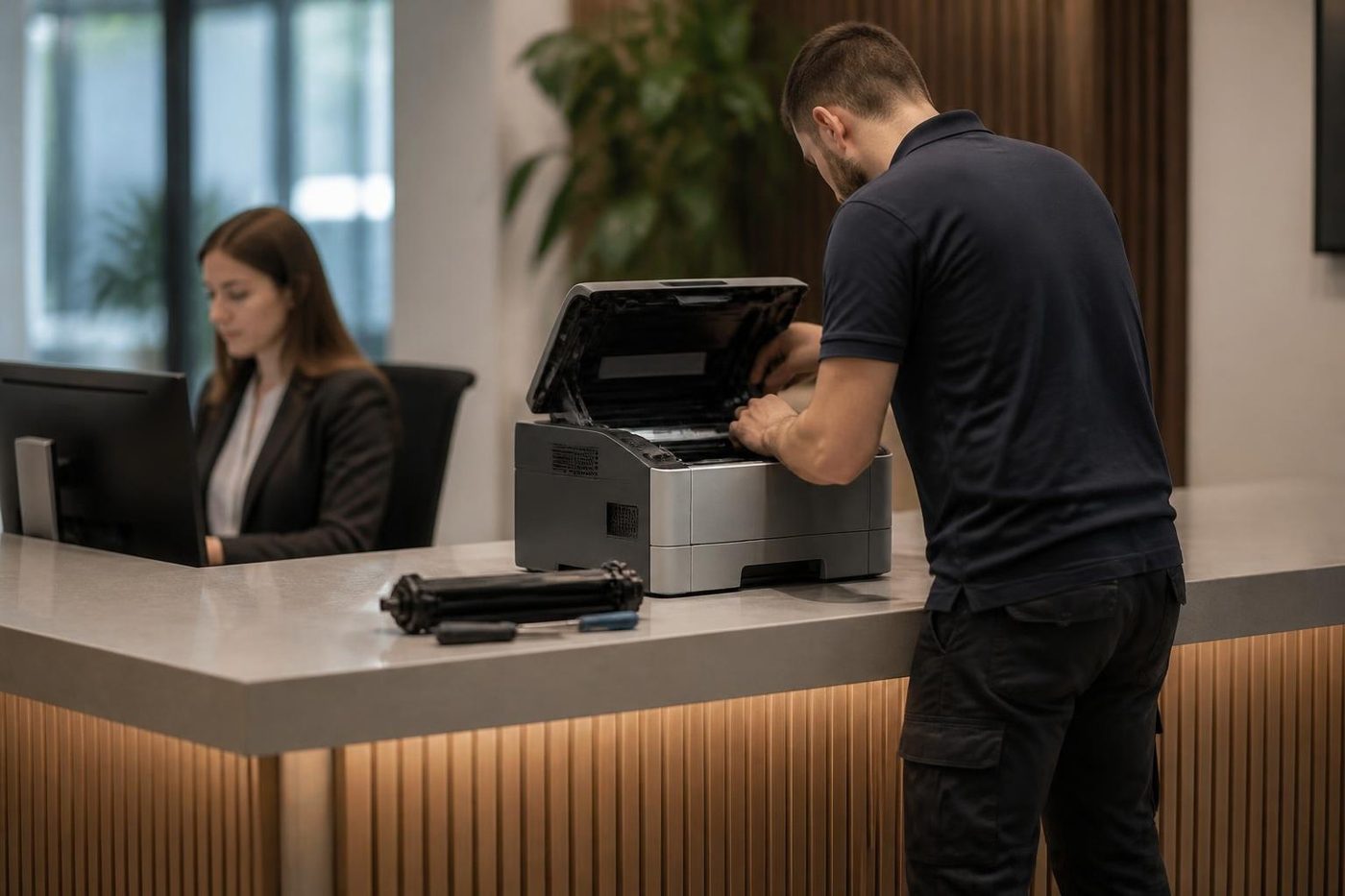 Commercial printer repairsCommercial laser printers, label printers and fleets repaired on site.
 Kawana and BirtinyaMedical suites, Kawana Way offices, Birtinya and Bokarina.MaroochydorePrinter and photocopier repairs for the plaza, the new city centre, Cotton Tree and the business parks.BuderimVillage practices, allied health, home based firms on the ridge.Warana and Kunda ParkWarana homes and schools, and the Kunda Park trade counters, warehouses and wholesalers.
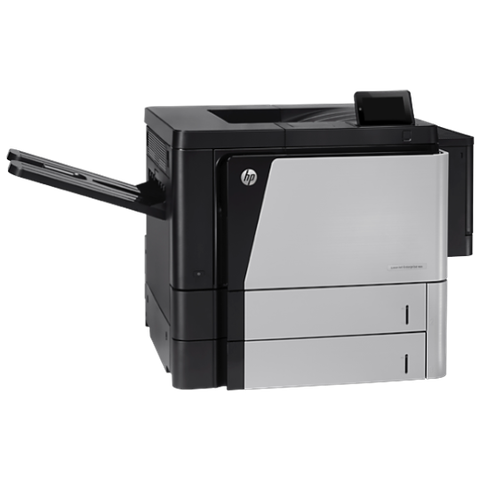 HP repairsLaserJet Pro, Enterprise, Color LaserJet and DesignJet repaired on site.
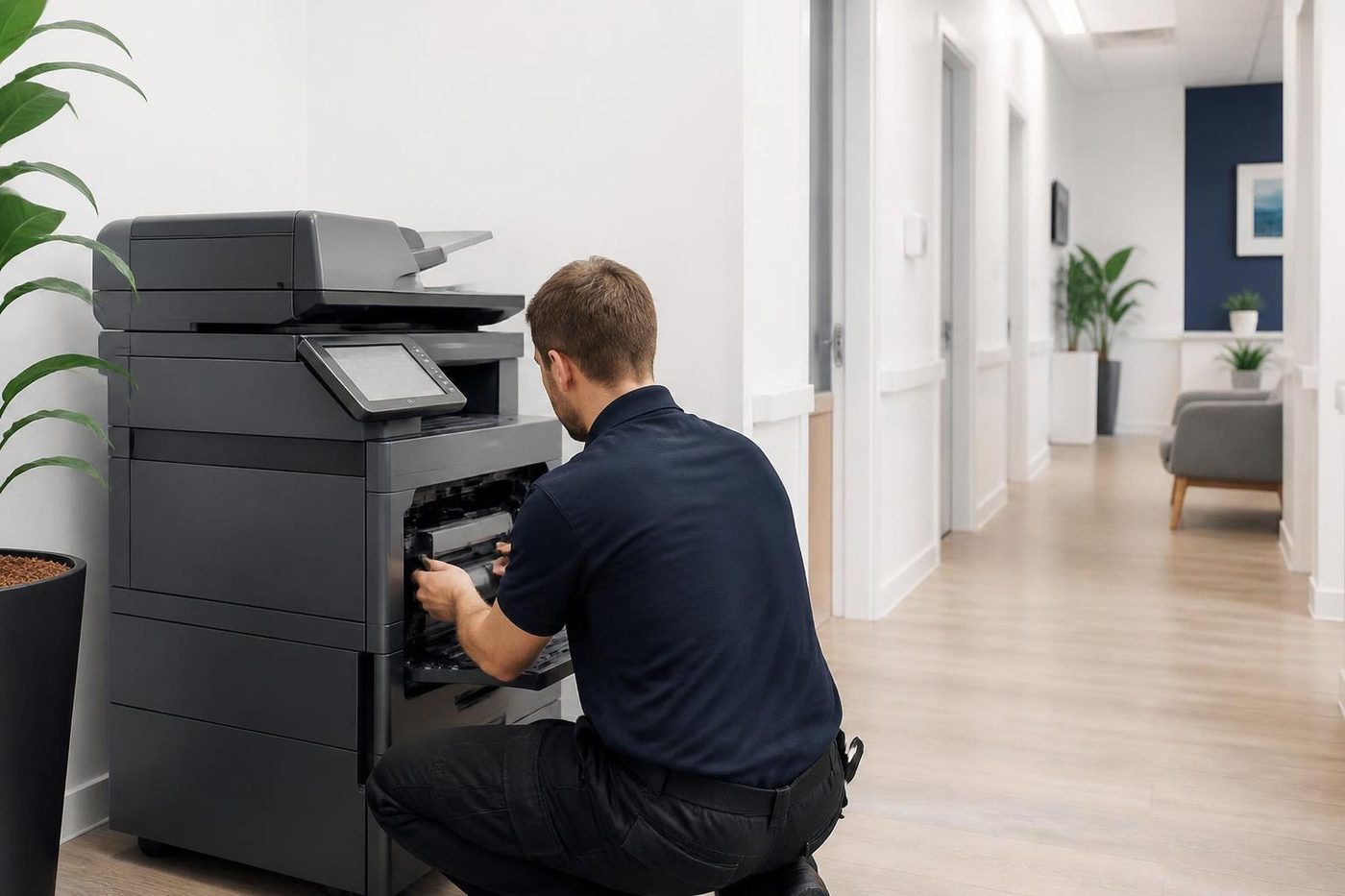 Copier black lines and streaksA line down every copy: glass, feeder, drum or toner.
Buy, sell and lease
Buy, sell and lease commercial copiers on the Sunshine Coast
We also sell new and second hand commercial copiers and buy used ones. Same team, same technicians.
Offices, surgeries and site sheds




What people ask when they ring
Does salt air really damage printers in Mooloolaba?
It damages paper, connectors and sensors more than the machine itself. Keep paper wrapped, keep the machine in a closed room if you can, and have the rollers cleaned during a service visit.
Can you work around a busy cafe or tour desk?
Yes. A call ahead, a quiet moment and our tools kept out of the way of customers. Let us know when the desk is slowest.
We manage a block of apartments. When should the copier be serviced?
Book it a few weeks ahead of your busiest meeting or reporting date. Parts near the end of their life get replaced then, so a failure does not land in agenda week.
Why does my printer print faint labels?
Most often a worn or grimy print head, or a poor quality roll. Cleaning cures many of them and a new head the rest. Print a block of solid black: white lines through it mean the head has failed.
Can finishers and staplers be repaired?
Yes. A bent cartridge or tired feed causes most staple jams and those are quick. If it jams every single time, it needs a proper look.
Can a technician get to Mooloolaba today?
It is possible. Ring early with the details and we tell you what the day allows. When the phones are busy your call is logged and returned.
Where is the printer's model number?
On a label at the back or inside the front cover. A photo from your phone does the job.
What if it breaks again?
The same fault is repaired again with no charge to you.
Is there a simple spare printer for a holiday business?
Yes, we deal in machines as well as repairs, so we can talk through an easy spare to set up. Give us the volume and the computers it needs to serve.
Do you work at Alexandra Headland and Minyama?
Yes. Both are part of our regular run, along with Mooloolaba, Buddina and Kawana.