A3 in plain terms
A3 is twice the area of A4. An A3 copier takes A3 and everything smaller, and it normally prints, copies and scans in the one box. Most business copiers are A3 machines, either on a cabinet on the floor or sitting on a desk, with several trays and a document feeder on top.
An A4 only machine is cheaper and smaller, and suits an office that never prints a drawing, a roster or a menu at double size. If you have ever wished you could, an A3 does it, and an A4 machine will not.


Who ends up with one
Builders and engineers with plans on the Monday. Agents with brochures and contracts. A school running worksheets for a year level. A clinic scanning forms. Accountants running reports in the last week of the quarter. A cafe printing its own menus and the weekend roster. One A3 machine often replaces three smaller ones, which is the real saving.
A few hundred pages a month is comfortable for a compact A3. Several thousand wants a heavier machine with more trays, a finisher and a higher duty rating.
Floor standing or desktop
A floor standing machine sits on a cabinet, carries more paper and takes bigger volumes and more options. A desktop A3 is smaller and fits on a bench in a small office or a department. Both do the same job. The deciding factors are volume, floor space and whether you need stapling, punching or booklets.
What to weigh up between machines
| Question | Why it matters |
|---|---|
| Pages a month | Sets the size and duty of the machine |
| Colour share | Colour costs more per page and in the machine |
| Speed in pages a minute | Matters more in a busy office than people expect |
| Finishing | Staple, punch, booklet, sorting |
| Scanning | Email, folder and cloud, and how many people use them |
| Security | PIN or card release, drive encryption |
| Paper handling | Trays, bypass for thick stock, banner length |
| Who services it | Decides how long a breakdown lasts |
Makes we supply and look after
We sell and service Toshiba e-STUDIO, Kyocera TASKalfa, Canon imageRUNNER ADVANCE, Ricoh, Konica Minolta bizhub, Sharp and Fujifilm, with HP, Brother and Epson workgroup printers for smaller jobs. We are not tied to one, and we say so if another make suits you better. The brand pages explain what each is like to live with: Toshiba, Kyocera and Canon.
Colour or mono, and what it costs to choose wrong
Colour makes proposals and menus look better, and costs more per page. If most of the work is invoices, letters and internal papers, mono saves money. A colour machine prints black and white jobs on the black toner, and settings on the machine and on each computer can keep everyday work in mono. We show your staff how.
The families you will meet
The names get confusing, so here is how the main ones line up. We are an independent service business, and not the maker or a dealer of any of them. These are our observations from service work.
Toshiba sells e-STUDIO A3 machines in colour and in black and white, from small desktop units for a front office up to floor standing production machines. Kyocera sells TASKalfa A3 multifunctions, built around long life drums, with ECOSYS printers alongside. Canon's A3 range is imageRUNNER ADVANCE, with the newer DX generation. Ricoh's current colour copiers carry the IM C name. Konica Minolta's bizhub i-Series covers A3 colour and mono. Sharp sells MX and BP series multifunctions. Fujifilm's current machines carry the Apeos and ApeosPort names, and it is the same family that carried the Fuji Xerox badge until a few years ago.
Each of those has a range from compact to heavy. Brand pages for the ones we repair most explain what they are like to live with.
What is in the box
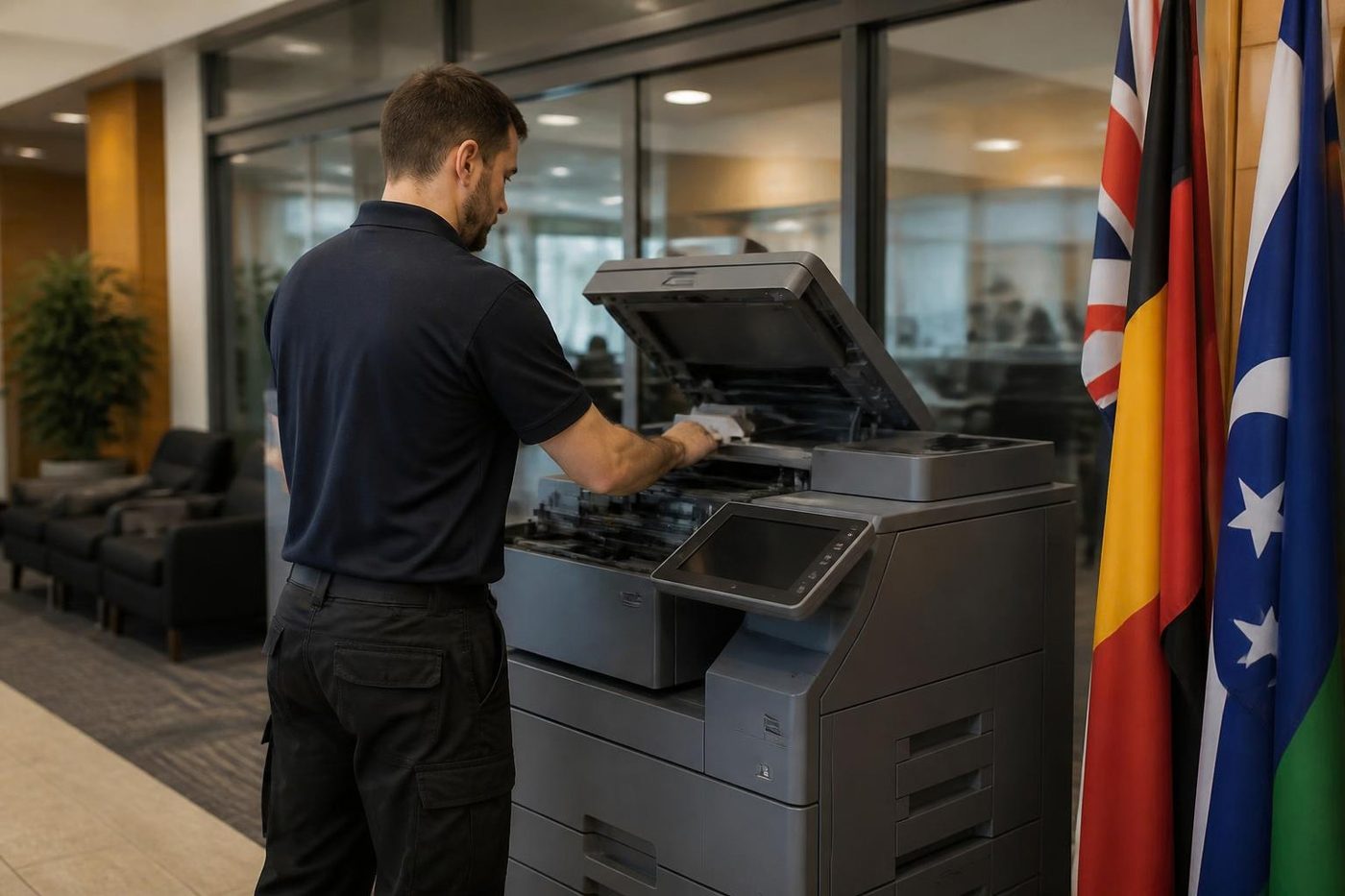
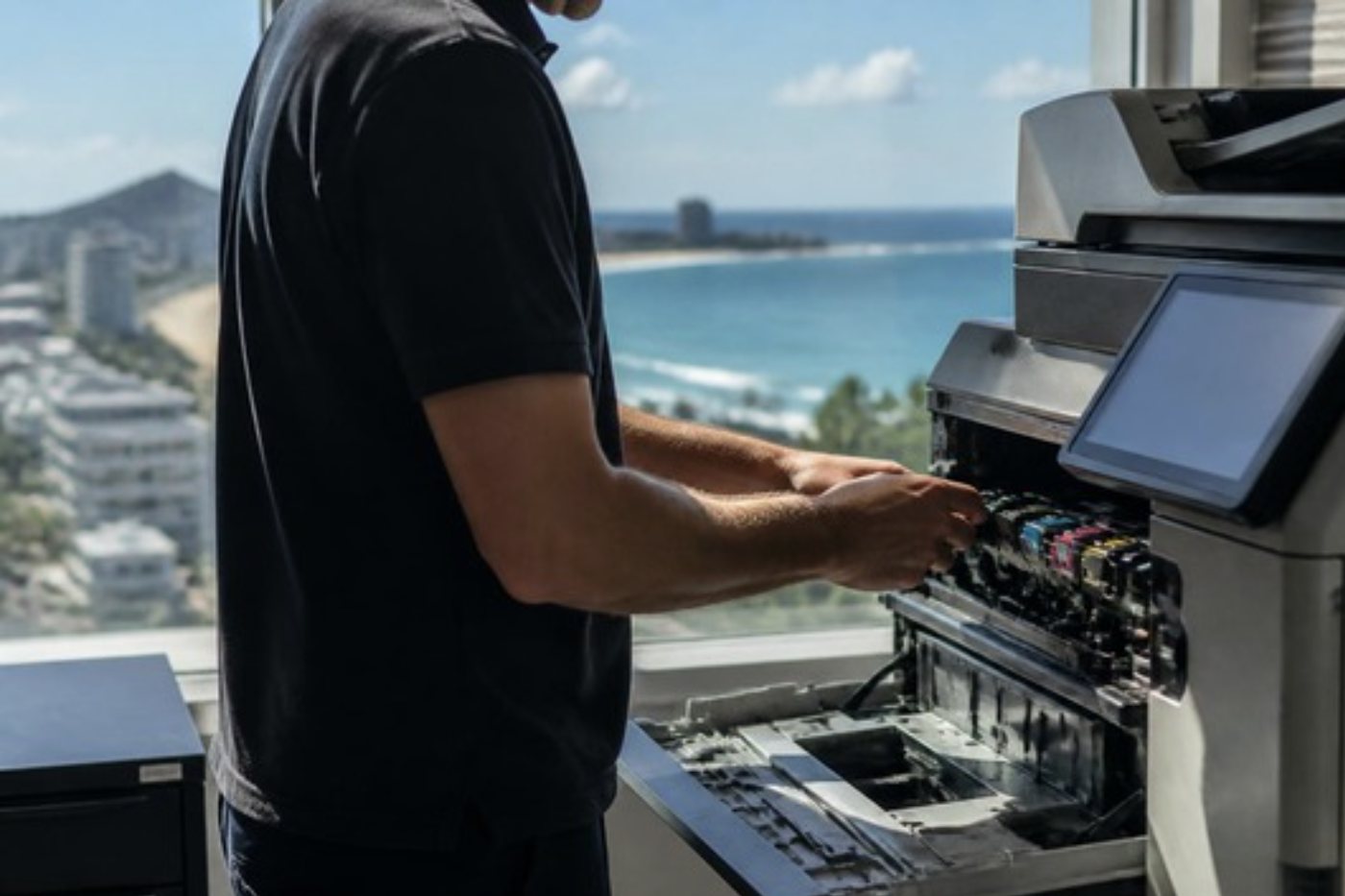
A typical A3 office copier comes with a document feeder on top, a flatbed glass for books and awkward originals, two or more paper drawers plus a bypass tray, a touch screen panel, a hard drive, and the ability to print, copy and scan to email and folder. Colour machines have four toners, cyan, magenta, yellow and black, each a separate supply, and some have a waste toner container that fills and has to be changed. Mono machines have a single toner.
What differs is the speed, the size of the paper supply, the capacity of the finisher and how many things the touch screen can do before it gets in the way.
Space, power and where it will sit
An A3 machine needs more room than people expect. The footprint is one thing. The space round it matters too: room to open the front, pull out drawers, reach behind and stand there reading the panel without blocking a doorway. A finisher adds width. Colour machines and heavier ones give off warmth, so a cupboard with no ventilation is a bad choice. On the Coast, keep it off a sunny window.
We ask about power and the data point at the same time, so nobody finds out on delivery day that the machine and the network cable are four metres apart.
Moving from several small printers to one machine
Many offices arrive at an A3 after years of accumulating printers. A colour laser at the front desk, a mono in accounts, an old inkjet that someone brought in. One A3 multifunction with secure print can replace all of them, and it can cost less to run, because toner is cheaper per page on a commercial machine than on a small one and there is one service relationship instead of four. We say honestly when that does not apply, for example when one department needs a dedicated machine.
Home and small office machines, and inkjets, are still serviced if someone rings. We are not the right place to buy them, because our business is commercial copiers and printers.
A4 workgroup printers as well
Not every office needs a copier. A busy accounts team that only prints and scans may be better off with a robust A4 workgroup printer or a small multifunction. See our page on office printers for sale. We say plainly if an A3 is more than you need.
What we need to quote
Prices are not published on this site and nothing is locked in by asking. We quote on the phone.
- How many people print, and roughly how many pages a month
- Colour or mono, and the share of colour
- Paper sizes, including whether A3 is for occasional or regular use
- Finishing: stapling, punching, booklets
- Scan destinations and the mail provider
- Security: secure print, card release, drive encryption
- Where it will sit and the access to get it there
- Buy, rent, lease or hire
Volume: bigger is not always better
Every machine is built for a range of monthly pages. Too small and it wears out. Too big and you pay for capacity you never use, and a heavy machine used lightly has problems of its own, such as slow warming fusers and toner that ages in the cartridge. We match the machine to what you print now with room to grow, and say if you are asking for more than you need.
The drive inside
A modern copier stores images of what it scans, copies and prints. A new machine can encrypt that drive and overwrite it, and can hold jobs until you are at the machine with a PIN or card. If you handle client files, patient records, contracts or payroll, those features matter, and we set them up when we install.
Finishers, extra trays and options
A finisher staples and sorts, and some punch holes or fold booklets. Extra trays mean you do not change paper all day. A fax board, a scan kit and a card reader are options on most machines. Ask for what you will use. Every option is another part that can need repair.
New, or something used
New suits a business that prints a lot, wants the newest features and wants the longest stretch before more than routine service. A second hand or refurbished machine does the same daily work for a lower outlay. We do both and we say which suits you. See used photocopiers and refurbished photocopiers.
Buy, rent or lease a new machine
A new machine can be bought outright, rented for two or three years or leased for three to five, and hire is available for short jobs. Many offices prefer rental or lease because it spreads the cost and can put servicing into one arrangement. See hire, rental, lease and finance. We do not publish prices on this site because they depend on the machine and the way you pay. Phone and we quote.
Delivery day and after
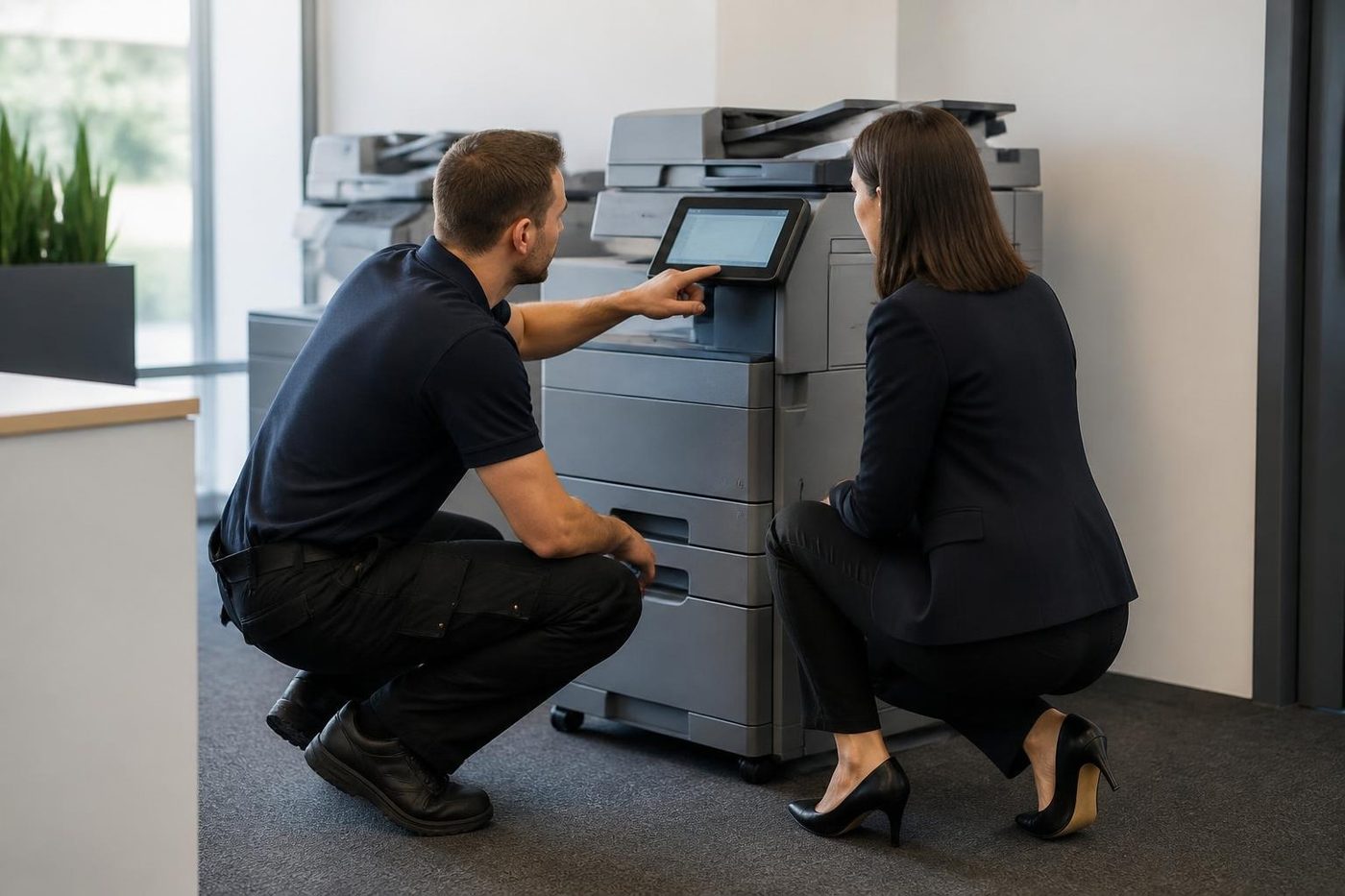
We agree the machine, the date and the access. The machine arrives, goes where you want it, joins your network and is set up for printing and scan to email, and staff get a short walk through. See installation and setup.
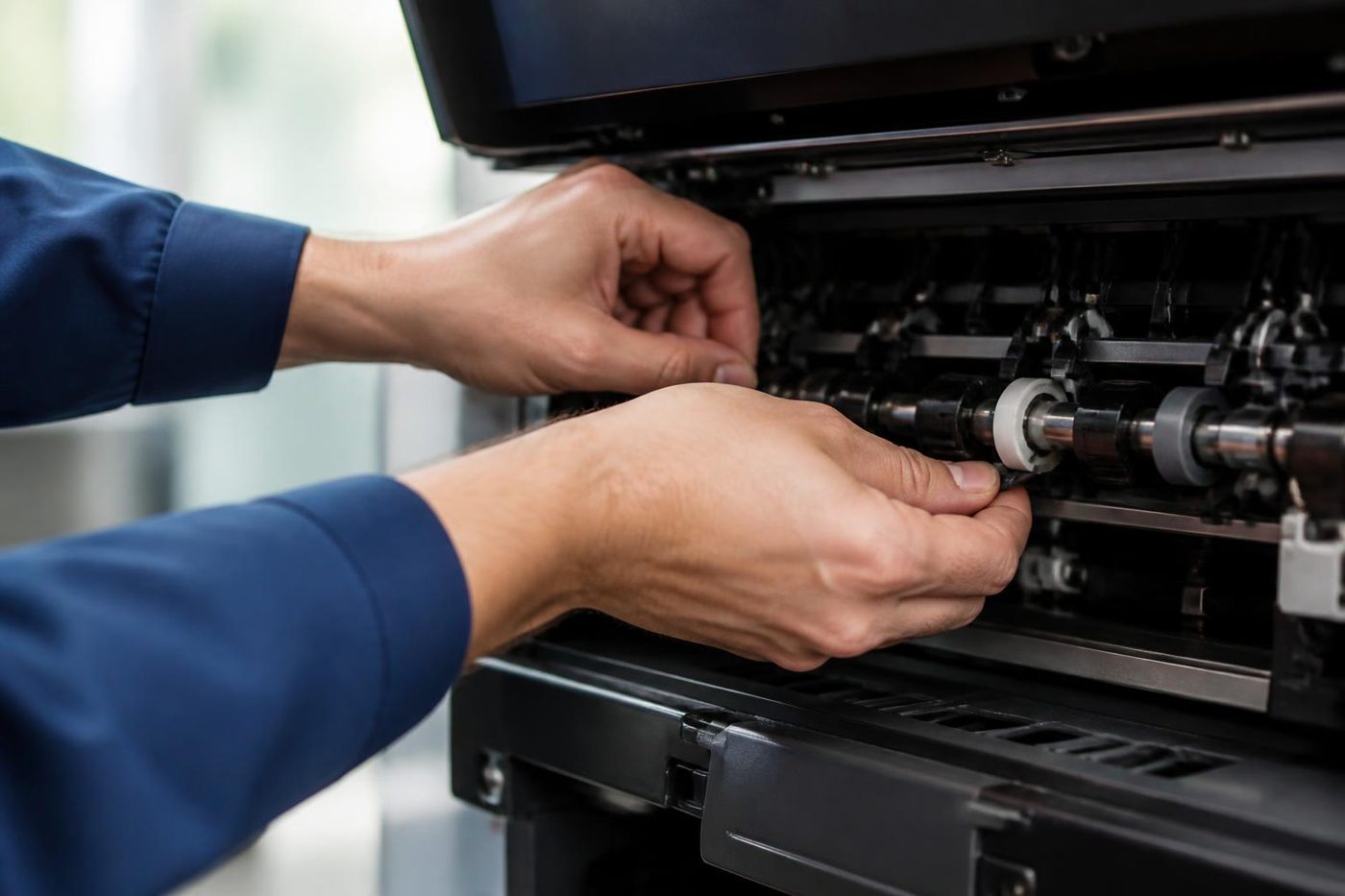
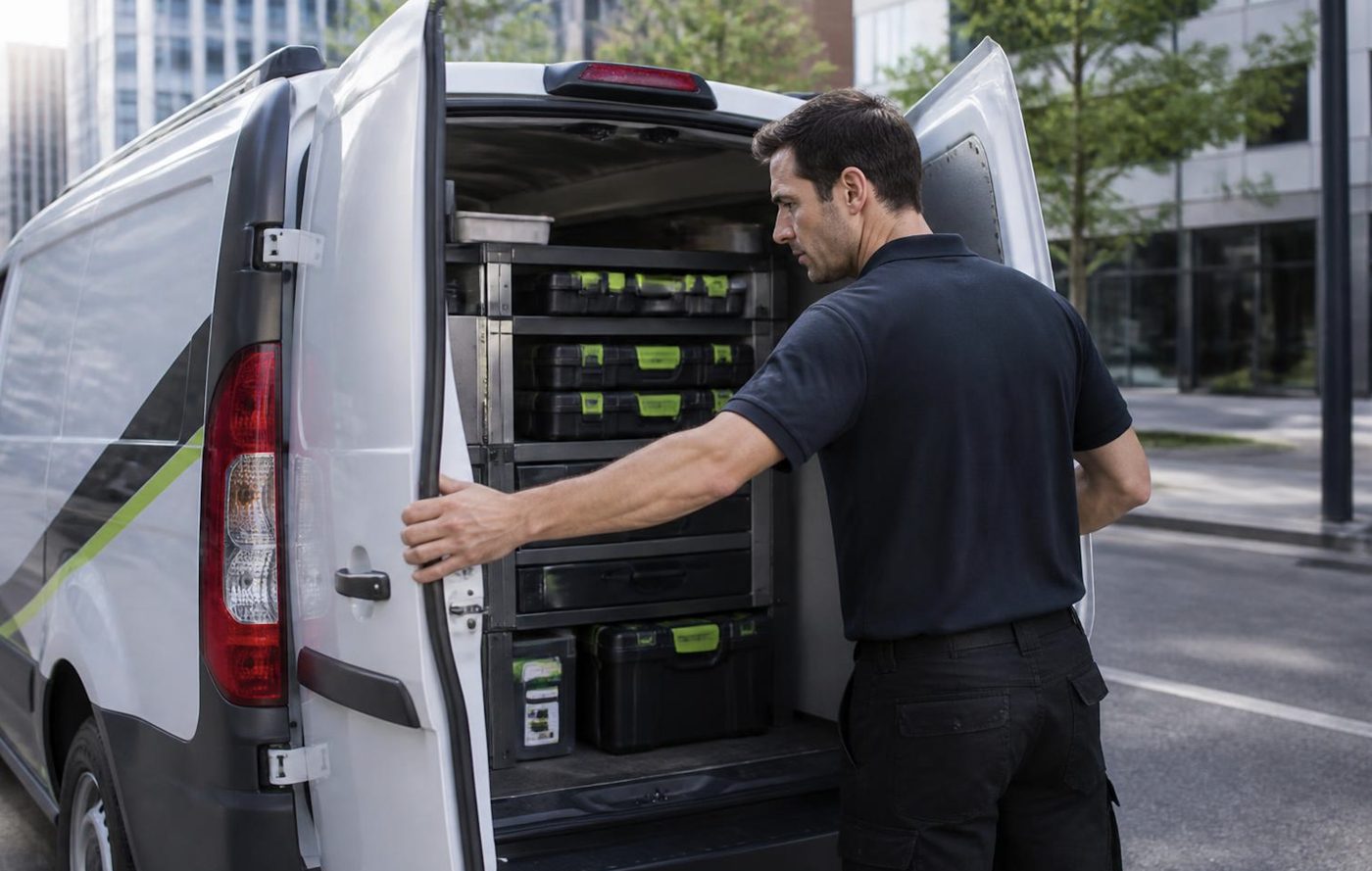
Technicians are trained, experienced and certified, carry the common spare parts and repair at your premises. 98% of repairs are fixed on the first visit and a fault that returns is fixed again at no charge. The machines we sell are warranted, and we explain what is covered on the phone.
When the machine finally reaches the end of its working life, a drive has to be wiped and the old copier collected, and we buy used commercial machines too: see sell your photocopier.
The second callout
The first repair is the cheap one
Most of the bad invoices we hear about are the second and third visits. Someone came, swapped a part, left. The fault was back by Thursday. Nobody found the cause, so nobody fixed it.
About 98% of our repairs are done on the first visit. When the odd one is not, the second visit costs you nothing.

- Find it once. The cause, not the nearest part.
- Say so honestly. If a visit does not finish the job, you hear it from us.
- Come back free. Same fault, no charge.
More for Sunshine Coast offices
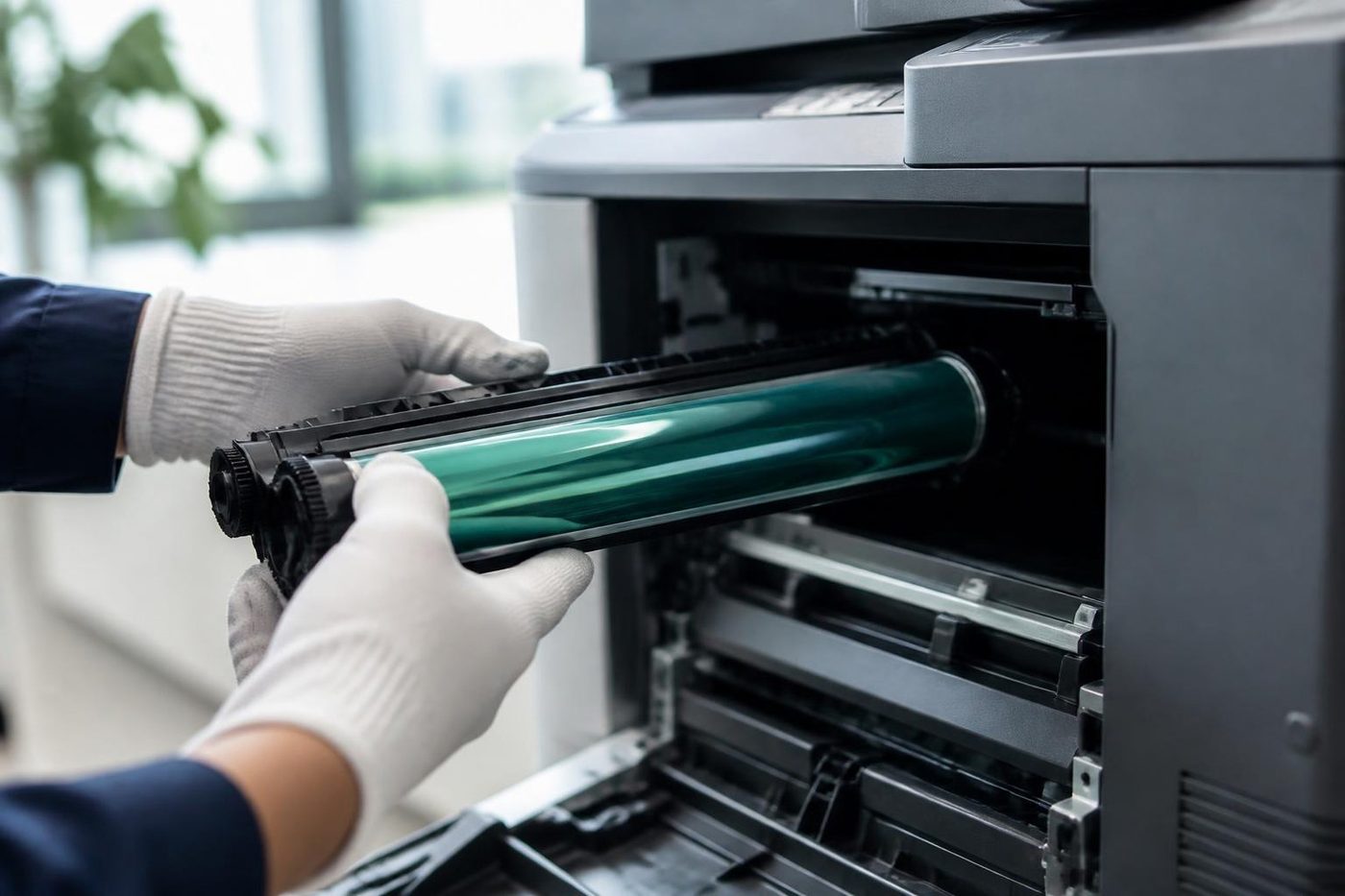 Photocopier salesHow a sale goes with us, from the first call to a working machine.
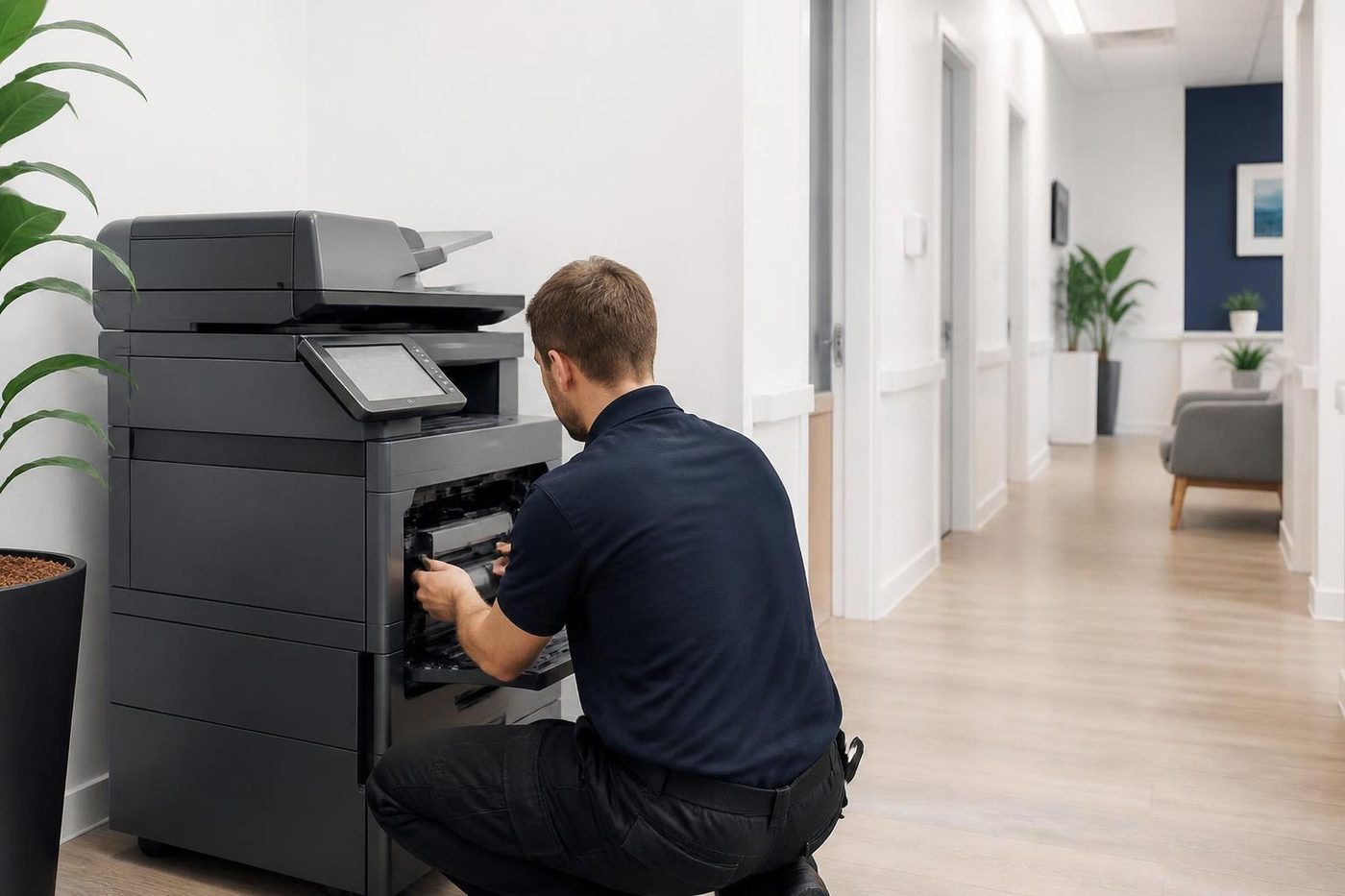 Printer and copier salesNew and second hand commercial copiers, printers and plotters, with our own technicians behind them.
 Used photocopiersUsed photocopiers and office printers, tested and looked after.How to choose a photocopierWhat to ask before you spend a cent on a copier.Installation and setupDelivered, networked, scan tested and shown to staff.
 Photocopier hire, rental and leaseFour ways to pay for a commercial copier, set out in plain words, with what to ask before you sign.
 Office printers for saleLaser printers and multifunctions picked for how many people print, and installed by the people who repair them.Refurbished photocopiersWhat refurbished should mean, and what we do to a machine.
Buy, sell and lease
Buy, sell and lease commercial copiers on the Sunshine Coast
We also sell new and second hand commercial copiers and buy used ones. Same team, same technicians.

Caloundra, Maroochydore, Noosa and the hills
What people ask when they ring
What is an A3 photocopier?
A copier that handles A3 paper, double the size of A4, and everything smaller. It usually prints, scans and copies.
Do I need A3 or is A4 enough?
If you never print bigger than A4, A4 is enough. Plans, menus, rosters and posters make A3 worth having.
Do you sell new copiers in colour?
Yes, in colour and black and white. Tell us how much of your work needs colour.
Which brands do you supply?
Toshiba, Kyocera, Canon, Ricoh, Konica Minolta, Sharp and Fujifilm, plus HP, Brother and Epson workgroup printers.
Can I rent or lease a new A3 copier?
Yes. Rent, lease, hire and finance are available, and we explain each on the phone.
Do you install it?
Yes. We deliver, connect it to your network and show staff the settings they use.
Who services it after the sale?
The same technicians who repair machines across the Sunshine Coast, at your premises.
Are the machines warranted?
The machines we sell are warranted, and we explain what is covered on the phone.
Can a colour copier print black and white cheaply?
It prints those jobs on the black toner, and settings keep everyday work in mono.
Does a new copier have a drive inside?
Most do. It can be encrypted and overwritten, and we set that up.
Do I need a finisher?
Only if you staple or sort many sets. For most small offices a desk stapler is enough.
Where can I get an A3 photocopier on the Sunshine Coast?
From us. Phone with your volume and the colour question and we talk through options.
Can I trade in an old copier against a new one?
Often. We buy used commercial copiers, and the value can go towards the new machine. Ring with the make and model.
What paper does an A3 copier take?
A3, A4 and a range of smaller sizes, including thicker stock from the bypass on most machines. Ask about the weights you use.