Once is nothing, every Tuesday is a pattern
Paper takes a tight route through rollers and heat. The odd sheet will go wrong. Don't read much into a single jam.
Read the pattern instead. A jam each week in a different place is paper or loading. The same spot every time points at a worn roller or guide there, or a sensor that needs cleaning. Always the second sheet of a job means the parts that separate sheets are tired. A jam message with an empty path is usually a scrap hiding behind a cover, or a sensor flag that has stuck.
Each pattern has a different cure. Tell us which one you have.

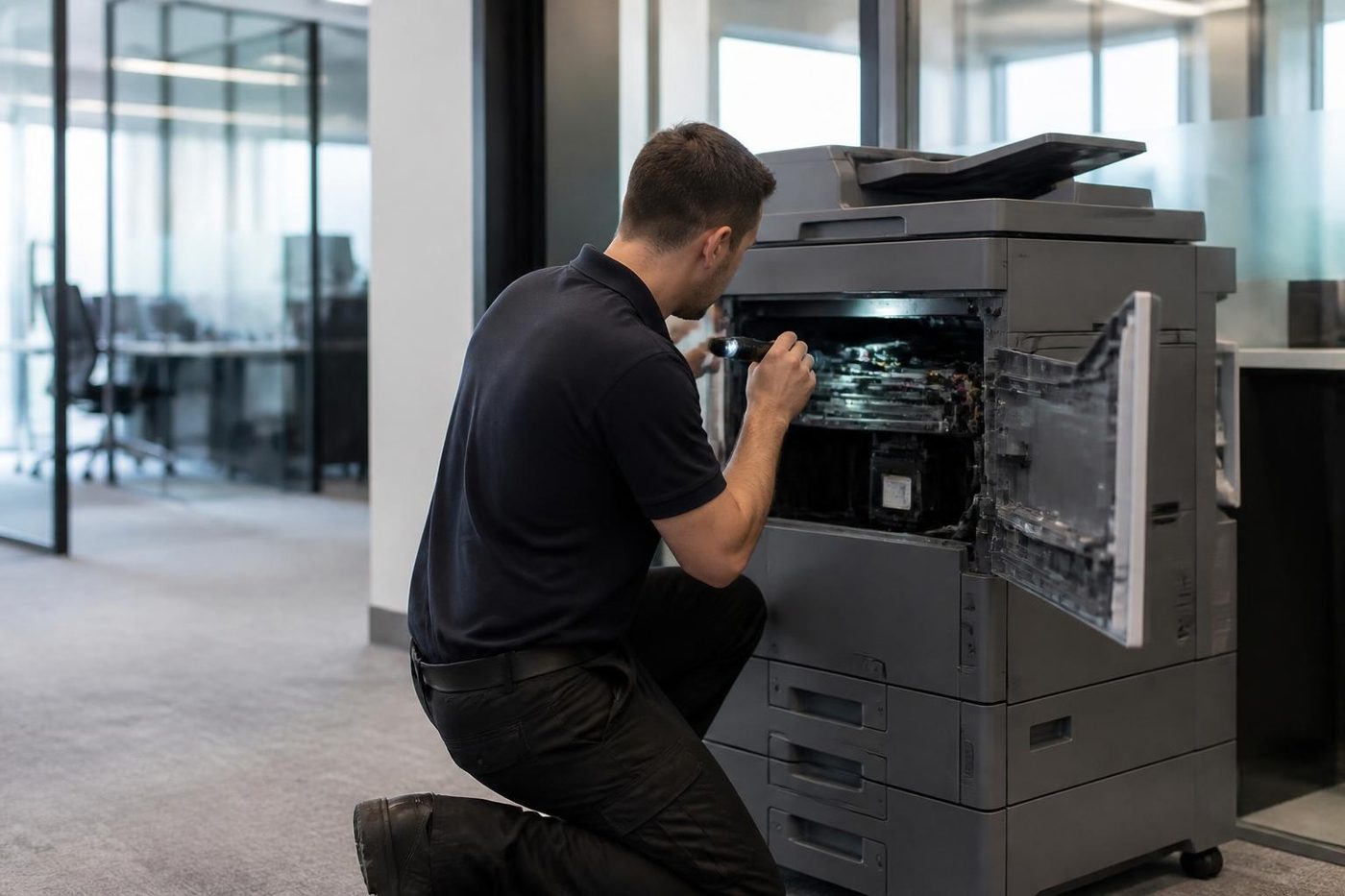

Where the sheet stops
| What you see | Usual cause | Whose job |
|---|---|---|
| Two sheets drawn in at once | Paper that is damp or full of static, or a worn separation pad | Paper is yours, parts are ours |
| Sheet halts just past the tray | Glazed or worn pickup or feed roller | Ours |
| Sheet crumples midway | Dirty registration area or a bent guide | Ours |
| Hot, crinkled sheet coming out | The fuser, or the exit rollers | Strictly ours: stop and ring |
| Jams on double sided jobs only | Duplex rollers, or paper curling after the first side | Ours |
| The feeder chews originals | Staples, tape, folded corners or a tired feeder pad | Originals are yours, the pad is ours |
| Labels or envelopes keep jamming | The wrong tray, or a paper type set incorrectly | Yours first, ring if it repeats |
Paper first, because it is the cheap suspect
On the Coast the usual trouble is moisture. A ream left open in a store room through a humid summer swells at the edges and feeds in pairs or on a slant. A cupboard on an outside wall during a wet spell does the same.
The air conditioned office has the opposite problem. Over a long weekend the cooling dries the paper and it curls.
Keep reams wrapped until the minute you load them and store them flat. A fresh ream should never be tipped on top of the dregs of an old one, and one tray should hold one brand and one weight, since mixing them is a quiet cause of repeat jams.
What you can do with no tools
Nothing here needs a screwdriver or a cover opened.
- Read the panel. Many machines draw the path and show where the sheet sits. Follow it only to the levers and handles marked for users.
- Pull the tray out and look into the space behind it for a stray corner.
- Remove the old paper, tap a fresh ream square on a desk and load it below the fill line with the guides snug.
- Check what the panel says the tray holds, and confirm it fits the paper loaded, in size and type.
- Strip staples and paper clips from originals ahead of the feeder, and flatten folded corners.
- Then test two ways: copy one page from the glass, and print one from a computer. A jam on the feeder run alone puts the trouble in the feeder.
Ease a stuck sheet out in the direction the sheet was heading, slowly and in one piece, because torn scraps cause the next jam. Keep your hands off the fuser area, which stays hot long after switch off.
Ring when
Ring if the same jam returns after you have cleared it and changed the paper. Also ring if a page emerges scorched, smells hot or carries damp toner, if there is squealing or grinding (a roller or drive part failing), or if the panel asks for a cover to be opened that nobody has been shown how to open.
Tell us the make, model and the point where the sheet stops. A price follows on the same call, before you book.
What a technician checks that you cannot
A trained technician runs paper through the path and watches for the point where it slows down or skews. They clean the sensors with the right materials, test how well the pickup and feed rollers grip, and check the separation parts. A roller can look fine and still be glazed and slick.
They also know which rollers wear first on your model, and a wrong guess at a part means paying for the part and then paying for a return trip.
The work is done by certified, trained and experienced technicians, and 98% of our repairs are completed in the first visit. If the jam returns, we come back at no cost to you.
Jams around Kunda Park, Warana and Yandina
Trade and warehouse offices at Kunda Park, Warana and Yandina pick up grit from the floor next door. That film on rollers and sensors only shows when the paper starts to slip.
Holiday letting agencies, cafes and real estate offices near the beach run the air conditioning hard in summer and the doors open the rest of the time, so paper swings between damp and dry. A site office on a building job gets dust and humidity both.
If you are well up the highway or inland, we ask which rollers to bring, and a same day visit is available.
Jams after a toner or drum change
A new toner bottle can bring a jam of its own. If the cap or seal strip is left in place, or the cartridge is not clicked home, sheets can snag at the developer area. Open the door the way the panel shows, check the seal and the latch, close it firmly.
A drum or developer unit fitted for a different model is worse. It looks the same and does not behave the same. Jams that start the day after a supplies change deserve a look at what was fitted and where it came from.
The feeder on the top of the machine
The automatic document feeder has its own rollers and its own jam habits. Bound documents with plastic combs, glossy flyers, photos and the thin carbonless sheets in a trade book all sit badly in it. Put those on the glass.
If the feeder keeps grabbing two originals, or skews them so the copy comes out crooked, the feeder pad and roller are due. They wear with use, not age, so a busy accounts office wears them faster than a quiet clinic.
Parts on the van
A roller that takes a week to arrive from a warehouse is a poor bargain for a firm with invoices waiting to print. The van holds the usual spares, and on the phone we work out which ones your make and model are likely to want. If a part is unusual we flag it before the visit, not once your machine is open.
There are parts we advise against fitting, and we tell you which. A machine fifteen years old with three faults at once calls for a frank conversation, and the is my copier worth repairing page shows how we weigh it.
Parts
The part is in the van, or we know before we arrive
Waiting a week for a roller to come from a warehouse is a poor deal for a firm with invoices to print. Technicians carry the common spare parts, and on the phone we work out which ones your make and model are likely to want. If something rarer is needed, you hear that before we arrive, not after we have pulled the machine apart on your floor.
Parts that are not worth fitting we tell you about too. A fifteen year old machine with three things failing is a different conversation, and we have it plainly.
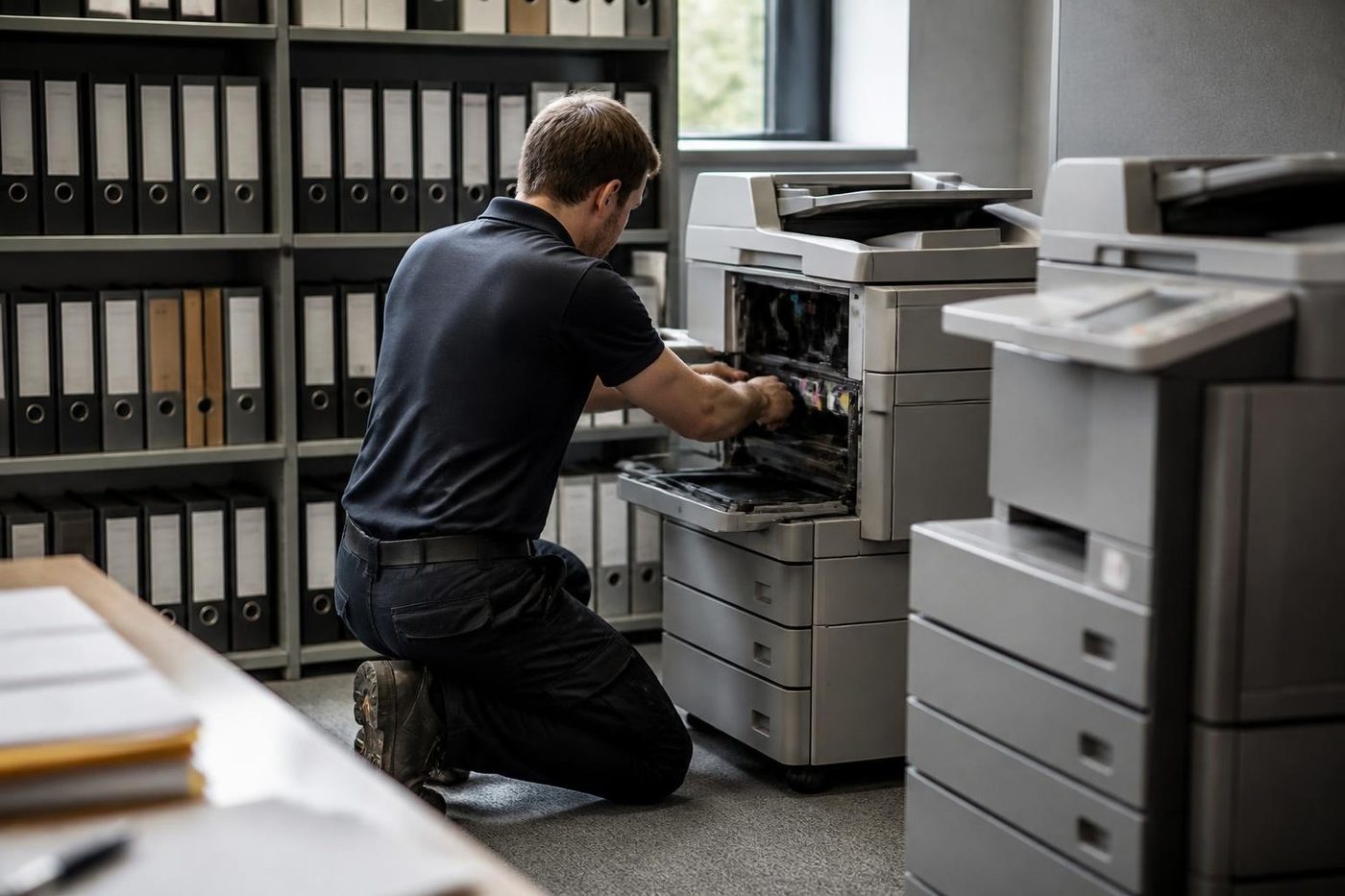
- Common parts carried. Rollers, drums, blades and the usual wear items.
- Rare ones flagged early. You know before the visit.
- Plain advice. Repair or replace, your call.
More for Sunshine Coast offices
 Copier and printer faultsStart from the symptom, find the next step.Toner smearing and fuser faultsToner that rubs off, ghost images and fuser trouble.
 Copier noise, grinding and squealingWhat a new sound is telling you, and when to switch off.Photocopier repairsCopiers fixed at your desk, one call, price agreed first.
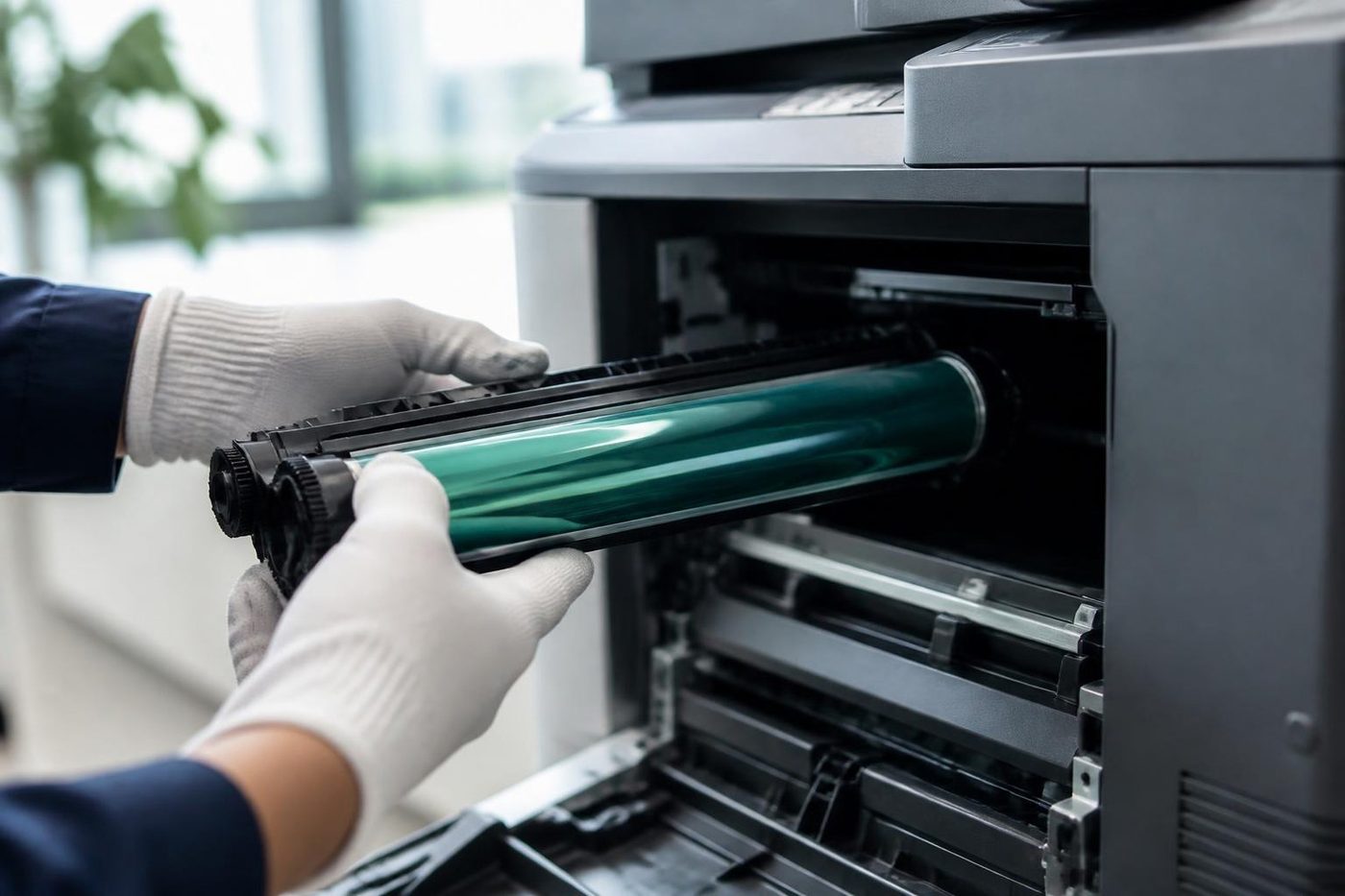 Is my copier worth repairing?How we weigh a repair against a replacement.
Buy, sell and lease
Buy, sell and lease commercial copiers on the Sunshine Coast
We also sell new and second hand commercial copiers and buy used ones. Same team, same technicians.


Around the coast with the van


What people ask when they ring
Why does my copier jam on the second sheet?
Normally the parts that keep two sheets from feeding together have worn out, or else the paper is damp or static laden. Fresh paper first; if that changes nothing, ring with the model.
Is it safe to pull the jammed paper out?
Where the panel shows a handle and the sheet is visible, yes, gently and the way the sheet was heading. If it is out of sight, stop and ring, because torn pieces left behind cause repeat jams.
Does a jam in the document feeder mean something different?
Different parts are involved. Staples, tape, folded originals and a tired pad cause most of them, and it says nothing bad about the main paper path.
The display says jam but the machine is empty. Why?
A small scrap or a sensor flag that has stuck can register as a jam. The parts involved sit behind covers, so a technician should deal with it.
Do you replace rollers on site?
Yes, we do it at your premises and explain which roller has worn, and why, before fitting anything.
Can humidity cause jams?
Indirectly. Damp paper curls and clings and feeds badly. Keep reams wrapped and off the floor.
Why did jams start after I changed the toner?
Check that the seal strip is out, the cartridge is clicked in and the right unit went in for your model. A part for another model can fit and still misbehave.
Should I keep paper in the printer room cupboard?
Only if the cupboard stays dry. Outside walls and rooms near a bathroom or laundry soak up moisture on the Coast. A shelf in the air conditioned part of the office is better.
Where does the price come from?
It comes from the parts and the labour, and we go through it by phone before you commit. Nothing is locked in.