Plotter service Sunshine Coast drawing offices rely on
You see a plotter fault on the sheet long before you see it in a menu. Pale stripes through a solid area. A line crisp at one edge of an A1 and fuzzy at the other. Colours that look nothing like the screen. A drawing that comes out shorter than the file said. Every one of those points to a different part of the machine, and one part can produce several of them.
That is why the best thing you can do before ringing is hold up a bad plot and look hard at it. Add a photo and the model, and we can often say what we expect to find before the van leaves.
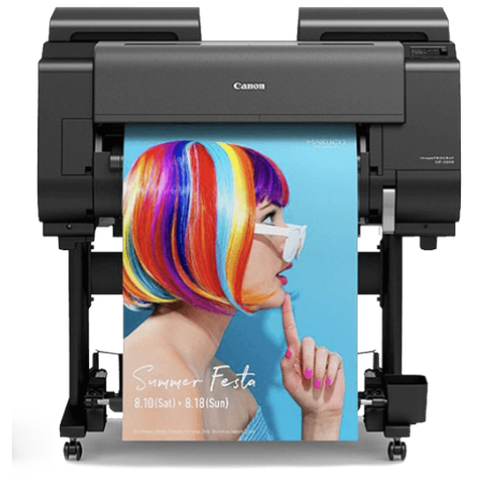
We work on HP DesignJet, Canon imagePROGRAF and Epson SureColor plotters, and on other wide format and technical document printers. We are an independent business and not the maker of any of them.

Who has a plotter on the coast, and why it cannot be down
The coast runs on building design, surveying, engineering and construction consulting, and a good share of it clusters at Maroochydore, Kunda Park, Noosaville and Caloundra. Builders, civil contractors and trade suppliers on the estates keep a plotter by the estimator. Architects and landscape designers print boards for council and clients. Sign makers run rolls all day.
Different rooms, same fear: a tender or a development application carries a date, and the plotter picks that week to fail. A banded or skewed drawing eats expensive paper on every retry, so stop printing and ring us. A chat about the fault costs less than another roll.
Reading the sheet
| What is on the sheet | What it usually points to | What we check |
|---|---|---|
| Faint stripes across a solid fill | A weak or blocked nozzle, or ink that has thickened in the path | Nozzle check, head clean, then the head and ink path if it returns. |
| A line sharp on one side, soft on the other | Paper advance or head height | The media sensor, the rollers and the advance calibration. |
| Edges smeared by a head strike | Cockled media, or media too thick for the setting | The media type set in the driver and how the roll has been stored. |
| Drawing skews on its way out | Roll loaded crooked, a roller, or a sensor misreading the edge | Roll alignment, rollers and the sensor. |
| Sheet cut short or at the wrong place | Media sensor, a worn blade, or the driver set to another roll width | All three, in that order. |
| Prints at the wrong size | Driver, a PDF scaling setting or a paper advance out of calibration | The path from file to head, then a scaled test. |
| Ink not recognised when the cartridge is fine | A chip, a contact or the cartridge seating | The cartridge, the contacts and the message wording. |
| Prints blank or stops partway | Head, ink delivery or a job the machine cannot finish | The queue first, then the ink system. |
Banding, blocked nozzles and a warm room
Banding tops the complaint list, and nine times in ten it comes down to the heads or the ink feeding them. One weak nozzle leaves a faint line across a solid area. Ink thickening in a tube, or a head partly clogged, gives the same picture. A nozzle check and a head clean are the first moves and they are cheap. If the stripes return, the head, the ink path or the paper advance needs closer attention.
Warmth works against you. A plotter in a hot room, or one idle across a long weekend, blocks more easily. If yours is quiet for days, print a test sheet weekly and pin the latest one up, so anyone can see whether it is getting worse.
Roll feed, humid summers and the crooked roll
A roll fed plotter hauls the paper through in tiny increments. When the media wanders, skews or cockles, the drawing distorts, and the distortion hides until somebody measures a scaled print. We inspect the roll, the media sensor and the rollers, and we ask what media you run.
Damp media in a humid coastal summer, rolls kept out of their wrapping and a roll loaded a degree off square account for more calls than any failed part. After a jam, trim the roll square before reloading. A roll left out for a week does not behave like a fresh one, and a different brand of media can act differently on the very same machine.
The cutter
A cutter that chops the sheet short or in the wrong place has three suspects: a media sensor misreading the edge, a worn blade, or a driver set to a roll width that is not the one loaded. We check all three before suggesting a part.
If it cut perfectly last week and just started cutting short, the blade is not where we begin. We look at the roll.
A repair is not finished until the plot is true
Fit a head, a belt or a feed roller and the machine needs aligning, with the paper advance recalibrated, or lines will not meet. A technician who knows the family does that during the visit and proves it with a scaled test drawing, so a metre on the file is a metre on the sheet.
That separates a plotter that works from one that merely prints. We run the check on your own media, because a machine can behave differently on the paper you actually use.
The makes behind most coastal drawing offices
HP DesignJet is the name we hear most. We repair the T850, T870, T950, T1700 and XL 3600 among others, from desk side units in a four person practice up to roll fed machines in an engineering office printing sets of drawings every afternoon. DesignJets carry their own network security, including secure boot, SNMPv3 and 802.1x, so a plotter that has fallen off a locked down network is sometimes a security setting and not a fault.
Canon imagePROGRAF is the other big name in technical printing, and Epson SureColor T series machines such as the SC-T3160 and SC-T5460 show up in design offices as well. On an Epson, Maintenance Request will not clear until the worn part is replaced, and Call For Service means the machine has stopped.
We need the exact model, the roll width, and whether it prints from one desktop or a server shared by the whole office. The HP and Epson pages on this site go further into those makes.
Software, drivers and the path from file to head
Mechanics are not the only cause. A drawing at the wrong size, a job stuck in the queue, a colour that disagrees with the screen can each start in a driver, a PDF setting or a print server. We walk the path from file to head, and we say so straight out when the fault sits in software.
CAD plots are the usual offender. A drawing exported to PDF with a scaling option ticked and then printed with fit to page comes out the wrong size every time, and the plotter takes the blame. If scale is nearly right but not quite, check those options before you ring.
Posters, boards and presentation print
Plenty of offices use the plotter for display posters and presentation boards. Same machine, different symptoms. A streak through a solid colour block jumps out on a poster and vanishes on a line drawing. Tell us what you print and how it looks when it goes wrong, and we start with the right part.
Checking a plot with a ruler
The quickest test for a plotter you suspect is a scaled drawing and a scale rule. Print a sheet with a known one metre line and a known one metre square, and measure it. If the line is a millimetre or two short or long, over a metre, the paper advance is out. If the square is a parallelogram, the media is skewing as it feeds.
Do it on the media you actually use, not the cheap roll in the corner. Keep the test sheet. If the numbers change month to month, tell us, because that is wear showing up in measurements before it shows up in a complaint.
A one metre line that is a millimetre out does not worry a poster. It matters on a set of drawings that other trades will scale from.
What a head strike looks like
The printhead rides just above the paper. When the paper lifts, because it has cockled, because it is curling off a roll, or because the roll is crooked, the head can touch it. You see a smear along one edge, or ink dragged across the sheet. In a bad case the head has marked the platen as well, and that mark prints on the next sheet.
Stop printing when you see it. Another few sheets does more harm. We look at the media, the paper path and the head height, and we tell you whether the head has been damaged or the roll was the cause.
A damp roll on a humid Sunshine Coast afternoon is the most common starting point, and the cure is usually a better way of storing media and not a part.
Tender week
There is a week in most drawing offices when nothing can be allowed to fail: the tender closes, the development application goes in, the client has a presentation. The plotter is the machine that holds all of it. If yours is showing small warning signs, a weak nozzle, a slightly crooked feed, a message you keep clearing, tender week is the worst time to find out how serious it is.
Ring a week early. A visit before the rush costs less than an emergency during it, and the machine goes into the busy week with a clean head, a trimmed roll and a calibration done. If it fails anyway, same day service is available.
Sign makers and large roll printing
A plotter in a sign shop is often a larger roll fed printer working for hours on vinyl and banner media. The faults are the same family, banding, feed drift and head strikes, but the cost of a failed print is higher and the media is heavier. Heat from the machine, a hot workshop and a humid day can all work against you.
We repair these as we do any roll fed printer, starting with the media and the heads. If your machine is outside the models we know well, we tell you before booking, and we say so on the phone and not on the day.
Colour that looks right on screen and wrong on paper
This one is rarely the plotter. Colour on screen depends on the monitor, the colour profile in the file and the profile in the driver. A presentation board that prints dull usually has the wrong profile set somewhere in the chain, or media that does not suit the ink. A banded print on solid colour, on the other hand, is the plotter.
If you have a good print and a bad print from the same file on different days, the file is not the cause. Hold the two next to each other and tell us what changed between them: media, a head clean, a cartridge, a driver update. That comparison solves more colour problems than any part.
Upper floors, lifts and loading docks
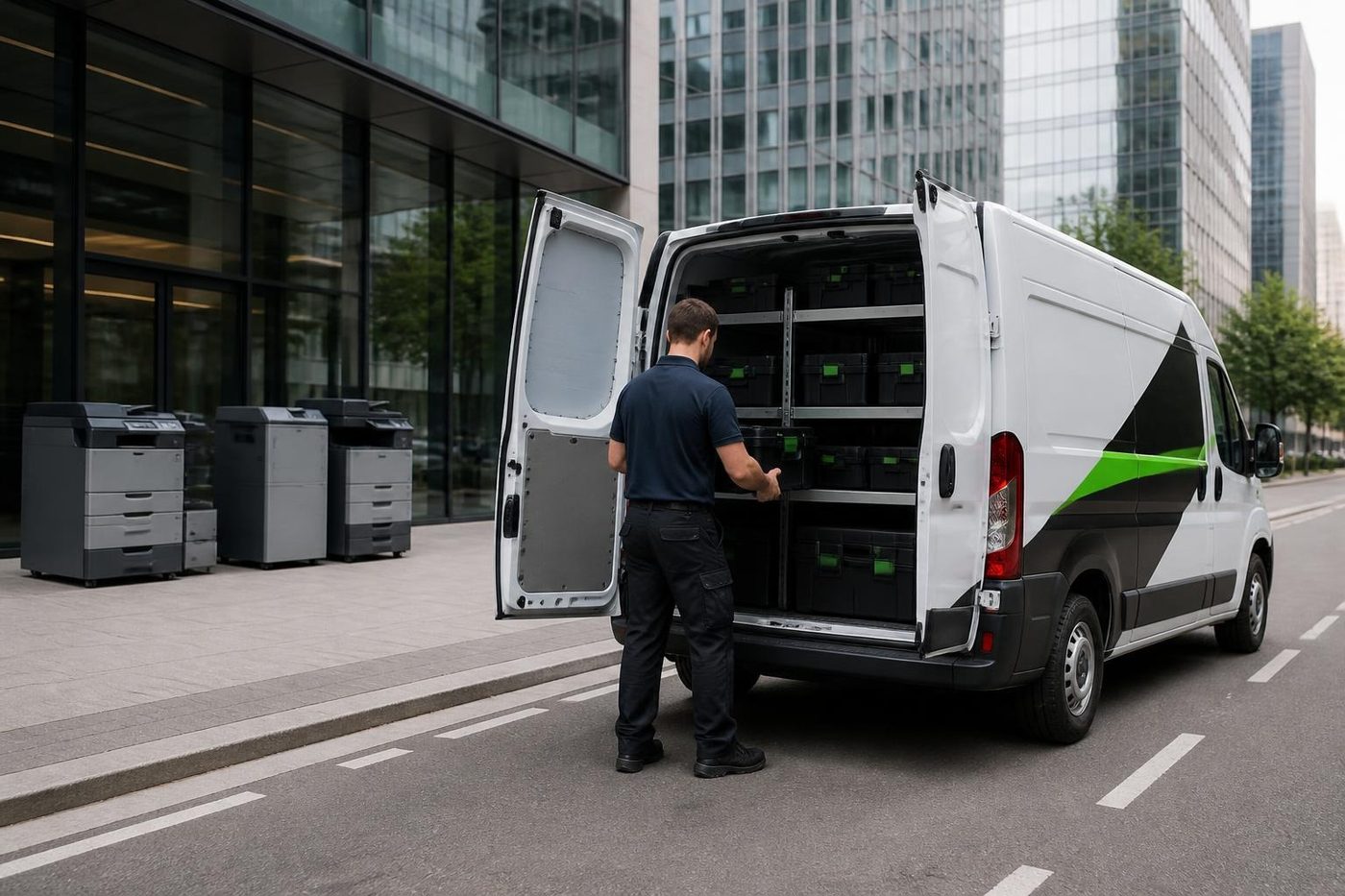
Plotters are heavy and awkward. If yours is on an upper floor or in a multi tenant building, tell us about the lift booking and loading dock when you ring, and we plan around them. Nothing gets posted away. A repair at your premises keeps the plotter on your network, and for a machine with a hard disk, keeps stored files in the building.
If the plotter is moving to a new office, treat it like a copier. After a move the heads need checking and the media path needs calibrating again.
What to have ready when you ring
- The make and exact model.
- The roll width, and what media is loaded.
- A bad plot or a photo of it, plus what it was meant to look like.
- Whatever the screen says, word for word.
- Building, floor and access rules, including a lift if the plotter is upstairs.
Lines busy? The call is logged and returned.
A plotter visit, step by step
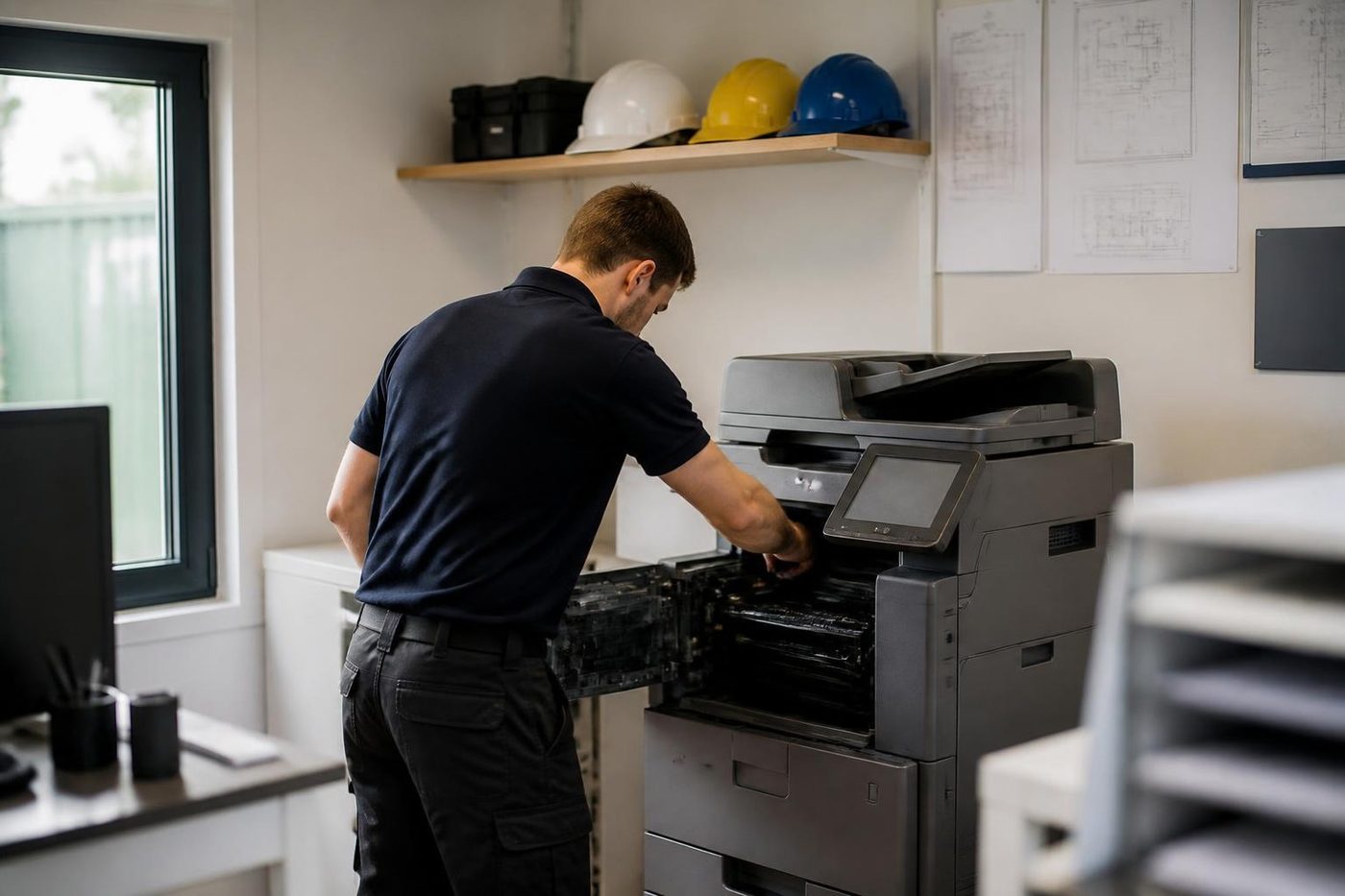
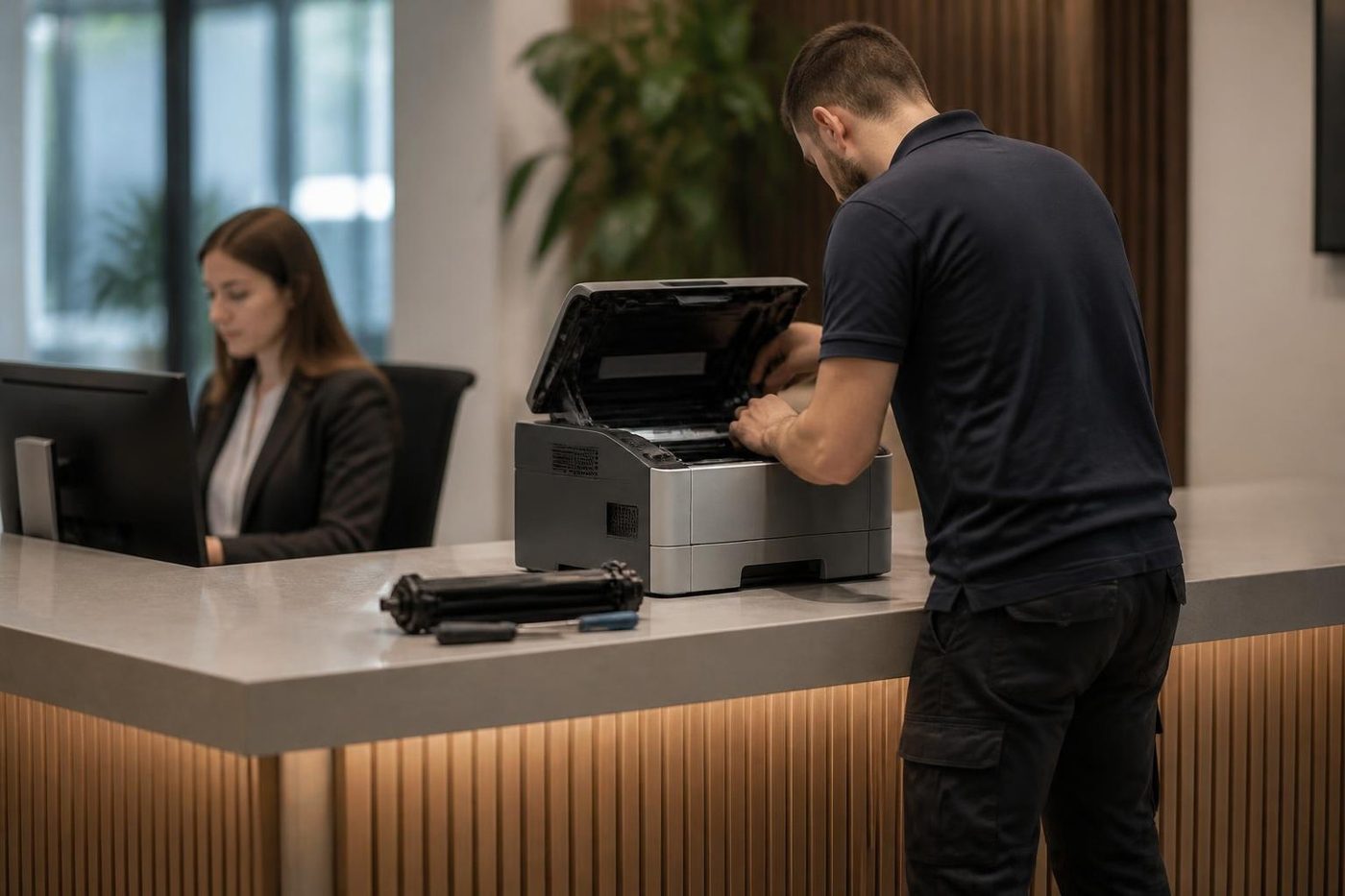
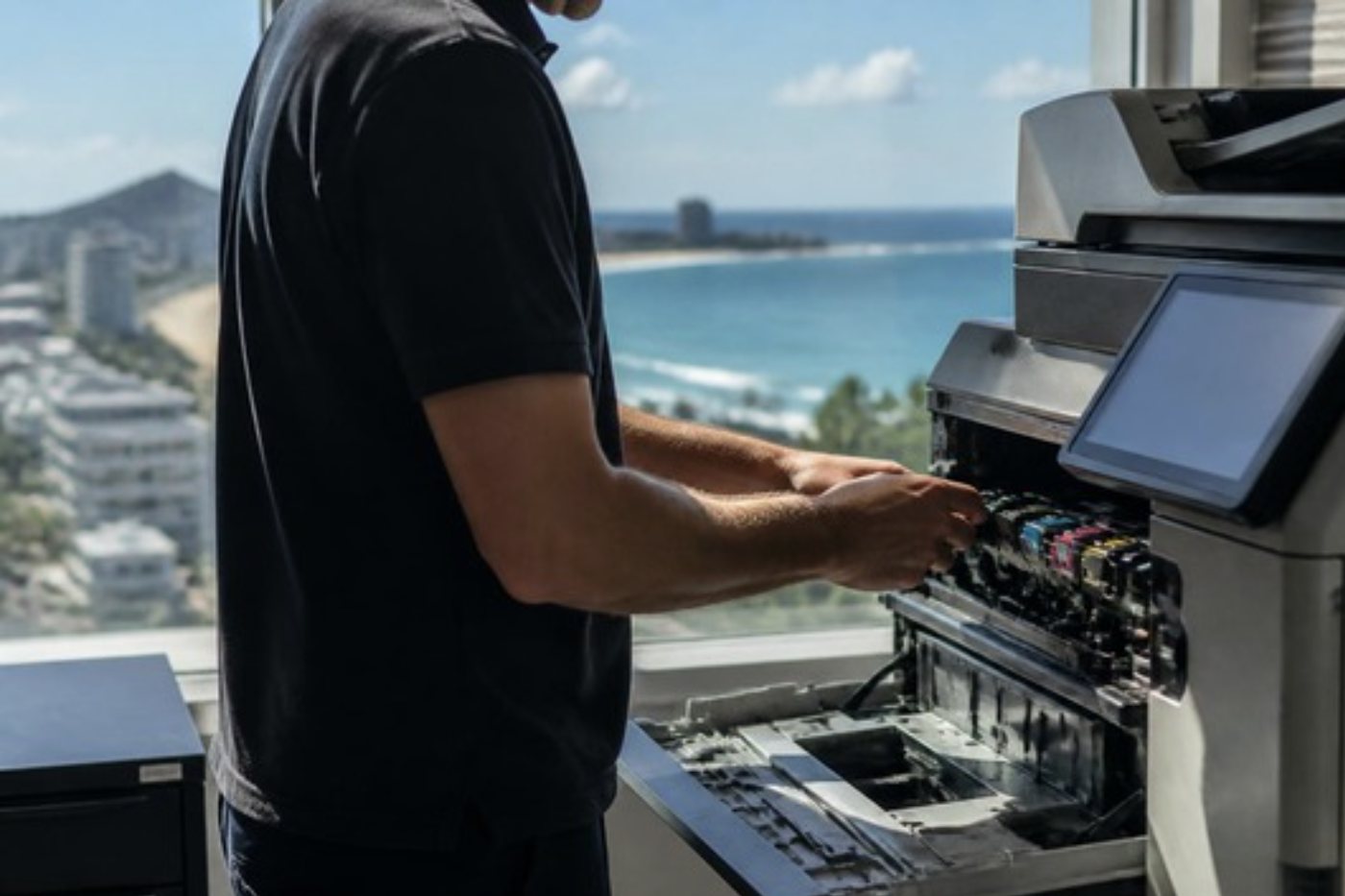
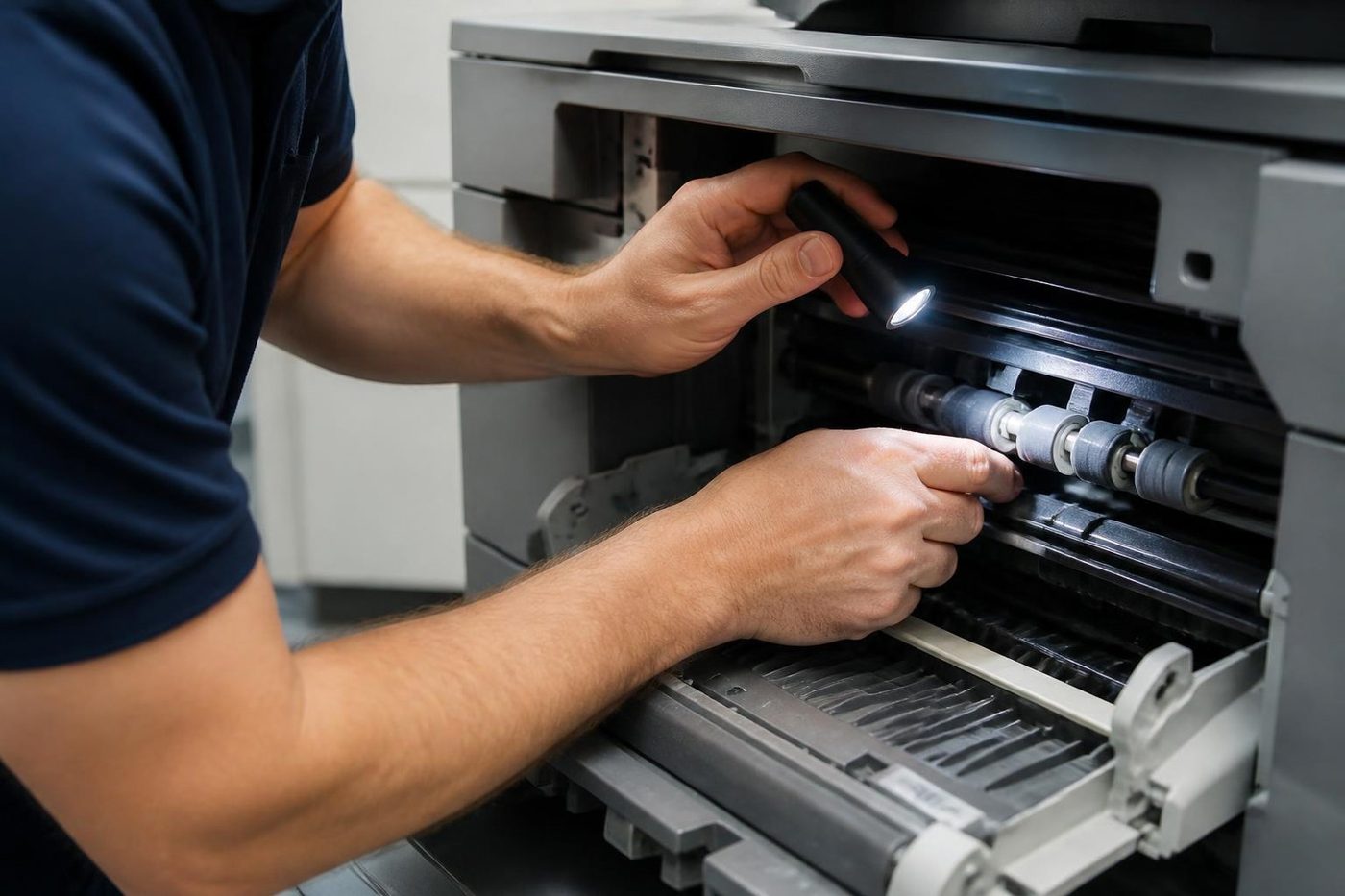
You ring with the model, the roll width and a description of the drawing, and we talk price on the call. A certified, experienced technician comes to your premises, checks the heads, ink path, media and rollers, and tells you what they find.
Then comes calibration and a scaled test on your own media. A fault that returns gets fixed again free, and about 98% of repairs finish on the first visit. Technicians carry common spares for the machines we meet most, so plenty of visits end the same day. Our work is warranted, with the detail explained on the phone.
These machines are delicate. A heavy hand can scratch an encoder strip, kink an ink tube or push a head out of alignment, and leave the plotter worse than it started.
Repair or replace, and a word on records
A plotter with a failed printhead is sometimes worth the money and sometimes not, depending on the machine's age and the price of the head. We lay out the numbers so you can decide.
If you do replace, we also sell wide format machines, new and second hand. What we sell is warranted, and the detail is explained on the phone.
At the end of each visit we write down the page count, the parts fitted and the reason. That history makes the next call shorter. Without it a technician burns the first hour working out what the last one did.
Most plotter offices run a copier too
A drawing office with a plotter nearly always has a copier and a workgroup printer as well, and one visit can cover the lot. Tell us what else is on site when you ring and we bundle them where it makes sense. The commercial printer and photocopier repair pages describe how we handle those.
The plotter visit, step by step



Records
A machine remembers if somebody writes it down
Page counts, the date of the last fuser, which roller was changed and why. Written down, that history turns the next call into a short one. Without it, every visit starts from nothing and a technician spends the first hour finding out what the last one did.
It is dull work. It is also why repeat faults on machines we look after get found faster.

- Note the count. Every visit.
- Note the part. What went in and why.
- Read it next time. Wear shows up in the numbers.
More for Sunshine Coast offices
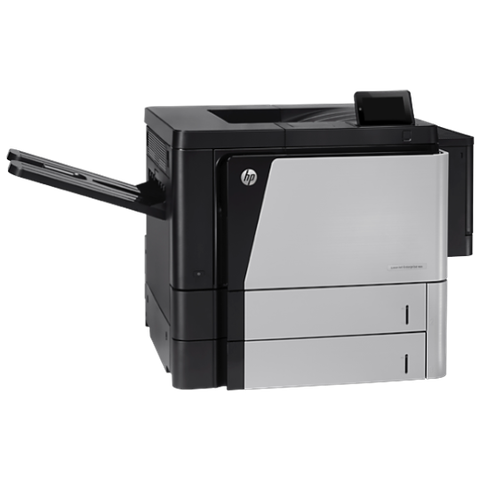 HP repairsLaserJet Pro, Enterprise, Color LaserJet and DesignJet repaired on site.
 Epson repairsWorkForce Pro and Enterprise inkjets and SureColor plotters repaired on site.
 Canon repairsimageRUNNER ADVANCE, DX and i-SENSYS machines, fixed on site.Commercial printer repairsCommercial laser printers, label printers and fleets repaired on site.
 MaroochydorePrinter and photocopier repairs for the plaza, the new city centre, Cotton Tree and the business parks.
 Noosa and NoosavilleHastings Street, Noosa Junction, Noosaville and Tewantin.
 CaloundraBulcock Street counters, west side yards, beachside offices.
 Printer and copier salesNew and second hand commercial copiers, printers and plotters, with our own technicians behind them.
Buy, sell and lease
Buy, sell and lease commercial copiers on the Sunshine Coast
We also sell new and second hand commercial copiers and buy used ones. Same team, same technicians.

What a visit looks like


What people ask when they ring
Which plotters are on your list?
HP DesignJet, Canon imagePROGRAF, Epson SureColor and other common wide format makes. Ring with the model and we confirm.
My plots show stripes. Is it the head?
Often, though not always. A head clean and a nozzle check come first, then the ink path and the paper advance.
Can a plotter on an upper floor be repaired?
Yes. Tell us about the lift booking and the loading dock and we plan the visit around them.
Why does my plot print at the wrong size?
A driver or PDF scaling setting, or a paper advance needing calibration. We check both.
Does a hot room hurt a plotter?
It can. Heat, or a plotter left idle for days, makes clogging and feed trouble more likely.
Should I repair an old plotter?
It depends on the machine and the price of the part. We lay out the numbers.
Do you recalibrate after a repair?
Yes. A repair is not finished until the plot is true, and we check it against a scaled drawing on your own media.
Can one visit cover the plotter and the copier?
Often. Tell us what else is on site and we group the machines where we can.
What backs the plotter repair?
It is warranted, with the detail explained on the phone, and a returning fault is fixed again free.