Commercial printer repairs Sunshine Coast businesses actually need
A printer in a business does more in a month than a home printer does in a year. It gets fed paper that has sat in a damp cupboard. It prints on both sides, for six people, with somebody leaning on the tray door. It sits in a corridor where the afternoon sun hits it, or on a shelf behind the front counter with a plant leaning on the vents.
So it fails in particular ways. Pickup rollers glaze and the machine starts grabbing two sheets or none. A fuser ages and pages begin to smear. A drum comes to the end of its life and fine lines run down the sheet. Memory fills. A network setting drifts after an update. Each of those wants a different fix, and the sooner someone looks, the less likely it is to take another part with it.
We repair HP, Brother, Canon, Kyocera, Epson, OKI, Lexmark and other business printers, along with laser label and docket machines used in an office or a depot. The technician is trained, experienced and certified, and carries the common spare parts. About 98% of repairs are finished on the first visit, and if a fault comes back the return visit costs nothing.

Where the trouble usually starts
This table is a rough map of what a symptom usually points at. It is not a diagnosis, and a model or a message can change the picture. It is a decent way to decide what to tell us on the phone.
| What you see | Where it usually points | Safe thing to look at first |
|---|---|---|
| Two sheets pulled together, or none | Pickup or separation rollers | Is the paper damp or fanned wrongly in the tray? |
| Toner that rubs off with a thumb | The fuser | Print a test page and run a fingernail over a solid area. |
| A line or tint down every page | Drum, imaging unit or transfer | Note where on the page it falls and whether it repeats. |
| Ready on screen, nothing prints from one PC | Driver, queue or address | Does another computer print? Has anything changed this week? |
| Pages print pale on one side | Toner distribution or the transfer stage | Shake nothing and open nothing hot. Just note which side. |
| Message that stays after a new cartridge | A chip or counter, or a seal still on | Is the seal strip pulled out and the cartridge clicked home? |
| Slow to wake, noisy on the first page | Wear that is building | Mention it. It is cheaper to look now. |
Laser printer repair Sunshine Coast offices book most
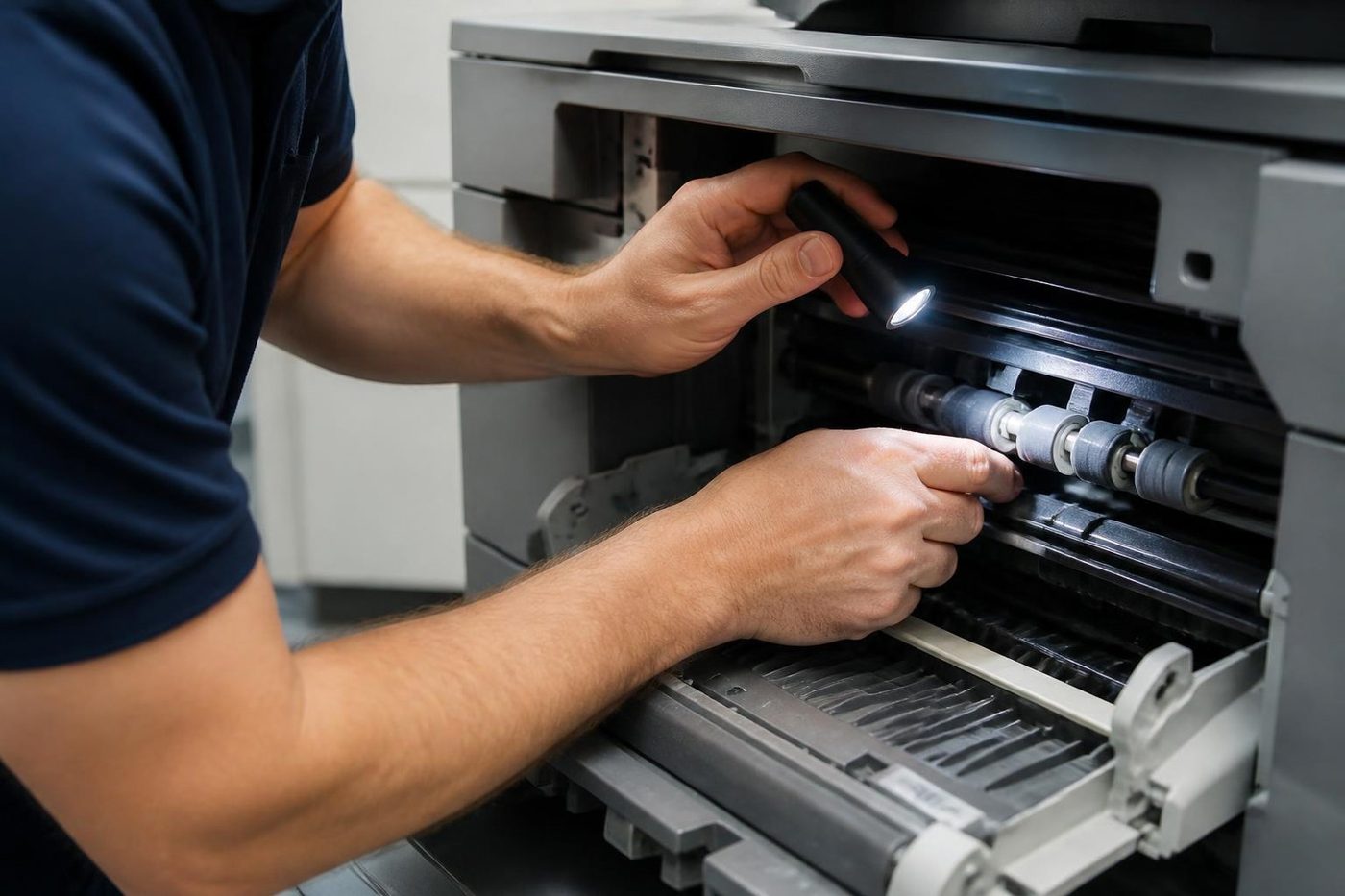
Most of a printer call involves a laser. A mono machine at a front desk, a colour machine that prints the quotes, a workgroup unit shared by a floor. The causes come round again and again: a fuser that no longer holds toner on the page, pickup rollers that have glazed, a drum near its end, a transfer belt that leaves a tint down one side, a sensor that reports a jam where there is none.
A good technician reads the message, checks those parts in a sensible order and replaces only what has failed. That sounds obvious. It is not what always happens, and it is why some invoices come back with parts nobody needed.
Not all of it is breakdowns. A machine that is slow to wake, a little pale or noisy on the first page of the morning is telling you something, and a short visit to clean the paper path and look at the rollers often prevents the stop.
Printer service and repair: two different jobs
A service is planned. The machine is cleaned, the wear parts are checked and anything near the end of its life is replaced before it fails. A repair follows a failure. Plenty of Sunshine Coast offices only call for printer service and repair when a machine has stopped, and that is fine. We fix what has failed, and tell you what else is close, so you decide whether to deal with it now or leave it.
If you run several machines, ask about regular visits. A short, planned call on a small fleet usually costs less over a year than three emergency ones.
Computer printer repair: is it the printer, the computer or the network?
A call that begins as computer printer repair sometimes turns out not to be about the printer. A printer that shows ready and will not print from one PC is a driver, a queue or an address. A printer that prints from everywhere and prints badly is a wear part or a consumable. We find which kind of problem it is before anyone orders anything, because the cures are quite different.
Many printer calls turn out to involve a router swap or a new password policy. A printer that worked on Friday and will not print on Monday has often been caught by one of those. We check the whole chain, so you do not end up with a repaired printer that still will not print from the right desk.
That matters on the coast, where many businesses are small and nobody on site is an IT person. Tell us what changed and we start there.
Printer offline: what to try before you ring
First, look at the screen on the printer itself. If it shows a message, read it to us. If it shows ready, the printer is probably fine and the problem is between it and the computer.
Second, try a different computer. If that one prints, the problem is on the first computer: the driver, the queue or the port. Third, look at the printer's address on its own menu or configuration page and compare it with what the computer is pointing at. If the router handed out a new one, that is the answer.
Fourth, ask who changed what in the last few days. A new router, a replaced access point, a Windows update, a password reset. Most printer mysteries are answered by that question.
If you get through all four and it is still stuck, ring. We would rather have the information than a story about a loose cable.
One printer, or a whole floor of them
Some customers have one laser behind reception. Others have a dozen across two sites, bought at different times from different makers. We repair either. Where there are many, we keep track of which machine is which, so a repeat fault on the same unit is noticed and dealt with and not repaired the same way again.
Tell us how many machines are on the site and which one is stopping your people when you phone. We start with that one.
Printer repair near me, from Caloundra to Gympie
Somebody who types printer repair near me or repair printer near me into a phone wants a local technician and a straight answer. We come to your premises on the Sunshine Coast and north to Gympie and the surrounding areas, including Cooroy, Pomona, Cooloola, Tin Can Bay and Rainbow Beach, and Bribie Island. Where several machines are in one area, we group them into one visit.
Medical and allied health practices around Kawana, Birtinya and Nambour tend to run a mix of desk printers and a shared machine in a corridor. Real estate and professional offices in Maroochydore, Mooloolaba and Noosa want colour that does not drift on a client proposal. Trades, builders and suppliers on the estates at Kunda Park, Caloundra West and Noosaville want dockets and plans out the door. Schools and community offices from the hinterland to Gympie have older machines moved from room to room.
Each of them has a printer that matters more than anyone realises until it stops. Our service is for commercial customers. We do not repair home printers.
Label, docket and form printers
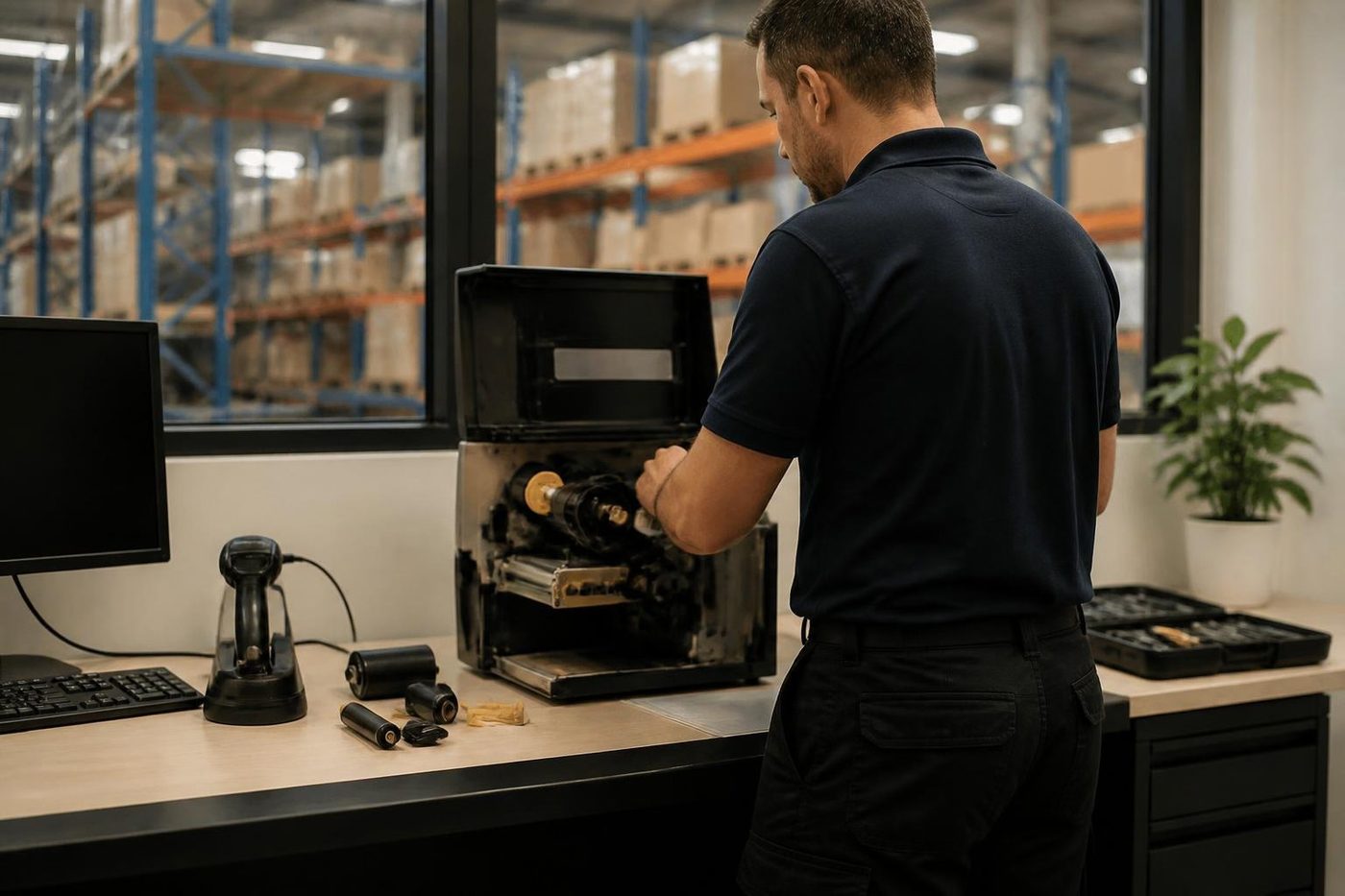
Not every commercial printer is a laser. A thermal label printer on a dock, a dot matrix printer that prints a carbon copy at a pharmacy counter, a docket printer behind a trade counter. We repair those too. Our pages for Zebra and OKI go into the parts and messages for those machines in detail.
If you are unsure whether we handle yours, tell us the make and model and what it prints. We say yes or no on the phone.
Paper does half the damage
Before we blame a roller, we look at the paper. A ream left in an open cupboard through a Sunshine Coast summer takes on moisture, curls and then jams in a machine that was fine last month. A carton on a garage floor is worse. Paper that has been fanned wrongly or loaded above the fill line causes jams that look like worn rollers.
Weight matters too. Letterhead, card and labels are harder on a machine than plain 80 gsm, and a machine rated for light use feels it. If you print the same heavy stock every day, tell us. It changes which parts we expect to see wear and how often we suggest someone looks.
The cure is sometimes a cupboard shelf and not a part. We would rather say so.
Cartridges, chips and the message that will not clear
Plenty of calls are about a supply message on a printer that printed perfectly the day before. A cartridge fitted with its seal strip still on. A chip that the machine cannot read. A part number that is not the one the printer expects. A counter that was never reset after a drum was changed.
Which cartridge you buy is your business. Our part is explaining what the message means, whether the printer is really at fault and what to put to your supplier. That conversation now and then saves a callout nobody needed.
What happens to the hard drive
Many business printers carry storage: held jobs, scanned documents, address books. A machine repaired at your premises stays on your network, and its storage stays in your building. Nothing is posted away and no loan machine is needed.
When a printer reaches the end of its life, ask us what to do with it before it goes out with the rubbish. We can talk through what is held on it.
What a fleet looks like in different kinds of business
| Business | What we usually find | What tends to fail |
|---|---|---|
| Medical or allied health practice | A small desk printer on each workstation, one shared machine, plus a label printer for specimens. | Rollers on the shared machine, supply messages on the desk units, thermal printheads. |
| Builder or trade supplier | A mono workgroup laser, a docket printer at the counter, often a plotter for plans. | Fusers in hot offices, rollers fed with dusty paper, plotter heads. |
| Real estate or accountant | A colour laser for proposals and contracts, a mono for volume. | Colour drift, duplex jams, scan to email settings after IT changes. |
| School or community office | Older machines moved between rooms, a few Managed units. | Worn pickup parts, chip messages, drivers lost in updates. |
| Freight and dispatch | Dot matrix for carbon forms, a mono laser for dockets, a thermal printer for labels. | Ribbons and print pins, dust in feeds, printheads. |
Moving a printer, or putting a new one in
A printer that has moved desks is a printer that has a new network port, a new address or a cable under strain. If a machine stopped working right after a move, say so on the phone. Something small, a connector that is not seated or a tray not latched, is the likely cause.
If a printer is replacing an old one, we can set it up, network it and test it. See our sales page and our second hand page if that is a conversation you want to have, and we are happy to compare a repair against a replacement for you.
If a repair does not hold
It happens. A fault comes back, or a different fault shows up on the same machine. We come back and fix it again at no charge. We note the part, the page count and what we saw, so the next visit starts with the history. That is how repeat faults get found: not by luck, but by a machine with notes next to it.
Toner dust, heat and the room the printer lives in
Where a printer sits does as much damage as how hard it is used. A machine on a shelf behind the front counter with a plant leaning on the vents runs hotter than one in an open corridor. A printer in a workshop office collects dust from the roller door, and the dust finds its way to rollers, sensors and fans. A copy room with no airflow cooks everything in it by February.
Leave a hand's width of clear space round the vents. Keep the paper off the floor. If a printer lives in a shed, give it a cover for the weekend. None of this is exciting, and all of it is cheaper than a fuser.
Printing from phones and tablets
More offices now print from a phone than they expect. When that stops working, the printer is rarely the cause. Wireless printing depends on the phone and the printer sitting on the same network, and a guest network or a second access point splits them without anybody noticing.
If one person cannot print from their phone and everyone else can, it is a setting on that phone. If nobody can, ask what changed on the network. We look at both ends, because the printer settings are the part we can see.
Repair or replace, said honestly
Printers vary. Some are worth repairing again and again, and some are past it. If the fault is a roller or a fuser on a sound machine, a repair usually makes sense. If a printer needs several major parts and is near the end of its supported life, we say so and explain why. You decide with the facts in front of you.
If replacement is the answer, we deal in machines too, new and second hand, so bring it up on the same call. What we sell is warranted, as is our repair work, and the detail is explained on the phone.
The price, and what it is built from
You hear the price on the phone before anyone is booked. It comes from the parts, the time on site and anything about the building that adds to it, and nothing is locked in. Should the job turn out bigger, we stop and speak to you first.
We work independently. None of the makers we repair owns us, and none has authorised us.
Booking a printer repair
Ring with the make, the model and what the printer is up to, or fill in the form on the contact page. A call while the lines are busy is logged and returned. Same day service is available.
Printer makes we work on
Your printer repair, in four steps



The person at the machine
The best diagnostic tool is whoever uses it
Ask the receptionist at a Sippy Downs surgery what the copier did before it stopped and you often get the answer in ten seconds. It made a clunk. It started pulling two sheets. It only fails on double sided jobs. We ask on the phone and again at the front desk, because the people who use a machine every day know its habits better than any error code.
Then we confirm it for ourselves. What people say is a start, and the machine has the final word.
- Ask first. On the phone and again on site.
- Test their job. We print what your office prints.
- Explain plainly. You get the cause in ordinary words.
More for Sunshine Coast offices
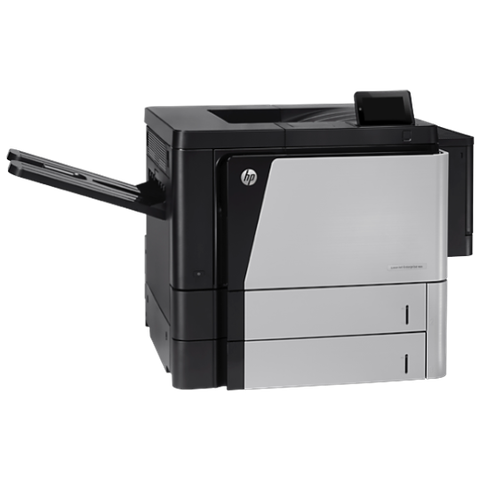 HP repairsLaserJet Pro, Enterprise, Color LaserJet and DesignJet repaired on site.
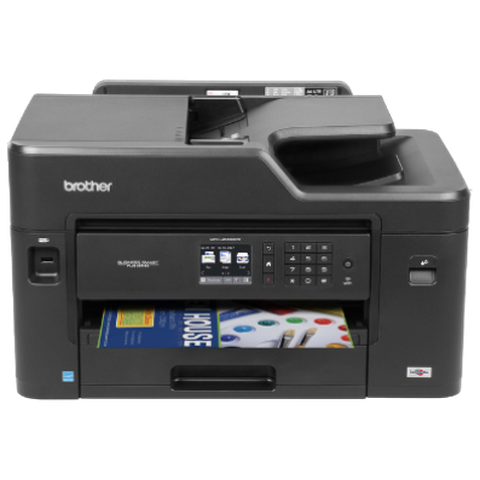 Brother repairsBrother HL lasers, MFC multifunctions and A3 inkjets repaired on site.
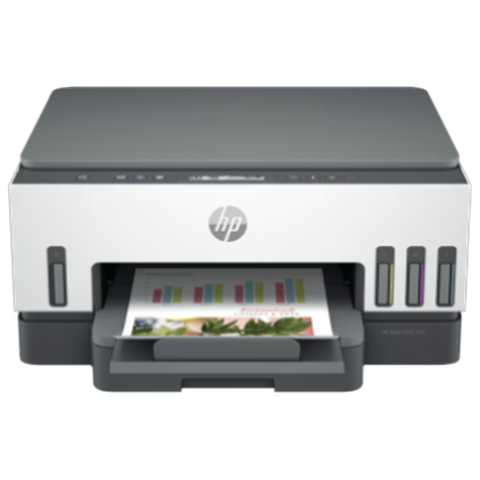 Epson repairsWorkForce Pro and Enterprise inkjets and SureColor plotters repaired on site.
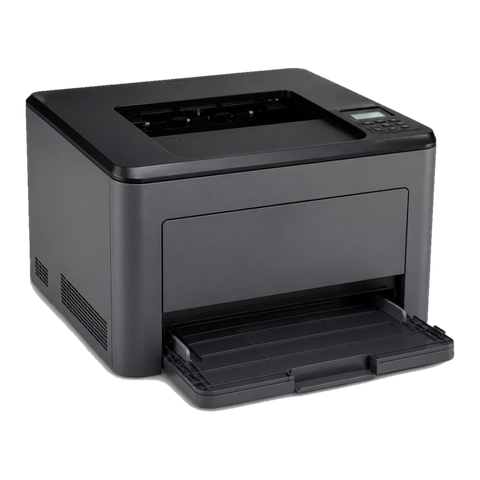 OKI repairsOKI LED colour and mono printers and Microline dot matrix, fixed on site.
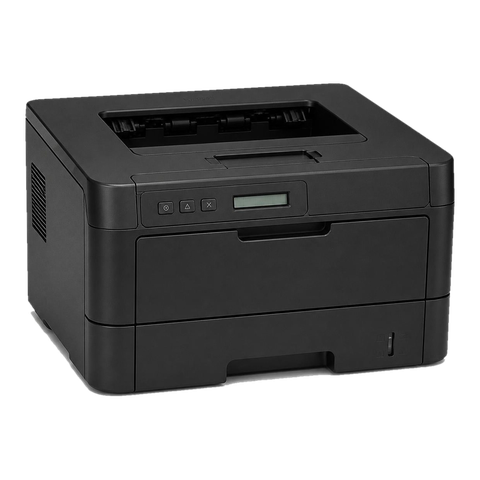 Lexmark repairsLexmark mono and colour lasers and MFPs fixed at your premises.
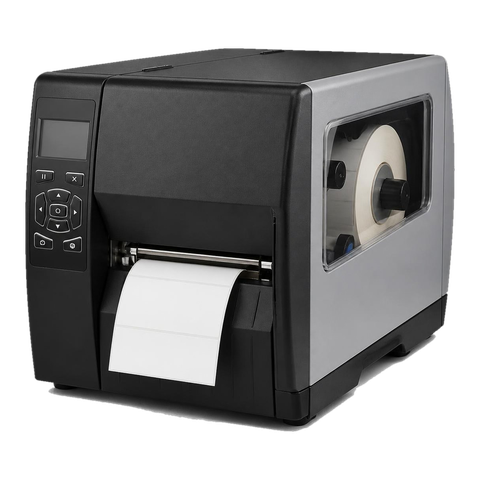 Zebra repairsZebra desktop, industrial, mobile and card printers repaired on site.
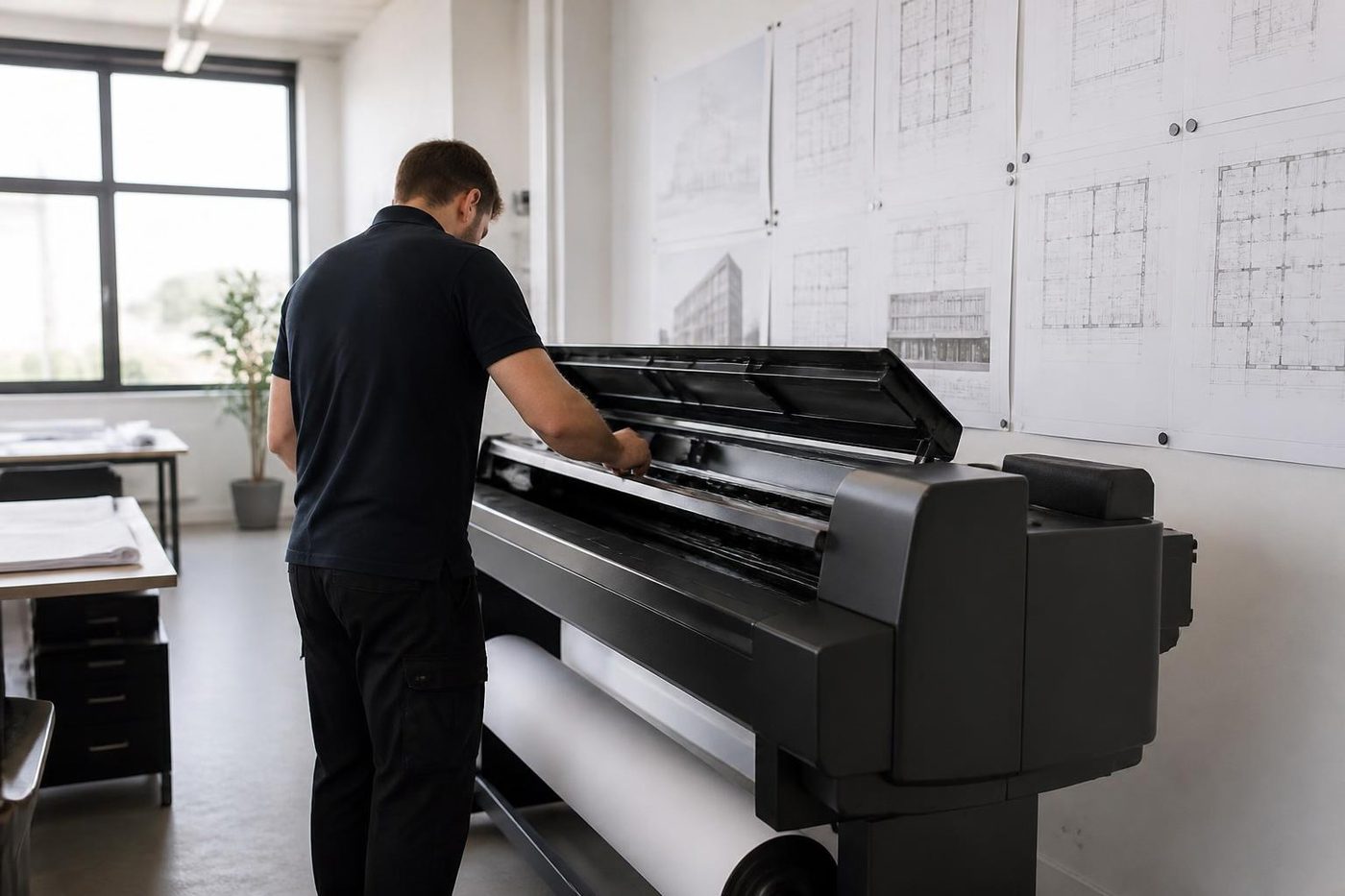 Plotter serviceHP DesignJet, Canon imagePROGRAF and Epson SureColor plotters repaired on site.Printer and copier salesNew and second hand commercial copiers, printers and plotters, with our own technicians behind them.
Buy, sell and lease
Buy, sell and lease commercial copiers on the Sunshine Coast
We also sell new and second hand commercial copiers and buy used ones. Same team, same technicians.

Where the work gets done


What people ask when they ring
Do you only repair printers for big businesses?
No. Any commercial customer can book, from one office to a firm with several sites.
Should I repair an ageing printer?
Often yes. A worn roller or fuser on a sound machine is a reasonable repair. If it wants several major parts, we say so and explain.
Our printer keeps dropping off the network. Can you help?
Usually. We look at the machine, its address and the driver and settings around it. A network change is often the cause and not the hardware.
Can I get a printer repaired today?
Same day service is available. Ring early with your suburb, the make, the model and the fault, and we tell you what can be arranged.
Which makes do you cover?
HP, Brother, Canon, Kyocera, Epson, OKI, Lexmark and Zebra, along with the copier makes. If you are unsure, ring with the model.
Do you fix home printers?
No. We work on commercial machines in offices, practices, schools, depots and workshops.
Is a laser printer repair worth it for a small office?
Mono and colour lasers, and the multifunctions that print, copy and scan, are what we repair most. A small office is welcome to book.
How is a service different from a repair?
A service is planned: clean, check, replace worn parts before they fail. A repair deals with a fault that has already stopped the machine. We do both and tell you which you need.
Are you really on the coast, or in Brisbane?
We attend your premises on the Sunshine Coast, from Caloundra to Noosa and north to Gympie and the surrounding areas.
What stands behind your repair work?
The work is warranted, and what that covers is explained on the phone. A fault that comes back is fixed again at no charge.