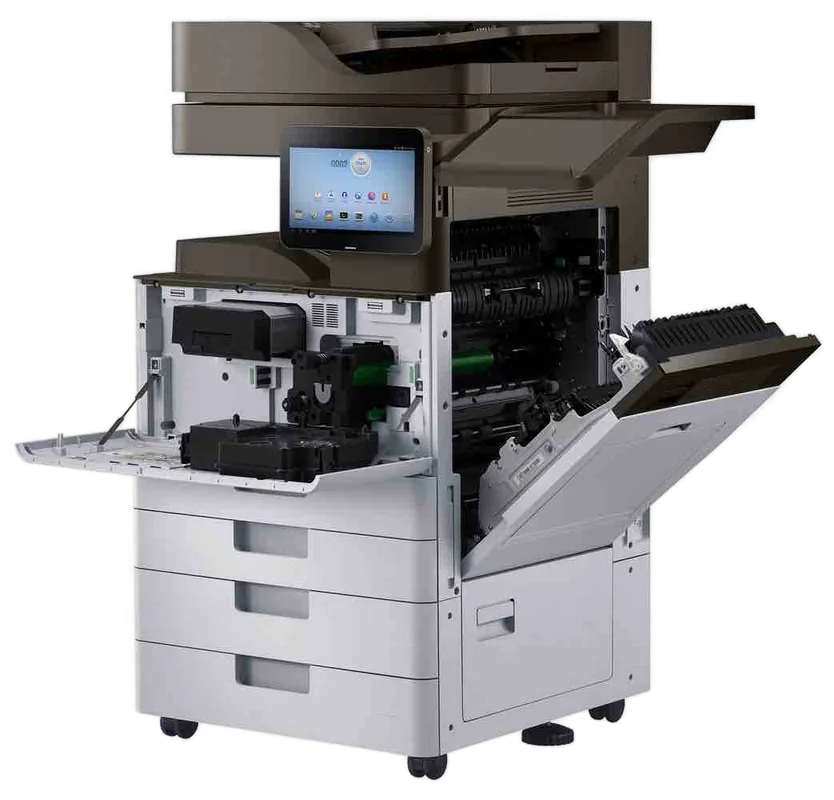
Konica Minolta bizhub service, Sunshine Coast
Konica Minolta copier repairs Sunshine Coast: bizhub i-Series service
Colour is why people buy a bizhub, so the first fault anyone notices is usually colour that has drifted, banded or gone pale. The fleet we meet stretches from current i-Series machines back to older C series workhorses, with the odd production press. Repairs are done at your premises and same day service is available.
Copier and printer repairs, plus machines to buy and sell, on the Sunshine Coast
Colour first: what bizhub calls look like on the Sunshine Coast
Colour output matters most in the real estate offices and design studios around Maroochydore and Mooloolaba, the schools and training offices at Sippy Downs and Kawana, the medical and allied health practices, and the hospitality and tourism offices between Noosa and Caloundra. That is where a bizhub earns its keep.
On the industrial estates the same machine usually sits in a mixed office and showroom, turning out a quote one minute and a delivery docket the next. Workshop dust is the thing to watch there, since it clogs fans and filters.
Konica Minolta does not own us: we are independent. The technician who comes is trained, experienced and certified, and the work is done beside the machine. Roughly 98% of jobs close on the first visit, a repeat of the same fault is fixed free, and the price is given by phone before a booking is made.
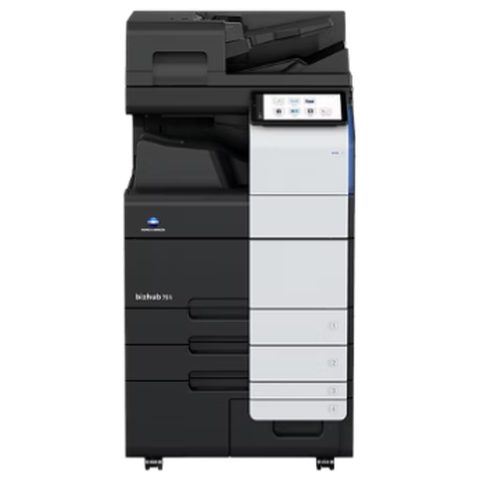
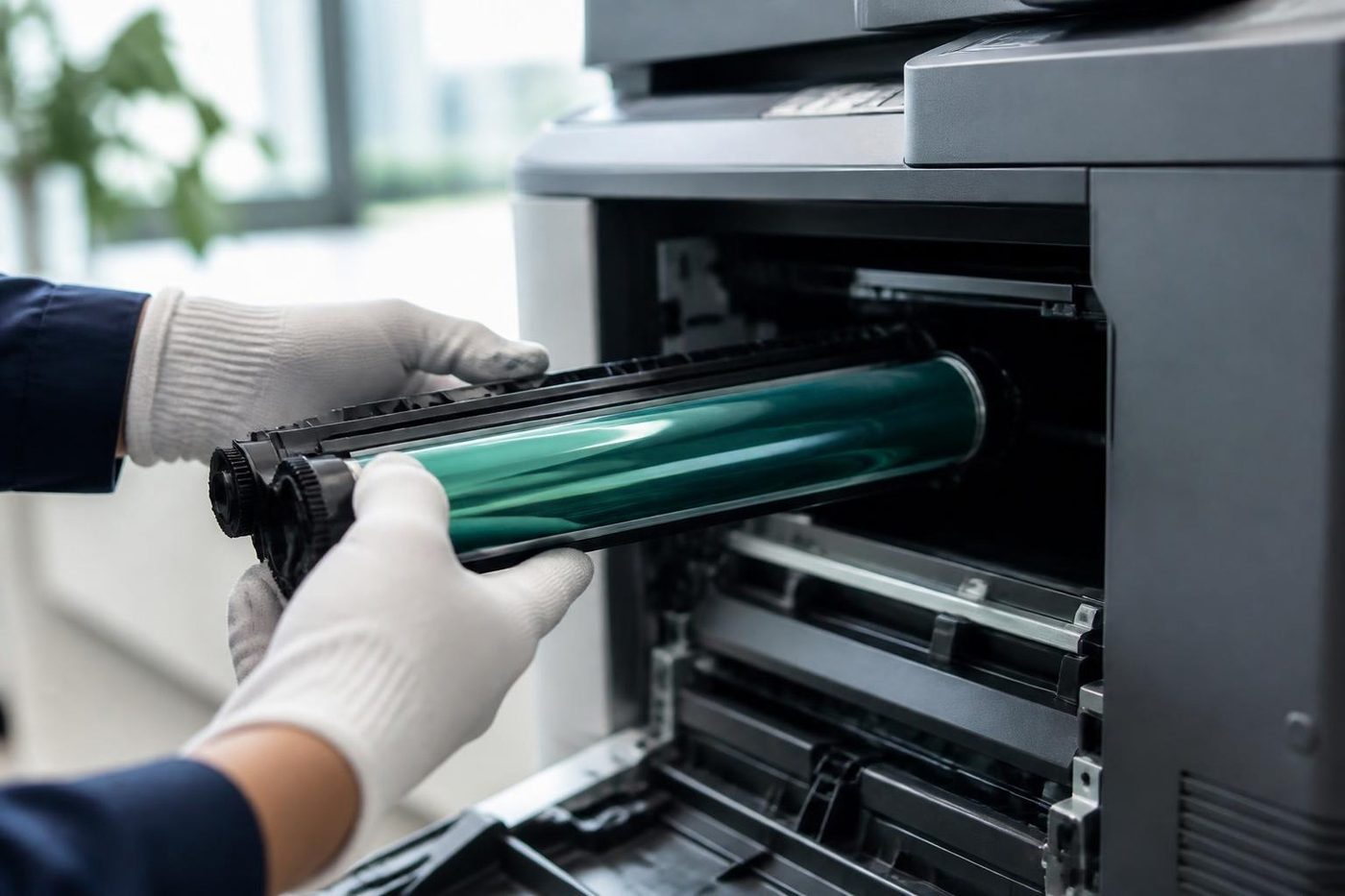
Get a price in three steps
- Describe your machineMake, model and the problem you are seeing.
- We phone with the priceYou hear it before anything is booked.
- A certified technician attendsSame day where the diary allows.
bizhub ranges we service
The pages a minute figures below are Konica Minolta's own. Several of the models named have since been replaced, so we call them earlier ranges and do not let the badge suggest otherwise. Give us the badge name on the front and we confirm whether it is covered.
Seven machines make up the colour A3 i-Series we meet: the C250i, C300i, C360i, C450i, C550i, C650i and C750i. They span 25 to 75 pages a minute and suit mid sized and large workgroups. Four of them, the C300i, C360i, C450i and C650i, are an earlier range as at 2 October 2026. The compact A3 pair, C227i and C287i, print at 22 and 28 pages a minute for small and medium offices.
Down at A4 are the C3350i, C4050i and C4051i, with the same panel and software as their bigger relatives, found on front counters and with small teams. Offices that kept a reliable earlier machine still run the older C series colour line, among them the C258, C308, C368, C458, C558 and C658, along with some C224e units.
Black and white A3 bizhubs are the workhorses of records rooms and busy copy points. At the top end, a few print rooms, and now and then a commercial printer, run an AccurioPress or one of the earlier bizhub PRESS machines.
Develop and ineo: the machine with another name
Konica Minolta also makes the Develop machines that were sold as ineo. Plenty of offices own one without knowing it is a near relation of a bizhub. The panel looks different and the label says Develop, but the engine, the fuser, the imaging parts and the way things fail will be familiar to anyone who works on bizhubs every week.
Which means a Develop photocopier service call on the Sunshine Coast runs like a bizhub visit, backed by the same parts knowledge. Read us the model off the label and the message on the screen.
Reading a Konica Minolta C code
A bizhub that has given up shows a call service screen and a code, which starts with C and has four digits or letters after it. Newer manuals print C2557 where older ones print C-2557. Jams use a separate scheme: pairs such as 10-01 on the C and mono machines, and a J prefix on production presses, as in J-3105.
The first two characters name a department, though the map shifts between series. Paper feed and trays sit under C0 and the finisher under C1. Drum, developer, toner and the transfer belt are C2, and the fuser is C3. Laser and mechanical control fall under C4, and C5 covers motors, cooling and the engine. Scanner and feeder faults begin C6, the exposure LED C9, storage CD and the system CE. Published lists disagree between series, so we read any code against your model and not against a chart.
Below are the codes that reach us most often, sorted by area of the machine.
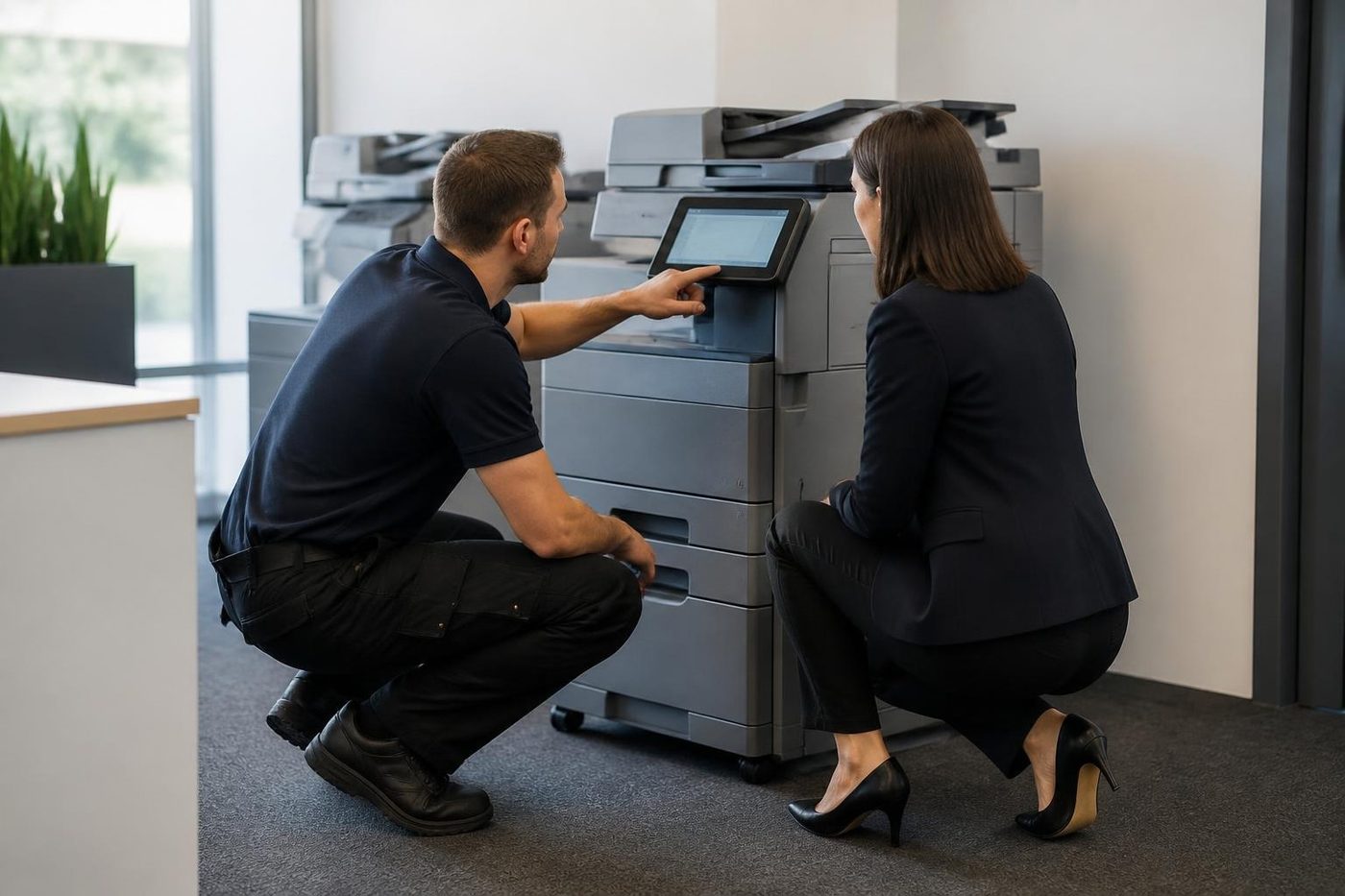
Toner, drum and transfer codes
- C2551 to C2558 mean the toner density sensor for one colour reads too low or too high. C2557 is black reading low. On one earlier bizhub the culprit was toner packed into the hopper bushing, a seal starting to leak or a faulty hopper sensor, and the developer came under suspicion only afterwards. A developer that was never reset after a unit swap behaves the same way.
- C2559, C255A, C255B and C255C report a failed calibration of the toner density sensor, one each for cyan, magenta, yellow and black.
- C2152: on the i-Series list, the transfer belt failed to return to its home position.
- C2253 and C2254 concern a drum motor that will not turn or is out of time. C2255 and C2256 are the developer drive version of the same trouble.
- After a drum swap, C2A11 to C2A14 show that the machine has not accepted the new unit, one code per colour.
Fuser, laser and tray codes
- C3101 is a pressure failure at the pressure roller on the i-Series list. Behind it on earlier machines we have found the fuser rotation sensor, the release sensor and, once, a drive connector working loose.
- C3201 and C3202: the fusing motor is stopped or running abnormally.
- C3425 says the fuser was slow to reach temperature. Overheating appears as C3722, C3725 or C3726, running too cool as C3825 or C3826, and a broken sensor wire as C3922, C3925 or C3926.
- C4101 and C4501 flag a polygon motor or laser fault inside the print head.
- A tray that will not lift reports C0202 (tray 1), C0204 (tray 2), C0206 (tray 3) or C0208 (tray 4), and the bypass tray reports C0211.
Finisher, scanner and storage codes
- A finisher that has lost contact with the machine shows C1004. Its tray lift motor is behind C1102, stapler movement and motors behind C1106, C1109 and C1112, and the punch drive behind C1132.
- Scanner image and reading unit adjustment faults carry the numbers C6704, C6751, C6754 and C6755. The exposure LED is C9401 and C9402.
- Storage and board problems appear as CD004, CD010 through CD012, and C-E301, meaning a hard disk or SSD on its way out, or one that is unformatted or mismatched.
A restart or a one off trouble reset can release a lockout without repairing anything. A code that keeps returning means a part is physically at fault. Service mode steps and administrator details are not something we publish.
A pale colour that is not the cartridge
This one turns up often. A single colour has faded, or a service call lit up the moment a fresh cartridge went in. The bizhub measures toner density with a sensor and objects when the reading is wrong, so the trouble is in the supply path or the developer and not the cartridge. Packed toner in the hopper, a seal starting to weep or a developer nobody reset after a unit change will each produce it.
If you can tell us the colour, the code and whether it followed a toner change, we know what to bring. That detail alone changes the van load.
Microsoft 365 and scan to email on a bizhub
Anyone whose bizhub sends scans through Microsoft 365 should read this. The maker has published a notice about OAuth 2.0 for scan to email. Microsoft plans to switch SMTP AUTH basic authentication off by default from the end of December 2026 and to withdraw it altogether in late 2027. A machine that signs in with a bare user name and password can just stop sending the day that reaches your tenant.
Firmware decides whether a machine can cope. The i-Series firmware that adds OAuth 2.0 was scheduled in batches from March 2026, and some larger models already carry it. Obtaining the refresh token has to happen at the machine's own panel, in administrator settings, so an administrator must be present to approve the sign in. Old firmware means an update first.
Firmware on each machine gets checked before the switch arrives, not after scanning has died. Do not assume every i-Series is ready. When an outside IT provider or head office runs your Microsoft 365, ask when your tenant is due so the copier is not the first to find out.
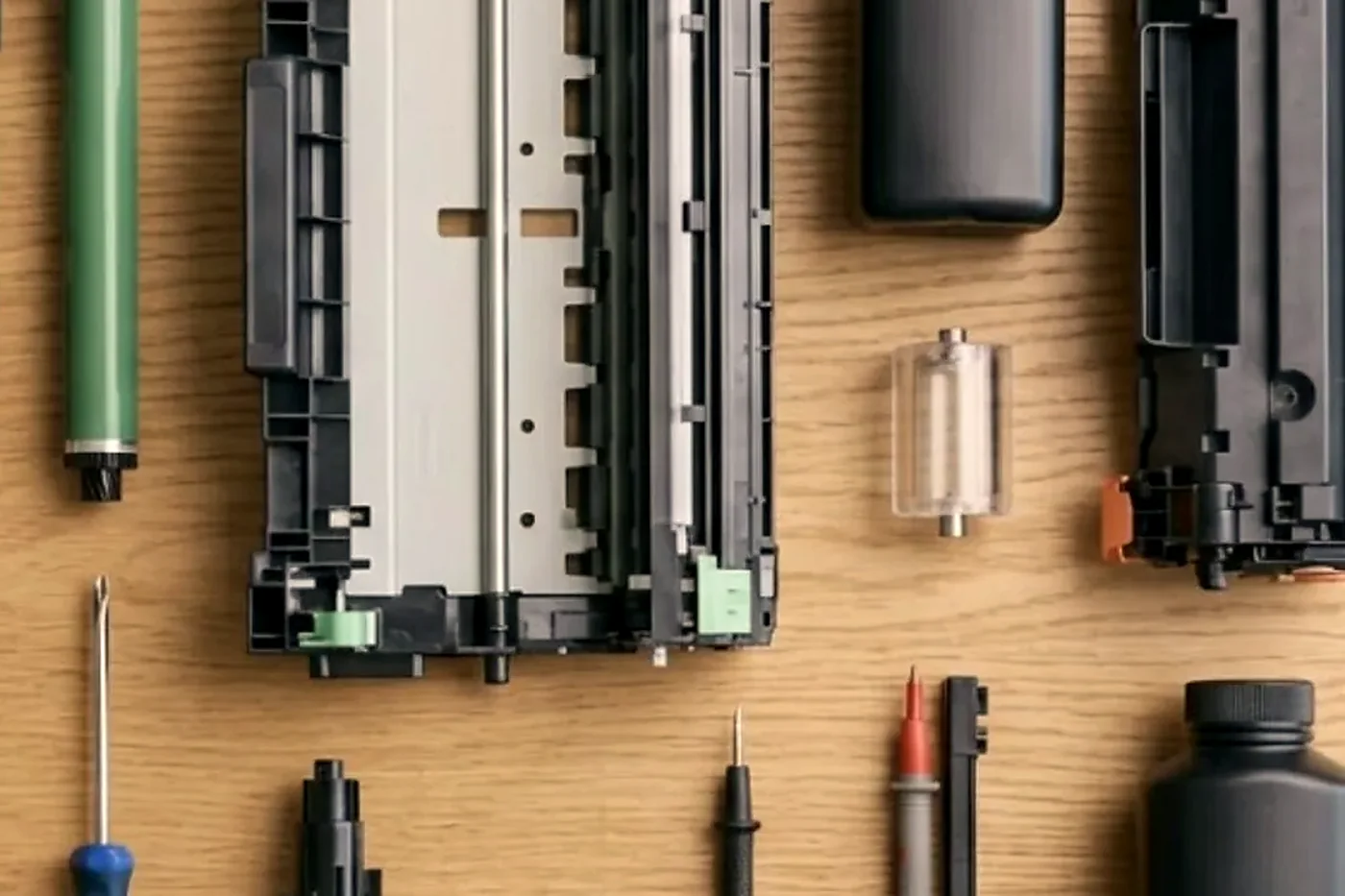
How a bizhub shows its age
Fuser trouble leads the list: creased pages, toner that rubs off, a sheet wrapped round the fuser, a C3 code at start up. When paper wraps, suspect worn separation claws or a damaged heating roller, though damp or curled stock can trigger it too.
Lines running along the feed direction send us to the drum, cleaning blade, transfer belt or charge unit. A streak that appears only on copies from the feeder is down to the feeder's glass strip. A tray that will not lift, frequently with a page lodged behind the drawer, or a bypass that refuses to feed usually has a sticky solenoid, a clutch or a tired pickup roller. On a C750i, bypass jams such as 10-01, 10-02 and 10-04 lead back to the registration sensors, feed motor, clutches or solenoids.
Scanner faults show as adjustment errors and put the scanner board, a flat cable or the reading unit under suspicion. A slow start, or a CD code at power up, belongs to a failing drive or board.
Scan to folder that dies after a Windows or server change comes down to the SMB or NTLM version, the account format, share permissions, DNS or a firewall change. The setup guide works with NTLM versions 1 and 2, with the workgroup or domain typed in capitals.
Parts have names, and the names matter
Konica Minolta gives parts short prefixes, which lets us be exact. Take the C250i, C300i and C360i family: its product guide names DR-316K and DR-316 drum units, DV-315 developer units, a WX-107 waste toner box and SK-602 staples. Other models use other names, which is why we look at the machine itself.
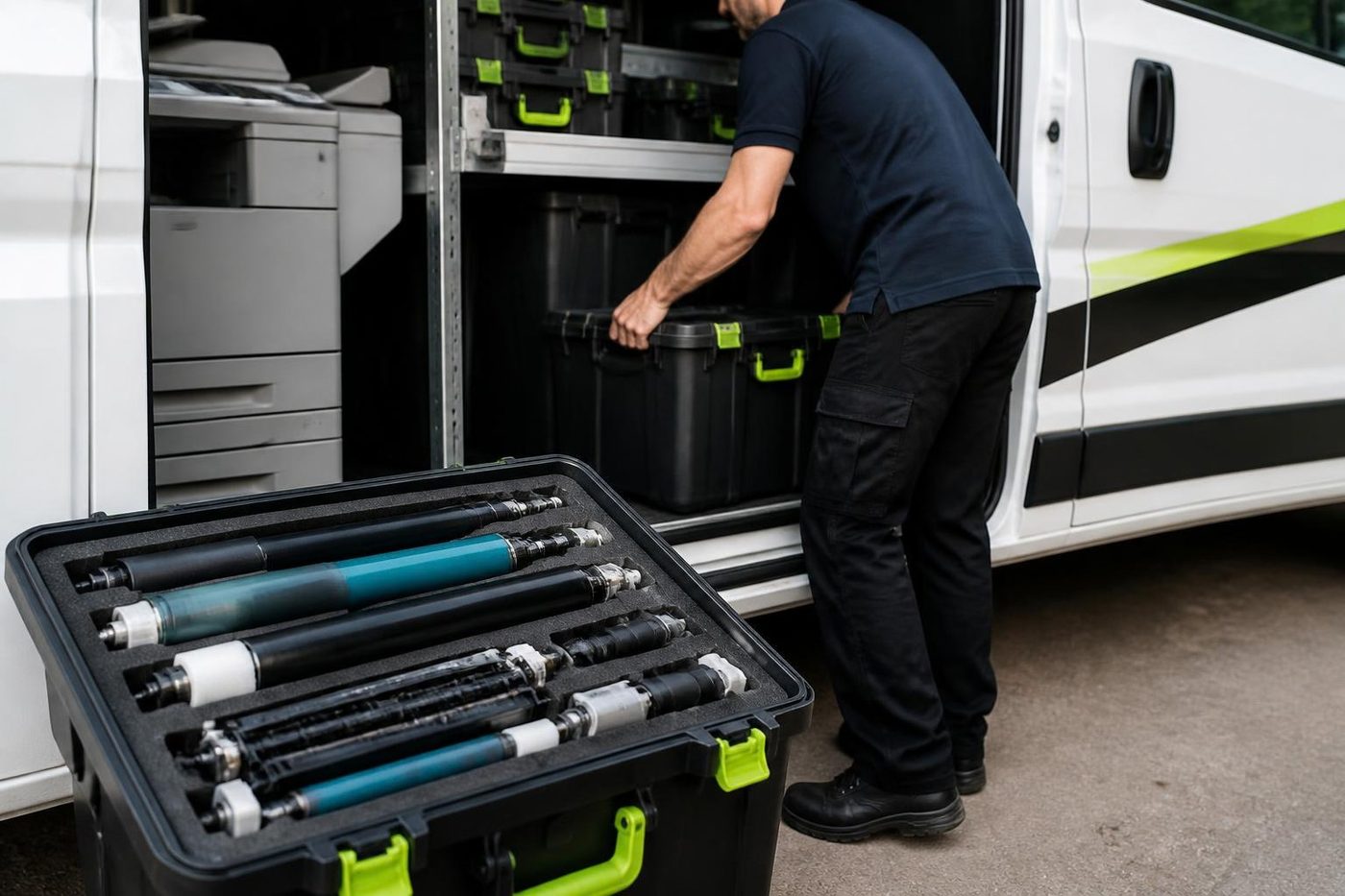
A full visit works through the imaging unit and drum, the developer, and the toner hopper with its seals. It takes in the fusing unit (heat roller, pressure roller, thermistors, lamps), plus the transfer belt and cleaner and the second transfer roller. Every tray gets its pickup, feed and separation rollers checked, as do the bypass and the large capacity unit. The feeder's pickup, separation roller and glass strip, the cooling fans and filters and the staple cartridge follow. Laser unit and storage failures are uncommon, so we diagnose before we replace. Part lives are not quoted here.
Finishers and options we look after
Among finishers, the 500 sheet inner FS-533 suits the C227i, C287i, C250i, C300i and C360i. Staple and booklet duty on the C250i family goes to the FS-536 and FS-536SD, while the C227i and C287i take the FS-539 and FS-539SD, which staples and makes booklets as well. There is also the FS-540 series, a JS-506 job separator and the PK-519 and PK-524 punch kits.
Document handling adds the DF-632 duplex feeder and the DF-714 dual scan feeder. For paper there are cabinets PC-116, PC-216 and PC-416 and the large capacity LU-302. Other options we see are the Fiery IC-420 controller, the UK-221 wireless LAN, the FK-514 fax kit and security licences covering a trusted platform module and antivirus.
Which option fits depends on the machine, so the finisher is matched to the model before we diagnose. Typical finisher calls: a unit not docked squarely, a stapler jam, a loose connector.
Konica Minolta printer repairs Sunshine Coast offices ask for
Konica Minolta printer repairs on the Sunshine Coast almost always mean a bizhub, colour or mono. Calls tend to be about a C code that returns after a restart, colour that has wandered, an imaging unit or toner message at odds with the cartridge, or scan to email that quit after a Microsoft sign in change. The diagnosis happens on site, and the cause is explained before any part is ordered.
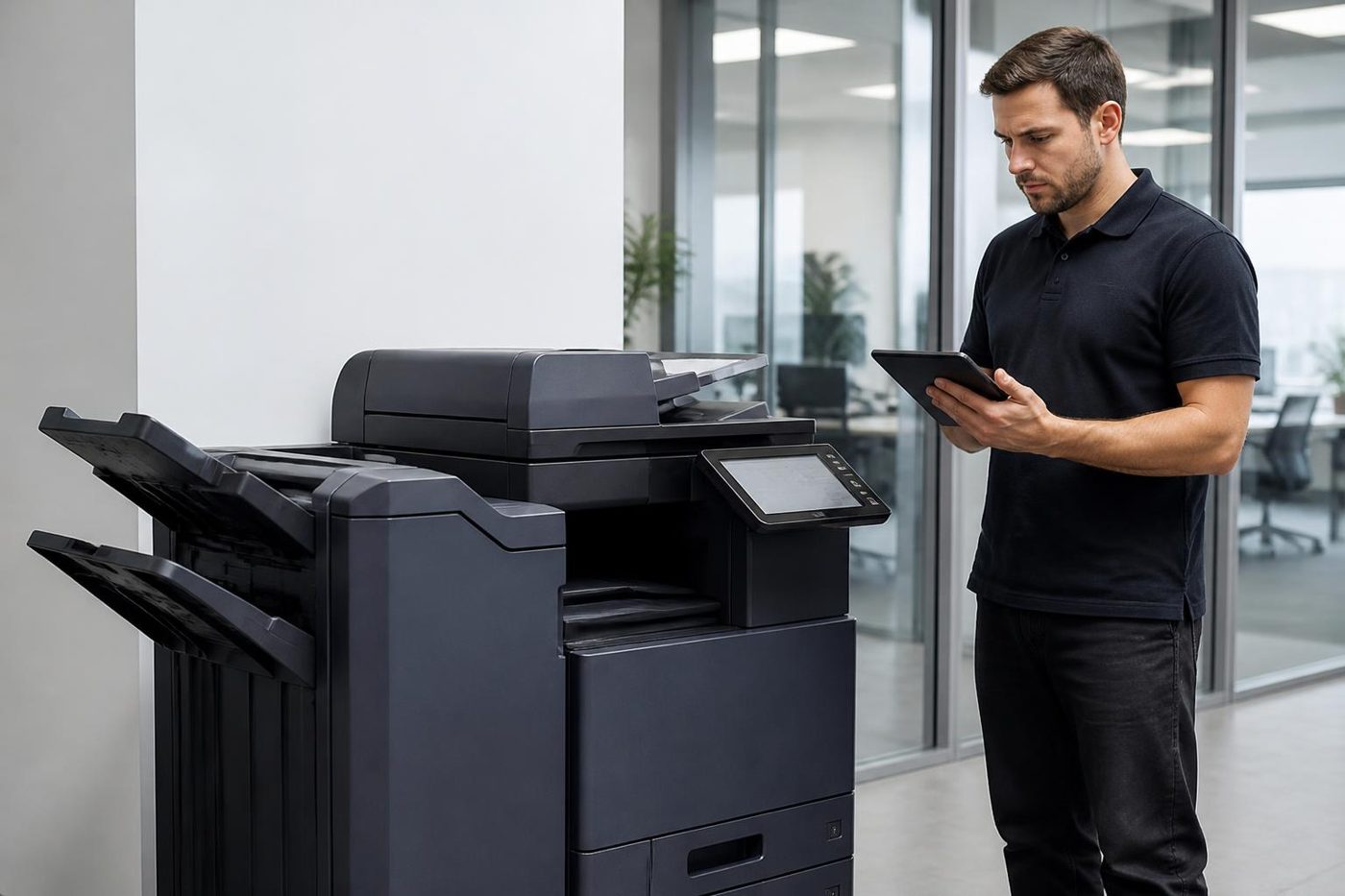
Konica Minolta printer service is seldom about a desktop printer. It means a bizhub, most often a colour A3 multifunction in a corridor serving a dozen people. Some are older C series kept running for years. Many are newer i-Series with a tablet style touch panel and far more software inside. A few are production machines in a print room.
If you can read the number from the label inside the door, better still. It names the generation, and the generation tells us which parts and fault list apply.
Heat, humidity and colour that wanders
Warm, damp air changes how toner and paper behave. A machine in a hot room may drift in colour partway through a long job, and paper that has soaked up moisture misfeeds. Position counts as much as behaviour, so we note where it is placed.
If someone outside the office alters the mail or file server, scan and mail settings should be rechecked afterwards. A bizhub that stops sending is often a machine whose neighbour was changed.
An old bizhub: keep or replace
If an older bizhub demands more attention than it is worth, we tell you. Because we buy and sell commercial machines, new and second hand, a replacement can be discussed without a sales pitch. Our repair advice stays the same whichever way you go.
The i-Series panel and the software behind it
The newer i-Series carries a tablet style touch panel with apps, shortcuts and saved jobs. Staff like it, and it means part of a bizhub call is now software. A panel frozen on one screen while the machine still copies is not a worn part, and a shortcut that vanished after an update is a settings job.
We ask what changed and when: a power cut after a storm, a new router, a new mail rule, an update applied late on a Friday. Before any firmware work we note the address book and scan destinations so nobody rebuilds them on Monday. Administrator steps and firmware downloads are not things we publish or hand out.
Paper curl, the bypass tray and the jam that comes back
The bypass tray takes whatever will not go in the drawers: letterhead, envelopes, a heavy sheet for a certificate. It also cops the blame for jams that begin elsewhere. A feed jam from the bypass is often a worn pickup roller, a sticky solenoid or a clutch, while a jam inside the drawers is more likely the paper.
Curl is the quiet culprit. Paper kept in a back room near the beach through a wet fortnight absorbs moisture and curls, and a bizhub will jam on it in ways that look mechanical. We start with a fresh ream and fifty test pages. After that come the rollers, registration sensors and feed motor.
Waste toner and the full message
Offices are baffled when a fresh waste toner box reads full straight after a change. Usually the box is not seated properly, a sensor is misreading, or toner is leaking into the waste path. A second new box cures none of those.
We trace the waste path and explain what is going on. A sensor that wants adjusting or a seal beginning to leak is the repair. Toner packing the waste path can also load a drive and surface as a motor code, so early attention pays.
Production presses in the print room
A few businesses along the coast run a production machine, an AccurioPress or an earlier bizhub PRESS, for brochures, plans or short runs. That is another class of machine, with its own consumables and a jam code beginning with J, and it wants a technician who has worked on them.
Own one? Ring with the full model and tell us what it prints and what it is doing. We say plainly what we can look after and whether the job calls for someone with particular skills.
A bizhub on a lease
Most office bizhubs came on a lease or service contract. Check what yours says about who may work on the machine before ringing anyone. We then explain which parts we can and cannot touch on a machine under somebody else's agreement.
A lease ending soon means a decision, so call before you sign anything. We describe the machine's condition and what a repair might involve, and as we buy and sell commercial machines too, what comes next is open for discussion.
What a visit looks like
Tell us the model, the code and what the machine was doing and we work through a price together. No booking is made without your agreement.
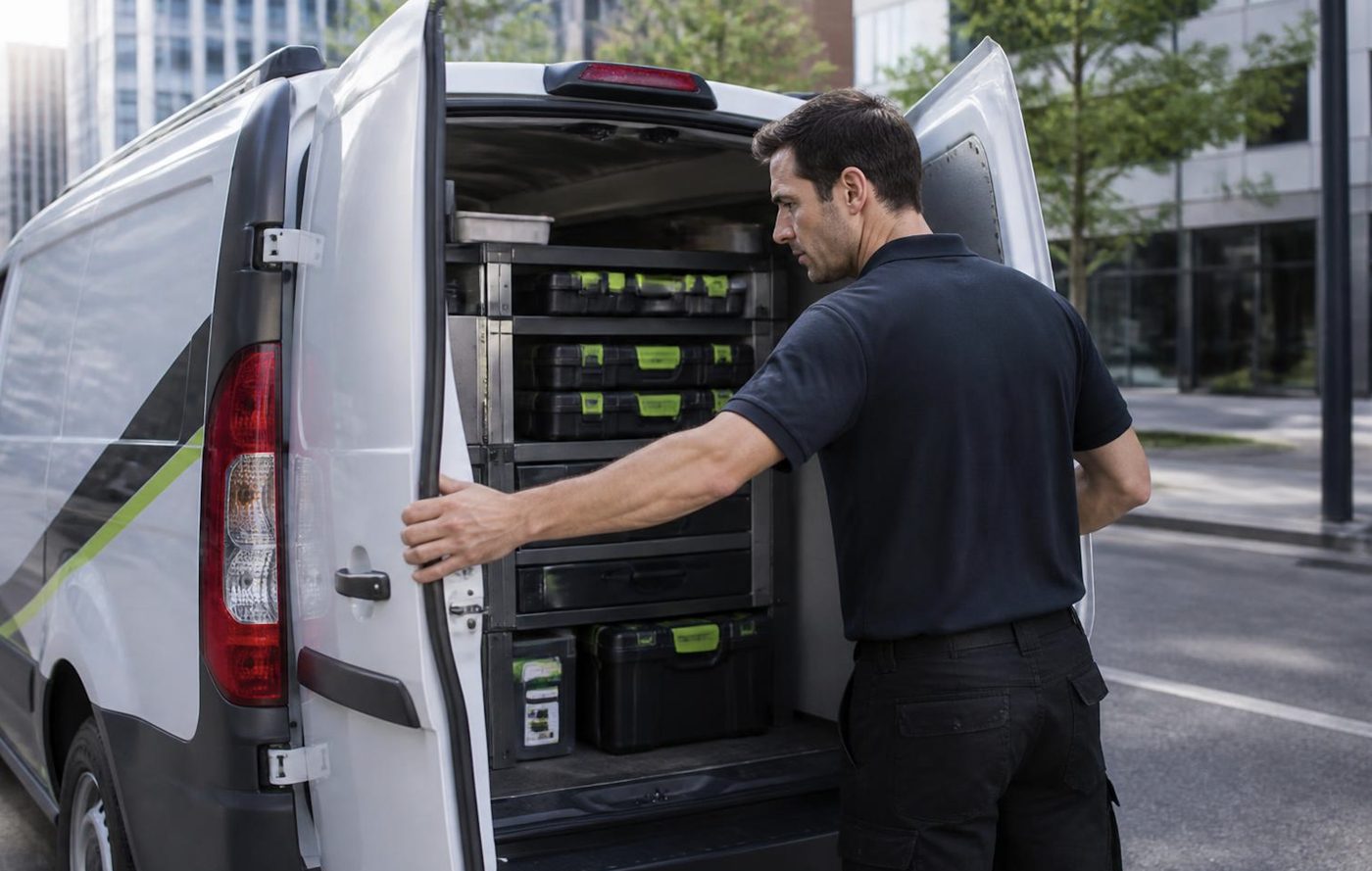
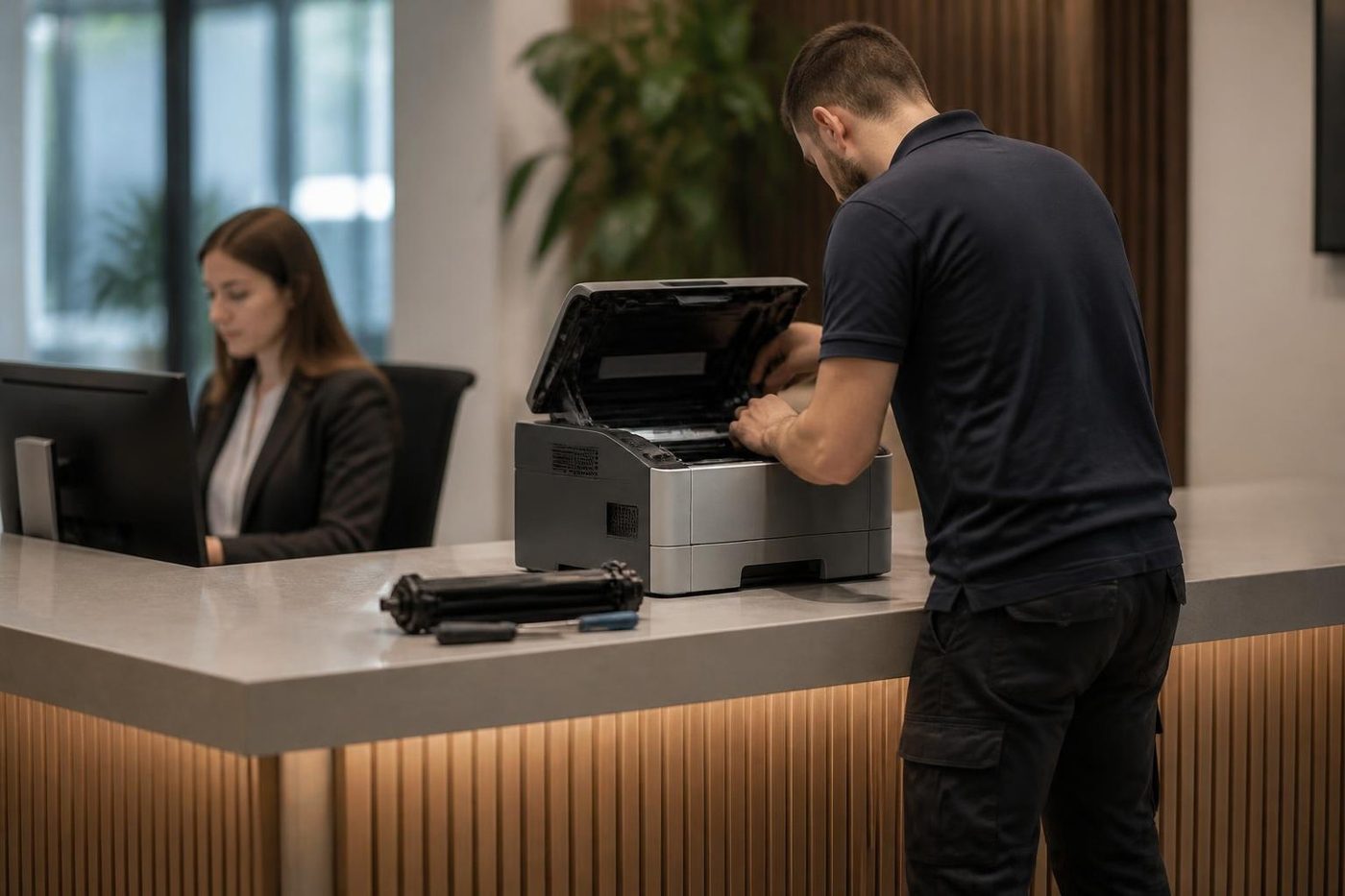
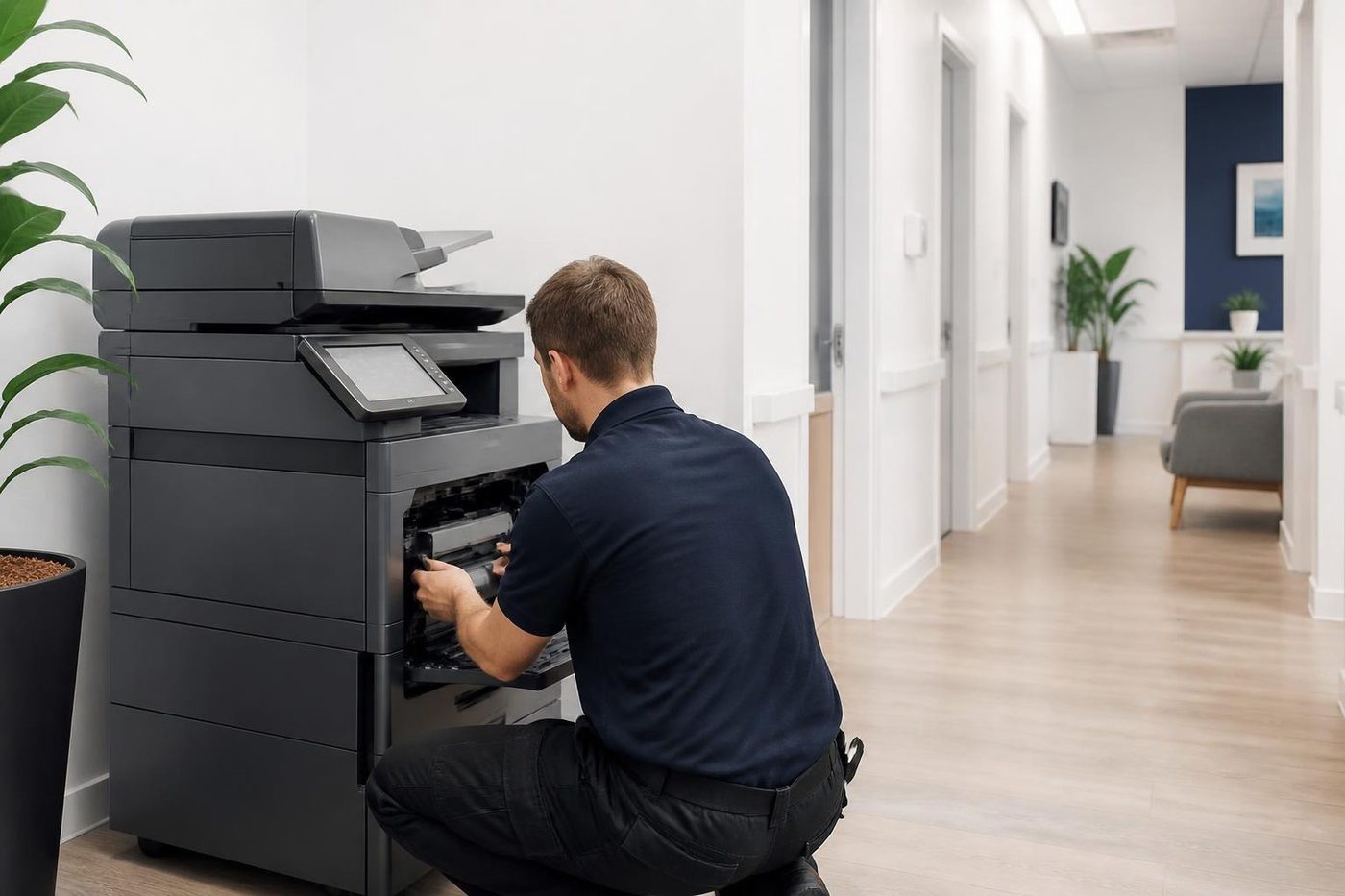
The technician arrives with the common spares for that family, signs in at reception and asks the person who uses the machine what it has been up to. The paper path, consumables and wear parts are checked, and what is found is explained before anything goes in.
We test the finished repair on your own paper, scan destination and finishing. A returning fault is fixed again free.
Colour calibration and the print that does not match the screen
A bizhub can print a colour that looks wrong beside the monitor with nothing broken. Screens are lit from behind and paper is not, so a logo that glows on screen prints a shade darker. Two machines in one office can also differ slightly if they were calibrated at different times.
When a colour really is off, say a skin tone gone green or a corporate blue turned purple, we begin with the colour adjustment and toner density. Test pages are compared with a known good print and adjusted. A genuine hardware fault normally shows a streak or band as well. Without one, the cure is often calibration and not parts.
Real estate, design and the glossy brochure
Agencies and design studios on the coast print brochures, listings and presentation packs on heavier or coated stock and expect the bizhub to keep up. The paper type setting matters more than most people realise, because that setting decides how hot the fuser runs and how hard the transfer pushes.
A wrong setting gives toner that scuffs off, a glossy page with an uneven sheen or a sheet that curls on the way out. Tell us the brand and weight of your heavy or coated paper and we set up a profile, so staff are not guessing at the panel each time.
Before you ring about a bizhub
Before dialling, gather these: the model name, from the front cover or the label inside the door; the C code exactly as shown, plus the colour for a toner or drum message; what the machine was up to and whether a restart changed anything; whether one person or the whole office is affected; and the building, floor and any lift booking.
If our lines are busy, the call is logged and returned.
Your Konica Minolta repair, in four steps
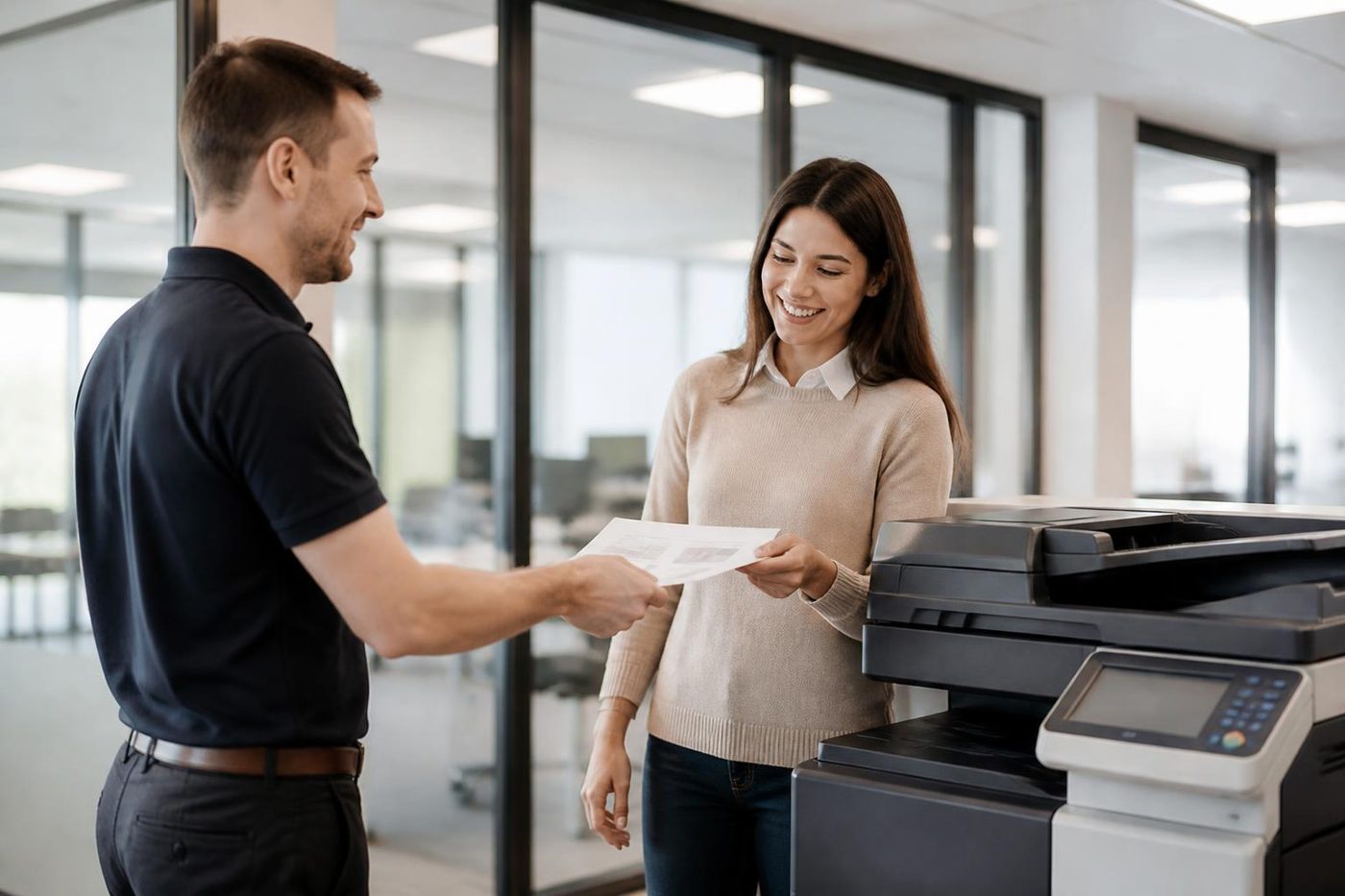
The person at the machine
The best diagnostic tool is whoever uses it
Ask the receptionist at a Sippy Downs surgery what the copier did before it stopped and you often get the answer in ten seconds. It made a clunk. It started pulling two sheets. It only fails on double sided jobs. We ask on the phone and again at the front desk, because the people who use a machine every day know its habits better than any error code.
Then we confirm it for ourselves. What people say is a start, and the machine has the final word.
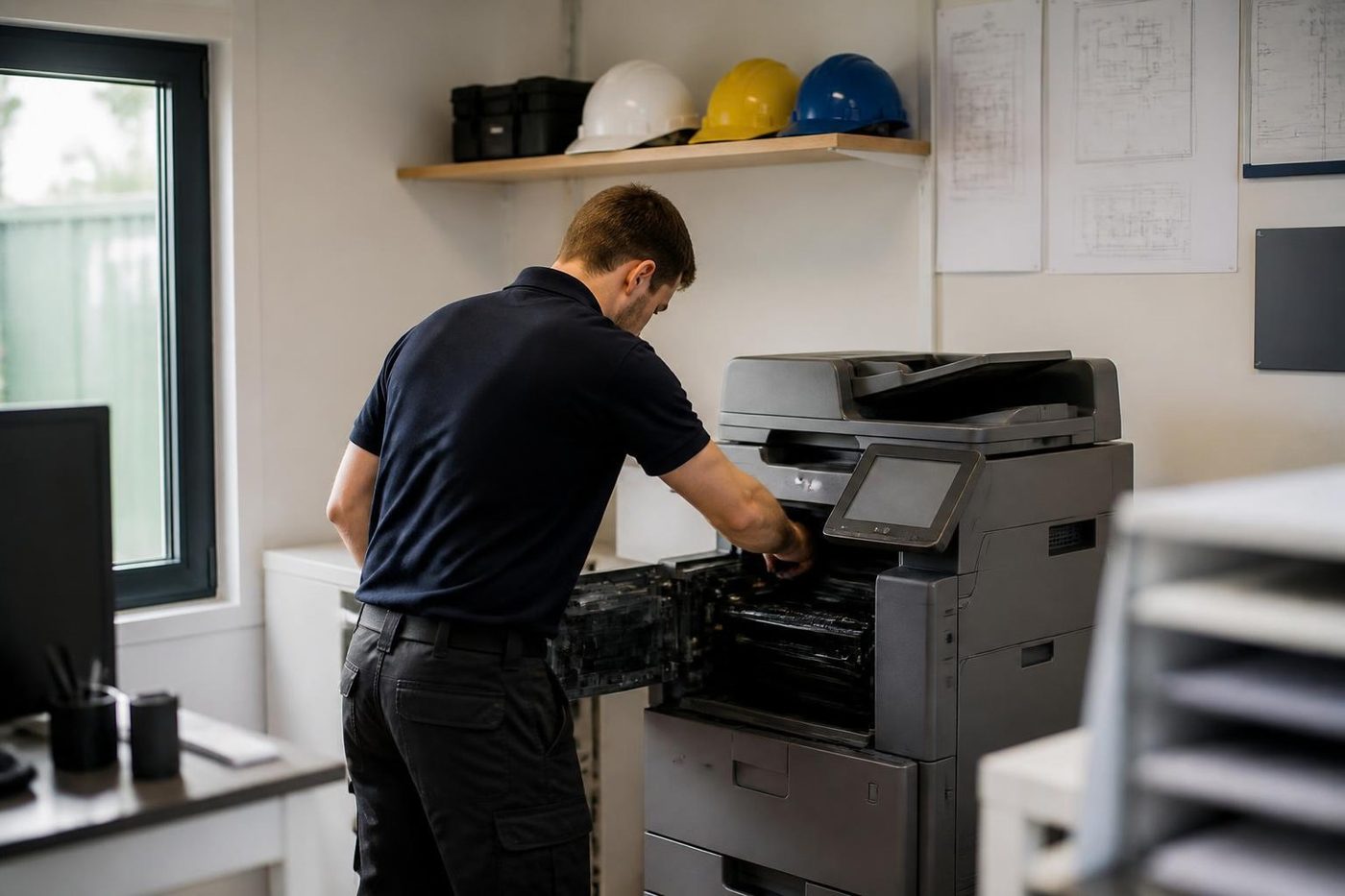
- Ask first. On the phone and again on site.
- Test their job. We print what your office prints.
- Explain plainly. You get the cause in ordinary words.
More for Sunshine Coast offices
 Ricoh repairsIM C, IM and MP series copiers, plus Lanier, looked after on site.
 Canon repairsimageRUNNER ADVANCE, DX and i-SENSYS machines, fixed on site.
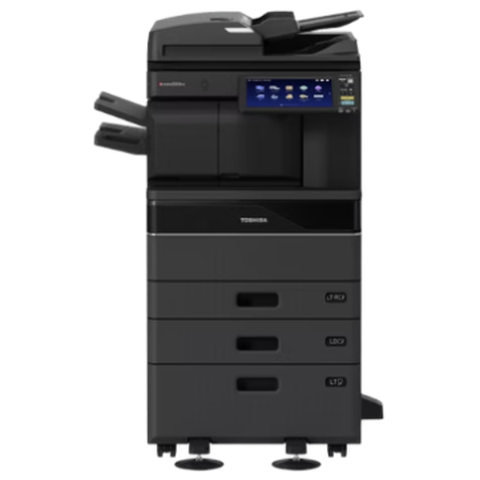 Toshiba repairse-STUDIO colour and mono copiers, fixed where they sit.
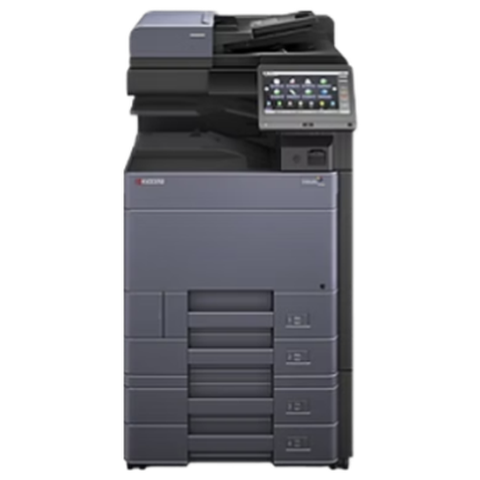 Kyocera repairsTASKalfa copiers and ECOSYS printers, looked after on site.
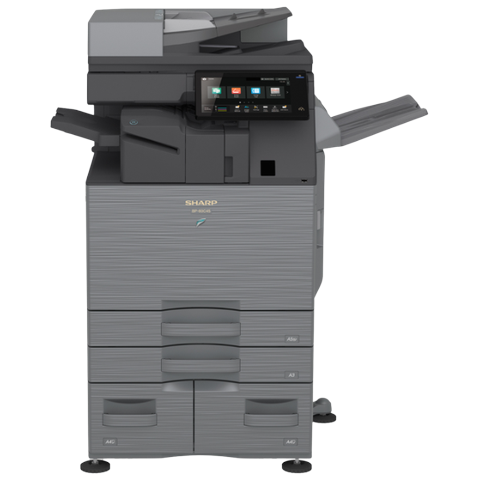 Sharp repairsMX and BP series copiers, repaired where they stand.
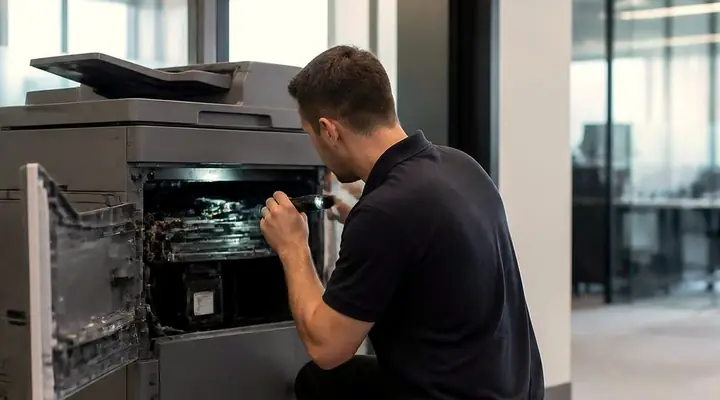 Photocopier repairsCopiers fixed at your desk, one call, price agreed first.
 MaroochydorePrinter and photocopier repairs for the plaza, the new city centre, Cotton Tree and the business parks.Kawana and BirtinyaMedical suites, Kawana Way offices, Birtinya and Bokarina.
Buy, sell and lease
Buy, sell and lease commercial copiers on the Sunshine Coast
We also sell new and second hand commercial copiers and buy used ones. Same team, same technicians.
Offices, surgeries and site sheds
What people ask when they ring
What does a C code on a bizhub tell you?
The leading digits point to a system: paper feed, fuser, laser, scanner. Published lists differ between series, so we compare the code with your model.
My bizhub shows C2557. Is the cartridge to blame?
C2557 means the black toner density sensor reads low. On one earlier machine the cause was toner caked in the hopper bushing, a leaking seal or a bad hopper sensor, all ahead of the developer.
Is Develop the same as Konica Minolta?
Develop machines sold under the ineo name are made by Konica Minolta, and we repair them as we do a bizhub.
Will my bizhub stop emailing scans?
It can, if it signs in to Microsoft 365 with a user name and password and your tenant stops accepting basic authentication. Firmware decides whether the newer method is supported, so we check ahead of time.
What is a 10-01 jam?
A bypass or feed jam code. On some machines it traces to registration sensors, the feed motor, clutches or solenoids. We check the paper first.
Why does my colour wander over a long job?
Heat is a common cause, and damp paper is another. The room, the paper and the settings get checked before we order a part.
Do you do Konica Minolta printer service Sunshine Coast wide?
Yes. From Caloundra through to Noosa and on to Gympie, bizhub repairs are done at your premises.
Does the van have bizhub parts?
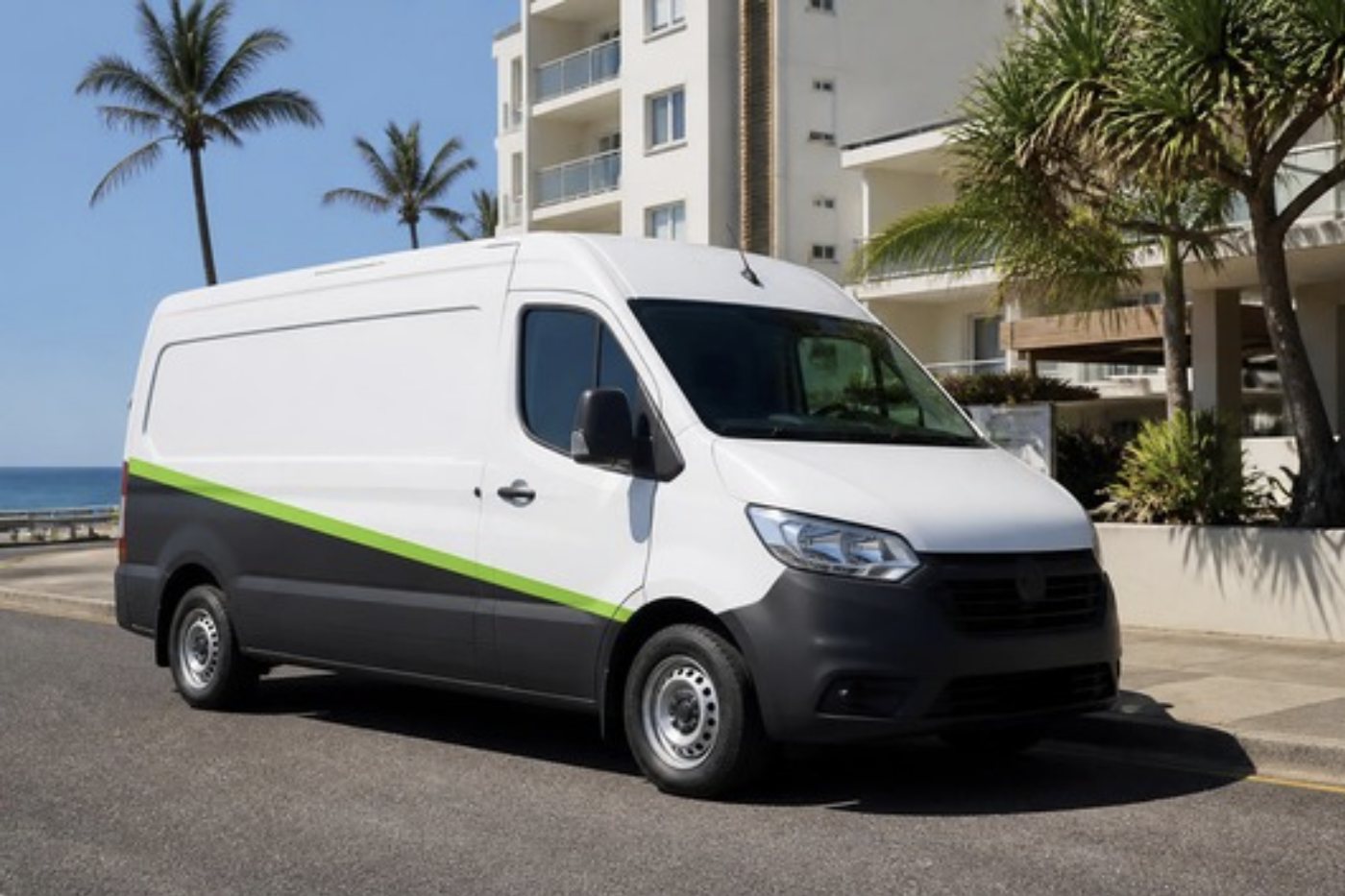
The common spares, yes. For anything else we plan from the model and code and say on the phone if a part must be ordered.
Are you Konica Minolta authorised?
No, we are independent, and the work happens beside the machine.
Is an old bizhub worth fixing?
Often it is. Page count, parts supply and fault history decide, and you get a straight answer.
Can I book Konica Minolta copier repairs for today?
Same day service is available. Give us the model and the code and we go through a price.
Lines busy?
(07) 5327 3472, or leave a note
If we cannot pick up, your call is logged and returned. Nothing gets lost.
Leave a note
All of our work on the Sunshine Coast
Service pages
- Photocopier repairs Sunshine Coast
- Commercial printer repairs Sunshine Coast
- Plotter service Sunshine Coast
Fault pages
- Installation and setup Sunshine Coast
- Relocation and removal Sunshine Coast
- Copier and printer faults Sunshine Coast
- Photocopier paper jams Sunshine Coast
- Copier black lines and streaks Sunshine Coast
- Copier error codes Sunshine Coast
- Copier not printing Sunshine Coast
- Scan to email not working Sunshine Coast
- Toner smearing and fuser faults Sunshine Coast
- Printer offline and network faults Sunshine Coast
- Copier noise, grinding and squealing Sunshine Coast
- Is my copier worth repairing Sunshine Coast
- Toshiba e-STUDIO error codes Sunshine Coast
- HP LaserJet error messages Sunshine Coast
- Kyocera TASKalfa error codes Sunshine Coast
Makes we work on
- Toshiba copier repairs Sunshine Coast
- HP printer repairs Sunshine Coast
- Kyocera copier repairs Sunshine Coast
- Fujifilm copier repairs Sunshine Coast
- Xerox copier repairs Sunshine Coast
- Canon copier repairs Sunshine Coast
- Ricoh copier repairs Sunshine Coast
- Lexmark printer repairs Sunshine Coast
- Brother printer repairs Sunshine Coast
- Epson printer repairs Sunshine Coast
- OKI printer repairs Sunshine Coast
- Zebra printer repairs Sunshine Coast
- Sharp copier repairs Sunshine Coast
- Samsung printer repairs Sunshine Coast
- Fuji Xerox copier repairs Sunshine Coast
Coast towns and suburbs
- Printer service Caloundra
- Printer service Gympie
- Printer service Buderim
- Printer service Maleny and the Blackall Range
- Printer service Kawana and Birtinya
- Printer service Nambour
- Printer service Maroochydore
- Printer service Noosa and Noosaville
- Printer service Coolum and Peregian Beach
- Printer service Mooloolaba and Alexandra Headland
- Printer service Sippy Downs and Maroochydore industrial
- Printer service Pelican Waters and Bribie Island
- Printer service Beerwah and Glass House Mountains
- Printer service Yandina and Eumundi
- Printer service Cooroy, Pomona and Cooran
- Printer service Cooloola, Tin Can Bay and Rainbow Beach
- Printer service Kilcoy and the D'Aguilar side
- Printer service Palmwoods, Montville and Mapleton
- Printer service Landsborough and Mooloolah Valley
- Printer service Marcoola and Sunshine Coast Airport
- Printer service Coolum industrial
- Printer service Warana and Kunda Park
- Printer service Tewantin
- Printer service Bli Bli and Pacific Paradise
- Printer service Currimundi, Little Mountain and Baringa
- Printer service Kenilworth, Imbil and the Mary Valley
- Full list, Caloundra to Gympie
Got the make and the problem? That is all we need to price it.
What is wrong with it? Tell us on the Sunshine Coast
We read every message and phone you, usually with a question or two about the machine and a price. Prefer to ring? (07) 5327 3472.