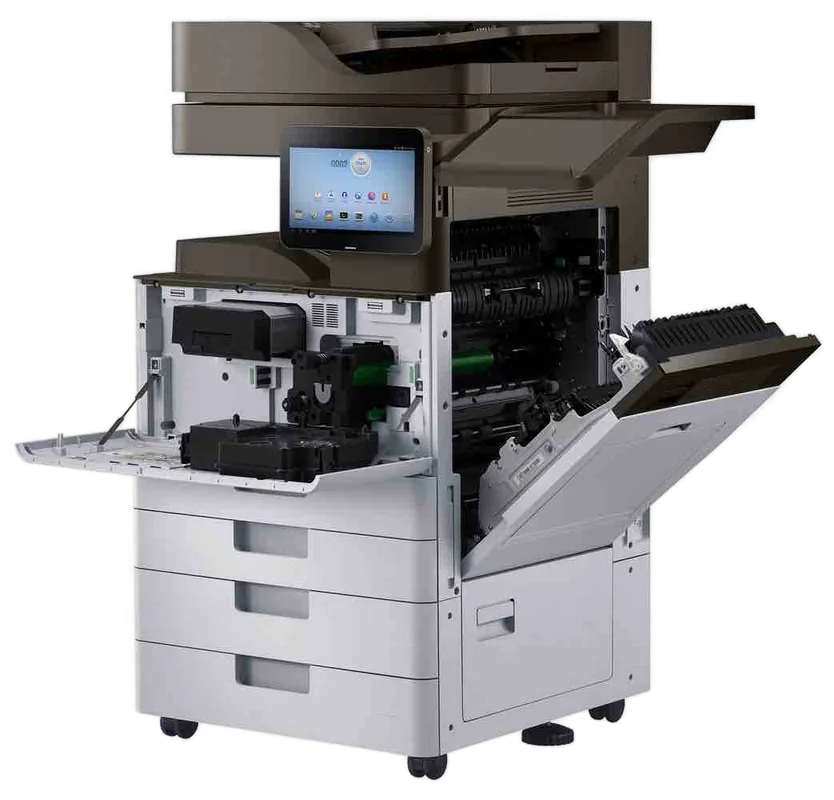
HP LaserJet, Color LaserJet and DesignJet, fixed where they stand
HP printer repairs Sunshine Coast: LaserJet service and support
Fuser codes, a tray that says empty when it is full, scan to email that quit on Monday. HP printers on the Sunshine Coast get fixed at your premises. A same day visit is often possible, and the price comes up on the phone before anyone is booked.
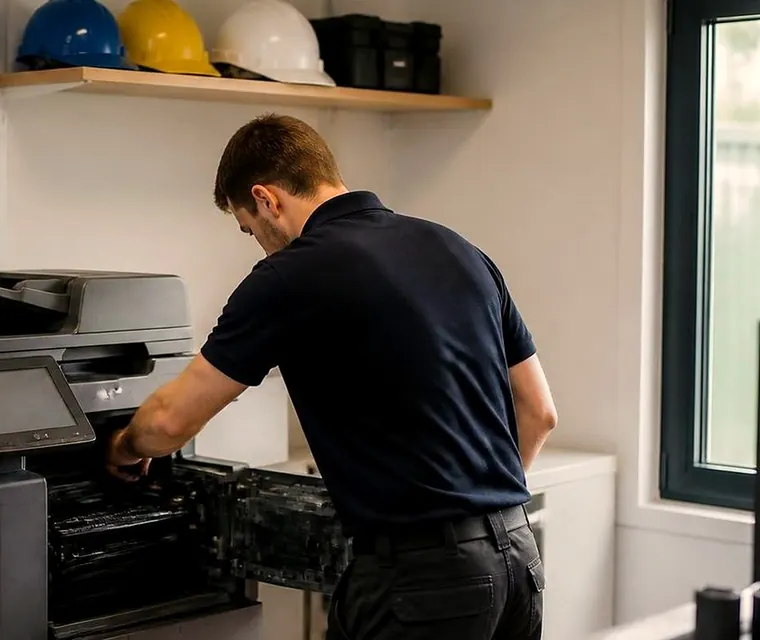
Copier and printer repairs, plus machines to buy and sell, on the Sunshine Coast
HP printer repairs Sunshine Coast businesses phone about
Nearly every office we visit has at least one HP, and usually nobody remembers when it arrived. One by the front counter, one in the accounts corner, a third on a back room shelf, left behind by a tenant who moved out. They get ignored because they work. Then one stops, and whoever happens to be standing nearest ends up phoning us.
Good. An early call beats one made after three people have swapped cables. Give us the model, printed on the front or on the sticker inside the top cover, and read out whatever the panel says. From those two things we can usually say what is likely and roughly what a visit costs before we leave the yard.
No part of HP is behind this business, and we do not suggest otherwise. That independence is the reason we can say plainly when a printer is past another repair.
Get a price in three steps
- Describe your machineMake, model and the problem you are seeing.
- We phone with the priceYou hear it before anything is booked.
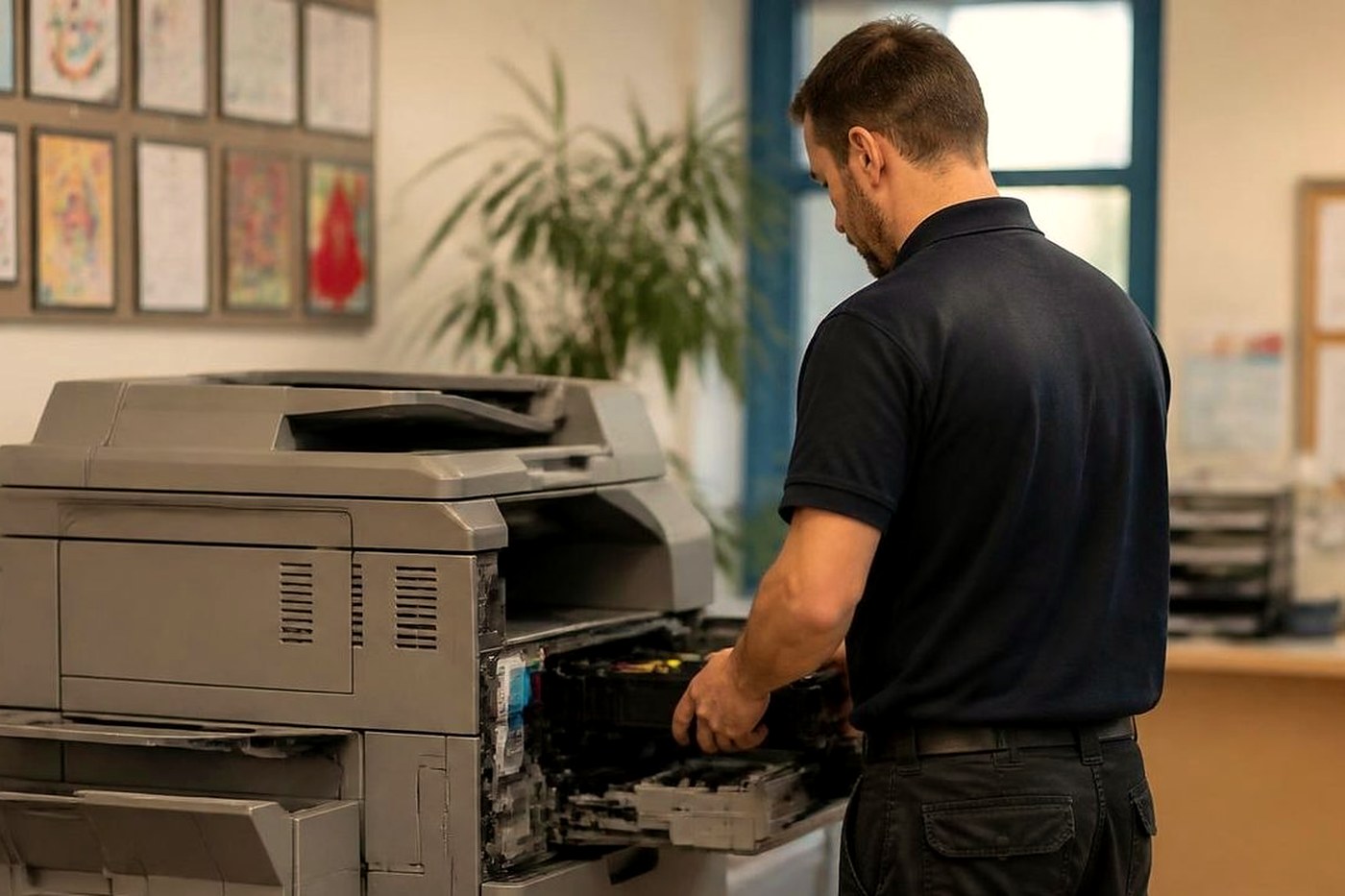
- A certified technician attendsSame day where the diary allows.
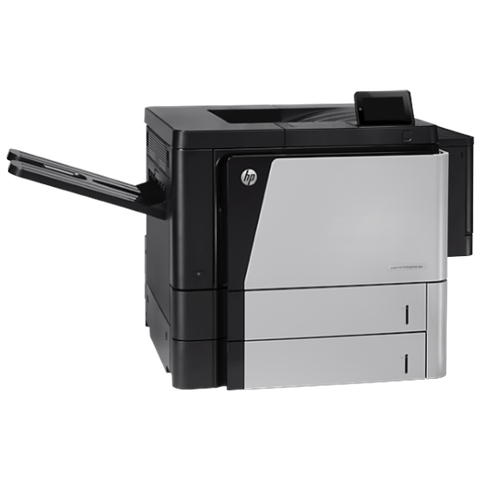
Which HP is it? The families we see
HP sells one idea in several sizes and each size fails in its own way. A small desk machine and a floor of shared mono printers are different jobs, so on the phone we first establish which family you own.
| Family | Models we meet | Where it sits |
|---|---|---|
| LaserJet Pro and Color LaserJet Pro | Color LaserJet Pro MFP M283fdw, the M501dn and the MFP 4301 | Reception desks, treatment rooms, small trade offices. |
| LaserJet Enterprise mono | The Managed E50145 alongside the M506 and M507 | One shared printer for a department or a small firm. |
| LaserJet Enterprise MFP | Managed MFP E52645, MFP M527 and M528 | Offices where scanning to email and folders goes on all day. |
| High volume Enterprise | M607 to M612, and MFP M631 through M636 | Print rooms, council depots, contract fleets. |
| Color LaserJet Enterprise A3 | M751 and M856, MFP M776, Managed E75245 and E85055 | Marketing, design and departmental colour. |
| PageWide Enterprise | Color 556 and Color MFP 586 | Inkjet colour in an office that likes a familiar panel. |
| DesignJet | XL 3600, T1700, T950, T870 and T850 | Architects, engineers, building designers. |
Small OfficeJet Pro business inkjets get a look too when they serve a little practice. On the smallest desk models a repair often costs more than the machine is worth, and we say so.
What the number on an HP panel is telling you
Enterprise machines run FutureSmart firmware, and their codes have three parts, NN.XX.YY. The first pair is the area: 13 a jam, 41 the engine, 49 firmware, 50 the fuser, 51 and 52 the laser scanner, 57 fans, 59 motors, 60 a tray lift, 62 no system, 66 an output accessory, 79 a service error. The rest narrows things down, and meanings can differ between engine families, so the full code is matched to the model before we say anything.
A code points. It says where to look first and nothing about what to buy. Below are the ones that reach us most, grouped by area.
- Paper feed (13): late or missing paper at a sensor after a tray feed shows as 13.B2.D2, 13.A3.D3 or 13.A1.D1. Worn pickup rollers or a sticky sensor flag are the first suspects. If the code ends in FF, as in 13.A1.FF and 13.D1.FF, an earlier jam left a sheet in the path.
- Supplies (10): the machine cannot read the chip on a supply under 10.00.00 and 10.00.10, while 10.XX.41 and 10.YY.35 mean it has found a supply it does not accept. 10.XX.70 says the printer is running past very low.
- Clock (11): 11.00.01 and 11.00.02 mean the internal clock has gone wrong.
- Document feeder (31): the feeder motors are not turning on 31.03.31 and 31.03.32. On 31.03.33 and 31.03.34 the scanner backing strip behind the feeder glass is dirty or missing. 31.13.00 and 31.13.01 report that the feeder picked up several sheets, or none.
- Tray size (41.03.YZ): the paper in a tray is not the size the machine was told. The final digit names the tray or duplexer.
- Firmware (49.XX.YY): HP names a corrupt job, a generic driver, a poor cable or a bad network setting as the usual causes. Our experience agrees.
- Fuser and drive (50): on the M506 family, 50.10, 50.11, 50.12 and 50.20 concern fuser warm up and temperature. The 50 group is wider and also covers drive and mechanical faults.
- Laser, engine, fans and motors: 51.00.xx and 52.00.xx belong to the laser scanner, 55.00.01 and 55.00.03 to the engine controller, 57.00.01 through 57.00.07 to the fans, and 59.00.xx to a feed, fuser or drum motor.
- Trays and output: a tray that did not lift in time is 60.00.04 or 60.00.05, and 66.00.20 is an output device pulling too much current.
- System and storage: damage to the system or its stored data appears as 62.00.00, or as 98.00.01 through 98.00.03.
- 79 Service Error: HP treats it as firmware in most cases. The recovery steps involve wall power, removing cartridges and an update.
Reading the page before the panel
A printed sheet tells us more than a display sometimes does. Scratch the toner with a nail. If it lifts, suspect the fuser. Pages that emerge warm and curled with toner still holding suggest a fuser that is tired but working. A crumpled sheet with a folded corner is a paper path complaint, quite often a pickup roller worn smooth.
Grinding or clicking as the sheet goes in is a gear or a roller, and it will not get better. If you can hear it, describe the sound when you ring. A good description saves a second visit.
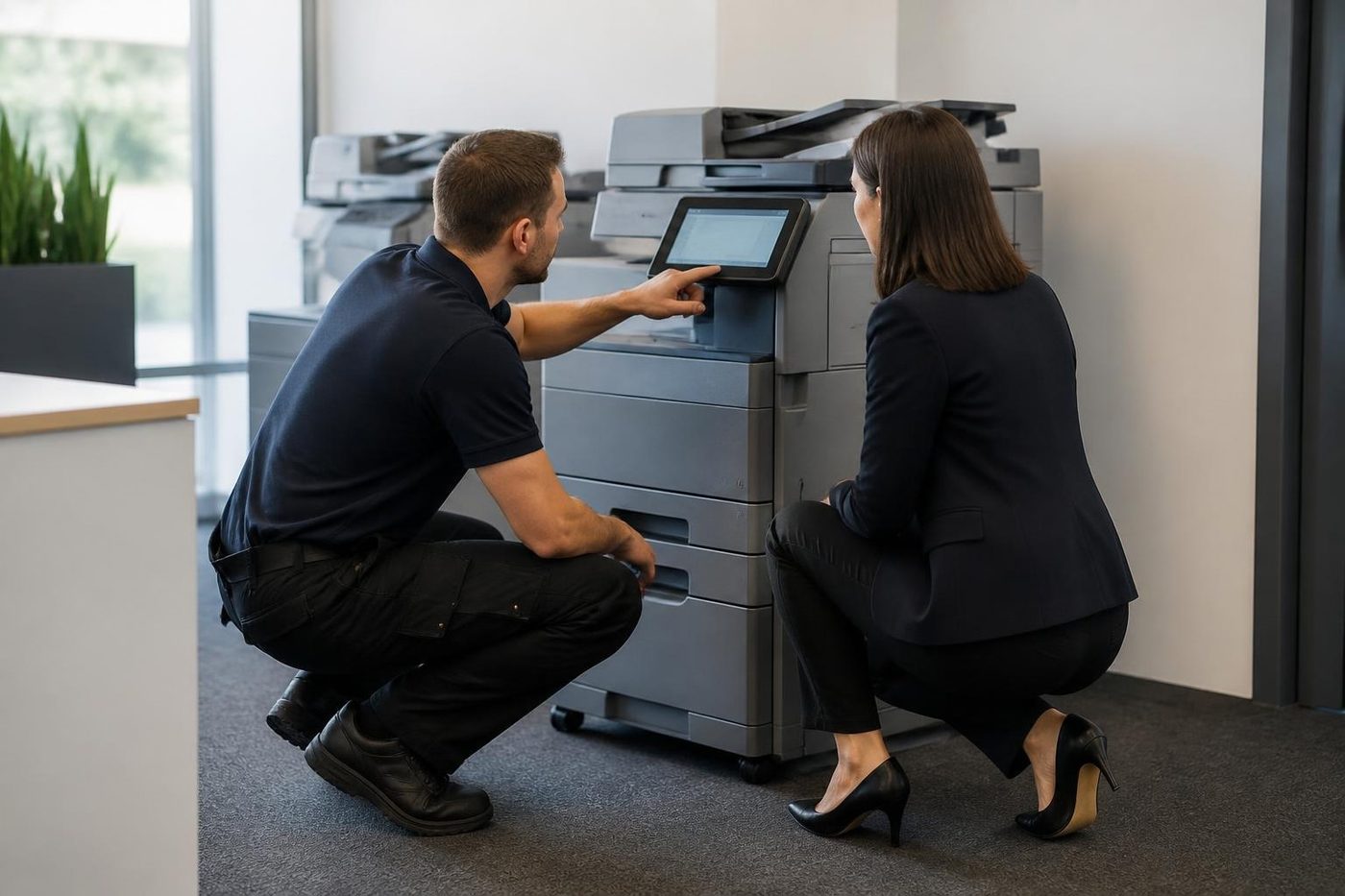
Fuser, transfer roller and pickup rollers wear as a set
On a busy HP these parts all handle the same page count, so they age together. Drop a new fuser into a machine with glazed pickup rollers and you could be phoning again within the month. A technician who has done this a few hundred times asks about the page count, studies the rollers while the cover is off and fits what the machine needs in one go.
Most Enterprise models group the fuser, transfer roller and roller set into a maintenance kit, and which kit suits your printer comes down to the model label. We do not quote page lives for any of it. They vary too much with the model and with how the printer is used.
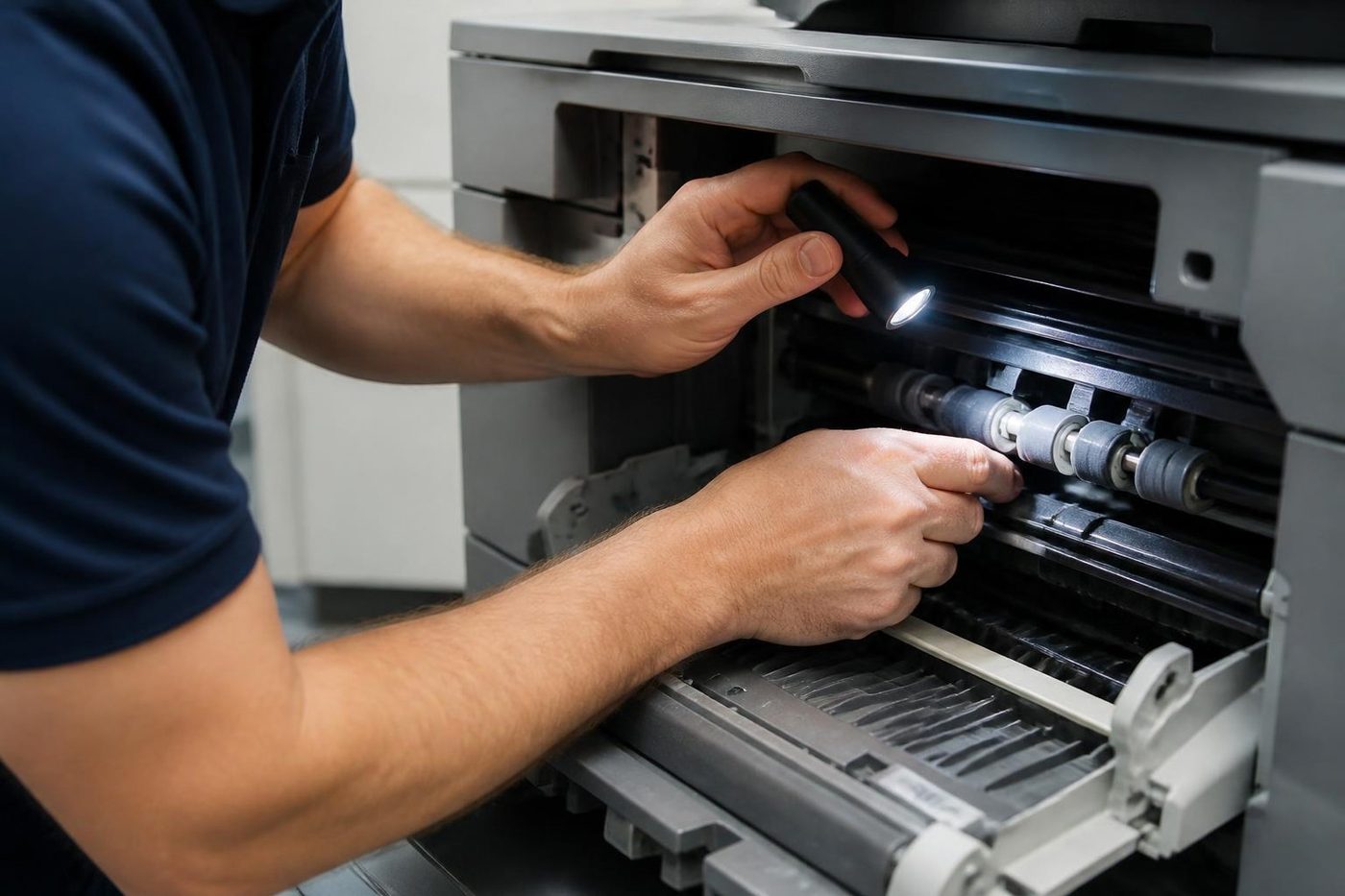
A visit means running paper from every tray, inspecting rollers, sensors and the fuser, reading the event log for repeats, testing the feeder and glass and noting the firmware level. Where only a diagnostic run can separate a sensor from a motor, we do it and show you the result.
Pro, Enterprise or Managed: the E in the name matters
LaserJet Pro machines, the 4000 series for instance, are quick to set up and have fewer assemblies you can swap one at a time. When something big goes, chasing it can cost more than the printer is worth, and we tell you so.
Enterprise models like the M406 and M430 are built for heavier use and are worth repairing for many years. Their parts come out one at a time.
Managed models carry an E in the name. The hardware is much like Enterprise, but they are set up around a supply contract and treat cartridges and firmware differently. A cartridge message on a Managed printer that behaved yesterday can be down to a chip, a seal or the wrong part, with nothing wrong in the printer.
Which cartridge you buy is your business. We explain what the message means, whether the printer is at fault and what to ask your supplier. That conversation has saved a few people a call out they never needed.
Scan to email stopped after an IT change
On FutureSmart machines scanning is configured in the Embedded Web Server, under the scan and digital send tab. The outgoing mail server and its sign in sit there, along with the From address and the Quick Sets that show as buttons on the home screen. For SMTP over SSL, HP help gives port 587.
Microsoft has been switching off basic sign in for mail sending, tenant by tenant, so if scan to email worked last month and fails now that is a fair suspect. Each business is in a different state, and we confirm with whoever manages your mail before we touch the printer. When OAuth 2.0 is required, the printer connects to smtp.office365.com on port 587 with TLS, and you finish with a device sign in code.
Scanning to a network folder has its own wizard, as does a cloud document library. An administrator can freeze the From, To and copy fields or force people to choose from the address book. We also deal with administrator passwords, certificates and firmware, and with the protections HP builds in: Sure Start, whitelisting, run time intrusion detection and encrypted drives. A DesignJet adds network security of its own, including secure boot, SNMPv3 and 802.1x.
Firmware: sometimes the cure, sometimes the cause
Most HP updates are harmless. A few rearrange menus, a few move security defaults, and once in a while one breaks a scan setting that worked before. Say your IT provider updates the fleet overnight and three printers refuse to scan to a folder on Monday: firmware is a fair first guess.
Settings are written down before we touch anything, so if an update did the damage we know what to restore. We do not push updates onto a machine that runs well, and if an update caused the trouble we say so, even if that makes the visit short.
The queue that will not clear, and other things that are not hardware
A surprising number of HP calls involve a printer that is perfectly good. The queue stalls, the printer goes offline each morning, a driver gives up after a Windows update, the router hands the printer a new address. In a firm of six it falls to whoever answers the phone, usually with no idea where to start.
Tests start with whether the printer can be reached, whether its address has moved and whether the print queue on the PC or server is stuck. We work alongside whoever runs your network. Trouble on your side gets named as such. Trouble in the printer gets fixed.
HP printer repair near me: from Caloundra to Noosa
Think of a shared mono printer in an accountant's office at Maroochydore, a Color LaserJet in an agency at Mooloolaba, a plotter at a building designer's in Noosaville and a row of desk machines in a Kawana practice. Access and timing differ for each, and the call gets planned around that.
Warm, humid rooms are harder on fans and paper paths. A printer in a warehouse office near Kunda Park or Yandina gathers more grit than one in a professional suite, and carton dust reaches the pickup area faster than you would expect. Where your IT is run from elsewhere, a scan setting changed there can reach a coastal printer hours before anyone local does. Tell us when scanning last worked and we find the cause faster.
Searching for HP printer repair near me as a business? This is your page. Home printers are not our focus, but a call about one will not be left hanging.
Trays, finishers and what fits which model
- 550 sheet trays that add on, with stands.
- Staple and stack finishers, including the inline stapler stacker on the M776zs.
- Mailbox units and three bin finishers, depending on the printer.
- Flow style multifunctions can take document feeders, fax accessories and encrypted drives.
- Envelope feeders.
Before we plan any work on an option, we confirm it fits your model.
Scans that come out grey, streaked or crooked
The document feeder is the part of an HP multifunction that people lean on hardest and think about least. Staff load a stack of invoices, press start and walk off. A feeder that double picks, skews or leaves a dark stripe down every scan is usually wearing rollers or a dirty strip of white backing that the machine uses to calibrate.
Before blaming the feeder, we check the glass. Correction fluid, label adhesive or a stray hair under the cover leaves the same mark on every page in the same place. Wiping it off takes ten seconds. People pay for a service call over that more often than they would like to admit, and we would rather you did not.
If it turns out to be the rollers, the fix is quick and cheap compared with rescanning a day of paperwork. A 31 series fault from the feeder motors is another job, and we bring the parts for it.
Colour LaserJets: banding, tint and the quote that came out the wrong colour
Colour machines have four colours to keep honest. When one drifts you see a tint down the page, a faint repeating mark, or red that looks orange. On many models the cause is a worn imaging part or toner that has been sitting; on others it is the transfer stage. Which of those it is depends on the model, and we do not guess.
A pale or streaky colour page is also the one that goes to a client. The agencies and builders we look after notice because it is their proposal. A calibration run helps with drift. A part that is worn needs replacing, and we fit what is needed and print a test to prove it.
Supply messages on colour machines sometimes appear even when the cartridge is genuine. That does not always mean the machine is faulty. We check the cartridge is being read properly before anything is changed.
Storm season, power cuts and a printer that will not wake
Summer storms on the coast flick the power off and on, sometimes three times in a minute, and printers dislike it. One that starts up into a service error after a storm may have a firmware or storage fault, or a surge may have upset a board.
A surge board beats nothing, and a direct wall socket beats it for a fuser that pulls plenty of current in a short burst. Should a printer throw a 49 or a 79 after a bad storm, say so on the phone. It changes where we start.
Who calls us about HP, and what the machine is doing for them
- Building and trades offices at Kunda Park and Warana: a mono Enterprise printing quotes, plans in A4 and order sheets all day, with a plotter in the corner for the bigger jobs.
- Dental and medical rooms around Kawana and Birtinya: a small Pro on every desk, a shared machine in the corridor, and a lot of scanning of referrals and forms.
- Accountants and real estate offices at Maroochydore and Mooloolaba: a Color LaserJet that prints the quotes and contracts, and an Enterprise MFP that scans half the day.
- Schools and community offices from Nambour to Gympie: older machines that have been moved from room to room, plus a few Managed models.
- Noosa designers and architects: DesignJet plotters with a laser beside them for the paperwork.
A visit, from the first call to the test page
You call with the model and the message and we sketch the likely cause and cost. If that suits, a time is set. Money is settled during the call, before a booking exists, and you are not locked into anything.
The technician has the training and certification and brings the usual spares for that family of machine. They check the symptom you described, run the paper path, read the log, fix what failed and print a test page. If something else is nearing failure, you are told and you choose whether to deal with it now or later.
If the fault returns, so do we, and that second visit costs nothing.
Repair, replace, or something second hand
A fuser on an M506 is a short job on a sound machine. Four major parts on a ten year old desk LaserJet is a different conversation. We tell you which situation you are in, and the decision is yours with the figures in front of you.
When a replacement is the answer, we deal in machines too, new and second hand, so you stay with the same people. The machines we sell are warranted and so is our repair work, and the phone call covers what that includes.
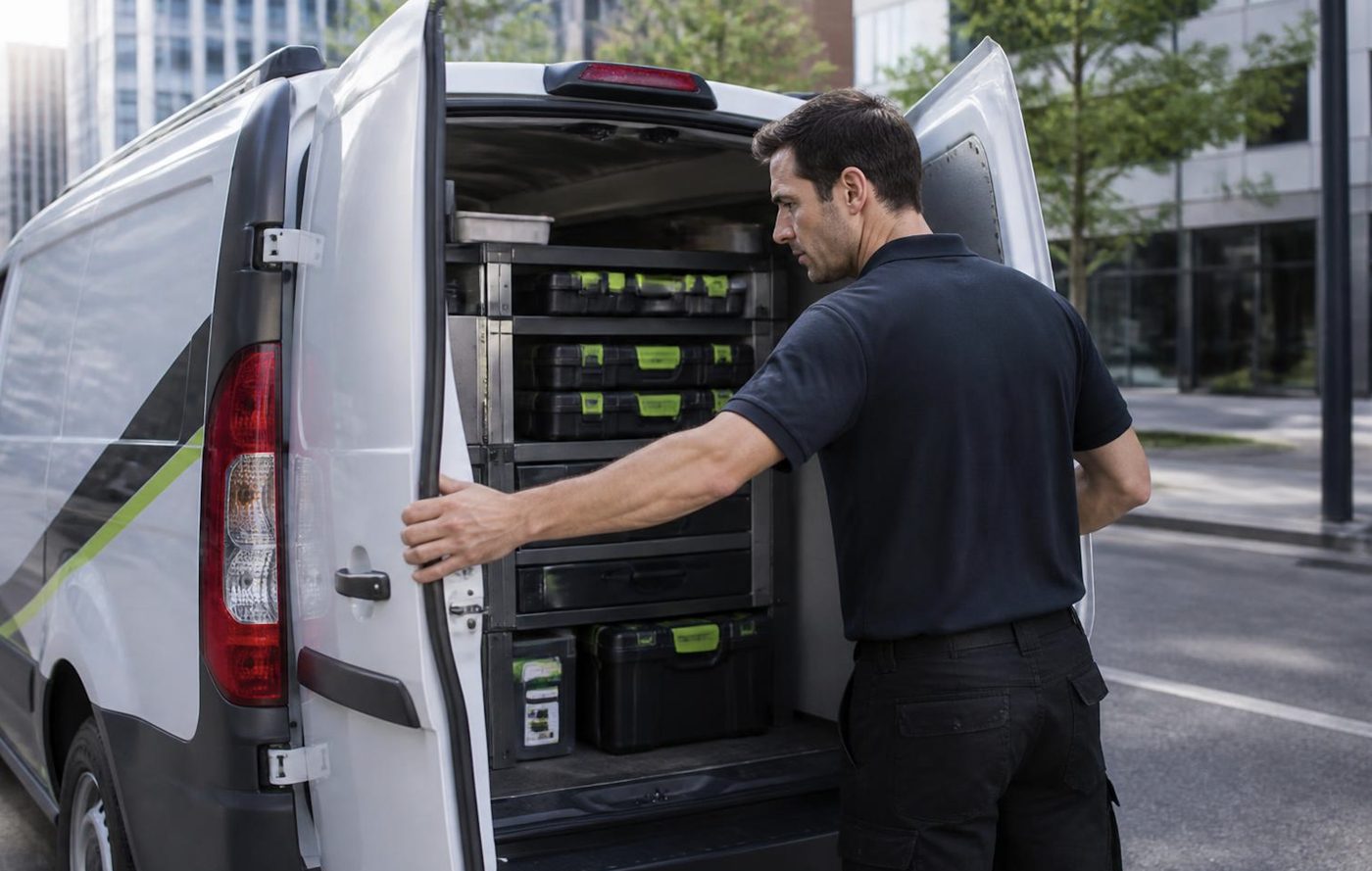
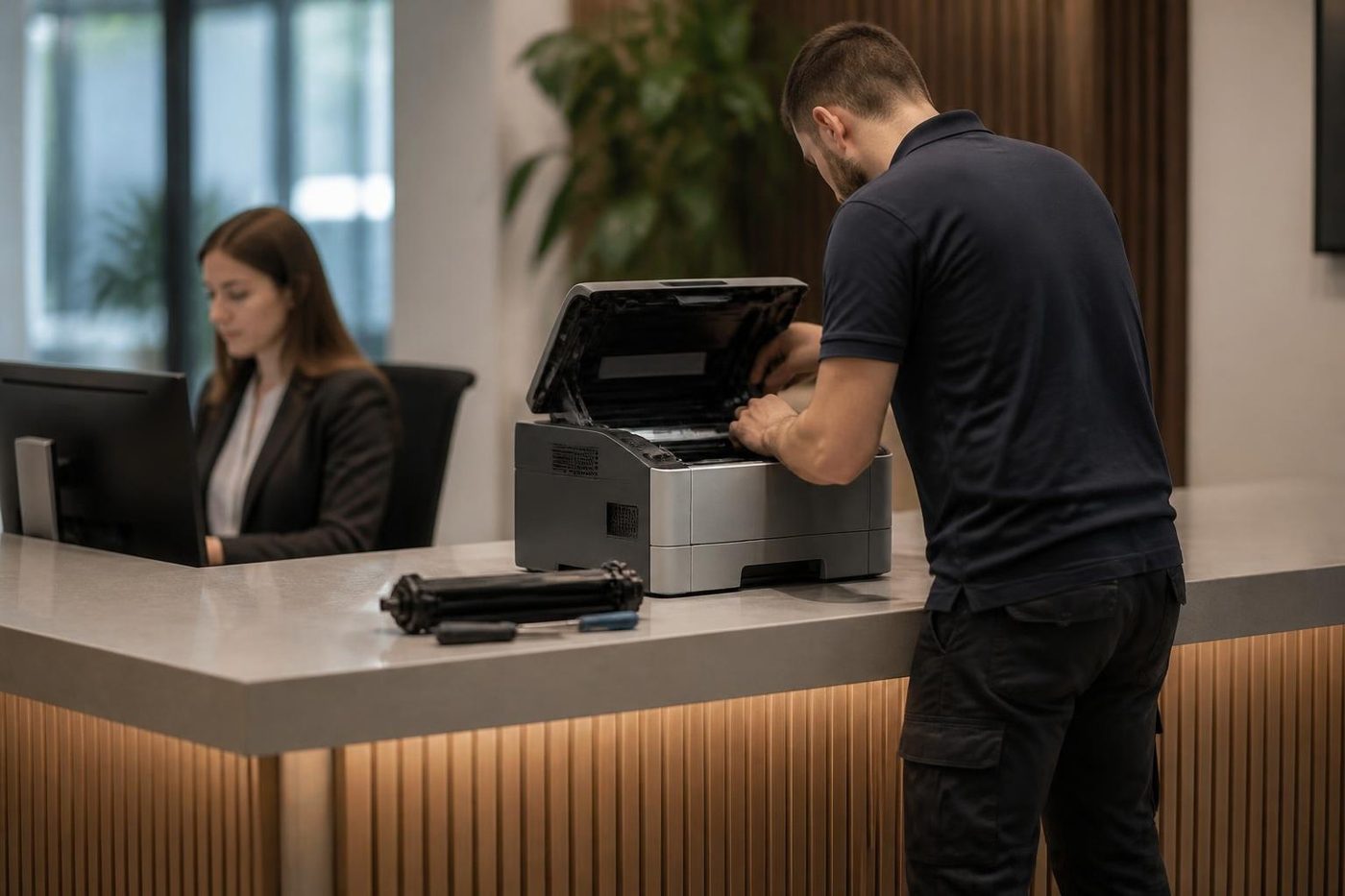
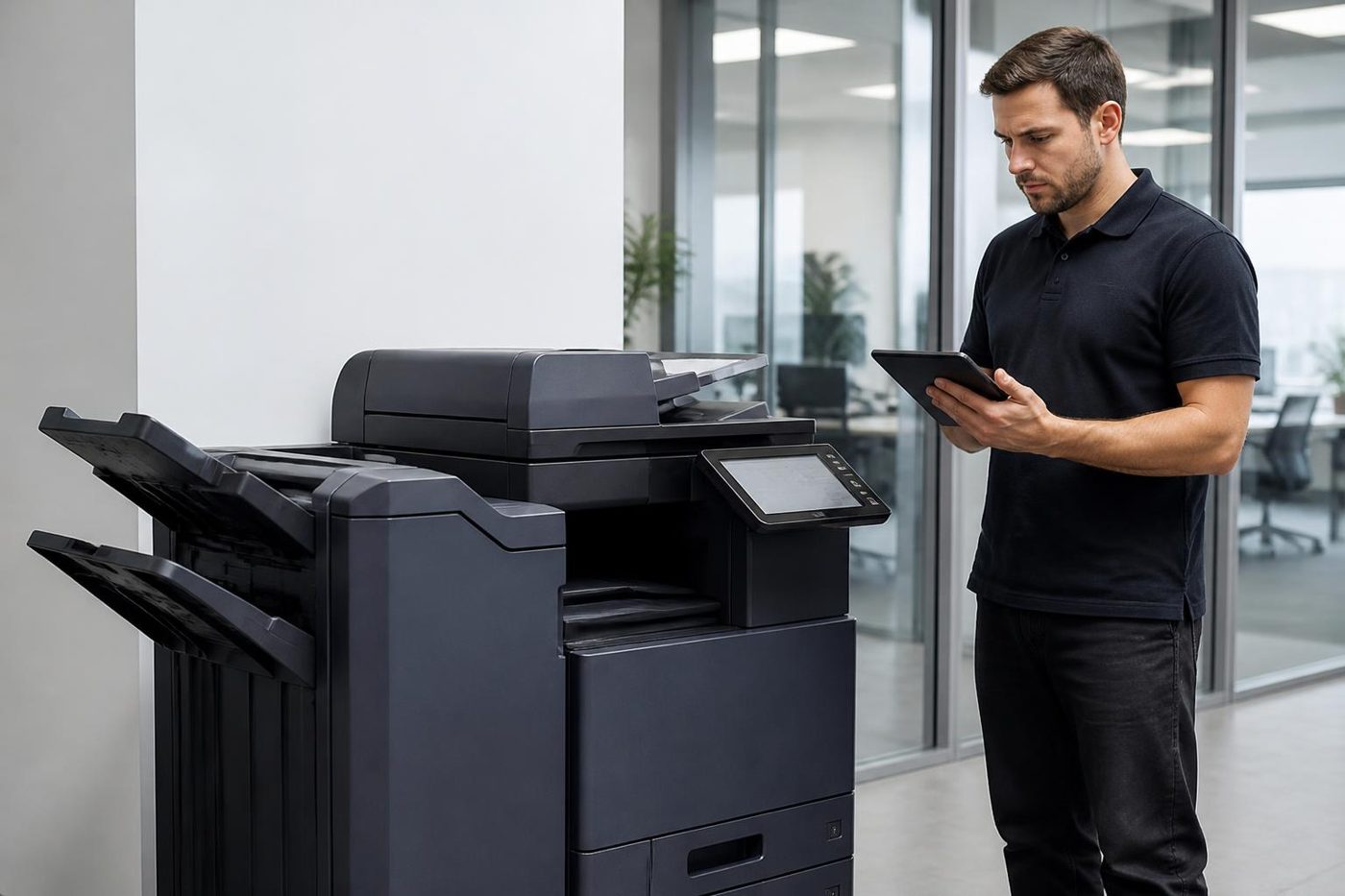
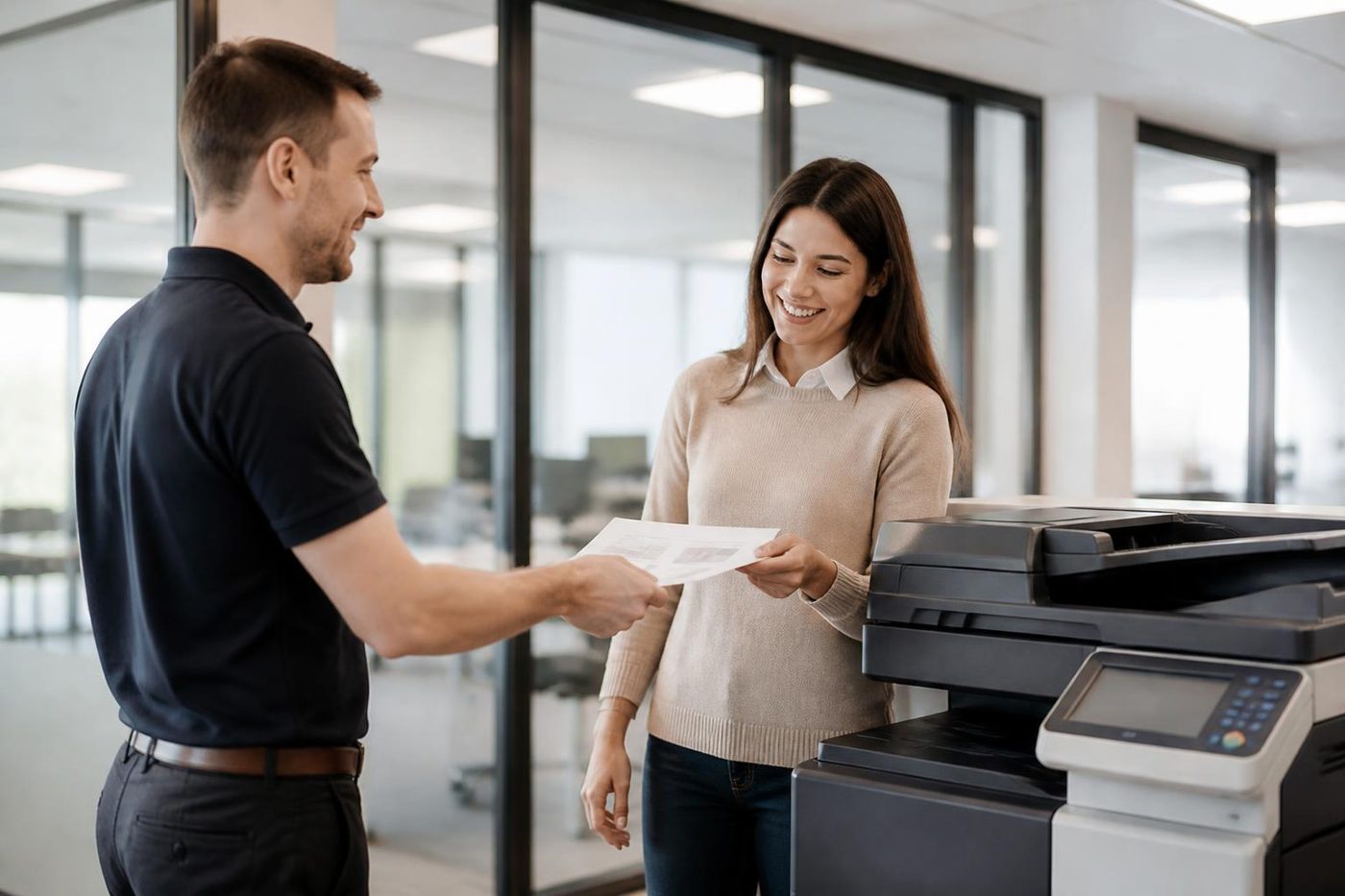
Your HP repair, in four steps
The person at the machine
The best diagnostic tool is whoever uses it
Ask the receptionist at a Sippy Downs surgery what the copier did before it stopped and you often get the answer in ten seconds. It made a clunk. It started pulling two sheets. It only fails on double sided jobs. We ask on the phone and again at the front desk, because the people who use a machine every day know its habits better than any error code.
Then we confirm it for ourselves. What people say is a start, and the machine has the final word.
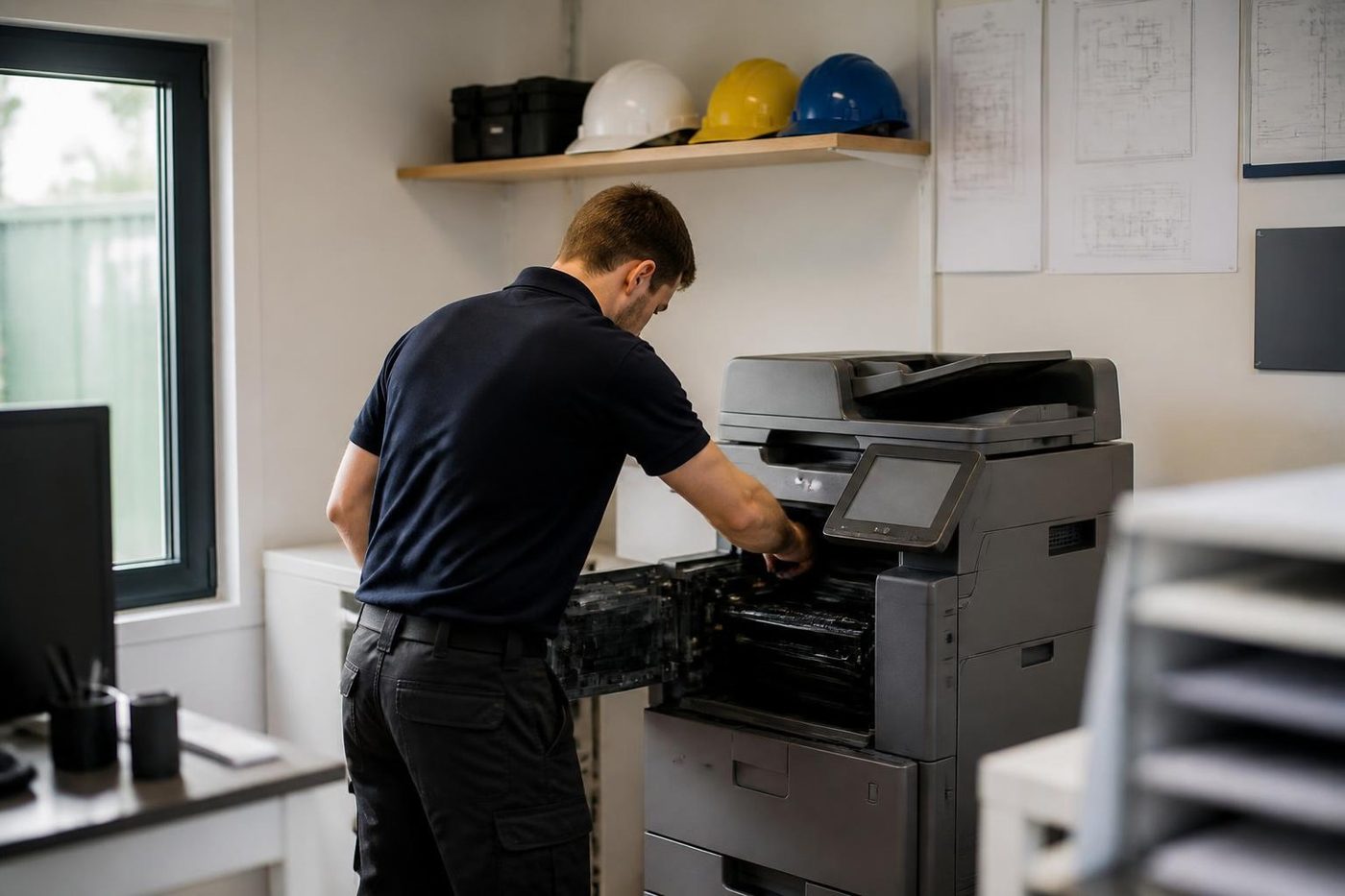
- Ask first. On the phone and again on site.
- Test their job. We print what your office prints.
- Explain plainly. You get the cause in ordinary words.
More for Sunshine Coast offices
 Commercial printer repairsCommercial laser printers, label printers and fleets repaired on site.
 Plotter serviceHP DesignJet, Canon imagePROGRAF and Epson SureColor plotters repaired on site.
 Brother repairsBrother HL lasers, MFC multifunctions and A3 inkjets repaired on site.
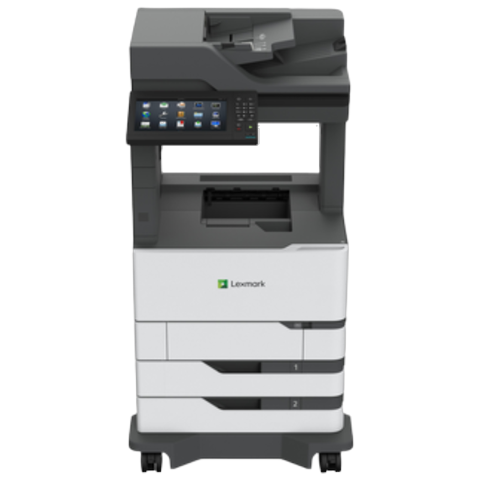 Lexmark repairsLexmark mono and colour lasers and MFPs fixed at your premises.
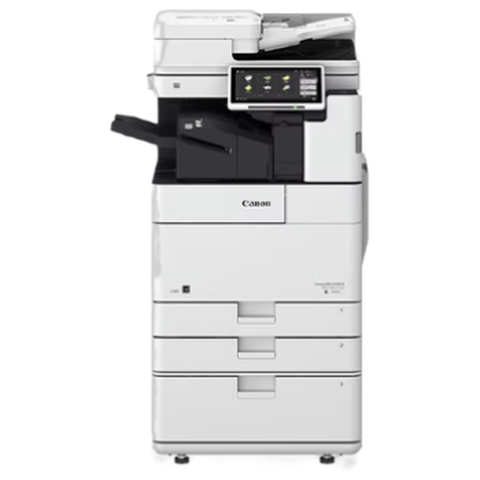 Canon repairsimageRUNNER ADVANCE, DX and i-SENSYS machines, fixed on site.
 MaroochydorePrinter and photocopier repairs for the plaza, the new city centre, Cotton Tree and the business parks.Kawana and BirtinyaMedical suites, Kawana Way offices, Birtinya and Bokarina.
 BuderimVillage practices, allied health, home based firms on the ridge.
Buy, sell and lease
Buy, sell and lease commercial copiers on the Sunshine Coast
We also sell new and second hand commercial copiers and buy used ones. Same team, same technicians.
Offices, surgeries and site sheds

What people ask when they ring
Can an HP printer be repaired at my office, or does it have to go away?
Repairs happen where the printer stands. It stays on your network and any storage inside it stays in your building. The technician brings the common spares for that family, so a lot of jobs close out in a single visit.
The panel says 79 Service Error. Is the printer finished?
Not necessarily. HP generally treats a 79 as a firmware matter. Switching off, pulling the plug at the wall and starting again clears it for some people. If it returns straight away, ring us with the model and we will look.
It says the tray is empty and the tray is full. Why?
Worn or glazed pickup rollers are the usual cause, or a lazy sensor. Check the guides and the size set for that tray too, because a mismatch gives a similar message.
Scan to email stopped after our Microsoft 365 changed. Can you sort it?
In most cases. First we want a word with whoever manages your mail, since the sign in method for sending has been changing and the right fix depends on how your tenant is set up.
A cartridge that looks fine is being refused by our Managed HP. Why?
Managed models expect supplies under a contract. A seal left on, a chip the machine cannot read or the wrong part number can all trigger it, and the printer itself may be healthy.
Can you repair DesignJet plotters too?
Yes, including the XL 3600, T1700, T950, T870 and T850. The plotter page goes further into banding, roll feed and calibration.
How soon could a technician arrive?
Same day visits are possible. During the call we say what is realistic for your suburb, and when the lines are busy your call is logged and returned.
Is an older LaserJet worth repairing?
Often an Enterprise model with a tired fuser or rollers is. A small desk LaserJet wanting several parts rarely is. You hear which kind you have before anyone is booked.
What if the same fault returns?
Roughly 98% of repairs finish on the first visit. When one does return, the second visit is free, so you never pay twice for one fault.
Lines busy?
(07) 5327 3472, or leave a note
If we cannot pick up, your call is logged and returned. Nothing gets lost.
Leave a note
All of our work on the Sunshine Coast
Service pages
- Photocopier repairs Sunshine Coast
- Commercial printer repairs Sunshine Coast
- Plotter service Sunshine Coast
Fault pages
- Installation and setup Sunshine Coast
- Relocation and removal Sunshine Coast
- Copier and printer faults Sunshine Coast
- Photocopier paper jams Sunshine Coast
- Copier black lines and streaks Sunshine Coast
- Copier error codes Sunshine Coast
- Copier not printing Sunshine Coast
- Scan to email not working Sunshine Coast
- Toner smearing and fuser faults Sunshine Coast
- Printer offline and network faults Sunshine Coast
- Copier noise, grinding and squealing Sunshine Coast
- Is my copier worth repairing Sunshine Coast
- Toshiba e-STUDIO error codes Sunshine Coast
- HP LaserJet error messages Sunshine Coast
- Kyocera TASKalfa error codes Sunshine Coast
Makes we work on
- Toshiba copier repairs Sunshine Coast
- Kyocera copier repairs Sunshine Coast
- Fujifilm copier repairs Sunshine Coast
- Xerox copier repairs Sunshine Coast
- Canon copier repairs Sunshine Coast
- Ricoh copier repairs Sunshine Coast
- Lexmark printer repairs Sunshine Coast
- Brother printer repairs Sunshine Coast
- Epson printer repairs Sunshine Coast
- OKI printer repairs Sunshine Coast
- Zebra printer repairs Sunshine Coast
- Konica Minolta copier repairs Sunshine Coast
- Sharp copier repairs Sunshine Coast
- Samsung printer repairs Sunshine Coast
- Fuji Xerox copier repairs Sunshine Coast
Coast towns and suburbs
- Printer service Caloundra
- Printer service Gympie
- Printer service Buderim
- Printer service Maleny and the Blackall Range
- Printer service Kawana and Birtinya
- Printer service Nambour
- Printer service Maroochydore
- Printer service Noosa and Noosaville
- Printer service Coolum and Peregian Beach
- Printer service Mooloolaba and Alexandra Headland
- Printer service Sippy Downs and Maroochydore industrial
- Printer service Pelican Waters and Bribie Island
- Printer service Beerwah and Glass House Mountains
- Printer service Yandina and Eumundi
- Printer service Cooroy, Pomona and Cooran
- Printer service Cooloola, Tin Can Bay and Rainbow Beach
- Printer service Kilcoy and the D'Aguilar side
- Printer service Palmwoods, Montville and Mapleton
- Printer service Landsborough and Mooloolah Valley
- Printer service Marcoola and Sunshine Coast Airport
- Printer service Coolum industrial
- Printer service Warana and Kunda Park
- Printer service Tewantin
- Printer service Bli Bli and Pacific Paradise
- Printer service Currimundi, Little Mountain and Baringa
- Printer service Kenilworth, Imbil and the Mary Valley
- Full list, Caloundra to Gympie
Got the make and the problem? That is all we need to price it.
What is wrong with it? Tell us on the Sunshine Coast
We read every message and phone you, usually with a question or two about the machine and a price. Prefer to ring? (07) 5327 3472.