Samsung printer repairs Sunshine Coast offices can still book
Few people ring about a Samsung until it has been reliable for a very long time. Then one morning the display says something about heat, or the paper stops halfway, or a page comes out with a grey band, and nobody in the office knows who looked after it.
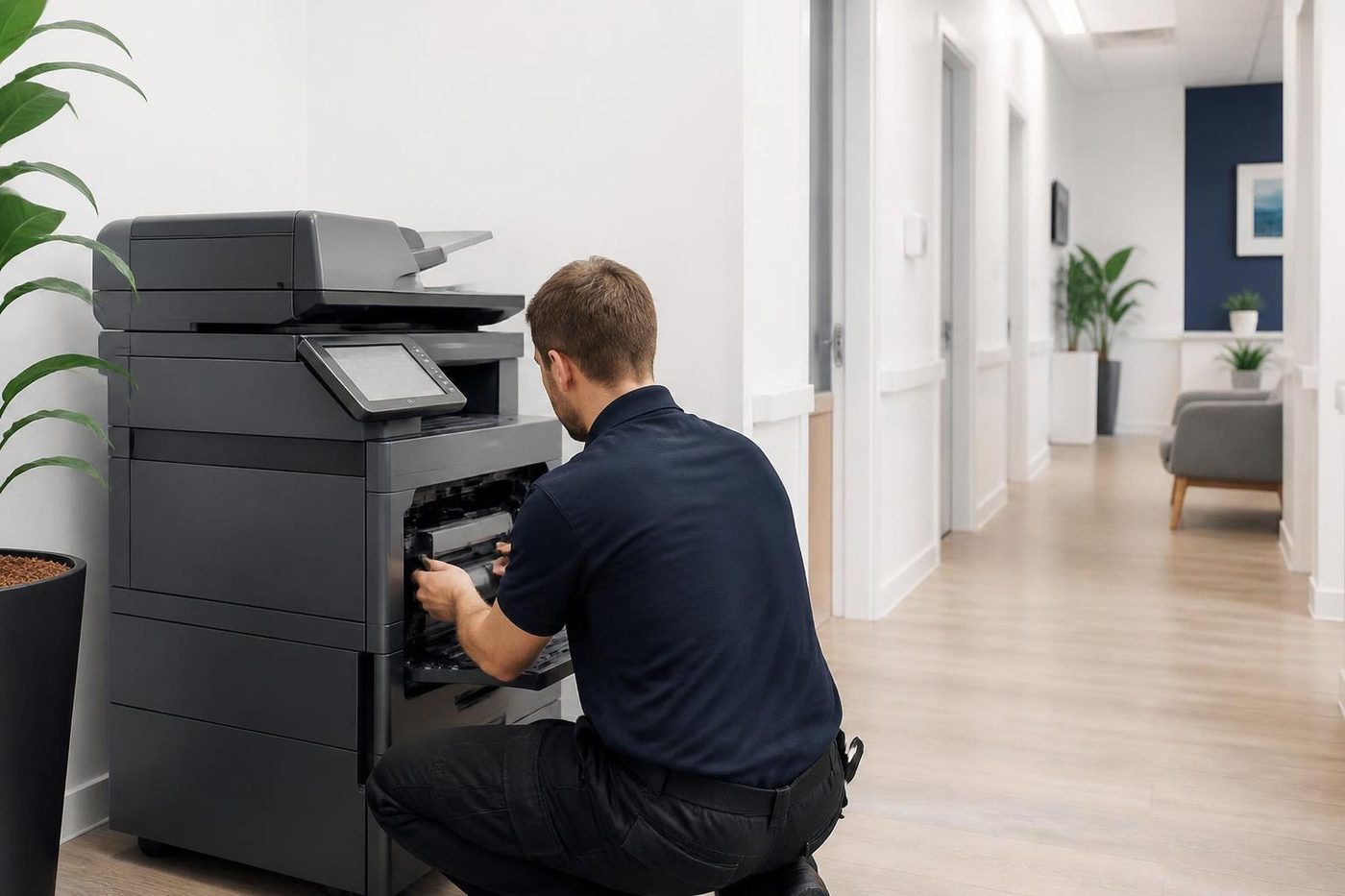
The machines are not a thing of the past. Samsung lasers were built to be cheap to run and tough, and a great many are still in service. The difficulty is that the name on the front no longer leads anywhere obvious. We fix that part. We repair them at your premises, with a technician who is trained, experienced and certified and who carries the common spare parts.
Our work is warranted, and we explain what is covered on the phone. If the same fault comes back we fix it again at no charge. And when a Samsung is not worth another repair, we say so plainly, because you should not spend good money on a machine that is at the end of its life.
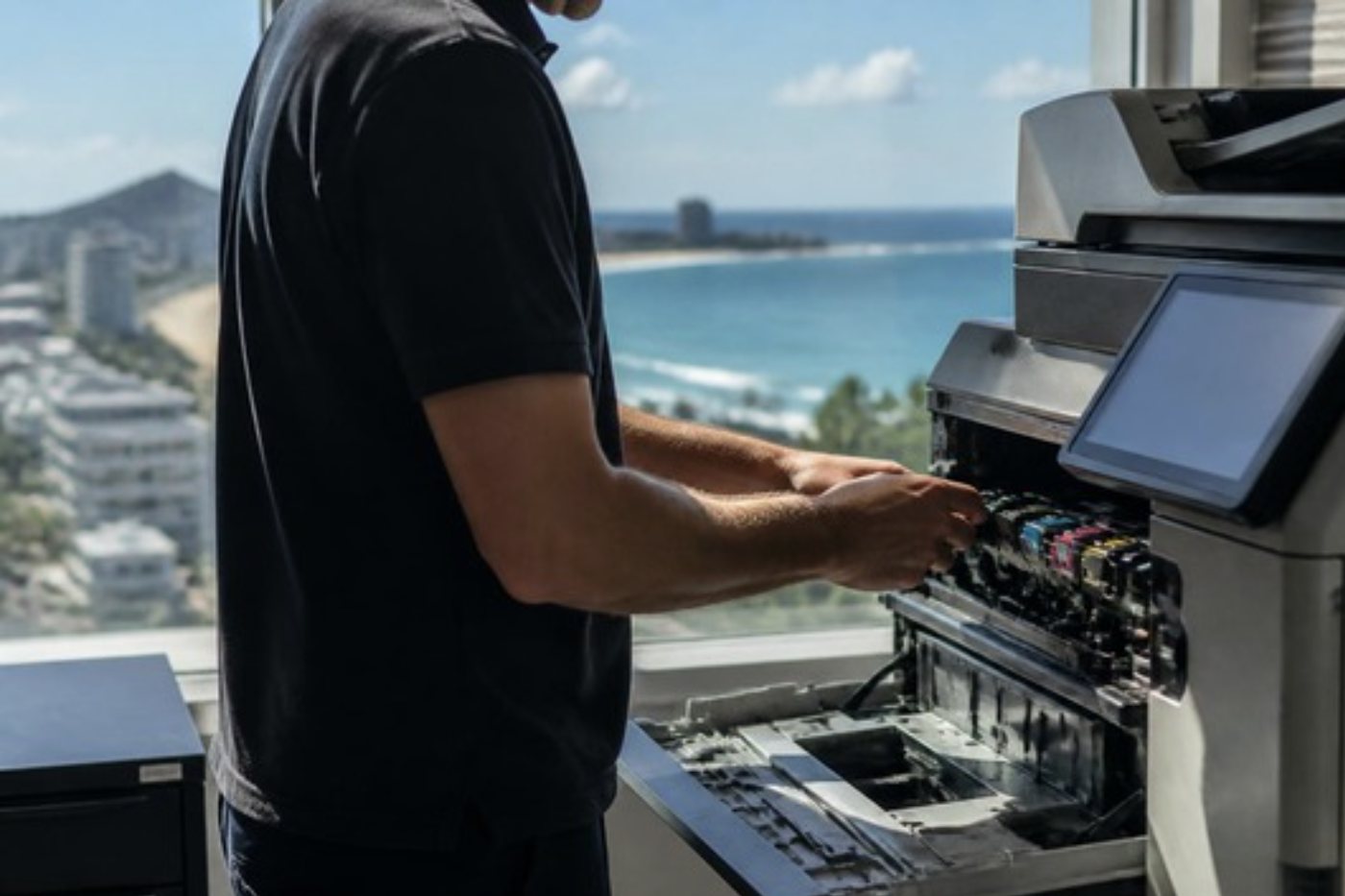
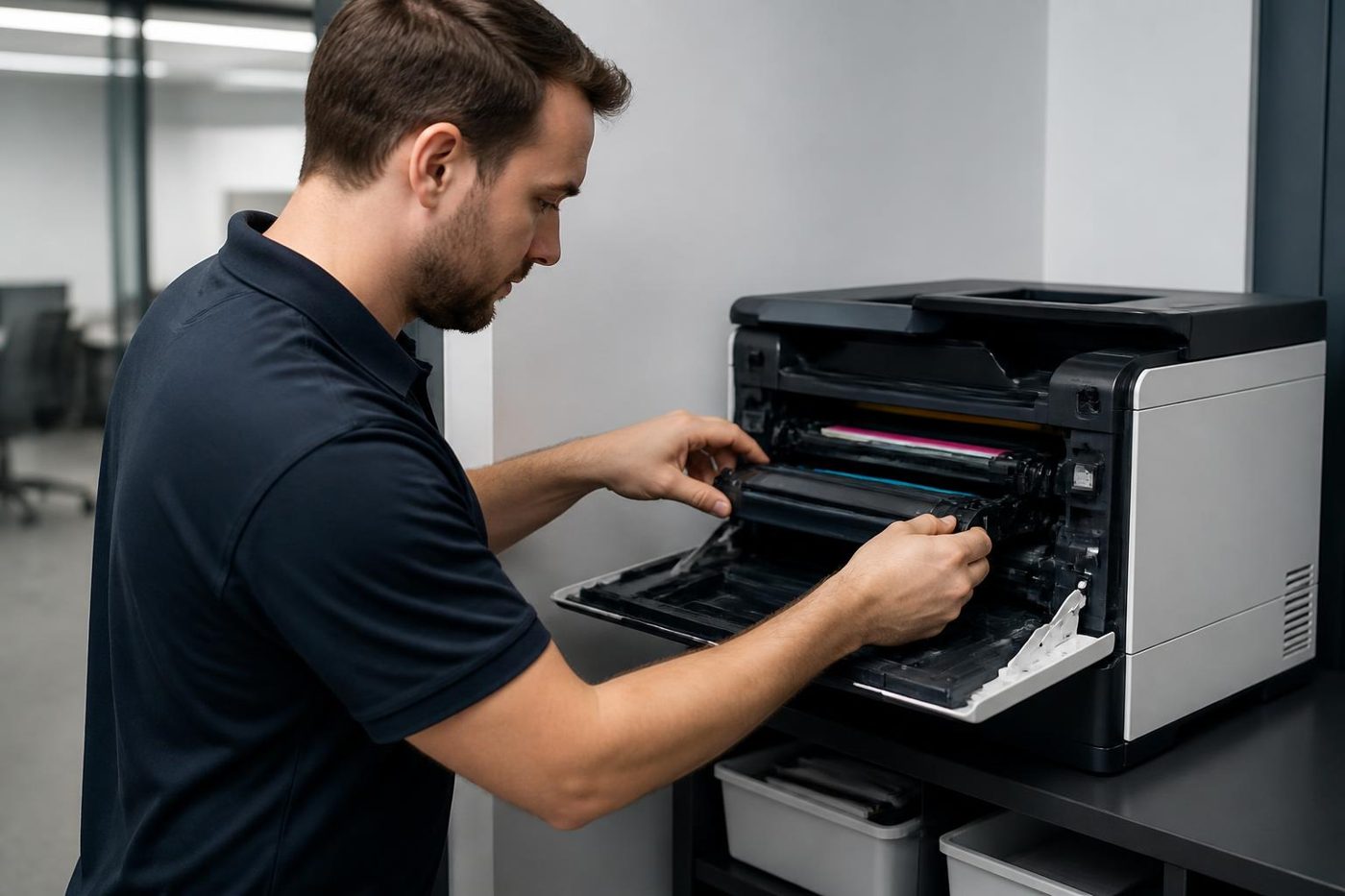
What happened to Samsung printers
Samsung sold its printer and copier business to HP, and HP now supports the machines. The Samsung name is still on the front, but the drivers, the support pages and the parts pathway moved to HP. For an office that means the software you need is usually on the HP support site and not a Samsung one. It also means a technician who knows both brands is useful, because many parts and procedures on later machines are familiar from HP printers.
We are an independent service business. We are not Samsung and we are not HP. We say what we can do on the model you have and, if a repair is not sensible, we tell you.
The calls we hear
Ring with the model number from the front, the exact words on the display and what the page looks like. You do not need to know the part. We say what the fault usually is on that machine and what the repair involves.
- A heat or fuser message that returns after the printer has been switched off and on.
- Paper that jams at the same point on every job.
- Pale or patchy print, or a grey background across the page.
- A message about toner, the imaging unit or waste toner that stays after the part has been changed.
- A multifunction that prints but no longer scans to the computer or to a folder.
- A printer that fell off the network when the router or the switch was replaced.
- A grinding or a clunk when the printer starts a job.
Samsung ranges we see
If your model is not on the list, phone with the number from the label. Many Samsung model names start with SL and then a letter and digits. We say what family it belongs to and whether we can service it.
| Range | What it is | What we usually see |
|---|---|---|
| Xpress M and C series | Compact mono and colour lasers and multifunctions for small offices. | Pickup rollers, fusers, toner and imaging messages, scan and driver trouble after a computer change. |
| ProXpress | Heavier duty workgroup mono and colour printers and multifunctions. | Fuser faults, paper path wear, networking and finisher or tray problems on busy machines. |
| MultiXpress | Large multifunction copiers in A3 and A4 sizes. | Fuser, transfer and drum wear, feeder misfeeds, scan to folder settings. |
| ML, SCX, CLP and CLX | The older families, still found in offices and workshops. | Worn rollers and fusers, and parts that are getting harder to find. |
Low heat, open heat, over heat
On many Samsung lasers the display uses a few short messages about heat. Low heat, open heat and over heat are the common ones. They all point at the fuser group, which includes the heating element, the thermal sensor and the thermostat. Which part has failed depends on the message and the model, and that is where an experienced technician saves time.
Switching off and on may clear the message once. If it returns, the cause is still there. Do not keep trying. A fuser that has overheated, or a jam that has been forced, is often the difference between a short repair and a long one. If the machine smells of burning, switch it off at the wall and ring. The fuser runs hot enough to burn a hand, and touching it is not a safe way to find out what is wrong.
Toner, imaging units and waste toner
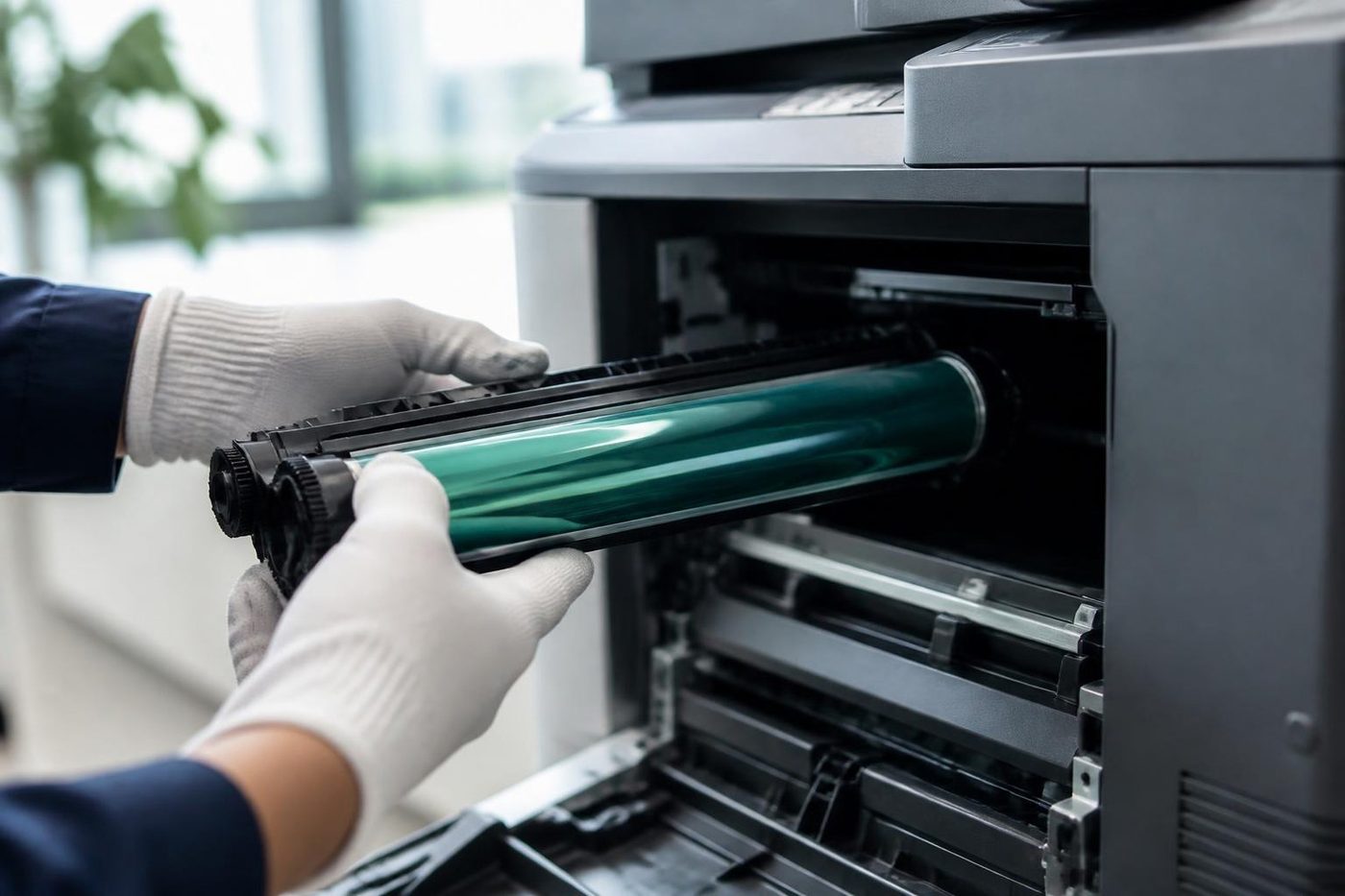
Samsung machines vary in how they divide the consumables. Some have a toner cartridge with the imaging parts built in. Others, particularly later ProXpress and colour models, have a separate imaging unit and, on colour machines, a waste toner container.
A message about the imaging unit is not cured by new toner, and a message about toner does not mean the imaging unit is at fault. We read the message, check what is fitted, and say which part the machine is asking for before anyone orders anything.
If a message stays after a new part has been fitted, tell us. Sometimes the part was not seated, sometimes a counter needs resetting, and sometimes the fault is elsewhere in the machine.
Samsung printer service Sunshine Coast: what a visit covers
The technician reads the message exactly as it appears, because the wording varies with the model. A test page shows what the print path is doing. Then the paper and the pickup, the toner and imaging parts, the fuser, and finally the network and scan settings.
Cheap checks come before expensive ones. Paper that has taken up moisture in a humid store room curls and jams, and a pickup roller worn smooth will grab two sheets or none. A fuser that has aged shows as smearing or a heat message. We test and we do not guess, and we tell you what we found before any part is fitted.
Drivers, scanning and the HP support site
A Samsung that prints from one computer and not another is usually a driver or an address, not a hardware fault. After a computer is replaced or an operating system updated, the old driver may no longer work, and the new one is on HP, not Samsung. We install the right driver, set a fixed address if one is needed, and test a page from a desk other than the one used for setup.
Scan to computer on a Samsung multifunction relied on a scanning program that came with the machine, and that program does not always survive a computer upgrade. Where the machine supports scan to email or scan to folder, we set that up instead, because it does not depend on one computer.
A Samsung in the back room
Many Samsung printers on the coast sit in back offices, store rooms and workshop corners, because they were cheap to buy and never meant to be the star of the room. That is where the damp gets them. Paper that has taken on moisture curls and jams, dust gathers on the pickup rollers, and a printer in a hot, closed room runs near the limits of its fuser.
Moving the machine and the paper to a cooler, drier spot costs nothing and is often the best value fix on offer. We look at where it sits as part of the repair, and say what we would change.
Repair or replace
A Samsung that needs a roller, a fuser or a toner part on an otherwise sound machine is usually worth repairing. A machine that needs several major parts, or one for which parts are hard to find, may not be. We tell you honestly which it is, so that you are not paying to keep alive a machine that will fail again next month.
If you decide to replace it, we buy and sell commercial machines, new and second hand, and the machines we sell are warranted. If you want to sell the old one, ask us what commercial machines we take.
Where the Samsung calls come from
We repair Samsung machines from Caloundra and Kawana through Maroochydore and Noosa to Nambour, and up to Gympie and the surrounding areas. Where several machines are in one part of the coast we group them into one visit, and longer jobs are planned into the day.
They turn up in clinics, accounts offices, schools, trade businesses and workshops. Our main work is commercial machines. If someone rings about a small printer at home, we will say honestly whether it makes sense to repair it. If the lines are busy when you ring, the call is logged and returned.
Pale print, grey backgrounds and the page that looks tired
Pale print on a Samsung usually has one of three causes. The toner is running low and the machine is still doing its best. The imaging parts are worn and are not laying toner evenly. Or the transfer roller has seen better days. A grey background across the whole page leans towards worn imaging parts or toner leaking where it should not.
We start by looking at the page itself. A faint overall print is a different problem from a faint stripe, and a stripe that repeats at an even distance is different again. If you can keep two or three bad pages, hold them for us. A page that has come out wrong tells us more than a description does.
Shaking the toner cartridge gets another few pages out of it and sometimes gets blamed for the repair that follows. It does not fix a worn imaging unit, and it can spill. We would rather you left it.
Paper jams, in the order we look at them
A jam that happens at the same spot every time is a message about the paper path. A jam that moves around is more likely about the paper itself.
We start with the stock. Is it damp, curled, stuck together at the edges, or a heavy sheet in a tray set for standard? Then the guides, which are often one notch out. Then the pickup roller, which wears smooth with years of use, and the separation pad beside it. Last comes the fuser exit, where a creased sheet tells us the fuser is the problem, and a clean sheet that arrives late tells us the feed side is.
Rollers can be cleaned, and sometimes that buys a few months. When they are glazed or flat, cleaning only postpones the repair, and we say so.
A printer that vanished from the network
The most common Samsung call that has nothing wrong with the printer is the one that follows a router swap or a new switch. The printer takes its address from the network, the network changes, and every computer in the office is now pointing at an address with nobody home.
The cure is usually a fixed address for the printer and a tidy of the ports on each computer. We set the address, test from a second desk and write the number on a label inside the front cover, so the next person does not have to guess.
Grinding at the start of a job
A Samsung that groans or clunks as a job begins is usually telling you about a gear or a drive. The noise comes when the machine takes up load, and stops once it settles. Gears wear over years of use, a plastic tooth chips, and the machine fights its own drive until something gives.
This is not a thing to run on. A noisy drive that is left to carry on can strip a gear and take a roller with it. Ring, and tell us when the noise happens and how long it lasts.
Colour Samsungs: the CLP and CLX families
The colour machines have more to go wrong than a mono. There are four toners, a transfer stage where they meet and, on many models, a waste container to empty. A colour that goes off, or a thin line of one colour, is a different problem from a general smudge.
We look at the toner and imaging parts for the colour in question, and then the transfer stage. Colour registration drift, where the colours do not quite sit on top of each other, can come from the transfer belt or from dirt on a sensor. A clean and a calibration cure some. Others need a part.
Not every old colour Samsung is worth the money. Consumables for the colour range cost more than for the mono, and when the machine is also due a fuser or a transfer unit, we say frankly that the bill may beat the value.
Cartridges, chips and the message that will not go
Most Samsung cartridges carry a small chip that tells the machine what has been fitted. A cartridge that has been refilled, or one made for a neighbouring model, can leave the message on screen after a change. That is not always a fault with the machine, and it is the first thing we check.
We do not push any particular supplier. We tell you what the machine is asking for and whether the message looks like a seating problem, a counter or a real fault. If a fresh cartridge from a trusted source clears it, that is the answer.
Three Samsungs in a trade office
It is common to find a small business with a mono Samsung at the front desk, another in the workshop office and a colour one that only gets used for quotes. They were all bought in the same year and they are all ageing together.
When one of them calls us, we look at the others while we are there. A quick look at the rollers and the fuser on each costs little, and it turns three separate breakdowns into one planned visit. We tell you which ones are healthy, which are close to needing something and which are better left alone.
Looking after a Samsung that still works
There is not much to it. Keep the paper dry, keep the vents clear, and do not leave the machine in a closed, hot room. Use decent paper, because cheap stock sheds dust that ends up on the pickup roller. Turn the machine off at the wall in a storm.
If the display begins to show something you do not recognise, write it down before you clear it. A message that comes and goes is more use to a technician than one you can no longer remember.
A Samsung bought for one desk and shared by ten
The usual story is that a cheap laser went in for one person and ended up serving a whole office. It was never designed for that, and it shows. Pickup rollers wear sooner, the fuser is cycled more often, and a toner cartridge that was meant to last a quarter is gone in a month.
That is not a reason to scrap it. It is a reason to look at the load. If a machine is printing far more than it was built for, a heavier duty model or a second printer takes the strain off both. We tell you honestly whether the Samsung has a few years left or whether it is better to plan for its replacement.
What a technician carries for a Samsung
Pickup and feed roller sets, fuser parts for the common models, and the small items that wear: gears, springs and sensors. Parts for the older families are harder to find than for the newer machines, and for a handful of models we say honestly that a part is not worth chasing.
That honesty is the most useful thing we can offer on a machine of this age. The call is not only a repair. It is a judgement about whether the repair is the best use of your money.
Samsung multifunctions and the scanner glass
On a Samsung multifunction a dirty or scratched scanner glass prints a line down every copy and every scan. People assume the drum, change the toner and are puzzled when the line stays. Wipe the glass with a soft cloth. If the line moves when you move the original, it is the glass. If it stays put, it is inside the print path.
A document feeder that skews, or that picks two sheets, is a roller or a pad. A quick clean of both often helps. When it does not, the rollers are worn and a set is a small, sensible repair.
Wireless and the printer that keeps dropping out
A Samsung connected by Wi-Fi in a busy office can drop off the network for no obvious reason. Sometimes the signal is weak behind a wall. Sometimes the router was replaced and the printer is still looking for the old one. Sometimes the printer's address has changed and every computer is aiming at a stale number.
If the printer matters to the office, a cable and a fixed address are more reliable than any wireless link. We can set that up. If it must stay wireless, we check the signal where the machine sits and tell you honestly whether it will hold.
A last honest word on old Samsungs
A Samsung that has run for ten years has earned its place, and plenty are still worth a repair. Some are not, and we would rather say so before you spend on them. The test is simple. What would the repair cost, what would a sound replacement cost, and how much longer would the old machine reasonably last.
If we tell you to fix it, we fix it properly and stand behind the work. If we tell you to replace it, we say why, and we do not push a particular machine.
Before you ring about a Samsung
That is enough for us to say what the fault usually is, what the repair involves and what it will cost, on the phone, before anyone is booked.
- The model number from the front or the label inside the door.
- The exact words on the display, or a photo of them.
- Whether the fault is on prints, copies or scans, and on one computer or all of them.
- What the page looks like if the print is wrong, and a sample if you can keep one.
- Anything that changed lately, such as a new computer, a router change, a power cut or a move.
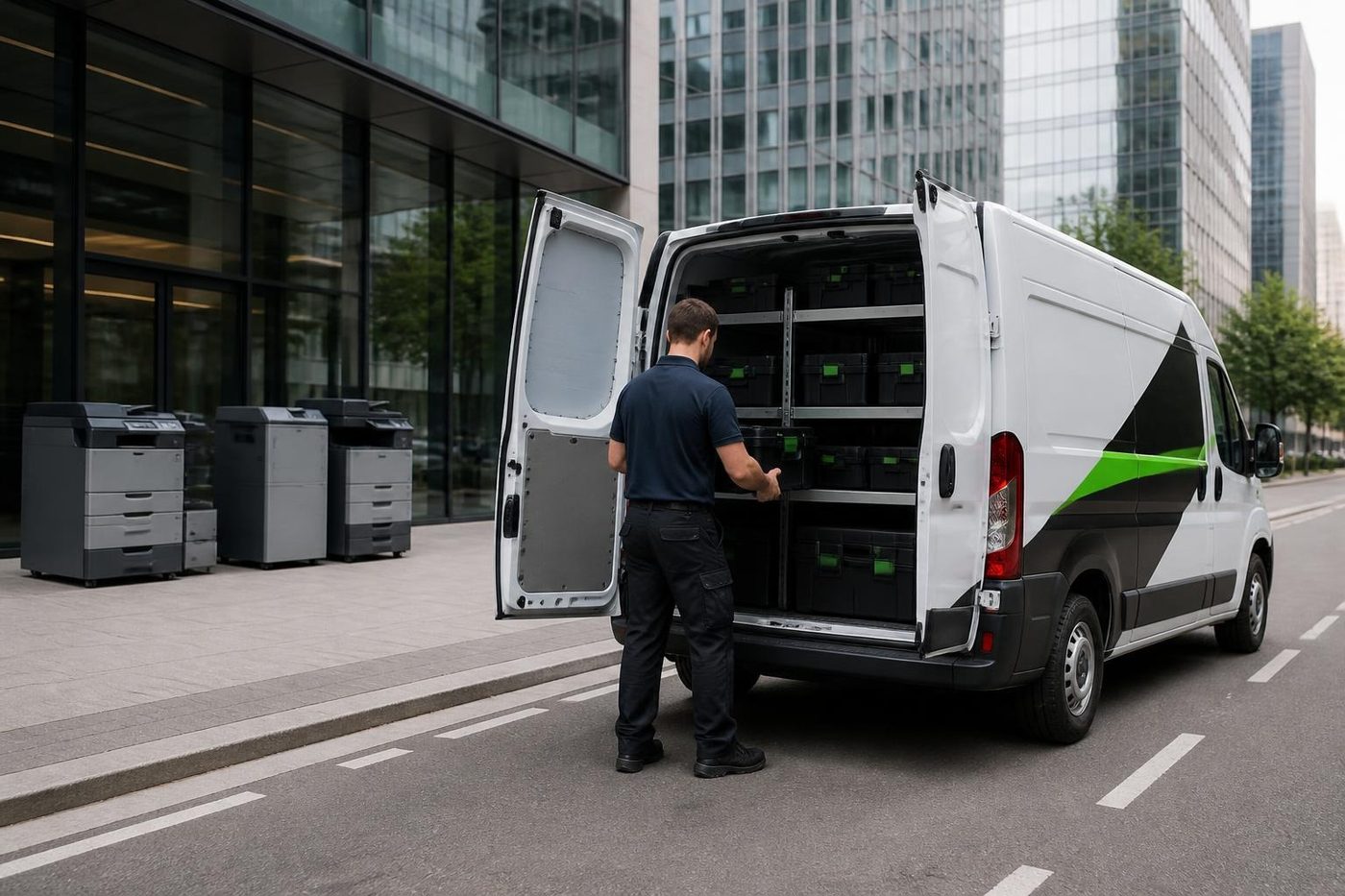
From the van to a working Samsung

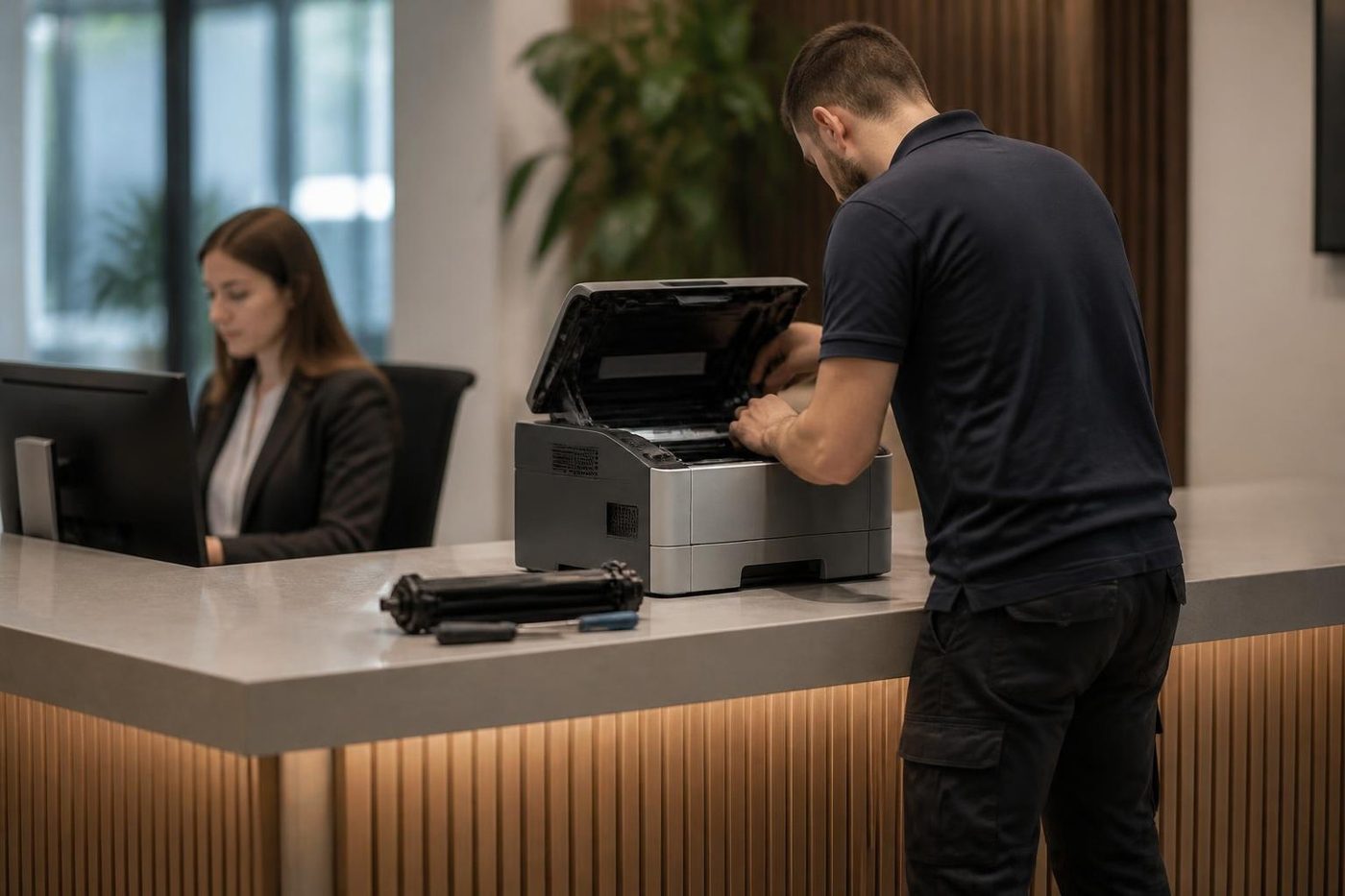


Heat
The fuser is the part that bites back
The fuser bakes toner onto the page, and it is hot enough to burn a finger in a blink. It also stays hot long after the machine has gone quiet. A rushed job either wastes time waiting or costs somebody a blister. We let it cool, look over the rollers and the sensors while we wait, and refit it square. Fitted crooked, a fuser wrinkles paper and wears out early.
A copier that eats paper is not always a fuser problem. We check the paper path first and only open the hot end when the evidence points there.
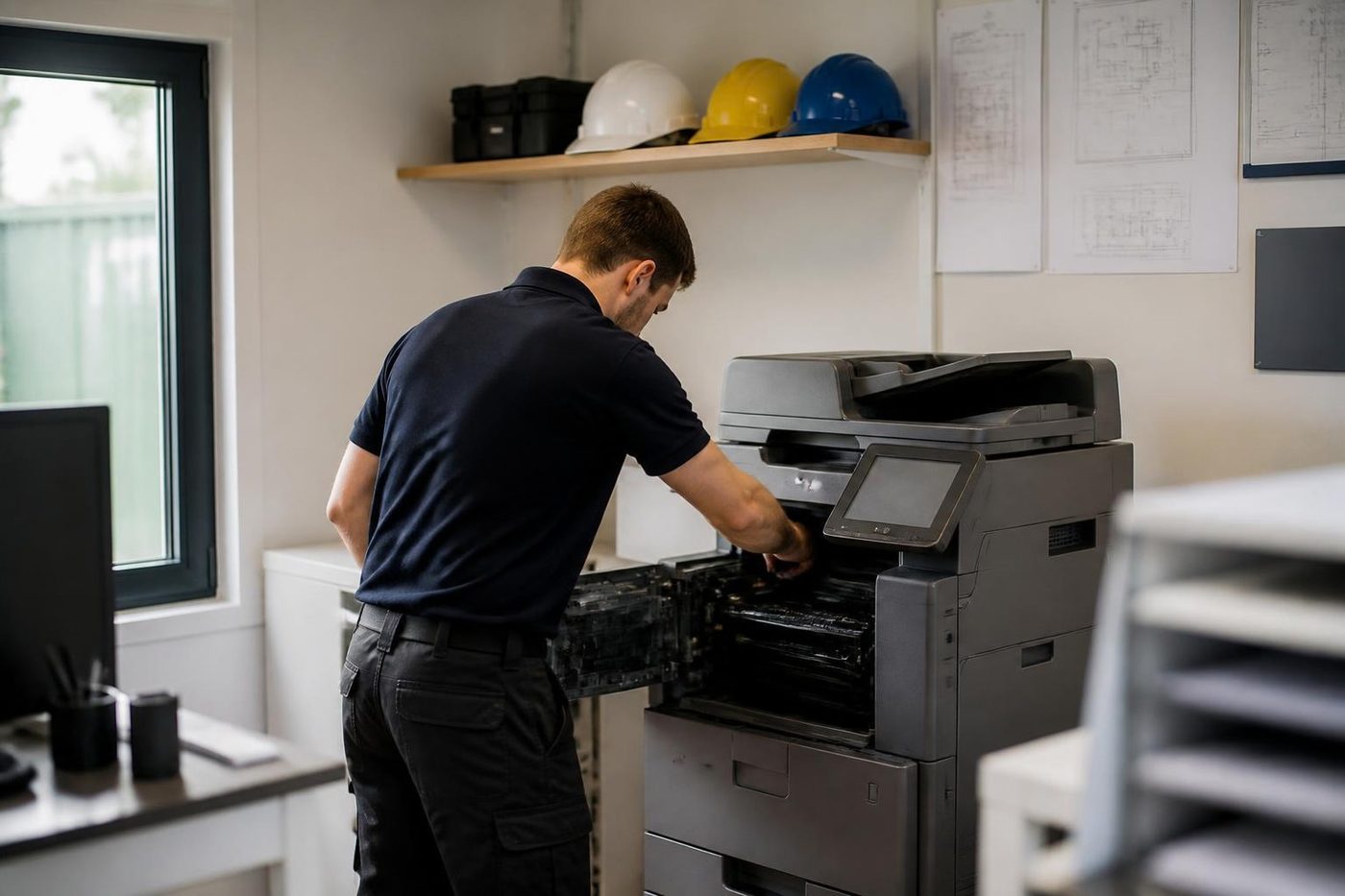
- Let it cool. Nobody gets burned and nothing gets bent.
- Check the sensors. A false reading can look like a dead fuser.
- Fit it square. Even pressure, even toner bond.
- Fixed once. If the fault returns, we fix it again at no charge.
More for Sunshine Coast offices
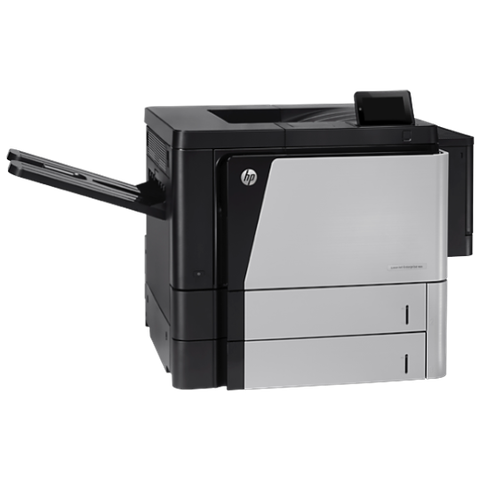 HP repairsLaserJet Pro, Enterprise, Color LaserJet and DesignJet repaired on site.Commercial printer repairsCommercial laser printers, label printers and fleets repaired on site.
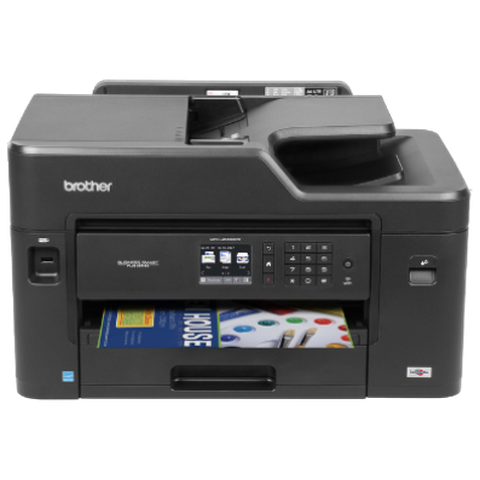 Brother repairsBrother HL lasers, MFC multifunctions and A3 inkjets repaired on site.
 Kyocera repairsTASKalfa copiers and ECOSYS printers, looked after on site.
 Installation and setupDelivered, networked, scan tested and shown to staff.Relocation and removalCopiers moved, reconnected and tested, or taken out and wiped.
 CaloundraBulcock Street counters, west side yards, beachside offices.Noosa and NoosavilleHastings Street, Noosa Junction, Noosaville and Tewantin.
Buy, sell and lease
Buy, sell and lease commercial copiers on the Sunshine Coast
We also sell new and second hand commercial copiers and buy used ones. Same team, same technicians.

What a visit looks like


What people ask when they ring
Do you do Samsung printer repairs on the Sunshine Coast?
Yes. We repair Samsung Xpress, ProXpress and MultiXpress machines, and the older ML, SCX, CLP and CLX families, at your premises. Same day service is available.
Who supports Samsung printers now?
Samsung sold its printer and copier business to HP, and HP now supports the machines. We are an independent service business and repair them where they stand.
What does a low heat or over heat message on a Samsung mean?
It points at the fuser group: the heating element, the sensor or the thermostat. Which part has failed depends on the model, so we diagnose before fitting anything.
Will new toner fix an imaging unit message?
No. An imaging unit message needs the right part. We read the message and check what is fitted before anything is ordered.
My Samsung will not scan to my new computer. Can you help?
Yes. The old scan program often does not survive a computer upgrade. We install the right driver and, where the machine supports it, set up scan to email or scan to folder instead.
Is a Samsung worth repairing?
If the fault is a roller, a fuser or a toner part on a sound machine, usually yes. If it needs several major parts or parts are hard to find, we say so honestly.
Can you move my Samsung printer to a new office?
Yes. We record its network address and settings, move it with care and set it up again at the new site.
Where do I find Samsung drivers now?
On the HP support site, because HP took over support of the Samsung printer range. If you would rather not hunt for the right one, we install it for you and test a page from a second desk.
Is your Samsung repair work warranted?
Yes. Our work is warranted, and we explain what is covered on the phone. If the same fault comes back we fix it again at no charge.
Do you offer Samsung printer service Sunshine Coast wide on the same day?
Same day service is available. Ring with the model and what the display says and we will talk through a price. If the lines are busy the call is logged and returned.

