Sharp photocopier repairs Sunshine Coast: decoding MX and BP
A Sharp's nameplate tells you plenty. MX is the older family and BP is the range sold today. In either, a C in the name marks a colour machine and an M a black and white one, so the MX-3071 prints colour and the MX-M3071 does not. The last two digits roughly track speed in pages a minute.
That gives us a head start on the phone. With the full model we know the generation, the finisher it probably carries and which list of faults to read before the van leaves.
Nobody here works for Sharp, and we would not pretend otherwise. We repair independently of any maker. Our technicians hold the training and certification, the van holds parts for the usual faults, and 98% of jobs close on the first visit. A fault that returns is fixed again at our cost.
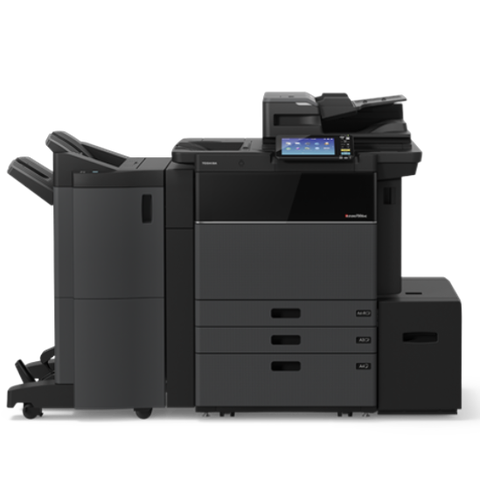
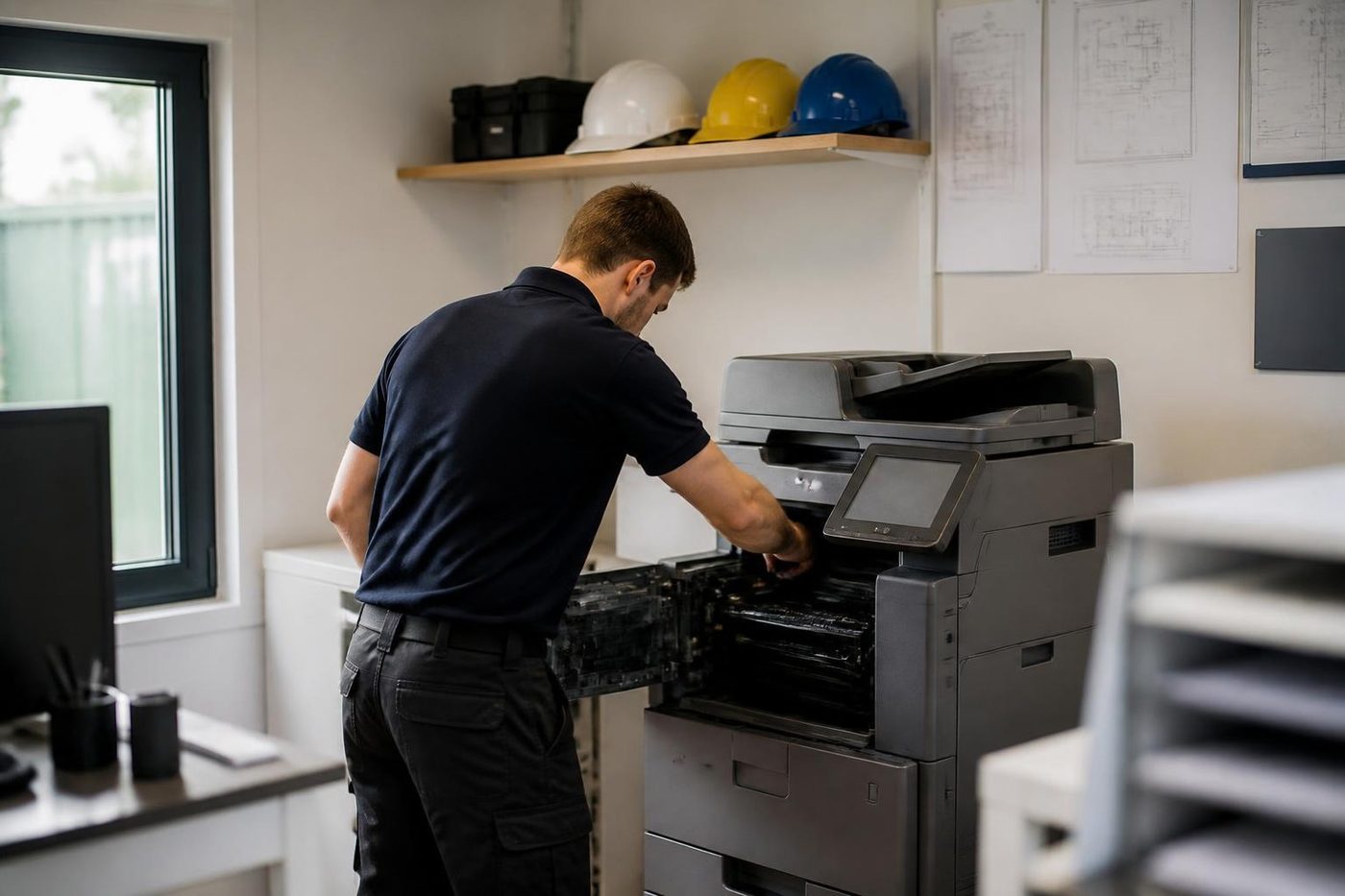
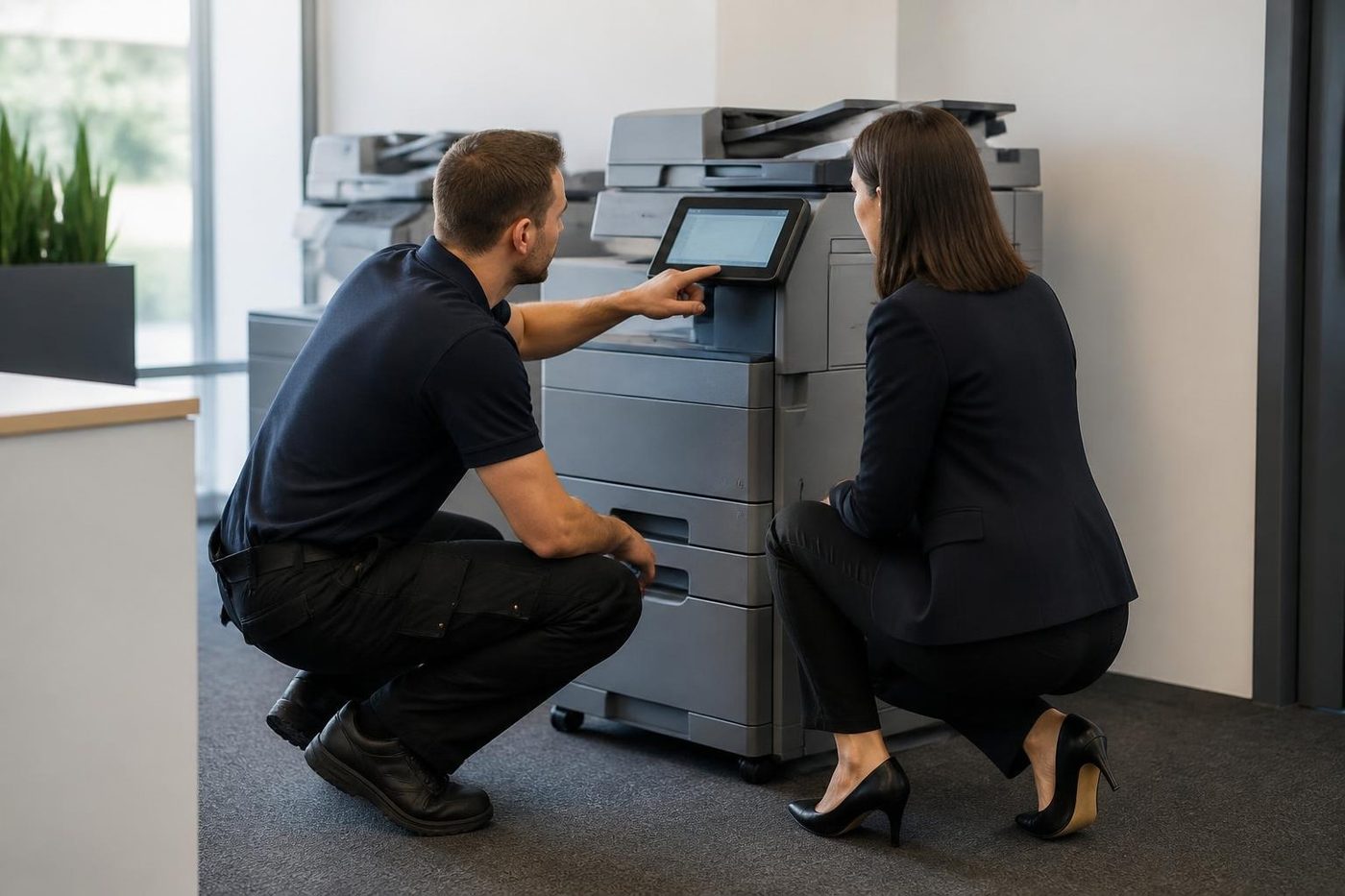
Where the Sharps sit
Property managers and professional firms around Maroochydore. Builders and engineers. Clinics. Aged care administration. Each wants something different. A suite on an upper floor wants the work done quietly and with a lift booked. A warehouse office at Yandina wants the copier cured in a warm, dusty room. A school or council office at Nambour wants it working before the next report run.
Many of these machines have their network looked after by an IT provider in another town, or by a head office somewhere else. A change to mail or sign in rules made there can reach a coast copier before anyone local knows. If scanning dies overnight, tell us when it last worked and who runs your mail. That usually settles whether the machine is at fault or something upstream moved.
The Sharp models we repair
| Range | What it is | Where we see it |
|---|---|---|
| MX colour, the 71 generation | A3 colour with a 10.1 inch touchscreen, covering the 4071, 3571 and 3071. The catalogue now lists the BP-70C in its place. | Departmental machine in a mid size office. |
| MX mono, the 71 generation | Black and white A3 from the M3071 up through M3571, M4071, M5071 and M6071. | Print rooms and heavy copying. |
| BP-50C | Six speeds, from the BP-50C26 and 50C31 through 50C36 and 50C45 to 50C55 and 50C65. | Smaller offices that want A3 colour, the faster models for busier groups. |
| BP-70C and BP-60C | The BP-70C range from 31 to 65 pages a minute, plus three BP-60C models at 31, 36 and 45. | Bigger workgroups and offices that scan all day. |
| BP-30M | Three compact A3 mono machines at 28, 31 and 35 pages a minute. The slowest has a 100 sheet feeder. | Counters and small offices. |
| Older analog | The AR-5316 and AR-5320 and similar. | Odd survivors in back rooms. |
What is inside a BP
The BP machines have a 10.1 inch colour touchscreen, accept paper up to SRA3, hold 650 sheets as standard and can grow to 6,300 with the optional trays. They also carry a lot of settings, and a settings change at the wrong moment can make a healthy machine look broken. A shortcut pointing at a folder that has gone. A sign in changed on the server. A mail route that moved.
When a Sharp stops doing something it did last week, our first question is what changed in the last few days. It is the best question in this trade, and the answer is surprisingly often a router, a password or a renamed server.
A Sharp keeps your data on board
Address books, user accounts, stored jobs. A Sharp holds the lot, and that colours the faults. A machine that hangs on start up, a sign in screen that refuses the right password, an address book that has gone missing: each could be a failed storage chip or board as easily as a worn mechanical part.
Mechanical faults still account for plenty. Most of our time goes on the paper path motors, the fuser and the waste toner route, and on a Sharp the L codes tell us which motor is struggling.
Finishers bring extra risk. With a stapling or booklet finisher fitted, more of the moving parts live in the finisher than in the copier itself. Staff are expected to clear staple jams and refill staples, and mostly do. If the finisher loses contact with the copier, the unit and its link need inspecting, and the same goes for a large capacity tray that has gone silent.
Words first, code second
Most Sharp trouble starts as plain words, well before any code. Sharp's own guide for the MX-3071 and MX-4071 lists the common ones: load paper, clear a misfeed, change toner, empty the waste box, add staples or check the staple unit, take paper out of the finisher. Staff handle all of those at the desk.
A technician is needed when the panel says Call for service with a code next to it. Sharp advises switching off and on again. If the code keeps coming back after a few tries, stop using the machine, pull the plug and phone your service provider. Codes are a letter and number pair, H4-02 or L4-17 for example. We read the pair against the model, because identical pairs can mean different things on different machines.
Another warning from that guide is worth repeating. Keep your hand off the main power switch unless the job status display, top right on the panel, is grey. Cutting power mid job risks the hard drive, and a stuck machine is tempting. Wait for it to settle.
The old analog Sharps speak differently. In the AR-5316 and AR-5320 manuals we have read, a steady CH light means a cover, front or side, is open. A flashing CH points to a toner cartridge that is not seated properly.
Sharp codes, by letter
Every code runs letter, digit, dash, sub code, as in H4-02 or U2-30. The letter names the department complaining. A covers firmware and ROM, C charging, E storage and image data, F finishers and sensors, H fuser temperature, L motors and fans, and U stored data, trays and desk units.
Take the examples below as a place to begin looking. One code can have several causes, and meanings shift between models.
- Fusing: H4-02 reports low temperature in the fusing section. On the model we looked at, any of the thermistor, heater lamp, thermostat or a connector could be the cause.
- Motors: L4-17 means the drum drive motor is under heavy load, and on one MX-3071 documented case a full waste toner box with packed toner was the cause. Beyond that, L4-51 names a process fan, while 75, 76, 77 and 79 in the L4 group cover the paper exit, reverse, duplex and transport motors in that order.
- Firmware and boot: A0-01 and A0-02 are ROM errors that often follow a firmware update cut short by a power loss. A0-10 flags a colour profile mismatch, and A0-19 says the machine failed to boot.
- Charging: C1-10 is a charging fault on the black side.
- Stored data: U2-05 points to bad account data, U2-30 to a control board mismatch after a board swap, and U2-41 and U2-50 to stored data and authentication data faults. U2-40 is described as an eMMC storage error on the MX-3071, though some sources read it differently, so we confirm on the machine.
- Trays and desks: U6-23 and U6-52 are lift and desk communication faults on a large capacity tray. With U6-54 and U6-55, the copier and its tray unit disagree on firmware.
How a Sharp wears out
- Fuser: creased or smeared copies, toner that rubs off, an H code. A thermistor, lamp, thermostat, loose harness or interlock switch might each be responsible.
- Drum and waste toner: streaks, marks, a grey wash across the page. Leave a waste container too long and toner can pack into the drum drive and set off a motor load code.
- Transfer belt on colour machines: banding, spots and ghosting.
- Paper path motors: jams that return straight after clearing, plus noise from the exit, reverse, duplex or transport areas. An L4 code usually comes with them.
- Boards and storage: a stall at start up, an address book that vanished, sign ins refused. Firmware, EEPROM or storage could be at fault.
- Drawers and large capacity trays: a tray that will not lift, or a cabinet no longer answering the copier.
- Document feeder: originals that skew or double feed, and black marks on scans.
Developer and drum are a pair
A Sharp's developer unit and drum work together, and wear in one turns up as a fault in the other. A fine line or a patch of grey is often blamed on toner, and changing toner does nothing for it. We look at the developer, the drum and the cleaning parts around them as a set before ordering anything.
Measure the gap between repeating marks and tell us the number when you ring. It narrows the field before we arrive. And leave the drum to someone trained, because light damages it.
Scan to email after Microsoft changed the rules
Plenty of Sharp calls involve no broken part. Scan to email goes quiet after a change on the mail platform, a folder path stops resolving, or the panel turns staff away at sign in.
For outgoing mail through Microsoft 365, the BP series can use OAuth 2.0 against smtp.office365.com, port 587 with STARTTLS. Getting there takes an app registration holding the right SMTP permission, a dedicated mailbox with authenticated SMTP switched on, and a token collected at the copier's own panel. Microsoft is phasing out basic SMTP authentication, so older machines and older settings are the ones that fail.
We also work on network folder scans, directory sign in through LDAP, Active Directory and Kerberos, cloud links through Sharp OSA, and the security settings: HTTPS, TLS, 802.1X, SNMP v3, encrypted storage and data overwrite. Syslog audit logging is on Sharp's list for the BP series too.
Finishers and trays that bolt on
Not every option fits every model, so give us the exact model name when you ring. A finisher docked crookedly, or the wrong one for the machine, is a likelier cause of a finisher error than a failed part.
- MX-FN27N inner finisher, with a three hole punch as an option.
- Stacking staple finishers MX-FN28 and MX-FN30, and saddle stitch finishers MX-FN29 and MX-FN31, each paired with its own punch unit.
- A right side tray, a centre tray and a job separator.
- Extra drawers and large capacity cabinets. On BP-50C and BP-70C machines the paper supply can grow well past the standard trays.
- Fax, storage and wireless options, varying by series.
Clean sets from the finisher
Crooked staples, one sheet standing proud of the stack, wandering punch holes: one problem seen three ways. The sheets are landing out of square before the staple goes in. Usual causes are a worn roller, a grubby sensor or a tired paddle.
Your own paper goes into the test, along with a few sets of differing weight. If the finisher copes with standard sheets and fails on heavier stock, that has already told us what to adjust.
Paper path motors, the L codes in plain words
A Sharp has a fair few motors. Some push paper out, some turn it over for two sided work, some drive the transport and one turns the drum. Each L code names one of them.
When one is reported, the motor is the last thing to blame. A stiff gear, a loose connector, packed toner or a jam that was not fully cleared can make a good motor complain. We look for those first, because a motor costs a lot more than a connector.
What a visit covers
Parts that wear on a Sharp: the fuser belt unit, transfer belt unit, drum, developer, waste toner container, charger, and the feed and drive motors. Storage and fans age too. Lives depend on coverage, paper and the room, so we do not put figures on them in advance.
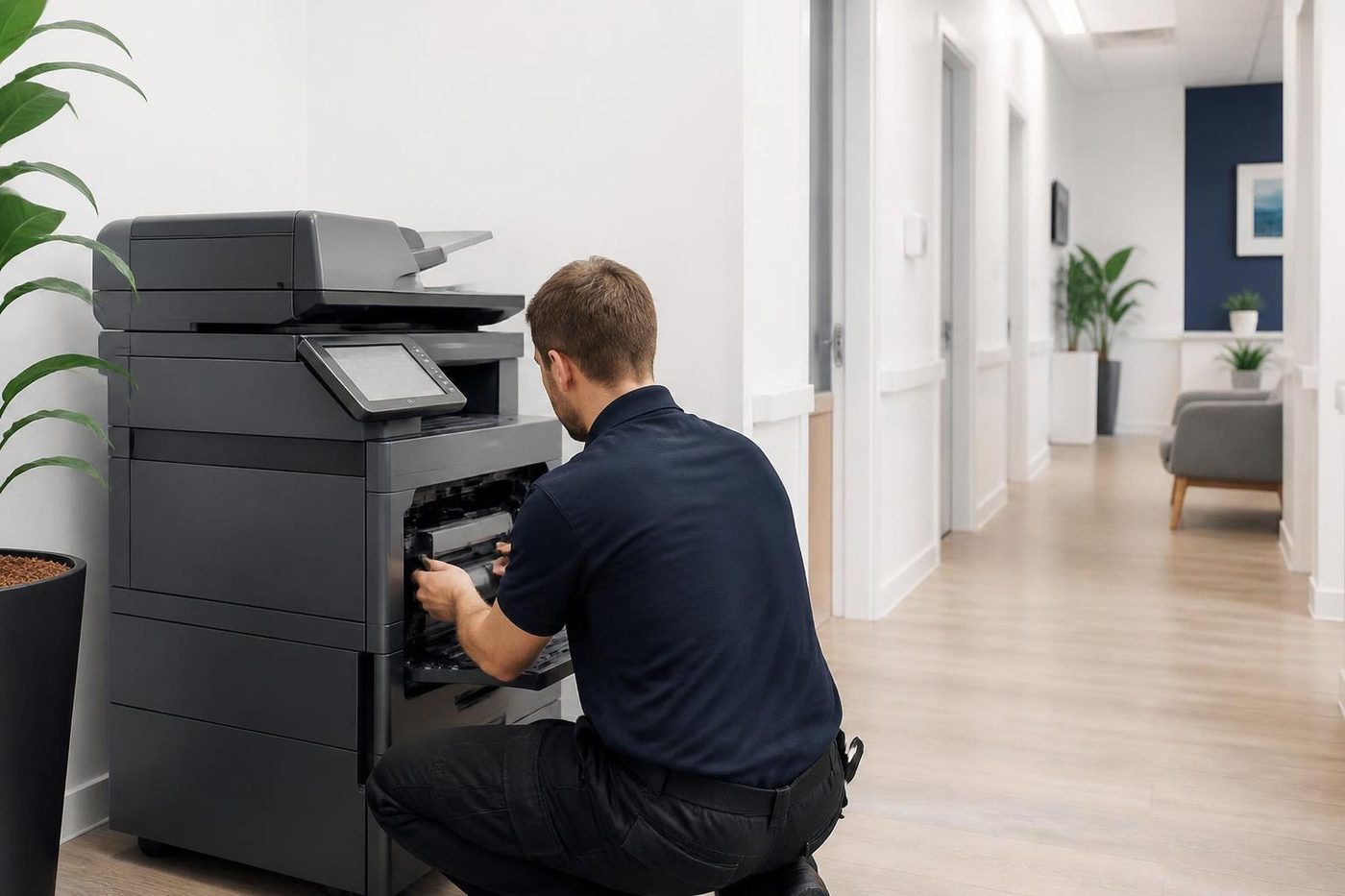
The routine follows the paper from tray to exit. The path is cleared and inspected, feed and separation parts checked, the fuser looked at, and the drum and waste toner route examined. We test the feeder and read the machine's own history for repeating codes. If a code returns after a restart, you hear that and the options before a part is fitted.
Fusing parts run hot and wear out, yet we do not just accept the panel's word that a fuser is finished. We test the connectors and the sensors that report temperature and say whether the part or the harness is at fault. You avoid buying something you did not need.
Stepping from an MX to a BP
Offices that have run an MX for years and meet a BP for the first time find the screen larger, the menus reorganised and the home screen laid out differently. Nothing is wrong. The settings simply live in different places, and the person who knew where everything was now has to learn it again.
That is the moment when the calls come in. A scan destination was not carried across. The user list was rebuilt and two people were missed. A card that worked on the old machine has not been registered on the new one. We can sit with whoever uses it most and go through what they actually do, so the new machine is set up around the work and not around the manual.
Directory sign in: LDAP, Active Directory and Kerberos
Where a Sharp is tied to the office directory, staff sign in with the same details they use on their computers. It is neat, and it means the machine depends on the server answering. If the server is slow, rebooted, or replaced, the sign in screen sits and thinks and then refuses everyone.
Kerberos adds a time rule. When the machine's clock and the server's clock drift apart, sign in is refused even with the right password. Start with the date and time on the panel. If those are right, look at the server address stored in the machine and at any change to the domain. We sort out which with your IT contact and keep the fix small.
Sharp OSA and the cloud links
Sharp OSA is the way the machine connects to outside applications, such as a document system or a cloud storage service. When a scan to the cloud stops, the machine is usually healthy and the link has broken. An account was changed, a sign in method was retired, an app was updated on the other side.
We test the link from the panel and say whether the problem is on the machine or beyond it. When it is beyond, we tell you who to ring and what to say, and we do not charge for chasing a fault that was never in the copier.
Heat in the warehouse office
The warehouse and workshop offices around Yandina, Kunda Park and Warana can get very warm in summer, and a Sharp left running beside a window or a roller door works harder than it should. Fuser temperature faults and fans that run at full speed are the early signs.
In a hot room, pull the machine out a hand width from the wall, keep the vents clear and see whether the filters are choked with dust. All three are free and they add years. Fans and filters get cleaned during a visit, and we tell you what we saw.
When one code keeps coming back
One code that shows once and disappears after a restart is a different creature from one that returns every few days. The first could be a power blip. The second is a part or connector announcing itself, and the machine's own log shows which.
Keep notes if you can: the code, the time, and what the machine was doing. A pattern, like a motor code every Monday morning or a fuser code after a long copy run, can point straight at a cause. We read the history before opening anything, which saves a visit.
A machine that remembers if somebody writes it down
Page counts, the date of the last fuser, which roller went in and why. With that written down, the next call is short. Without it every visit starts from nothing and the first hour goes on finding out what the last technician did.
We note the count and the part on each visit. A note beside the machine from your own staff helps too.
A Sharp in a school office
School admin blocks are hard on copiers. A term of reports, newsletters, permission slips and excursion forms squeezes through one or two machines, and a jam in the last week helps nobody. Finishers work all day, staple and punch running nonstop.
A school machine is best seen before it fails. In the holidays, a look at the feed rollers, the finisher and the waste toner route often finds the part that would have stopped it in week nine. If it stops in term anyway, ring early and say what the office needs printed first.
Setting up or moving a Sharp
A new or relocated Sharp needs a network address, an address book, sign in settings and scan destinations configured and tested, and its parts handled carefully in transit. Our installation and relocation pages explain how we approach each. Whoever moves the machine is who repairs it afterwards.
Before you ring about a Sharp
Busy lines are not a problem: the call is logged and we ring back.
- Model name from the front, including the C or the M.
- The panel wording and the code, say H4-02.
- What it was doing when it stopped.
- The tray, if it is a jam, and when it started.
- Which building and floor.
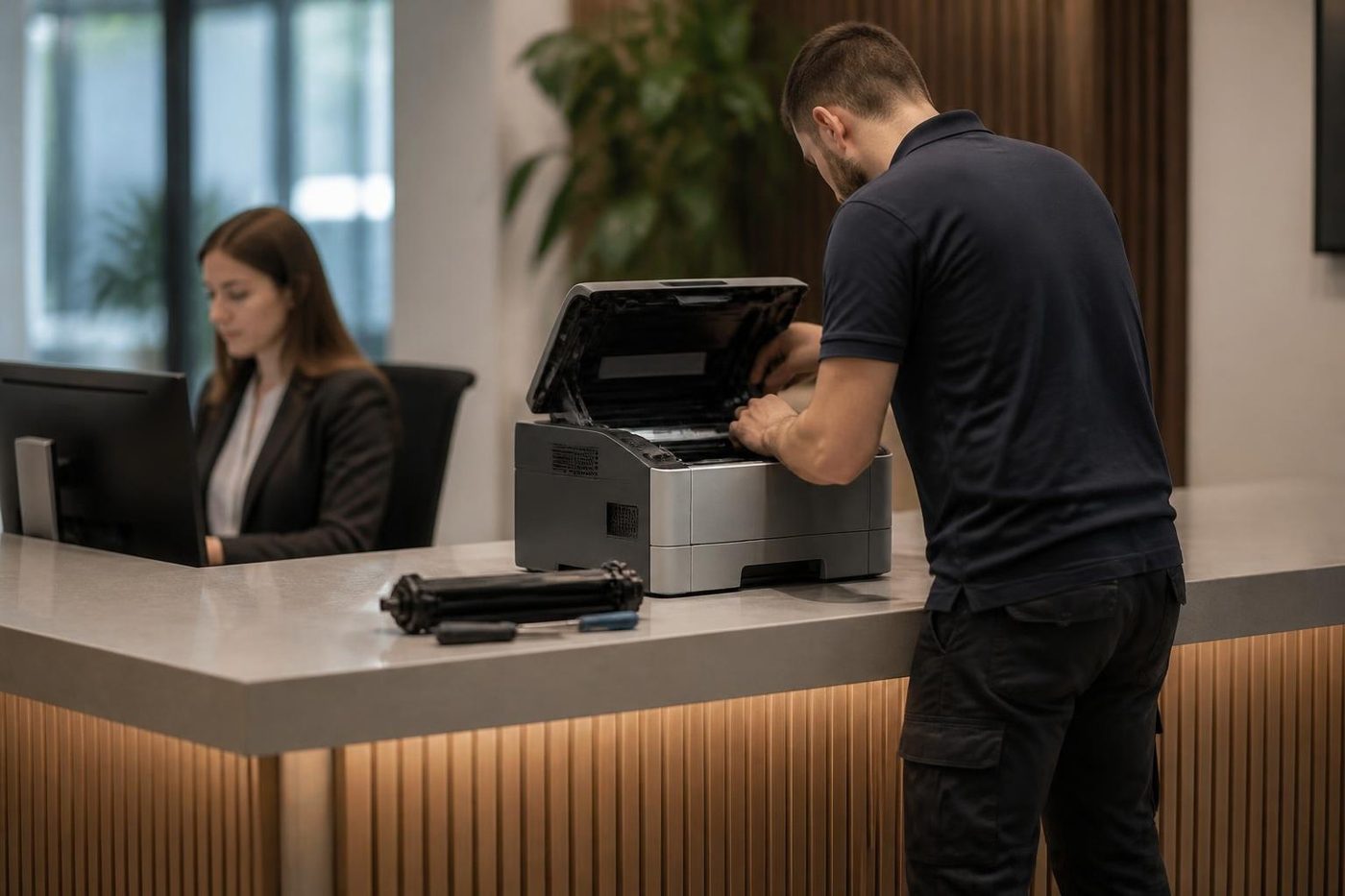
The Sharp visit, step by step


Records
A machine remembers if somebody writes it down
Page counts, the date of the last fuser, which roller was changed and why. Written down, that history turns the next call into a short one. Without it, every visit starts from nothing and a technician spends the first hour finding out what the last one did.
It is dull work. It is also why repeat faults on machines we look after get found faster.
- Note the count. Every visit.
- Note the part. What went in and why.
- Read it next time. Wear shows up in the numbers.
More for Sunshine Coast offices
 Toshiba repairse-STUDIO colour and mono copiers, fixed where they sit.
 Kyocera repairsTASKalfa copiers and ECOSYS printers, looked after on site.
 Ricoh repairsIM C, IM and MP series copiers, plus Lanier, looked after on site.
 Konica Minolta repairsbizhub i-Series and C series colour and mono, fixed on site.
 Canon repairsimageRUNNER ADVANCE, DX and i-SENSYS machines, fixed on site.
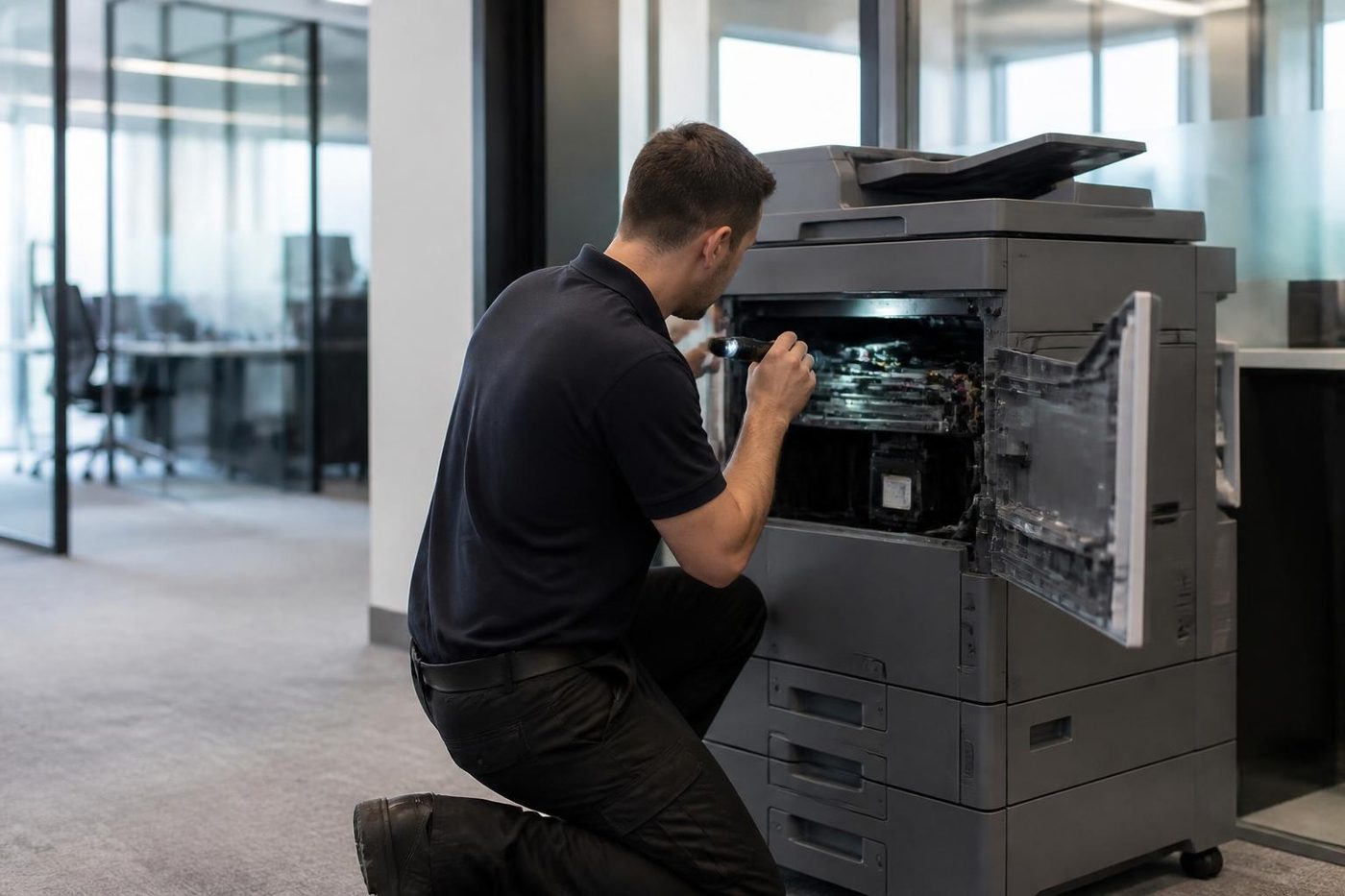 Photocopier repairsCopiers fixed at your desk, one call, price agreed first.NambourPrinter and copier service for Currie Street offices, the hospital precinct, schools and the trade yards.
 Maleny and the Blackall RangeMaleny, Montville, Mapleton and the hinterland towns.
Buy, sell and lease
Buy, sell and lease commercial copiers on the Sunshine Coast
We also sell new and second hand commercial copiers and buy used ones. Same team, same technicians.



On the job on the Sunshine Coast
What people ask when they ring
What is the difference between MX and BP?
MX is the earlier Sharp multifunction family and BP is the one sold now. In both ranges a C means colour and an M means mono.
What does H4-02 show on a Sharp?
Low temperature in the fusing section, on the model we checked. The thermistor, heater lamp, thermostat or a connector might be to blame, which is why we test before fitting a fuser.
L4-17 appeared on my Sharp. Should I worry?
It is a drum drive motor load code. A full waste toner box with packed toner explained one documented MX-3071 case, which makes the waste path our first stop.
Does the same Sharp code mean the same on every model?
No. A code's meaning changes with the model, and one code may have several causes, so we read it against your machine.
My Sharp is stuck. Is switching off at the wall safe?
Only if the job status display, top right on the panel, is grey. At any other time cutting the power risks the hard drive, so give it a while.
Why did scan to email stop after a Microsoft change?
Microsoft is phasing out basic SMTP authentication. The BP series supports OAuth 2.0, and that needs an app registration plus a token collected at the panel.
Is Sharp repair available across the whole Coast?
Yes, anywhere between Caloundra, Noosa and Gympie, and always at your premises.
Can you service the finisher too?
Yes. Staple and punch faults are regular work and we test with your own paper.
Are you an authorised Sharp dealer?
No. We are independent of Sharp and repair the machines where they stand.
Is a same day visit possible?
It can be. Phone with the model and the code, and the price gets discussed there and then.

