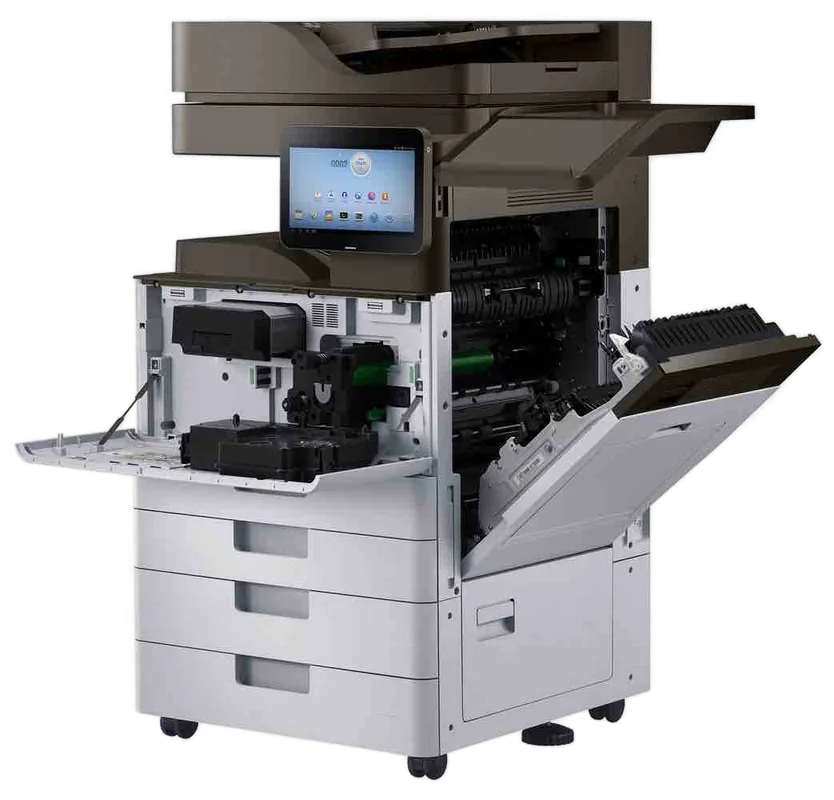
Ricoh and Lanier service, Sunshine Coast
Ricoh photocopier service Sunshine Coast: IM C, IM and MP series repairs
A Ricoh showing an SC code needs no long explanation, just someone who has read that code before. Ricoh and Lanier machines get repaired where they stand, from Caloundra up to Gympie. Same day service is available, the price is settled by phone, and nobody is booked until you say yes. Ring and ask.
Copier and printer repairs, plus machines to buy and sell, on the Sunshine Coast
Ricoh photocopier service Sunshine Coast: three eras in one cupboard
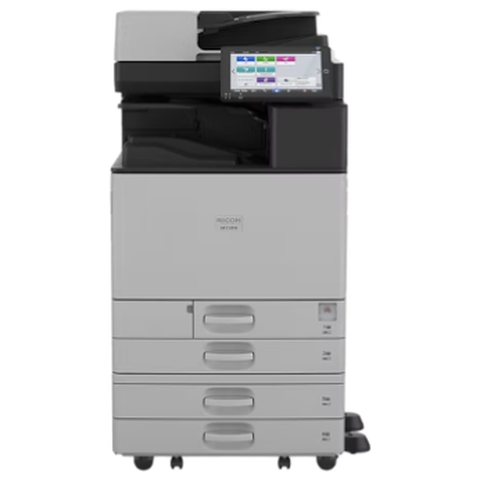
Walk round a few offices on the coast and you will find Ricoh machines from three eras at once. The newest carry an IM prefix. Behind them are the MP machines, and in the odd back room an Aficio is still working. All three are Ricoh and all three can be repaired, but they are different machines, and a part that fits an MP often will not fit an IM.
So we start with the model name on the front. A C after IM or MP means colour, and plain IM or MP means black and white. The label on the back fills in the rest.
No maker owns us, and that includes Ricoh. A technician comes, finds the fault and fixes it, and if a machine is better left alone you will hear that straight. Whoever turns up has the training, the experience and the certification for the machine in question. On the first visit 98% of jobs are finished, and a repeat of the same fault costs you nothing to put right.
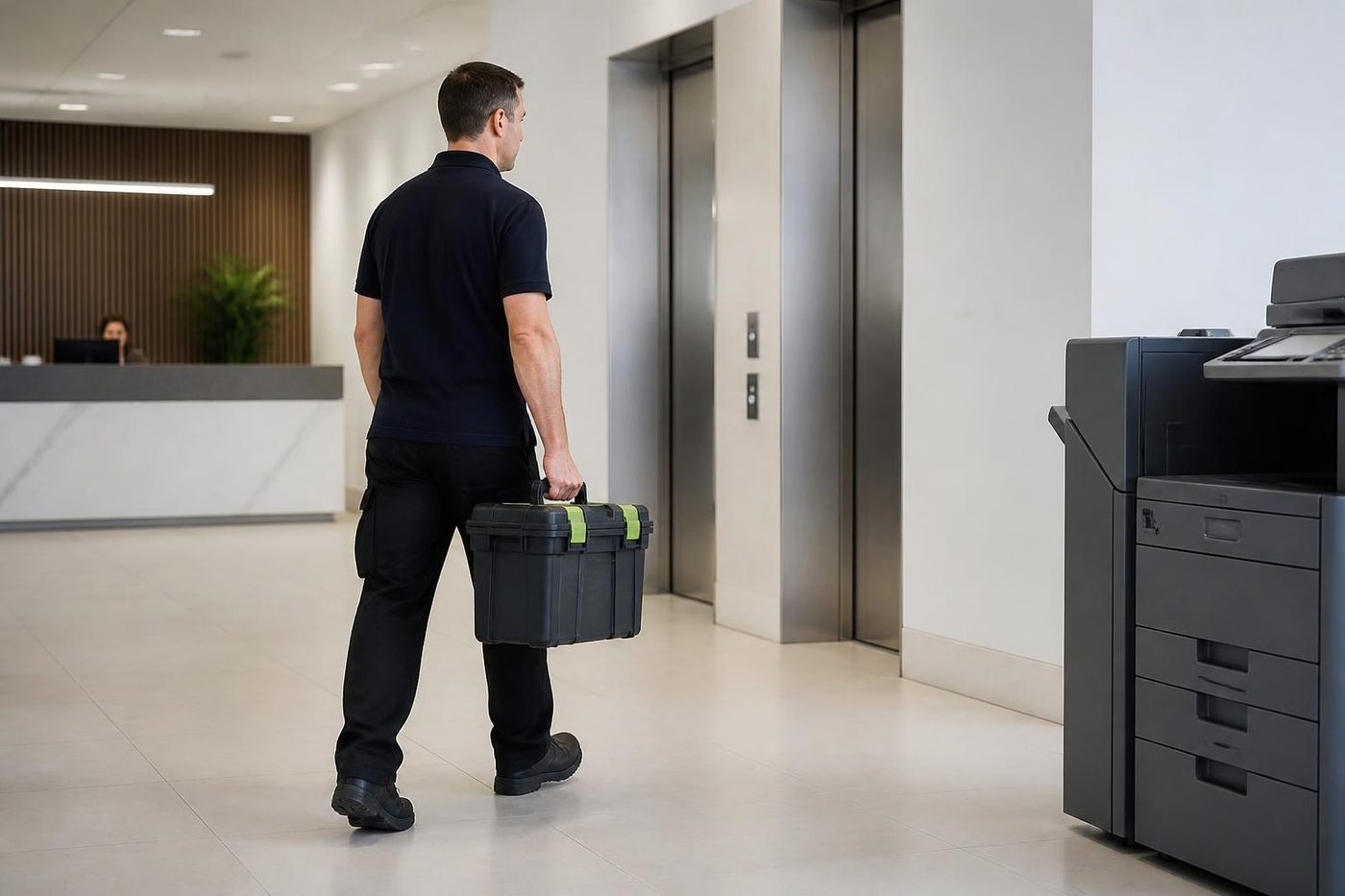
Get a price in three steps
- Describe your machineMake, model and the problem you are seeing.
- We phone with the priceYou hear it before anything is booked.
- A certified technician attendsSame day where the diary allows.
The Ricoh ranges we look after
Release years vary and we do not rely on them. If your machine carries a different name, ring and we will confirm that we cover it.
| Range | Models we meet | Where it usually lives |
|---|---|---|
| IM C series colour | Four colour models, C3000, C3500, C4500 and C6000. The 10.1 inch Smart Operation Panel is standard on all four, and they print A3 colour at 30 up to 60 pages a minute. | Departments and mid size offices. |
| IM series mono | Five black and white A3 models numbered 2500, 3500, 4000, 5000 and 6000, sharing the panel of the colour range. | Offices and print rooms with plenty of mono work. |
| IM C2010 to C6010 | A3 colour on the newer platform. | Recent installs. |
| IM 350F and 460F | A4 mono multifunctions for small teams. | Reception and branch offices. |
| IM C300F and C320F | A4 colour multifunctions. | Small teams. |
| MP C series colour, earlier | MP C3004exSP, C3504exSP, C4504exSP, C6004exSP. | Offices still on the earlier generation. |
| MP series, such as MP 301 and MP C307 | Older compact machines. | Offices that never replaced them. |
| Aficio MP | The older badge on earlier machines. | Back rooms and branch offices. |
Lanier copiers are Ricoh machines
Ricoh builds Lanier machines, and we treat them as Ricoh jobs. A Lanier label with no Ricoh name on it is no obstacle: the model number points us to the matching parts and fault lists. Ring with the model and the wording on the panel, and we confirm.
Lanier copier service on the Sunshine Coast is the same visit, the same technician and the same price conversation on the phone as any Ricoh job.
Reading an SC code
Ricoh calls its service errors SC codes, and SC stands for Service Call. Expect the letters SC and three digits, sometimes with a two digit sub code on the end, such as SC670 with sub code 01 or SC672 with sub code 10. Numbers are not universal across models, so a code gets read against the machine that showed it.
Roughly, the 500s suggest heat and the fuser, the 300s charging, development and sensors, and the 600s a breakdown in communication between boards, the panel or the feeder. Treat that as a pointer only. The model counts for more, and so do any options bolted on.
- Start up trouble sits in SC670 and SC672. SC670 with sub code 01 says the engine board never came up. SC672 says the controller and the operation panel failed to link. Loose connectors, firmware or storage problems, shaky power, or a faulty finisher or other option can each be behind either one.
- Heat is the fusing family: SC541, SC542, SC543 and SC546. We usually trace these to the thermistor, the lamp or the wiring, though the exact reading differs by model. SC542 is a warm up error on some and an overheat on others, and SC543 is a thermistor safety error. The model comes first.
- Trays turn up as SC501, SC502 and SC503. The guides disagree. Some read the three as trays one to three, others as a lift motor or a feed motor lock, so we call them model dependent. Overfilling, or loose sheets piled on top of a fresh ream, is an easy cause to rule out first.
- SC322 is a laser synchronisation error, on the models that define it. The suspects are the laser unit, the main board and the sync detector board.
- SC668 and SC669 both concern comms inside the machine, from a board link that will not recover to a memory fault in the toner density sensor.
- On IM C models SC791 means a finisher is fitted without its bridge unit, SC792 means a bridge unit with no finisher, and SC793 means a feeder or paper option the machine does not support.
- SC816 is an energy saving subsystem error. SC817 is labelled a monitor error and comes from a file or signature check that failed during start up. Firmware is the usual place to look for both.
- SC819 is a fatal kernel error, again on the model that defines it, caused by a program fault or a problem on the controller board. SC899 is the application error, and a corrupt print job commonly sets it off.
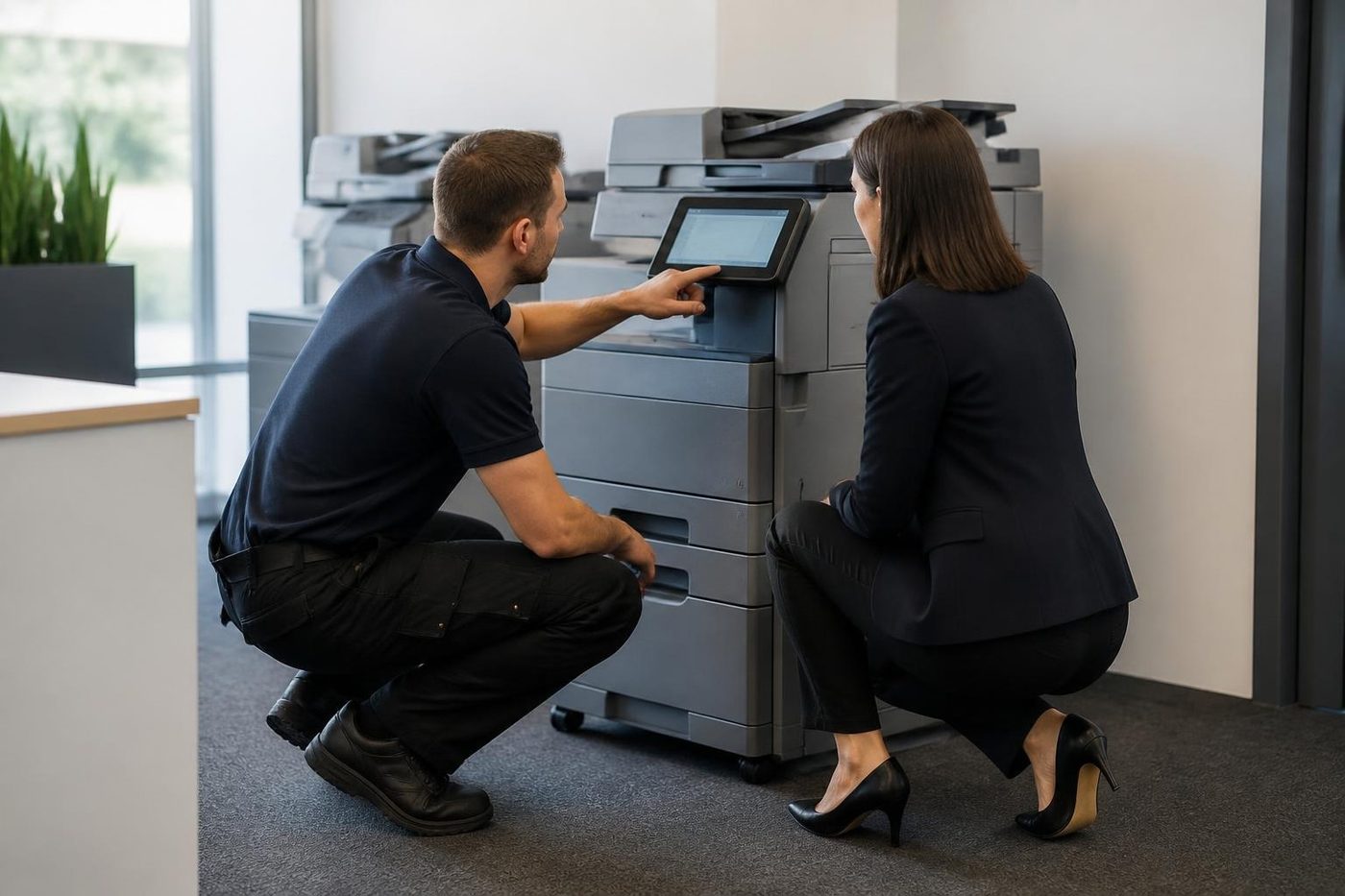
SC899 and the print job that bit the machine
SC899 earns its own mention, because it is the one that is not about a worn part. A job gets corrupted on its way to the machine, the machine chokes, and the panel locks with an application error. It comes back every time the same person prints the same file.
The usual first move is to cancel the job and print again using the PCL 6 driver written for that model, over a TCP/IP port. If the code still returns, suspect the file itself. More than one SC899 has been cleared here without anyone touching the machine.
Whether a code shows on the touch screen and holds the machine until cleared varies by model. Reset steps are not something we publish. They differ between models, and a reset that merely wipes the screen leaves the fault in place to return.
How a Ricoh shows wear
Every failure leaves a signature. What follows turns up most often, matched to what you see at the desk and where it leads.
| At the desk | Area | Where we look |
|---|---|---|
| A fusing SC at power on, toner rubbing off, creased paper, a jam at the exit | Fuser | Thermistor, lamp, a loose harness, the power supply board, a worn fusing unit. |
| Streaks, a tinted background, spots, print that is faded or patchy | Drum and developer | Exposure and feeder glass first, to rule them out, then the drum and developer. |
| Colour registration trouble, repeating marks, weak transfer | Transfer belt | The intermediate transfer unit and the secondary transfer parts. |
| Misses at the pick, doubles, a tray that will not feed, a squeak when paper starts | Pickup and separation | Ricoh's own advice is to raise the separation pressure setting first. If one tray still misfeeds twice a day or more, the paper feed roller gets replaced. |
| Originals that skew or will not pick | Document feeder | The feeder roller and friction pad, both with a cleaning procedure. |
| Two sided jams, noise, sheets out of line | Duplex | Paper curl and dirty transport rollers. |
| An SC at power on that returns after a restart, a panel that never connects | Controller and firmware | Connectors, storage, firmware and the job that triggered it. |
Where Ricohs live from Caloundra to Gympie
Around the Maroochydore CBD and Mooloolaba, Ricoh machines sit in finance, property and legal offices with sign in switched on and finishing fitted, so a job often involves both the engine and the network. In the Kawana and Birtinya health and education precincts, practices and clinics lean on one or two machines for the whole day, and a stopped copier is felt at once.
Out in the industrial pockets at Yandina, Caloundra West, Warana and Kunda Park, the story changes. Delivery dockets and job sheets pass through the same machine as the accounts, and workshop dust works into the paper path and the feeder. We clean the path properly on every visit, because a jam cleared without cleaning comes back.
A copier beside a sunny window or in an unairconditioned site office has to work harder to keep its fuser steady, and coastal humidity leaves paper limp or curled. Damp paper shows up as misfeeds that look like a roller fault, so we check the paper before we condemn the roller.
Ricoh copier repairs: what people phone about
Most Ricoh copier repairs on the Sunshine Coast begin with an SC code that returns after a restart. The rest are the fuser smearing or creasing pages, a finisher that has stopped stapling, a tray that will not lift, and scan to folder that died the week somebody changed the password. The technician comes knowing your model and the code, spares in the van, and the job is usually closed in a single visit.
Ricoh copier service goes beyond repair. A service visit cleans the paper path, checks the parts that wear and catches the roller that is about to fail before it costs you an afternoon. Tell us which one you are after, and we will say frankly if the other would be money better spent.
Searched for ricoh copier repair because a machine just died? Send us the model and the code, and we will say which part of the machine that code usually points to.
Ricoh printer service Sunshine Coast: the same visit as the copier
In a commercial office, Ricoh printer service is usually the copier visit under another name, since most Ricoh printers in offices are multifunctions that also copy and scan. One technician handles both sides of the machine, so the fault is never batted between a printer person and a copier person.
The smaller SP printers and the A4 IM multifunctions get the same order of work. The message, the paper path, the fuser, then the network and scan settings.
The Smart Operation Panel and when it hangs
Newer IM machines have a tablet style panel with apps, shortcuts and settings. It is clever, and it is also software, which can hang. A frozen panel on a copier that still copies is not a mechanical fault. Power the machine down with the main switch, give it a short pause, then start it again just the once. A second freeze, or a code on the screen, is the time to ring.
When it keeps happening, think software before hardware: an update, an app that has stuck, or a network setting. That is where we look first, and we only point at parts if the evidence leads there.
Scan to folder, scan to email and sign in problems
Scan destinations on a Ricoh include email, folder, USB and SD card, and files can be saved as PDF, PDF/A, TIFF or JPEG. Folder scans cause the most calls, because a short chain has to hold. The machine must reach the file server on TCP port 445. The host name must resolve, or the server must have a fixed address. The credentials must be right, and the account needs write access at both share and NTFS level. Enter the account the way your network expects, for example domain plus user name. Prove the same credentials work from a PC before blaming the machine.
A server upgrade is the usual surprise. The SMB version or the signing requirement changes underneath the copier, folder scans fail, and all else on the network looks healthy. The copier is rarely at fault. We sit down with your IT contact and match the settings at both ends.
Whenever a scan fails the address book gets blamed, and it is seldom corrupt. More often a destination has changed: a new password, a renamed server, a moved share. The copier can back up and restore its address book, and we take a copy before touching anything.
The IM range carries a lot of security. Encryption of machine data (AES 256) covers the address book, the authentication data and stored documents. Expect it to run for hours without a break, and keep the key safe, so plan it for a quiet day and not for the week before a deadline. Offices around the coast use passcode or card sign in, quotas for users and groups, Locked Print, where a job waits until its owner releases it, and audit logs sent to a server.
Finishers, bridge units and what docks where
Most option faults are about docking and connectors. A finisher bumped, shifted or left not quite home after a paper clearance can raise an SC in the option group, so alignment and connectors are checked before anything else. We run the finisher by itself with your paper, and if sheets reach the bridge unit skewed, that unit gets a look too.
If copying works and stapling does not, look at the staple cartridge and the waste box first. They account for more calls than you would think.
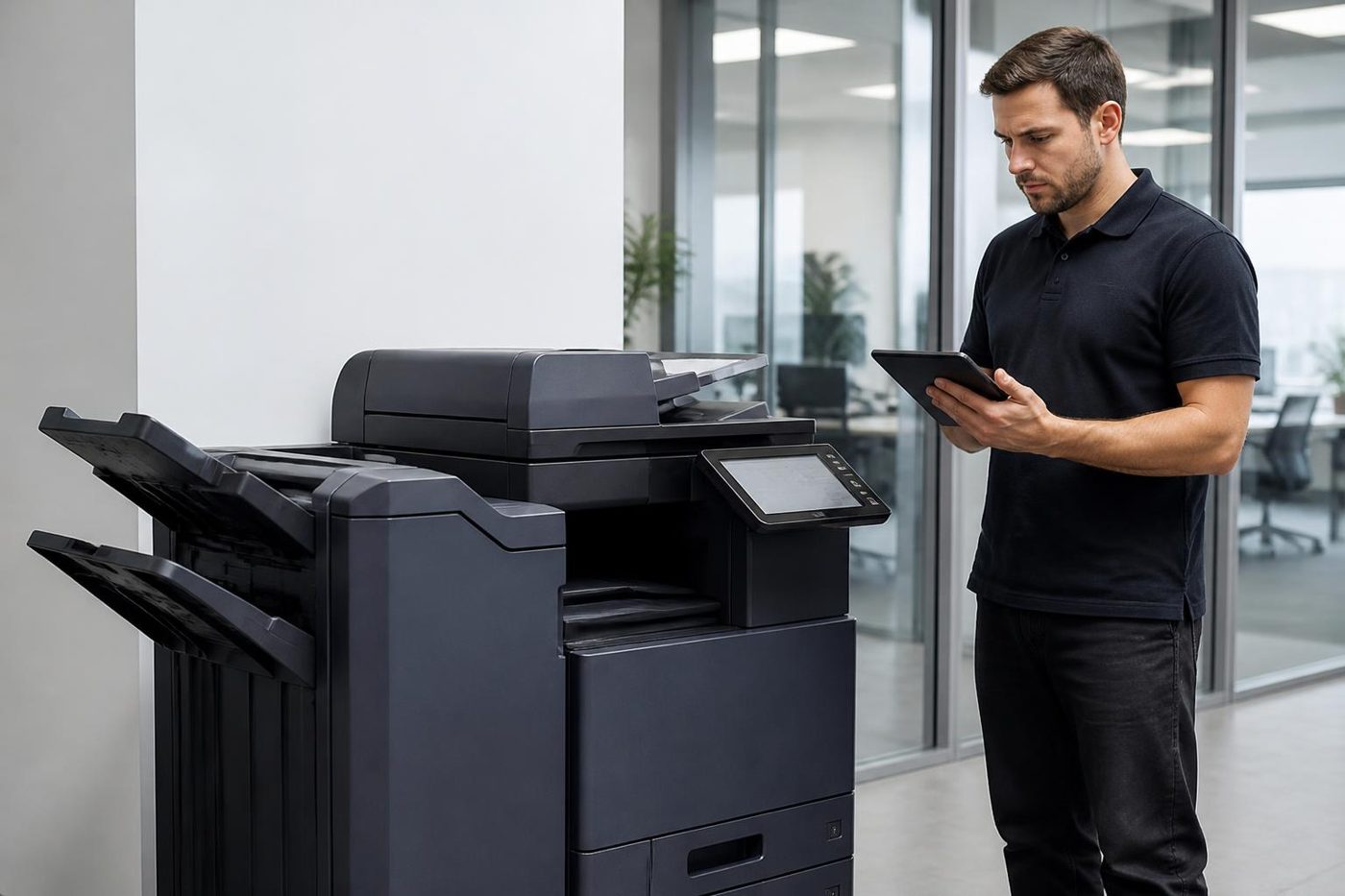
Models we meet, in order of size. The Internal Finisher SR3250 holds 500 sheets and staples in several positions, with an optional punch. The SR3260 holds 1,000 sheets, staples, can bind a few sheets with no staple at all and also offers a punch. The Booklet Finisher SR3270 holds 1,000 sheets and makes saddle stitch booklets, with three output destinations. The SR3280 holds 3,000 sheets with stapling and shift sort, and it is the one listed for IM 4000, 5000 and 6000 machines.
Two more pieces matter. Bridge Unit BU3090 is the link to an external finisher, and one that is missing or loose lies behind SC791. Internal Multi Fold Unit FD3010 folds three ways (Z, half and tri), and each finisher has its own matched shift trays and punch units. At the production end, SR5110 and SR5120 are the finishers for the Pro C5310s.
What wears on a Ricoh, and the order it tends to go
The order we see most: rollers that pick and separate paper tend to go first, followed by the document feeder and its glass strip. The fuser comes next, then the drum and transfer parts, and once a machine has some age the drives and finisher mechanisms follow. Paper, room and workload shuffle that around. A young machine that starts to misfeed almost always has trouble in the first group, and that is a simple repair.
A full visit covers the fuser, the drum and developer, the transfer parts (intermediate and secondary), the duplex unit and tray lift, the waste toner bottle, the feeder roller with its friction pad, and the feed rollers in each tray. The controller, engine board and panel harness do not wear out, though their connectors can work loose. We never say how many pages a part will last. Those figures come from resellers and assume a standard coverage, so they tell you nothing about your own machine or room.
Keep it going, or retire it
Wondering whether an older MP still deserves the money? We will give you our view. Commercial machines, new and second hand, are something we deal in too, so if replacement is the sounder answer we can go through that with you. What we tell you about the repair stays the same.
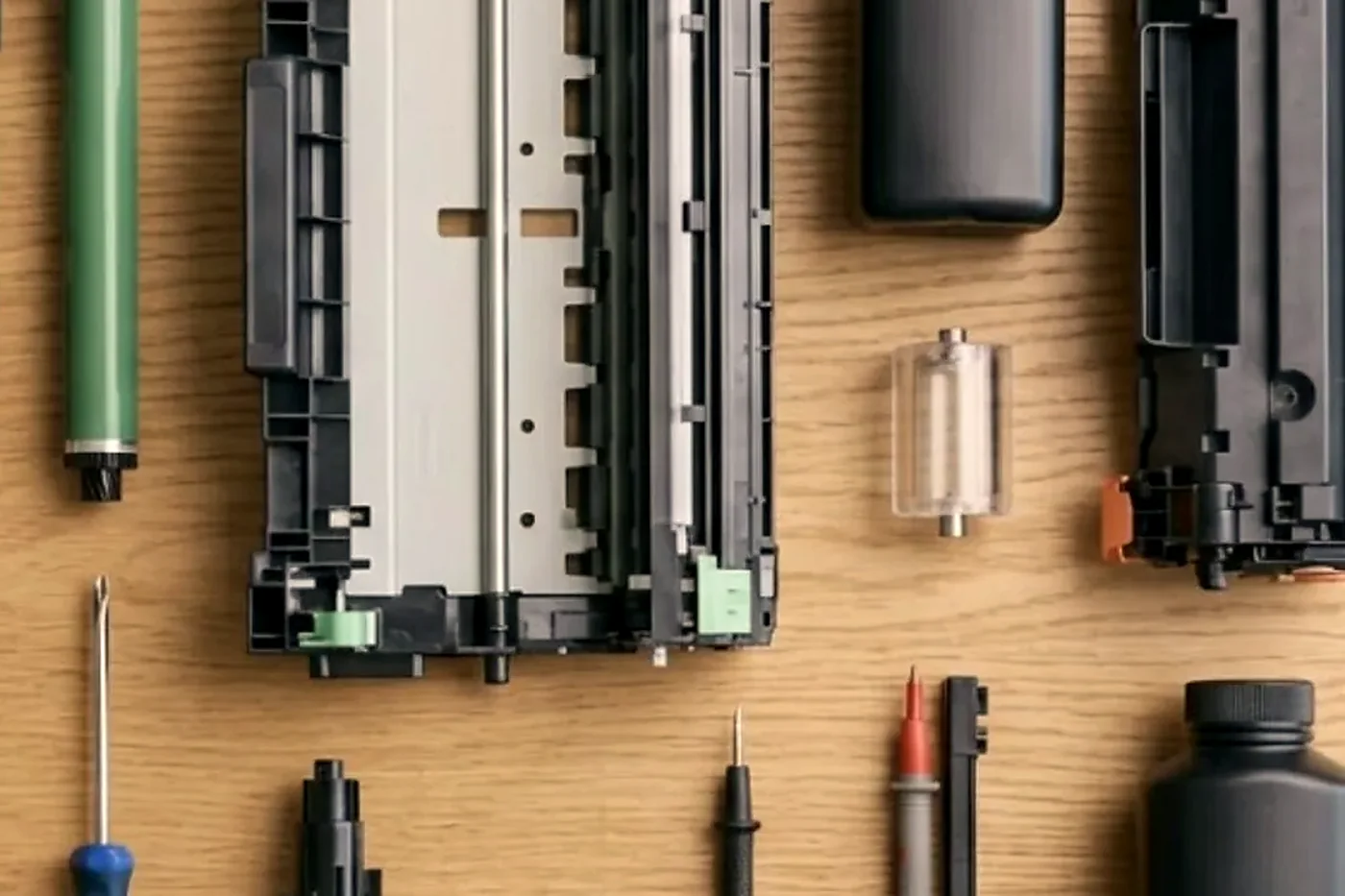
Toner, waste bottles and the messages that follow a change
A Ricoh asks for toner by colour, and it asks for a waste toner bottle on a schedule of its own. Both messages are meant to be handled at the desk. The calls we get are the ones where the message does not go away after the part is changed.
The first suspect is seating. A bottle that is not pushed fully home leaves the sensor reading full. The second is the model. A toner cartridge made for a neighbouring IM will often fit and will not be accepted. Look at the model name on the cartridge and the machine, and if they match, ring us with the exact words on the panel.
Ricohs in medical and legal rooms
Where the pages are private, the settings matter as much as the parts. Locked Print parks a job until the person who sent it taps a card or enters a code, so nothing waits in the tray for the next person to read. Medical and legal rooms often combine it with user quotas and an audit log.
That adds up to a lot of settings that can drift. A card reader that goes quiet, a user list out of step with the directory, a log destination that has moved. We look at the reader, the link to the network and the configuration, then report to your IT contact what we found. The security configuration stays untouched unless you ask us to change it.
Damp paper, curl and the duplex jam
Two sided printing puts paper through the machine twice, and curl shows there first. A sheet that has soaked up moisture reaches the duplex path already bent, then jams on the turn. It tends to look like a worn roller or a misaligned guide, and it is neither.
A fresh ream and a few test pages come before we open the duplex unit. If the jam stays, the transport rollers and levers are next. On the coast, in a wet fortnight, this is the call we take most, ahead of any code.
Staple free binding and the small finishers
Some Ricoh finishers can bind a few sheets without a staple, crimping them together. Offices like it for archives and for packs that go through a shredder later. It also has its own settings, and a stapler that seems to have stopped may simply have been set to the other mode.
Open the finisher settings on the panel first, before phoning about a stapler that will not fire. If the setting is right and the cartridge is seated, we come and look at the unit.
Production machines in the print room
A handful of coast businesses run a Ricoh production machine, such as the Pro C5310s, for brochures, plans and short run work. It has its own finishers, its own consumables and its own habits. The faults differ from the office IM, and the person on the job must have worked on one before.
Own a production Ricoh? Ring with the complete model name and what it is printing. We will say plainly how far we can look after it and whether the job needs particular skills.
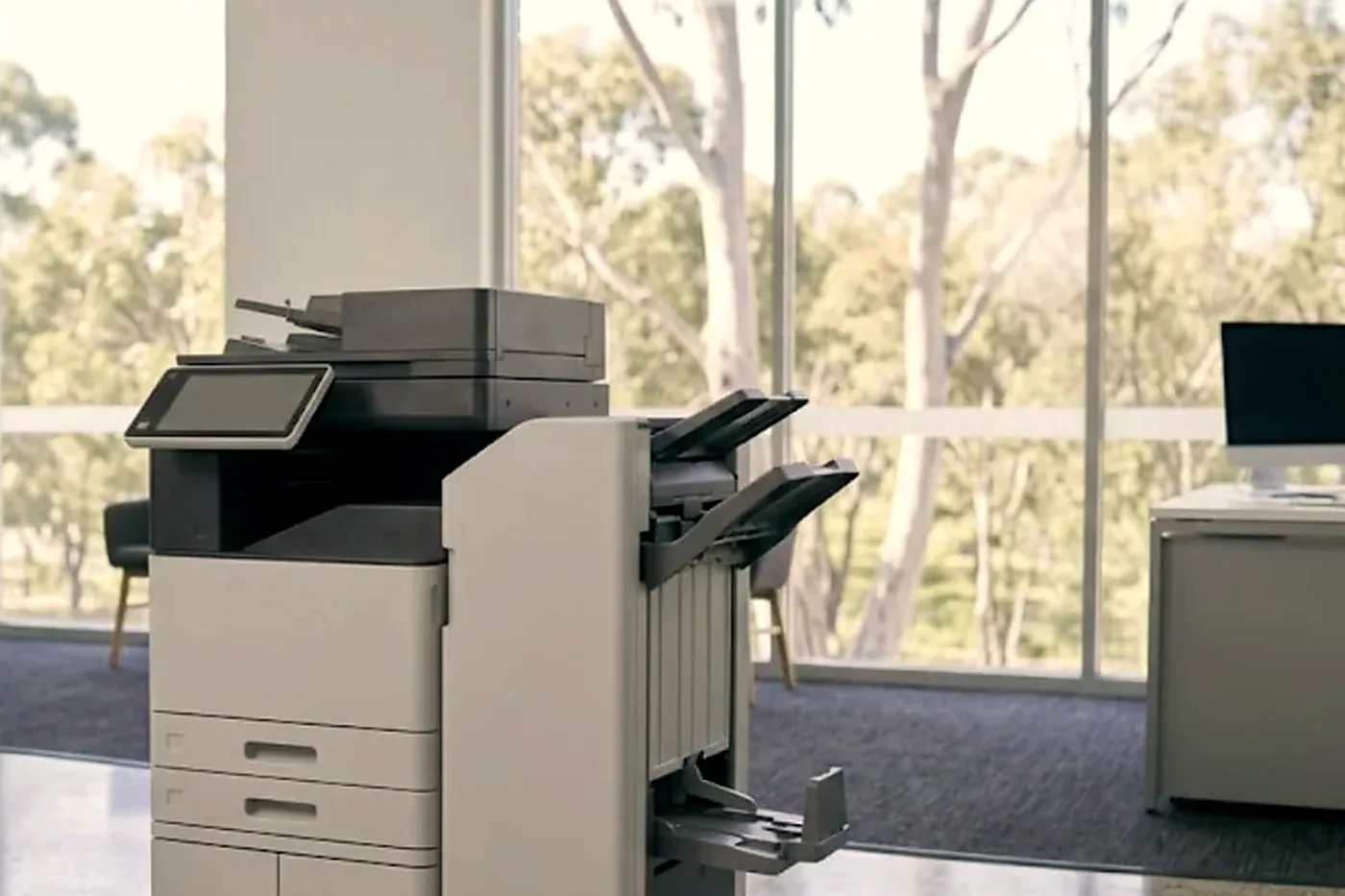
A Ricoh at a front counter
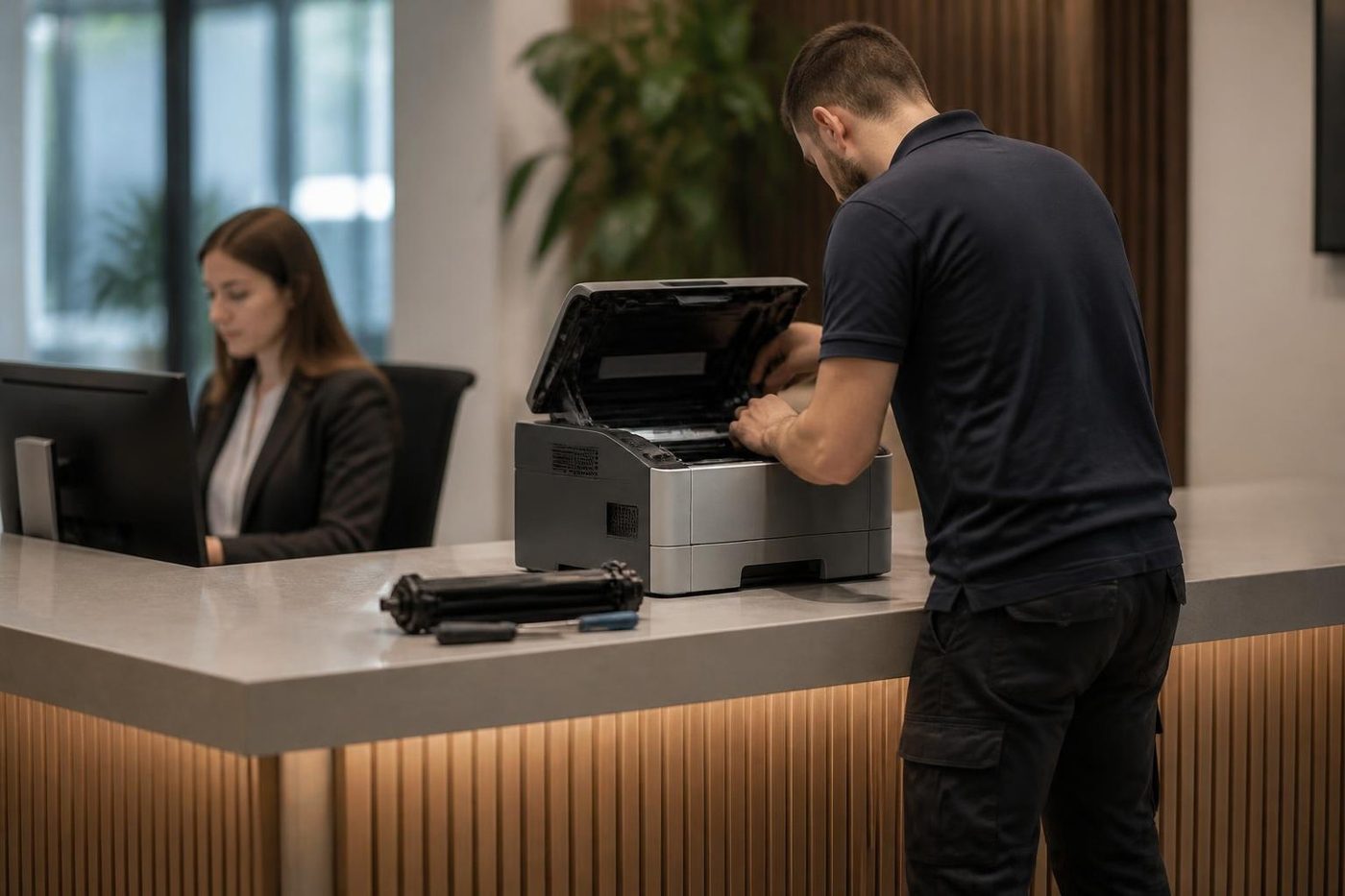
The A4 IM machines on a front counter get a particular kind of use. They are walked up to by strangers, fed odd originals and left on at all hours. Pickup rollers wear quickly there, and a sheet of paper that was bent in somebody's bag does the rest.
If the counter machine misfeeds, the paper is the first suspect and the roller the second. A fresh ream and a check of the roller usually settles it.
What to have ready when you ring about a Ricoh
If the lines are busy we log the call and return it.
- Model name from the label, including the C or other letters after the number.
- The whole SC code, read out slowly.
- What it was in the middle of when the fault showed, and whether a restart changed anything.
- One user affected or the whole office.
- Which building, which floor and any access arrangements.
How a Ricoh visit runs
Firmware
Software is a repair part too
Some faults are not a worn part at all. A copier that drops off the network, a scan to email that stops, a panel that freezes on one screen: these can come from firmware, or from a setting that got changed after a power cut. A technician who only carries a screwdriver will swap parts and still have the fault. A good one asks when it started and what changed.
Before any update we note the settings, the address book and the scan destinations, so your staff are not rebuilding them on Monday morning.
- Ask what changed. New cable, new router, a storm, a power cut.
- Save the settings. Address book and scan destinations noted before an update.
- Update only when it helps. Newer is not automatically better.
More for Sunshine Coast offices
 Canon repairsimageRUNNER ADVANCE, DX and i-SENSYS machines, fixed on site.
 Konica Minolta repairsbizhub i-Series and C series colour and mono, fixed on site.
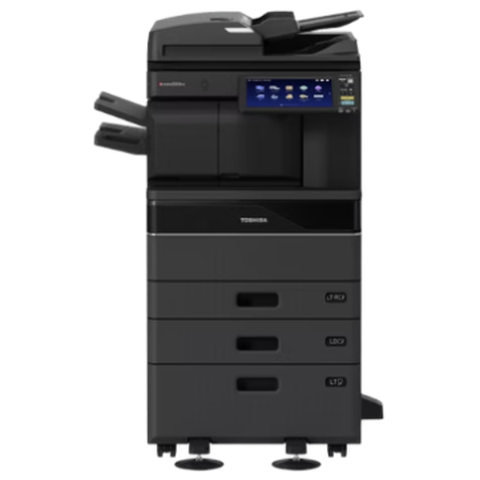 Toshiba repairse-STUDIO colour and mono copiers, fixed where they sit.
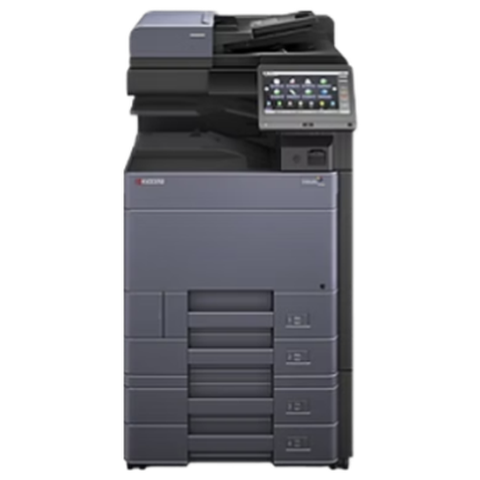 Kyocera repairsTASKalfa copiers and ECOSYS printers, looked after on site.
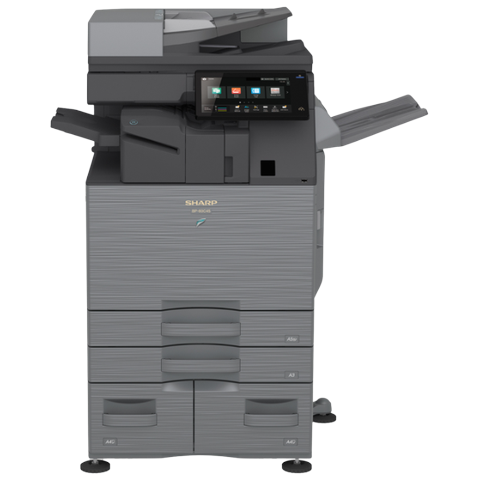 Sharp repairsMX and BP series copiers, repaired where they stand.
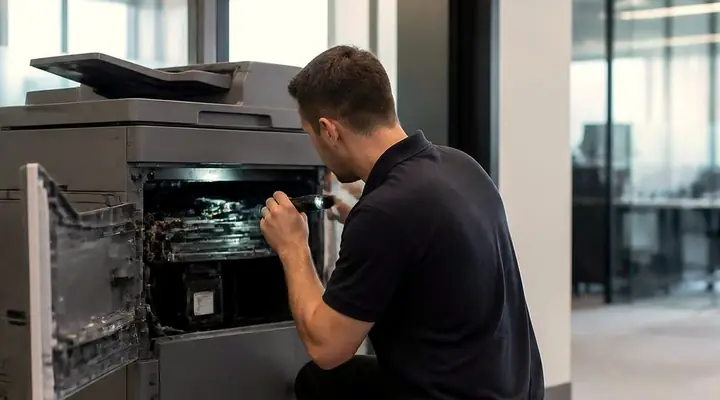 Photocopier repairsCopiers fixed at your desk, one call, price agreed first.
 MaroochydorePrinter and photocopier repairs for the plaza, the new city centre, Cotton Tree and the business parks.Kawana and BirtinyaMedical suites, Kawana Way offices, Birtinya and Bokarina.
Buy, sell and lease
Buy, sell and lease commercial copiers on the Sunshine Coast
We also sell new and second hand commercial copiers and buy used ones. Same team, same technicians.
Offices, surgeries and site sheds
What people ask when they ring
What does SC mean on a Ricoh?
Service Call. The code names part of the machine, but the number is not universal, so we read it against your model.
Is Lanier a different brand to Ricoh?
Lanier machines are built by Ricoh. The codes, parts and faults come from the same family, and the model number tells us which Ricoh it matches.
My Ricoh shows SC899. Where do I start?
SC899 is an application error that a corrupt print job often triggers. Cancel it, then print again with the driver made for your exact model.
What is behind SC672?
The link between the controller and the operation panel was not made at start up. Loose connectors, firmware, storage faults and unstable power are all candidates.
Why does the panel say there is no bridge unit?
SC791 appears when a finisher is fitted but the bridge unit is not detected. A loose or unseated bridge unit gets checked before anything else.
Folder scans broke after a server upgrade. Is the copier at fault?
Usually not. An upgrade can alter the SMB version or the signing rules, so we work with your IT contact until both ends match.
Do you cover the whole coast for Ricoh copier repairs?
Yes: Caloundra, Noosa, Nambour, Maleny and Gympie are all covered.
Do you service Ricoh printers as well as copiers?
Yes. SP printers and IM multifunctions are handled in the same visit.
How many pages will a roller last?
We will not quote a figure. Published numbers assume a standard coverage and say nothing about your machine, paper or room.
Is this a Ricoh dealership?
No. We are a separate service business, and we repair Ricoh and Lanier machines where they stand.
How soon can a Ricoh be looked at today?
Same day service is available. Give us the model and the SC code on the phone, and we talk through a price.
Lines busy?
(07) 5327 3472, or leave a note
If we cannot pick up, your call is logged and returned. Nothing gets lost.
Leave a note
All of our work on the Sunshine Coast
Service pages
- Photocopier repairs Sunshine Coast
- Commercial printer repairs Sunshine Coast
- Plotter service Sunshine Coast
Fault pages
- Installation and setup Sunshine Coast
- Relocation and removal Sunshine Coast
- Copier and printer faults Sunshine Coast
- Photocopier paper jams Sunshine Coast
- Copier black lines and streaks Sunshine Coast
- Copier error codes Sunshine Coast
- Copier not printing Sunshine Coast
- Scan to email not working Sunshine Coast
- Toner smearing and fuser faults Sunshine Coast
- Printer offline and network faults Sunshine Coast
- Copier noise, grinding and squealing Sunshine Coast
- Is my copier worth repairing Sunshine Coast
- Toshiba e-STUDIO error codes Sunshine Coast
- HP LaserJet error messages Sunshine Coast
- Kyocera TASKalfa error codes Sunshine Coast
Makes we work on
- Toshiba copier repairs Sunshine Coast
- HP printer repairs Sunshine Coast
- Kyocera copier repairs Sunshine Coast
- Fujifilm copier repairs Sunshine Coast
- Xerox copier repairs Sunshine Coast
- Canon copier repairs Sunshine Coast
- Lexmark printer repairs Sunshine Coast
- Brother printer repairs Sunshine Coast
- Epson printer repairs Sunshine Coast
- OKI printer repairs Sunshine Coast
- Zebra printer repairs Sunshine Coast
- Konica Minolta copier repairs Sunshine Coast
- Sharp copier repairs Sunshine Coast
- Samsung printer repairs Sunshine Coast
- Fuji Xerox copier repairs Sunshine Coast
Coast towns and suburbs
- Printer service Caloundra
- Printer service Gympie
- Printer service Buderim
- Printer service Maleny and the Blackall Range
- Printer service Kawana and Birtinya
- Printer service Nambour
- Printer service Maroochydore
- Printer service Noosa and Noosaville
- Printer service Coolum and Peregian Beach
- Printer service Mooloolaba and Alexandra Headland
- Printer service Sippy Downs and Maroochydore industrial
- Printer service Pelican Waters and Bribie Island
- Printer service Beerwah and Glass House Mountains
- Printer service Yandina and Eumundi
- Printer service Cooroy, Pomona and Cooran
- Printer service Cooloola, Tin Can Bay and Rainbow Beach
- Printer service Kilcoy and the D'Aguilar side
- Printer service Palmwoods, Montville and Mapleton
- Printer service Landsborough and Mooloolah Valley
- Printer service Marcoola and Sunshine Coast Airport
- Printer service Coolum industrial
- Printer service Warana and Kunda Park
- Printer service Tewantin
- Printer service Bli Bli and Pacific Paradise
- Printer service Currimundi, Little Mountain and Baringa
- Printer service Kenilworth, Imbil and the Mary Valley
- Full list, Caloundra to Gympie
Got the make and the problem? That is all we need to price it.
What is wrong with it? Tell us on the Sunshine Coast
We read every message and phone you, usually with a question or two about the machine and a price. Prefer to ring? (07) 5327 3472.