How to read an HP message
The leading pair of digits names the family. On an older LaserJet that might be 50.2, short and simple. Newer models stretch the code out with letters and extra groups, and every part counts, so searching on the first two digits alone brings back advice written for some other printer.
Most of what reaches us sits in five families. Jams live under 13, firmware under 49, the fuser under 50, a motor under 59, and 79 is the catch all service error. Scanner, fan, tray, memory and supply faults have families of their own. Because codes shift between models, we always ask for the complete string and the model.

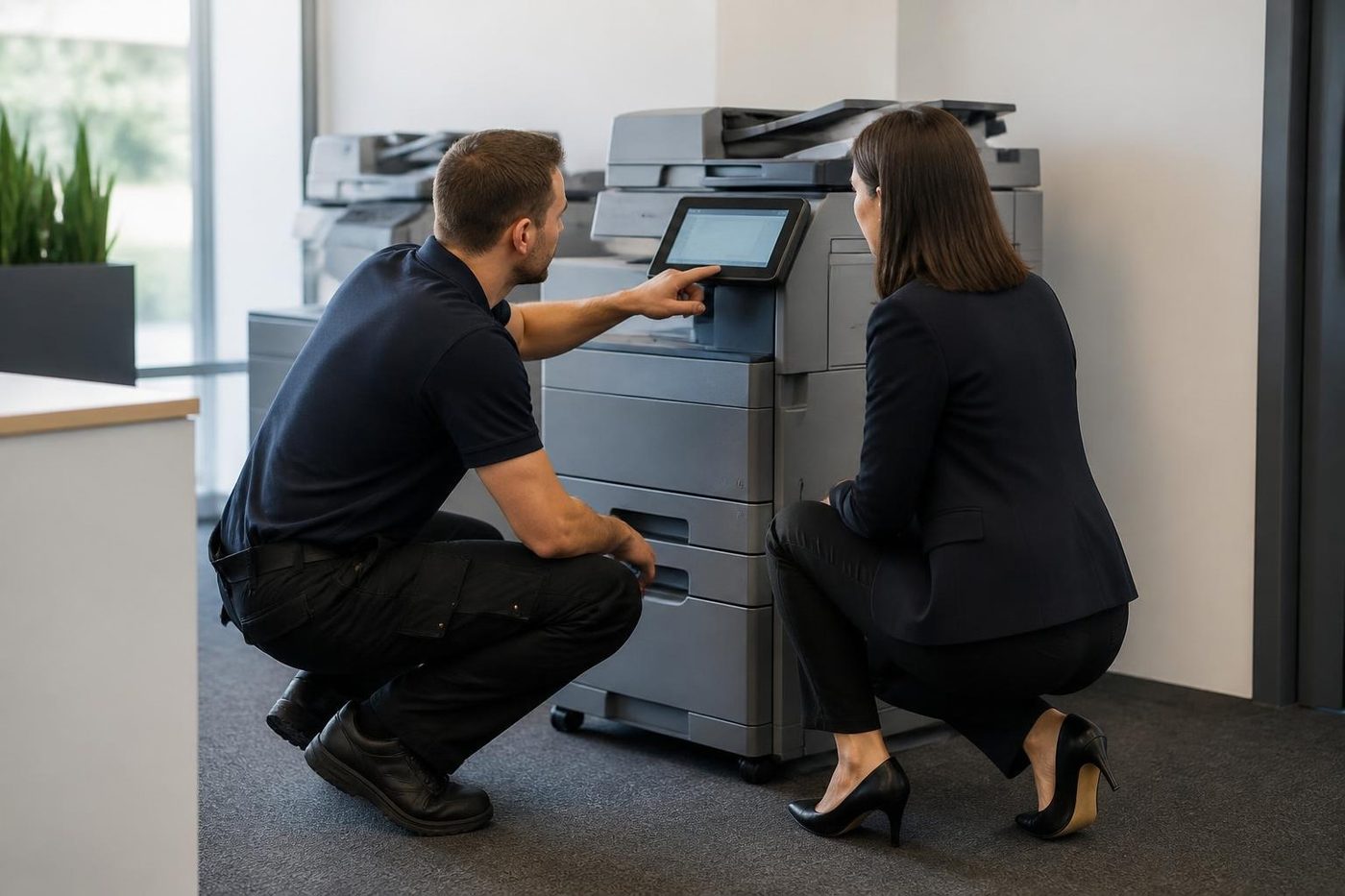
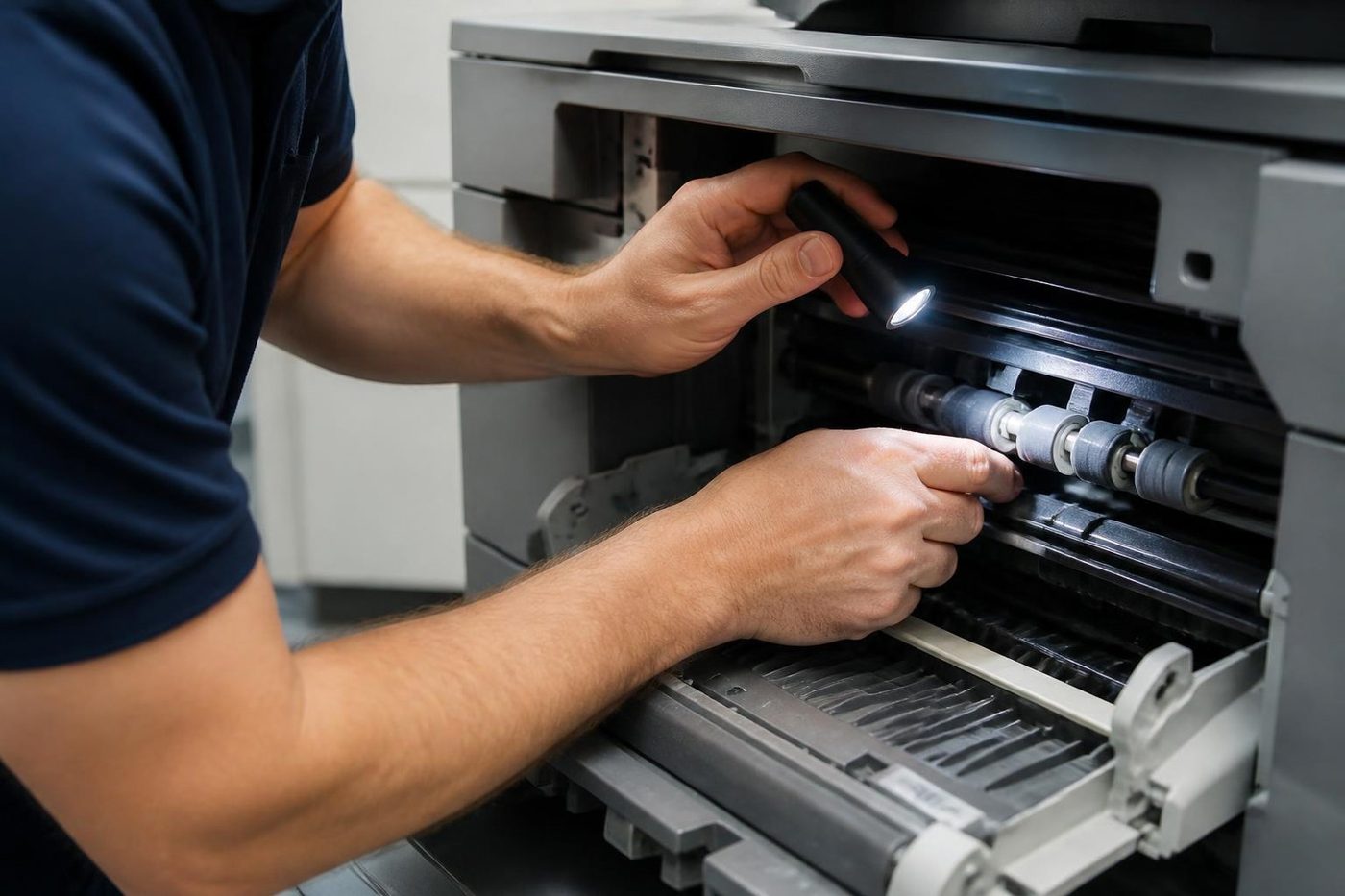
Inside the 50 family
Across plenty of LaserJets a 50 means the fuser, and the figure after the point narrows it down. Going by the reference we read, a 50.1 says the fuser is staying cold, because the element has died or the sensor sees no rise. With 50.2 the fuser does heat but misses its deadline. A 50.3 means too much heat, and clogged fans, dirty filters or the wrong paper type setting can all cause it. For 50.4 suspect a faulty fuser or a weak mains supply, while 50.5 is a fuser of the wrong kind or one that is not seated properly.
That source also names low voltage from an extension lead as a known reason for a slow warm up. Which gives you a first test that costs nothing: use a wall socket directly and check the paper type. Still failing after that? The fuser needs a technician.
49 and 79: usually firmware, often the job
Both generally mean a firmware error, and the trigger often sits somewhere other than the printer. Any of these can start it: a corrupt print file, a stock driver, a poor cable, a rush of network traffic, or an accessory the printer will not accept. The office signature is easy to spot: the printer falls over after one particular person prints, or reboots whenever the network gets busy.
Since the culprit often lives elsewhere, we deal with the job and driver before opening hardware. If a 49 or 79 comes back with the network cable pulled and nothing in the queue, we accept the printer is at fault and look at the formatter board and its memory.
Who handles what
- 13.xx is a jam, with the location named. You clear it first.
- 49 with the turn off then on prompt: firmware, commonly provoked by a job or the network. Empty the queue and call us if it stays.
- 50.x: the fuser area, covering the heater, a sensor, the supply or the type of fuser fitted. Needs us, with the entire code.
- 59.x: a motor. Which motor depends on the figures after the point. Needs us, with the entire code.
- 79 service error: firmware again, and it can come from a document, the network or an accessory. Work through the steps below, then call.
- Anything else: varies by model, so ring with the name of yours.
What you can try with the covers shut
- Note the complete message, letters included, plus the model name.
- Power down, give it half a minute, power up. Once.
- Move the plug from the power board to a wall outlet.
- Switch off, pull the network and USB leads, switch on. A printer that gets to ready now has been upset by a job, a driver or the network.
- On each computer that prints to it, delete the waiting jobs, especially any odd looking ones.
- Think about what changed lately: a driver, an update, a new device on the network.
- Do not touch the fuser or anything else inside. If a 50 or 59 reappears after a single restart, or the printer smells hot, stop there and ring.
LaserJets in Coast offices
Small offices and front desks around the region tend to run LaserJet Pro desktops in the M404 and M454 style. The M428 and M479 multifunctions do the paperwork in accounts and admin. Larger firms, schools and clinics with several users on one machine lean toward Enterprise models like the M507 and M528.
They are built for steady office work and cope well. The faults we meet are the ones already described: fuser wear after many pages, firmware upsets from a job, and a motor that has simply tired.
At your premises
With firmware messages the technician pulls the event log, studies the job and driver that were involved, checks firmware and network settings, then tests the printer by itself. If it behaves alone, your IT contact gets a note of what to alter. If it does not, we turn to the formatter board and the memory on it.
Fuser and motor messages get tested to a cause before a part is ordered. The answer may be a new fuser, a loose connector or a failing power supply. You then hear what failed and whether repair makes sense, and the price is settled by phone before booking.
The technicians sent are trained, experienced and certified. About 98% of repairs wrap up on the first visit, and if the same problem returns we put it right again for nothing. HP is not our parent: we are an independent service business.
Cartridge messages that blame the wrong thing
HP prints a whole family of supply messages. Some are about the cartridge body, others about the little memory chip riding on it. A brand new cartridge the printer refuses to recognise may have a chip that is not touching its contacts, may be seated only part way, or may be a type this printer rejects. Take it out, inspect the contacts, press it home firmly and shut the door. A genuine cartridge of the right type that still gets refused hints at the reader inside the machine.
After a refill or with a non genuine cartridge the picture changes, and we tell you so straight. Some printers turn away certain supplies, and no repair alters that.
Jams that carry a number
Every 13 message names a place. The tray area, the fuser, the output and the duplex path each get a different figure after the point. The panel plays a short animation of the path, so open only the doors it marks. Torn paper leaves a scrap, and the printer will keep reporting the jam until the scrap is found.
When one position keeps repeating, a roller or sensor at that spot is wearing out. Tell us the figure.
Plain status messages
Plenty of HP messages are only status in words. Door open, Load paper, Toner low, Tray empty and Replace cartridge all clear once you act.
Be wary of the ones that stay after you have done as asked. An empty path with a jam message, or a new cartridge with a cartridge message, might be a sensor or connector. If a message stays put once you have obeyed it, ring with the exact words on the panel and the model.
Be careful with unofficial tips on shoving a printer past an error. Some reset routines wipe settings your IT provider put in, and certain HP errors exist precisely to shield a failing fuser.
Parts
The part is in the van, or we know before we arrive
Waiting a week for a roller to come from a warehouse is a poor deal for a firm with invoices to print. Technicians carry the common spare parts, and on the phone we work out which ones your make and model are likely to want. If something rarer is needed, you hear that before we arrive, not after we have pulled the machine apart on your floor.
Parts that are not worth fitting we tell you about too. A fifteen year old machine with three things failing is a different conversation, and we have it plainly.
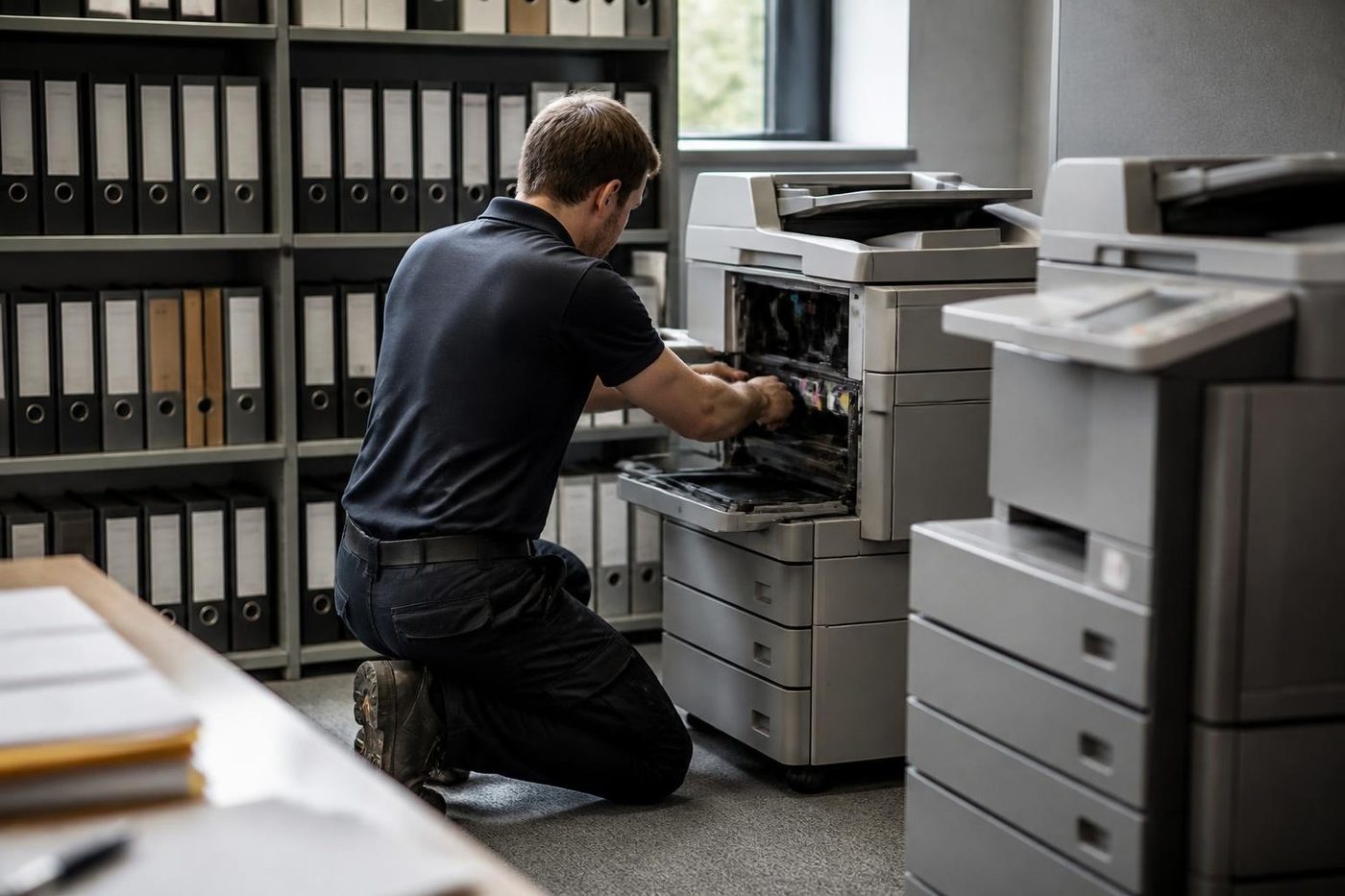
- Common parts carried. Rollers, drums, blades and the usual wear items.
- Rare ones flagged early. You know before the visit.
- Plain advice. Repair or replace, your call.
More for Sunshine Coast offices
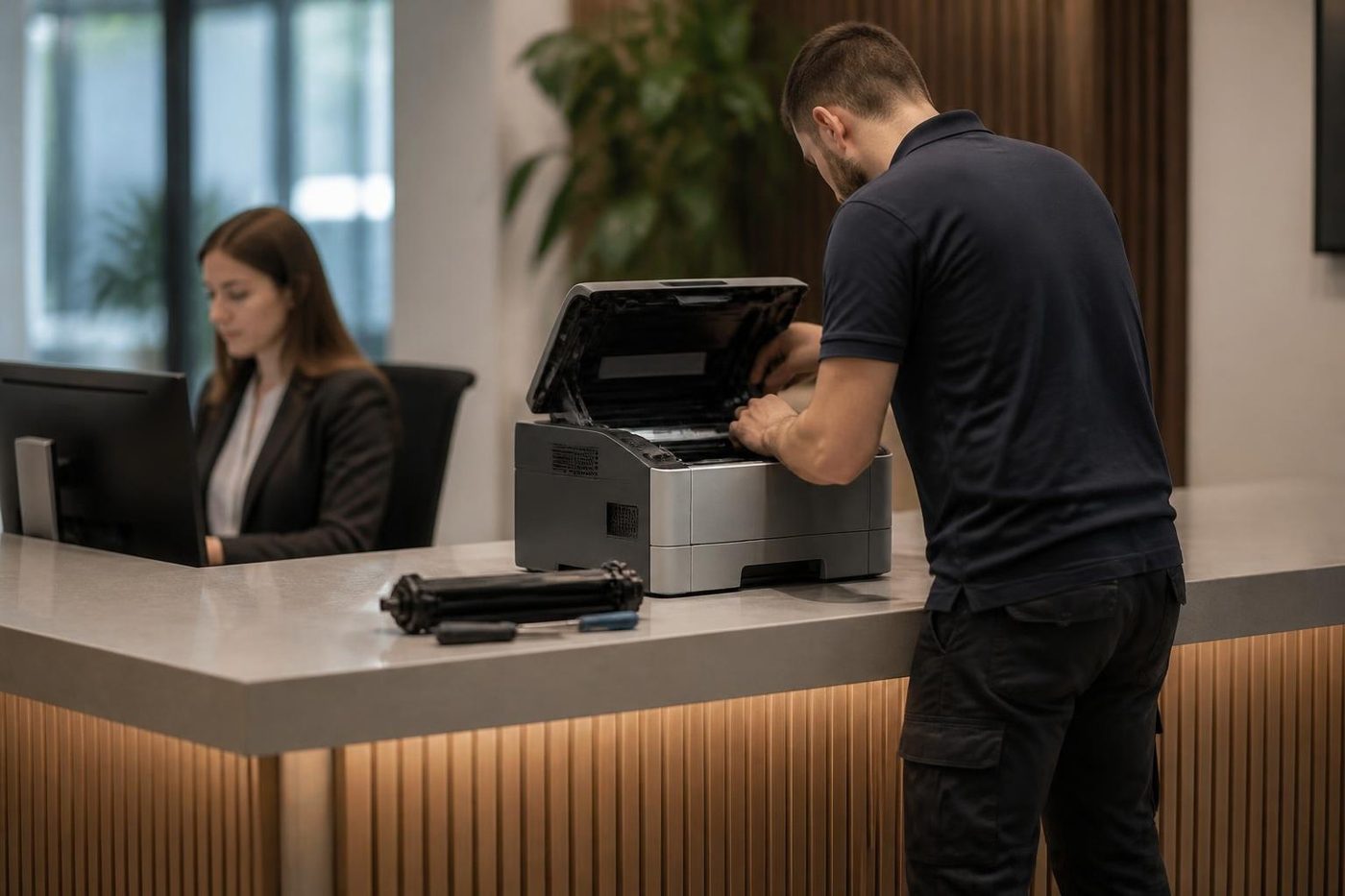
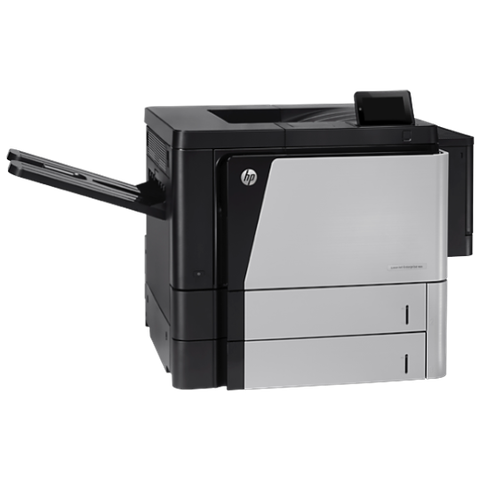 HP repairsLaserJet Pro, Enterprise, Color LaserJet and DesignJet repaired on site.
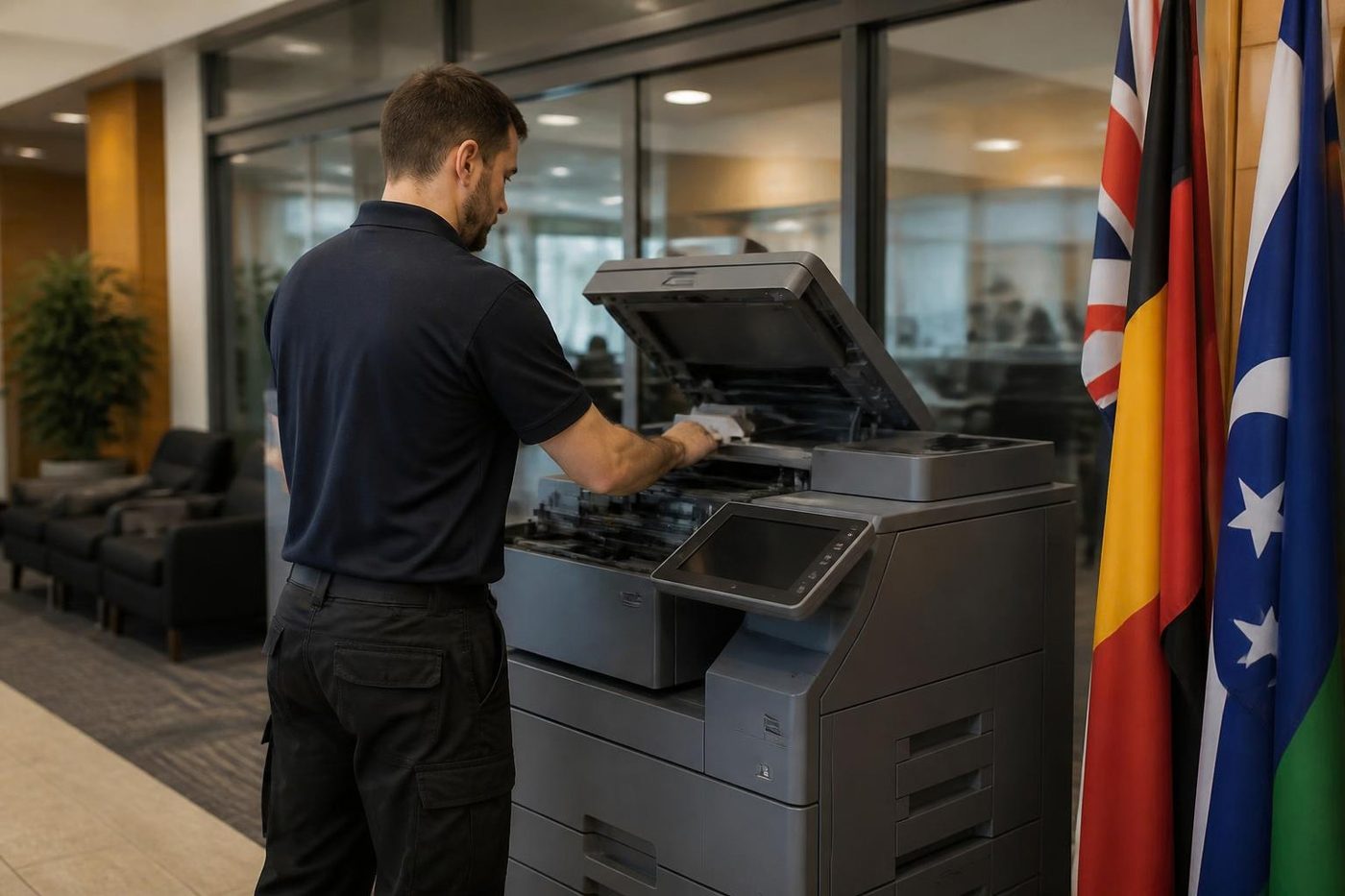
 Commercial printer repairsCommercial laser printers, label printers and fleets repaired on site.
 Copier and printer faultsStart from the symptom, find the next step.
 Printer offline and network faultsPrinter showing offline, or reachable from some computers only.Toner smearing and fuser faultsToner that rubs off, ghost images and fuser trouble.
Buy, sell and lease
Buy, sell and lease commercial copiers on the Sunshine Coast
We also sell new and second hand commercial copiers and buy used ones. Same team, same technicians.



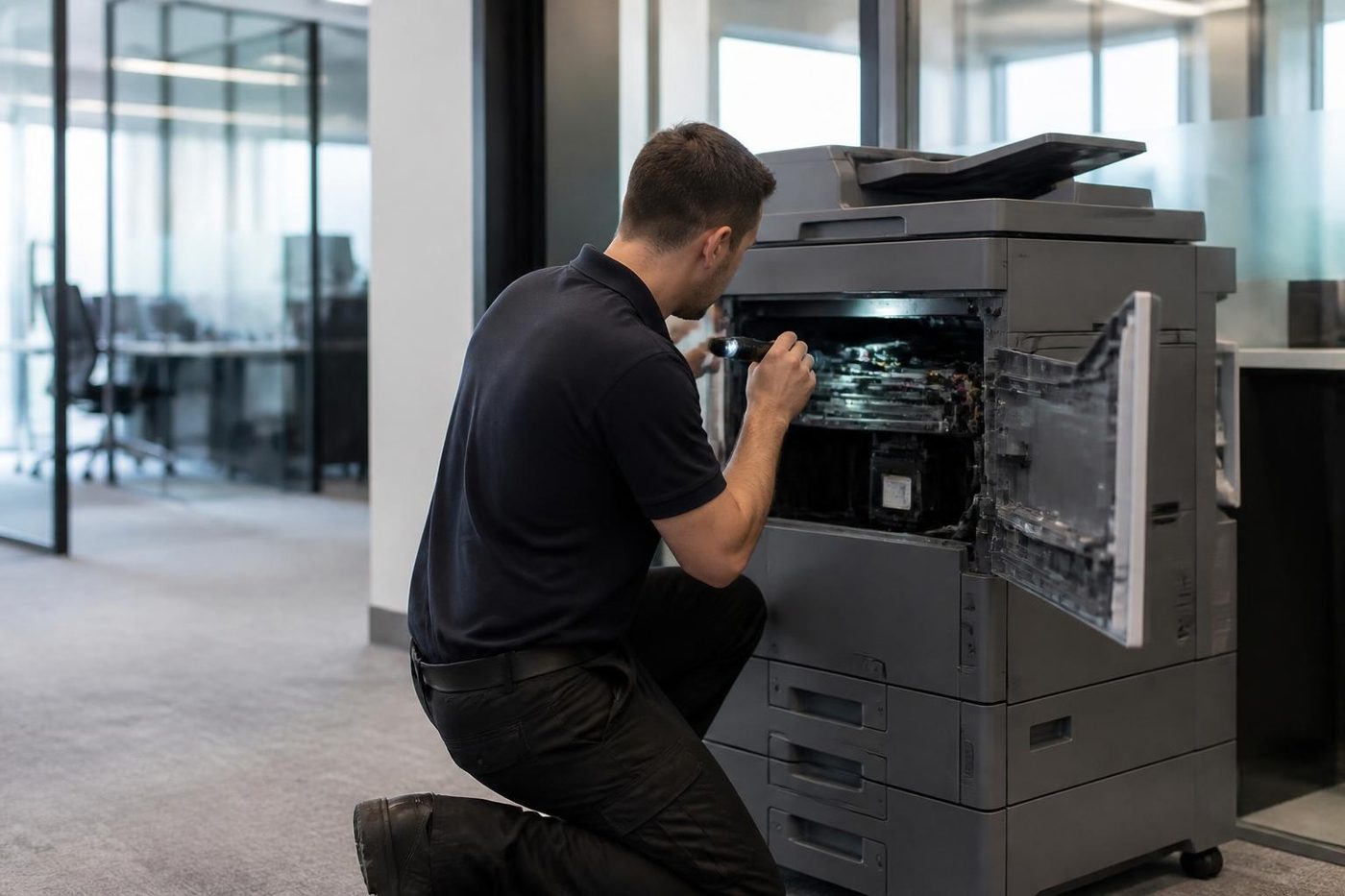
Out on the road, in the building, back on the road

What people ask when they ring
What does HP LaserJet error 50.2 mean?
The reference we read treats 50.2 as a slow fuser warm up: it heats, but not quickly enough. Try a wall socket and the right paper type setting, then ring us.
Why does my LaserJet show 49 and restart?
A 49 normally signals a firmware error that a print job, driver or burst of network traffic has set off. Empty the queue, unplug the network and USB leads, and see whether it gets to ready.
What is an HP 79 service error?
A firmware error with several possible sources: the document, the driver, the network or an accessory. Back again with every cable out? Suspect the printer itself.
Is it safe to keep turning it off and on?
One restart is fine. Doing it repeatedly with a fuser or motor error may grow a small fault into a large one, so ring us instead.
Does the whole code matter?
Yes. Newer printers show longer strings, and the letters and extra parts change what the code means.
Can I clear a 50 error myself?
Try a direct wall socket and the correct paper type. If the 50 returns, the fuser needs a technician.
Can you repair a LaserJet that is still covered by the seller?
Read what that cover says first. We are independent and are not HP, so any cover from the maker is something to sort out with the seller.