What the fuser does, in a sentence or two
Toner is only powder when it lands on the page. The fuser is the pair of rollers, or a roller and a film, that squeezes the page and heats it so the powder melts in. Too cold, too worn or too short of pressure and it sits on top, ready to smudge.
It is also the hottest part of the machine and the one that stays hot after switch off. Hands out.

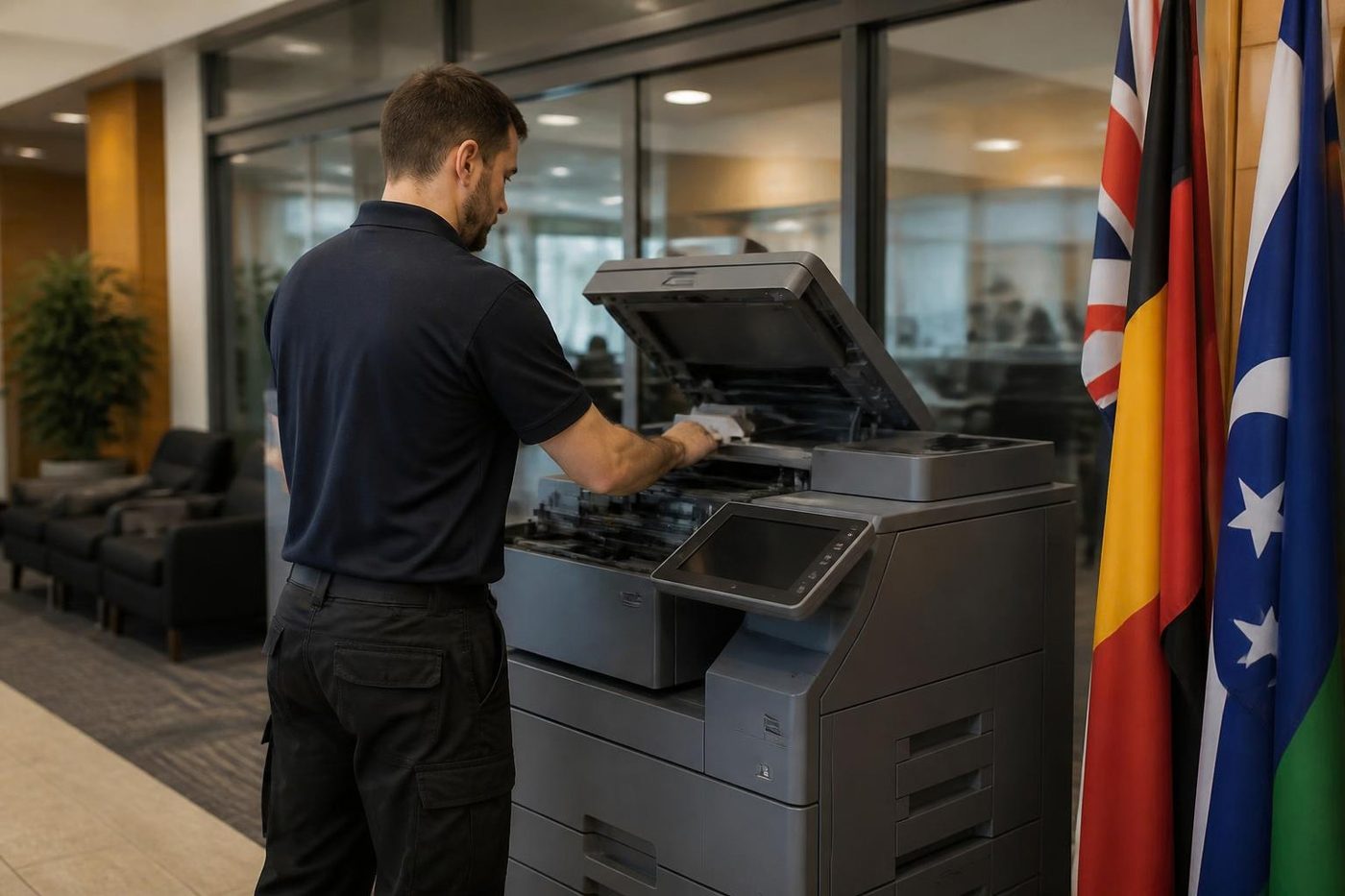
Start with the paper setting
Before anything mechanical, look at what the tray is told it holds. A machine set for plain paper, loaded with heavy stock, letterhead with a thick finish, or a sheet of labels, does not give those sheets enough heat. The toner stays loose.
Go to the tray setting on the panel and match it to what is in the tray. Heavier sheets need a slower pass and more heat, and the machine only does that if you tell it. If the problem is one tray or one job, this is where to look. Letterhead from a printer shop with a glossy coating is a repeat offender.
If you are printing on envelopes, labels or a coated sheet, use the bypass tray and the matching setting, and check the maker's range.
Damp paper does it too
A ream that has soaked up moisture takes heat out of the fuser, since it has to boil water off before it can fuse toner. On the Coast, a wet week can turn a good ream into one that smears. The prints look fine for the first few pages and get worse as the paper heats and curls.
Try a sealed ream from a dry shelf. If that fixes it, the paper was the cause, and the answer is a better place to store it.
Symptoms and what they usually mean
| What you see | Likely cause | Who deals with it |
|---|---|---|
| Toner rubs off with a thumb | Low fuser temperature, worn fuser, wrong paper type setting | Setting yours, fuser ours |
| Faint repeat of the page lower down | A fuser roller that has lost its surface, spacing matches the roller | Ours |
| Smear on the back of the page | Dirty transfer roller or duplex path | Ours |
| Wrinkled or creased sheets, hot to touch | Fuser pressure uneven, exit rollers | Ours only |
| Toner flakes at the edges | Worn film, thermistor out of position, damp paper | Ours |
| Smell of heat or burning | Stop. Switch off | Ours, ring now |
| Fuser or temperature message on the panel | Heating fault | Ours, see the code pages |
Fuser codes and what the pages say
When the fuser fails to reach temperature the machine gives a code. Toshiba, Kyocera and HP each have their own family for it, and the numbers differ between models. The Toshiba e-STUDIO, Kyocera TASKalfa and HP LaserJet pages on this site set out what the codes we have confirmed are listed as.
In every case the code is the start of the job. The cause may be the heater, the sensor, the thermostat, a connector or the board that drives the lamp, and a technician tests before changing anything.
What you can do
Check the tray setting matches the paper. Try a sealed ream. Print one page of plain text from a computer and see if it smears. Make one copy from the glass to see if the copy is the same.
If a smear is on every page and the setting is right, leave it. More printing wastes paper and runs a hot machine for no reason.
Do not open the fuser area and do not touch the rollers. Do not scrape toner off with a blade or a tool. That damages the surface that does the work.
What the technician checks
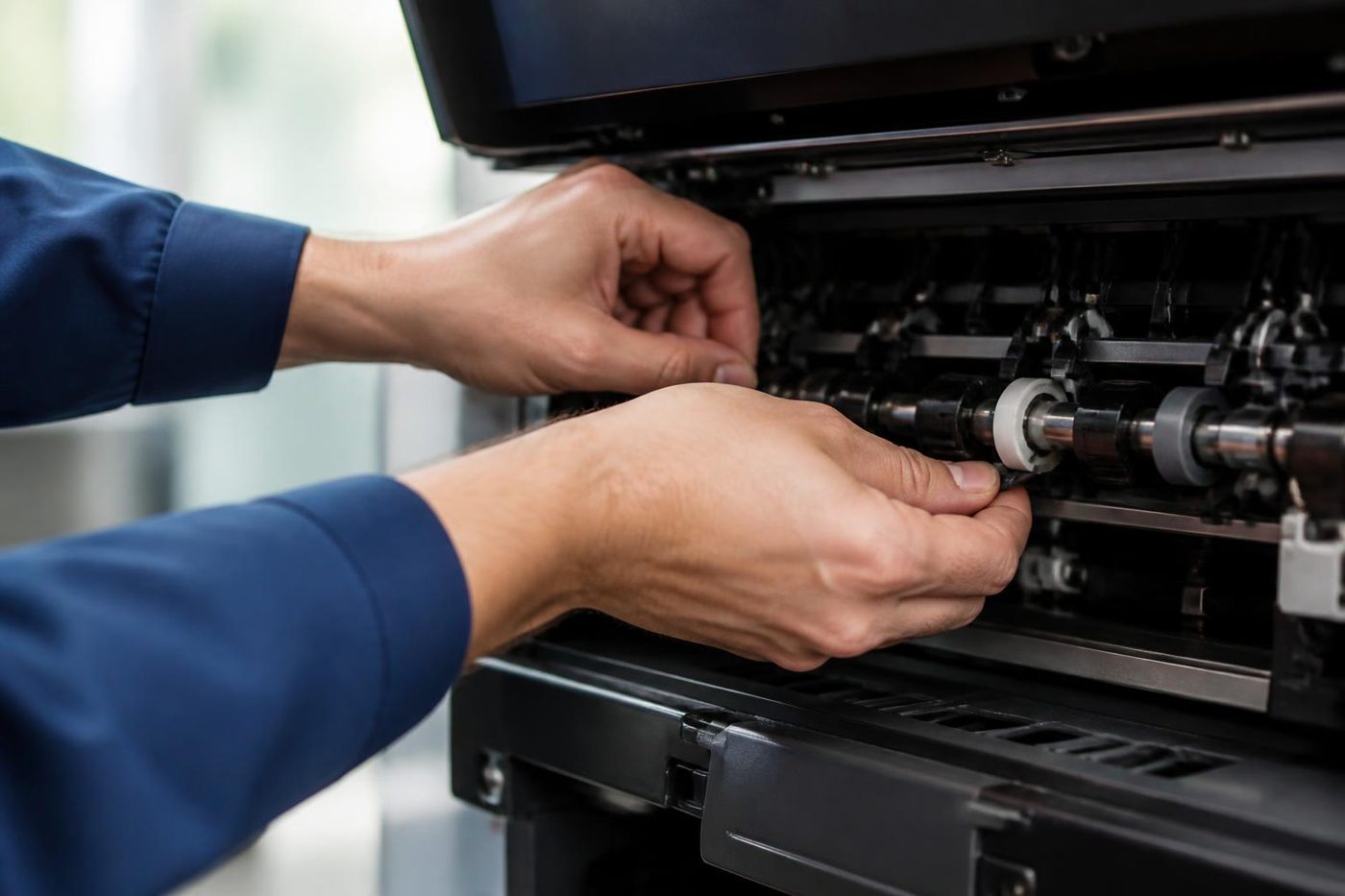
The fuser is looked at from several angles. We check the temperature it reaches and how long it takes, the sensors and the thermostat, the condition of the heat roller or film, the pressure roller and the bearings. We look at the exit rollers and the cleaning parts. The heater lamp or the induction parts get tested, not assumed.
If the fuser is worn out we say so and show you the roller surface. If it is a sensor or a connector, we fix that and leave the fuser alone, since a fuser unit is one of the dearer parts in the machine.
Technicians carry common spares, and 98% of repairs are fixed on the first visit. If the same fault returns we fix it again at no charge.
Where the heat comes from in Coast offices
Summer in a metal roofed unit at Kunda Park or Warana is hard on a copier. The room can sit hot all afternoon, and a fuser that works against a hot room is under strain. An office in a converted shopfront at Mooloolaba with the air conditioning off at night starts the day cold and damp, and the first prints smear until the machine warms through.
Where it is possible, place the machine out of direct sun, to one side of the roller door and clear of the fridge on the same power circuit. It will not fix a worn fuser, but it spares a good one.
Laser printers on a desk
A workgroup laser has a fuser too, and it fails in the same way, usually after a long run of pages. Smearing on a desk printer that has printed many thousands of pages, with the right paper setting and dry paper, is the fuser reaching the end of its life. On many desk models the whole fuser is a single unit that is swapped, and that is cheaper than chasing a sensor.
If the printer is an older, cheaper one, the arithmetic changes. A fuser on a machine worth less than the repair is a call for judgement, and we give it plainly.
Toner on the back of the page
A grey smear on the reverse side, in a band, usually has a different cause. The transfer roller or the part of the path that carries the page past the drum is dirty, or a toner leak has dusted the path. Print five blank pages and the dirt often transfers away, but if it keeps coming back, something is leaking, and it needs a technician before it spoils the fuser as well.
Double sided jobs can show the same thing on the second side, because the sheet has already been through the fuser once and is now carrying toner through the return path.
Pages that come out too hot to hold
A sheet that is hot is normal. A sheet that is scorched at the edges, brown, or that smells of burning is not, and neither is one that has been creased flat along its length. Stop, switch off, and ring. Those are signs of a fuser that is applying heat unevenly or a sheet that has caught on something hot.
Is it worth fixing?
On a newer machine, a fuser is a standard repair. On a very old one with a lot of pages through it, a fuser plus a drum plus a developer might be the price of a good second hand replacement. We say so. See is my copier worth repairing for the way we think about it, and second hand photocopiers if that is where it ends up.
Drums and daylight
A drum does not forgive a sunny bench
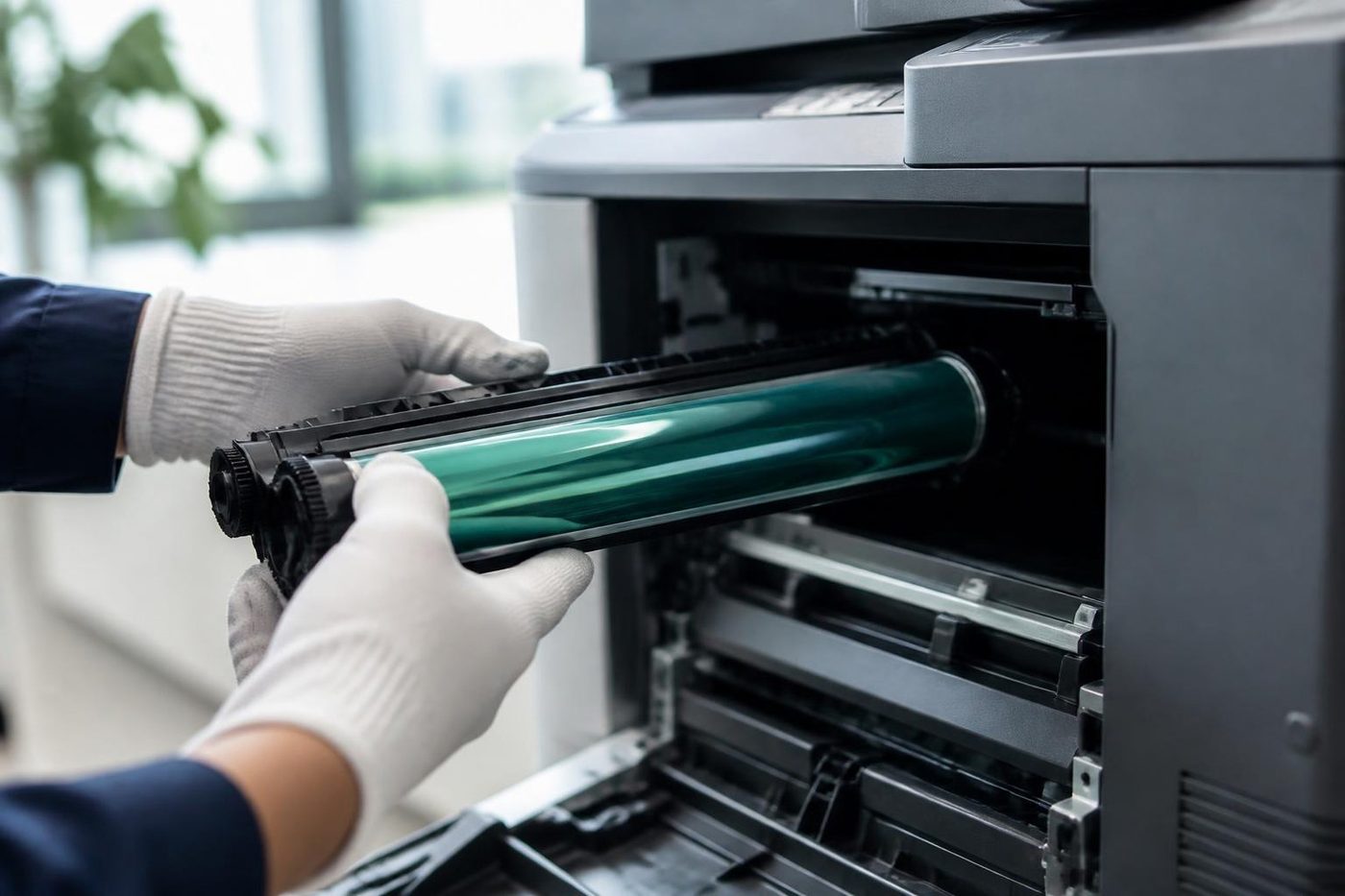
The drum is coated with something that reacts to light. Leave one on a bench by a window at a Buderim office while someone hunts for a screwdriver and it can come back marked for good, the same small spot down every page. People notice a week later and blame the toner. Ours stay wrapped until the second they go in, and nobody puts a finger on the surface.
We have no brand to push, so nobody here gains by selling you a drum you did not need. If the drum is fine we say so and look somewhere else.

- Wrapped until fitted. Drums stay out of the light.
- No fingers. The surface is never touched.
- Cause first. Streaks and spots get traced before a part is ordered.
More for Sunshine Coast offices
Copier and printer faultsStart from the symptom, find the next step. Copier black lines and streaksA line down every copy: glass, feeder, drum or toner.Copier noise, grinding and squealingWhat a new sound is telling you, and when to switch off.
 Photocopier repairsCopiers fixed at your desk, one call, price agreed first.
 Is my copier worth repairing?How we weigh a repair against a replacement.
Buy, sell and lease
Buy, sell and lease commercial copiers on the Sunshine Coast
We also sell new and second hand commercial copiers and buy used ones. Same team, same technicians.

Caloundra, Maroochydore, Noosa and the hills



What people ask when they ring
Why does toner wipe off my printed pages?
The fuser is not melting the toner into the paper. The cause is a wrong paper type setting, damp paper, a worn fuser or a heating fault.
Can I fix toner smearing myself?
Check the paper type setting and try dry paper. If it still smears, the fuser needs a technician. Do not open the fuser.
What is ghosting?
A faint copy of the page appears further down the same sheet. It often points at a fuser roller whose surface has worn, or a drum fault. The spacing between the ghost and the original helps identify which.
Is a hot machine dangerous?
The fuser stays very hot after switch off. Keep hands out of it and never reach in to free a sheet in that area.
Do labels cause smearing?
If the tray is set for plain paper, yes. Use the bypass and the correct setting, and check the maker lists the label sheet for that machine.
Can I print on thick letterhead?
Often, with the right paper type setting. Heavy or coated stock needs more heat, and the machine will only provide it when told.
Why does the first page of the morning smear but the rest are fine?
The machine is cold and damp and has not reached full temperature. If it clears after a page or two it is not urgent, but mention it, because it is often the first sign of a fuser that is tiring.
How much does a fuser repair cost?
It depends on the machine and what has failed. We talk it through on the phone before anyone is booked. Nothing is locked in.