The one test that halves the problem
Put a clean sheet on the glass and make a copy. Then print one page from a computer, or print the configuration or test page from the panel.
If the line shows on the copy but not on the printed page, the fault is in the scanning side: dirty glass, a marked strip beside the glass, or the feeder. If the line shows on both, it is in the printing engine, which means drum, developer, transfer or fuser. That is where the technician comes in.
Do this before you do anything else. It stops a person scrubbing the glass for an hour when the drum is the culprit, and it stops us blaming the drum when it is a smear on the glass.


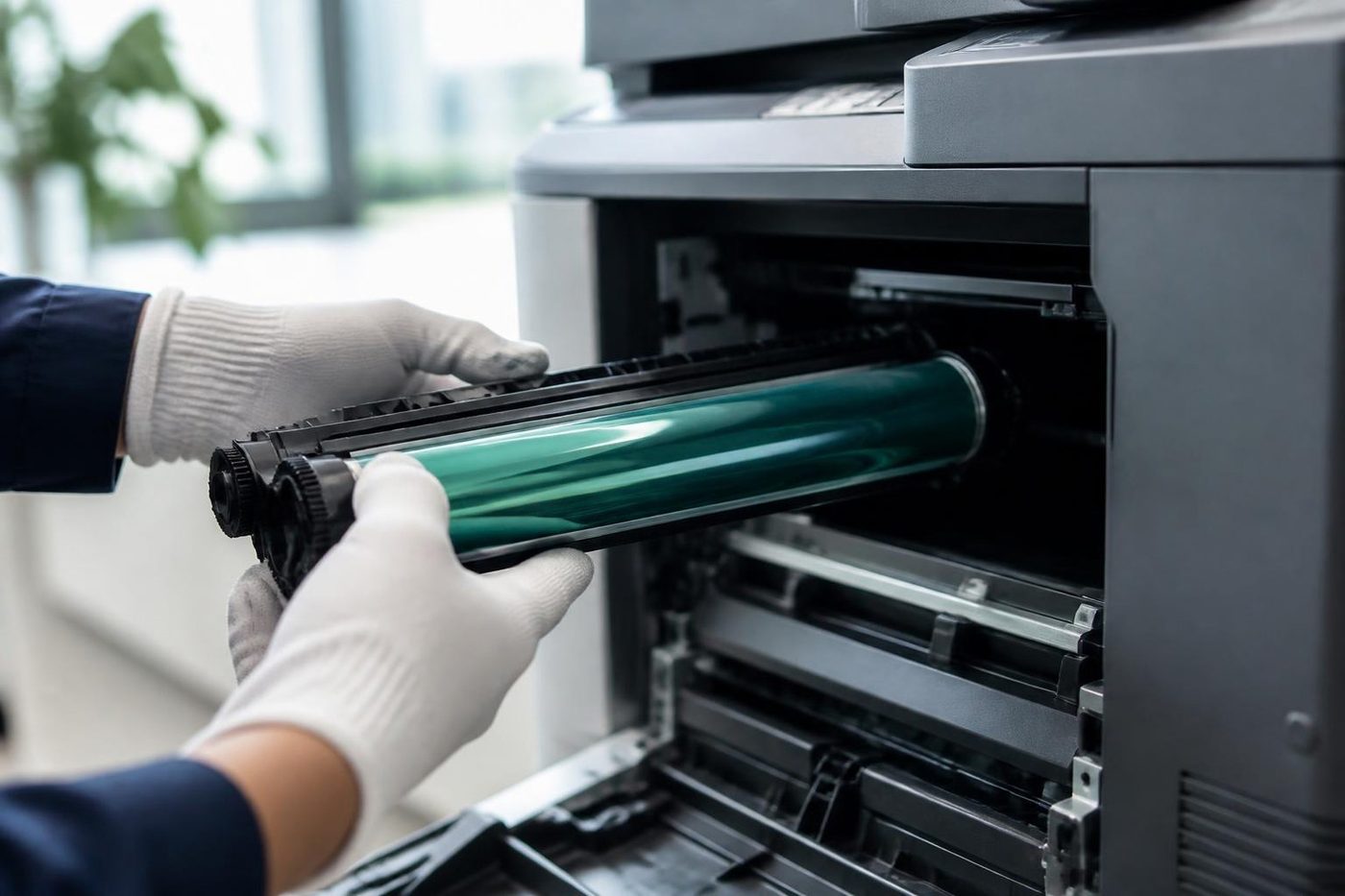
Lines that only appear when the feeder is used
Most machines scan feeder documents past a narrow strip of glass at the left edge of the main platen. A speck of correction fluid, a bit of glue from a sticky note or a trace of toner dust on that strip draws a thin line down every page the feeder scans, and nothing at all when you copy from the glass.
That is the commonest cause of lines on a busy office machine, and it is the one you can fix. Wipe the strip and the main glass with a soft lint free cloth that is barely damp, dried straight after. Spray the cloth, not the glass, and never into the machine.
If the line moves a little after cleaning, something is still on it. Look from a low angle with the light behind you. A scratch will not wipe off, and a scratched strip means a new piece of glass, which is our job.
Lines in the printed page, and what each colour of line suggests
| What the page shows | Usually points at | Who deals with it |
|---|---|---|
| Fine black line, copy only, feeder only | Dirty or marked strip at the feeder scan point | You, then us if it will not wipe off |
| Fine black line, copy and print, same place every page | Damaged drum, worn cleaning blade or a toner leak | Ours |
| Wide dark band at the edge | Developer or toner seal, or a leaking cartridge | Ours |
| White gap or pale line instead of black | Dust on the laser window, an empty or clogged toner path | Ours |
| Line in one colour only on a colour machine | That colour's drum or developer | Ours |
| Spots or marks repeating down the page at an even spacing | A damaged roller or drum, spacing matches its circumference | Ours |
| Smudge across the page, wipes off | Fuser or a transfer part | Ours, see the fuser guide |
Do not open the drum area to look. A drum is sensitive to light, and a thumbprint on one will make the next page worse than the first.
A line only on the Coast
Salt and damp do their share of damage. A machine in a ground floor Mooloolaba office with the door propped open for the sea breeze collects fine grit that settles on mirrors and glass inside the scanner. A beachside clinic running the air conditioning on and off lets moisture creep into the paper path and the drum.
Check where the machine sits. Clear of the door and the window is better than under either. If it must sit near an open door, the machine wants a clean more often, and we will say how often once we have seen the place.
Steps that cost nothing
These need no opened cover.
- Run the copy and print test above and note which pages show the line.
- Clean the glass and the feeder strip as described. Check the feeder rollers for ink or pen marks.
- Look at the line itself. Is it black or coloured, sharp or fuzzy, always in the same spot or drifting?
- Swap to fresh paper from a sealed ream and try again, in case damp paper is smearing.
- Keep three sample pages. Mark the top, label them with the date, and bring them out when we arrive.
Black lines on a laser printer rather than a copier
The same logic applies to the workgroup laser on the next desk, with fewer moving parts. A line down every printed page is the toner cartridge or its drum most of the time. Take the cartridge out, look at the drum surface under normal room light for a second only, and look for a scratch or a bright mark. Do not touch it. If a new cartridge does not clear the line, the printer's own fuser or transfer roller is next.
A one off black blob or a run of dark spots after a toner change usually means loose toner from the seal. Print five blank pages and see if it clears. If it does not, ring.
Why we ask you to keep the samples
A line on paper is a fingerprint. Spacing between repeating marks tells a technician which roller is damaged before a cover has been opened. The direction of the line, its colour and whether it is sharp or ragged tell the rest.
With the pages in hand we can usually say on the phone whether we expect a drum, a blade or a glass job, and talk through a price. The price is agreed on the phone before anyone is booked, and nothing is locked in.
What a technician does about it
We run the same tests you did, then go further. The laser window, the charging parts, the developer, the transfer area and the cleaning blade are looked at in turn. We check what the drum looks like under the right light, and whether toner is leaking from the cartridge seal. A drum that is scratched is replaced. A blade that is chipped is replaced. A seal that has let go is dealt with and the loose toner cleaned out before it ruins the next part.
Technicians carry common spares, and 98% of repairs are fixed on the first visit. They are trained, experienced and certified, and if the same fault returns we fix it again at no charge.
Lines on scanned originals only, sent by email
If the paper copies come out clean and the scanned PDFs have lines, you are back at the feeder strip, or the scanner's own lamp. A line that appears in the same place on every scan, no matter what the original, is a mark in the scan path. A line that moves from page to page is on the original or in the feeder.
Photos taken of the scanned PDF are no use to us, but a photo of the feeder strip with a low light across it often is.
When the line is not worth chasing
On an older machine with a high page count, a drum, a blade and a developer unit together can cost more than the machine is worth. We say so. See is my copier worth repairing for how we weigh that up, and if the answer is a replacement we sell commercial machines, new and second hand.
A clean sheet of paper through the printer on the next desk will get the quote out in the meantime.
Heat
The fuser is the part that bites back
The fuser bakes toner onto the page, and it is hot enough to burn a finger in a blink. It also stays hot long after the machine has gone quiet. A rushed job either wastes time waiting or costs somebody a blister. We let it cool, look over the rollers and the sensors while we wait, and refit it square. Fitted crooked, a fuser wrinkles paper and wears out early.
A copier that eats paper is not always a fuser problem. We check the paper path first and only open the hot end when the evidence points there.
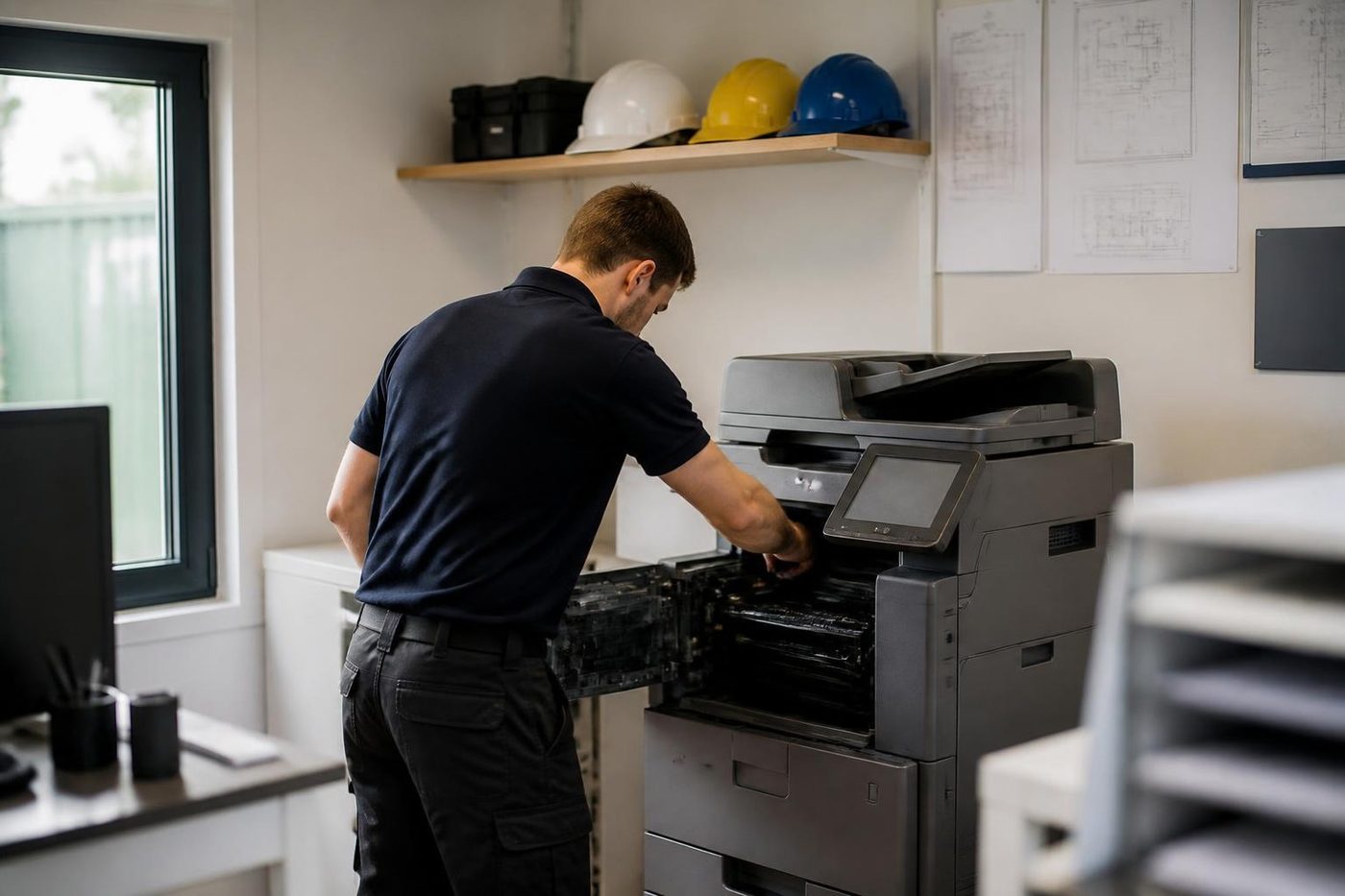
- Let it cool. Nobody gets burned and nothing gets bent.
- Check the sensors. A false reading can look like a dead fuser.
- Fit it square. Even pressure, even toner bond.
- Fixed once. If the fault returns, we fix it again at no charge.
More for Sunshine Coast offices
 Copier and printer faultsStart from the symptom, find the next step.
 Toner smearing and fuser faultsToner that rubs off, ghost images and fuser trouble.Copier error codesHow to read a panel code, which ones you can clear, when to ring.
 Photocopier repairsCopiers fixed at your desk, one call, price agreed first.Is my copier worth repairing?How we weigh a repair against a replacement.
Buy, sell and lease
Buy, sell and lease commercial copiers on the Sunshine Coast
We also sell new and second hand commercial copiers and buy used ones. Same team, same technicians.

Offices, surgeries and site sheds




What people ask when they ring
Why does my copier leave a black line down every page?
If it shows only when you use the feeder, the scan strip beside the glass is probably dirty. If it shows when you copy from the glass and when you print from a computer, the drum or toner path is the likely cause.
Is it safe to clean the glass myself?
Yes. Use a soft lint free cloth, slightly damp, and wipe the cloth dry afterwards. Never spray liquid onto the glass or into the machine.
The line is gone after cleaning but came back in a week. Why?
Something is putting a mark on the strip again, often correction fluid on originals, label glue, or dust from the feeder rollers. Check what goes through the feeder.
Why does only one colour streak?
On a colour machine each colour has its own drum and developer. A streak in one colour points at that one.
Can I keep copying while I wait for a technician?
You can, from the glass instead of the feeder, if the line is only from the feeder. If it shows on every page, stop, because a damaged drum can mark the next parts.
What do you need to know when I ring?
The make and model, whether the line is black or coloured, and whether it appears on copies, on prints or both. A sample page helps.
How long does a drum replacement take?
It depends on the machine and whether the part is on the van. We find out on the phone and say before booking.