Fuji Xerox copier repairs Sunshine Coast: the name left, the machines stayed
Fuji Xerox started in 1962 as a joint venture between Fuji Photo Film and Rank Xerox, half each. For almost sixty years it put its own name on copiers, and a great many of them were sold to Australian offices. In April 2021 the company became Fujifilm Business Innovation, and the Fuji Xerox badge stopped appearing on new machines.
It did not stop appearing on the old ones. Offices keep copiers a long time when they work, and the ones from the Fuji Xerox years work. We still get calls about them every week, and the person ringing nearly always says Fuji Xerox, not Fujifilm.
We are independent. There is no tie to Fuji Xerox, Fujifilm or Xerox, and we do not suggest one. We repair the machines.

Which Fuji Xerox have you got?
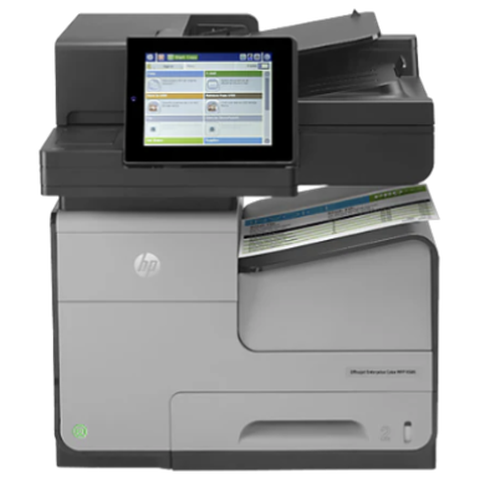
Machines sold under the Fuji Xerox name go by three main names. ApeosPort is the multifunction line, built around a printer, copier and scanner in one cabinet. DocuCentre is the line that sat beside it, often more copier than printer. DocuPrint is the printer family, from small desktop units up to workgroup machines.
ApeosPort and DocuCentre are marked in Roman numerals on later machines, so you will see IV, V, VI and VII after the name. The number tells us roughly when the machine was built. That in turn tells us which parts, which codes and which weak spots are normal for it. A letter C in the model number marks a colour machine.
| Name on the front | What it is | What we usually find |
|---|---|---|
| ApeosPort with a Roman numeral | Colour or mono multifunctions in A3 and A4. | Fuser and roller wear, finisher faults, scan and sign in settings. |
| DocuCentre with a Roman numeral | Copier led multifunctions, many floor standing. | Drive wear, feeder trouble, drum and developer ageing. |
| DocuPrint | Fuji Xerox printers, desktop to workgroup. | Pickup wear, toner and imaging messages, network changes. |
Where the other two names fit
People ask us whether Fuji Xerox, Fujifilm and Xerox are the same thing. In short, no, but they are related. Fuji Xerox became Fujifilm Business Innovation, and its newer machines are branded Apeos. Xerox is a separate American company that makes WorkCentre, VersaLink and AltaLink machines. This page is about the machines that still say Fuji Xerox. The Fujifilm page covers the current Apeos line, and the Xerox page covers Xerox Corporation machines.
What gives out on a ten year old ApeosPort
The same few things, in roughly the same order, on almost every machine of this age.
The paper path goes first. Pickup, feed and separation rollers wear smooth or glaze with age. You get a double feed, a tray that will not pick, or a jam a hand's width into the path. Often it is one tray and not the whole machine, which is a useful clue.
The fuser is next. It bakes toner onto the page, and a tired one shows as smearing, creased paper and a warm plastic smell. The drum and developer follow, and then drive parts such as gears and clutches. A rattle at power off, or a grinding start, tells us a drive is on its way out long before a jam does.
Finishers and document feeders come last, but they are the most noticed. A feeder that skews, a stapler that clicks without firing, a stack that comes out crooked. The cause is usually a roller, a sensor or a staple cartridge, and sometimes a connector that has worked loose.
A short guide to what the screen is telling you
On these machines a fault shows as a pair of three digit groups. The front group says which part of the machine is unhappy and the back group says how. Our own habit is to listen for the front group first: scan and network trouble, fuser, imaging, paper path.
It stays a pointer. Numbers change meaning from model to model, and we have been surprised often enough to check. Write the whole thing down. A cleared screen is no cure, and reset steps are not something we put on a website.
Fuji Xerox photocopier service in the offices that never swapped
The people who still run these machines are not stuck in the past. They are being sensible. A copier that works is worth more than a new one that has to be learned, and the old machines are well built.
We see them in builders' front offices from Kunda Park to Caloundra West, in small council and community group offices around Gympie and Maleny, in school admin blocks, and in accounting and legal practices in Maroochydore that have run the same machine since the last renovation. Nobody has complained, so nobody has changed it.
When one finally needs attention, the visit is mostly a careful look, a part or two and a test on your own paper. Same day service is available. Around 98% of repairs are done at the first visit, and a fault that returns is fixed a second time free.
Parts for the older machines, honestly
An older machine raises one question that a newer one does not. Can the part be got? For most common wear parts on common ApeosPort and DocuCentre models, yes. For some less common parts on the oldest machines, it can take longer, and now and then it is not worth the money.
You hear which of those it is on the phone, before a booking is made. Where a part has to be ordered we say so, and we try not to leave a machine in bits overnight.
Scanning on an older machine
Scan to folder breaks more often on the old machines than on the new, and it is not usually the copier's fault. Servers get replaced. Passwords expire. Windows is tightened. Some older machines were built to talk to file servers in ways that newer Windows setups no longer accept by default, and the machine itself has not changed at all.
We send a test from the machine, look at the destination and the account, and hand your IT person a short list of what to check. When the fault is in the network we say that, and you are not billed for hunting a copier fault that is not there. If an old machine simply cannot talk to a newer setup, you get that news plainly, along with the options.
DocuCentre: the quiet floor standing workhorse
A floor standing DocuCentre in a print corner tends to be the most overworked machine in the office. It gets the long jobs, the finishing and the scanning of anything heavy. Its failures are the ones you would expect from a hard worked machine: drives and clutches, feeder rollers, and the fuser.
The first test for a DocuCentre that has begun to jam is to look at what it is being asked to feed. Cheap or damp paper, heavy stock and mixed sizes in one tray ask more of it than it was built for. We check that before we open the machine.
DocuPrint on a back bench
DocuPrint printers are easy to forget. They sit on a shelf in reception, next to the kettle in a back office, or in the corner of a workshop. They run for years. Then one morning the display says something about heat, or the page comes out with a grey band, and no one can remember who looked after them.
We can. The visit is the usual one: read the message exactly, check the paper and the pickup, look at the toner and the imaging parts, then the fuser and the network. If it has reached the end of its sensible life we say so.
A lease that is ending
Plenty of these machines came in on a lease. When yours is nearly over, ring before you decide what to do with it. We can tell you what shape it is in and what a repair would take, and we stay clear of anything the lease still reserves for someone else.
Repair it, or move on
If the history is clean and the only problem is a tired set of rollers, the machine is worth fixing. If the last year brought a fuser, a drum and a drive, that is a pattern worth heeding. Pages done and parts supply count for more than the age on the plate.
Price first, on the phone. We also trade in commercial machines, new and second hand, so when replacement is the sounder choice we can say so. It will not change the repair advice.
What a hard worked DocuCentre sounds like
You can often hear the problem before you see it. A rattle at power off or when the machine drops into sleep is a gear or a drive wearing. A squeak as a sheet starts is a roller. A thump as a stack drops in the finisher is an alignment. A grinding start is a clutch or a motor taking load it should not.
Say what you hear and when you hear it. Often that is enough for a technician to name the area and bring the right part.
Toner and drums on the older machines
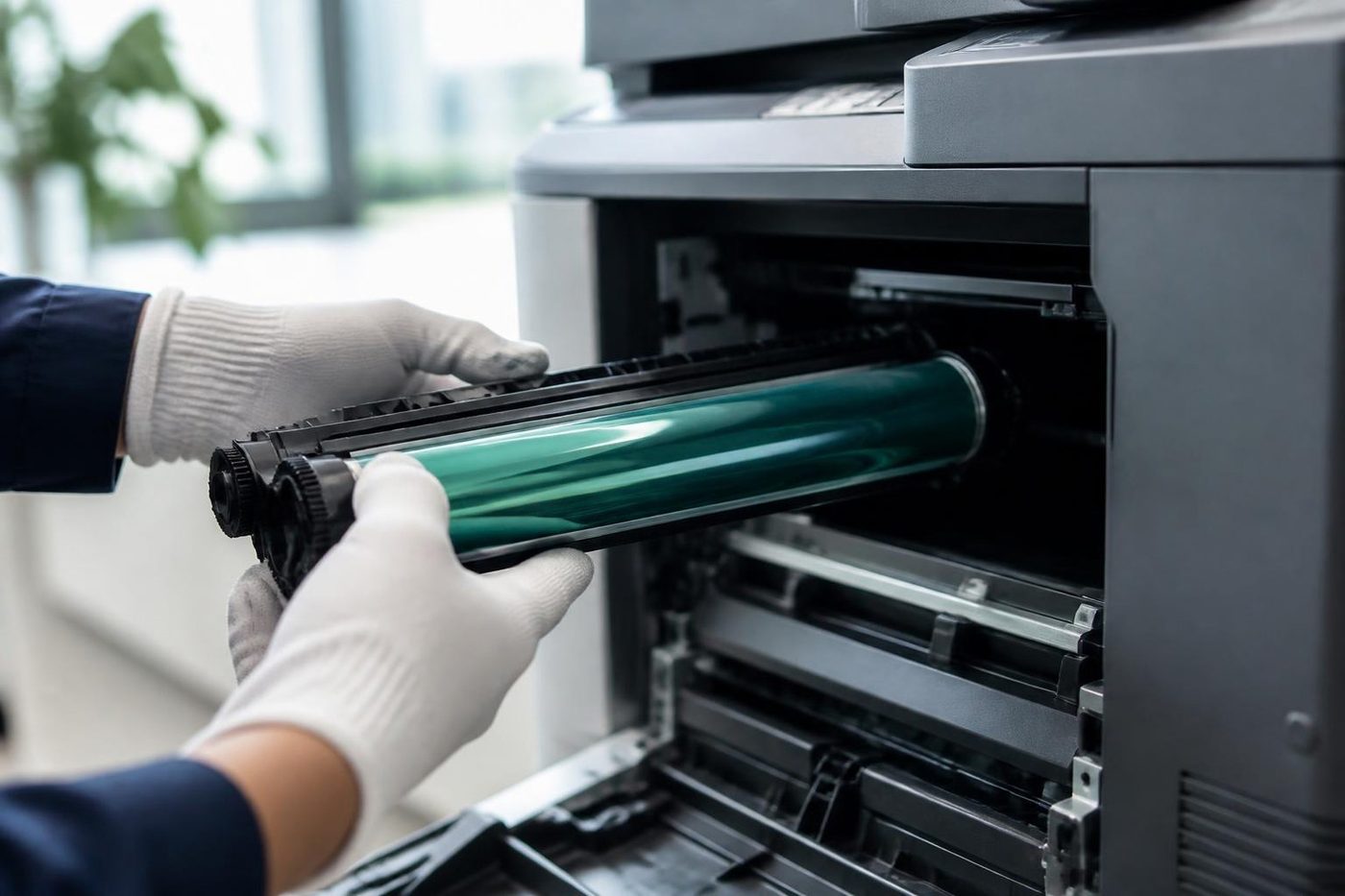
On the older ApeosPort and DocuCentre machines toner, drum and waste each live in a separate unit. When a message hangs about after a change, the fault is nearly always in how the new unit went in, or in which unit it was. We look at that before suspecting the machine.
Handle a drum as little as possible. Daylight and fingerprints both leave marks that turn up on page after page, and the toner usually takes the blame.
Storage and the hard drive on an older machine
Many ApeosPort and DocuCentre machines hold a hard drive for stored jobs, the address book and scan queues. Hard drives age. A machine that starts slowly, forgets its address book or stalls on a particular job may be telling you that its storage is on the way out.
That is a repair that needs a plan. Before we touch it we note the address book and the scan destinations, so your staff do not have to rebuild them. We do not publish service mode steps, and we do not offer firmware downloads.
Old Fuji Xerox beside a newer Apeos
It is common now to find an older ApeosPort in one office and a current Apeos in another. The newer panel looks more like a tablet, and it carries more software. The older one is simpler and, in some ways, easier to live with. Staff who move between them are often the first to notice that one scans and the other does not.
That is usually a settings difference, not a fault. The destinations on one machine were set up years ago and the other is new. We look after both, and we can line their settings up so staff meet the same options on each.
Why these machines last so long
Part of it is the build. The older ApeosPort and DocuCentre cabinets are heavy, the paper paths are generous and the parts are made to be changed. Part of it is how offices use them. A machine that sits in a corridor and prints a few hundred pages a day lasts far longer than one that runs flat out.
The other part is habit. Nobody likes learning a new panel. A copier that everyone knows how to use is worth a lot, and a good many office managers will keep it running for as long as they can.
That is a fair choice, and we respect it. Our job is to say when it is still sensible and when it has stopped being so.
Storm season and the machine in the corner
Summer storms on the coast bring power surges, and a copier switched off at the wall during a thunderstorm and switched on again in the morning sometimes comes back with a code it did not have the day before. Older boards and drives do not like a hard cut.
If a machine has been through a storm and behaves strangely afterwards, say so when you ring. It changes where we look. Unplugging a machine in a storm is a sensible thing to do, and a surge protector is cheaper than a board.
The paper path, tray by tray
Most older machines have two to four paper trays plus a bypass, and each tray has its own pickup, feed and separation rollers. When one tray jams and the others do not, that tray's rollers are the first suspects.
We test each tray in turn with your own paper, because the problem is often one tray, one ream, or one setting. If the paper in that tray is a heavier stock than the machine expects, a jam is the machine telling you so. Setting the paper type correctly on the panel costs nothing and fixes more than you would think.
What an ApeosPort or DocuCentre needs on a proper service
A planned look at an older machine is different from a rescue. We go through the paper path tray by tray, with the pickup, feed and separation rollers in each. We look at the fuser belt or roller, listen to the drives for a gear that has started to rattle, check the drum and developer area for contamination, run the document feeder with a stack of mixed paper and test every finisher function with your own sheets.
Then we read the machine's own history for repeat faults. A code that appeared twice last month and is quiet now is still a code worth knowing about. We write down what we found, what we changed and what we would keep an eye on, so the next visit starts from a note and not from a blank page.
Finishers and feeders from the Fuji Xerox years
Staplers, punch units and booklet makers from this era are solid, and their faults are usually small. A cartridge not seated, a door that has not shut, a paper guide one notch out. The document feeders fail by wearing, with a pickup roller that has lost its grip or a separation pad that has glazed.
A feeder that takes two sheets at once is asking for new rollers, not a new copier. A stack that skews on its way through usually wants a clean and an adjustment. We test with the paper your office really uses, because a feeder that is happy with new white stock can fail on a pile of old receipts.
Moving a machine that has been in the corner for a decade
Older machines are heavy, and many have never been moved. When a renovation or a lease change forces it, a few things go wrong. A drive belt that has set in one position is stressed. A finisher docks out of line. Toner shifts and spills in the waste path. The network address changes and every desk loses the printer.
Ring before the move. We can say how it should be shifted, whether the finisher should come off first and what has to be set again afterwards. The same technicians do our relocation work and the repairs that follow, so nobody has to explain the machine twice.
A school admin block with an ApeosPort in the corner
School offices are where we find some of the longest serving machines on the coast. They run through reports, newsletters, permission slips and excursion forms in a way that would exhaust most equipment, and they are rarely replaced because the budget has other claims.
We like to see these in the school holidays, when nobody is waiting on a page. A look at the rollers, the fuser and the feeder then tends to find the part that would have stopped the machine in week nine of term. If it does stop mid term, ring early and tell us what the office has to get out first.
The DocuCentre in a builder's front office
A building firm's office tends to be a front room and a back room, with plans on the table and dust on everything. The DocuCentre there copies site notes, prints quotes and scans signed forms, and the person who feeds it most is whoever is in at seven.
Dust and damp are the enemies. Builders' paper sits in a ute or a shed before it gets to the machine, and it feeds badly for it. A fresh ream from a sealed pack in a dry cupboard helps more than any repair. If the machine has begun to jam, change the paper first, then ring.
Council, community group and volunteer offices
Small councils, community groups and volunteer organisations from Maleny to Gympie often run a Fuji Xerox that was donated, leased or bought years ago and has been kept going ever since. Several people use it, none of them owns it and nobody knows who looked after it.
If that sounds like your office, ring with the model and what has happened. We can look at the machine, say what condition it is in and tell you whether it is worth keeping going. We are careful with budgets, and we do not recommend spending on a machine that is past it.
Questions to settle before you ring
Phones are sometimes busy. When they are, we log the call and ring you back.
- The full name from the front, with the Roman numeral if there is one.
- The code on the screen, written exactly as shown.
- What the machine was doing, and whether anybody restarted it.
- Whether it is one person's problem or the whole office's.
- Which building and which floor, and whether a lift needs booking.
From the van to a working Fuji Xerox


Parts
The part is in the van, or we know before we arrive
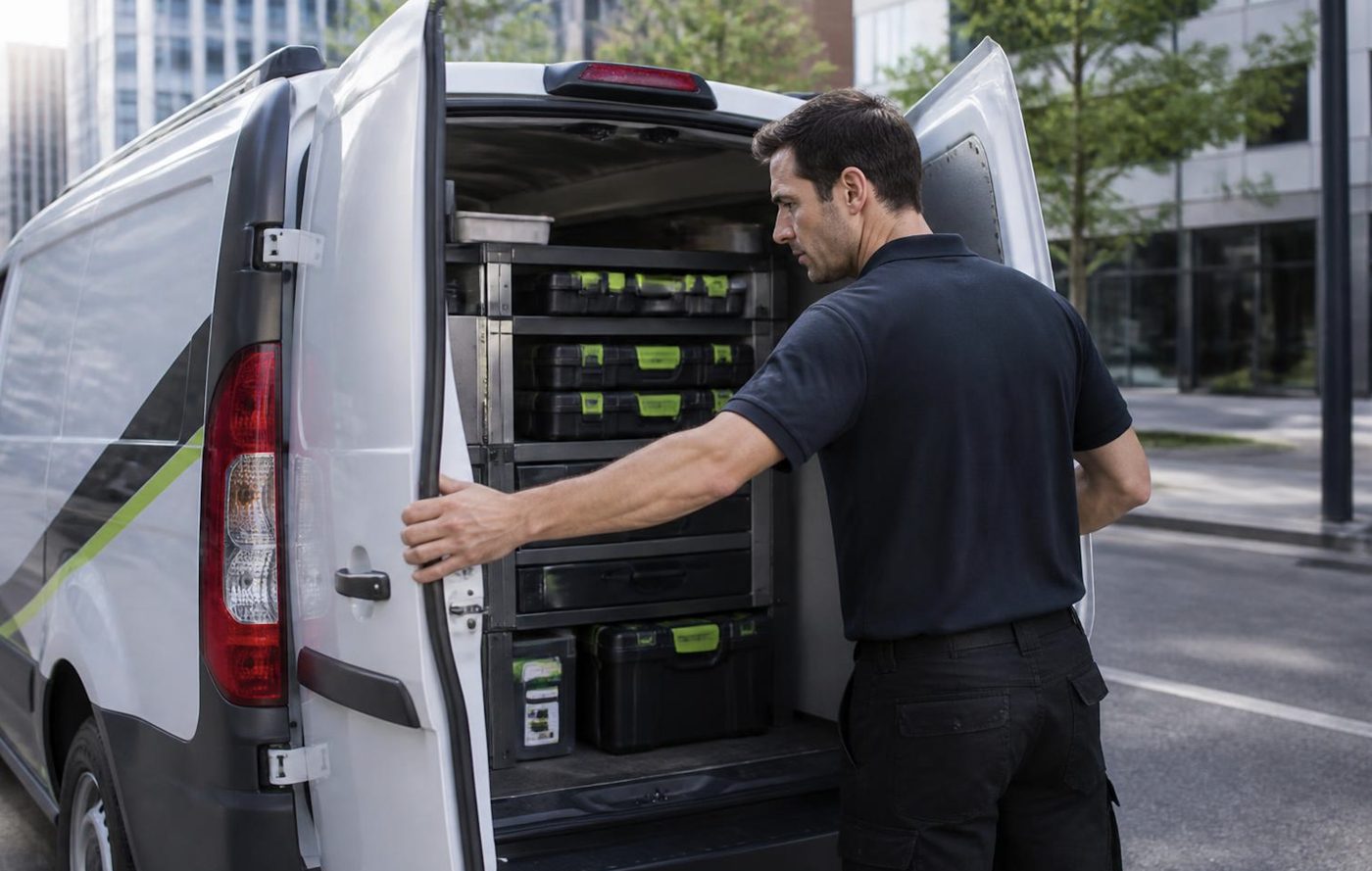
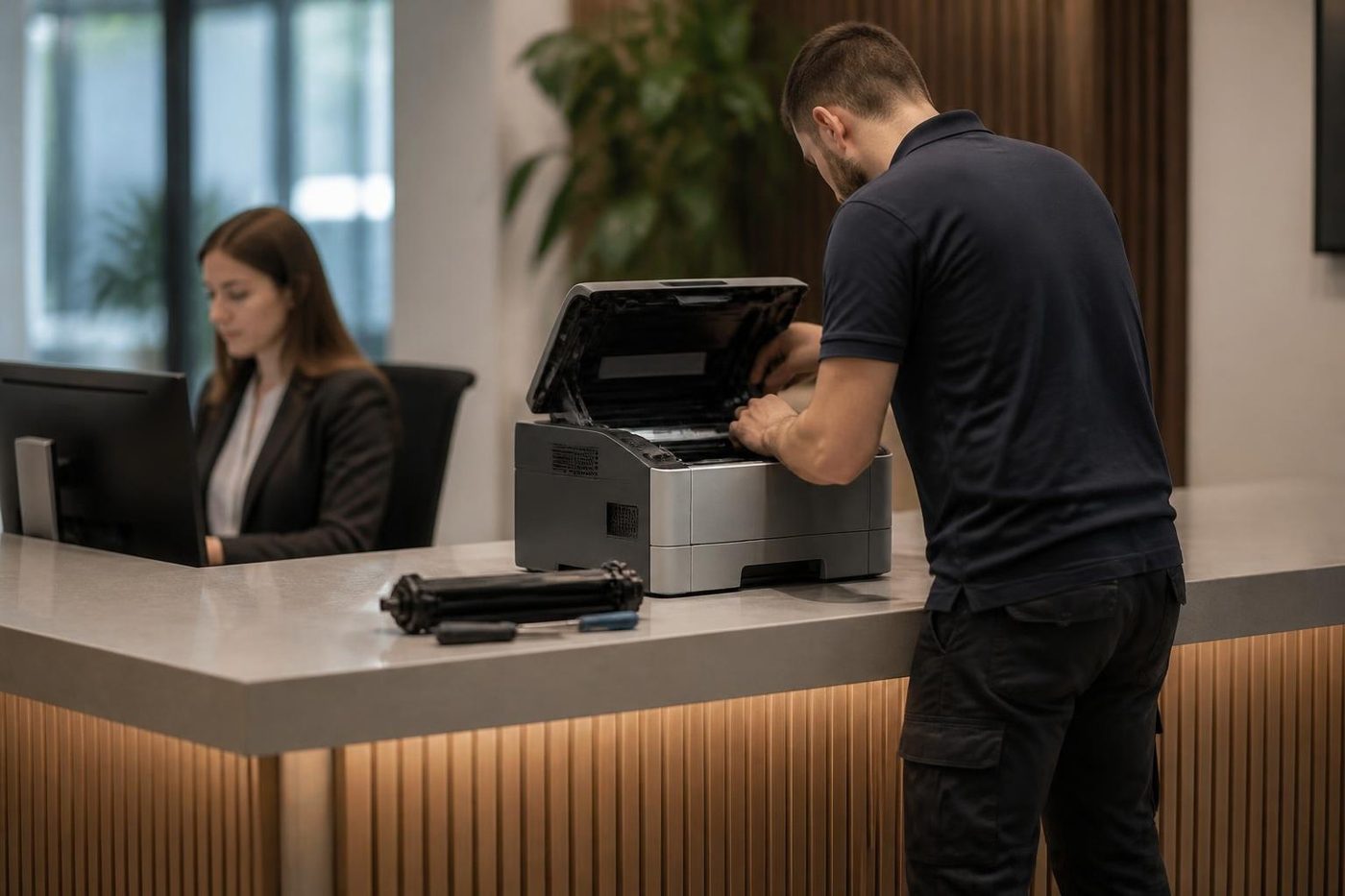
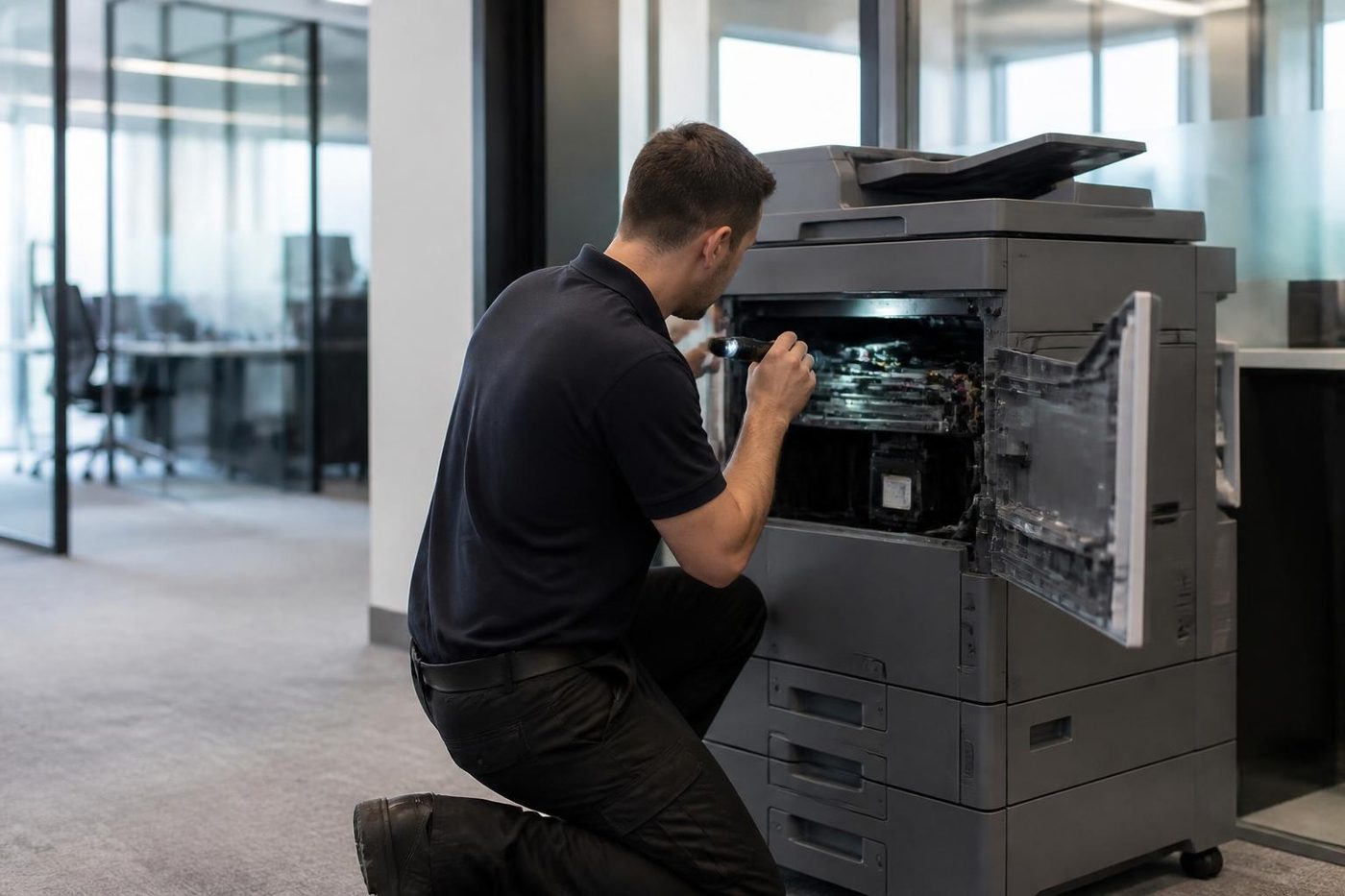
Waiting a week for a roller to come from a warehouse is a poor deal for a firm with invoices to print. Technicians carry the common spare parts, and on the phone we work out which ones your make and model are likely to want. If something rarer is needed, you hear that before we arrive, not after we have pulled the machine apart on your floor.
Parts that are not worth fitting we tell you about too. A fifteen year old machine with three things failing is a different conversation, and we have it plainly.
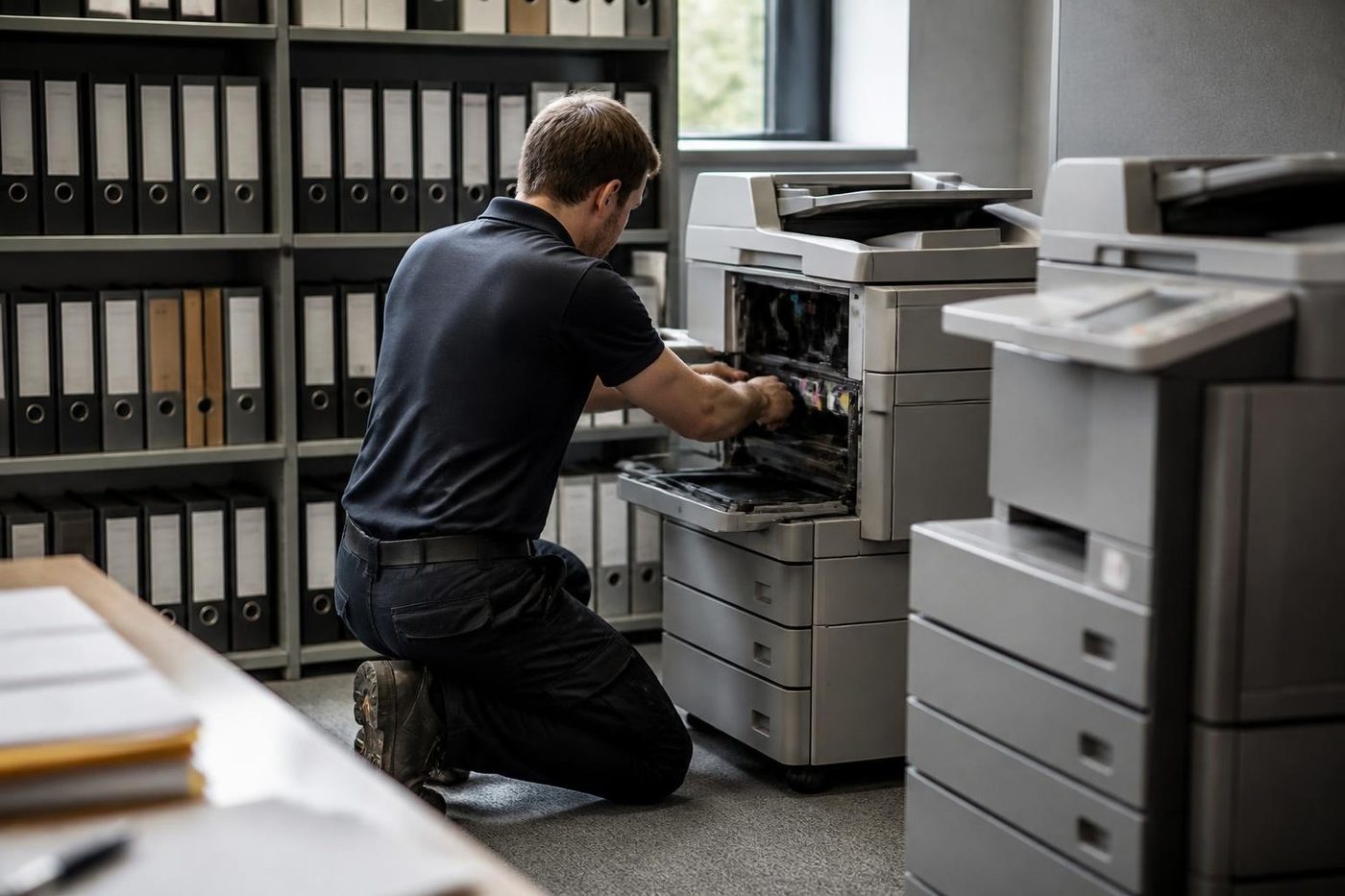
- Common parts carried. Rollers, drums, blades and the usual wear items.
- Rare ones flagged early. You know before the visit.
- Plain advice. Repair or replace, your call.
More for Sunshine Coast offices
Fujifilm and Xerox repairsApeos, ApeosPort and DocuCentre, including Fuji Xerox and Xerox.Xerox repairsWorkCentre, VersaLink, AltaLink and Phaser, repaired on site.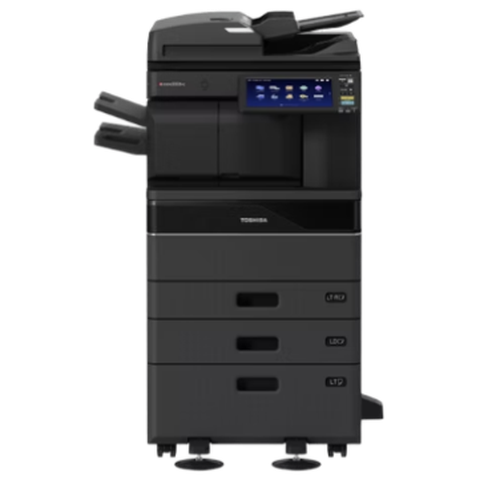 Toshiba repairse-STUDIO colour and mono copiers, fixed where they sit.
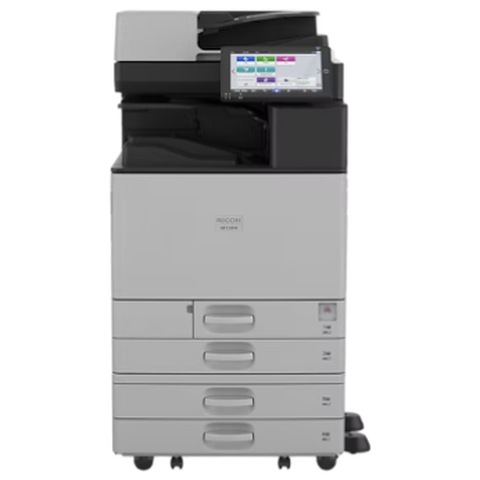 Ricoh repairsIM C, IM and MP series copiers, plus Lanier, looked after on site.
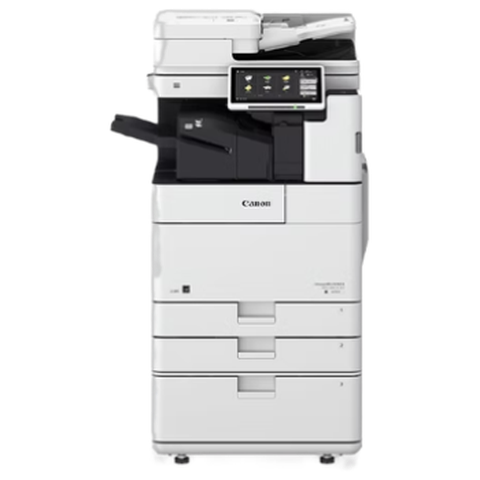 Canon repairsimageRUNNER ADVANCE, DX and i-SENSYS machines, fixed on site.
 Photocopier repairsCopiers fixed at your desk, one call, price agreed first.
 GympieMary Street offices, rural suppliers, council and regional trade.Kawana and BirtinyaMedical suites, Kawana Way offices, Birtinya and Bokarina.
Buy, sell and lease
Buy, sell and lease commercial copiers on the Sunshine Coast
We also sell new and second hand commercial copiers and buy used ones. Same team, same technicians.


Around the coast with the van
What people ask when they ring
Is Fuji Xerox still around?
The company is. It became Fujifilm Business Innovation in April 2021, and in Australia that is Fujifilm Business Innovation Australia. The machines with the Fuji Xerox badge are still in many offices.
Do you repair Fuji Xerox copiers on the Sunshine Coast?
Yes. ApeosPort, DocuCentre and DocuPrint machines are repaired at your premises, from Caloundra to Noosa and up to Gympie.
What is the difference between ApeosPort and DocuCentre?
ApeosPort is the multifunction line. DocuCentre sat beside it and is often more copier than printer. We service both.
What do the Roman numerals after the name mean?
They mark the generation, so you will see IV, V, VI and VII. The number helps us work out which parts and which weak spots apply.
Is a Fuji Xerox the same as a Xerox?
No. Xerox Corporation is a separate American company. We repair both, and each has its own page.
Can you get parts for an older DocuCentre?
For common wear parts, usually yes. For less common parts on the oldest machines it can take longer. We tell you on the phone before anyone is booked.
Why has my scan to folder stopped on an old ApeosPort?
Usually the destination changed, or the server no longer accepts what an older machine offers. We test from the machine and tell your IT contact what to check.
Does a Fuji Xerox code mean the same thing on every model?
Not always. A code is a pointer to an area, and we match it to your model before saying what it points to.
Is a Fuji Xerox worth repairing?
Many are. How many pages it has done, whether parts can be had and what the fault history shows decide it. You get a straight answer before work starts.
Are you an authorised Fuji Xerox or Fujifilm dealer?
No. We work independently of both companies. What we offer is the repair.
Can I get same day Fuji Xerox photocopier repairs?
Often, yes. Ring early with the name from the front and the fault, and we will say what is possible for your suburb.