Toshiba e-STUDIO service, Sunshine Coast
Toshiba photocopier and printer repairs Sunshine Coast: e-STUDIO service
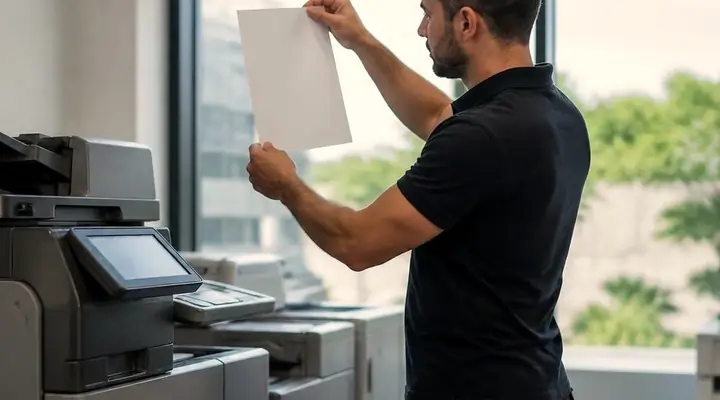
Most Toshiba calls on the Sunshine Coast start with someone reading a Call for Service code off the panel, or holding up a page with a smear on it. Same day service is available, and the price is agreed with you on the phone before a booking is made. We are not Toshiba: we run an independent service business.
Copier and printer repairs, plus machines to buy and sell, on the Sunshine Coast
Toshiba photocopier repairs Sunshine Coast: read the letters on the front first
Look at the end of the model name. AC after the digits means colour, a plain A means black and white. One letter and the job is different, which is why we ask about it before anything else.
A colour machine runs four toners that all meet at a transfer stage, so trouble can appear in just one of them. Mono has fewer hiding places. We have walked into plenty of offices on the coast where the Toshiba in the corner has been running for years without a fuss, and the call comes in the week it finally starts to ask for something.
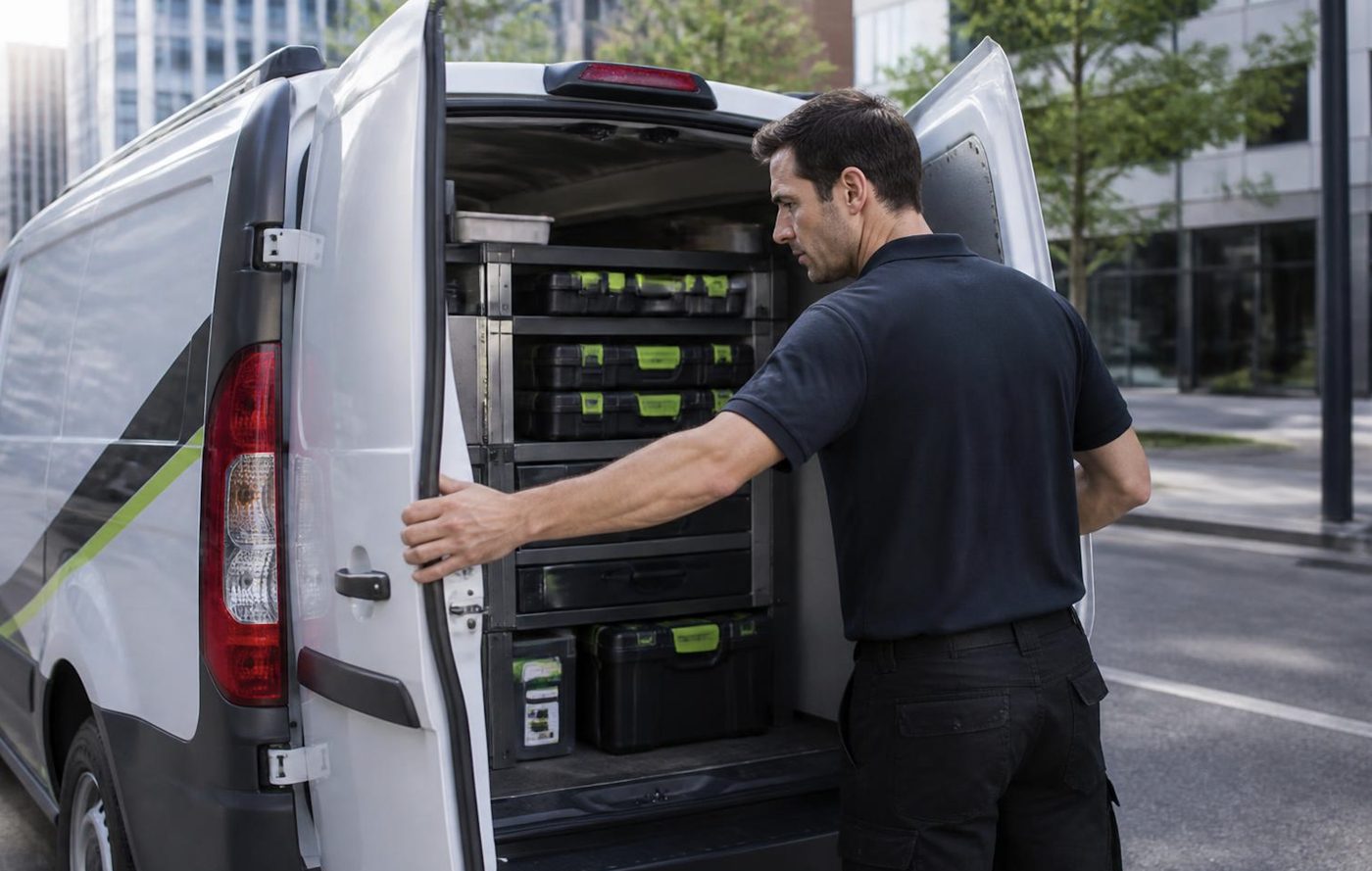
Toshiba photocopier repairs on the Sunshine Coast are done where the machine stands. Nothing goes off in a van to a workshop. The common spares come with us and we read the code beforehand. Around 98% of jobs are done on the first visit, and a repeat of the same fault gets fixed again free.
Whoever comes is trained, experienced and certified. They do not come from the maker, since we are not the maker. Ours is an independent service business, and we say so because people often assume otherwise.
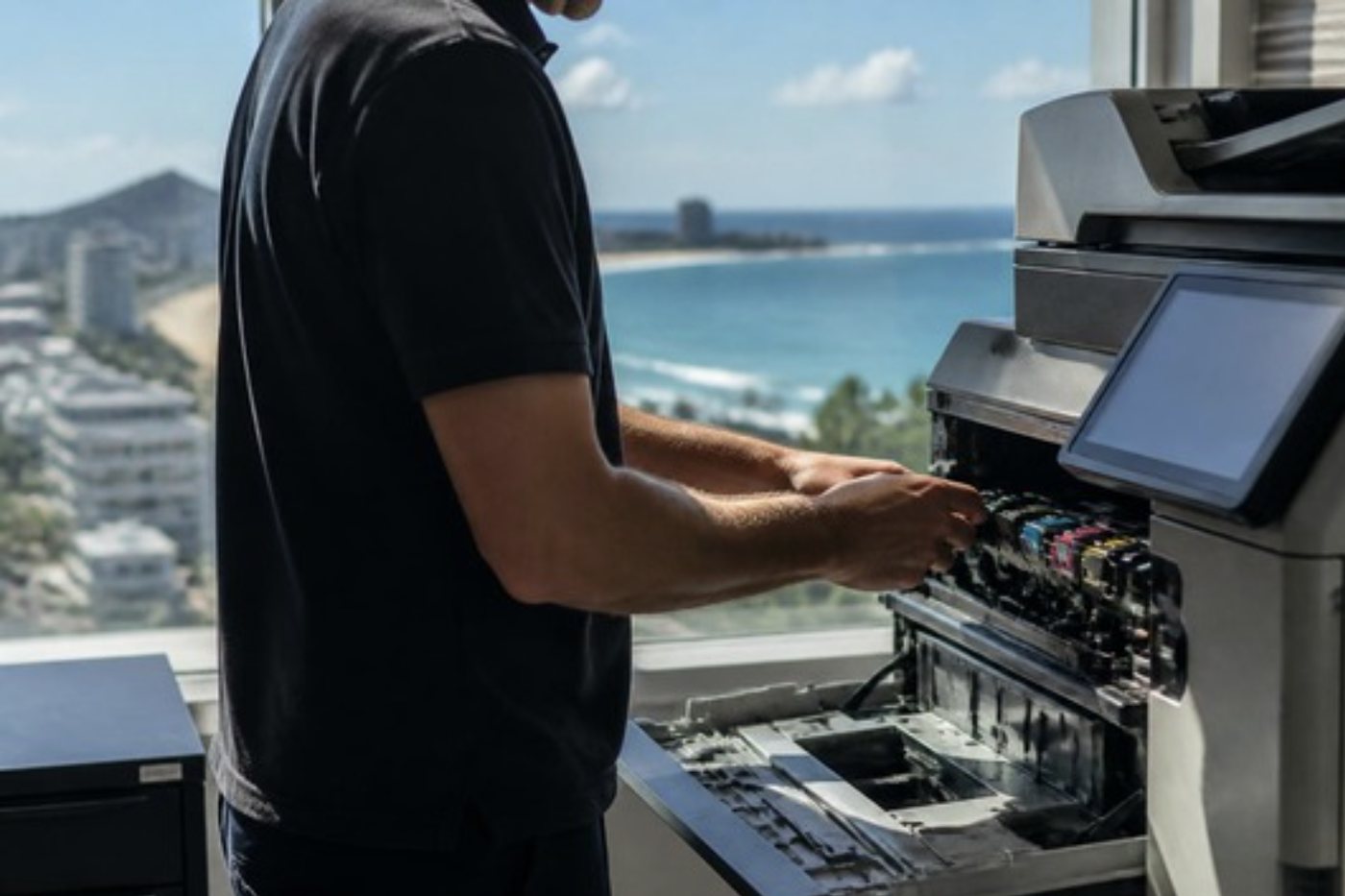
Get a price in three steps
- Describe your machineMake, model and the problem you are seeing.
- We phone with the priceYou hear it before anything is booked.
- A certified technician attendsSame day where the diary allows.
Who we see running e-STUDIOs up here
Builders and trade firms print quotes, variations and delivery dockets on them, often in a front office that shares a wall with the yard. Dental and physio rooms around Buderim and Kawana use one machine for everything from referral letters to consent forms. Accountants in Maroochydore lean on the scan to folder button far more than the print button.
School offices in Sippy Downs and Nambour tend to have one hard working machine that the whole admin team shares, and a term end report run will find any weakness in it. Council and community groups from Maleny to Gympie have older e-STUDIOs that nobody wants to part with because they still work.
None of that is unusual. What matters is that a copier in a small business is the one machine nobody is allowed to be without, and there is no IT department to ring. Whoever is nearest the tray ends up phoning us.
Which e-STUDIO series come up most
The series below are the ones we meet around the coast, with older ranges labelled as older. Not listed? Phone with the name on the front cover and we will say whether we look after it.
| Series | Description | Typical home |
|---|---|---|
| e-STUDIO2000AC and 2500AC | The entry A3 colour pair: 20 and 25 pages per minute, with LED print heads. | Front offices and small teams. |
| e-STUDIO2505AC to 5005AC | Core A3 colour range in five speeds, from 25 up to 50 pages per minute. | Workgroups doing heavy scan to folder and email. |
| e-STUDIO2515AC to 5015AC | The generation that followed, same roles and similar behaviour. | Departments, clinics, school offices. |
| e-STUDIO2525AC | Compact A3 colour built on e-BRIDGE Next, with a 10.1 inch touch panel. | Small workgroups. |
| e-STUDIO5506AC, 6506AC, 7506AC | High volume floor standing A3 colour. | Central copy rooms and large departments. |
| e-STUDIO2008A to 5008A | A3 mono, 20 to 50 pages a minute. | Busy black and white workgroups. |
| e-STUDIO255, 355 and 455 | Earlier A3 mono range. | Offices that kept a dependable older machine. |
| e-STUDIO8508A | Floor standing mono console system. | High volume black and white work. |
| e-STUDIO330AC and 400AC | A4 colour multifunctions, 33 and 40 pages a minute. | Reception counters and branch offices. |
What a failing e-STUDIO looks like from the desk
Nobody rings and says the thermistor has gone. They say it is smudging, or it will not stop jamming, or the Monday scan is not arriving. This is how we translate.
- A page that smears under a thumbnail, toner that flakes off, or a code starting C4: the fuser area. That means the belt or roller, the heater lamp, the thermistor or a connector.
- Streaks along the page, a mark that keeps repeating, or a washed out image: suspect the drum and its cleaning blade, the belt cleaner, or on the smaller LED machines a grubby print head.
- A tint over the whole page, coloured streaks, or smudges on the reverse side: look at the transfer belt and what cleans it.
- A drawer that refuses to lift: the lift motor or its linkage, commonly after someone stacked paper too high.
- The same jam in the same place: begin with the size setting against what is loaded, move on to damp or stuck sheets, and leave the rollers until last.
- A scanner that grumbles about its lamp at start up: the exposure lamp or LED unit, a dirty shading plate or a loose harness.
- Finisher out of contact with the copier, or a stapler that clicks and does not fire: check the link to the finisher, then the staple unit, then for a jammed staple.
Reading a Call for Service code
When a Toshiba halts for service the panel announces Call for Service and a code appears at the right. It is the letter C and three more characters, so you meet C260, C411, CB10, CA20, C4D0 and the like. Toshiba's handbook files them by department: drives, paper feed, the scanner, the copy process, fuser, communications and boards, laser optics and finishers.
One caution first. The meanings below come from handbooks written for model families, the older e-STUDIO2330C class included, and a code does not always carry the same meaning on every e-STUDIO. We match it to your family before saying what it points at. It names an area and stops there, no verdict. Toshiba itself says to record the code and let a technician do the repair, and we agree.
- C040 reports the pedestal feed motor not turning as it should. The tray up motors have their own codes: C130 for drawer one, C140 for drawer two and C180 for a large capacity feeder.
- At power on, C260 means the exposure lamp, which doubles as the white reference, was not picked up. The usual suspects: the lamp or LED unit, the lens unit, the system board, or a dirty shading plate or mirror. C280 is the carriage home sensor failing to switch on in time.
- Under the copy process heading, C370 is a fault with the transfer belt motor.
- Fuser family: C410 and C411 show a thermistor or heater lamp problem at power on. Once the machine has reached ready, or while the lamp is lit, heater lamp faults appear as C447 and C448. C4B0 is a fuser counter mismatch, which tends to turn up after a fuser change, and C4D0 is a fault with the fuser belt thermopile.
- Older machines show a plain C44 for a fuser error, the roller temperature straying outside its control range. That covers e-STUDIO 165 through to 223 machines.
- C550 is the document feeder losing touch with the scanner, usually down to a cable, a connector or a board. C570 covers engine to board communication, and C580 board to finisher.
- Leakage on the main charger shows as C970, which traces back to the charger itself, the high voltage transformer or dirt nearby.
- The laser optics codes are CA10 and CA20, meaning a polygon motor that is not spinning or a unit that cannot see the beam.
- Finisher codes begin with CB00, the finisher missing or silent. CB60 points at the staple motor and CB80 at the stapler home position. CBE0 is the paper folding motor in a saddle stitch unit, and CC10 the finisher door switch.
Toshiba printer repairs and printer service: one visit, not two
Toshiba printer repairs here on the Sunshine Coast almost always mean an e-STUDIO multifunction that also prints. People call it the printer because that is how they use it. The machine does not care what we call it and neither do we. Toshiba printer service is the same technician, the same van and the same price conversation as the copier side.
A stand alone Toshiba desktop printer is rarer in the offices we visit, though we handle those too. Give us the model off the front and the wording on the display, and we will tell you what that machine usually suffers from and what fixing it takes.
A Toshiba under someone else's lease or service contract? Ask us first. We will be straight about which parts of it we can touch and which we cannot, before you ring anyone else.
Heat, the fuser and a coast summer
The fuser melts toner into the page, and it holds its heat long after the machine has gone quiet, so we take our time with it. A fuser removed too early costs a blister. One refitted crooked wrinkles the paper and wears out early.
Smudged toner is the Toshiba complaint we hear most that looks like a print problem. The toner is usually fine. Either the fuser is losing heat or pressure unevenly, or the paper type is set to something other than what is in the drawer. Creased sheets and a warm plastic smell tell the same story.
The room contributes more than people think. A copier in a corridor that has baked at thirty degrees all afternoon runs nearer its limits than one in a cool office, and a tired fuser is the first part to show it. So paper and settings get checked before the part is blamed. Fusers cost real money and we will not fit one that was not the problem.
Marks that repeat, and what a ruler can tell us
Marks that come back at an even spacing point to the surface of one roller or the drum: a nick, a dent or a ridge of dried toner that prints again on every turn.
Lay a ruler across two of the marks and tell us the spacing on the phone. The list of suspects gets shorter before a technician is even booked.
The drum reacts to light, so it is handled quickly and out of the sun. A drum left on a bench beside a bright window can pick up damage that then shows on every page, and people blame the toner a week later.
Finishers and options
The finisher is effectively a second machine fixed to the side of the first, running its own motors, belts and sensors. The copier gets blamed when it fails, so we exercise the finisher on your paper before going near the engine.
The ones we meet on e-STUDIOs:
- On the e-STUDIO2000AC, 2500AC and the 2505AC to 3505AC, an inner finisher that staples 50 sheets.
- For the e-STUDIO5506AC to 7506AC: MJ1111 (50 sheet staple finisher), MJ1112 (saddle stitch finisher), MJ6106 (hole punch unit) and the KA6551 side exit tray.
- Earlier finishers are tagged MJ-1030, MJ-1031 and MJ-1101. You will see them in service histories, and they let us name the finisher properly.
- Reversing document feeders, and dual scan feeders that hold 300 sheets.
- Paper pedestals, extra drawers, large capacity feeders, and on some models a 2,000 sheet tandem tray.
- A GD1370 fax unit, and on the larger range a wireless LAN and Bluetooth module.
Staples first
Far more often than a failed board, it is a staple jam, a loose door or a cartridge not seated square. Glance at the cartridge before you ring. That one check saves a call more often than you would expect.
Scan to folder, TopAccess and the Monday morning mystery
Settings on a Toshiba live in TopAccess, the web page the machine serves itself, and most scan complaints begin there. For email, an SMTP setup is required, with authentication on if the mail server wants it. Anything over the permitted attachment size is simply refused, which catches out people who scan long colour documents.
Toshiba calls scanning to a network folder Save as file, and it can run over SMB, FTP or FTPS. With SMB the folder login has to still be valid. Scanning to USB takes a stick with one partition, formatted FAT16 or FAT32, and an administrator must switch the feature on first.
Security on the AC range is serious: self encrypting drives, room for thousands of users, role based access, PIN or card login and held print jobs. Every layer is a setting, and settings drift after an IT change. A Toshiba that looks broken is sometimes just a Toshiba whose server has moved house.
When a scan that was fine on Friday fails on Monday, our first question is what changed over the weekend. New router, new password policy, a server renamed, an outside IT provider pushing an update. We check the destination, send a test from the panel and give your IT contact a precise list to confirm. When the cause turns out to be in the network we say so, and you are not billed for chasing a fault the copier never had.
Toshiba photocopier service Sunshine Coast: what a visit actually covers
Wear on a Toshiba follows a familiar order. Start with the fuser: the belt and heat roller assembly, the belt felt pad and the lube sheet. In the imaging area come the photoconductive drum, the drum cleaning blade, the cleaner units, and the transfer belt with its cleaning assembly. Small machines add LED print heads to the list, and everywhere the pickup, feed and separation rollers wear. The waste toner box announces itself with Dispose of used toner, and the staple cartridge has empty and jam messages of its own.
Inspection does the sorting. The fuser belt surface and edges get a look, the drive gets a listen, the drum area is checked for contamination, print heads or slit glass are cleaned, every drawer lift is tested, and the rollers in each tray and the document feeder are examined. Part lifespans are not on this page because they depend on volume, paper and the room the machine sits in.
Sometimes Toshiba photocopier service on the Sunshine Coast is a planned visit, sometimes a rescue. Tell us which when you ring. A planned look at a machine that is still working often finds the roller that was about to take out someone's Thursday.
A full waste toner box straight after changing it
The waste toner container gets changed and the message is straight back. New container, so how is it full? Most often it is not seated properly, the sensor is misreading it, or toner is leaking into the waste path. Buying a second container cures none of those, so we inspect the path and tell you what is happening.
Old e-STUDIO or new machine
Age tells you little. Page count, parts supply and the fault pattern tell you more. An older e-STUDIO with a clean record and a single worn roller is almost always worth repairing, while one that has needed a fuser, a drum, a drive unit and a finisher inside the same year is giving you a message.
We tell you which kind yours is, and the price is agreed on the phone before any work starts. Commercial machines, new and second hand, are part of what we do too, so if a replacement turns out to be the smarter spend we can go through that with you. Our repair advice does not change whichever way you go.
Paper that jams for no obvious reason
The bigger Toshibas list a lot of jam locations, and a jam that keeps coming back to one spot is rarely random. Our order of attack never changes. The drawer's paper size setting goes against what is really loaded. Next the ream: damp, curled, stuck at the edges or stacked over the limit mark. Then the gap between sheet and guides. Rollers come last.
Paper that has spent a wet fortnight in a back room near the beach will misfeed in a perfectly healthy machine. Plenty of jam calls have ended with us swapping the ream and watching the next fifty pages. Not glamorous, costs nothing, and gets done before anything else.
If the jam is at the fuser exit, a creased sheet tells us something different from a clean one. If the sheet is wrinkled, the fuser or its pressure is suspect. If it arrives clean but late, we look at the registration and feed side.
A drawer that will not rise, and the pedestal underneath
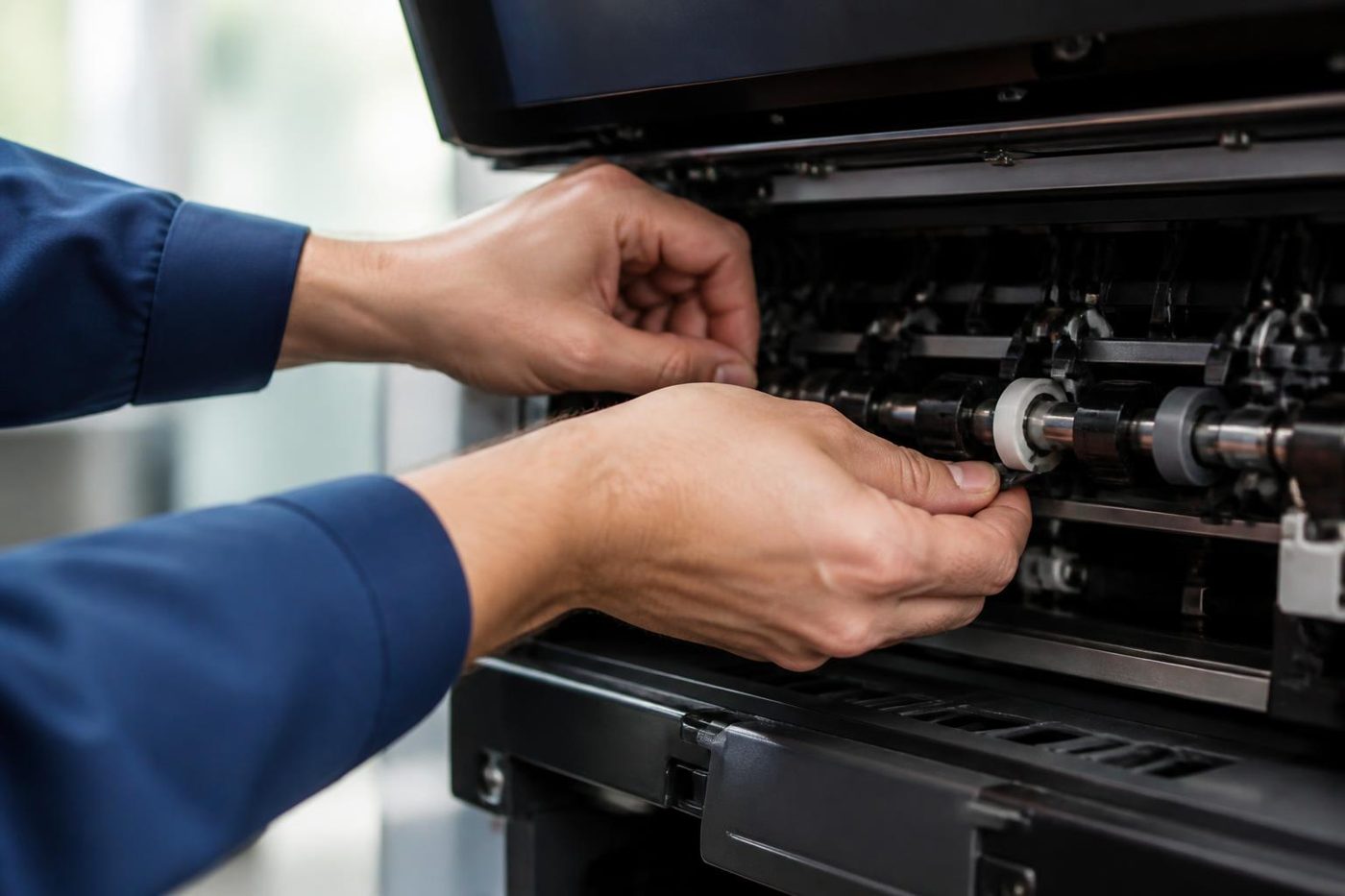
The paper drawers lift on a motor that raises the stack to the pickup roller. When a drawer does not rise, the machine says so, and the usual causes are an overloaded drawer, a sheet that has slipped behind the tray, or a worn lift mechanism. C130, C140 and C180 name the tray up motors, and C040 the pedestal feed motor. A pedestal that has gone quiet on the copier can simply be a connector knocked loose when the machine was shuffled across the carpet.
If you have to move the machine to get at something, tell us. A copier pushed sideways on a carpet tile can put a strain on the pedestal link that shows up a week later as an unrelated fault.
Colour that has gone off
On an AC machine, colour that has shifted over a long job, or one colour that has gone pale, is a different problem from a smear. The toner supply, the developer and the transfer belt are the places we look. A single colour streak down the page usually leads to that colour's drum or developer. A tint across the whole page points more at the transfer belt cleaning or background toner.
Test pages go through on your own stock, and we read the colour channels one at a time. Offices that print brochures or plans from these machines notice quickly, and so do we. A quick tidy of the paper settings sometimes fixes a colour complaint that looked like a hardware fault.
Why the same code comes back after a restart
A restart that clears a Call for Service code once is not a repair. The machine has forgotten the fault for a moment, and the part that caused it is still there. If a code returns, that is useful information. Note when it returned, what the machine had been doing and how warm it felt.
Reset procedures are left off this page deliberately. They vary by model, and wiping the screen without a repair just returns the same code a day later. Keep the code on show if you can, and ring.
Card readers, sign in and secure print
More coast offices than you would guess run card sign in on their e-STUDIOs. Accountants, medical practices and councils favour it, since a print job sits at the machine until its owner taps a card. It also gives faults extra corners to hide in: a reader that stops reading, a user list that fell out of sync with the directory, a machine clock that has wandered from the server. Each looks like a dead copier to whoever is standing there.
Reader first, then the connection, then the settings, and your IT contact hears what we found. Directory settings stay untouched unless you ask.
New machine in, old machine out
A Toshiba that is new to your office, or moving to a new one, needs its network address, scan destinations, address book and drivers set up properly. Our copier installation and setup page explains the steps, and the relocation page covers moves. The same technicians do both, and they look after the machine afterwards, so there is nobody to explain it to twice.
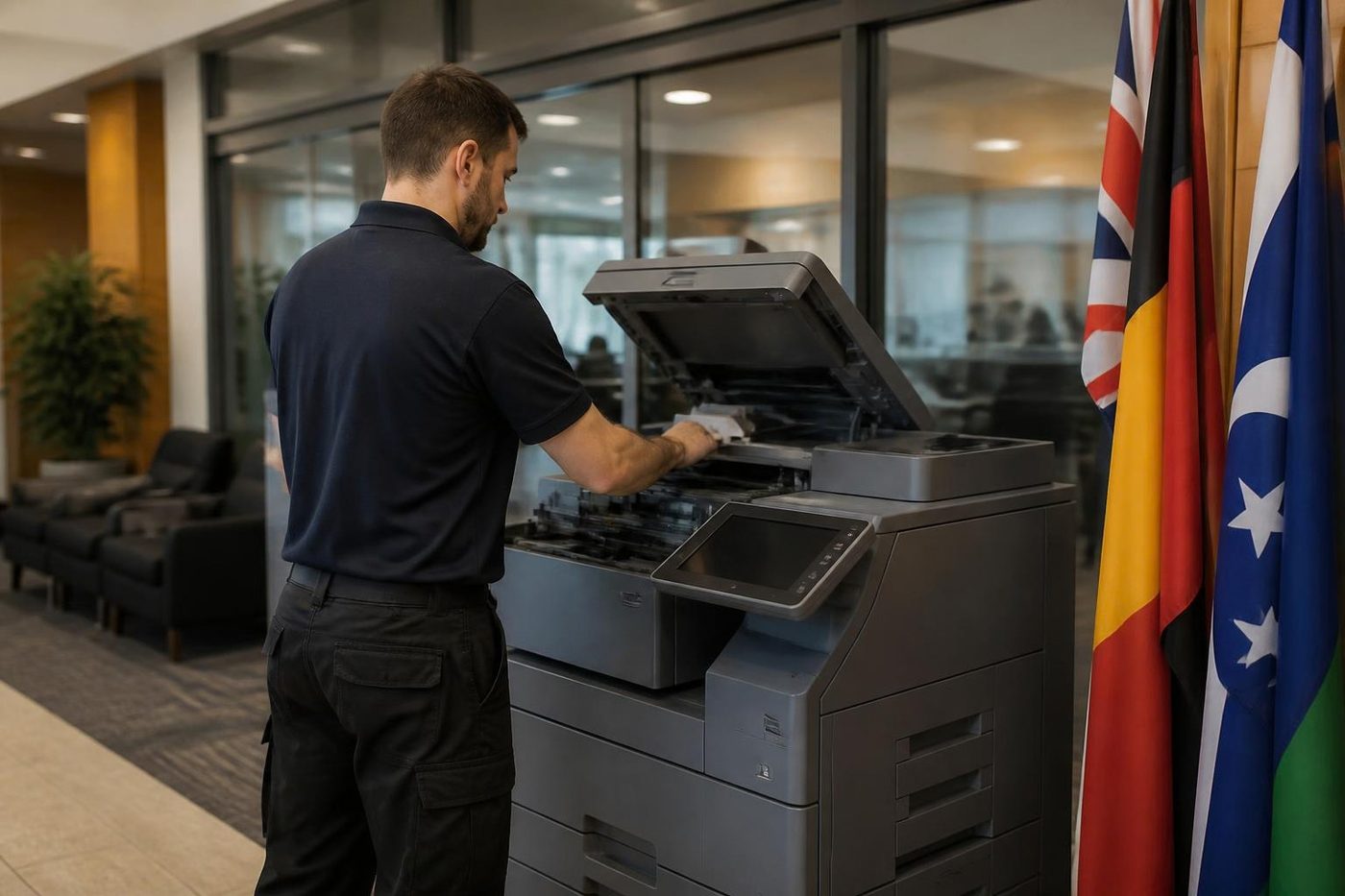
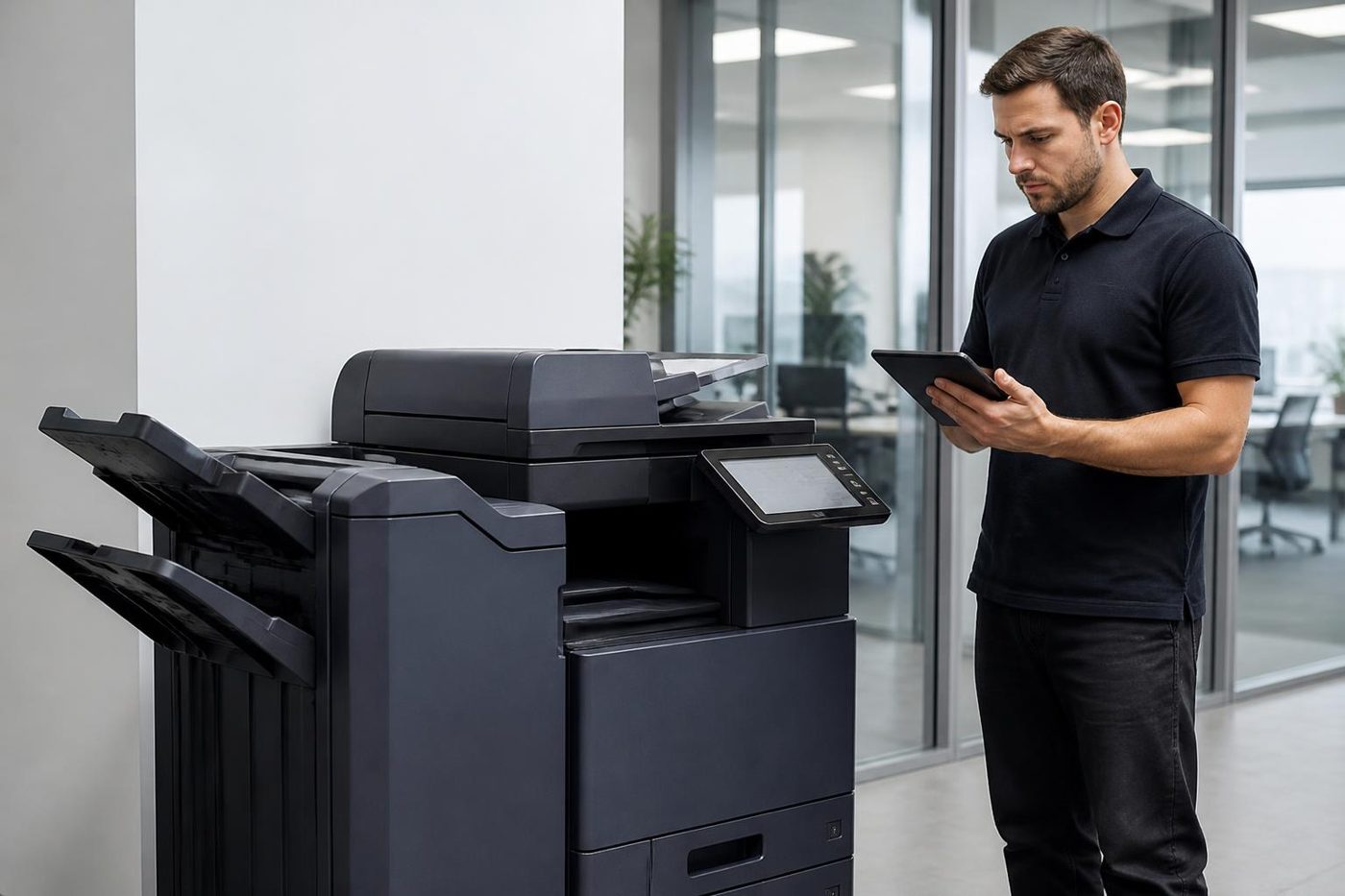
How a Toshiba visit runs
First the model, the code and what the machine was up to. Then we go through the price by phone, and no one is booked until you say yes.
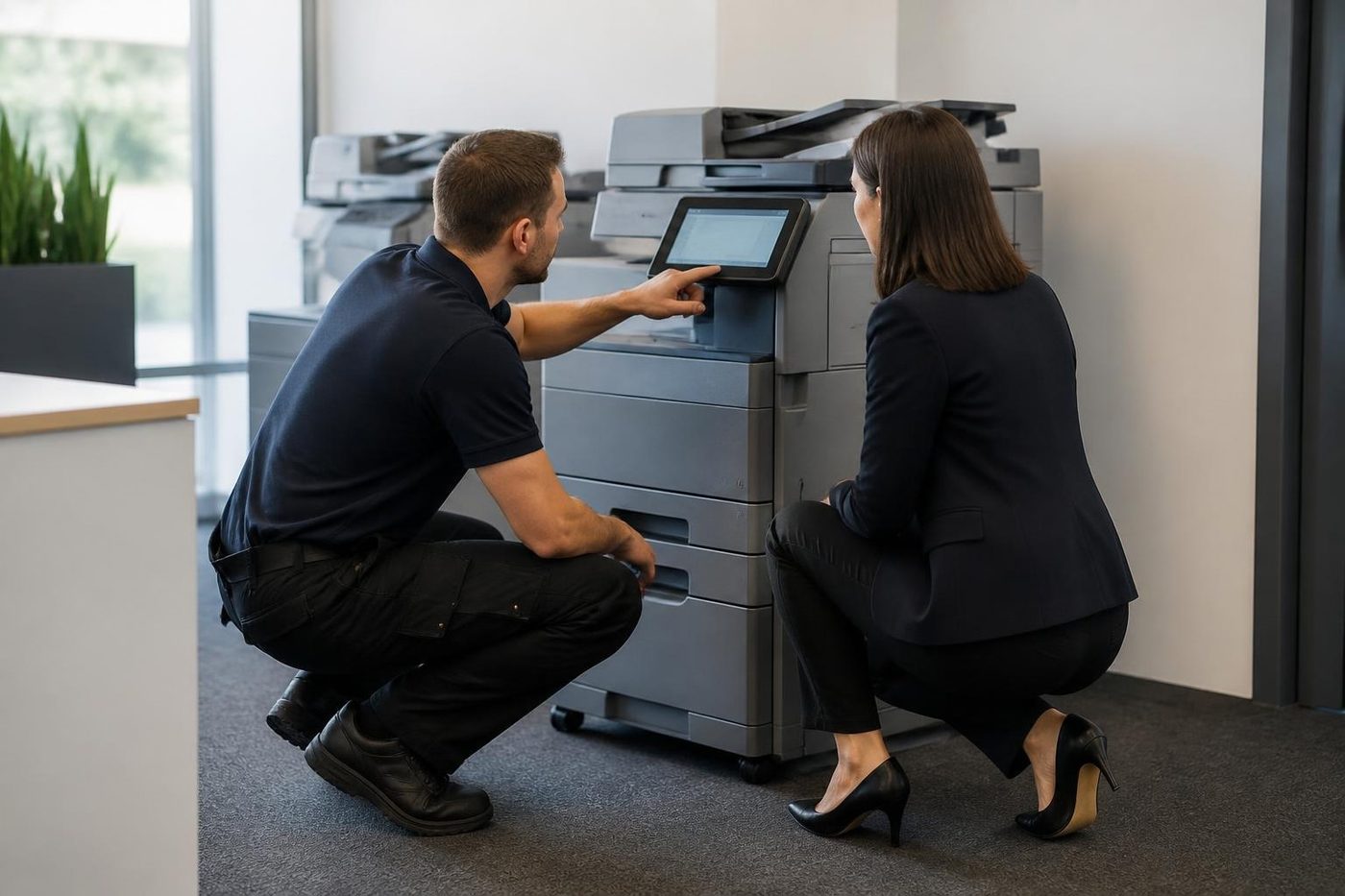
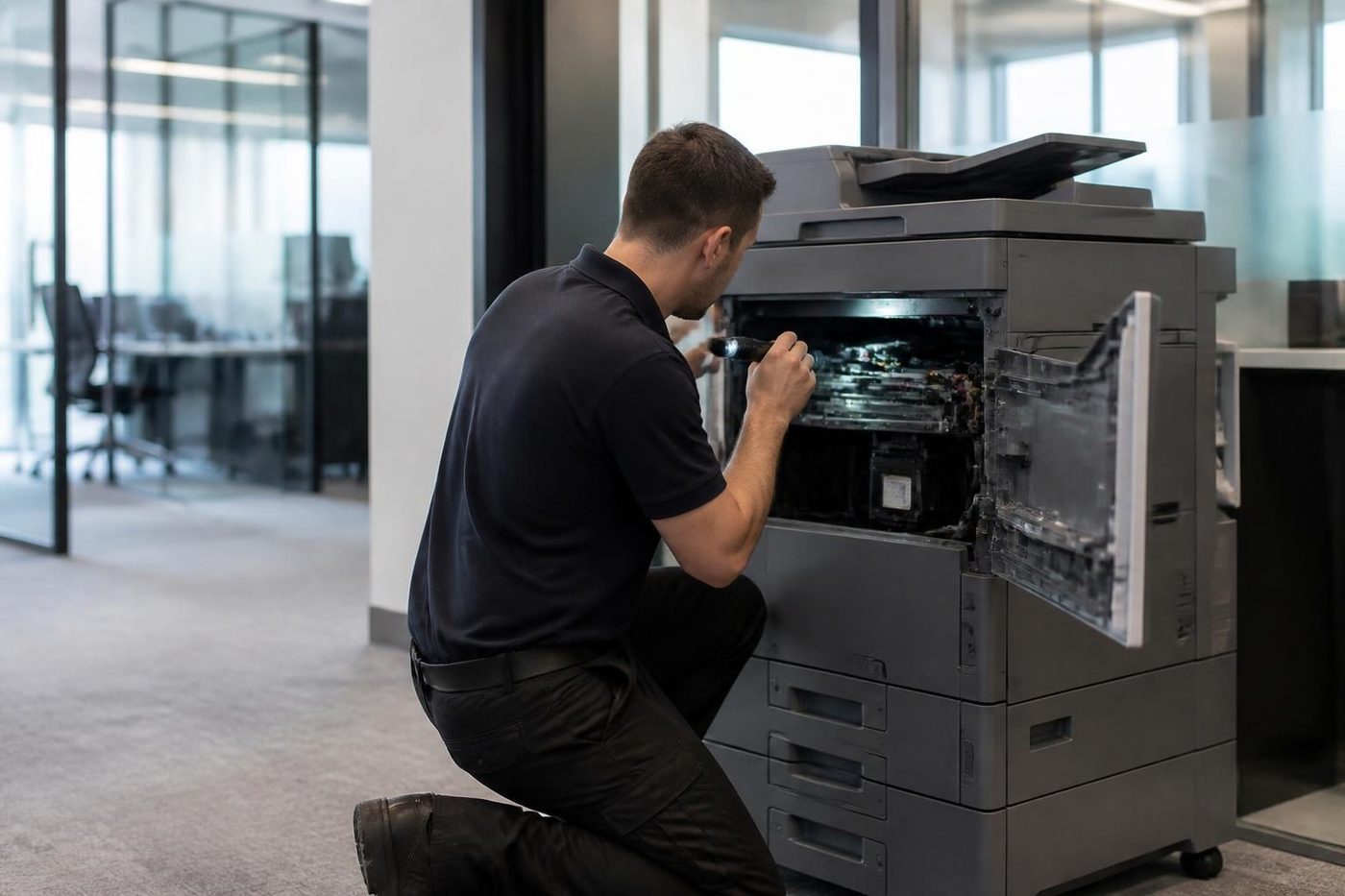
The technician arrives at your premises carrying the common spares for that family. The panel message is read as written, the paper path and consumables are inspected, and you hear what was found in plain words before a part goes in.
Before handover the repair is proved on your paper, your scan destination and your finishing. Should the same fault come back, we fix it again at no charge.
The e-BRIDGE Next panel and what lives behind it
Newer e-STUDIO models are built on e-BRIDGE Next, which brings a big touch display and a home screen that can be set up office by office. Staff see icons for copy, scan and print, and an administrator sees a lot more behind them: users, departments, scan destinations, templates, security.
When a Toshiba on that platform acts up, it is often a setting. A template that points at a folder that has been renamed. A sign in that no longer matches the directory. A shortcut that was removed in a tidy up. We look at what changed and when, before we reach for a screwdriver.
The small things that cause calls
A good share of Toshiba calls end with a cheap fix. A paper type set wrongly for the stock. A pickup roller worn smooth on one drawer. A waste toner container not pushed home. A staple cartridge seated a millimetre out. A document feeder glass strip with a mark on it that prints a line down every copy.
None of these is a failure of the machine. We find them by working from the easy checks to the hard ones, in the same order every time, and we would rather tell you it was a roller than sell you a fuser.
Big scans, big files and the email that bounces
A colour scan of a long document makes a big file, and a mail server that caps attachments will refuse it. The machine reports a failure and the office assumes the scanner is broken. It is not. The limit lives on the server, and sometimes on the machine as well.
Fix it in the scan settings: lower the resolution, use mono for text pages, or send anything large to a folder. We set up templates for the usual jobs, so a staff member picks one button for contracts and another for photos, and does not have to think about file size at all.
A Toshiba in a school or training room
Education machines have a rhythm. Quiet in the holidays, flat out in the week before reports. A Toshiba in a Sippy Downs or Nambour office faces a mountain of paper in a short window, then sits idle. Idle machines stiffen, and paper soaks up damp, so the first big run after a break is where faults show.
If you can, run a test batch a few days before the rush and see how it behaves. A jam or a smear found on a quiet Tuesday is a small job. The same fault in the middle of a report run is a crisis. A school machine is a pleasure to look at in the holidays, when nobody is waiting on it.
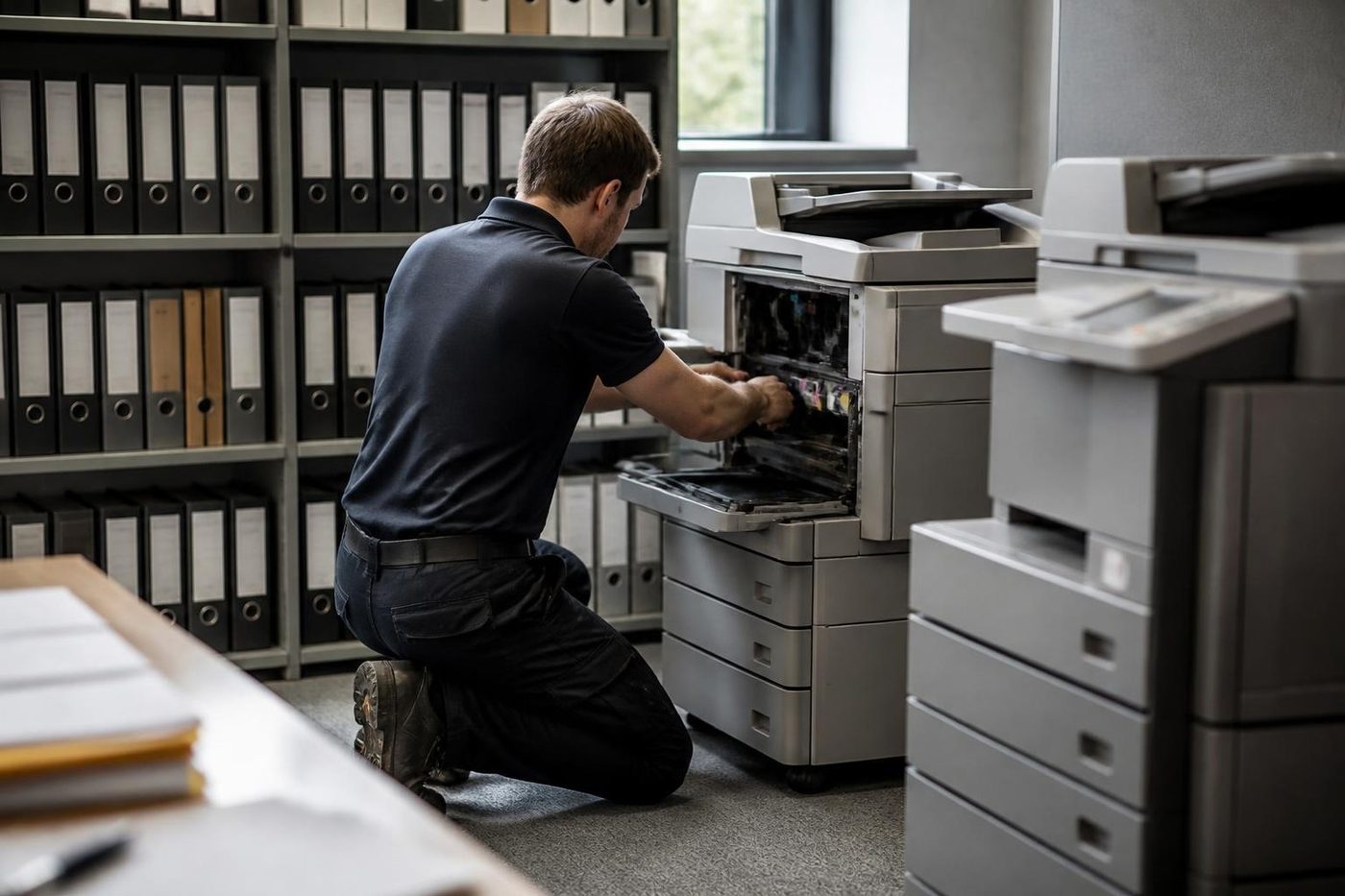
Where the Toshiba calls come from
Workshop and warehouse offices around Kunda Park, Warana and Caloundra West are where fine dust in the paper path turns into streaks and misfeeds. Kawana, Birtinya and Sippy Downs bring clinics, training rooms and school offices. Maroochydore and Mooloolaba have the professional practices. Nambour, Maleny and Gympie add council, farm supply and small business work.
Coastal humidity makes paper limp and curled, and warm weather is hard on a fuser. Both can produce Call for Service codes and misfeeds that look unrelated. The room gets looked at as well as the machine.
What to tell us when you ring
Two minutes on the phone avoids a wasted visit.
- Model name from the front cover, or the serial number where the lettering has worn away.
- What the panel says word for word, plus the C code if one is showing.
- What it was in the middle of: printing, copying, scanning or stapling.
- Whether it is one person's problem or everyone's.
- Any change in the last day or two: fresh paper, a move, something done to the network.
- Which building and floor, and whether there is a lift booking or a sign in desk to deal with.
Lines busy? Your call is logged and returned. Nothing is locked in until the price is agreed.
How a Toshiba visit runs
Firmware
Software is a repair part too
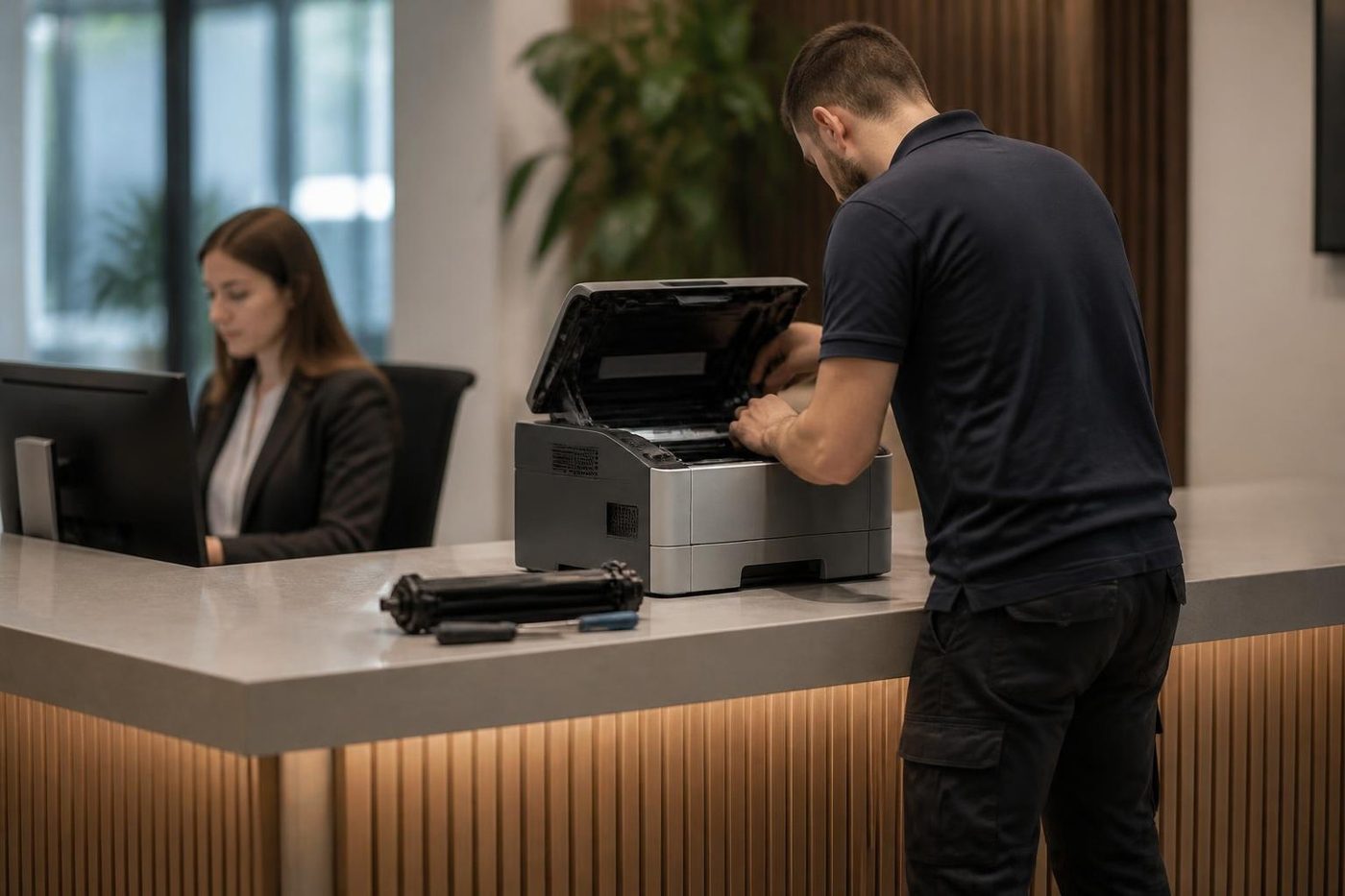
Some faults are not a worn part at all. A copier that drops off the network, a scan to email that stops, a panel that freezes on one screen: these can come from firmware, or from a setting that got changed after a power cut. A technician who only carries a screwdriver will swap parts and still have the fault. A good one asks when it started and what changed.
Before any update we note the settings, the address book and the scan destinations, so your staff are not rebuilding them on Monday morning.
- Ask what changed. New cable, new router, a storm, a power cut.
- Save the settings. Address book and scan destinations noted before an update.
- Update only when it helps. Newer is not automatically better.
More for Sunshine Coast offices
 Kyocera repairsTASKalfa copiers and ECOSYS printers, looked after on site.
 Ricoh repairsIM C, IM and MP series copiers, plus Lanier, looked after on site.
 Konica Minolta repairsbizhub i-Series and C series colour and mono, fixed on site.
 Sharp repairsMX and BP series copiers, repaired where they stand.
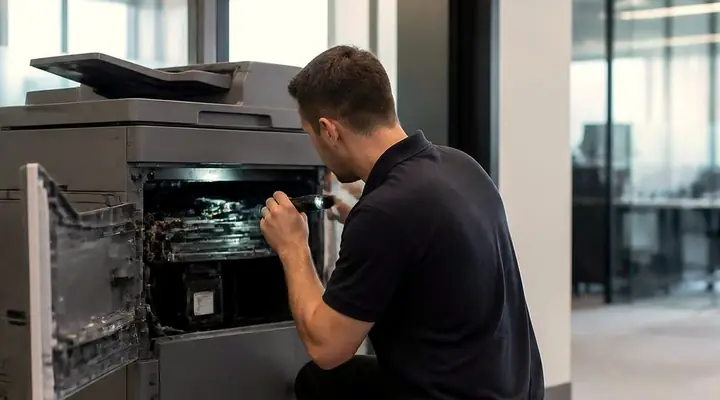 Photocopier repairsCopiers fixed at your desk, one call, price agreed first.
 MaroochydorePrinter and photocopier repairs for the plaza, the new city centre, Cotton Tree and the business parks.
 CaloundraBulcock Street counters, west side yards, beachside offices.
 Installation and setupDelivered, networked, scan tested and shown to staff.
Buy, sell and lease
Buy, sell and lease commercial copiers on the Sunshine Coast
We also sell new and second hand commercial copiers and buy used ones. Same team, same technicians.
What a visit looks like
What people ask when they ring
I see Call for Service on the panel. Is the Toshiba finished?
No. It means the machine found a fault it cannot clear alone. The code beside it names an area, such as fuser, scanner, drawer or finisher, and combined with your model family it leads us to the cause.
Does every e-STUDIO give a C code the same meaning?
Not always. Each family has its own meanings, and some descriptions come from handbooks that also cover older machines. Your machine's family decides what we tell you.
Do you do Toshiba copier repairs Sunshine Coast wide, or only around Maroochydore?
Sunshine Coast wide: Caloundra, Noosa, Nambour, Maleny and up to Gympie. Tell us the suburb and we will say what is possible and when.
Is there a model called e-STUDIO2505?
The colour one is e-STUDIO2505AC. The AC marks colour and a plain A marks black and white, as in the e-STUDIO2508A. Not sure which one yours is? Read us what is printed on the front.
Why does my Toshiba smear toner under my thumb?
The usual cause is the fuser, or a paper type that is set wrongly for the stock. We check the setting first and only fit a fuser when the evidence points that way.
Scan to folder worked on Friday and not today. Is the copier faulty?
Often not. An expired password, a renamed server or a share that moved is more likely. We send a test from the panel and tell your IT contact where to look.
Is Toshiba printer service on the Sunshine Coast covered, or only copiers?
Both. In most offices the Toshiba printer is the e-STUDIO that also copies and scans, so a single visit covers it.
Does the van carry Toshiba parts?
The common spares, yes. For anything rarer we plan from the model and code you give us, and a part that has to be ordered is flagged during the call.
Are you Toshiba authorised?
No. We are an independent repairer. We fix e-STUDIO machines at your premises, and our work is warranted.
Is an old e-STUDIO worth repairing or replacing?
Often repair. Page count, parts supply and the fault history decide it, and you get a straight answer before any work begins.
Can I book Toshiba photocopier repairs Sunshine Coast businesses need for today?
Same day service is available. Tell us the model and what the machine is up to and we go through the price together. If the lines are busy, the call is logged and returned.
Toshiba and Kyocera
Phone (07) 5327 3472 for the makes we know best
Other makes get the same care. Give us the model and the message on the panel.
Send the model
All of our work on the Sunshine Coast
Service pages
- Photocopier repairs Sunshine Coast
- Commercial printer repairs Sunshine Coast
- Plotter service Sunshine Coast
Fault pages
- Installation and setup Sunshine Coast
- Relocation and removal Sunshine Coast
- Copier and printer faults Sunshine Coast
- Photocopier paper jams Sunshine Coast
- Copier black lines and streaks Sunshine Coast
- Copier error codes Sunshine Coast
- Copier not printing Sunshine Coast
- Scan to email not working Sunshine Coast
- Toner smearing and fuser faults Sunshine Coast
- Printer offline and network faults Sunshine Coast
- Copier noise, grinding and squealing Sunshine Coast
- Is my copier worth repairing Sunshine Coast
- Toshiba e-STUDIO error codes Sunshine Coast
- HP LaserJet error messages Sunshine Coast
- Kyocera TASKalfa error codes Sunshine Coast
Makes we work on
- HP printer repairs Sunshine Coast
- Kyocera copier repairs Sunshine Coast
- Fujifilm copier repairs Sunshine Coast
- Xerox copier repairs Sunshine Coast
- Canon copier repairs Sunshine Coast
- Ricoh copier repairs Sunshine Coast
- Lexmark printer repairs Sunshine Coast
- Brother printer repairs Sunshine Coast
- Epson printer repairs Sunshine Coast
- OKI printer repairs Sunshine Coast
- Zebra printer repairs Sunshine Coast
- Konica Minolta copier repairs Sunshine Coast
- Sharp copier repairs Sunshine Coast
- Samsung printer repairs Sunshine Coast
- Fuji Xerox copier repairs Sunshine Coast
Coast towns and suburbs
- Printer service Caloundra
- Printer service Gympie
- Printer service Buderim
- Printer service Maleny and the Blackall Range
- Printer service Kawana and Birtinya
- Printer service Nambour
- Printer service Maroochydore
- Printer service Noosa and Noosaville
- Printer service Coolum and Peregian Beach
- Printer service Mooloolaba and Alexandra Headland
- Printer service Sippy Downs and Maroochydore industrial
- Printer service Pelican Waters and Bribie Island
- Printer service Beerwah and Glass House Mountains
- Printer service Yandina and Eumundi
- Printer service Cooroy, Pomona and Cooran
- Printer service Cooloola, Tin Can Bay and Rainbow Beach
- Printer service Kilcoy and the D'Aguilar side
- Printer service Palmwoods, Montville and Mapleton
- Printer service Landsborough and Mooloolah Valley
- Printer service Marcoola and Sunshine Coast Airport
- Printer service Coolum industrial
- Printer service Warana and Kunda Park
- Printer service Tewantin
- Printer service Bli Bli and Pacific Paradise
- Printer service Currimundi, Little Mountain and Baringa
- Printer service Kenilworth, Imbil and the Mary Valley
- Full list, Caloundra to Gympie
Got the make and the problem? That is all we need to price it.
Describe the fault, we ring back
Make, model and what you can see on the panel is plenty. We phone back with a price. Quicker to talk? (07) 5327 3472.