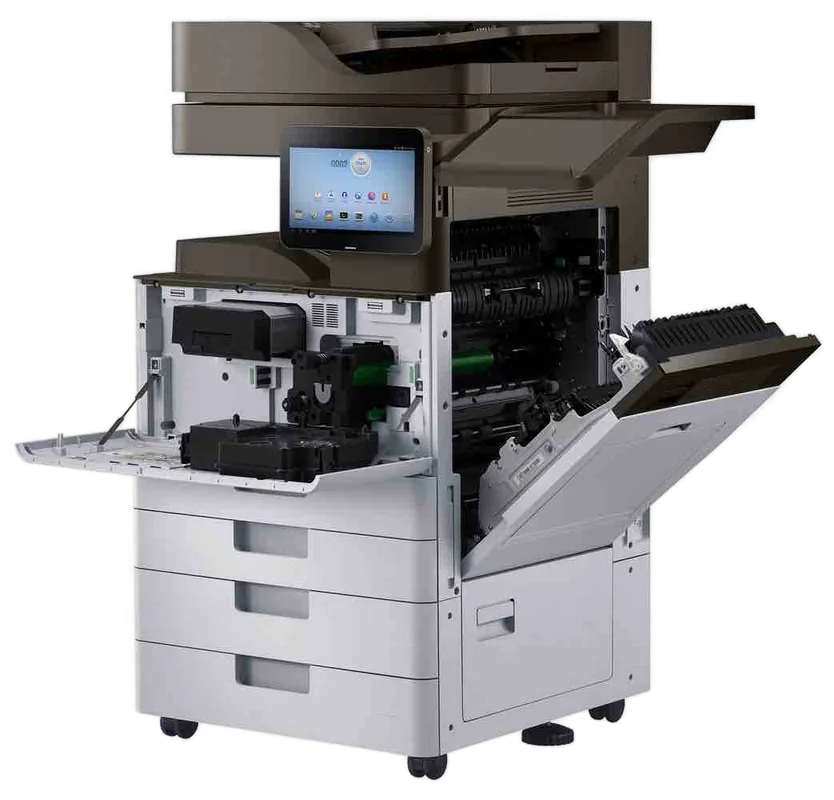
Fujifilm, Fuji Xerox and Xerox service, Sunshine Coast
Fujifilm and Xerox copier repairs Sunshine Coast: Fuji Xerox, ApeosPort and DocuCentre service
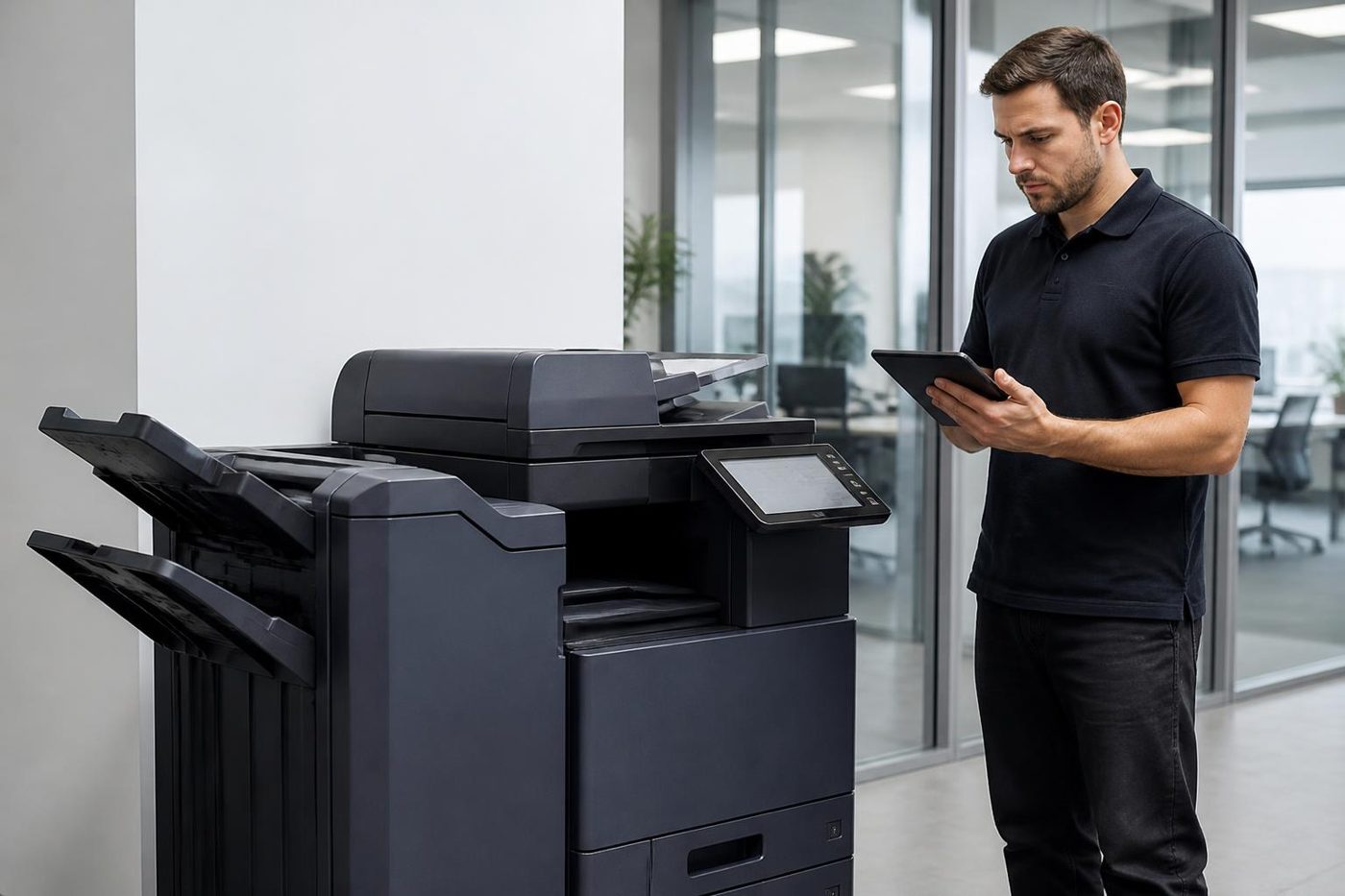
Ask around Coast offices and plenty still say the Fuji Xerox. The label may now read Fujifilm or Apeos, and the machine in the next room could be a Xerox VersaLink. We repair every one on the spot, and the price is settled on the phone first. Same day service is available, so ask.
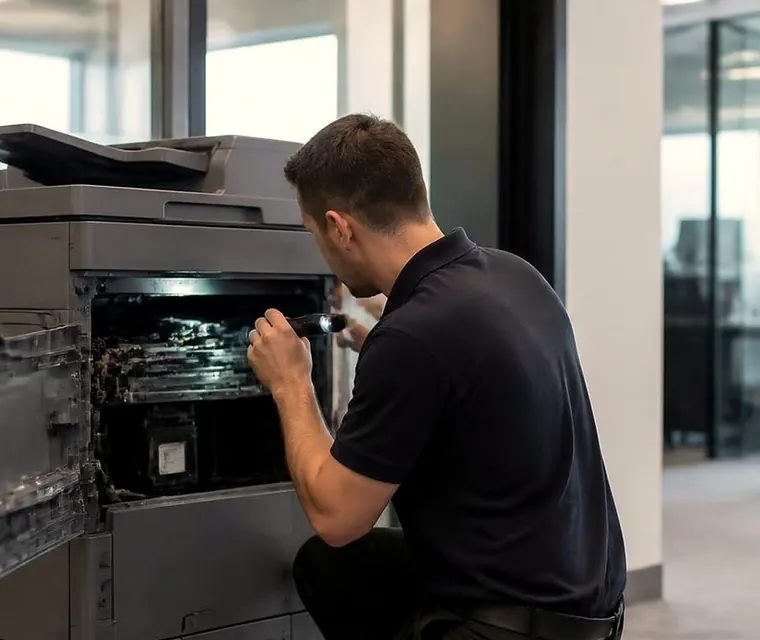
Copier and printer repairs, plus machines to buy and sell, on the Sunshine Coast
Fujifilm and Xerox copier repairs Sunshine Coast: how the three names fit together
The badge on a copier has changed more than the copier. Here is the short version, because it explains why one office can have three names for what looks like one family of machines.
- Fuji Xerox dates from 1962, a joint venture set up by Fuji Photo Film and Rank Xerox with half each.
- Fujifilm said in November 2019 that it would take over the 25 percent still held by Xerox.
- On 31 March 2021 the technology agreement linking Fuji Xerox and Xerox Corporation came to an end.
- April 2021 brought the new name, Fujifilm Business Innovation. The Australian arm is Fujifilm Business Innovation Australia.
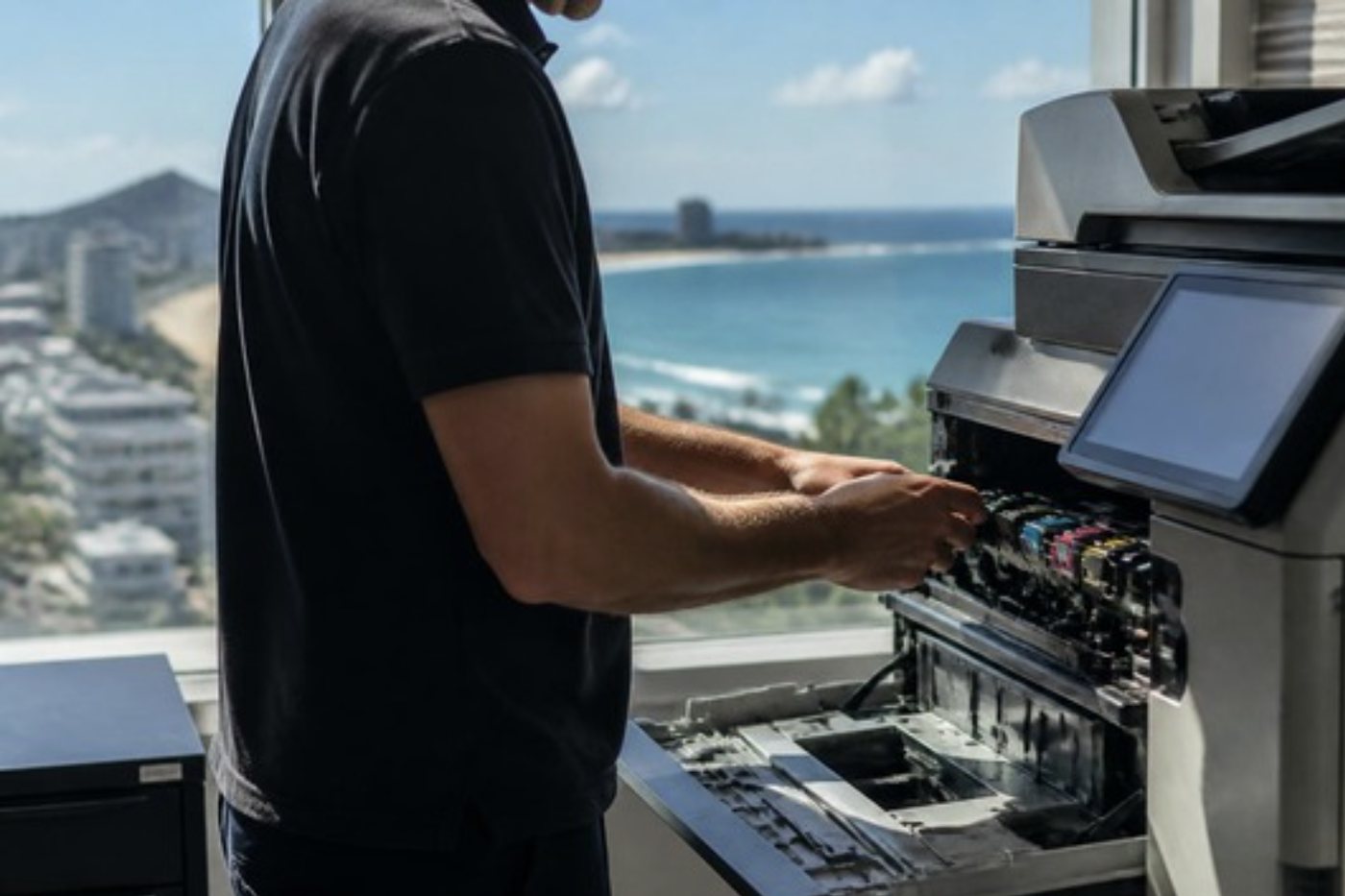
Get a price in three steps
- Describe your machineMake, model and the problem you are seeing.
- We phone with the priceYou hear it before anything is booked.
- A certified technician attendsSame day where the diary allows.
Machines from the Fuji Xerox years are called ApeosPort, DocuCentre or DocuPrint, and the current Fujifilm range is branded Apeos. Xerox Corporation stands apart as an American company, and its machines are the WorkCentre, VersaLink, AltaLink, PrimeLink and Versant ranges.
We are not connected to either company and do not suggest otherwise. Our job is repairing the machines, and that is a separate matter.
Which one is on your wall?
| What the front says | Where it came from | What it means for a repair |
|---|---|---|
| ApeosPort or DocuCentre, Fuji Xerox badge | Made and sold under the Fuji Xerox name, 1962 to 2021. | Still in a great many offices. Parts and codes are well known to us. |
| Apeos or ApeosPort, Fujifilm badge | Current machines from Fujifilm Business Innovation. | Newer panels and software, with settings that deserve care. |
| WorkCentre, VersaLink, AltaLink | Xerox Corporation machines. | A separate family with its own parts. It has its own page here. |
| DocuPrint | Fuji Xerox printers, from small desktop units up. | Often forgotten in a back office. We look after them too. |
What people tell us on the phone
Nobody phones and says the fuser is tired. This is how the complaints arrive, and what we think of first.
- A jam near the exit, toner that wipes off or creased sheets: start with the fuser area.
- Marks repeating down the page, or a single colour coming out as a stripe: the drum or imaging area.
- Pages that stall at one particular tray every time: the feed rollers for that tray.
- A 016 code appearing after somebody touched the network: usually settings, not hardware.
- A finisher that only jams while stapling: the finisher itself and its staple unit.
- A scan to folder that was fine before the weekend and fails after it: the destination moved.
Each of those points at a different corner of the machine, and none of them needs a part until we have looked.
Fujifilm photocopier repairs Sunshine Coast offices ask for
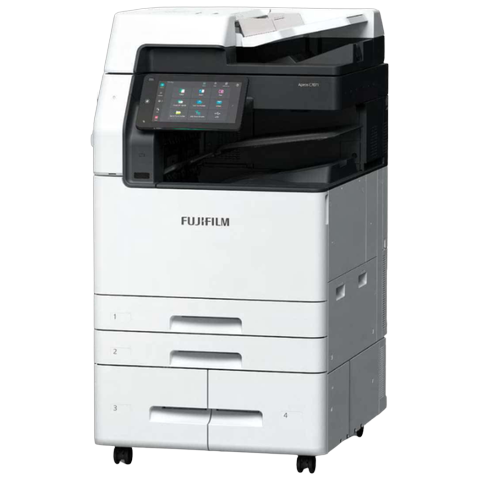
The newer Apeos and ApeosPort machines are mostly colour, and a model number starting with C is the giveaway. They have big touch panels and far more software than the machines they replaced, so many of the calls we take about them concern sign in, scan destinations and print queues rather than worn parts.
Offices use them that way now. A solicitor in Maroochydore wants secure print release and scans filed into the right matter folder. A school wants a card tap and a job that waits for its owner. When that stops, the question is whether the machine has failed or a setting has drifted, and we answer it on site.
We carry the common spares and read the code before we leave. About 98% of repairs on these machines are completed at the first visit, and a returning fault is dealt with again free of charge.
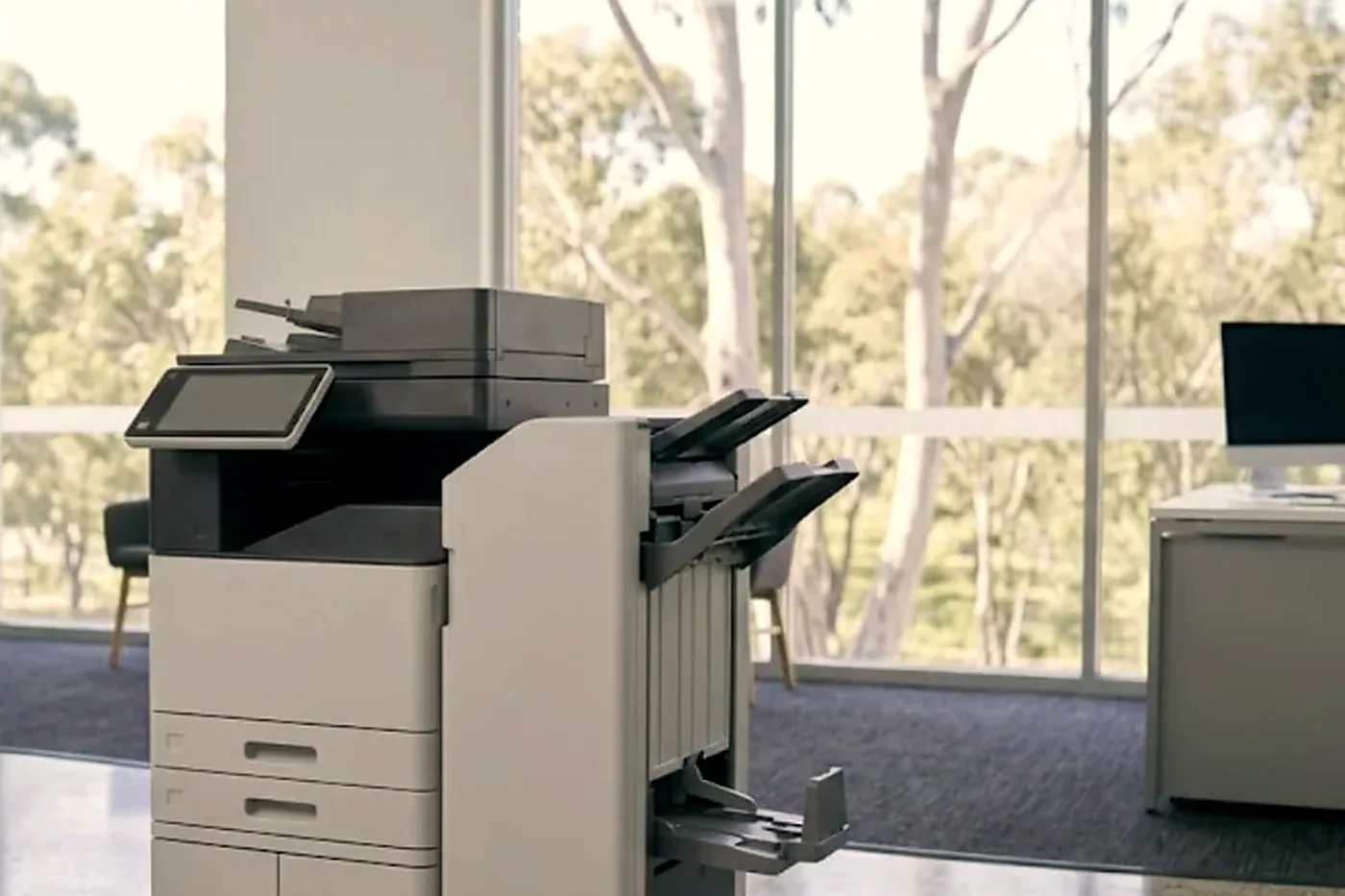
Reading the code on the screen
A fault on these machines appears as a number in two halves: three digits, a dash, three more. The front half names the area of the machine involved and the back half narrows it down. We read a code as a pointer to somewhere to look, not as a ruling. Identical numbers do not always mean the same thing across models.
In practice, what we tend to find is:
- 016 at the front mostly means scanning or the network, which is why a change to a mail or file server surfaces there.
- 010 usually points at the fuser.
- 091 and 093 sit in the imaging and toner area.
- 012 and 024 belong to the paper path and the trays.
Give us the whole code, character for character, and tell us if restarting cleared it. We do not publish reset steps. Wiping the message without finding the cause just brings the same code back.
Fuser, drum and the parts that age
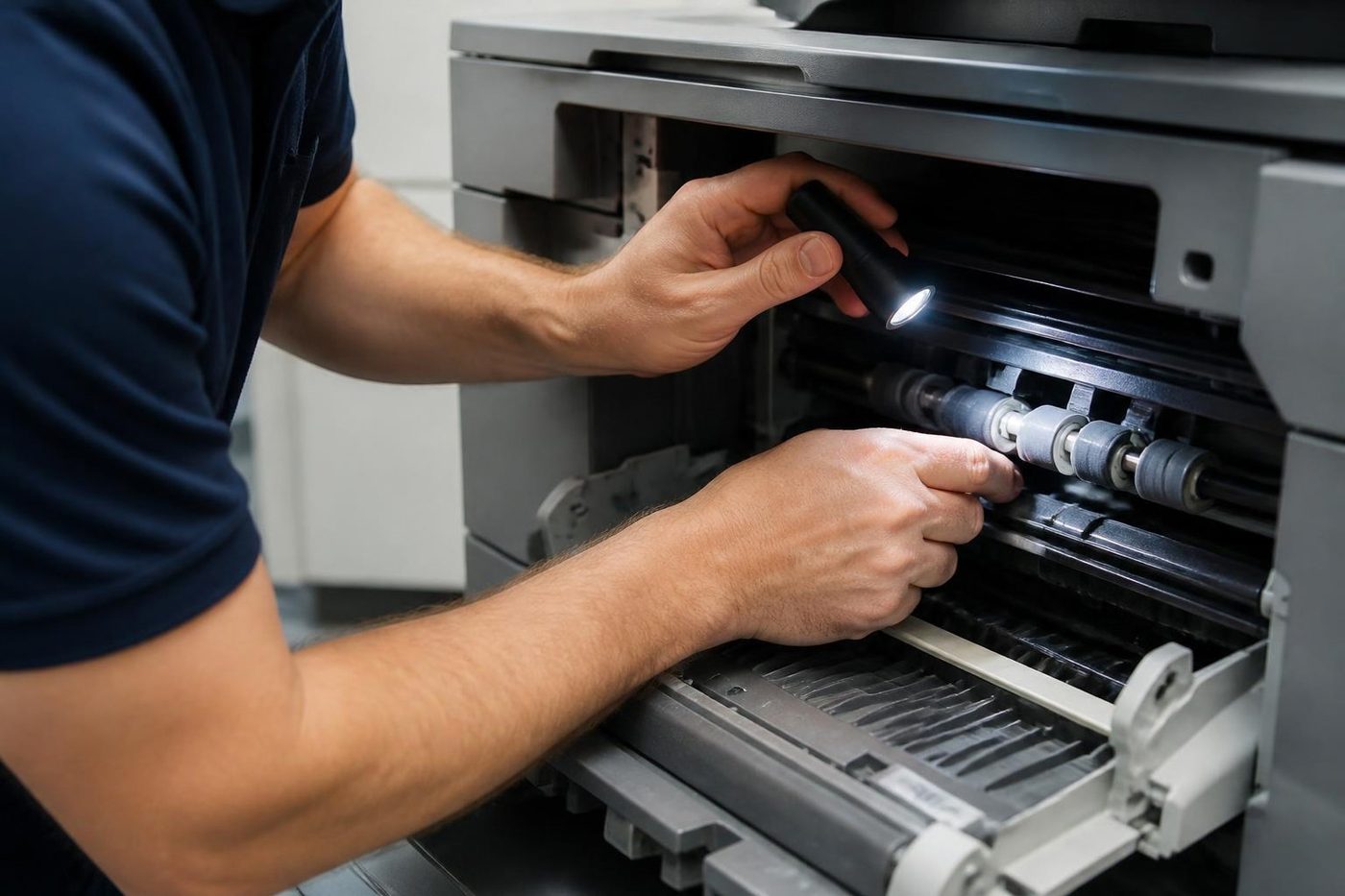
Fuser and imaging parts are the first things to age on any copier in this family. The fuser melts toner into the page, so a tiring one gives smearing, creased sheets, a smell of warm plastic and a code in the fuser group. The imaging side takes in the drum, which reacts to light, and the developer.
The paper path is the other place parts wear. Pickup, feed and separation rollers go smooth and glazed with use, and you notice it as two sheets feeding at once, or a tray that refuses to pick a sheet. Test with a fresh ream of decent paper first, because humid coastal air makes paper limp and clingy and that mimics a worn roller exactly.
We inspect all of it during a visit. We leave part lifespans out of this page because page volume, paper quality and the room itself change the answer.
Software on the panel is part of the machine now
The newer Apeos panels work like a tablet, with apps, shortcuts, saved scan jobs and software updates. That is convenient, and it gives faults a fresh place to start. If a panel freezes on one screen while the machine still copies, no part has worn out. A scan shortcut that disappeared after an update calls for a settings fix, not a repair.
We begin by asking what is different since it last worked. A power cut in a storm, a replaced router, a stricter password rule, an update somebody pushed late on a Friday. Before touching firmware we note down the address book entries and scan destinations, so nobody has to rebuild them on Monday morning.
We do not offer firmware downloads or publish service mode steps. Where an update really is the answer to a fault, a technician applies it after saving the settings.
Scan to folder and email on Apeos and ApeosPort
The machines are managed through a web page inside the machine, CentreWare Internet Services, which lets an administrator open the address book, scan destinations and network settings from a desk. A stopped scan sends us there first.
Scan to folder normally goes over SMB to a shared folder held on a server or a PC. Rename the share, let a password expire or replace the server and the destination fails, yet the copier takes the blame. We test from the machine, correct the entry and tell your IT contact what moved.
Email scanning relies on a working mail server address, the right port and valid credentials. A provider that has tightened its rules can trigger a credentials failure although nothing on the machine changed, so we look at the provider end as well as the copier.
Sign in, secure print and the card tap
Card or PIN sign in is common on these machines around the Coast. Accounting practices, medical rooms, councils and schools favour it, since each job waits at the copier until the person who sent it turns up. It also adds one more layer where something can slip.
Readers stop reading, user lists stop matching the directory, a clock wanders from the server. To whoever is standing at the machine, each of those amounts to a dead copier. Our order is the reader, then the connection, then the settings, and we report to whoever handles your IT. Directory settings stay untouched unless we are asked.
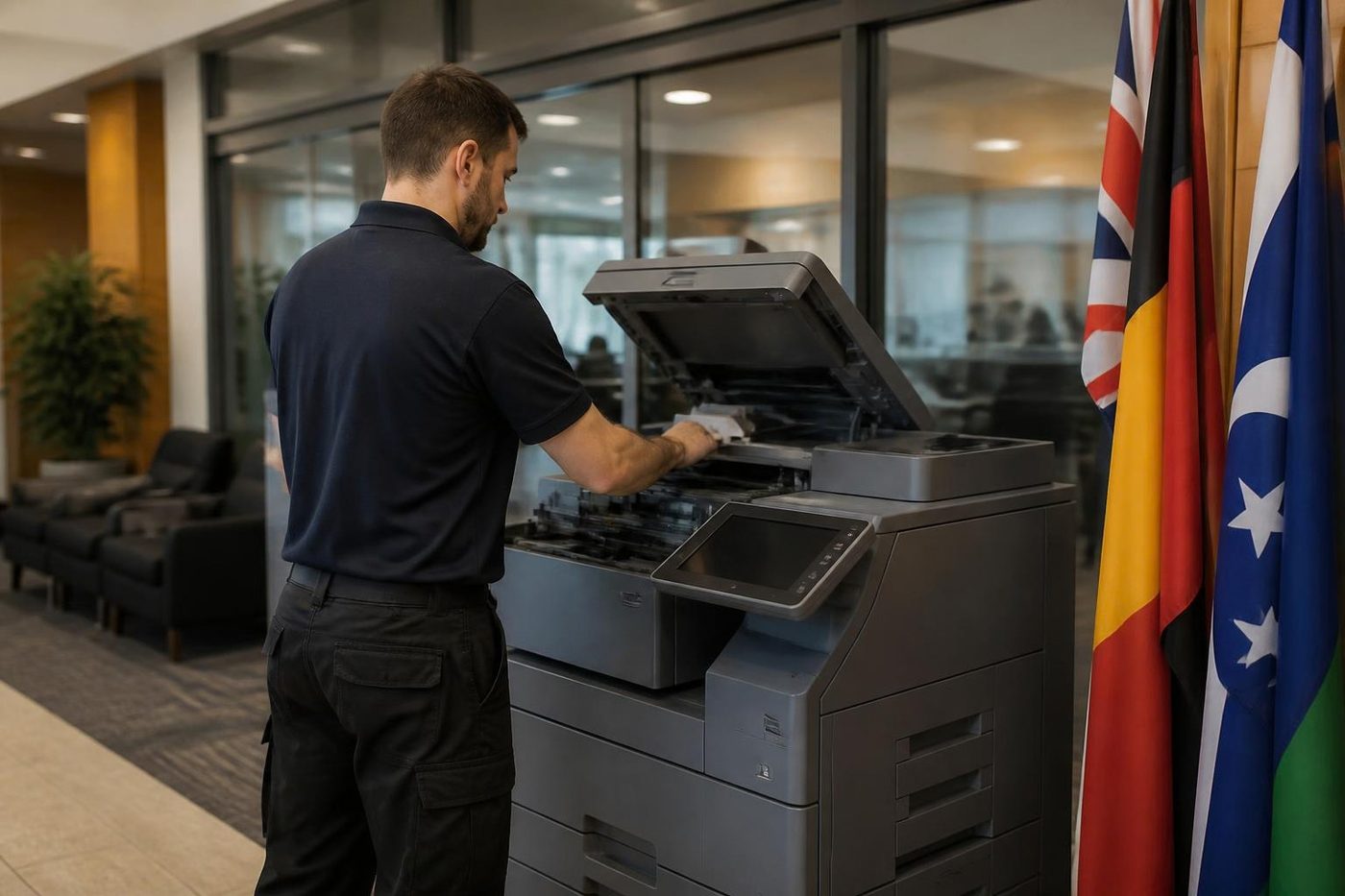
Heavy stock, glossy pages and the paper type setting
Colour machines in this family are often asked to print on stock they were not bought for. Heavier card for a menu or a certificate, coated paper for a brochure, a sheet of labels for a mail out. The paper type setting tells the fuser and the transfer what to expect.
A wrong setting passes for a hardware fault: toner that wipes off, curling pages, an uneven shine. We check the setting first, the paper second and the machine third. It is one of the quieter reasons for a call, and putting it right costs nothing.
Labels deserve a warning. Use sheets made for laser machines and feed them through the bypass tray, set to the right type. A label that peels inside the fuser leaves adhesive on the roller, and we would rather talk that through on the phone than clean it off on site.
A mixed office with more than one name on the wall
It is common to find a Fuji Xerox ApeosPort in the main office, a Fujifilm Apeos that came with the new branch, and a Xerox VersaLink at reception. Three machines, three names, one family of habits. We service them as one fleet. A single phone call and a single visit cover the lot, and you deal with one person, not three.
In our write ups we use the name on the front panel instead of whatever the contract says, which makes it easier when you ring again.
Finishers and the staple that will not fire
Think of a finisher as a second machine fixed to the first, which is why its faults get pinned on the copier. A staple jam, a cartridge not seated square, a door left slightly open or a connector pushed loose are all more common than a failed board, so staples and doors get checked first.
If the machine copies fine and will not staple, you have already told us half of what we need.
Where we find them
In Maroochydore, Mooloolaba and Kawana the machines sit in professional offices, medical rooms and property agencies. In Kunda Park, Warana and Caloundra West they are in offices attached to workshops, where dust in the paper path is a regular culprit. Nambour, Maleny and Gympie bring council, farm supply and education offices. We can offer same day service across the region. We say frankly what is possible once you tell us the suburb.
A contract with the supplier
Many newer Apeos machines went in under a supplier contract, and that contract can restrict who does the work. We stand outside those agreements as an independent firm, so we tread carefully. Read what yours says before you book anyone.
Once the contract has ended or the machine is out of term, we are glad to help. If you are facing the end of one, ring before deciding. We can tell you the condition the machine is in and what it will probably need next.
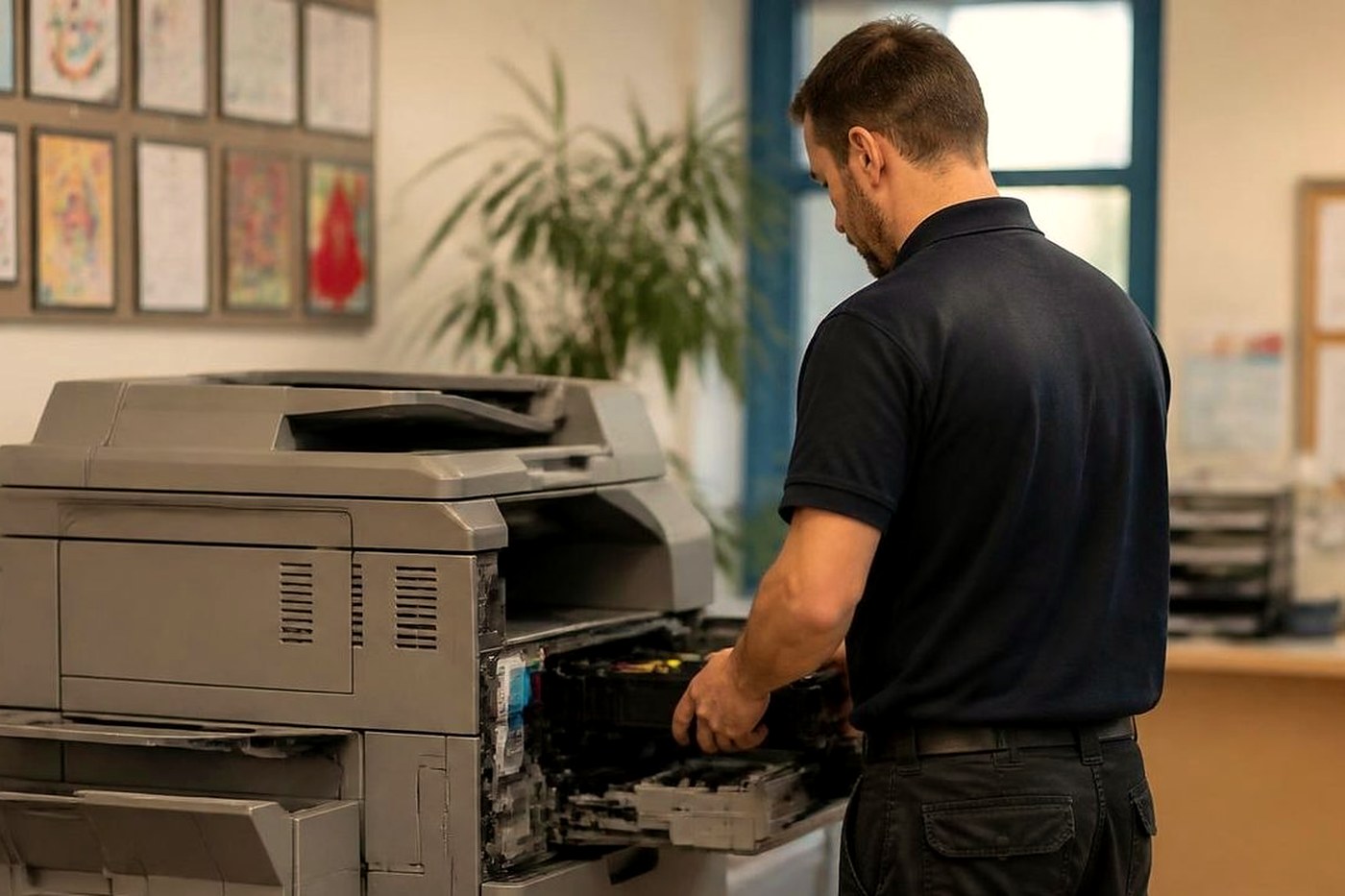
Where a Fuji Xerox ends and a Fujifilm begins
The older ApeosPort and DocuCentre machines are covered on their own page here, which says more about the wear parts and the question every owner asks, whether the machine is still worth the money. WorkCentre, VersaLink and AltaLink are on the Xerox page. This page suits the current Fujifilm machines, and anyone unsure which of the three they own.
Not certain? Read us the badge and the model number and we say which family it falls in and what a visit would involve.
The first month with a new Apeos
A machine that is new to the office is where we see the most settings trouble and the fewest worn parts. The scan templates were built by the installer for the way the office worked on the day. Staff have since changed how they work. The address book has twelve entries where it needs forty. Two people have a card that has not been registered.
If you have a young Apeos, spend a quarter of an hour in the first few weeks with whoever uses it most, and write down what they keep reaching for and cannot find. That list is worth more than any checklist we could write. Bring it to us and we tidy the templates and the address book together and note the settings, so a later fault is not made worse by someone starting from scratch.
What a test page tells us
When the complaint is about print quality, the quickest way to cut the guesswork is a test page printed from the machine itself and not from a computer. A fault that shows up on the test page lives in the machine. If the test page is clean, look instead at the file, the driver or the settings.
We look at colour in separate bands, at the edges for shadows, and at a block of grey for streaks and background tint. A band missing at one edge is a different problem from a stripe down the middle. If you can print one before we arrive and keep it, we can often tell which corner of the machine to open first.
Mobile and cloud printing that has stopped
Newer Apeos machines can print from a phone, scan to a cloud folder and accept jobs from outside the office. When one of those stops, the machine seldom turns out to be the cause. A cloud account changed its sign in rules, a phone app lost its pairing, a router change closed the path.
We begin on the machine side and confirm the machine itself is healthy, then work out with your IT contact where the break sits. If the fault lies in a service we do not control, we say so plainly. Whether a particular fix will work depends on the service and your account, so we hold back from promising anything we cannot check.
Quiet jobs in medical rooms and practices
A copier near the patients' seating cannot be stripped down while people wait, and a technician with a noisy toolbox does not suit a practice manager's morning. So we plan it. A call beforehand settles the best time, the door to use and the person to ask for at the desk.
Dental and allied health practices around Kawana, Buderim and Noosa tend to want the repair done before the first appointment or after the last. Tell us what suits and we work around it where we can, and we are honest about what is possible.
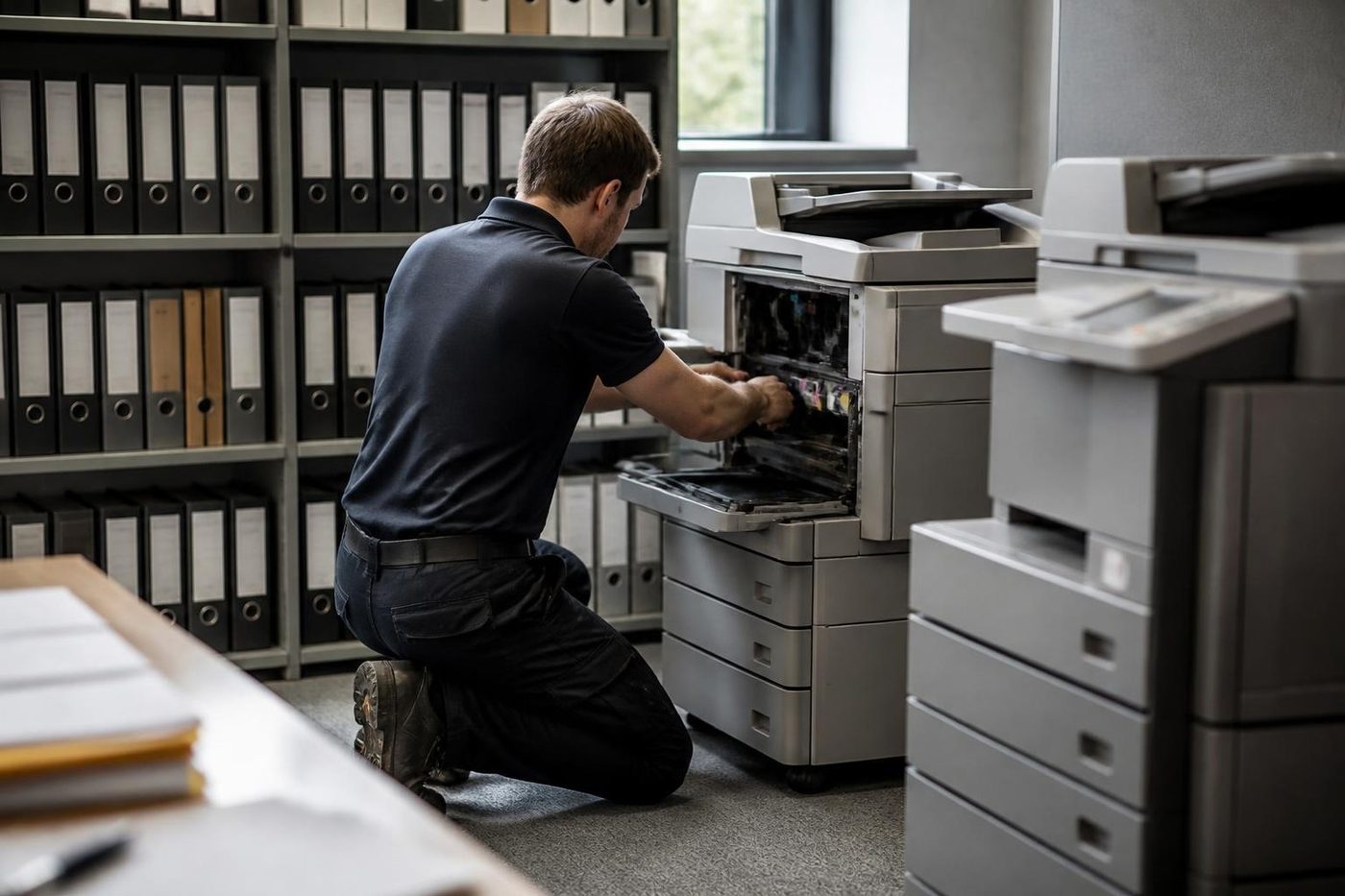
The copier that will not wake up
Modern machines drop into a low power sleep after a quiet spell, and they are meant to wake when someone touches the panel or sends a job. Now and then one does not. The panel stays dark, jobs sit in the queue and someone concludes the machine is dead.
Before you ring, try the power button on the panel, not the main switch, and wait a full minute. A machine that wakes slowly after a long weekend is normal. One that does not wake at all, or wakes and then drops a job, is worth a call. The cause is sometimes a network card that went to sleep with the machine, sometimes a setting, and sometimes a real power fault. We find out which on site.
Drivers after an update
A print job that printed on Friday and refuses on Monday, from one computer but not the others, usually points at the computer. A Windows update swapped a driver, or a Mac moved to a newer system and the old driver no longer fits. The queue lists the job and the machine never receives it.
We install the driver written for that exact model, set the port properly and print a test from a second desk. With a dozen computers, tell us which ones fail and which do not, since the pattern points us at the cause before we arrive.
Paper that curls in the output tray
Pages that come out curled up like a lid are telling you about the paper, the heat or the humidity. Heat in the fuser drives moisture out of one side of the sheet and the sheet bends. Damp stock curls worse. On the coast in summer it is common.
Flip the stack over in the tray, load paper from a ream that was only just unwrapped and store it somewhere dry. If the curl is severe or only started recently, ring. A fuser that has begun to run hot also curls pages, and that is a part worth knowing about before it fails.
Large print jobs, small print jobs and the queue between them
Print queues cause more trouble than printers do. One large job from one computer holds up everyone behind it. A job that failed partway sits at the front and blocks the rest. People send a job again and again, and the machine gets a dozen copies of the same file.
When the office reports that the Apeos has stopped printing, we begin by asking whether it is the machine or the queue that has stalled. If the panel shows a job waiting and nothing is moving, clear the queue on the computer, not at the machine. If the queue is clear and the machine is idle, ring us. We would rather spend two minutes on the phone than a visit finding out it was a stuck job.
Quarterly rush, month end and the machine that has to cope
Accounting practices and property managers have a calendar. Month end, end of quarter, tax time, a lease renewal round. The copier sees it as a wall of paper on a few days and not much in between.
If you know the rush is coming, it pays to have the machine looked at in the quiet week before. Rollers, fuser and feeder are the parts that suffer. A visit can be fitted around your calendar. The best repair we do is the one that happens before the deadline.
Before you ring
If all lines are engaged, we log the call and phone you back.
- The name on the front, with any letters and numbers that follow it.
- The code shown on the screen, read out slowly.
- What it was doing at the time, and whether switching it off and on changed anything.
- One person affected, or the entire office.
- Which building, and which floor.
What happens on a Fujifilm job
Damp and salt
The coast does odd things to paper and metal
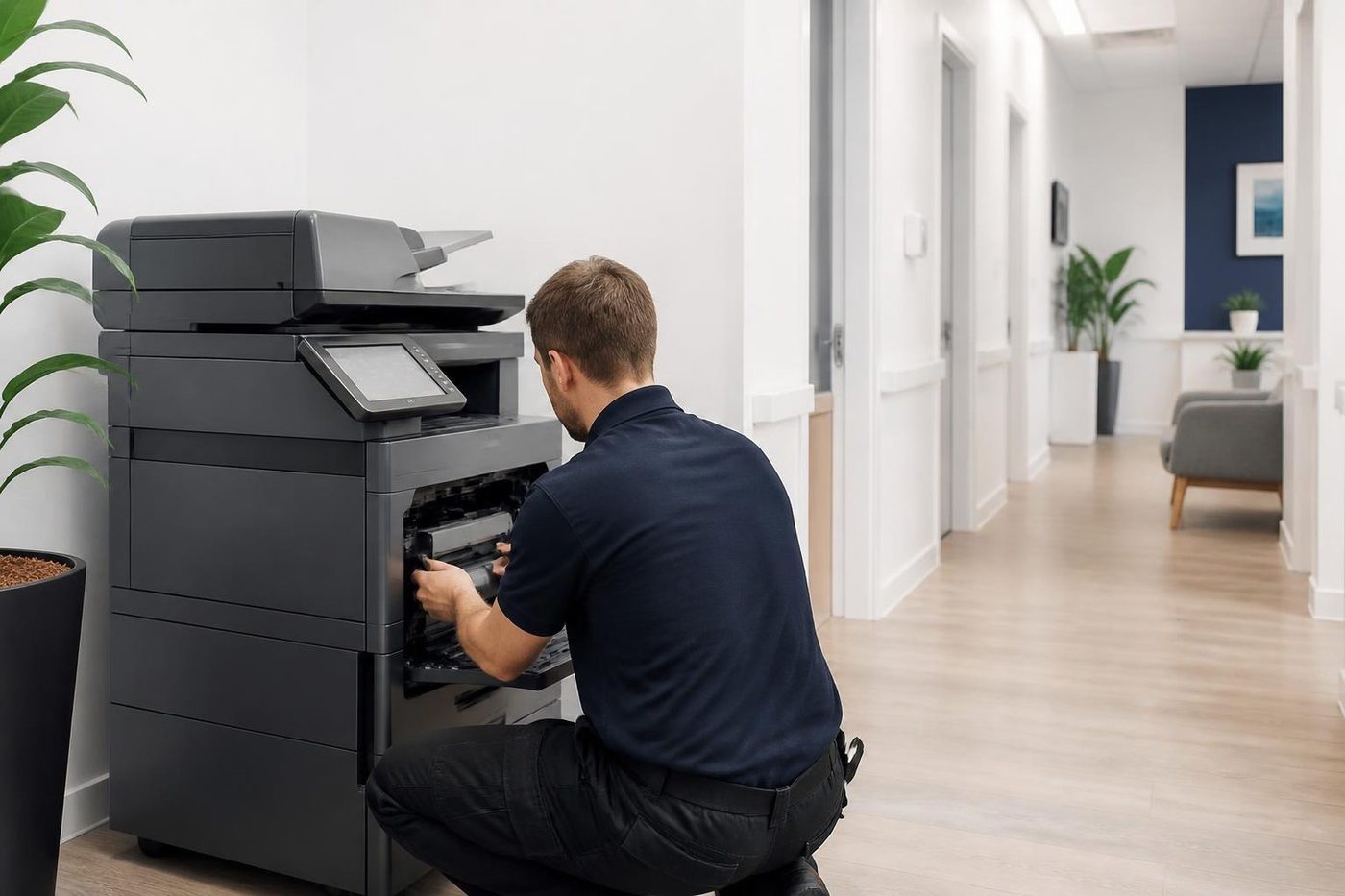
Salt air and humidity also get into connectors and boards near the water. A green connector pin can look exactly like a failing controller. We tell you what we see, and what to move or keep dry.
Sometimes the answer is a new roller. Sometimes it is a cupboard shelf. We would rather say which.
- Check the paper. Wrapped, off the floor, out of the sun.
- Look at the room. Damp, dust and salt all count.
- Fix the cause. Parts only when they are the problem.
More for Sunshine Coast offices
 Fuji Xerox repairsApeosPort, DocuCentre and DocuPrint machines from the Fuji Xerox years.
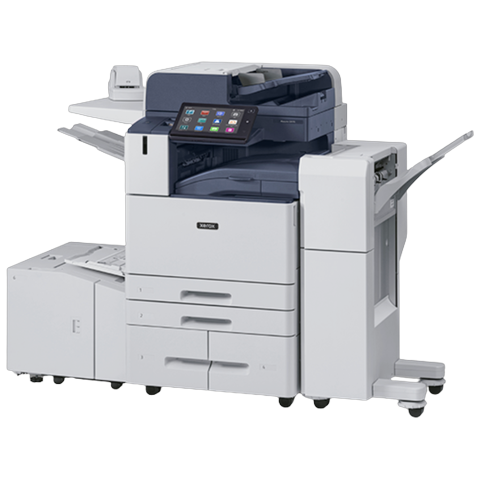 Xerox repairsWorkCentre, VersaLink, AltaLink and Phaser, repaired on site.
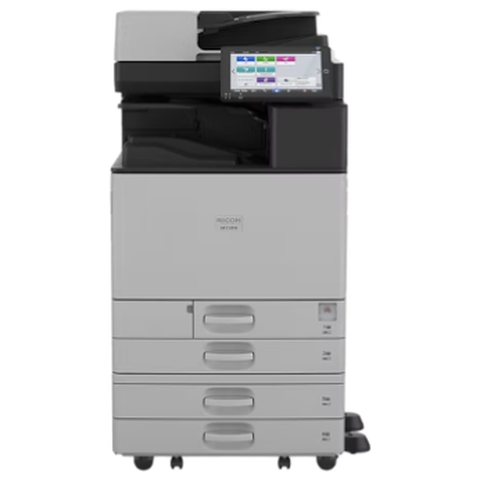 Ricoh repairsIM C, IM and MP series copiers, plus Lanier, looked after on site.
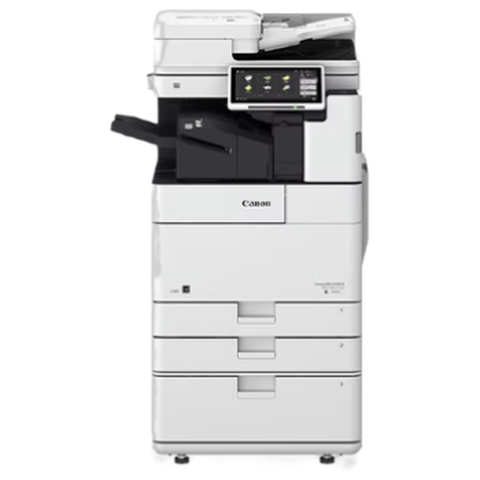 Canon repairsimageRUNNER ADVANCE, DX and i-SENSYS machines, fixed on site.
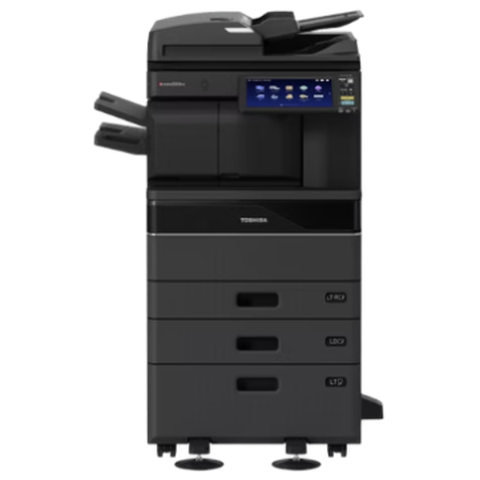 Toshiba repairse-STUDIO colour and mono copiers, fixed where they sit.
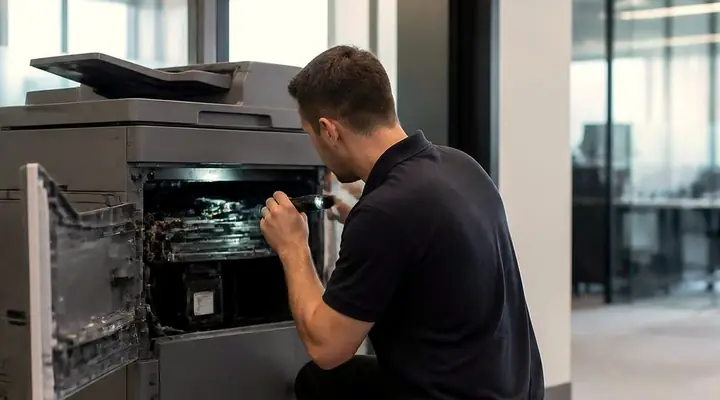 Photocopier repairsCopiers fixed at your desk, one call, price agreed first.
 MaroochydorePrinter and photocopier repairs for the plaza, the new city centre, Cotton Tree and the business parks.
 NambourPrinter and copier service for Currie Street offices, the hospital precinct, schools and the trade yards.
Buy, sell and lease
Buy, sell and lease commercial copiers on the Sunshine Coast
We also sell new and second hand commercial copiers and buy used ones. Same team, same technicians.
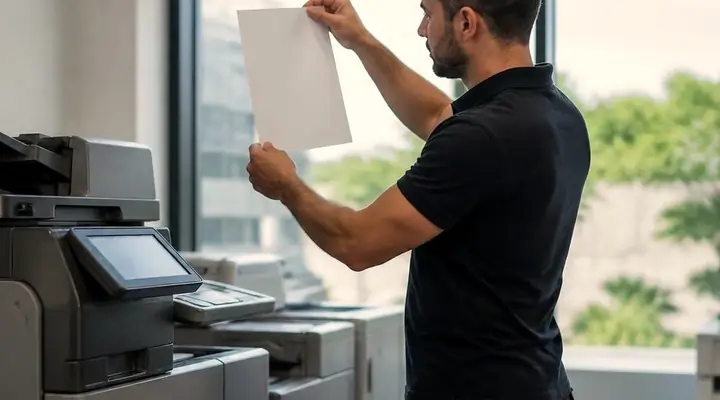
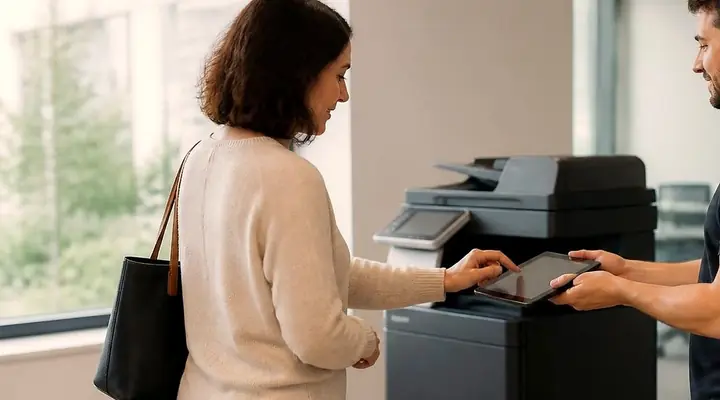
Where the work gets done
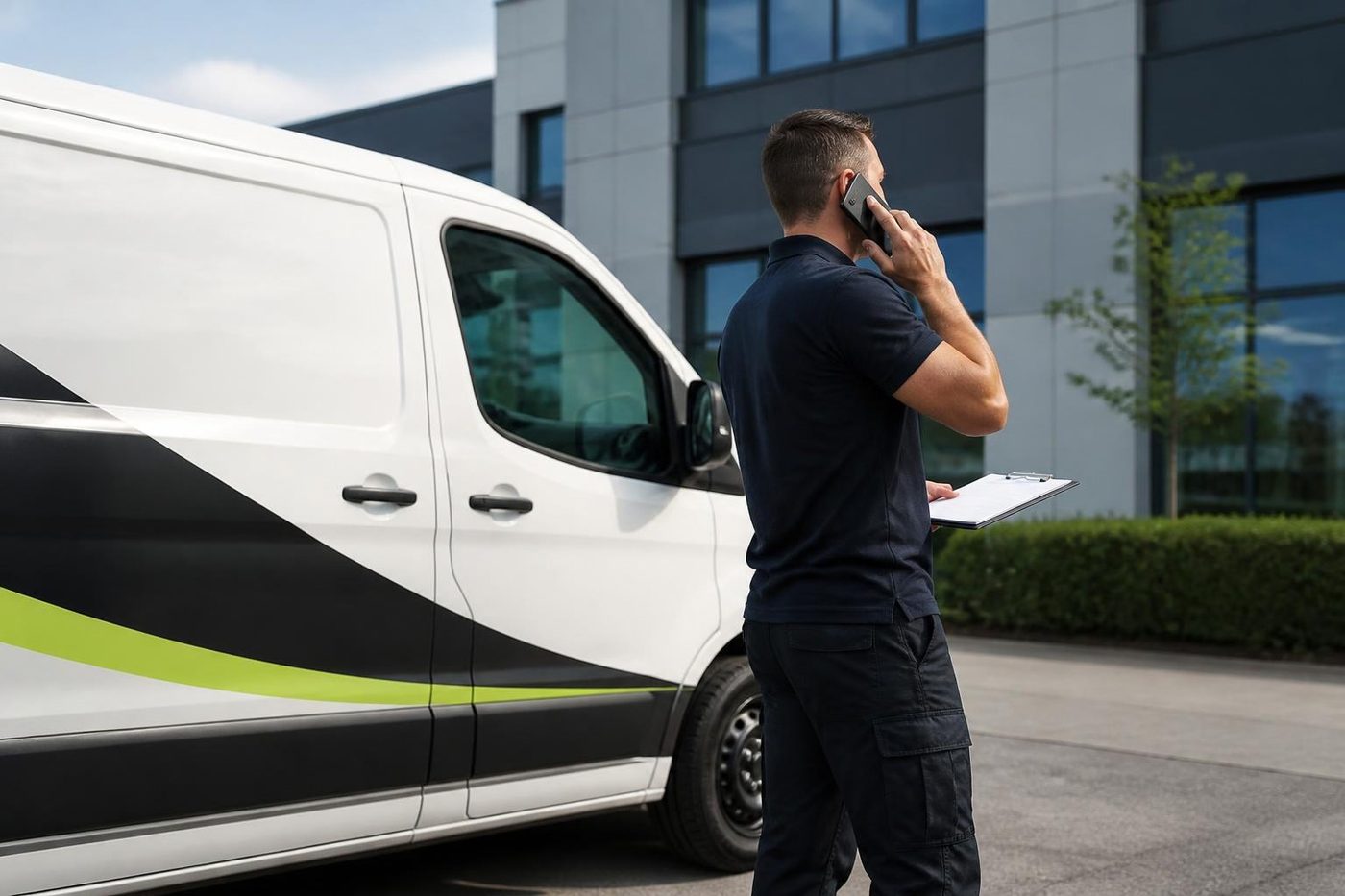
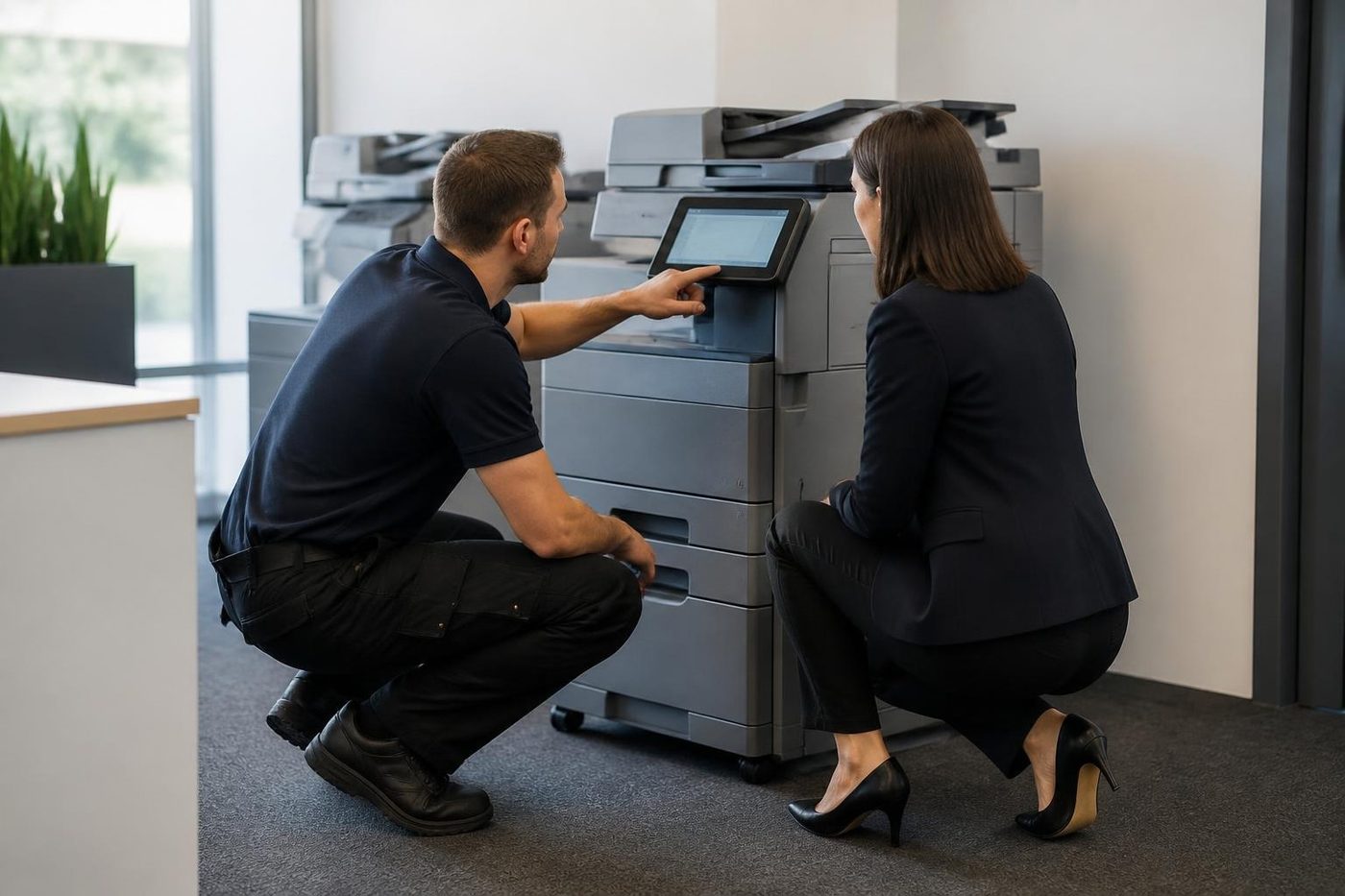
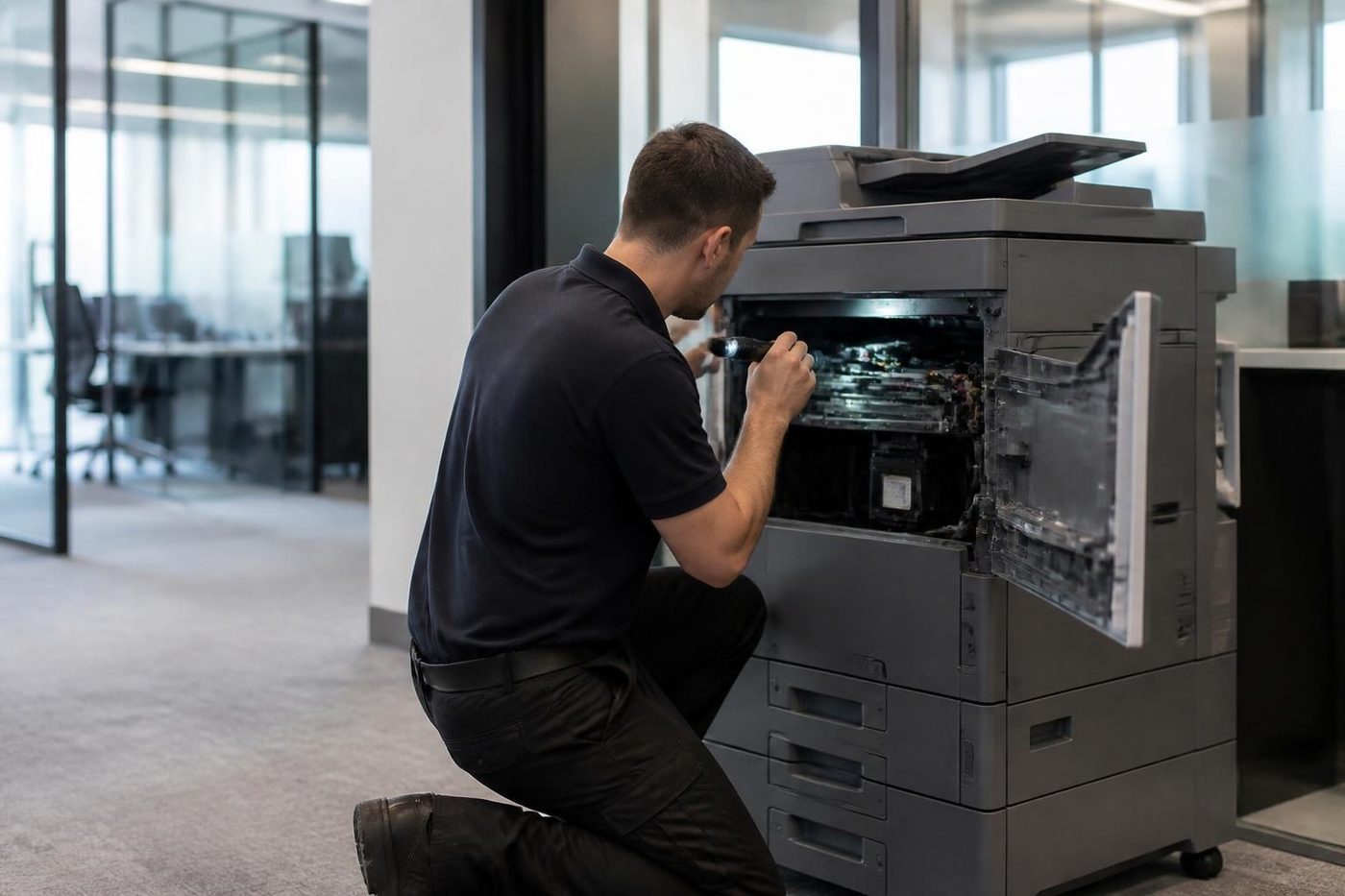
What people ask when they ring
Did Fuji Xerox turn into Fujifilm?
More or less. The renaming happened in April 2021, and the business now trades in Australia as Fujifilm Business Innovation Australia. Xerox Corporation carries on as its own American business.
Will you service a Fuji Xerox copier on the Sunshine Coast?
Yes, at your premises: ApeosPort, DocuCentre and DocuPrint are all part of the work, and the older machines have a page of their own.
What is the difference between Apeos and ApeosPort?
ApeosPort is the older Fuji Xerox name carried on many machines still in service. Apeos is the name on the newer machines from Fujifilm Business Innovation. We repair both.
Do you service Xerox copiers Sunshine Coast offices bought from Xerox itself?
Yes. WorkCentre, VersaLink and AltaLink machines are repaired on site, and this site has a Xerox page.
My Fujifilm copier shows a code beginning 016. What does that mean?
That group mostly concerns scanning and the network, and it often follows a settings change. Because a code only points at an area, we check the scan destination before hunting for a part.
Why does my scan to folder keep failing?
Most often the destination has moved: the server was replaced, a password lapsed or a share got a new name. We test from the machine and fix the entry.
Can you fix a copier that smears toner?
Often, yes. Smearing usually means the fuser area, or a paper type setting that is wrong for the stock. Both get checked before any part is fitted.
Why did my copier stop printing labels properly?
Labels peel and curl in a fuser that was set for plain paper. Use laser rated sheets from the bypass tray with the type set to labels, and ring us if adhesive has built up.
Are you an authorised Fujifilm or Xerox dealer?
No. We stand independent of both companies and have no tie to either.
Do you offer same day Fujifilm photocopier repairs Sunshine Coast wide?
Same day visits are possible across the region. Give us the model and the code when you ring, and the price comes up in that conversation.
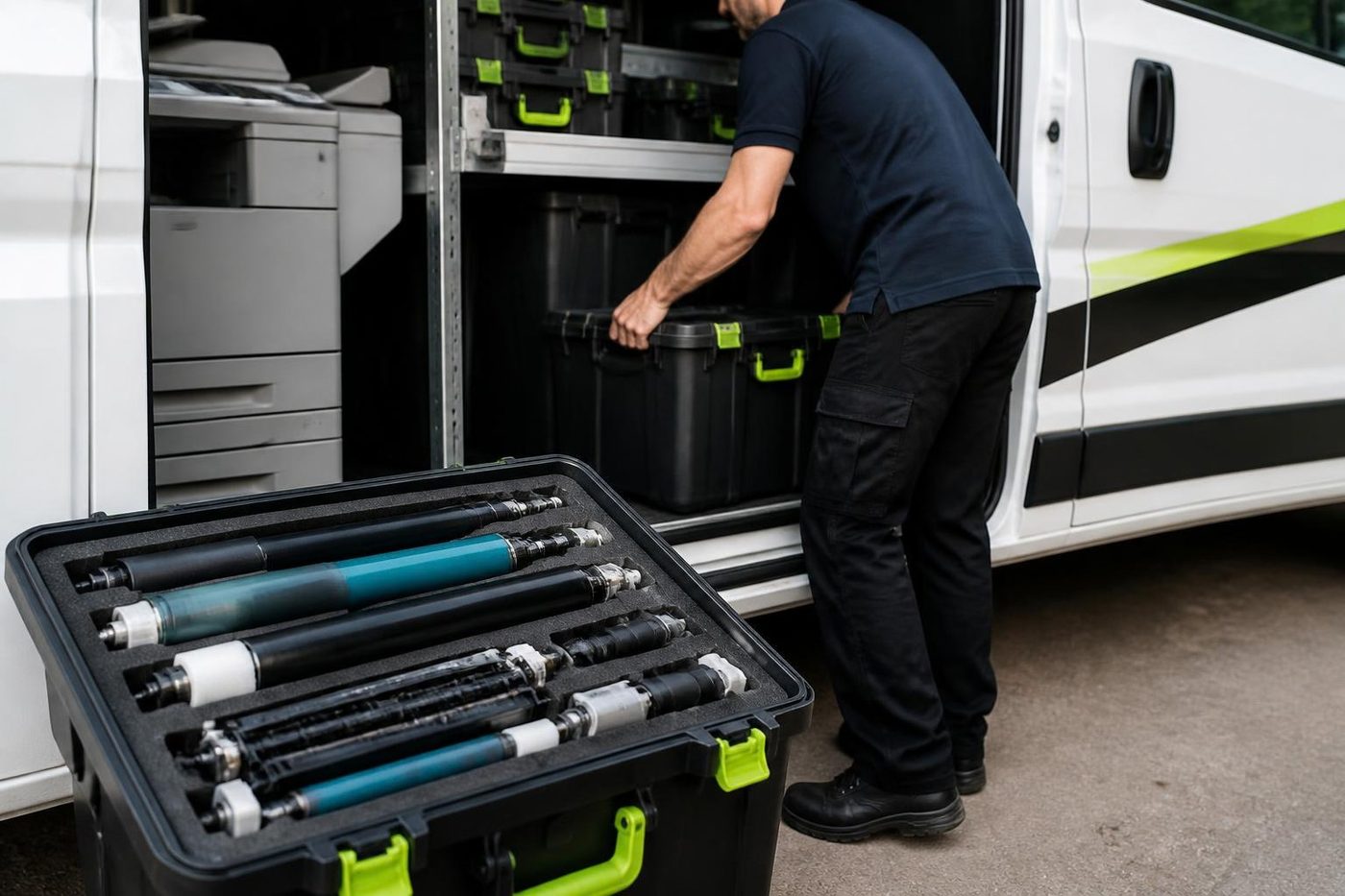
Failed twice already?
Let us have a proper look
If the same fault comes back after our repair, we fix it again at no charge.
Tell us the fault
All of our work on the Sunshine Coast
Service pages
- Photocopier repairs Sunshine Coast
- Commercial printer repairs Sunshine Coast
- Plotter service Sunshine Coast
Fault pages
- Installation and setup Sunshine Coast
- Relocation and removal Sunshine Coast
- Copier and printer faults Sunshine Coast
- Photocopier paper jams Sunshine Coast
- Copier black lines and streaks Sunshine Coast
- Copier error codes Sunshine Coast
- Copier not printing Sunshine Coast
- Scan to email not working Sunshine Coast
- Toner smearing and fuser faults Sunshine Coast
- Printer offline and network faults Sunshine Coast
- Copier noise, grinding and squealing Sunshine Coast
- Is my copier worth repairing Sunshine Coast
- Toshiba e-STUDIO error codes Sunshine Coast
- HP LaserJet error messages Sunshine Coast
- Kyocera TASKalfa error codes Sunshine Coast
Makes we work on
- Toshiba copier repairs Sunshine Coast
- HP printer repairs Sunshine Coast
- Kyocera copier repairs Sunshine Coast
- Xerox copier repairs Sunshine Coast
- Canon copier repairs Sunshine Coast
- Ricoh copier repairs Sunshine Coast
- Lexmark printer repairs Sunshine Coast
- Brother printer repairs Sunshine Coast
- Epson printer repairs Sunshine Coast
- OKI printer repairs Sunshine Coast
- Zebra printer repairs Sunshine Coast
- Konica Minolta copier repairs Sunshine Coast
- Sharp copier repairs Sunshine Coast
- Samsung printer repairs Sunshine Coast
- Fuji Xerox copier repairs Sunshine Coast
Coast towns and suburbs
- Printer service Caloundra
- Printer service Gympie
- Printer service Buderim
- Printer service Maleny and the Blackall Range
- Printer service Kawana and Birtinya
- Printer service Nambour
- Printer service Maroochydore
- Printer service Noosa and Noosaville
- Printer service Coolum and Peregian Beach
- Printer service Mooloolaba and Alexandra Headland
- Printer service Sippy Downs and Maroochydore industrial
- Printer service Pelican Waters and Bribie Island
- Printer service Beerwah and Glass House Mountains
- Printer service Yandina and Eumundi
- Printer service Cooroy, Pomona and Cooran
- Printer service Cooloola, Tin Can Bay and Rainbow Beach
- Printer service Kilcoy and the D'Aguilar side
- Printer service Palmwoods, Montville and Mapleton
- Printer service Landsborough and Mooloolah Valley
- Printer service Marcoola and Sunshine Coast Airport
- Printer service Coolum industrial
- Printer service Warana and Kunda Park
- Printer service Tewantin
- Printer service Bli Bli and Pacific Paradise
- Printer service Currimundi, Little Mountain and Baringa
- Printer service Kenilworth, Imbil and the Mary Valley
- Full list, Caloundra to Gympie
Got the make and the problem? That is all we need to price it.
Send the fault, get a figure by phone
A few lines will do. Put in the make, and if there is a code, the code. We call back with the cost. Direct line: (07) 5327 3472.