Normal sounds first
A copier is not silent. Fans, motors, a clunk as a tray lifts, a click as a solenoid engages, a whirr as it wakes from sleep. A soft tick as the fuser heats and cools is metal expanding and nothing more.
What matters is change. A sound the machine has always made is not a fault. A sound that is new, louder, higher or constant is worth a note.


What each sound tends to mean
| The sound | Usually points at | What to do |
|---|---|---|
| Squealing while paper moves | A dry bearing or a roller shaft rubbing | Stop soon, ring |
| Grinding at start of a job | A worn gear or drive part, or a toner stirrer binding | Switch off, ring |
| Rattle from the toner area | A loose cartridge, a stirrer, or a bottle not seated | Reseat the cartridge once |
| Loud fan whine | Dust clogged fan or filter | Ring, a clean fixes it |
| Thump when a tray feeds | Pickup solenoid or tray lift | Ring |
| Clatter at the finisher | Staples or paper caught in the stapler or tray | Check the finisher once |
| Scrape with a burning smell | Something is jammed in a hot area | Switch off at once |
Squealing
A squeal that comes with a moving sheet is a dry bearing, a bushing or a roller on a shaft that no longer turns freely. It begins quietly and gets louder over weeks. Left alone, the part wears the shaft, and then it is two parts and not one.
Do not oil it. Lubricant on a feed roller makes the paper slip, and on a fuser area it can burn. The right grease goes on the right part at the right amount, and that is a technician's work.
Grinding
Grinding is the sound of gear teeth meeting wrongly or something dragging against a drive. It is the one that should stop you using the machine. A gear with a chipped tooth sheds plastic into the drive, and the next gear wears faster.
If it grinds at power on before any paper moves, the drum or developer drive may be binding. If it grinds only when the machine is toner starved, a bottle drive could be struggling. Either way, switch off and ring. Describe it as grinding, steady or in bursts, and say when in the cycle you hear it.
A voice memo on a phone, taken beside the machine, helps more than you would think. Play it to us on the call.
Thumping, clunking and rattling
Thumps from the paper trays usually mean the feed mechanism is working harder than it should. A tray that has been overfilled, or that holds heavy stock, or whose lift plate is sticking, will clunk as it raises the stack.
Rattles are often loose items. A staple, a paperclip, a coin out of a pocket, a pen cap that slipped into the feeder. Look into the feeder and the tray space. A cartridge that has been fitted without clicking home rattles too.
If a thump comes with a jam message, it is mechanical and belongs to us.
Fans, dust and a noisy machine in a dirty room
A fan that is loud and getting louder is labouring against clogged vents or a dusty filter. Build site offices, workshops and shared print rooms at Kunda Park and Warana are the typical places. The fan is straining, the machine is running hot, and the next step is a heat related fault.
A clean of the vents and filters at every service is part of a visit. Where a machine is in a dusty position we suggest a better one.
Noises from a finisher, a large tray or a stapler
Not every sound is in the main machine. A finisher has its own motors and rollers and a stapler that makes a lot of noise when it is out of staples or when a staple has jammed in the head. A stack tray that is nearly full thumps the paper onto the pile. An offset unit that shifts each set slides on a rail that may need cleaning.
If the noise started after a staple cartridge change, open the finisher the way the panel shows and look at the stapler head. Often the new cartridge is not seated or a strip of the old one is still caught.
A new noise after a move or a toner change
A copier that has been shifted to a new spot may have been left unlevel or with a transit lock in place. A machine that is not level can shift loads on rollers and cause a faint scrape. After a drum or developer change, a cartridge that sits wrongly produces a rattle at start up.
If the sound began the day after something changed, tell us what changed.
The sound of toner running out
A hollow rattle or a whirring that does not stop can be a toner bottle that has emptied while the machine keeps trying to feed it. The panel normally warns first, but warnings get dismissed. If the toner message has been on for a few days and a new noise has arrived, check that before you assume the worst.
Noisy only when it is cold or humid
Some noises are the weather. A copier in a cool room at six in the morning will creak as the grease in its bearings stiffens, and the sound will ease within a few pages. In the humid months, a machine that stood overnight may squeak briefly as damp parts take up. If it eases within a minute and does not come back, it is not urgent, but mention it at the next visit.
A sound that is constant, getting louder or comes with a jam is a different matter.
What to do before you ring
Make a note of where in the cycle the sound happens. At start up, during copying, during duplex, at the finisher, when a tray feeds, when idling. Note whether it is constant or in bursts. Note the model.
Switch off if the sound is a grind, a scrape, or comes with a smell or smoke. Do not run the machine to demonstrate. If the sound is a light squeak, you can usually finish the day's work and book a visit.
Give us the make, the model and your description, and we say what we expect to carry. The price is agreed on the phone before anyone is booked.
Why we ask about the room
The same copier can sound different in two places. Against a bare wall it rings, on a carpeted corner it hushes, and on a bench with a loose leg it buzzes. Before blaming a part, put a hand on the bench and the machine's feet. A rattle that stops when you lean on the cabinet was never inside the copier.
How we deal with it
We find the sound by running the machine with covers open where it is safe and listening along the path. A torch, a good ear and some patience do most of the work. Parts that are worn are replaced, and those that only need grease get the right grease.
Technicians are trained, experienced and certified. 98% of repairs are fixed on the first visit, and if the same fault returns we fix it again at no charge.
Damp and salt
The coast does odd things to paper and metal
Paper takes up moisture on a humid Mooloolaba afternoon and then jams in a machine that was fine last week. Cartons stacked on a garage floor in Pelican Waters are worse. Before anyone blames the copier we look at how the paper has been stored, because that is a free fix.
Sometimes the answer is a new roller. Sometimes it is a cupboard shelf. We would rather say which.
- Check the paper. Wrapped, off the floor, out of the sun.
- Look at the room. Damp, dust and salt all count.
- Fix the cause. Parts only when they are the problem.
More for Sunshine Coast offices
 Copier and printer faultsStart from the symptom, find the next step.
 Photocopier paper jamsWhy copiers jam, what you can do at the machine and when to ring.
 Toner smearing and fuser faultsToner that rubs off, ghost images and fuser trouble.
 Photocopier repairsCopiers fixed at your desk, one call, price agreed first.
 Copier error codesHow to read a panel code, which ones you can clear, when to ring.
Buy, sell and lease
Buy, sell and lease commercial copiers on the Sunshine Coast
We also sell new and second hand commercial copiers and buy used ones. Same team, same technicians.

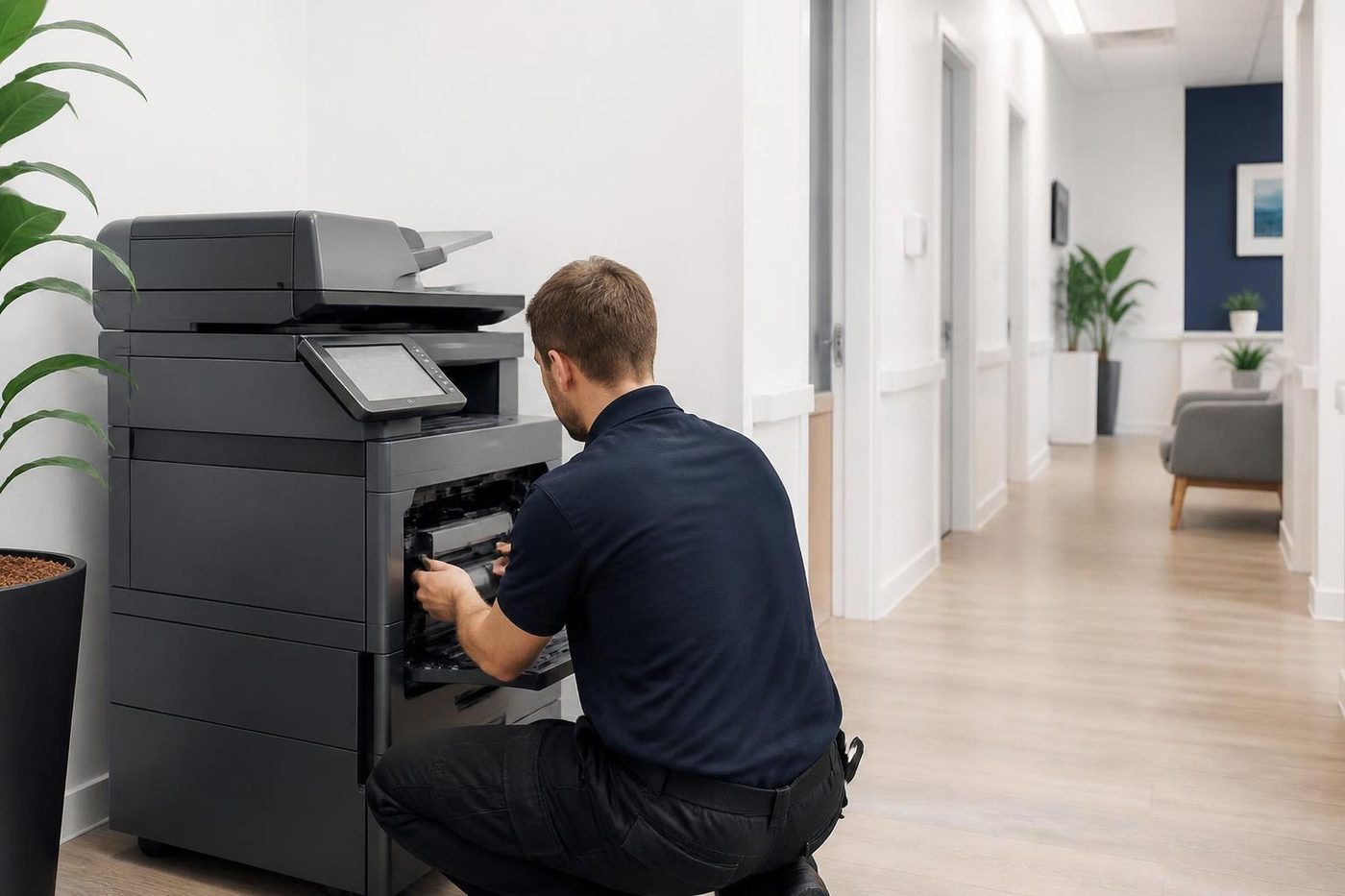
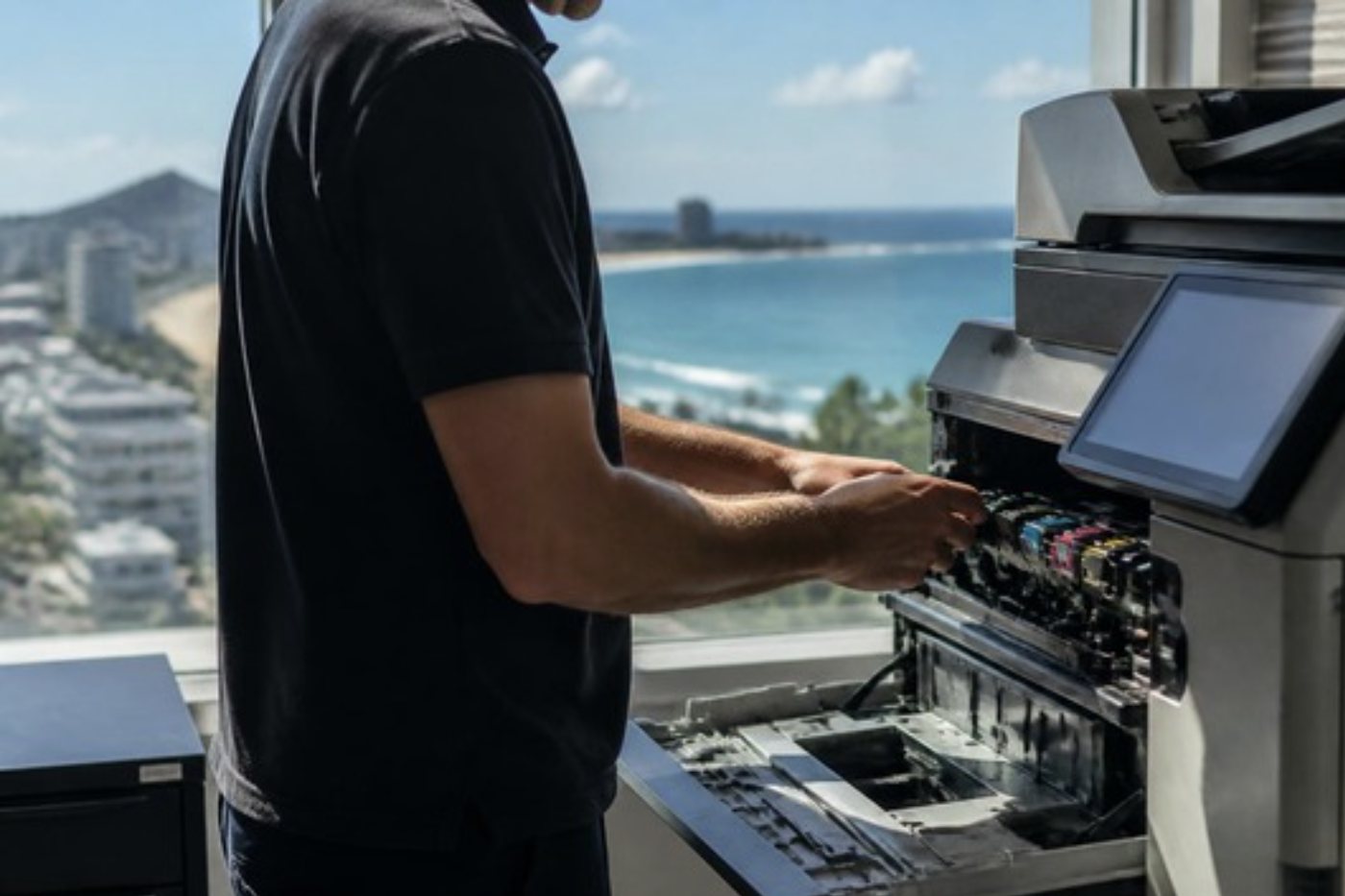
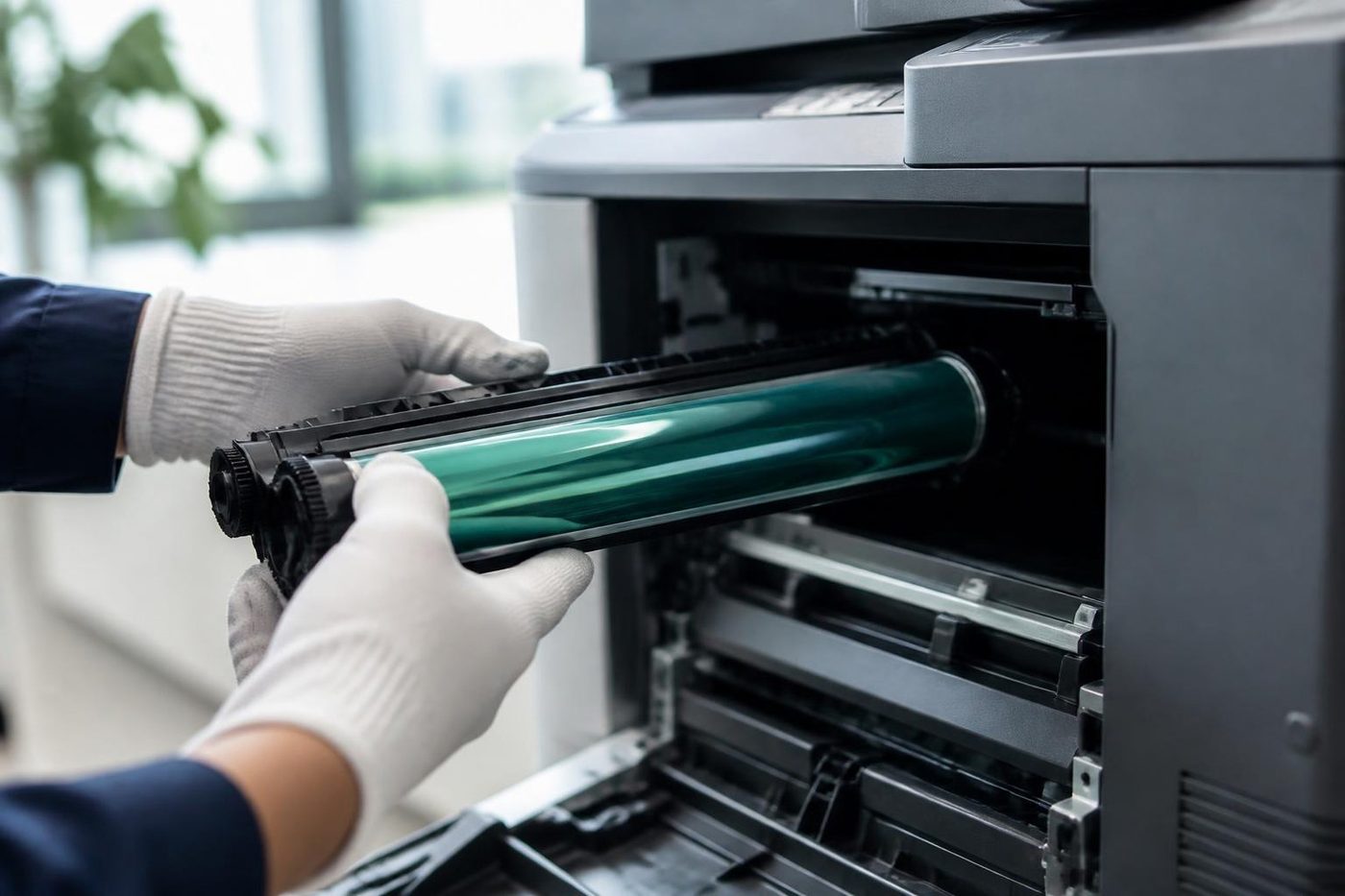
What a visit looks like

What people ask when they ring
Why is my copier making a grinding noise?
It is usually a worn gear or a drive part, or something dragging. Switch it off and ring, because running it can wear the next part.
Is squealing serious?
It is an early warning. A dry bearing or a roller shaft rubbing will usually get louder. Book a visit before it damages the shaft.
Can I oil a squeaking roller?
No. Oil can cause paper to slip or burn on hot parts. It needs the right grease on the right part.
Why does my copier tick after I switch it off?
That is metal parts cooling and contracting. It is normal.
What if the noise only happens with double sided copies?
The duplex path has its own rollers and a reversing mechanism. A noise only in duplex points there.
Why is a new copier loud for the first few weeks?
Parts bed in. A little noise from a new machine that fades is normal. A noise that gets worse is worth reporting.
Should I record the sound?
Yes. A short voice memo with the phone beside the machine is useful.
What if there is a burning smell as well?
Switch off at the wall and ring. Something may be binding in a hot area.