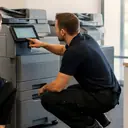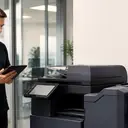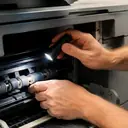
If you typed printer repair near me into a search box, a machine has probably stopped and people are waiting on it. This page is written for that moment. It explains what near should mean for a business, what to have ready when you ring, how a repair runs from the call to handover, and which parts of the Sunshine Coast we attend.
What printer repair near me means for an office
A search for near me is answered by where your phone is, so the results lean towards shops and service counters. A business asks a different question: will someone competent come to my building, and when? A floor standing copier, a network laser printer cabled into a comms cupboard or a label printer on a packing bench is not going to be carried into a shop in Maroochydore or Noosa. The repair has to happen where the machine stands.
That is how we work. Certified technicians repair business printers and photocopiers at the customer's premises across metropolitan Sunshine Coast, for commercial clients such as offices, practices, schools, councils, warehouses and strata. So near, in practice, means your suburb is one we attend. The districts are listed further down this page. If yours is not named, ring and ask, because the area pages name districts and not streets.
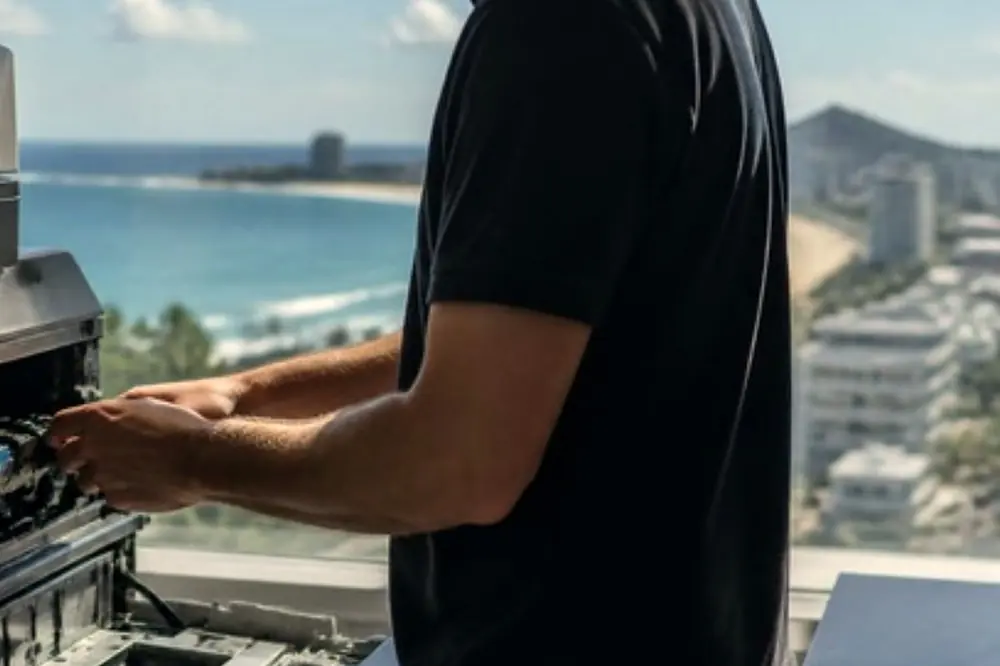
Why a printer fix near me usually means a visit to you
Many faults cannot be judged from a description alone. A technician standing at the machine can see things the person who rings may not. Three examples show why the visit matters.
- The paper. Coastal air is humid and salty, and paper that has taken up damp can feed badly and jam. Seeing the ream, and where it is stored, is part of the diagnosis. Our post on hinterland damp and your copier covers the same problem from the other direction.
- The room. A machine wedged into a cupboard, sitting in afternoon sun at a window or next to a door that opens onto a loading dock can be working in conditions the manual does not expect.
- The connection. When one person cannot print but the rest can, the machine may be perfectly healthy and the cause may sit on that PC. Checking from the machine and from the desk saves a second visit. A Windows update that stops printing is one example of a fault that looks like a broken printer.
None of this is possible when the machine is in a workshop on its own and the office is somewhere else.
What to have ready before you ring
You do not need to be technical. A few facts make the call shorter and the first visit more likely to finish the job.
- The make and model, usually on a label at the front, side or back of the machine.
- The exact message or code on the panel, written down word for word. Photograph it if you can.
- What happened just before: new paper, a toner change, a move across the room, a storm or a power cut.
- Whether everyone is affected or one person, and whether every page is wrong or only some.
- Whether the machine is the only one in the office, or one of several. If you have a few faults at once, the post on which machine to fix first helps you decide what to say.
Two safety points. If you see smoke or flame or smell burning, leave the machine, follow your building fire procedure, call 000 and unplug it only if that is safe. For an ordinary jam, leave the machine on, open only the covers the panel points to and remove the paper in the direction shown by the label inside. Never reach into or past any part marked hot. If the jam is at or near the fuser, shut the machine down properly and let it cool for the time its manual states before you touch anything.
From the call to handover
- You ring and describe the fault. If the line is busy, the call is logged and returned, so leave your name, the business and the suburb.
- The price is agreed on the phone. This is why the details above matter. No figures appear on this site because the make, the fault and the machine decide them.
- A certified technician comes to your office. Same day service is available. It depends on the fault and the diary, so nobody can promise a time before the fault is described.
- The cause is found at the machine. That may mean opening panels, checking the paper path, reading the machine's own history and trying it with your files.
- The repair is made and tested properly. A test print shows that the print engine is working. It does not prove that your PCs, your network or your scan destination are working, so ask for the function that failed to be tried the way you use it.
- Handover. A good handover tells you what was wrong and what to do if the same fault shows again.
The printers and copiers we repair
Business machines come from many makers. We repair the following at your premises, and each make has its own page with the models and faults we are asked about.
| Type of machine | Makes | Where to read more |
|---|---|---|
| Copiers and multifunction machines | Toshiba, Kyocera, Fujifilm, Xerox, Fuji Xerox, Canon, Ricoh, Konica Minolta, Sharp | Toshiba, Kyocera, Fujifilm and Xerox, Canon, Ricoh, Konica Minolta, Sharp |
| Office and workgroup printers | HP, Lexmark, Brother, Epson, OKI | HP, Lexmark, Brother, Epson, OKI, Samsung |
| Label printers | Zebra | Zebra label printer repairs |
| Plotters and wide format | Ask on the call | Plotter service |
For a general view of how we handle business printers across a whole office, see commercial printer repairs on the Sunshine Coast.
Faults that bring the call
You do not need to know the cause to ring. These are the problems people describe, with a page on each if you want to read first.
- Pages stuck in the machine: photocopier paper jams.
- A code on the panel that will not clear: copier error codes.
- The job is sent and nothing prints: copier not printing, or printer offline and network faults when the machine shows as unavailable.
- Marks and streaks on the page: black lines and streaks, and toner smearing and fuser faults.
- Grinding, squealing or knocking: copier noise.
- Scans that never arrive: scan to email not working.
The full list sits on the copier and printer faults page. Paper is worth checking whenever jams keep coming back, and the post on paper choice and storage is worth a read once the machine is working again.
How the price is set
The price is agreed on the phone. We do not publish figures here because a repair to a small office printer and a repair to a large floor standing copier are different jobs, and a figure on a web page would mislead one of them.
What helps you on that call is a clear description: the make and model, the message, and what the machine does or does not do. If the machine is old and the fault is serious, you may also want an opinion on whether repair is the right answer. Our page is my copier worth repairing sets out the questions to weigh.
Same day repair: what decides it
Same day service is available. Whether it is possible on a given day depends on the fault and the diary. A paper feed fault that can be seen at once is a different job from an intermittent error that needs the machine run for a while. The diary matters too, since an early call leaves more of the day to work with.
The plain answer from any repairer is that nobody can promise a time before they know what is wrong. The call is where that gets decided, and a busy line does not lose your request. It is logged and returned.
Where we attend across the Sunshine Coast
We attend premises across the metropolitan Sunshine Coast. Here is the coast from south to north, with the kind of business we see in each part.
Caloundra and the south. Caloundra and Pelican Waters and Bribie Island have small businesses and professional offices. Little Mountain, Baringa and Currimundi sit between Caloundra and Kawana. Further inland, Landsborough and Mooloolah Valley and Beerwah and the Glass House Mountains mix small business with the hinterland.
Kawana to Maroochydore. Kawana and Birtinya include the Sunshine Coast University Hospital, so health and allied health practices are common. Mooloolaba and Alexandra Headland are tourism and hospitality country. Warana and Kunda Park are industrial. Sippy Downs and the Maroochydore industrial area share a page, and Sippy Downs is where the University of the Sunshine Coast is. Maroochydore and its CBD hold offices, and Buderim sits on the hill above the coast.
Bli Bli, the airport and Coolum. Bli Bli and Pacific Paradise, Marcoola and Sunshine Coast Airport, Coolum and Peregian Beach and Coolum industrial are listed separately because the premises differ, and Coolum industrial is where the trade units are.
Noosa and the north. Noosa and Tewantin are known for hospitality, real estate and boutique offices. Cooroy, Pomona and Cooran, Cooloola, Tin Can Bay and Rainbow Beach and Gympie reach to the northern edge of our area.
The hinterland. Nambour has professional offices and community groups. Palmwoods, Montville and Mapleton, Maleny, Yandina and Eumundi, Kenilworth, Imbil and the Mary Valley and Kilcoy and D'Aguilar include agriculture and small businesses, and the cooler hinterland air is different from the salt air on the coast.
The full list is on our areas we service page.
If the same fault comes back
A fault that returns is fixed again at no charge. If it does, ring and say that it is a repeat, give the date of the earlier repair and describe what you see. Write down whether the message is the same as before and whether it happens on every job or only on some. That detail helps the technician tell a returning fault from a new one.
If the machine shows smoke, flame or a burning smell, do not wait for a callback. Leave it, follow your fire procedure and call 000.
If the machine cannot be used at all, say so first. If it is working but wrong, say what is wrong. Either way, contact us and describe what you see.