Start at the glass
Press copy. Place a page on the glass and take a copy.
If the machine copies, the engine works. The fault is between the computer and the machine, which means the queue, the driver, the network or a setting. If it will not copy either, the fault is in the machine, and the panel will usually be saying why.
That one test sorts about half of all calls. It takes thirty seconds and it saves everyone an hour.

Read the panel before the computer
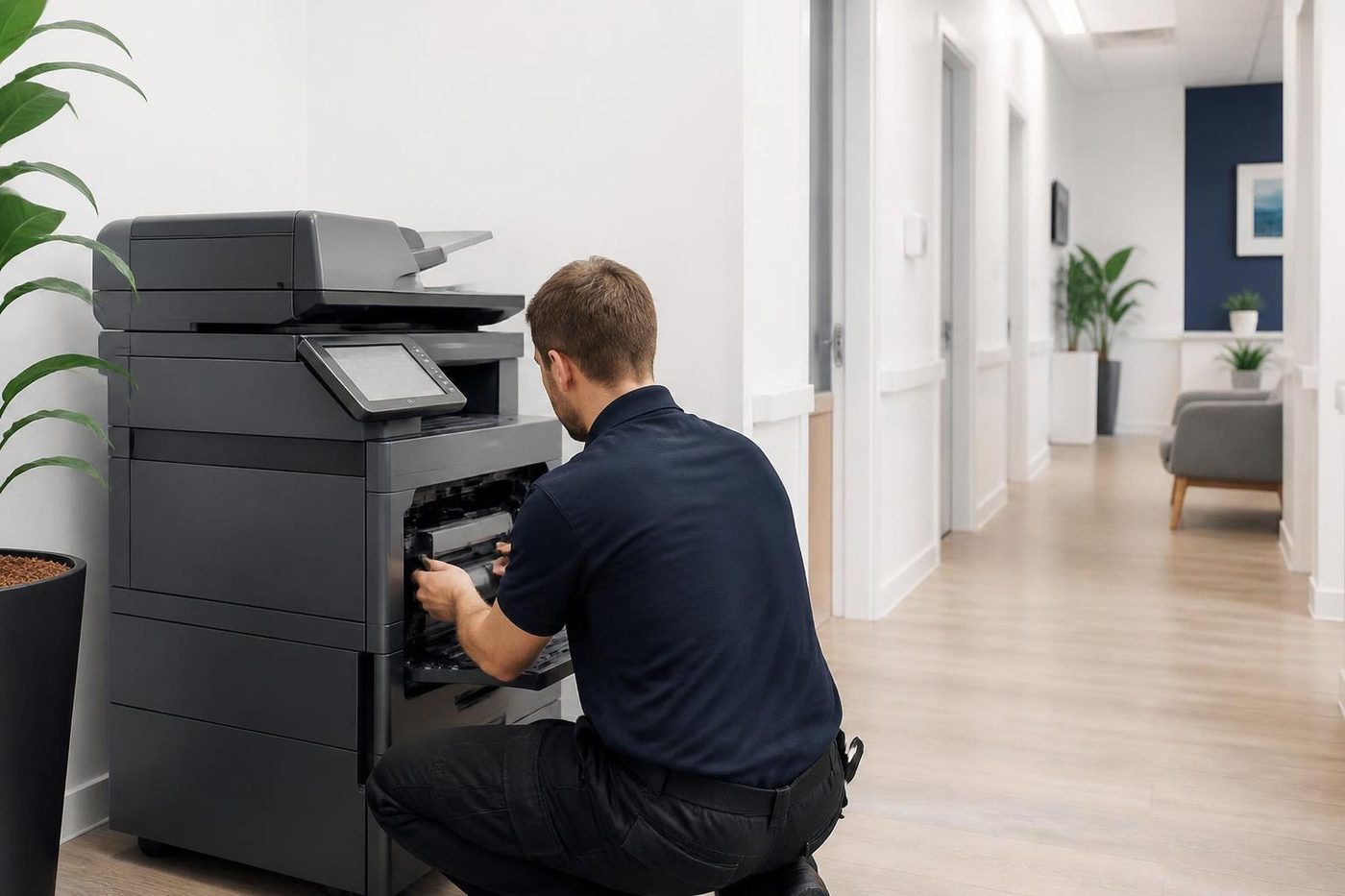
A machine that is waiting for something tells you. Look for a tray name flashing, a paper size or type mismatch, a request for toner, a door that is not quite shut, a full waste bottle, a held job that needs a PIN, or a message asking for a department code.
Commercial copiers are fussy in a helpful way. If the job asks for A4 plain from tray two and tray two holds A4 heavy, the machine will wait for a person to confirm. The job looks stuck on the computer and the real answer is a button on the panel.
Secure print and private print are worth a mention. If your office uses them, jobs are held at the machine until somebody types a code. People forget, and the job sits there.
Toner and paper messages that quietly stop everything
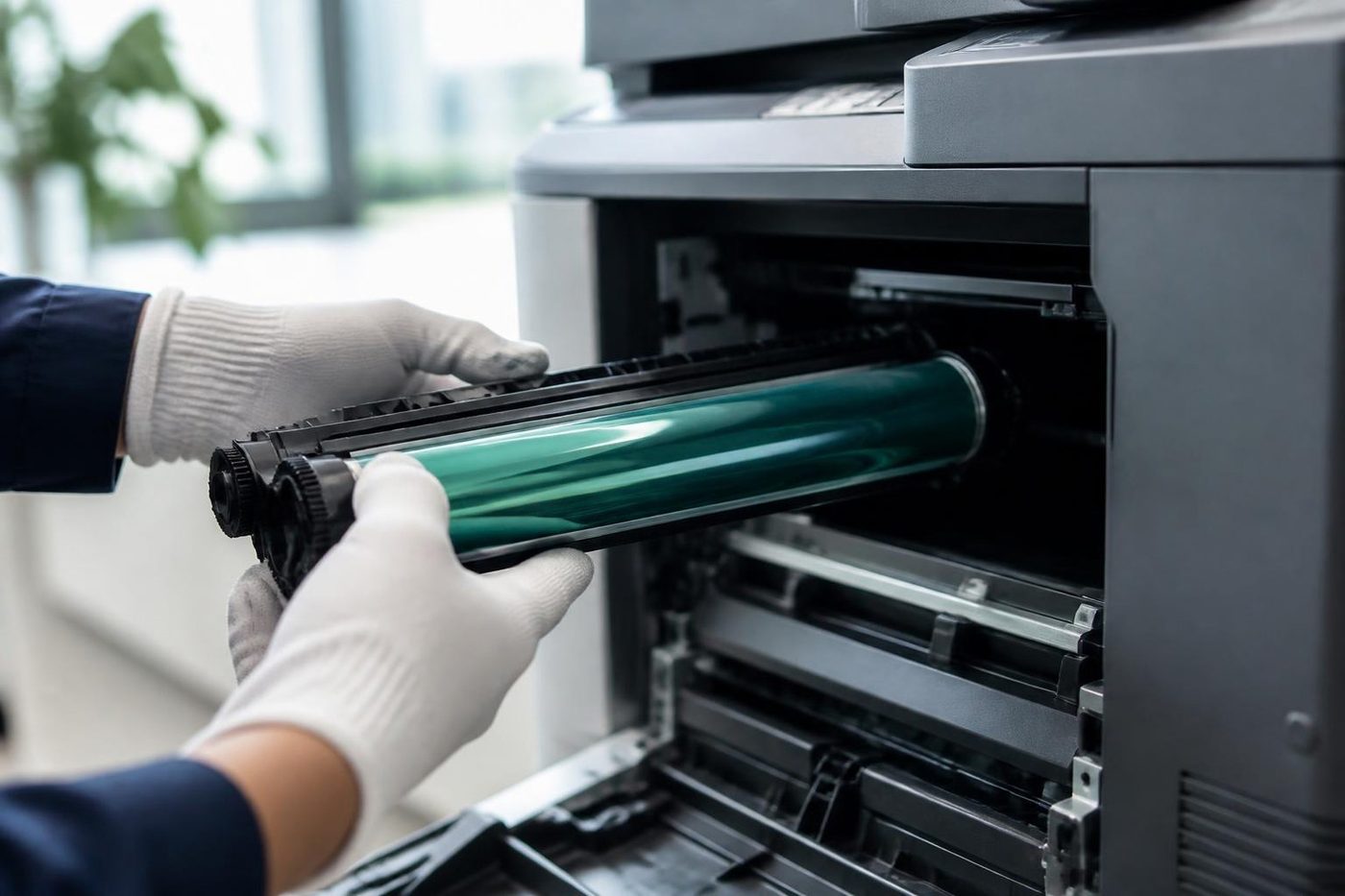
Some machines refuse to print when toner is reported empty, even if it is not. A cartridge that is nearly out, a waste container that is full or a drum life counter that has reached its limit can all stop a job and leave a message on the panel that is easy to scroll past.
If you have replaced toner and the message stays, the new cartridge may not be seated, or the chip is not being read. Take it out and put it in again, firmly. If that does not clear it, ring.
The stuck queue
On the computer, open the printer's queue and look. A single job showing Error or Printing for ages will hold up everyone behind it. Cancel it, wait a minute, and send a short test page from a plain document.
If the queue will not clear, restarting the print service on the computer is a task for your IT contact, not for us to talk you through on the phone. Say so when you ring and we can speak with them directly.
If the queue clears and a test page prints, the original job was probably the trouble. A very large file, an unusual font, a scanned image at a huge size or a PDF with a broken element can choke a printer. Try printing that one on its own.
When some people can print and others cannot
| What is happening | Usually means | Where to look |
|---|---|---|
| Nobody can print, panel is quiet | Network address changed, or the machine lost the network | Network settings, cable, switch |
| One person cannot print, others can | That computer's driver, queue or permissions | That computer |
| Only large jobs fail | Memory or a corrupt element in the file | The file, then the machine |
| Everything is held at the machine | Secure print, or a code is waiting | Panel |
| Printed fine until Monday | A Windows update, new password or IT change | Driver, sign in, IT contact |
| Prints from one tray but not another | Paper type or size setting mismatch | Panel tray settings |
Many a Monday morning call comes from the update that landed on Sunday night. The driver has changed or the way a computer signs in to a shared printer has been tightened. That is a job for an IT contact, though we are glad to talk it through.
When the print is the engine
A copier that cannot copy either, and that is showing no message at all, may be asleep. Press a key and wait. Some machines take a minute to wake after a long idle spell because the fuser is cold.
If it is awake and silent, switch off with the power key, wait a minute, switch on and try again. Once.
If a code or Call service comes up, see copier error codes. If the machine is making a sound it should not, see copier noise.
Jobs from a phone or a tablet
Printing from phones is a growing share of the calls. The first thing to know is that most commercial copiers are not on the same Wi-Fi as the phone. A guest network or a separate staff network often stops it. Another is that the app needs the printer's address or a discovery service enabled, which an IT contact sets up once.
It is not a copier fault, but we get the call, and we are happy to look at what is blocking it.
Around the Coast
A small firm at Maroochydore or Caloundra often has one person who looks after the computers on top of their day job. A builder's office at Kunda Park or a practice in Buderim is likely the same. Ring us and describe what you have tried. We keep it short, because the person on the line is not an IT specialist and should not have to be.
Offices that share a building with others, such as a block of suites in Noosaville or a serviced office in the Maroochydore CBD, sometimes sit on a network managed by the landlord. If the printer vanished after the landlord's change, tell us.
Why a printer that worked yesterday will not today
The answer, nine times out of ten, is that something changed. A new modem after an internet change. A router that was swapped. A switch moved to the other cupboard. A computer that was replaced. A printer address handed out automatically to something else.
Ask who was in the office, or on the network, the day before it stopped. It sounds like detective work, and it is, and it is quicker than a repair.
If the machine was moved, say so. A copier that has shifted desks and had its cable bumped, or been plugged into a different wall port, can lose its connection with no fault at all.
When to ring us
When the copy test fails, when a message on the panel will not clear after you have done what it says, when the same problem returns after a restart, or when the machine makes a noise you have not heard before.
Give us the make, the model and what happens. The price is agreed on the phone before anyone is booked. Same day service is available. Technicians are trained, experienced and certified, and 98% of repairs are fixed on the first visit.
The person at the machine
The best diagnostic tool is whoever uses it
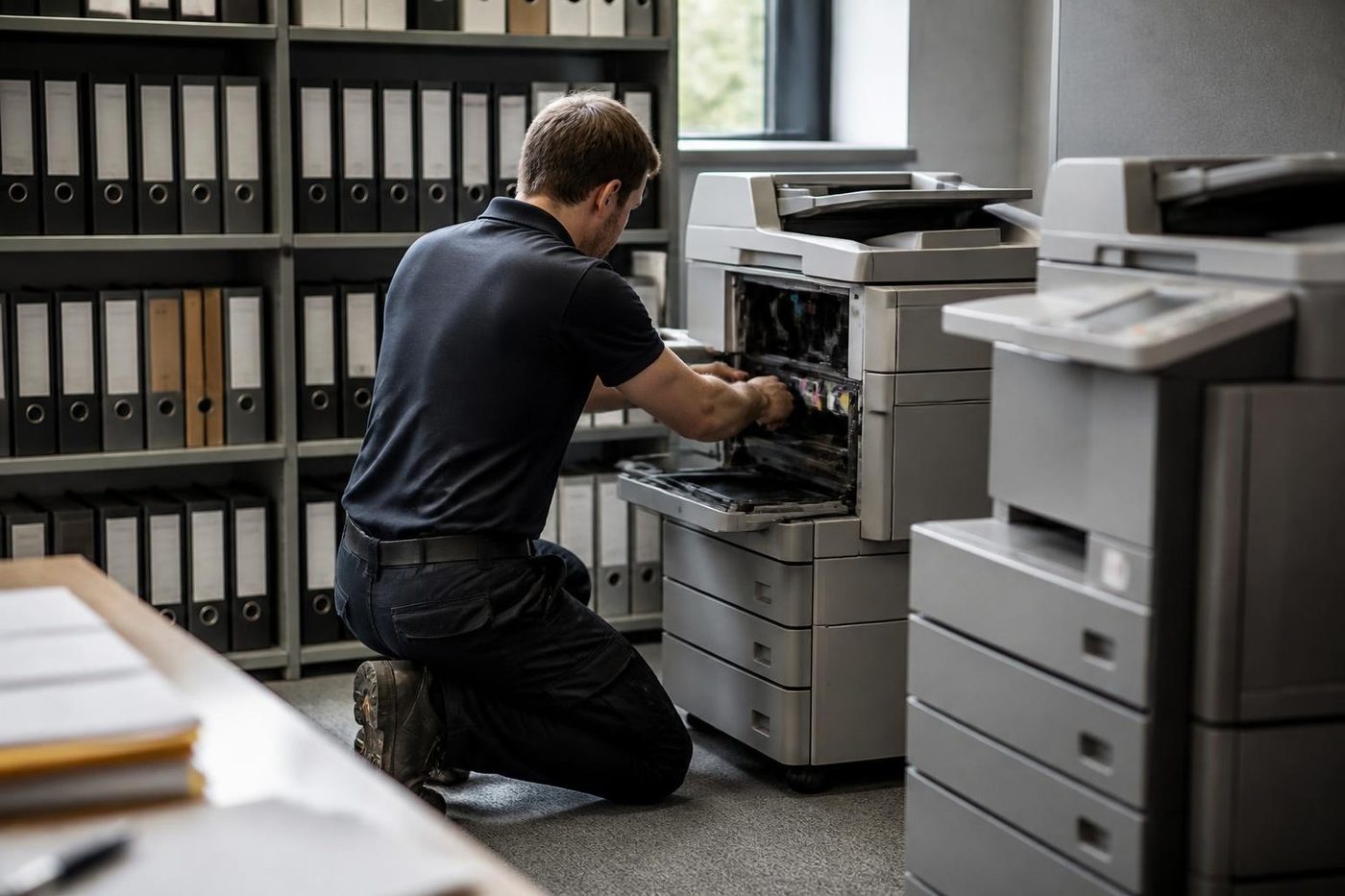
Ask the receptionist at a Sippy Downs surgery what the copier did before it stopped and you often get the answer in ten seconds. It made a clunk. It started pulling two sheets. It only fails on double sided jobs. We ask on the phone and again at the front desk, because the people who use a machine every day know its habits better than any error code.
Then we confirm it for ourselves. What people say is a start, and the machine has the final word.
- Ask first. On the phone and again on site.
- Test their job. We print what your office prints.
- Explain plainly. You get the cause in ordinary words.
More for Sunshine Coast offices
 Copier and printer faultsStart from the symptom, find the next step.
 Toner smearing and fuser faultsToner that rubs off, ghost images and fuser trouble.Printer offline and network faultsPrinter showing offline, or reachable from some computers only.
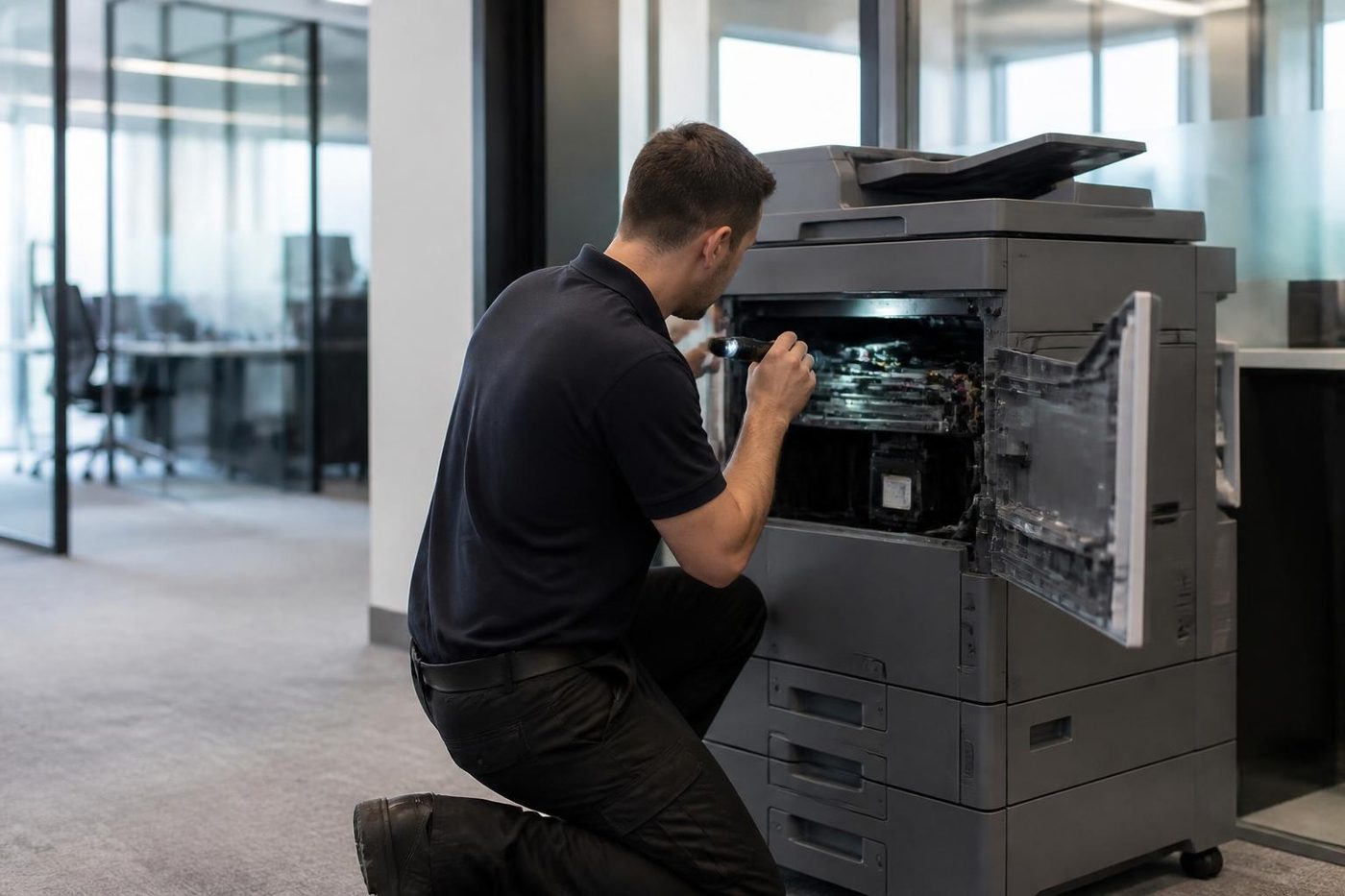 Photocopier repairsCopiers fixed at your desk, one call, price agreed first.
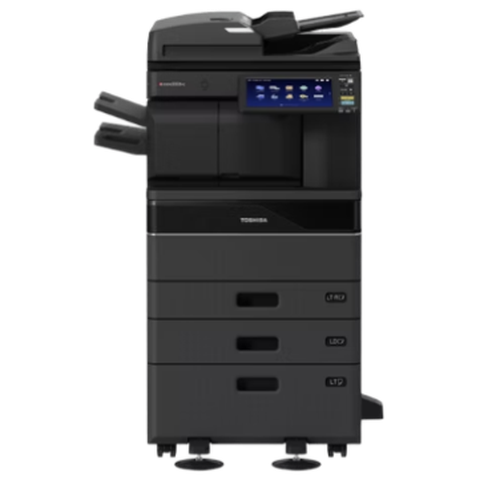 Toshiba repairse-STUDIO colour and mono copiers, fixed where they sit.
Buy, sell and lease
Buy, sell and lease commercial copiers on the Sunshine Coast
We also sell new and second hand commercial copiers and buy used ones. Same team, same technicians.


On the job on the Sunshine Coast



What people ask when they ring
Why is my copier not printing but the computer says it sent the job?
The job reached the queue but the machine is not accepting it. Look at the panel for a paper mismatch, a held job or a message, then check the queue on the computer for a job that is stuck.
How do I clear a stuck print queue?
Open the printer queue on the computer and cancel the oldest job, then send a short test page. If the queue will not clear, ask your IT contact to restart the print service.
Why does it copy but not print?
The engine is working. The problem lies in the connection, the driver or the job. Try a test page from a plain document.
What is secure print?
A setting that holds your job at the machine until you enter a code. It is useful for privacy and a common reason a job seems to vanish.
Can a Windows update stop a copier printing?
It can change a driver or how shared printers sign in. If printing stopped after an update, tell your IT contact, and tell us if you want us to talk to them.
Will you fix a network fault?
We sort the machine side of it and tell your IT contact what to change on the network side. If the cause is a router or switch, that is their part.
Why would a job print from one computer and sit in the queue on another?
The two computers are talking to the printer in different ways. One may have an older driver, a different port or a saved sign in that has gone stale. Removing and adding again the printer on the one that fails is usually an IT contact's job, and we can tell them what to select.
The panel says nothing and the screen is dark. What now?
Press a key and give it a minute in case it is asleep. Then check the power and switch off and on once. If it stays dark, ring.