Xerox copier repairs Sunshine Coast: what the name covers
Xerox is a word that has turned into a generic. People say they are going to xerox something, and walk to a Canon. In this page it means the real thing: machines made by Xerox Corporation, an American company, sold under the WorkCentre, VersaLink, AltaLink, PrimeLink and Versant names.
Fuji Xerox was another business altogether. It put its own name on machines from 1962 to 2021 and is now Fujifilm Business Innovation. Offices mix the two up all the time, because both used the same word on the front. Unsure which one is on your floor? Read us the model from the front panel and we will say. There is a Fuji Xerox page and a Fujifilm page on this site for the other side of the family.
We are independent, with no tie to Xerox Corporation, and we would not pretend otherwise. What we do is fix the machines.
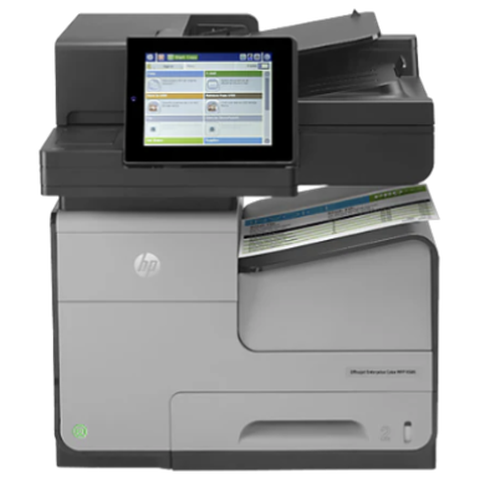

The Xerox ranges we see
| Range | About the range | Usually seen in |
|---|---|---|
| WorkCentre colour, such as 7845, 7855, 7970 and 6515 | A3 and A4 colour multifunctions that have been in offices for years. | Accountants, schools, councils, real estate. |
| WorkCentre mono, such as 5945, 5955, 3335 and 3345 | A3 and A4 black and white multifunctions. | Busy mono copy rooms and branch offices. |
| VersaLink, such as C405, C605, C7020 and B7025 | The newer family, colour and mono, with a big touch panel and an app gallery. | Recent installs in small and medium businesses. |
| AltaLink, such as C8030 to C8070 and B8045 to B8090 | Workgroup and departmental A3 with extra security features. | Larger offices, councils, medical groups. |
| Phaser | Xerox laser printers, mono and colour, print focused. | Reception, back offices, workshops. |
| ColorQube | Xerox colour printers that use solid ink instead of toner. | The odd design office that never swapped it. |
| PrimeLink and Versant | High volume production presses. | In print rooms, and now and then at a commercial printer. |
How a Xerox complaint reaches us
Mostly it is something small and annoying. The machine has stopped taking one tray, or the fuser is smearing, or a scan will not land in the folder it landed in last week. Sometimes it is a full stop with a pair of three digit numbers on the screen. We start by asking the person who uses it every day. They can usually name the day it started and what changed first.
Whoever turns up is certified, has done this before and was picked for your make of machine. Common spares come in the van. About 98% of jobs are wrapped up on the first visit, and if the fault returns we fix it again at no charge.
Xerox printer service Sunshine Coast offices book
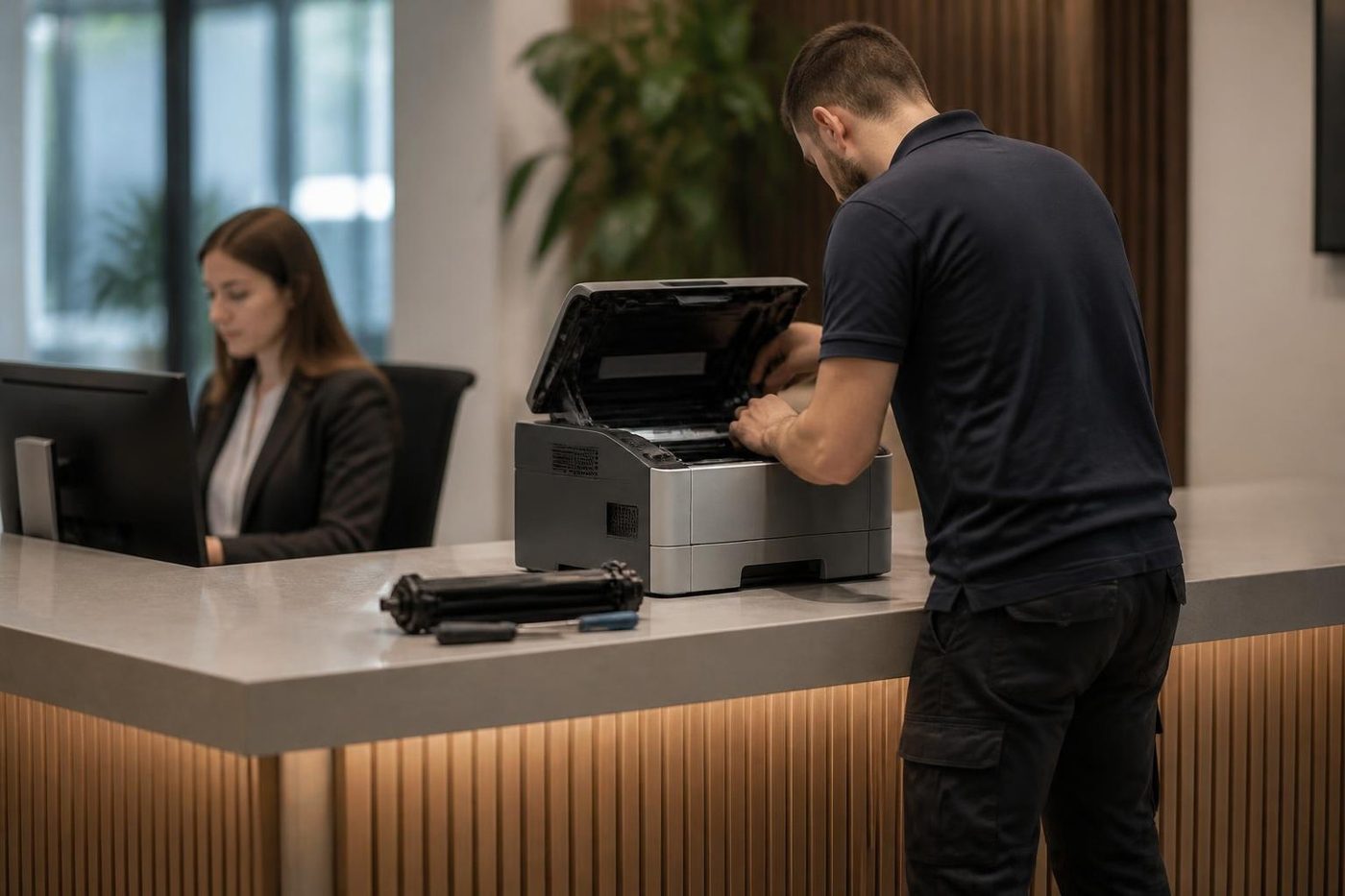
When someone asks for Xerox printer service on the Sunshine Coast, they are mostly describing a multifunction. The WorkCentre by the window prints, copies and scans, and the word printer is what people have always called it. We treat it as one machine and one visit.
Phaser printers are the true printer end of the family. They are quiet workhorses, and the usual calls are pickup wear, a toner or imaging warning that sticks, and an IP address that moved after somebody swapped the router. They are cheap to look after if somebody looks at them before they stop.
Reading a Xerox fault code
Xerox machines show a fault as a group of digits with a dash, such as 010 and three more, or 016 and three more. The first three digits point at an area of the machine and the second three narrow the search. Going by our own jobs, 016 leans towards scanning and the network, 010 towards the fuser, and 091 and 093 towards imaging and toner. Jams and tray faults have groups of their own.
We treat a code as a pointer, never a diagnosis. The same number can read a little differently between models, and the cause is often not the part named in the first guess. Give us the full code as shown. Say whether a restart made any difference, and if you can, leave the code on the screen. Reset procedures stay off this page on purpose: wiping a code without fixing its cause only brings the same code back a week later.
Fuser, drum and what wears out first
On any Xerox the first wear is in the paper path and the fuser. The pickup, feed and separation rollers go shiny or wear flat, and you notice a double feed, or a tray that refuses to give up a sheet. Then there is the fuser, which melts toner into the paper. A tired one smears, creases the page and gives off a warm plastic smell, now and then with a code from the fuser group.
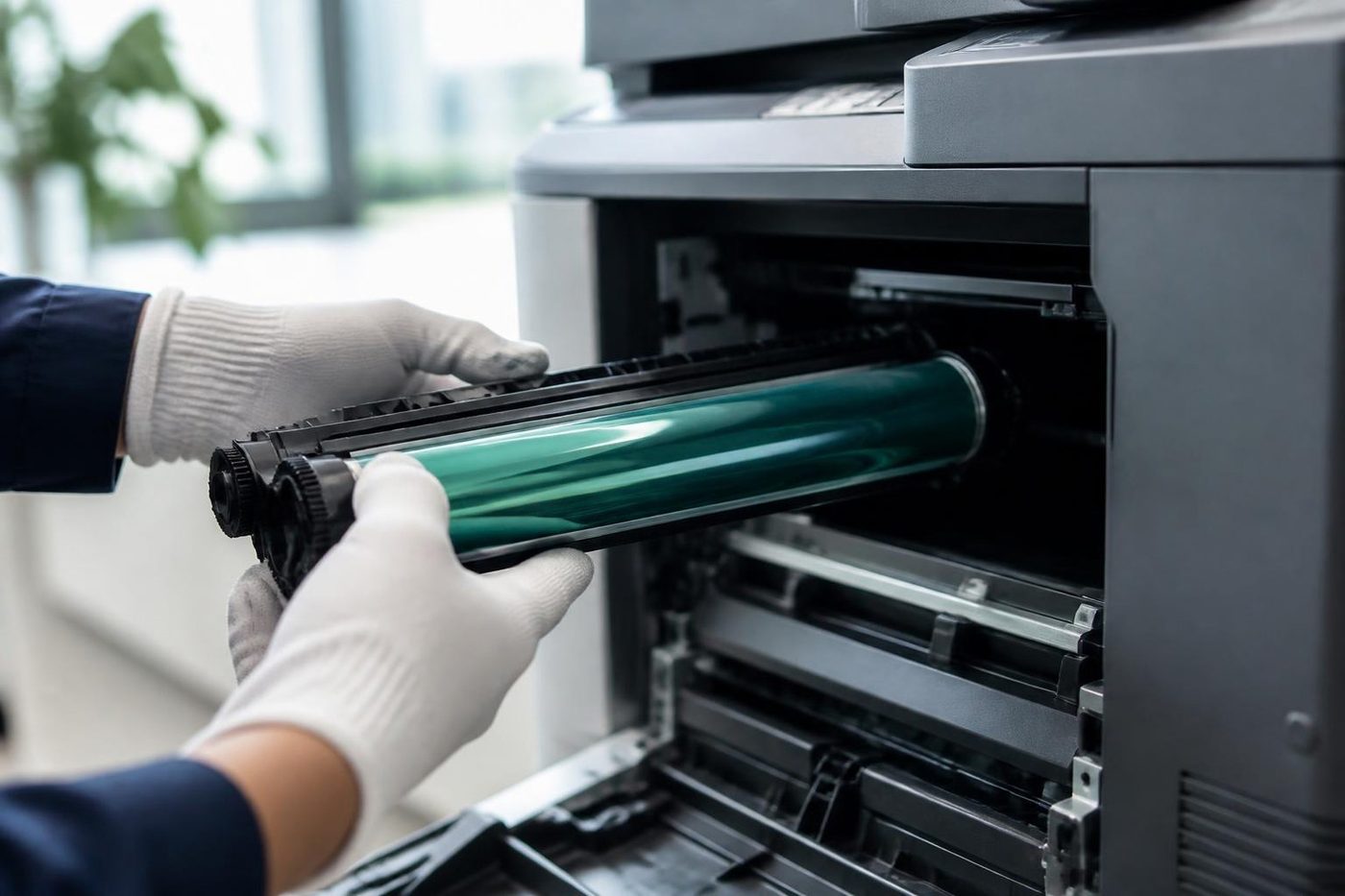
Xerox builds many of its machines around parts the customer can change, called customer replaceable units. Which parts are in that group depends on the model, so we never assume. A drum cartridge, a waste container and a toner cartridge are common examples. Put one in the wrong order, or fit one built for a sister model, and you get plenty of warnings that sound serious and are nothing of the kind.
Drum cartridges dislike daylight. If one has to come out, it goes straight back into its wrapper or into the machine, and nobody touches the coated surface with a finger.
VersaLink and the app on the panel
VersaLink machines have a large touch panel and an app style home screen, with tiles for sending a scan to a folder or an email address and a few other office jobs. That is what people like about them. It is also why a good half of the VersaLink calls we get are about software and not hardware.
A scan shortcut that stopped working after an update, a user who cannot sign in, a machine that dropped off the network after the router was replaced. Settings come first: the destination, the address and the sign in, all checked before a screwdriver comes out. A worn part gets replaced. A wrong setting gets corrected, and your IT contact hears from us about what was altered.
AltaLink and the security minded office
AltaLink machines are built for offices that worry about what happens to a scanned page. They support strong sign in, controlled access and logging, and they are the kind of machine a medical group or a council likes to have. Those layers are settings, and settings can drift after an IT change.
If an AltaLink in your office has stopped letting people in, or has stopped sending, ask first what changed in your network. Then ring us. We do not touch your security settings without being asked, and we do not publish administrator details.
Scan to folder and email on a Xerox
A scan to folder is sent using SMB to a shared folder on a PC or server. When it dies, the target has nearly always moved: the server was swapped, a password lapsed or somebody renamed the share. The copier is healthy and its saved entry is out of date. We send a test scan from the panel, correct the entry and report what was wrong.
Email scanning relies on the right mail server, port and login. Providers keep tightening what they will accept, and a WorkCentre that sent scans happily in June can start throwing credentials errors in September with nothing touched on the machine. The cure is normally on the mail side, and we tell you plainly when it is.
Where we see them on the coast
Around Noosa and Noosaville there are Xerox machines in accommodation, property and hospitality back offices. In Maroochydore and Mooloolaba they sit in legal, finance and medical practices. Workshop and trade offices in Kunda Park, Warana and Caloundra West often have a Xerox tucked on a shelf, and Nambour, Maleny and Gympie add council and farm supply work.
Same day service is available. Ring and we will tell you what looks possible for your patch.
A Xerox that has had a long run
Plenty of these machines are old and still going. Age alone proves nothing. What matters is the page count, whether parts are still around and what the fault log says. A WorkCentre with a clean record and one tired set of rollers usually earns its keep. One that has chewed through a fuser, a drum and a drive unit inside twelve months tells another story.
We settle the price by phone before anyone is booked. Should a replacement make more sense, machines are part of our business as well, new and second hand, and we will put that to you without pushing.
Staples, punches and the finisher on the side
Think of a finisher as a separate machine fixed to the side. Motors, belts, sensors and a door of its own, and when any of it plays up the copier takes the blame. A stapler that clicks and does not fire, a stack that comes out crooked, punch waste that has filled the tray.
The checks are the same on every make. The cartridge seated square. The door shut. The connector pushed home. Nine times in ten that is all it is. If it is not, we run the finisher by itself on your stock before opening up the engine.
A finisher knocked sideways when the machine was moved is one of the quieter causes of a call, and it is a good reason to tell us before an office shuffle, not after.
ColorQube and the solid ink machines
ColorQube printers use solid ink sticks melted inside the machine instead of toner. A handful of offices on the coast still have one in a corner of a design or print room. They are an odd animal. The consumables are not the usual ones, and the print path has a heated drum and a different set of faults.
If you have a ColorQube, ring with the model and the message and we will say honestly what is likely and what we can do. If parts are hard to find we will say that too. We do not guess on a machine like this.
Paper, dust and the room
The coast is hard on paper. A wet week leaves a ream limp and clingy, and it will misfeed in a machine with nothing else wrong. A tray that has sat open beside a window gets sun on it and curls. In the Kunda Park and Warana workshop offices fine dust settles on pickup rollers and sensors.
We change the paper and watch the next fifty pages before we condemn a roller. It costs nothing and it clears more calls than people expect. If your Xerox lives in a dusty or hot room, say so. We open it, clean the path and check the parts that suffer.
A Xerox next to other makes
Few offices run one brand. A Xerox in the main room, a Ricoh at the other end and a desktop HP at reception is common, and each has its own habits. We look after the lot in one visit if you want. One call, one person, and a single written note of what was found on each machine.
Each machine is listed under the badge it carries, which keeps the note in line with how you describe it on the phone.
A Xerox still under lease or contract
Many Xerox machines were put in on a lease, and some still sit under a service contract. If yours does, check what the contract says before you ring anyone. It may name who must do the work. We will be frank about which jobs we can take, and a machine that someone else still has to look after is one we leave alone.
Contract coming to an end? Phone us before you decide. We can report on the state of the machine and the parts it is likely to want next.
Ghosting, shadows and marks that repeat
Ghosting is a pale echo of the previous page showing further down the sheet. It comes from the imaging area not clearing itself completely, and it is more common when a machine runs a lot of heavy coverage and then a lot of light. A repeating mark at an even distance is a nick or a ridge on a drum or roller, which prints itself again with each turn.
Put a ruler between two repeated marks and read us the distance when you ring. That alone shortens the list of suspects before the van is loaded. A WorkCentre or Phaser that ghosts after a long afternoon of heavy printing may only need a rest and a clean. One that ghosts all day is asking for a part.
The waste cartridge and the full message
Some Xerox machines have a waste cartridge that collects stray toner, and the machine counts how full it is. If it says full right after a swap, the new unit may be sitting crooked, the sensor may be misreading it, or loose toner may be getting into the waste path. Another cartridge cures none of that.
We inspect the path and explain what we find, and we will not sell you a cartridge for what is really a seating problem.
Tray sizes, sensors and a jam that turns out to be a setting
Xerox trays tell the machine what paper is loaded by sensing the guides, and the panel asks you to confirm the size and type when a tray is closed. When the panel says one thing and the tray holds another, the machine feeds, misses the edge where it expects to find it, and jams.
It sounds trivial, and it accounts for a lot of calls. An office switches from A4 to letterhead, nobody confirms the prompt, and the machine spends a week jamming. Look at what the panel says for each tray against what is in it before you ring. If they agree and the jam continues, the rollers are next.
Phaser printers: print only, but not simple
A Phaser has no scanner and no finisher, so people expect it to be trouble free. Mostly it is. The faults it does have are shared by every laser: a pickup roller worn flat, a fuser near the end, imaging parts losing quality, or a warning that disagrees with what is fitted.
The other trouble is the network. A Phaser shared across an office through a fixed address is fine until the router is replaced. Every desk is then aimed at an address that nobody answers, and the printer gets the blame. We fix the address, clear out the queues and print a test from a different desk to the one that did the setup.
Getting the right cartridge for the right machine
Cartridges for the different Xerox ranges look much the same, so a wrong box that arrives by mistake gets fitted before anyone thinks. The machine then refuses it, or accepts it and complains later. The model name is printed on the cartridge, and the part number is on the box.
If a toner message appears straight after a change, look at the model on the cartridge before anything else, then at the seating. If model and seating are both fine and the warning stays, call with the words from the panel exactly as shown. We would rather talk it through than send a technician to look at a cartridge that belongs in a different machine.
Why people say Xerox about every copier
Xerox was the name that put the copier on the office desk, and people kept using it as a verb long after other makers arrived. We hear it on the phone every week. Someone rings about their Xerox and means a Canon, a Ricoh, a Toshiba. That is why the model off the front of the machine is always our first question.
It is not a problem. It just means the first ninety seconds of a call are spent working out which machine we are talking about, and that is time well spent.
Xerox in a real estate or accommodation office
Around Noosa, Coolum and Mooloolaba a lot of the Xerox machines we meet sit in the back office of an agency or a holiday letting business. They print leases, contracts, inspection reports and a surprising volume of keys and labels. The load is uneven. A quiet week, then a changeover Friday when every page in the building goes through one machine.
That pattern wears a machine in a particular way. Long idle stretches let paper soak up humidity, and a sudden heavy run then tests the paper path and the fuser. Our advice is to leave reams in their wrapper until the moment they are loaded, and ringing before the busy weekend if the machine has been showing any hint of a fault.
Scanning a stack of paper
The document feeder on a WorkCentre or VersaLink handles a stack of mixed originals better than most, but it has limits. Staples, folded corners, sticky notes and torn edges all cause trouble, and a stack that is too thick can skew in the middle.
If the feeder is picking two sheets or none, look at the originals first, then the feeder glass strip and the rollers. A clean often fixes it. If it does not, a roller kit is a small repair. We would rather swap a set of rollers than see you spend on a new feeder.
Reading what the machine is trying to say
A Xerox panel often says more than people notice. Beside a fault code there may be a short line of text, and a fault history that lists the last few events with times. Photographing the screen before anyone touches it gives us far more than a description over the phone.
If you have a smartphone, take a picture of the whole panel and send it to us before the technician comes. We read the code, the time and the line of text together, and we arrive with a better idea of what to bring.
Numbers worth reading off the machine
A Xerox keeps its page counts on a billing meters screen, and the numbers help us judge how hard the machine has worked. If the lines are busy, your call is logged and returned.
- Model name, printed on the front or on a side label.
- The fault code, with both groups of digits.
- The billing meter counts, if the machine is under a contract that asks for them.
- What it was doing at the time, and whether someone restarted it.
- The building and floor, and any sign in at the front desk.
From the van to a working Xerox


Heat
The fuser is the part that bites back
The fuser bakes toner onto the page, and it is hot enough to burn a finger in a blink. It also stays hot long after the machine has gone quiet. A rushed job either wastes time waiting or costs somebody a blister. We let it cool, look over the rollers and the sensors while we wait, and refit it square. Fitted crooked, a fuser wrinkles paper and wears out early.
A copier that eats paper is not always a fuser problem. We check the paper path first and only open the hot end when the evidence points there.
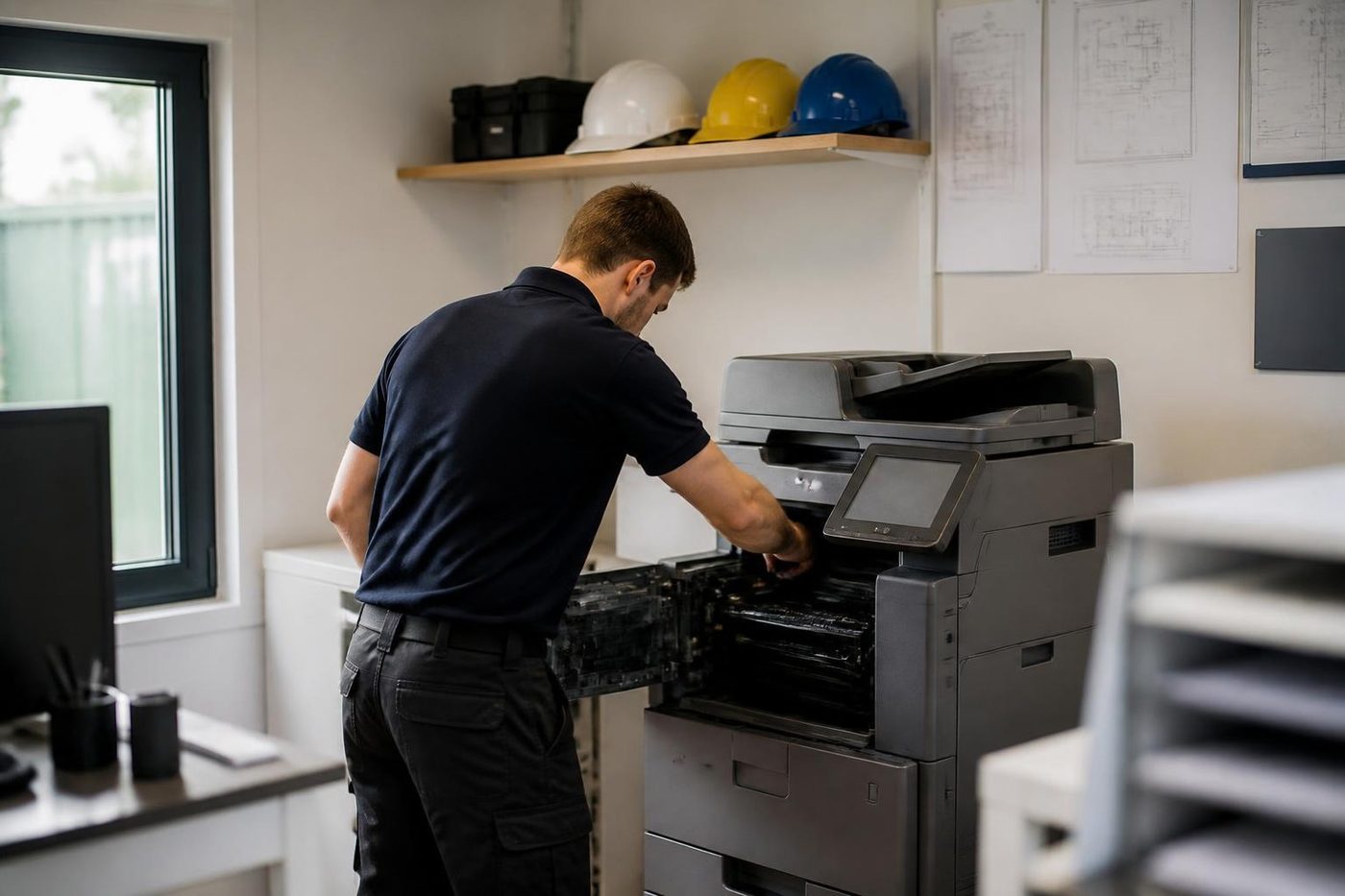
- Let it cool. Nobody gets burned and nothing gets bent.
- Check the sensors. A false reading can look like a dead fuser.
- Fit it square. Even pressure, even toner bond.
- Fixed once. If the fault returns, we fix it again at no charge.
More for Sunshine Coast offices
Fujifilm and Xerox repairsApeos, ApeosPort and DocuCentre, including Fuji Xerox and Xerox.Fuji Xerox repairsApeosPort, DocuCentre and DocuPrint machines from the Fuji Xerox years. Ricoh repairsIM C, IM and MP series copiers, plus Lanier, looked after on site.
 Canon repairsimageRUNNER ADVANCE, DX and i-SENSYS machines, fixed on site.
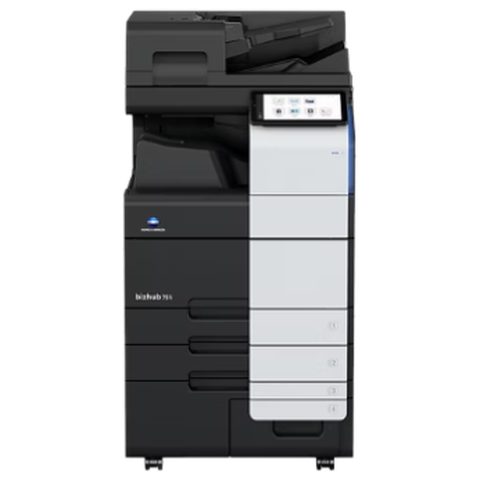 Konica Minolta repairsbizhub i-Series and C series colour and mono, fixed on site.Commercial printer repairsCommercial laser printers, label printers and fleets repaired on site.
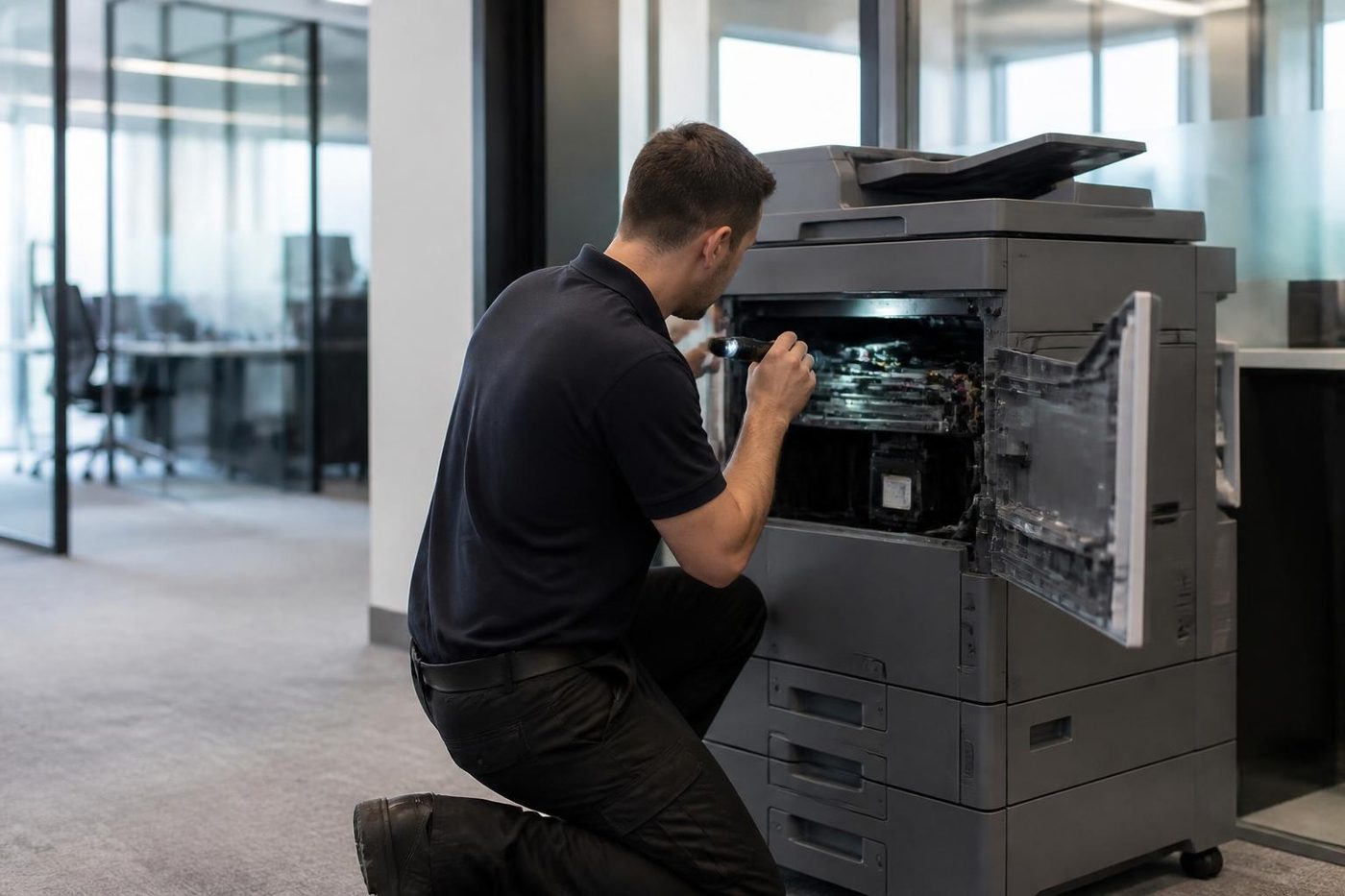 Photocopier repairsCopiers fixed at your desk, one call, price agreed first.
 Noosa and NoosavilleHastings Street, Noosa Junction, Noosaville and Tewantin.
Buy, sell and lease
Buy, sell and lease commercial copiers on the Sunshine Coast
We also sell new and second hand commercial copiers and buy used ones. Same team, same technicians.
Offices, surgeries and site sheds


What people ask when they ring
Is Xerox the same as Fuji Xerox?
No. Xerox Corporation, an American company, makes the WorkCentre, VersaLink and AltaLink lines. Fuji Xerox was a separate joint venture trading under its own name from 1962 to 2021, and is now Fujifilm Business Innovation.
Can you repair our Xerox copier on the Sunshine Coast?
We can. WorkCentre, VersaLink, AltaLink, Phaser and other Xerox models are repaired at your premises, anywhere between Caloundra and Noosa and up to Gympie.
Can you help with Xerox copier service when the lease has ended?
Often, yes. Give us the model and we will say what is ours to look after. A machine still under another company's contract is theirs, and we tell you so.
What does a code beginning 016 mean on a Xerox?
That group mostly covers scanning and the network, often after a settings change. We treat a code as a pointer only, which is why the scan destination is the first thing we check.
My Xerox says the toner is wrong after I changed it. Why?
Most often the cartridge is not seated, or one meant for another model has gone in. Have the model, the wording on the panel and the number on the container to hand when you ring.
What is a customer replaceable unit?
It is a part Xerox designs so the customer can change it, such as a toner or drum cartridge. Which parts qualify depends on the model.
Does scan to folder break after a Windows update?
It can. A change in password, server or sharing rules often breaks the destination. We send a test from the panel and fix the entry.
Do you service Phaser printers?
Yes. Phaser printers are common in reception and back offices, and the faults are usually pickup wear, a toner or imaging message or a network change.
Are you an authorised Xerox dealer?
No. We are an independent business with no link to Xerox. The repair is what we do.
Do you offer Xerox printer service across the Sunshine Coast on the same day?
Same day service is available, and the earlier you ring the better the odds. Give us the model and the fault and we will say what is realistic for your suburb.