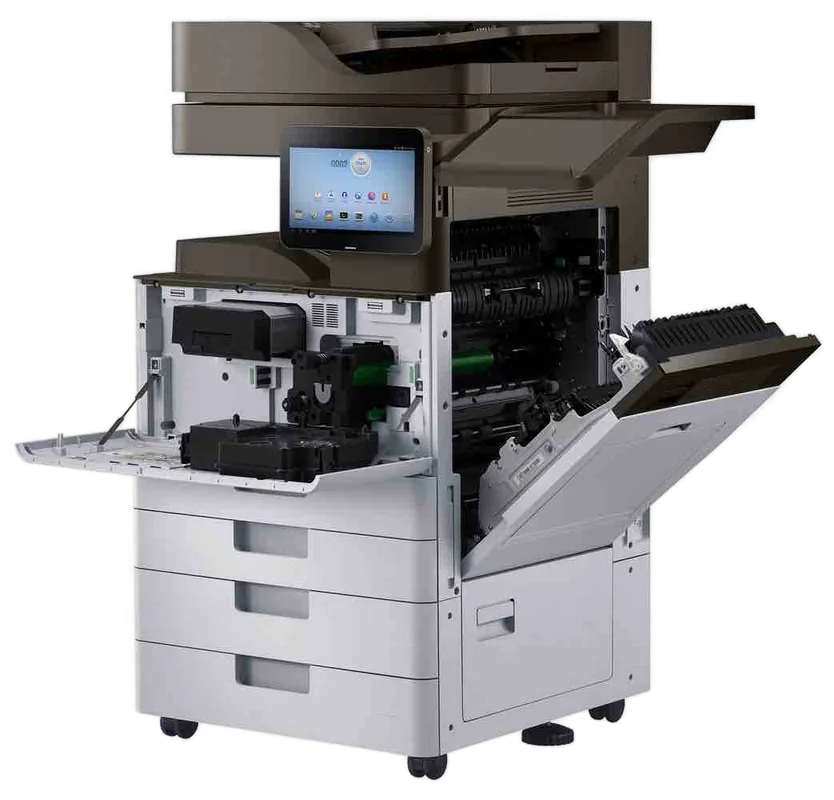
OKI LED colour, mono and Microline service on the Sunshine Coast
OKI printer repairs Sunshine Coast: LED colour printer service
Ring with the model and what the page looks like. A thin white stripe down every sheet, a grey tint, a three digit number on the display: that is an OKI asking for attention. Same day service is available, and the printer service happens at your premises on the Sunshine Coast.
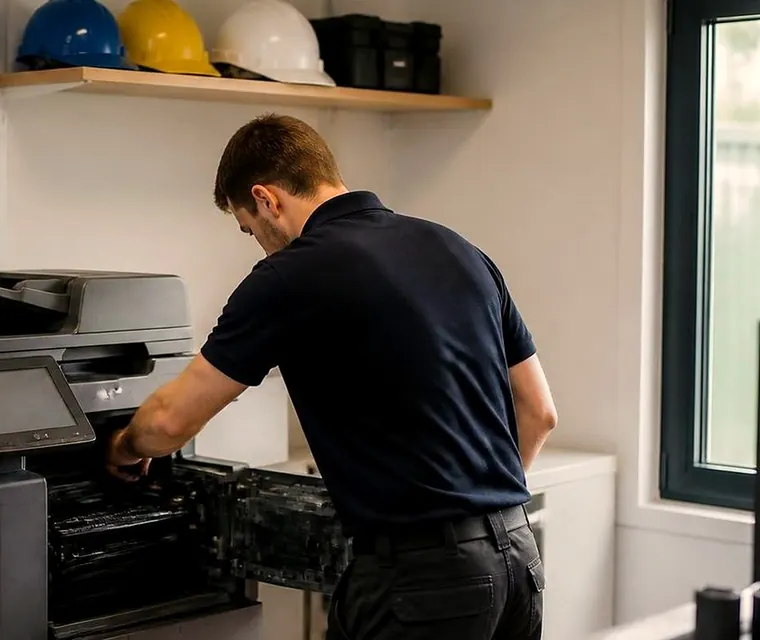
Copier and printer repairs, plus machines to buy and sell, on the Sunshine Coast
OKI printer repairs Sunshine Coast workshops and offices book
OKI trouble comes in three flavours. First there is the three digit number on the display. Second is the print quality complaint: a stripe running the length of the page, a grey wash over everything, a smudge that lands on the same spot of every sheet. Third is the machine that has gone quiet, or prints only one of its colours.
The pattern usually narrows it fast, because every one of those points at a different part. That is why the phone call pays off. Give us the model, the message and a description of the page, and we can say whether a consumable has run out, a head wants wiping, or it is a fuser or a belt. That opinion comes before anyone is booked.
A busy line means your call is logged and returned. The repair itself is done where the machine stands, and nothing gets posted anywhere.
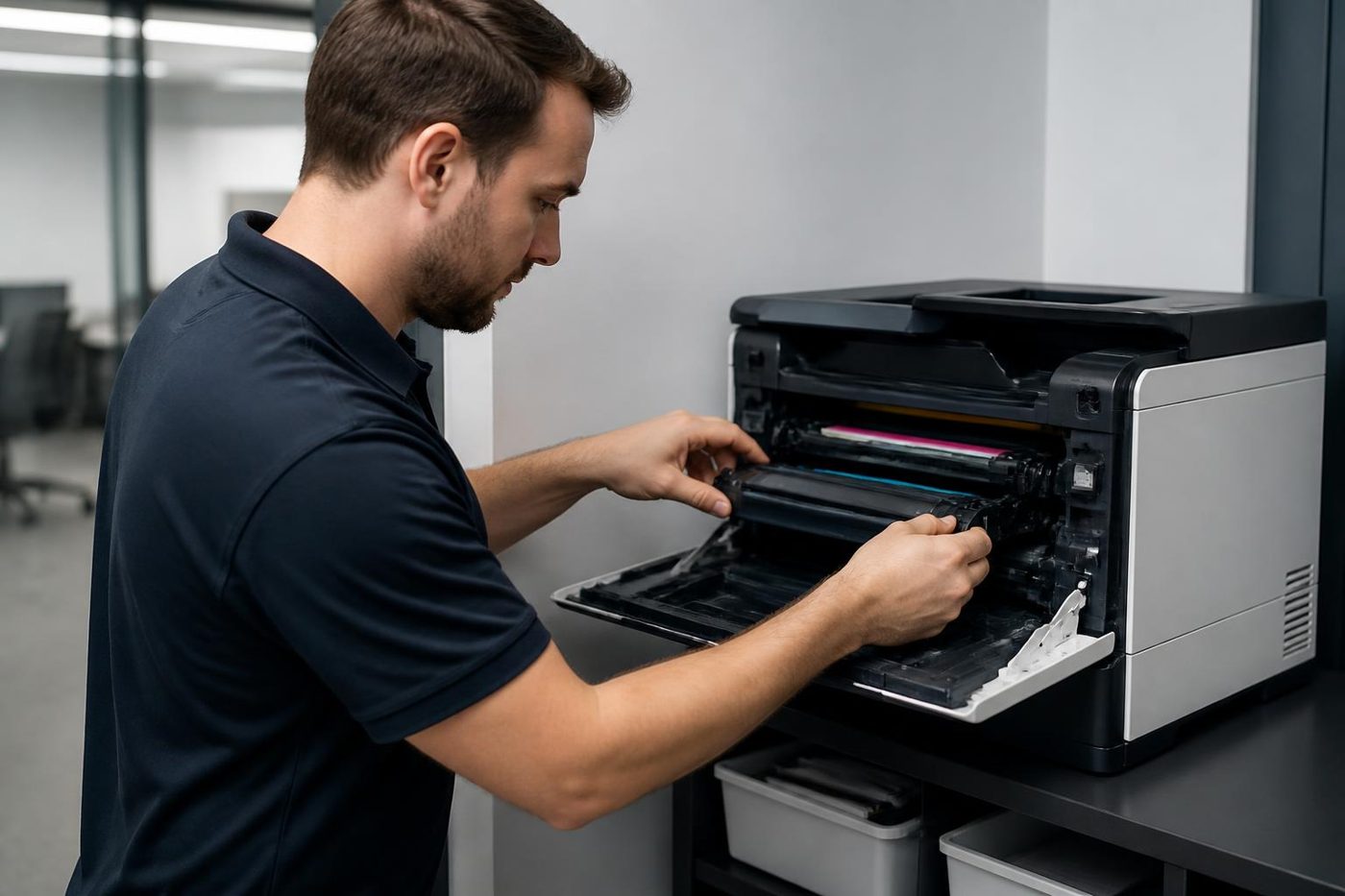
Get a price in three steps
- Describe your machineMake, model and the problem you are seeing.
- We phone with the priceYou hear it before anything is booked.
- A certified technician attendsSame day where the diary allows.
Why an LED machine fails differently from a laser
OKI calls its printers LED machines and says that means fewer moving parts. In a laser printer a beam bounces off a spinning mirror to draw the image. An OKI has a fixed strip of small LEDs over each drum that exposes the full line in one go, so there is no mirror to stick or lag.
The strip sits right up against the drum, though, and its lens gathers toner dust. When a thin white or coloured line runs down every page, a gentle wipe of the lens comes first. The OKI manual says soft tissue, and warns off methyl alcohol and thinners because they can wreck the head. If the line survives the clean, we look at the drum, then the head, testing before we replace either.
A colour OKI has four heads and four drums, each with its own life message, so several can light up together. We do not chase the warnings with parts. The page tells us more.
The OKI ranges we repair
OKI names its LED printers with a letter first. Families listed on the OKI Australia site include C650dn, C834nw, C911dn, Pro9542dn, B433dn, B513dn and MC554dnw, plus older ES machines like the ES9541. If yours is missing, ring and read us the label.
- C series (C650, C834, C911): A4 and A3 colour LED machines that do quotes, proposals and brochures. Drums, belt, fuser and feed rollers are what wear.
- Pro series (Pro9542): production colour LED for print rooms, signs and short runs. Expect wear in the drums, fuser and transfer parts, and the special toner stations.
- ES series (ES9541): A3 colour LED for design and workgroup use, wearing at the drums, belt, fuser and paper feed.
- MC series (MC554): a colour multifunction, copying, scanning and faxing from one box. Wear sits in the drums, fuser, feeder rollers and scanner glass.
- B series (B433, B513): A4 mono LED printers for dockets, invoices and text by the ream. They wear at the drum, fuser and feed rollers.
- Microline: dot matrix impact printers for multipart forms, continuous stationery and receipts. Ribbon, pins, platen and tractor feed are the parts that wear.
The numbers on the display come in families
OKI numbers its messages in groups. The colour range troubleshooting list puts covers and installation checks in the 300s, such as a fuser or drum that is not seated. Paper size, feed and memory sit in the 400s. Toner and drum sensing belong to the 500s, while the 600s deal with drum life, and with consumables the machine refuses.
A number from one of those groups does not always mean something has failed. A drum not pushed fully home can read as a drum fault. In the list we read, toner empty turns up among the 400s beside paper size, so treat the groupings as a rough guide and not a rule. The model is matched to the code first, then the machine in front of us.
Some OKI machines have a HELP button that expands the message when the screen says see Help. Press it before ringing, and read out what appears.
- 310 is a cover open. Close it, and if the message stays, the cover switch is next.
- 380 to 389 are internal jams under the drum or fuser. Per OKI, you open the output tray and take the paper out. Afterwards we hunt for the cause, usually the feed rollers.
- 400 is a paper size error, meaning the tray content does not match the setting. Setting, guides and sensor are what we check.
- 410 to 413 mean toner empty, replace soon. Once a cartridge has been swapped, we confirm the machine reads the new one.
- 540 to 543 on the C834 manual point at toner, or a drum not seated properly, with the belt unit knob turned the wrong way. Every drum, cartridge and the belt get reseated.
- Drum, fuser and belt each give a near end of life warning followed by a change notice. The printed page shows which part is truly worn.
- Database Error is an internal fault. OKI says switch off and on, then contact the dealer if it persists. We examine firmware and memory.
- 550 to 557 and 614 to 623 say the cartridge is not the type the machine expects, so we check whether it is being read correctly.
Parts, in the order we check them
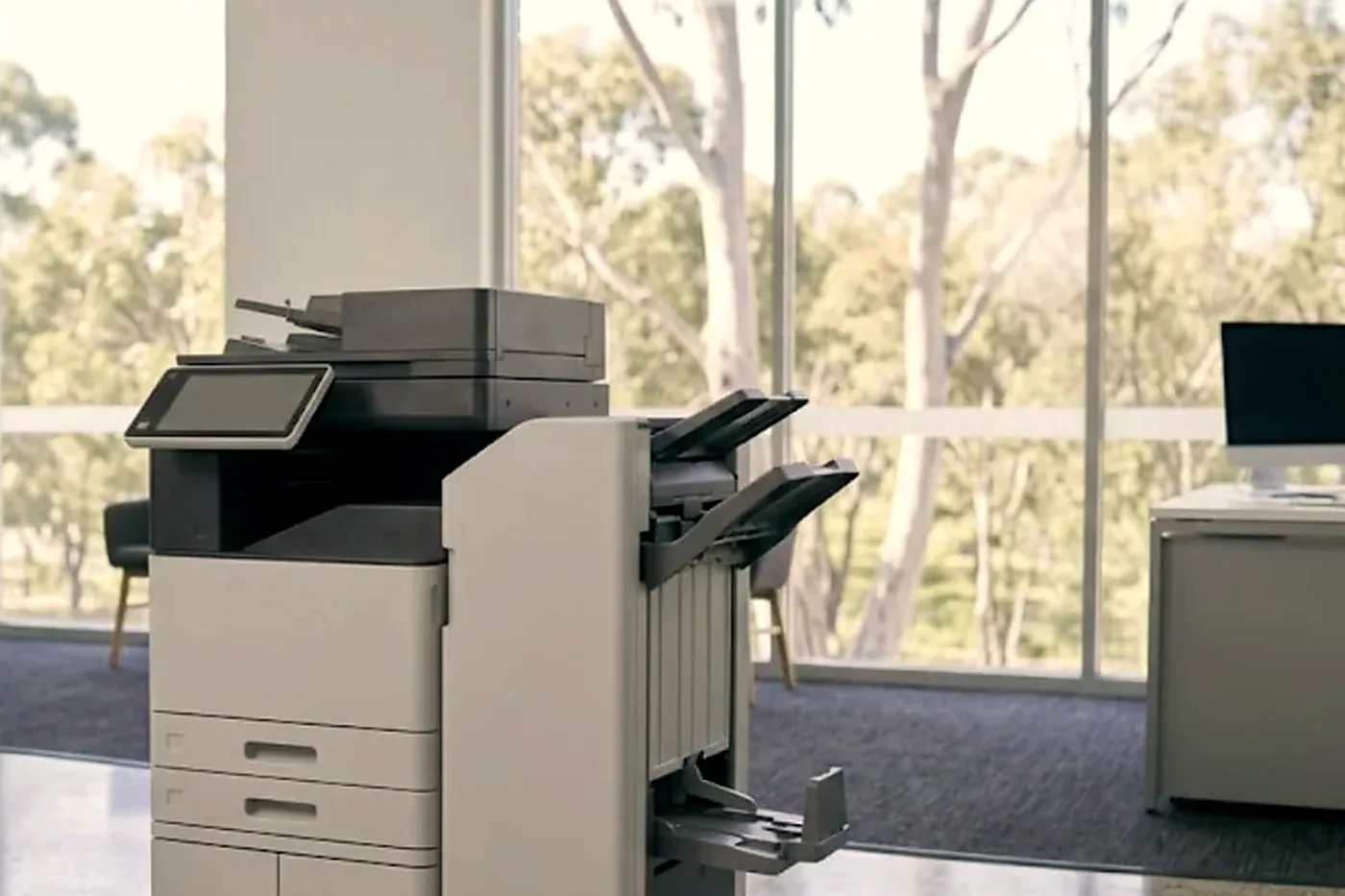
Drums lead the list. A colour model has one for each colour, and a tired one gives a grey tint, streaks or spots. The fuser follows, because heat and pressure bond the toner: creased pages, toner that comes off on a finger or a heat message all point there. On colour machines the transfer belt moves the image onto the paper, so banding, colour shifts and repeating marks lean its way. Two sheets together, or none, usually belongs to the pick and feed rollers. The LED lens is wiped, and replaced only if wiping failed.
OKI says an uncovered image drum should not sit under strong light, and never for more than five minutes even in ordinary room light. An office with a sunny window and glare off the water makes that real. Our technicians keep drums covered until the moment they go in.
Microline dot matrix: still earning its keep on the coast
A Microline is an impact printer. Pins hammer an inked ribbon against the paper and push the mark through the carbon sheets beneath. That is why pharmacies, trade counters and freight offices hang on to them: every copy of the form carries the same mark.
The wear points are the ribbon, the head pins, the platen and the tractor feed. One pin sticking leaves a broken character or a gap in a row. A worn platen shows as uneven print from side to side. Typical complaints are ribbon jams and a clattering carriage.
OKI has listed the Microline 1120, 1190, 3410, 4410 and a few more as discontinued, each with its own end of support date. For the 1120 and 1190 that date is 31 March 2028. We keep them running as long as they suit the form, and tell you straight when the time has come to move on.
Current OKI models, and the ones that are not
In OKI names a C means colour and a B mono, MC is the colour multifunction line and Pro the production line. When we read the OKI Australia current list on 3 October 2026, it showed four colour printers (C650dn, C834nw, C911dn, Pro9542dn), two mono printers (B433dn, B513dn), one multifunction (MC554dnw) and the Pro1050 label printer.
Speeds help place them. Up to 35 pages a minute is the rating for the compact A4 colour C650, and up to 36 for the compact A3 colour C834. The C911dn, an A3 colour, goes up to 50. Last, the compact A4 MC554dn: a multifunction with scan, copy and fax, rated at 32 pages a minute.
Plenty of machines in the field have left that list. OKI Australia shows two as discontinued from December 2025. Take the MC853dn: an A3 colour multifunction that manages 23 pages a minute on A4 and starts with 300 sheets, growing to 935. The ES8473 MFP is also A3 colour and also a multifunction, sits on the floor or a desk, runs at 35 pages a minute on A4 and carries a 250 GB hard disk. Each has four LED heads, which means no scanning mirror to give trouble. Many are in daily use, we repair them, and we give you a plain opinion on whether the money is worth spending.
Network, drivers and scan to email
PCL 6, PostScript 3 and PDF are all handled by OKI colour printers, so on a network most faults come down to an address, a driver or a port. Say a printer answered at 10.0.1.40 yesterday and does nothing today. Often the router has simply given it another address. A single driver update on one PC can lock one desk out.
On MC multifunctions, scan to email needs correct mail server settings and a login that still works. A Microsoft 365 change can kill an old setup overnight. What the machine is really doing is what we look at, and we do not hand out firmware downloads.
Where OKIs sit on the Sunshine Coast
On the estates at Yandina, Caloundra West, Warana and Kunda Park, a mono OKI usually sits beside the dispatch desk, spitting out delivery dockets. Workshops and trade suppliers run A4 colour for quotes and job sheets, and surveyors and signwriters lean on the A3 models.
Professional offices and clinics use the colour multifunctions for proposals and copies. Pharmacies, council depots and freight offices have another reason to keep OKI around, which is the Microline for carbon forms. We handle LED and impact alike.
January is rough on all of them. An unairconditioned dispatch office or a warehouse room cooks toner and dries out ribbons, and roller door dust coats LED lenses and feed rollers. In the multi tenant towers of Maroochydore and Mooloolaba, we ask about lifts and loading docks, then arrange access with the building manager before turning up.
One colour missing, or the whole page a shade off
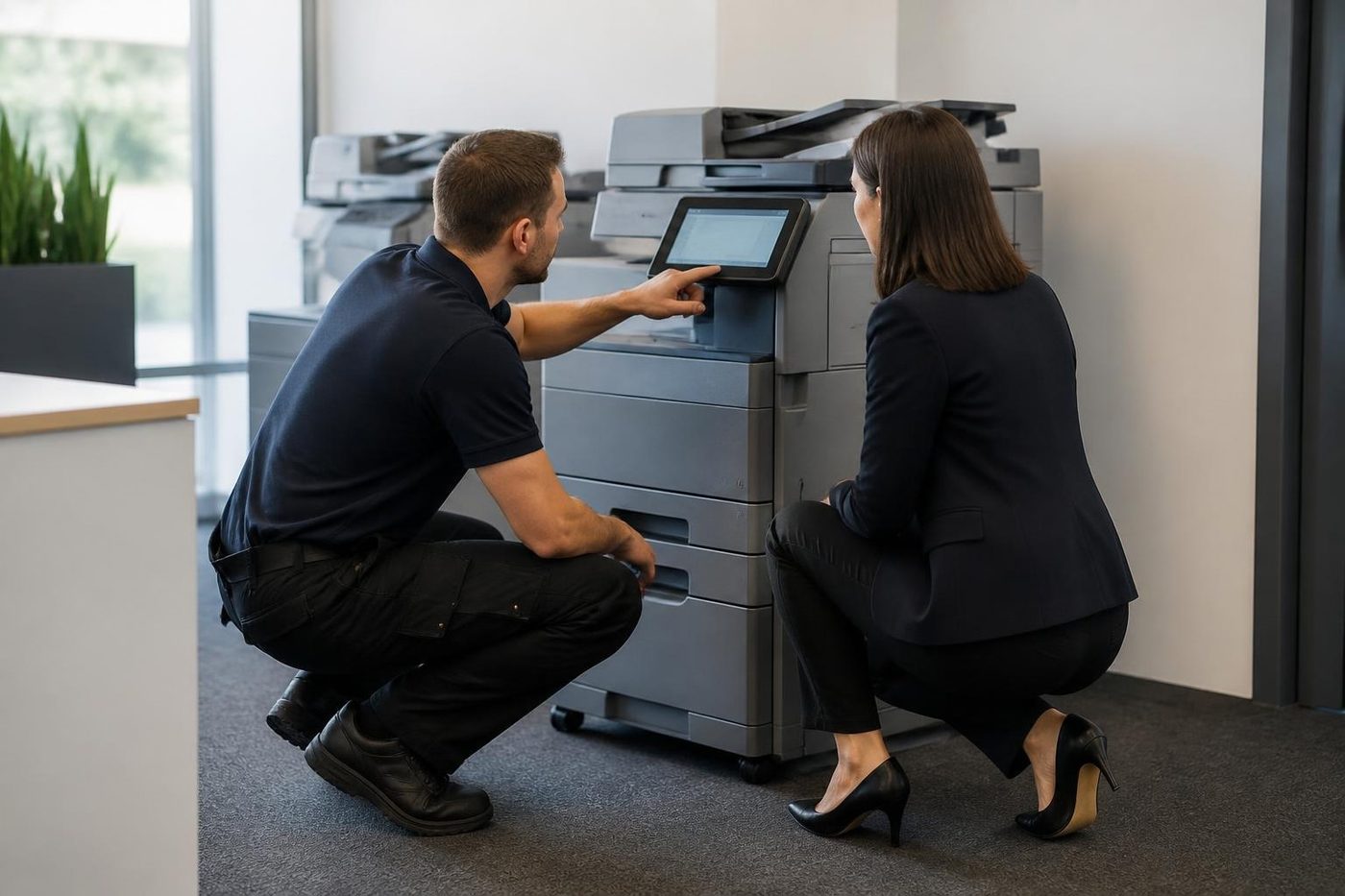
An OKI that prints perfectly in black and loses magenta is usually telling you about one drum, one head or one toner cartridge, and not the whole machine. Each colour has its own drum and its own LED head, so the fault stays in its own lane. A test page shows which colour is off and in what way, and that station is where we start.
A page that is evenly warmer or cooler than it should be, with all colours present, leans more towards the belt, the fuser or a settings drift. People notice it on a logo. A trades supplier prints a quote with a red banner and the red is brown. Take a bad page along to the first phone call. We can often tell more from the page than from a description.
Belts, knobs and the quiet job of moving the image
The transfer belt takes the image from the drums to the paper, and on the OKI models we know it has its own care points, among them a knob that OKI describes as turned sideways in the right position. If the 540 series messages appear after somebody has been inside the machine to clear a jam, the first suspect is that the belt unit or a drum was not put back the way it came out.
A genuinely worn belt gives banding, colour shifts and marks that repeat. A belt that is only not seated gives a message and a stopped machine. One is a part. The other takes thirty seconds, and we would rather it was the thirty seconds.
Dockets, forms and labels at the dispatch desk
A mono OKI in a dispatch office prints the same three things all day: a docket, an invoice and a pick sheet. It is the most boring and the most important printer on the site. When it stops, a truck waits.
Heavy use on thin paper is easy on an LED machine, and heavy use on slick label stock is not. Labels that lift in the fuser leave adhesive behind, and the next fifty pages carry a mark. If your dispatch desk runs labels through the same printer as the dockets, tell us. It changes what we clean and how often we suggest someone looks.
On the other side of the counter, the dot matrix printer that prints the carbon copy on a freight form is the same kind of unglamorous. A ribbon that has gone light is the usual cause of a pale copy at the back of the set. A head with a sticking pin is the usual cause of a missing row of dots. Both are cheap to fix compared with the afternoon of reprinted paperwork.
What to read off the machine before you ring
- The complete model name, from the front panel or the label.
- The number on the display, plus the words after it.
- For a colour fault, which colour is wrong, and whether the mark repeats down the page.
- Whether the HELP button gives more detail, and if so what it says.
- The last thing done: a new drum, a jam cleared, a cartridge changed, a move to another desk.
Five items, about two minutes. We will give you a rough idea of cause and cost on the call.
A visit, and how we decide on the repair
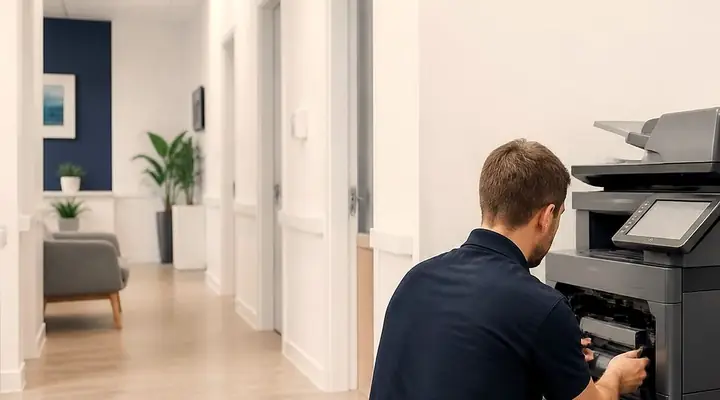
First the technician reads the message, prints a test page and checks the paper and its path. Drums and LED heads come next, since a stripe in a single colour tends to trace to one of them. After that the fuser, then network and scan settings. A grubby LED head can simply be wiped, and we say so if it looks likely, because a bit of tissue costs less than a part.
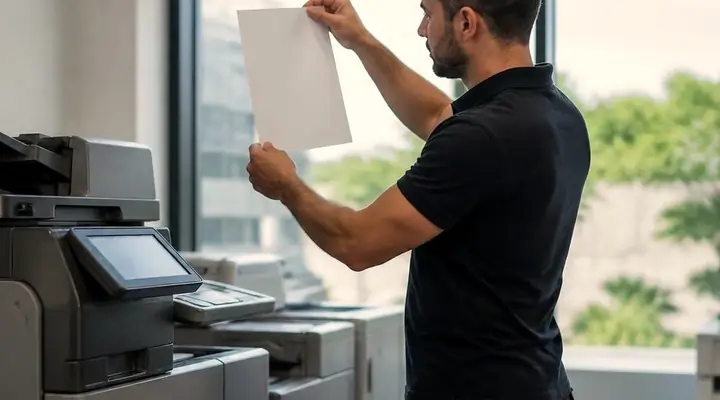
We finish by running test pages on your own paper and trying each function you use. No maker is behind us, OKI included. The repair is warranted, and the phone call explains what that covers. Around 98% of repairs are finished on the first visit, and if the same fault comes back it gets fixed again at no charge.
When an old OKI is not worth another repair
A machine wanting a fuser, a handful of drums and a belt can cost more to mend than it is worth, and we tell you that straight. A single drum or a fuser on an otherwise healthy machine is often a fair repair.
Should you go for a replacement, machines are part of our trade, new and second hand, and we can talk through what suits your volume. What we sell is warranted, with the detail given on the phone.
Our patch runs from Caloundra and Maroochydore to Noosa and Nambour, and north to Gympie, taking in Cooroy and Pomona. Several machines in one area get grouped into one visit.
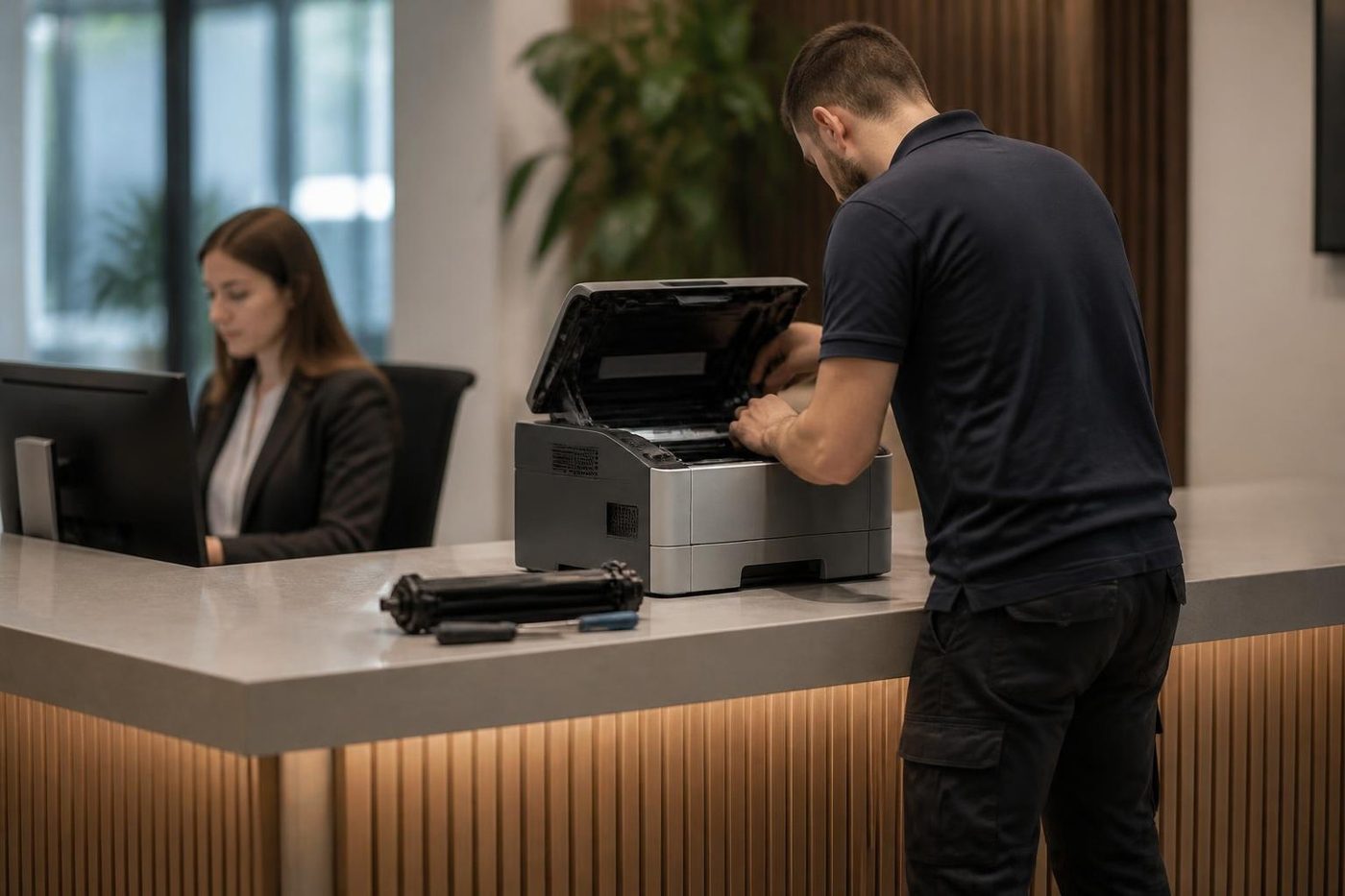
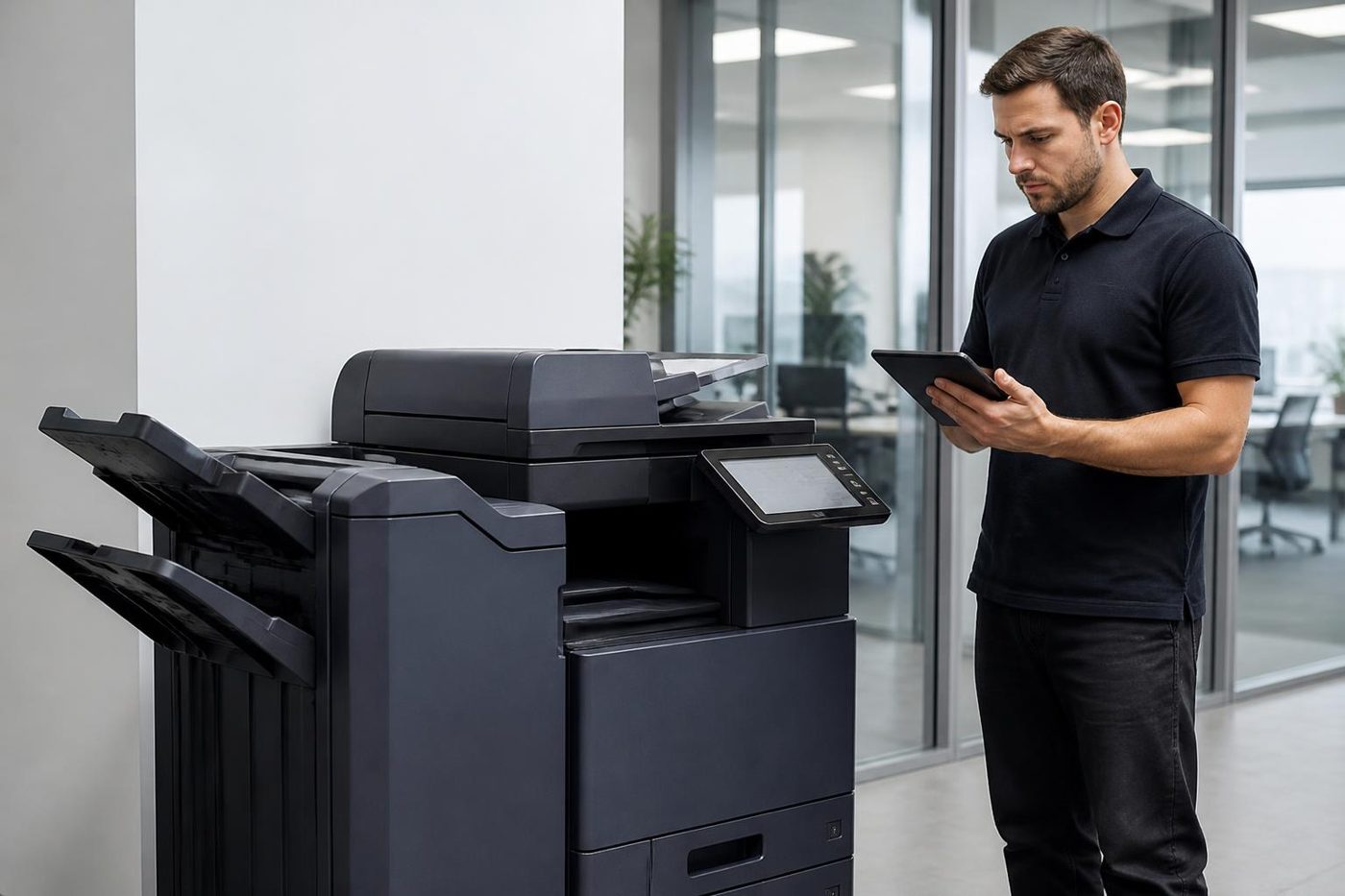
How a OKI visit runs


Out in the hills
A small office up the range still needs the right person
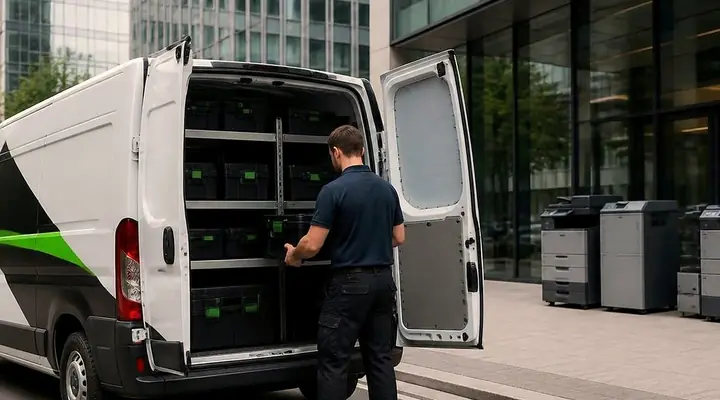
Maleny, Nambour, Eumundi, Kenilworth, Gympie. Small offices and farm supply counters have the same copier problems as a Maroochydore firm and fewer people to fix them. Ring before the van is loaded and we pack for your make, so a long drive is not wasted on the wrong roller.
A town office should not get a worse repair than a coastal one. Same technicians, same standard, same free second go if the fault returns.
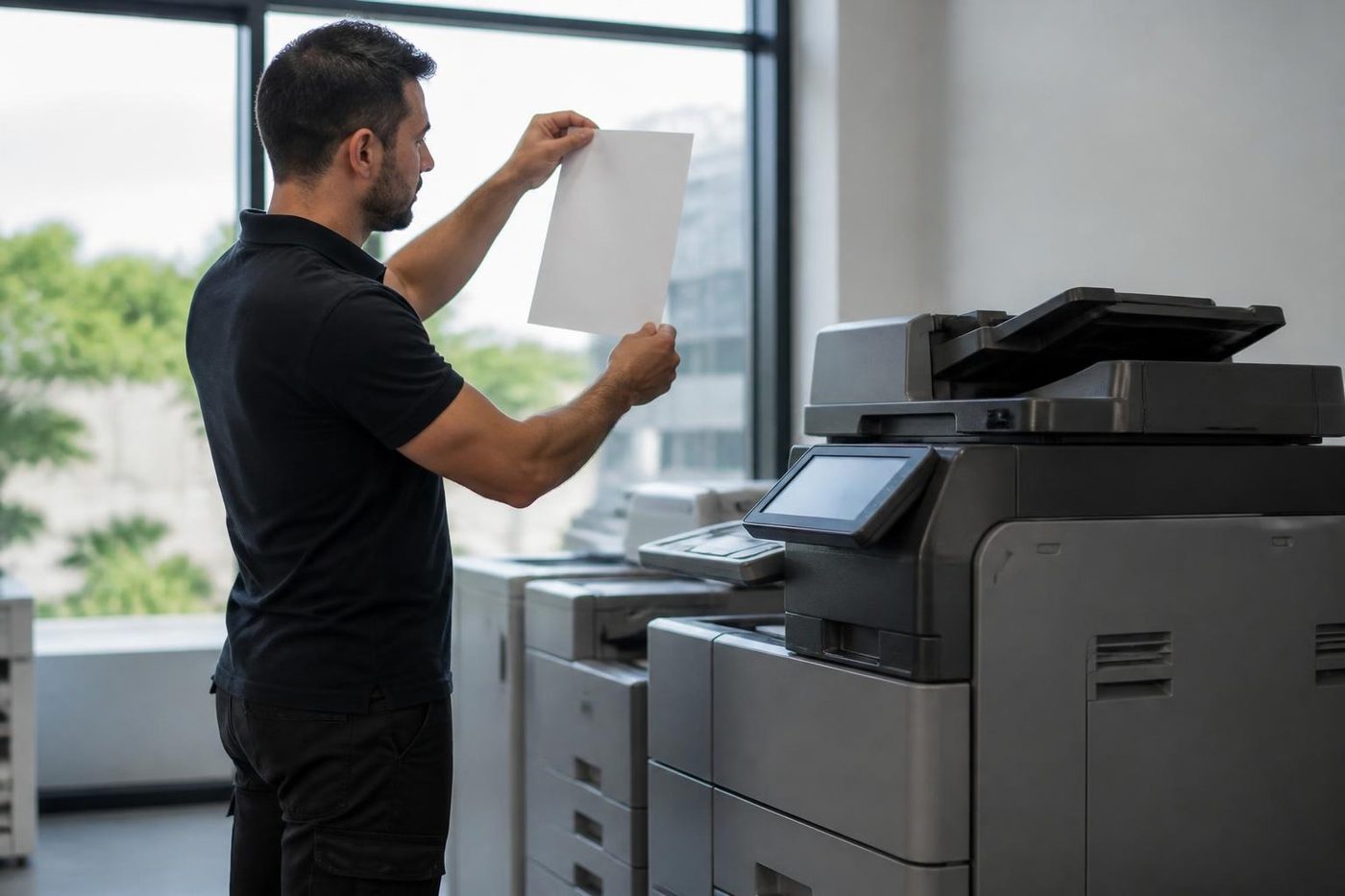
- Pack for the job. Make, model and message first.
- Same standard. Hills or beach.
- Same warranty. Same fault, no charge.
More for Sunshine Coast offices
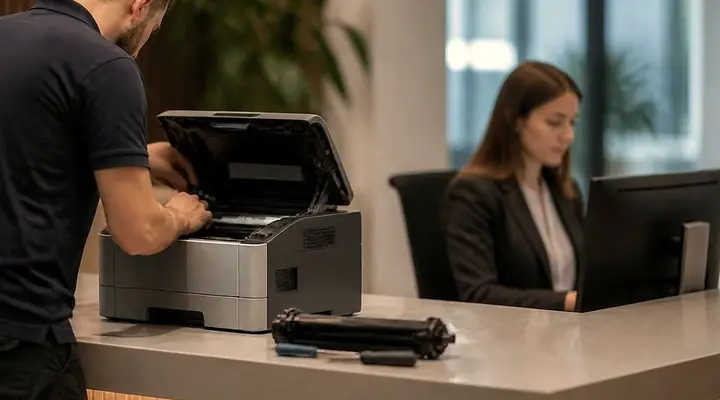 Commercial printer repairsCommercial laser printers, label printers and fleets repaired on site.
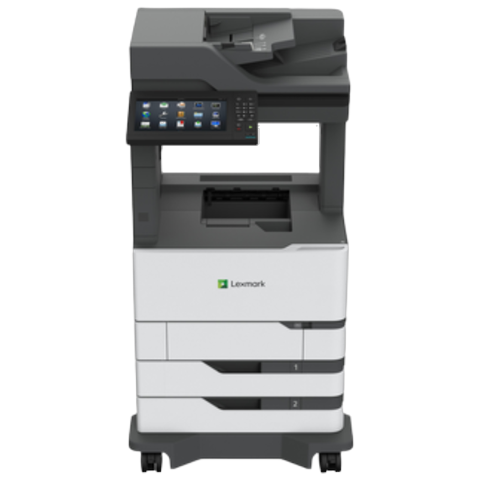 Lexmark repairsLexmark mono and colour lasers and MFPs fixed at your premises.
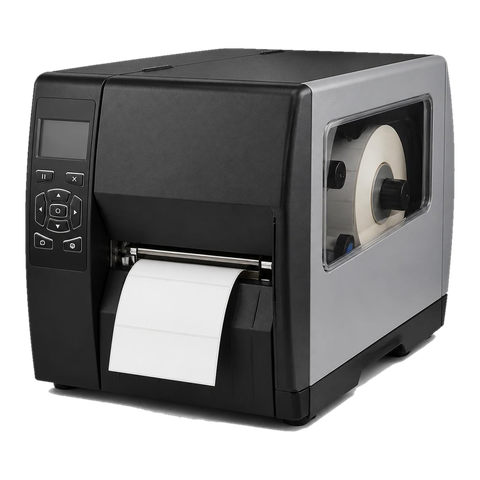 Zebra repairsZebra desktop, industrial, mobile and card printers repaired on site.
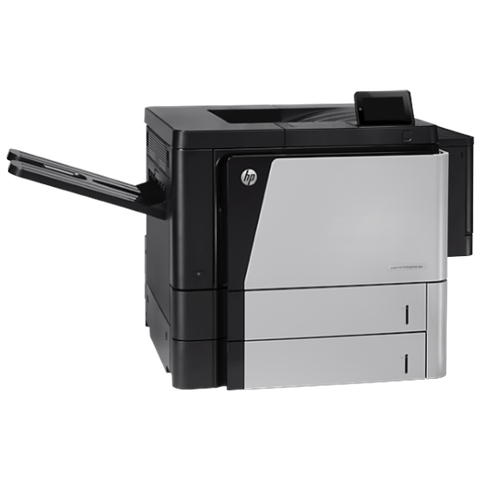 HP repairsLaserJet Pro, Enterprise, Color LaserJet and DesignJet repaired on site.
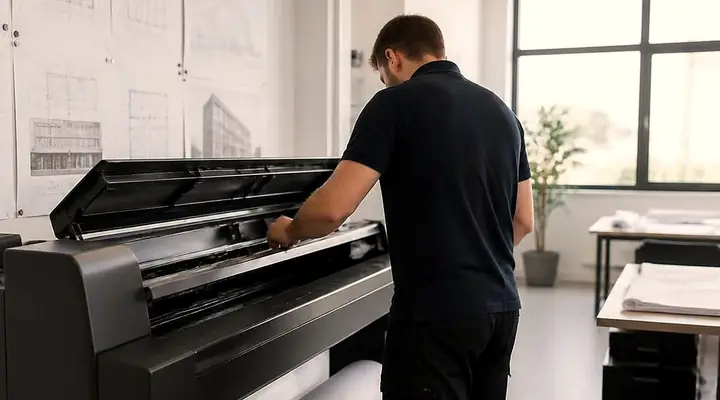 Plotter serviceHP DesignJet, Canon imagePROGRAF and Epson SureColor plotters repaired on site.
 Printer and copier salesNew and second hand commercial copiers, printers and plotters, with our own technicians behind them.
 CaloundraBulcock Street counters, west side yards, beachside offices.
 MaroochydorePrinter and photocopier repairs for the plaza, the new city centre, Cotton Tree and the business parks.
Buy, sell and lease
Buy, sell and lease commercial copiers on the Sunshine Coast
We also sell new and second hand commercial copiers and buy used ones. Same team, same technicians.
Some recent callouts

What people ask when they ring
What puts a thin line down every page from an OKI?
Most often toner dust has settled on the LED head lens. OKI says wipe it gently with soft tissue and keep methyl alcohol and thinner off it. If the line survives that, the drum or the head is next.
Can you service OKI Microline dot matrix printers?
Yes. The usual wear points are ribbons, head pins, platens and tractor feeds. OKI has marked several models discontinued, so we also say when one is close to end of support.
What do the 300, 400, 500 and 600 numbers stand for?
Roughly: covers and seating, paper and memory, toner and drum sensing, then drum life and unsupported consumables. It is only a guide, because toner empty also appears among the 400s next to paper size, so each code gets checked against the model.
How long may an image drum stay out of the printer?
OKI says not under strong light uncovered, and not more than five minutes even in ordinary room light.
Is a discontinued OKI colour machine still worth fixing?
Sometimes. The MC853dn and ES8473 are shown as discontinued from December 2025 and plenty remain in daily use. One drum or a fuser can be a sound repair, and when it is not, you will hear that too.
Scan to email stopped on an MC multifunction. Can that be fixed?
Yes. We check the mail server settings and the login, and talk to whoever manages your mail, since Microsoft 365 changes can break an old setup.
Do you come to us?
Yes. The machine is repaired where it stands, and the technician carries the common spare parts.
How soon can you get here?
Same day service is available, and we say plainly what is possible for your suburb. If every line is busy, your call is logged and returned.
What if the same fault comes back?
We fix it again without charge.
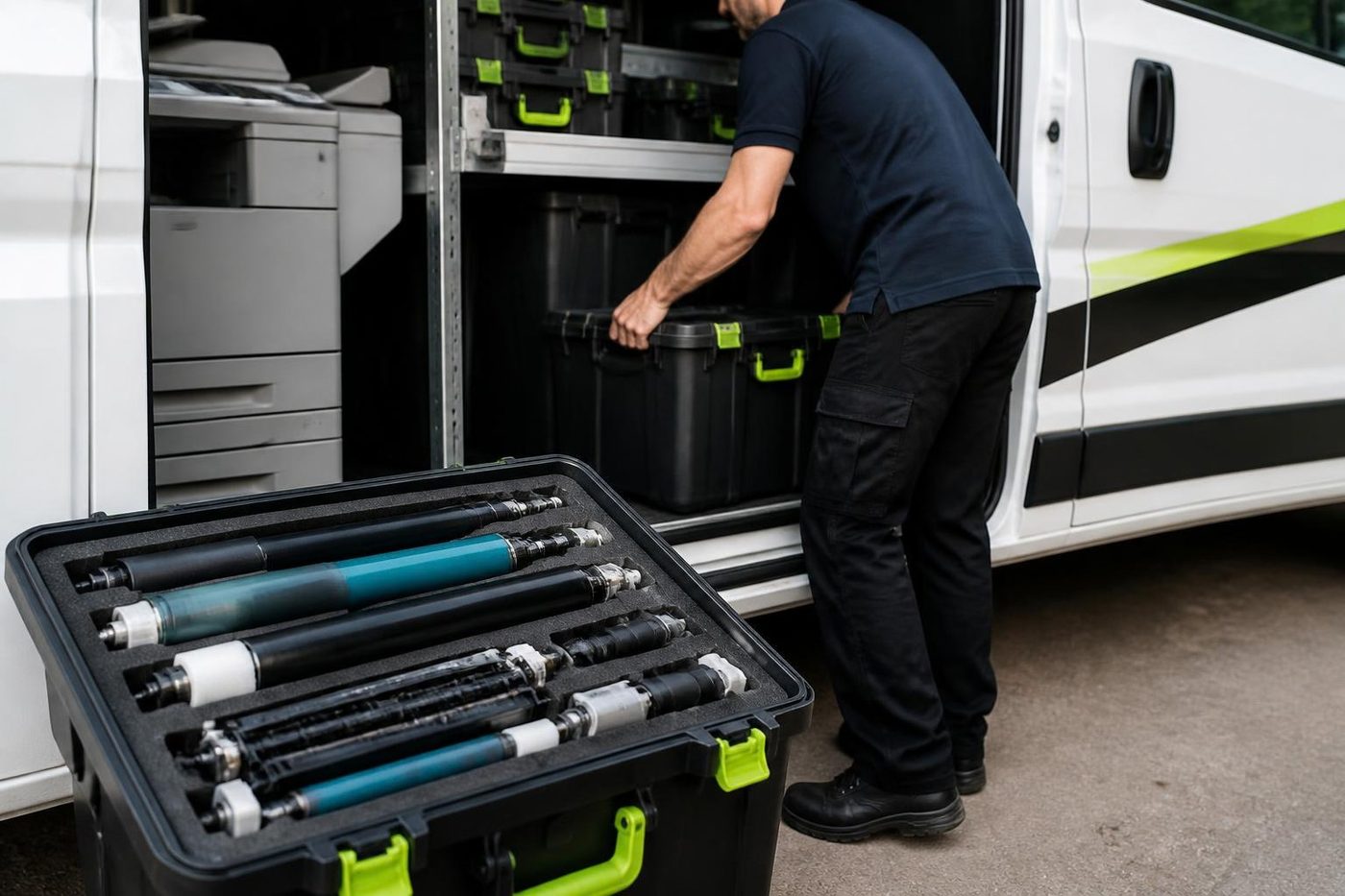
No box, no freight
We fix it where it sits
Technicians carry the common spare parts, so plenty of jobs finish in a single visit.
Book a repair
All of our work on the Sunshine Coast
Service pages
- Photocopier repairs Sunshine Coast
- Commercial printer repairs Sunshine Coast
- Plotter service Sunshine Coast
Fault pages
- Installation and setup Sunshine Coast
- Relocation and removal Sunshine Coast
- Copier and printer faults Sunshine Coast
- Photocopier paper jams Sunshine Coast
- Copier black lines and streaks Sunshine Coast
- Copier error codes Sunshine Coast
- Copier not printing Sunshine Coast
- Scan to email not working Sunshine Coast
- Toner smearing and fuser faults Sunshine Coast
- Printer offline and network faults Sunshine Coast
- Copier noise, grinding and squealing Sunshine Coast
- Is my copier worth repairing Sunshine Coast
- Toshiba e-STUDIO error codes Sunshine Coast
- HP LaserJet error messages Sunshine Coast
- Kyocera TASKalfa error codes Sunshine Coast
Makes we work on
- Toshiba copier repairs Sunshine Coast
- HP printer repairs Sunshine Coast
- Kyocera copier repairs Sunshine Coast
- Fujifilm copier repairs Sunshine Coast
- Xerox copier repairs Sunshine Coast
- Canon copier repairs Sunshine Coast
- Ricoh copier repairs Sunshine Coast
- Lexmark printer repairs Sunshine Coast
- Brother printer repairs Sunshine Coast
- Epson printer repairs Sunshine Coast
- Zebra printer repairs Sunshine Coast
- Konica Minolta copier repairs Sunshine Coast
- Sharp copier repairs Sunshine Coast
- Samsung printer repairs Sunshine Coast
- Fuji Xerox copier repairs Sunshine Coast
Coast towns and suburbs
- Printer service Caloundra
- Printer service Gympie
- Printer service Buderim
- Printer service Maleny and the Blackall Range
- Printer service Kawana and Birtinya
- Printer service Nambour
- Printer service Maroochydore
- Printer service Noosa and Noosaville
- Printer service Coolum and Peregian Beach
- Printer service Mooloolaba and Alexandra Headland
- Printer service Sippy Downs and Maroochydore industrial
- Printer service Pelican Waters and Bribie Island
- Printer service Beerwah and Glass House Mountains
- Printer service Yandina and Eumundi
- Printer service Cooroy, Pomona and Cooran
- Printer service Cooloola, Tin Can Bay and Rainbow Beach
- Printer service Kilcoy and the D'Aguilar side
- Printer service Palmwoods, Montville and Mapleton
- Printer service Landsborough and Mooloolah Valley
- Printer service Marcoola and Sunshine Coast Airport
- Printer service Coolum industrial
- Printer service Warana and Kunda Park
- Printer service Tewantin
- Printer service Bli Bli and Pacific Paradise
- Printer service Currimundi, Little Mountain and Baringa
- Printer service Kenilworth, Imbil and the Mary Valley
- Full list, Caloundra to Gympie
Got the make and the problem? That is all we need to price it.
Tell us what it is doing
Tell us where it is, what it is and what it is doing. A figure comes back by phone, and you decide. Ring (07) 5327 3472 if that is quicker.