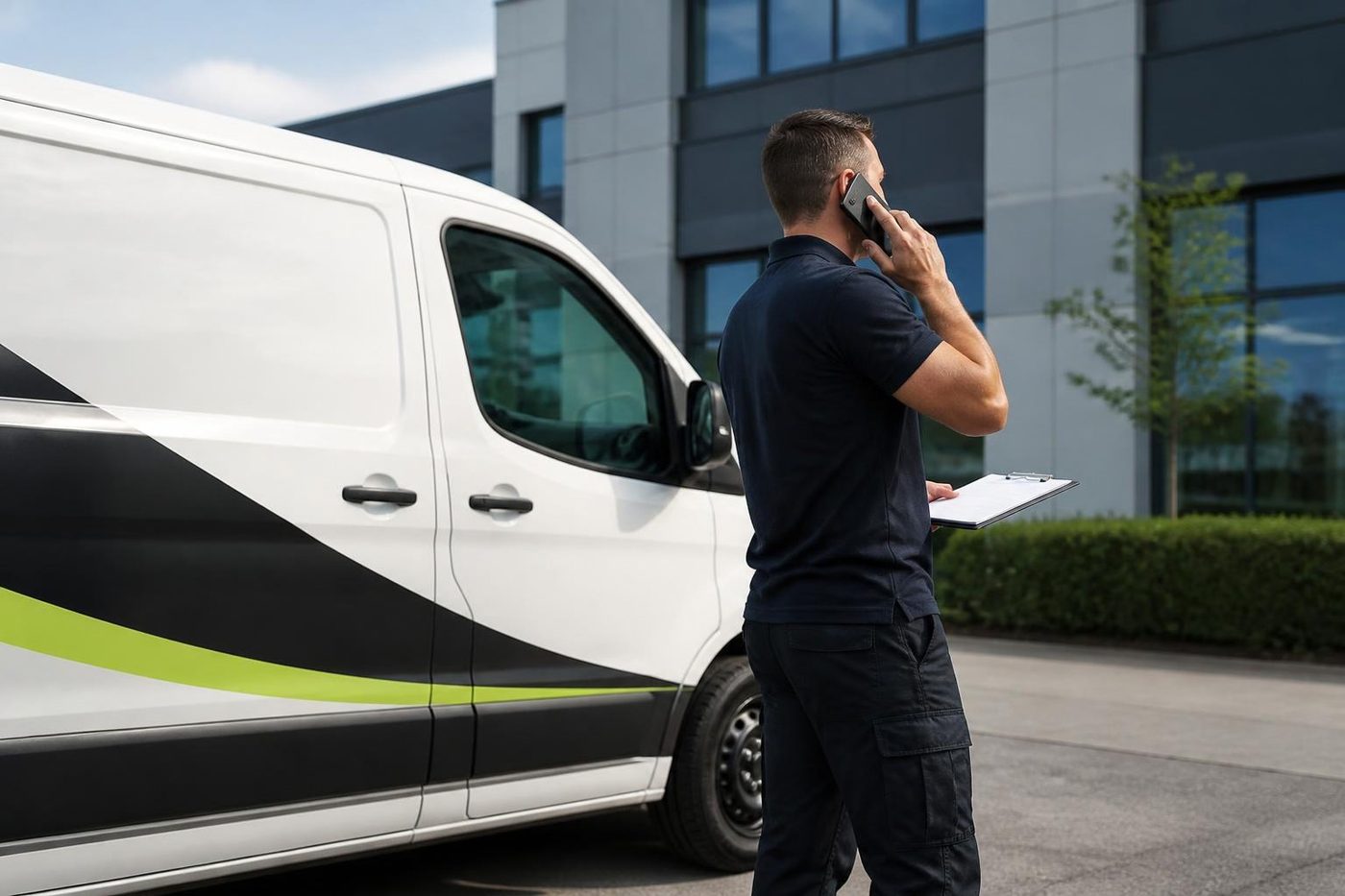
Why a technician does the lifting
A big copier is mostly parts that dislike rough handling. The drum and imaging units are sensitive to light and knocks. The fuser stays hot for a while after switching off. Loose toner finds its way into the paper path and the optics when a machine tilts. A move done by whoever was free on the day often produces a machine that arrives, switches on, and prints a pale stripe down every page.
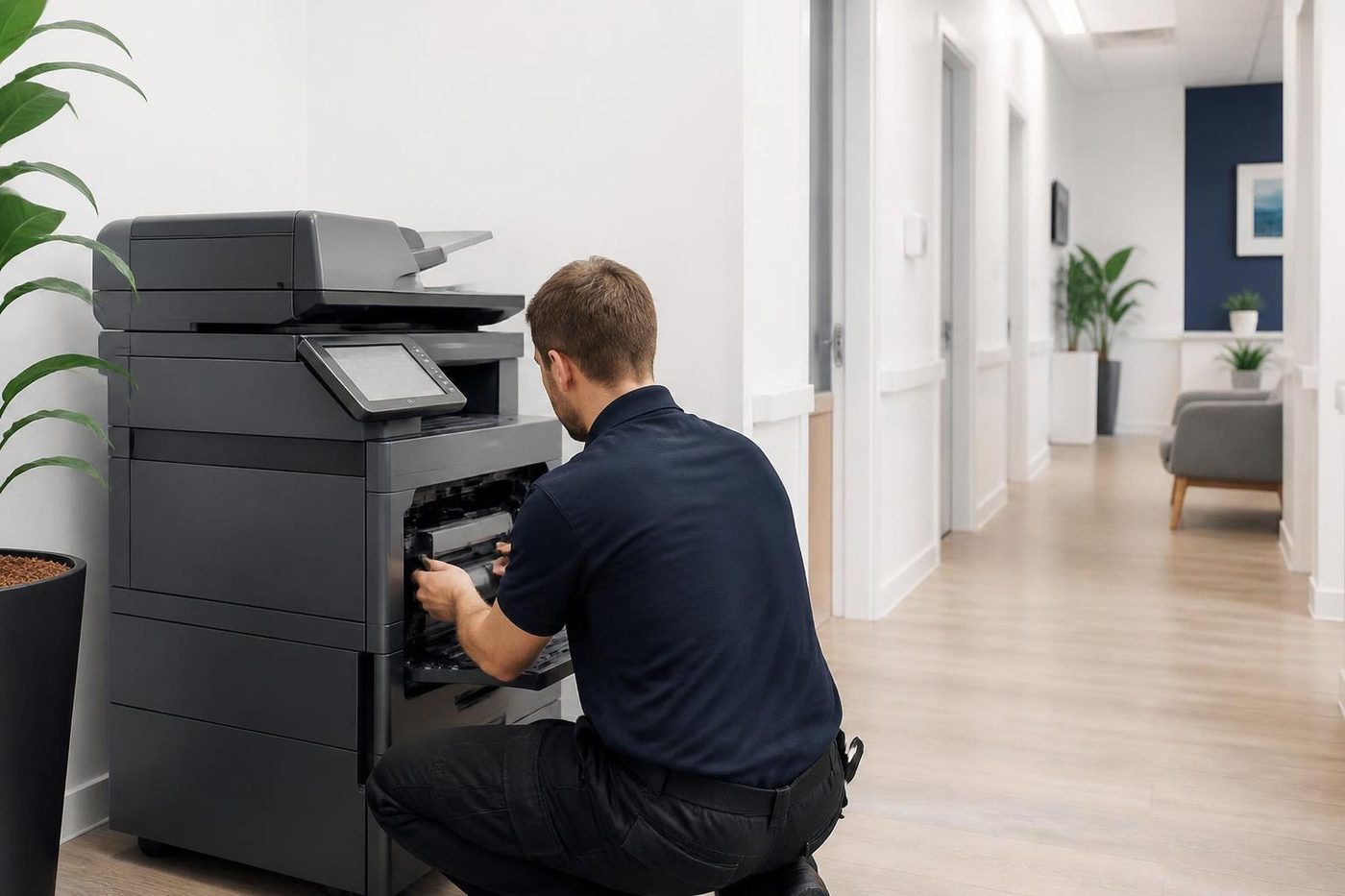
A technician knows what to remove, what to secure, how to lift, how to set it down level. That is the gap between a copier that is printing the same afternoon and one that needs a repair call on Monday.


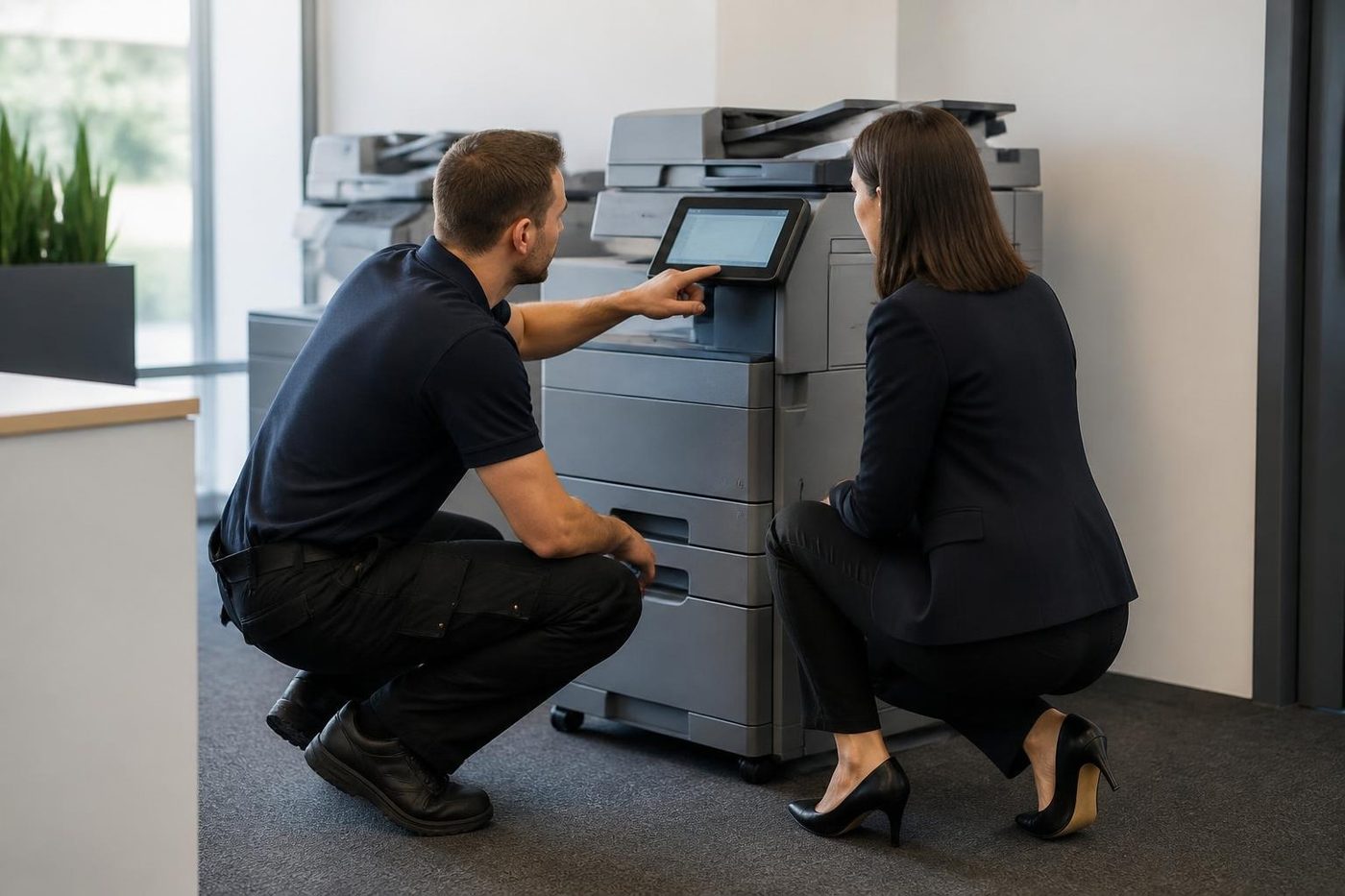
Move photocopier office Sunshine Coast: the short move
Plenty of moves are only a few metres. Out of the afternoon sun from a west window. Into a quieter corner. Clear of the kitchen. Making room for a new desk. The risk is smaller but it is real. A copier pushed down a corridor on its casters can arrive with a jammed feed, a loose tray or a network address it has forgotten. We disconnect, move, reconnect and test, and we check the network settings at the new spot before we call it done.
Office printer relocation Sunshine Coast: moving the whole office
When a business shifts, the machines go on the same day as everything else, and the day is usually tight. Give us the date, the old and new addresses, the number of machines and their makes. We plan around the removalists and the network people and we are on site when the new space is ready.
To relocate office printer Sunshine Coast wide, or to move a copier, the steps are the same: record, remove, move, reconnect, test. The page on photocopier installation and setup covers what happens at the new end in more detail.
A move involves more than the main copier. Desktop printers, a plotter, a label machine each have their own settings and their own way of being carried. We list all of them, plan them into one move and reconnect each one, so that on the first morning the office is not hunting for a printer that went missing.
Photocopier removal Sunshine Coast: taking the old one out
Removal is the other half of a replacement. The new machine comes in, the old one has to go, and the old one has a drive inside holding images of what it copied. We remove commercial copiers and printers, collect them and wipe the drive.
If the machine has value, we buy used copiers and the value can go towards the new one. If it has none, we remove it anyway. A leased machine belongs to the lessor, who has to arrange its return. We help with the practical side, such as disconnecting it and wiping the drive.
Our sell your photocopier page explains how a figure gets agreed.
What we record before anything is unplugged
Before the move we print a configuration page and note the settings: the address, the scan destinations, the address book, the paper sizes set for each tray, any codes. After the move we put them back, test copies, prints and scans, and show the staff it works. That record is why a moved machine does not forget what it was doing.
The week before a move
Most of a good move is decided before the van turns up. The questions are boring and they matter.
Is there a network point at the new place, and is it live? A copier in a room with no data point is a very expensive doorstop. Does the new site use the same range of addresses, or a different one? If the address range changes, the scan destinations, the printers on each computer and any restrictions set up on the mail side all need updating, and the day goes better when we know that in advance. Who is looking after the computers at the other end, and are they available on the phone? Is the new space finished, or will we be moving a machine into a room with plasterers in it?
We are happy to take this on a short call. Fifteen minutes the week before can save an afternoon.
What we do to a machine before it moves
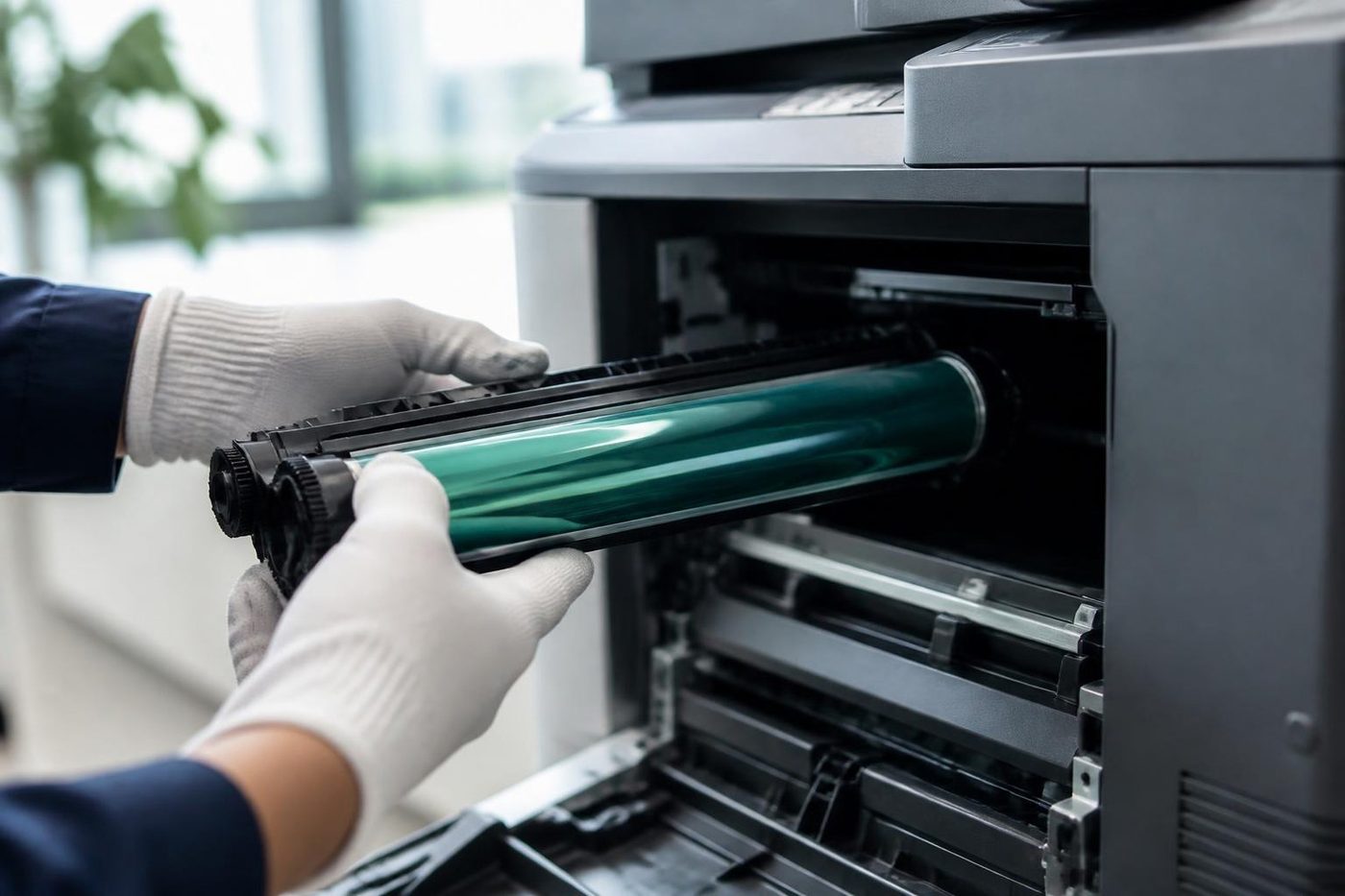
A copier is not simply picked up. Before a technician moves one, the machine is switched off and left to cool, because the fuser holds heat for some time. Depending on the model, the toner and waste toner containers are taken out or secured so they cannot tip into the paper path, and the drum and developer parts are protected from light and shock. Drawers are emptied and the paper wrapped, because loose paper in a moving machine ends up in the places you do not want it. Scanners usually have a lock that holds the optics still in transit, and it goes on.
That list is why we say not to move one yourself. None of it is difficult. All of it is easy to forget when you are lifting.
In the van
The machine rides upright and secured, never on its side and never with something heavy on it. On the Coast summer, a parked closed vehicle gets very hot very fast, and we plan the day so a machine does not spend hours in one. A copier that has sat in a hot vehicle is not damaged by the heat alone, but toner and plastics prefer not to be cooked.
At the other end
The machine is placed where you want it, with room round it to work. We level it, because a copier standing on a slope feeds paper badly. It is plugged into a power point of its own where one is available, reconnected to the network with the address recorded earlier or a new one set up, and brought up. Then the tests: copies from the glass and from the feeder, prints from each type of computer, scans to every destination that was set up before. A move is not finished until the last scan arrives in the right inbox.
If the old settings no longer fit the new network, we re set them there and then and update the note we left.
Several machines, one day
An office with a copier, three desktop printers and a label machine has five things to move, and each has its own quirks. We plan them as one job. Desktop machines are usually quick, which gives the technician time on the big one. Whoever is receiving the machines at the new end should have a list of what is coming, so nothing is left behind in a cupboard, and nothing turns up in the wrong room.
Two copiers become one
A move is often the moment to cut the number of machines. Two ageing copiers at the old place become one newer, faster one at the new place, or the print room gets folded into a corridor machine. We say honestly what makes sense. If one of the old machines is worth keeping and the other is not, we move the first and remove the second. Where something has value, we may buy it. Where it has none, we remove it anyway. Our page on photocopier sales explains what we have available if a replacement makes sense.
What happens to the drive
Inside most copiers is a hard drive or flash storage. It holds the settings, the address book and, on many machines, images of recent jobs. When a machine leaves your building for good, that storage is wiped. Some machines have a built in overwrite function and some encrypt the drive in the first place, and we use what the machine offers. If the machine is leased, the lessor may have its own requirements about what happens to the drive, and we are happy to work with them on the practical side. Ask us what we do on your particular model.
Leased machines
If the copier is on a lease or a rental, check the contract before moving it anywhere. It may say who has to relocate the machine, whether it may leave the original address, and how the return is done. We do the physical part, such as disconnecting, wiping the drive and getting the machine ready, but the lessor owns the machine and decides about its movement.
New buildings on the Coast
Plenty of businesses are shifting into newly built space: medical suites around Birtinya, office floors in the Maroochydore city centre, trade and warehouse units on the Kunda Park and Coolum industrial areas. New buildings often mean a data point in the wrong place, a copier room that is not quite finished, or a loading area with a booking system. We ask, plan round it and do not assume. A building manager is the person who knows the rules and we follow theirs.
Photocopier relocation Sunshine Coast businesses get wrong
Three mistakes turn up again and again. The first is moving the machine on a trolley with the toner still in it, so the first tilt on the ramp puts powder where it should not be. The second is leaving the network until the end of the day, so a machine that is physically in place is not printing at five, and everyone has gone home. The third is trusting the new place to be ready. The data point is not live, the power is on a different circuit, or the room is still full of boxes.
None of these is the fault of whoever did the lifting. They come from treating a copier as furniture. It is a computer that makes paper copies, with a fuser that gets hot and a drum that hates light, and it moves best when somebody who services them does the job.
A day in the life of a move: a clinic example
Picture a small allied health clinic moving between suites. The old copier lives in the corridor by reception. It scans referrals into a folder on the practice server, and it has secure print because the output tray sits near the waiting room. The new suite has a cupboard for it and a data point on the far wall.
The plan is simple. A technician calls the practice manager the day before, confirms the lift booking and the key arrangement. The machine is shut down, cooled and prepared. The configuration page is printed. The machine is moved and set in the cupboard, where we check the space round it, because a copier in a cupboard with the door shut will run hot. Then the network, the server folder, the secure print and the address book are checked in that order. A last scan of a dummy referral goes to the right folder, the practice manager watches it arrive, and the job is done. A clinic cannot lose a morning, so the work is planned around the clinic and not the other way round.
Removal when a machine has had its day
Some machines should not be moved or sold. They have a cracked frame, a board that has failed twice, or parts nobody makes any more. In that case, removal is the kindest option. We collect it, wipe the drive and take it away. We say honestly what we think the machine is worth, and sometimes the answer is nothing, and we remove it anyway. If you are weighing whether it is worth keeping, our guide to repair or replace explains how we look at it.
Moving to a smaller office, or home
Plenty of small businesses downsize, or move to a spare room. A big floor standing copier does not always belong in a spare room. The honest advice may be to move a smaller machine and remove the larger one. Home and small office machines are still serviced, but we do not chase them. If that is where you have landed, ask and we say what we think is sensible.
Arrange these before the day
A few facts decide how smoothly it goes.
- The date, and whether it must happen out of hours
- Old and new addresses, with floors and the lift or stairs at each end
- Make and model of each machine, and any finisher or extra trays
- Who meets us at each end
- Any loading dock booking or building pass
- Who looks after the network, so addresses can be set in advance
- Whether the machine is leased or owned
Access, and what we do not assume
Buildings differ. Some have a goods lift, some do not, some need a booking. We ask about access when you ring and plan around what you tell us. We do not assume access and we do not claim to know a particular building's rules. The building manager does, and we work to what they say.
Many offices move on a weekend or after hours. Tell us what you need and we say what can be arranged.
When a machine is not worth moving
An old machine with a worn drum, a tired fuser and a failing board can cost as much to carry as a newer one costs to buy. We say honestly whether the machine is worth moving. If it is not, we remove it, wipe the drive and help you choose a replacement. See second hand photocopiers, new and A3 photocopiers and our page on whether a copier is worth repairing.
The first week after a move
Small things show up. A tray that needs adjusting. A scan destination that still points at the old network. A driver that wants reinstalling on one computer. Ring and we sort it. If the same fault returns we fix it again at no charge, and our work is warranted, with what is covered explained on the phone.
Salt, damp and the van
The coast is hard on paper and metal. Machines in storage near the water pick up damp quickly, and we have seen a green connector pin on a stored copier that looked just like a dead board. For a machine going into storage, keep it off the floor and out of the sun, and tell us how long it will sit.
Damp and salt
The coast does odd things to paper and metal
Salt air and humidity also get into connectors and boards near the water. A green connector pin can look exactly like a failing controller. We tell you what we see, and what to move or keep dry.
Sometimes the answer is a new roller. Sometimes it is a cupboard shelf. We would rather say which.
- Check the paper. Wrapped, off the floor, out of the sun.
- Look at the room. Damp, dust and salt all count.
- Fix the cause. Parts only when they are the problem.
More for Sunshine Coast offices
 Installation and setupDelivered, networked, scan tested and shown to staff.We buy used photocopiersA figure agreed on the phone, collection arranged, drive wiped.We buy your copierSelling a commercial copier or printer? Ring us first.
 Photocopier salesHow a sale goes with us, from the first call to a working machine.
 How to choose a photocopierWhat to ask before you spend a cent on a copier.Is my copier worth repairing?How we weigh a repair against a replacement.Second hand photocopiersTested second hand commercial copiers, delivered, connected and warranted.
Buy, sell and lease
Buy, sell and lease commercial copiers on the Sunshine Coast
We also sell new and second hand commercial copiers and buy used ones. Same team, same technicians.
Where the work gets done

What people ask when they ring
Do you move photocopiers on the Sunshine Coast?
Yes. Within an office, to a new office or between sites, with the machine reconnected and tested at the other end.
Can you take my old copier away?
Yes. We remove old commercial copiers and printers, and we wipe the internal drive.
Do you buy the machine you remove?
Often. If it has value we buy used commercial copiers, and the figure can go towards a new machine.
Can I move the copier myself?
It is not a good idea. A floor standing copier is heavy and delicate, and a bad move can damage it.
Will the network settings be restored?
Yes. We note them before the move, restore them after and test.
Can you move a machine out of hours or on a weekend?
Tell us the date and what you need, and we say what can be arranged.
Do you move more than one machine in a job?
Yes. Send a list and we plan all the machines into one move.
Do you move plotters and label printers too?
Yes, each one is planned into the same move.
How long does a copier move take?
It depends on the machine, the distance and the access. We say what we expect when we plan it with you.
Do you move a copier between floors?
Yes. Tell us about the lift or stairs at each end.
What if a fault shows up after the move?
Phone us and we sort it. If the same fault returns, we fix it again at no charge.
Do you wipe the drive when you remove a machine?
Yes, on machines we remove.
Is a leased copier mine to remove?
No, the lessor owns it and arranges the return. We help with disconnecting it and wiping the drive.
Do I need a live network point at the new office before the move?
It helps a great deal. Without one the machine can be placed and tested for copying but not for printing and scanning.
Will my scan to email still work after the move?
Usually, once the settings are checked at the new site. A change of network or provider may mean the mail details need updating.
Can you store a machine between moves?
Tell us how long and where. We say honestly what we think of the storage and how to keep the machine dry.
Can you move a copier I am about to sell?
Yes, and we can talk about buying it. Ring with the make and model.