Sunshine Coast copier faults and printer faults, sorted by symptom
Nobody rings to report a glazed pickup roller. They say the thing keeps swallowing paper. This index follows the same logic, so you start with what you saw.
For paper trouble, go to photocopier paper jams, which covers sheets that halt, crumple or feed in pairs. A mark running the length of every copy is dealt with under copier black lines and streaks. Toner that smudges under your thumb has its own page, toner smearing and fuser faults.
When nothing comes out at all, copier not printing deals with the stuck queue and the machine left waiting. Scan to email not working follows a scan from the glass to the inbox, and printer offline and network faults is for the printer that vanished over a weekend.
A machine that sounds odd or shows a code goes to copier noise, grinding and squealing or to copier error codes, which explains how to read a panel message. Toshiba, Kyocera and HP owners have a page each.
An ageing machine is a different question, and the page called is my copier worth repairing lays out the way we compare a repair with a replacement.

The ten second check before you read anything
Look at the display. If it is showing a plain instruction, such as add paper or empty the waste toner, do that first. About half of the messages on a commercial machine are asking you for something small.
If it is showing a code or the words Call service, write it down exactly, letters included, and note the model name on the front. Photograph it if that is quicker.
Then look at the last page that came out. A bad copy is evidence. Keep it, because describing a mark over the phone is much harder than holding it up.
The questions we put to you when you ring
Make and model, whatever the display actually says, and the pattern of the fault: every page or every tenth, one tray only, double sided jobs only, or only since the weekend.
Pattern matters more than most people expect. A fault that comes and goes tells us something different from one that arrives and stays, and a fault that began after a move, a storm or a new router has a short list of suspects.
Those few answers usually let us name the likely causes and work out a figure. We put a price to you over the phone. You owe nothing for asking, and no booking is made until you say yes.
Who is who in a Coast office
The caller is seldom the person who understands the machine. At a builder's office it might be the bookkeeper. At a clinic it is the practice manager, at a school the front office, and at a boutique firm whoever happens to be standing nearest.
That is fine. You do not need the right words. Describe what it does or fails to do and we work out the rest. If somebody looks after your network, put them on the line and we will talk to them directly.
Quick reference for the front desk
| What is happening | Start with | Likely owner |
|---|---|---|
| Paper stuck, or arriving in pairs | The photocopier paper jams guide | You first, then us |
| A dark stripe on every copy | The black lines and streaks guide | The glass is yours, the rest ours |
| Toner wipes off, or a ghost of the page | The toner smearing and fuser faults guide | Ours |
| You sent a job and nothing came out | The copier not printing guide | You first |
| A scan leaves the glass and never lands | The scan to email guide | Settings, shared with your IT contact |
| Printer greyed out or offline | The printer offline and network guide | Network first, then us |
| Grinding, squealing or a thump | The copier noise guide | Ours |
| A C code, or Call service | The error codes guide, or the Toshiba, Kyocera or HP page | Ours |
| The machine is old and the bills keep coming | The worth repairing guide | A conversation |
What we will not tell you to do
Opening a fuser, drawing a drum out into daylight or resetting a machine from a service menu is not something we will coach you through. Those jobs go to trained people. Fusers stay hot well after switch off, drums mark under light, and service mode in the wrong hands can erase settings your IT provider spent a morning getting right.
What we do list are checks that need no tool and no opened cover, and the point at which another attempt is worse than a phone call.
Faults that belong to the building, not the machine
A good share of what looks like a copier fault comes from the room it sits in. A machine against a west facing wall in a Maroochydore office takes the afternoon sun and runs hot. One in a store room at Kunda Park sucks in dust off a roller door. A printer on the end of a long extension lead in a Caloundra shopfront drops voltage every time the fridge kicks in.
Say where the machine lives when you ring. We would rather hear that it is under a window than find out on the day.
If a machine fault keeps coming back
One fault is a repair. The same fault three times is a question about the machine, the position, the supplies or the way it is used. We will look at all four, and at the service history if you have it.
Keep a note beside the machine, even a scrap of paper. Date, the message, what you did. It turns a vague history into something we can work from, and on an older machine it also tells us whether the bills are building towards a replacement.
How a repair is done
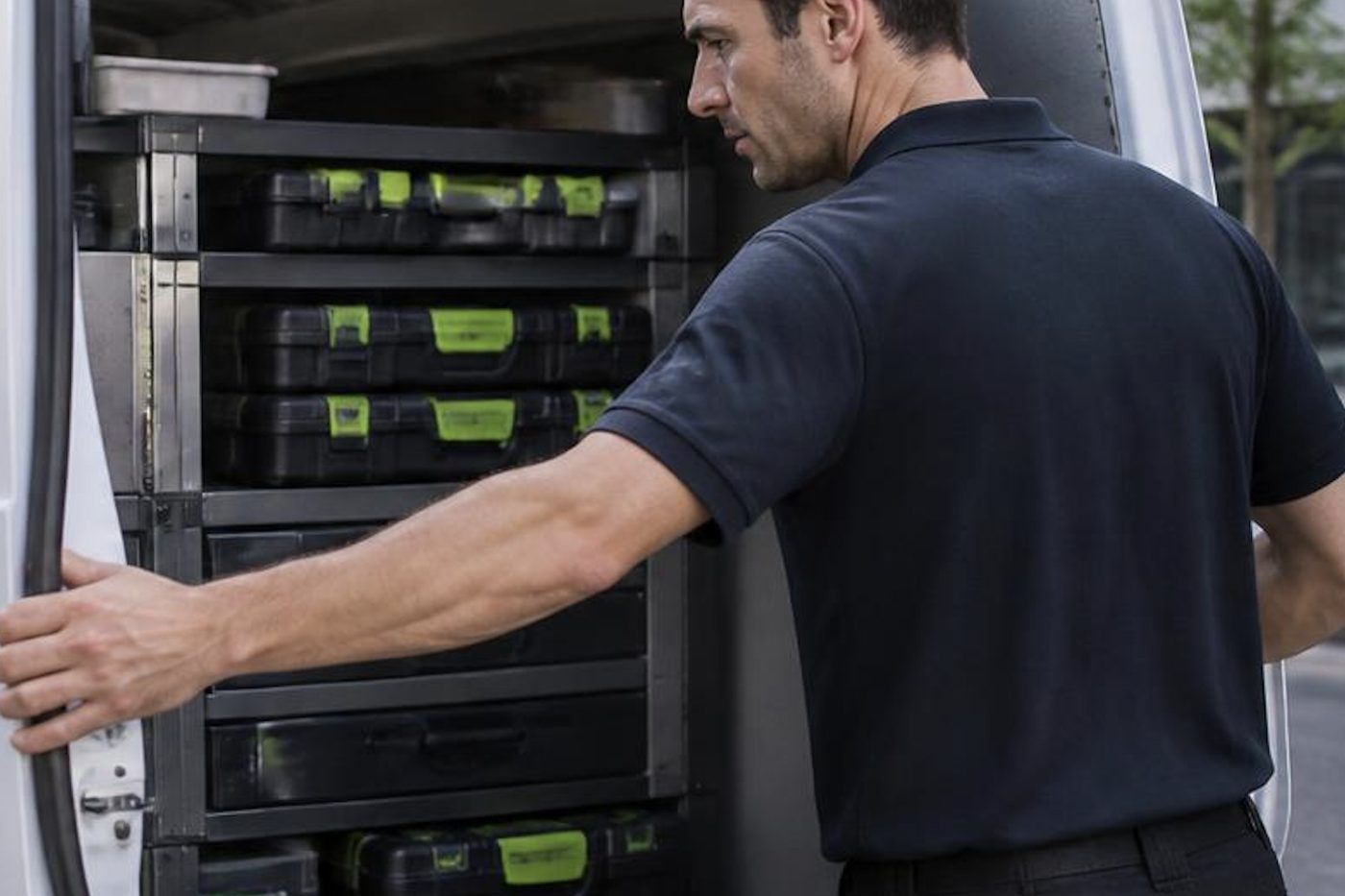
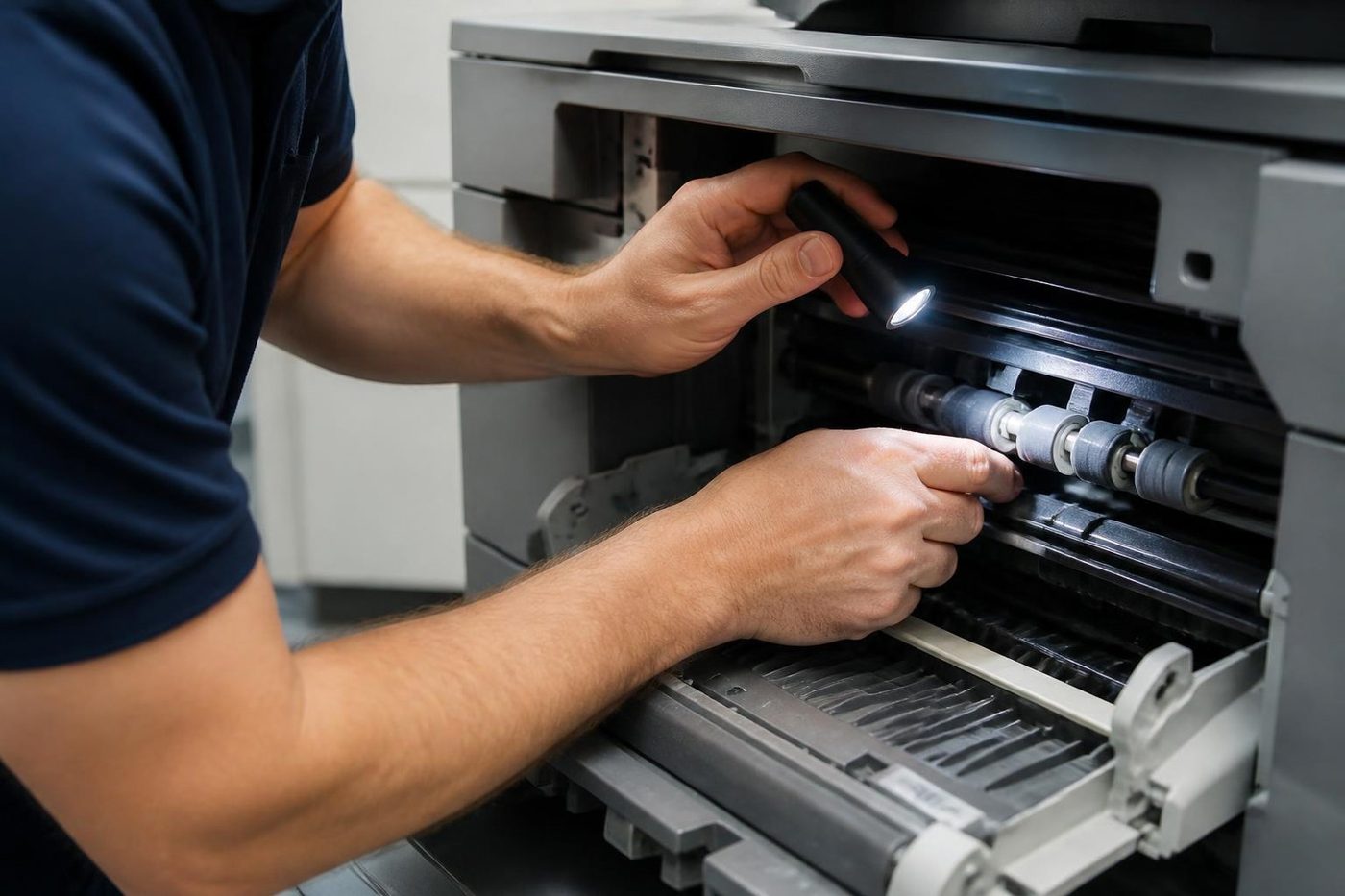
Repairs happen where the machine stands. The van carries the usual spares, and we choose the technician by make.
Certified, trained and experienced people do the work, and our work is warranted. Nearly all repairs, 98% by our count, are done first time round, and if the same fault returns we cover the repeat.
No maker or dealer owns us, so nothing we say is bent towards moving a particular machine. When one is beyond repair we tell you. We also supply commercial machines, new and second hand, which is where we would steer you if replacement made sense.
Callers who find every line busy are logged and rung back. Same day visits are available.
Parts
The part is in the van, or we know before we arrive
Waiting a week for a roller to come from a warehouse is a poor deal for a firm with invoices to print. Technicians carry the common spare parts, and on the phone we work out which ones your make and model are likely to want. If something rarer is needed, you hear that before we arrive, not after we have pulled the machine apart on your floor.
Parts that are not worth fitting we tell you about too. A fifteen year old machine with three things failing is a different conversation, and we have it plainly.
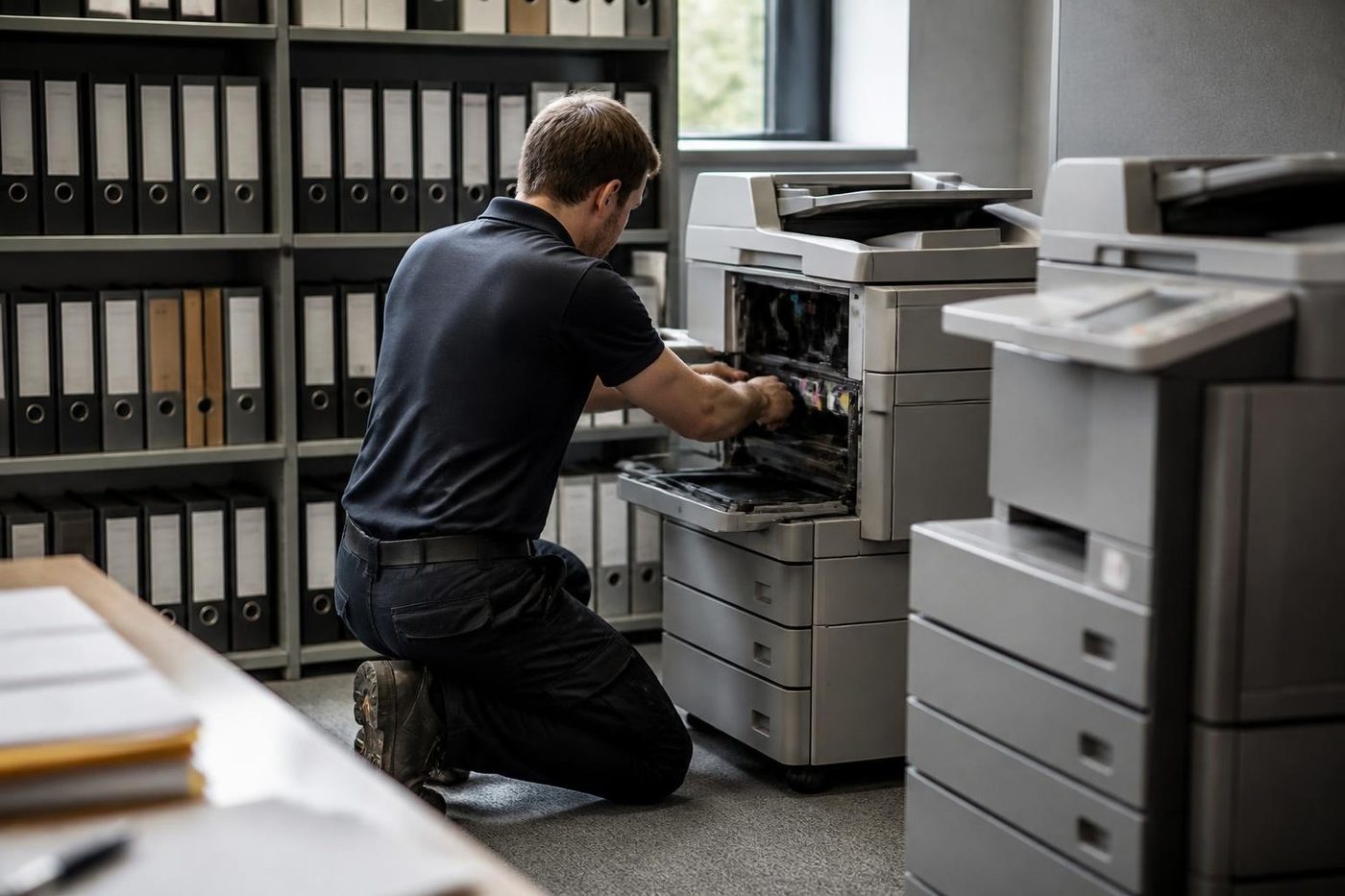
- Common parts carried. Rollers, drums, blades and the usual wear items.
- Rare ones flagged early. You know before the visit.
- Plain advice. Repair or replace, your call.
More for Sunshine Coast offices
 Photocopier paper jamsWhy copiers jam, what you can do at the machine and when to ring.
 Copier black lines and streaksA line down every copy: glass, feeder, drum or toner.
 Copier not printingJob sent, nothing comes out. Check these before you ring.Copier error codesHow to read a panel code, which ones you can clear, when to ring.
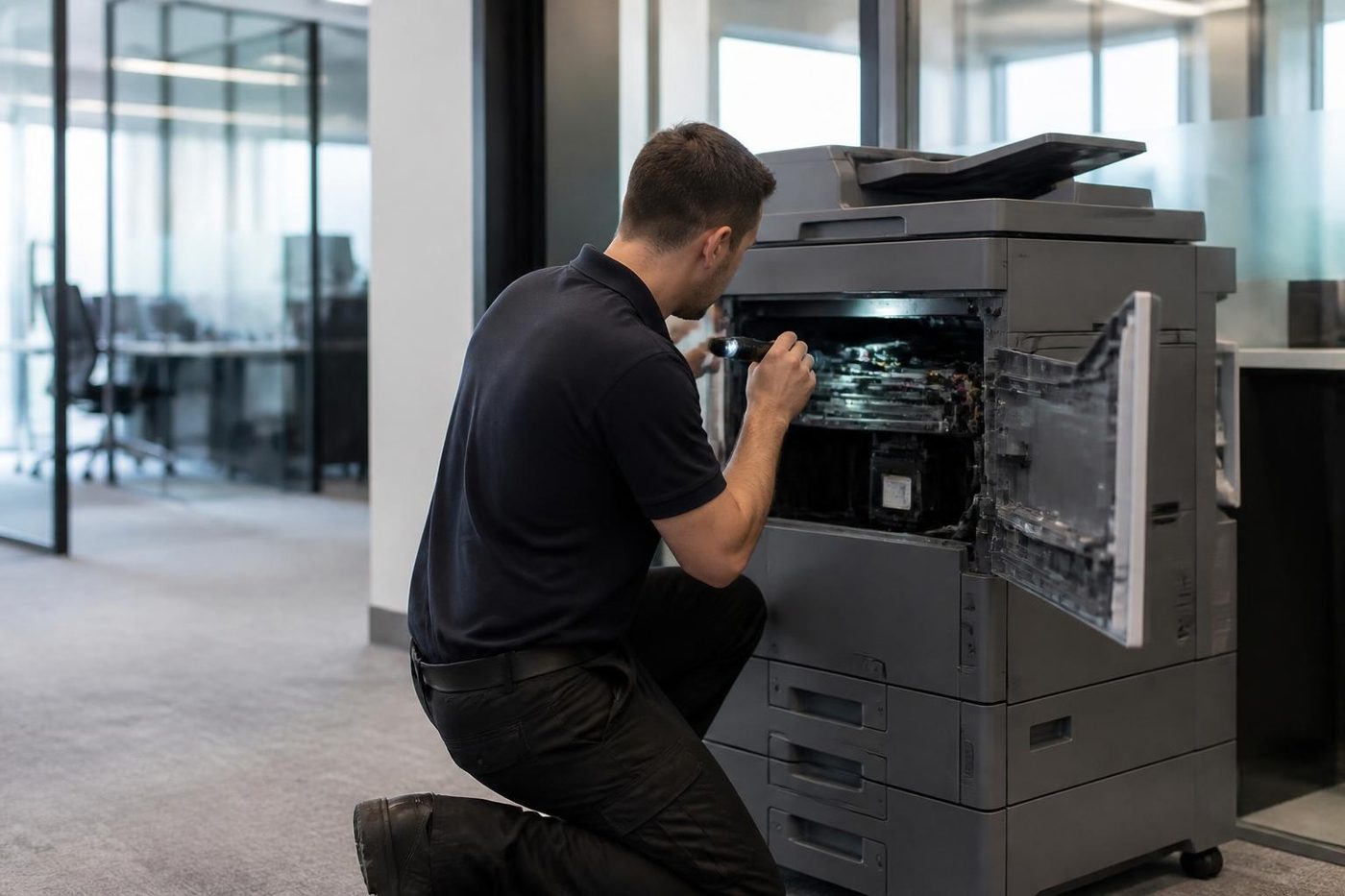 Photocopier repairsCopiers fixed at your desk, one call, price agreed first.
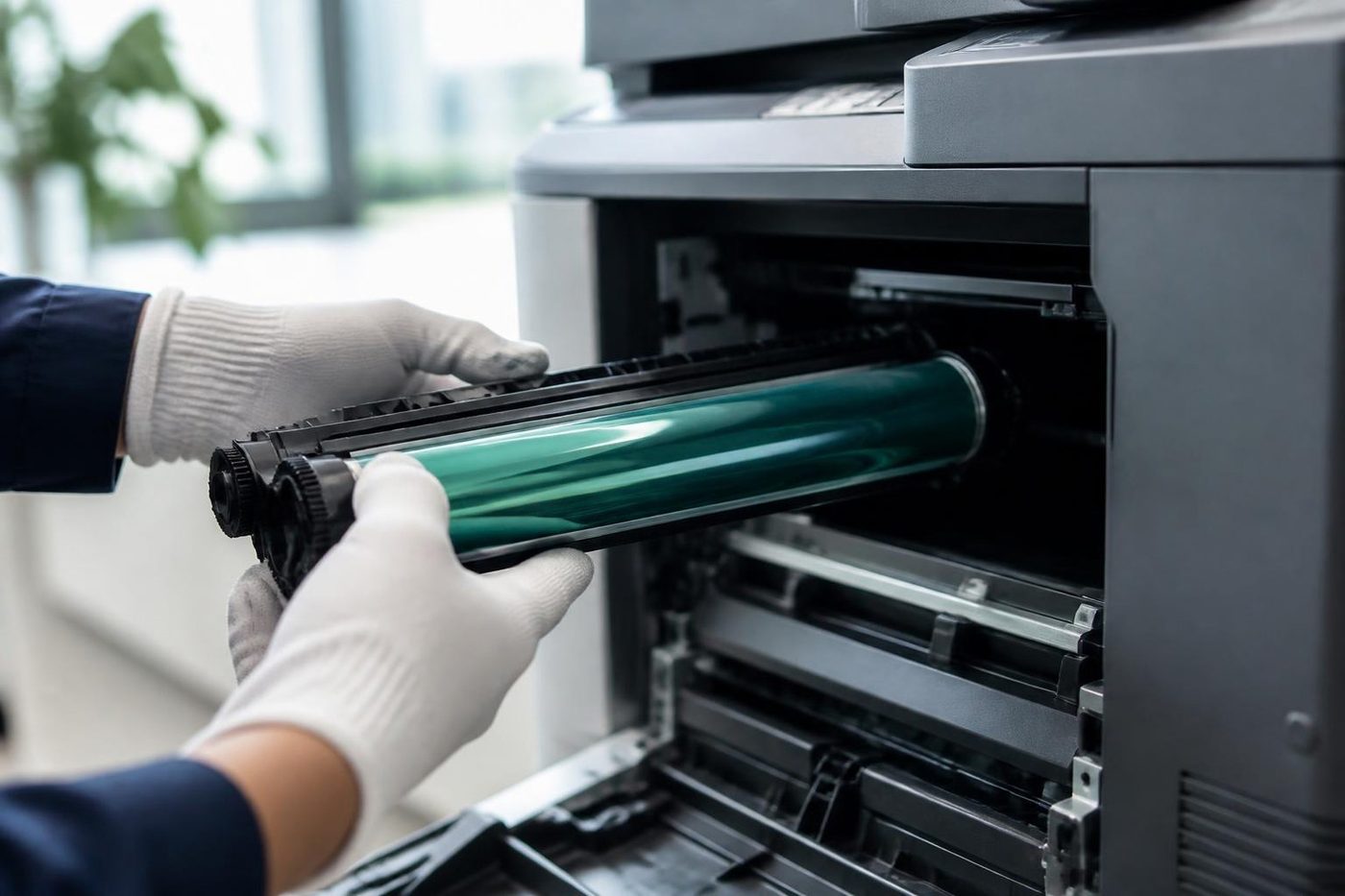 Is my copier worth repairing?How we weigh a repair against a replacement.
Buy, sell and lease
Buy, sell and lease commercial copiers on the Sunshine Coast
We also sell new and second hand commercial copiers and buy used ones. Same team, same technicians.


Around the coast with the van

What people ask when they ring
What should I do first if I cannot tell what is wrong?
Start from what you can see. Hold on to the last bad page, jot down anything shown on the display, and open the guide that looks nearest. When none of them fits, phone us and give the machine's name and what it is doing.
Can I fix a copier myself?
Some things, yes. Loading paper, clearing a visible jam from the handles marked for users, clearing a stuck queue and replacing toner. Anything involving heat, high voltage or the drum belongs to a technician.
Do I need the error code before I phone?
Helpful, not essential. The model name plus what you can see it doing gets us started.
Is it better to photograph the fault?
Yes. A photo of the display or the bad page saves minutes on the phone, and the contact form takes one if the lines are busy.
When could someone be at our door?
We offer same day visits but never pin down a time in advance; once you ring we say what looks realistic.
Do you repair every brand?
We handle most commercial makes and models, and our knowledge runs deepest on Toshiba and Kyocera. Name the machine and we say plainly whether it is one of ours.
Which fault guide should a builder or trade office read first?
Usually the paper and the network ones. Site paperwork is printed in bursts, so jams, damp paper and a printer that disappears after the router restarts are the three we hear about most.
Is it worth keeping a log of faults?
Yes. Leave a few lines by the machine with the date, what the screen showed and what was done. It shows us whether we are chasing one fault or several, and whether repair bills are heading towards a replacement.
What does a call out cost?
What a visit costs depends on the machine and the nature of the fault. We go through it by phone and agree a price before booking, with no obligation.