Zebra printer repairs Sunshine Coast docks and clinics call about
Nobody rings to say the platen roller is tired. They ring because a barcode has a pale stripe down it, because the scanner at the dock door has started rejecting every carton, or because a red light will not stop blinking while a picker waits with a full trolley.
That is the usual list: a label that scanned fine yesterday and fails today, blank labels coming out, a feed that runs three and stalls, a ribbon that creases and leaves a ghost line, a printer showing online that quietly ignores the job, and a red light that stays on after the cover is shut.
You do not need a part number. The make, the model and a few words on what it is doing are plenty, and the rating sticker under the printer tells us the rest.
Where the Zebras work
Drive through the estates at Kunda Park, Warana, Caloundra West and Yandina and a desktop Zebra is sitting on almost every goods in desk and trade counter. Building supplies, food and drink and online retailers all pick and pack against a label, and when one printer goes quiet a whole shift can go with it.
Health care keeps its own printers busy all day. Wristbands and specimen labels come off small machines at the Birtinya health precinct, at the hospitals in Nambour, Noosa and Gympie, and in the many allied health rooms in between, and those machines get wiped with alcohol several times a day. The printhead handles it. Some of the plastic around it does not.
Closer to the beach the trouble is salt and damp in sheds and workshops. Up in the hinterland, packers label cartons bound for the chiller, and the condensation on cold stock gives labels that curl and print that fades. Dust lands on the media sensor before anywhere else, and a sensor that cannot make out the gap between labels is the classic reason for a printer that feeds one label plus a little extra.
The Zebra families we meet
Zebra retires and renames models regularly, so take this as a rough guide and read us the label if yours is not here.
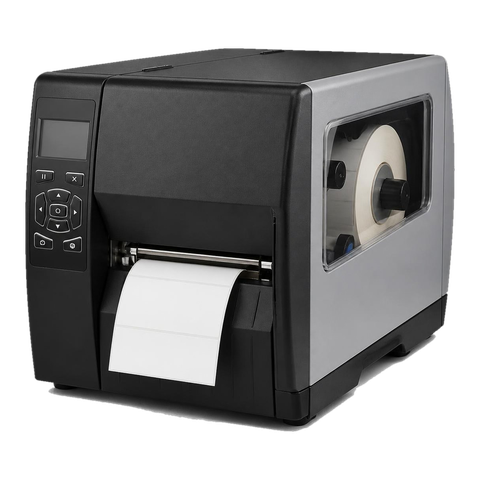
Current desktop printers, the ZD411, ZD421 and ZD621, sit on benches, counters and packing tables, and what gives out is usually the head, the platen, a dirty media sensor or the latch. Many sites still run the older GK420d and GK420t, with the same weak points apart from a thermal media sensor in place of the latch. Further back are the LP2844 and TLP2844, retired by Zebra but still found in back rooms, where plastics, ports (serial and USB) and the roller are what fail.
On the dock or the dispatch floor you find the ZT411 and ZT421, successors to the ZT410, and these wear heads, platens, ribbon spindles, drive belts and media sensors. Plants and large dispatch operations sometimes still run the heavy 110Xi4, whose weak spots are the head, platen and rewind and ribbon drive parts.
The ZQ520, ZQ620 and ZQ630 are the mobile ones, clipped to belts and carried by drivers and ward staff. Batteries, heads, platens, cover latches and cradle contacts are what we replace. Card printers in the ZC series make ID badges and access cards, and their trouble is the head, the cleaning roller and the feed rollers.
Reading a Zebra model number
Start with the first two letters: ZT is industrial, ZD desktop, ZQ mobile and ZC card. The hundreds digit names the series, so ZT400 covers the ZT411 and ZT421 while ZD400 covers the ZD411 and ZD421, with the ZD621 alongside. Zebra says the ZT411 can print as wide as 4 inches, handles thermal transfer or direct thermal, and takes options such as a peeler, cutter, liner take up and full rewind, in 203, 300 and 600 dpi. The ZT421 is a series sibling with the same print methods and connections.
Locally the pattern is simple. A ZD tends to live on a counter, pharmacy bench or packing desk. A ZT stands at a dock or in a dispatch bay and works a whole shift. We go through both in the same order: head, platen roller, sensors, settings.
Direct thermal or thermal transfer, and the setting that confuses them
With direct thermal, a heated, treated label darkens and no ribbon is involved. Thermal transfer melts ink from a ribbon onto the label. Either way the printer needs to be told which job it is doing. Set it for transfer with no ribbon loaded and it complains about the ribbon. Set it for direct thermal with a ribbon fitted and some models are unhappy about that as well.
A wrinkled ribbon is a transfer problem. Typical causes are a ribbon wound slightly crooked, spindles that stick, a ribbon narrower than the label, and head pressure that is not even from side to side. Our technician looks at the ribbon path, the pressure and the roller, then shows whoever does the loading how to do it cleanly.
What the lights say
Zebra publishes its light patterns model by model, so one colour can mean two things depending on whether you own a ZD421 or a GK420. The readings here are the published ones. A light only points at an area. We test before we price a part.
- Steady green: powered and waiting.
- Flashing red: media or ribbon has run out, or a cover is open. Reload and close up.
- Flashing amber, GK series: the head is overheating, and the printer resumes once it cools.
- Double flash of green: paused. Press feed to carry on.
- Green and red taking turns, GK series: the flash memory has not been programmed, and that needs a service call.
- Head open, ribbon out, media out: wording on models with a screen. Media out is often a sensor or calibration issue rather than a bare roll.
- Cut error: the cutter blade has jammed, and a technician needs to look.
Screen messages, and where we start
Models with a display spell it out, while light only models blink something close. The text below draws on the guide for the ZT411 and ZT421, with Printhead Over Temp checked against the ZD421 and ZD621 guide.
- Head Open: the printhead is not fully latched. Close it properly. If the message stays, we examine the latch and the open sensor, and Zebra states that a failed sensor needs a technician.
- Ribbon Out in thermal transfer mode: there is no ribbon, it is loaded wrongly, or the ribbon sensor is faulty. We trace the path, test the sensor and check the mode. If the ribbon is loaded correctly and the printer says it is not detected, calibrate first.
- Transfer mode on direct thermal stock, or the reverse: the print method and the stock disagree. Change the method or take the ribbon out.
- Media Out: the stock is absent or loaded wrongly. A full roll can still set it off, which sends us to loading, sensor position and calibration.
- Media path obstruction: misloaded or jammed stock. Zebra suggests looking for labels wrapped around the platen roller.
- Printhead Over Temp: the head ran hot and the printer stopped to cool. Consider where the printer stands.
- Printhead cleaning, near end of life or element failure: a dirty head, an ageing one, or a dead element. A test print reveals the dots.
- Printhead below operating temperature: the head is cold. Zebra says keep printing and it will warm, or relocate to somewhere warmer, which describes the cold store case.
- Cutter blade in media path: power off, unplug and look for debris and adhesive on the cutter module.
- Insufficient memory: the label format is bigger than the printer can hold.
Settings come before parts
Run your eye down those messages and a pattern shows. Several are about how the printer was set up and not about wear. A ribbon alert with the ribbon in place may simply be a direct thermal job. Media out on a full roll may be a sensor wanting calibration. A Zebra knocked out of line by a settings change looks faulty and prints odd labels while nothing is worn. Our order is to calibrate, check the mode and print a configuration sheet, and only then name a part.
When labels creep or the printer claims to be out of media with a roll loaded, calibrate the sensors on the stock that is really inside. Gap labels, continuous stock and black mark stock are each detected differently, and the printer must know which one it has. Darkness and speed pull against each other: set too dark and the head burns, set too light and it looks like a head on its way out. We set both for your stock and judge by a test print.
Software matters too. Current Zebras speak ZPL and older ones speak EPL, so a job that lands at the wrong size or shifted across the label usually points to a driver or template, not hardware. Zebra Setup Utilities, and Link OS on current models, let us read the configuration, check network settings and firmware, and compare a faulty printer with a healthy one.
Wear parts, in the order they go
The printhead is first to go. One burnt dot makes a white line, abrasive stock cuts its life short, and a head kept cool and cleaned with the right wipe lasts longer. The platen roller works against it and ages with it. Once it glazes or picks up a flat spot, labels skew, print goes patchy and the stock wanders.
Media and ribbon sensors gather dust, adhesive and ink, and often a clean cures what seemed to be a dead part. On the industrial models, belts and gears announce trouble with noise or slip. Cutters and peelers gum up with adhesive. Mobile printers lose batteries, and one that dies halfway through a delivery run or a ward round has usually had its battery serve out its time.
Heads fall to static and fingernails easily, so no one should change one by feel. A row that looks burnt may be residue, and a cutter clogged with glue looks like a dead cutter. We test, tell you what we found and agree the price on the phone.
Heat, cold and the printhead
Zebra advises moving a printer out of direct sun when it shows Printhead Over Temp, and a workshop with the door rolled up and the afternoon sun coming straight across the bench is exactly the case it has in mind. The fix costs nothing. A chilled dock produces the opposite problem, because Zebra lists a head that is too cold as an alert of its own, and cold stock prints pale and does not stick well.
Carrying a label printer ten metres has cured more of these faults than any part we have fitted.
Cleaning a Zebra without making it worse
Thermal printer makers broadly agree: switch off, let the head cool, then wipe it with isopropyl alcohol on a swab, moving in one direction along the row of dots. Do not use a screwdriver, a fingernail or a coin, and do not clean a hot head. Scratches in the head leave a stripe that no cleaning removes.
Wipe the platen roller while you are there, and blow the dust off the sensors. How often depends on use. A dock printer running a full shift wants a look each week. A pharmacy counter printer turning out a few labels a day can wait a month.
If the white line survives a wipe, stop wiping. Those dots are burnt and will not come back. This is the point where a call to us saves you from wasting a second roll of labels.
Wristbands, specimen labels and the clinic that cannot wait
Clinic and ward printers produce labels that must be right and legible. A pale wristband is a safety problem and not a cosmetic one, so when staff tell us a printer is printing light we treat it as a priority.
On a direct thermal printer, light print comes from a head that needs cleaning, a head that is worn out, or a darkness setting that has slipped. Heat plays a part as well, because direct thermal stock left in a hot car or on a sunny sill darkens before it is printed. Look at the roll before you blame the printer.
The alcohol wipes clinics use on everything are fine for the head and hard on some plastics. A cover turning cloudy and cracking at the latch is normally down to the cleaning routine and not a fault, and the latch is a part we can replace.
Online, ready, and still not printing
A networked Zebra can show ready on its screen and still ignore a job. The causes are seldom mechanical. The driver may point at an old address. The label format may have been drawn for another label size, so the printer rejects it. A change to the office network may have blocked a port. And a format sent to a printer without enough memory will not print either.
We read the configuration printout, check network settings and firmware, and compare with a working printer if one is on site. When the cause sits in your label software, we tell you where to look. When the printer is at fault, we repair it.
Stock matters as much as the printer
Poor label stock does more harm than a worn head. Rough or abrasive stock shortens printhead life. Labels that lift at the corners leave glue on the platen roller. Gap labels, continuous media and black mark media are sensed in different ways, so a printer loaded with one and set up for another will report media out or drift.
On a visit we look at what you print on and whether it suits the machine. For some faults a change of stock is the only cure, and for a few it is the only cheap one.
A spare on the shelf
A dock relying on a single Zebra is a single fault short of a stopped shift. Keep a spare desktop in the cupboard, set up with the same driver and the same stock, and a crisis becomes a ten minute swap while we sort the broken one.
If you want to talk about a second machine, or a replacement for a Zebra that has done its time, we can cover that in the same call.
A call, then a visit
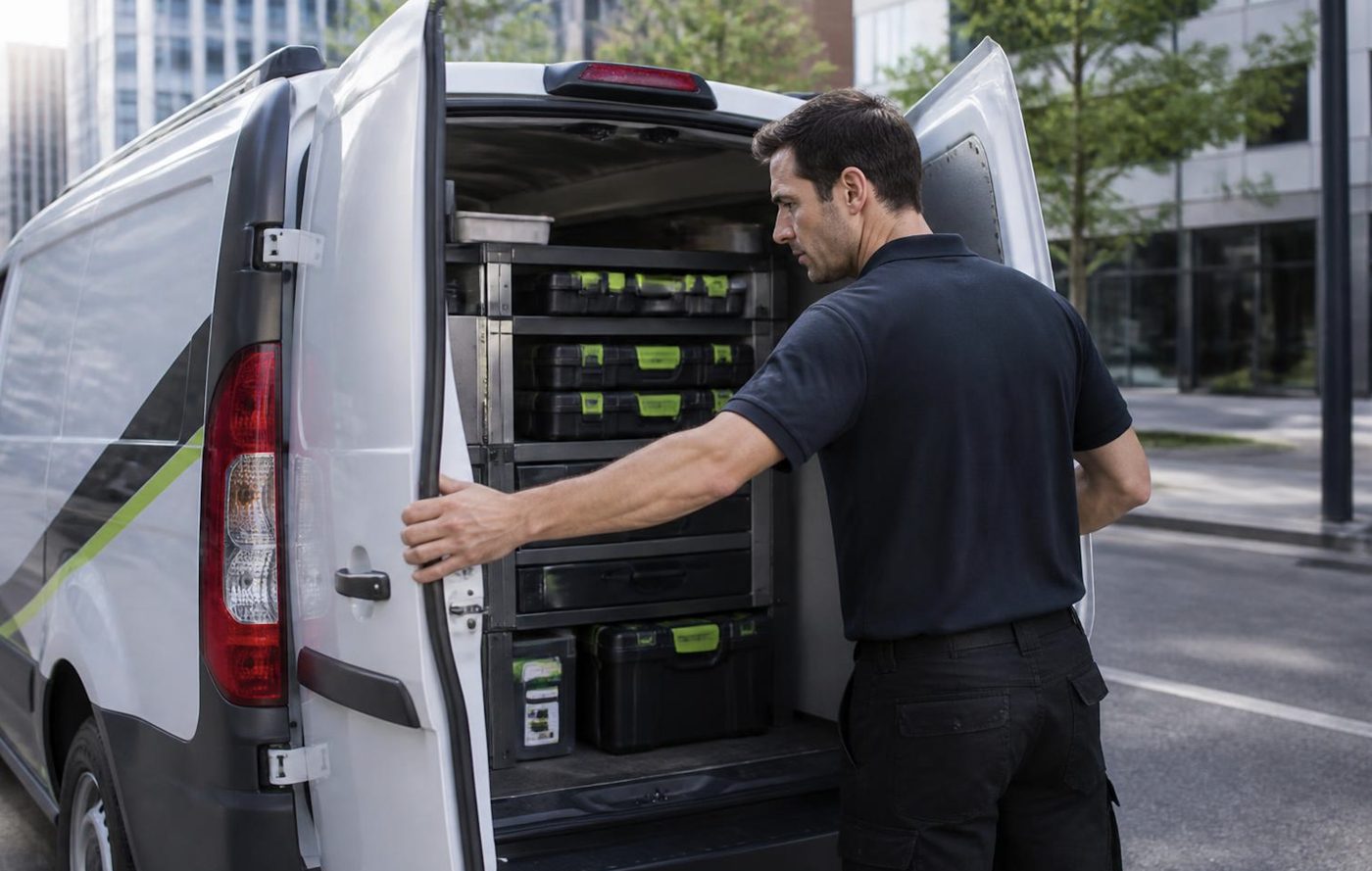
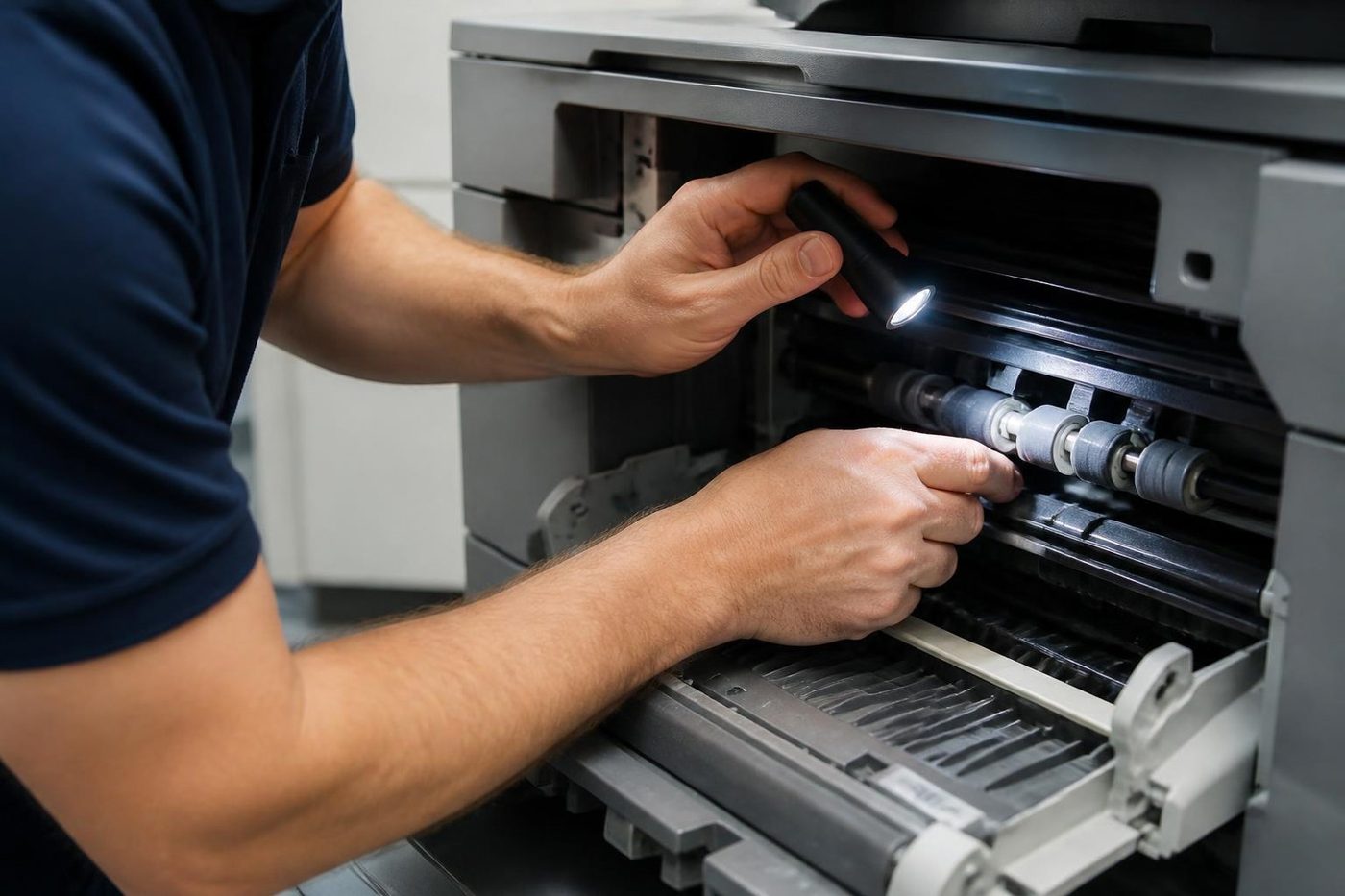
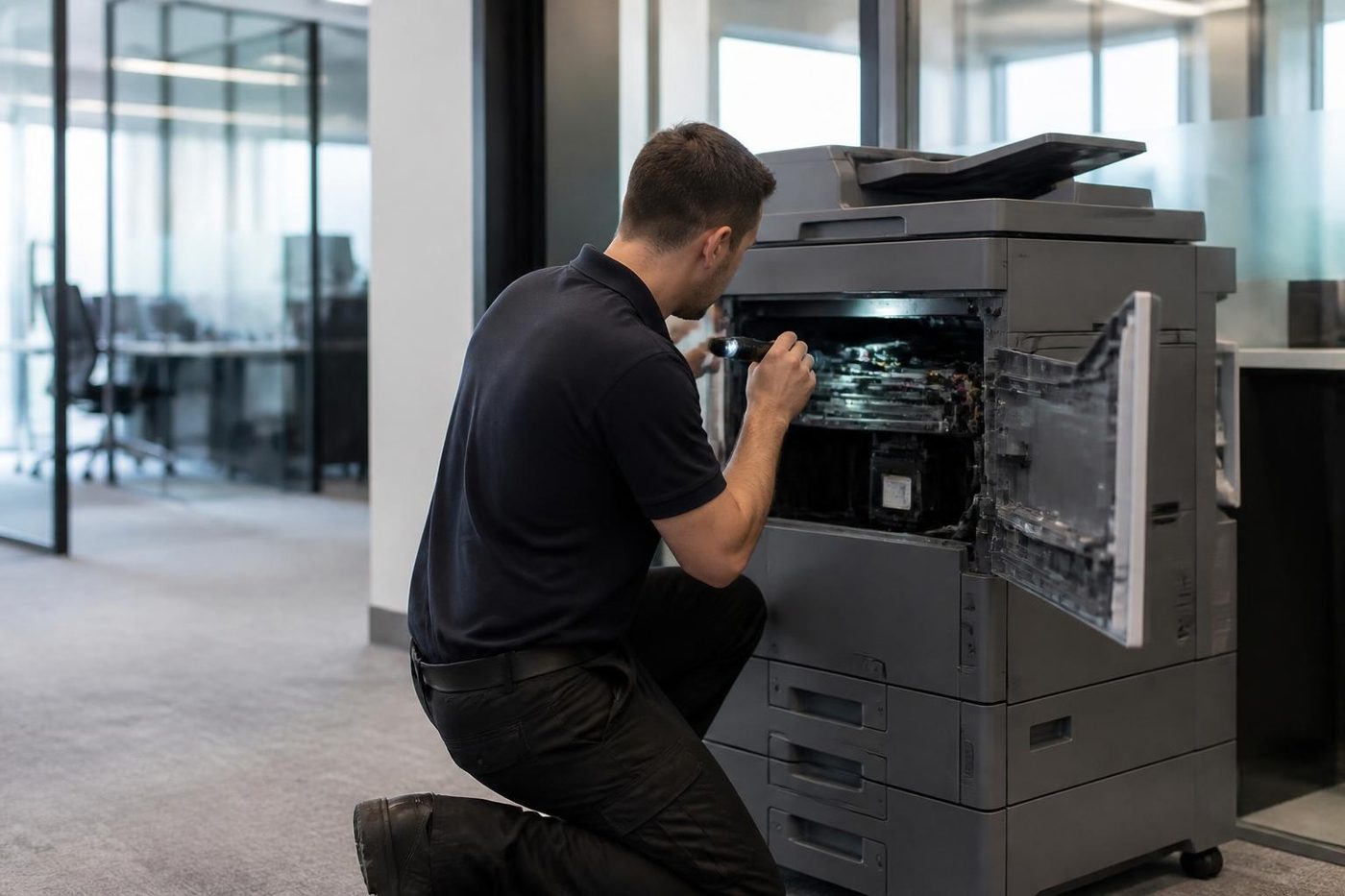
Ring first. When the lines are busy the call is logged and returned. Confirming the model on the phone means the right head or roller can be in the van before it leaves. The repair is done at your premises, so your label stock stays in the building, and technicians carry the common spare parts.
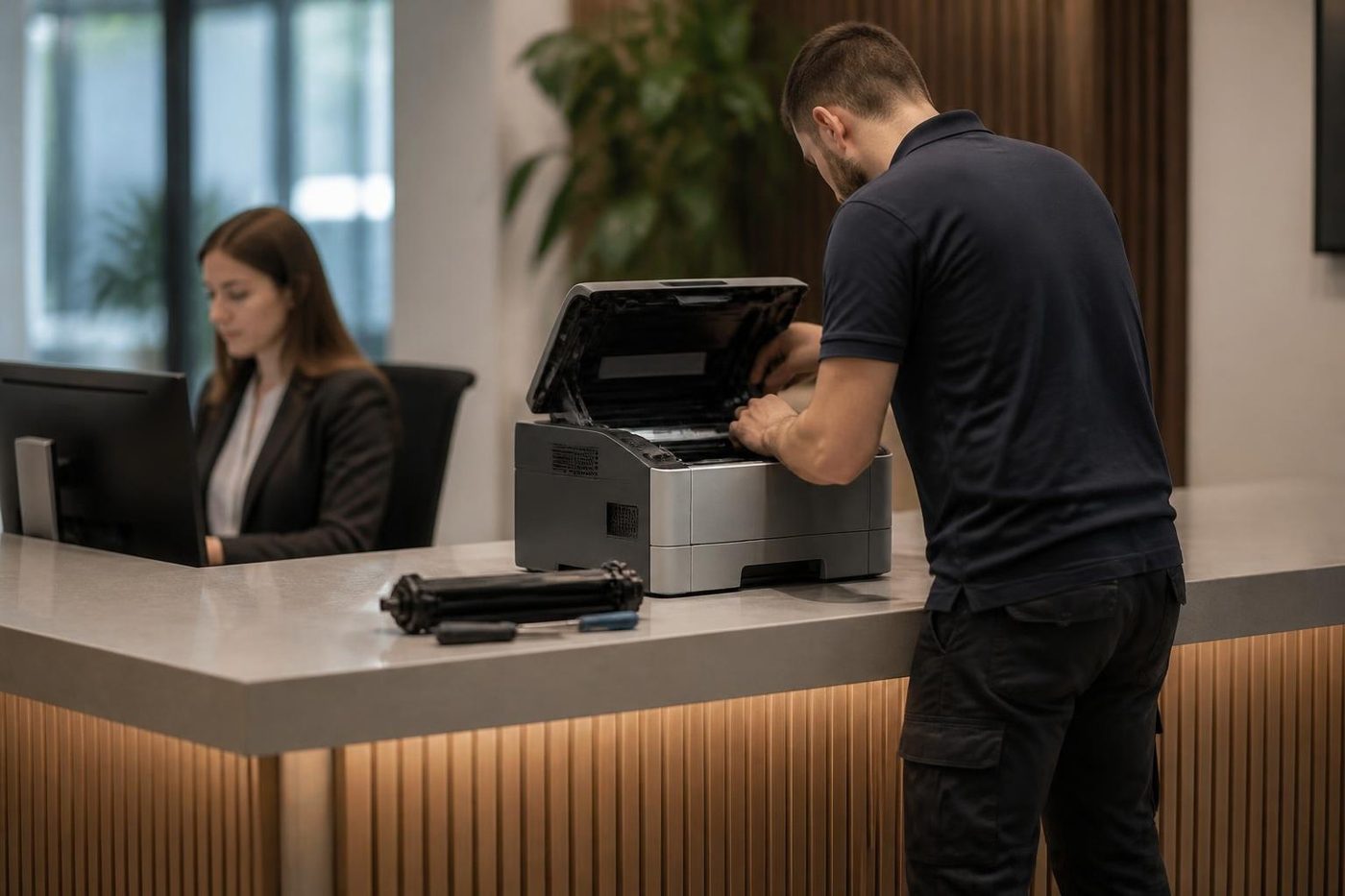
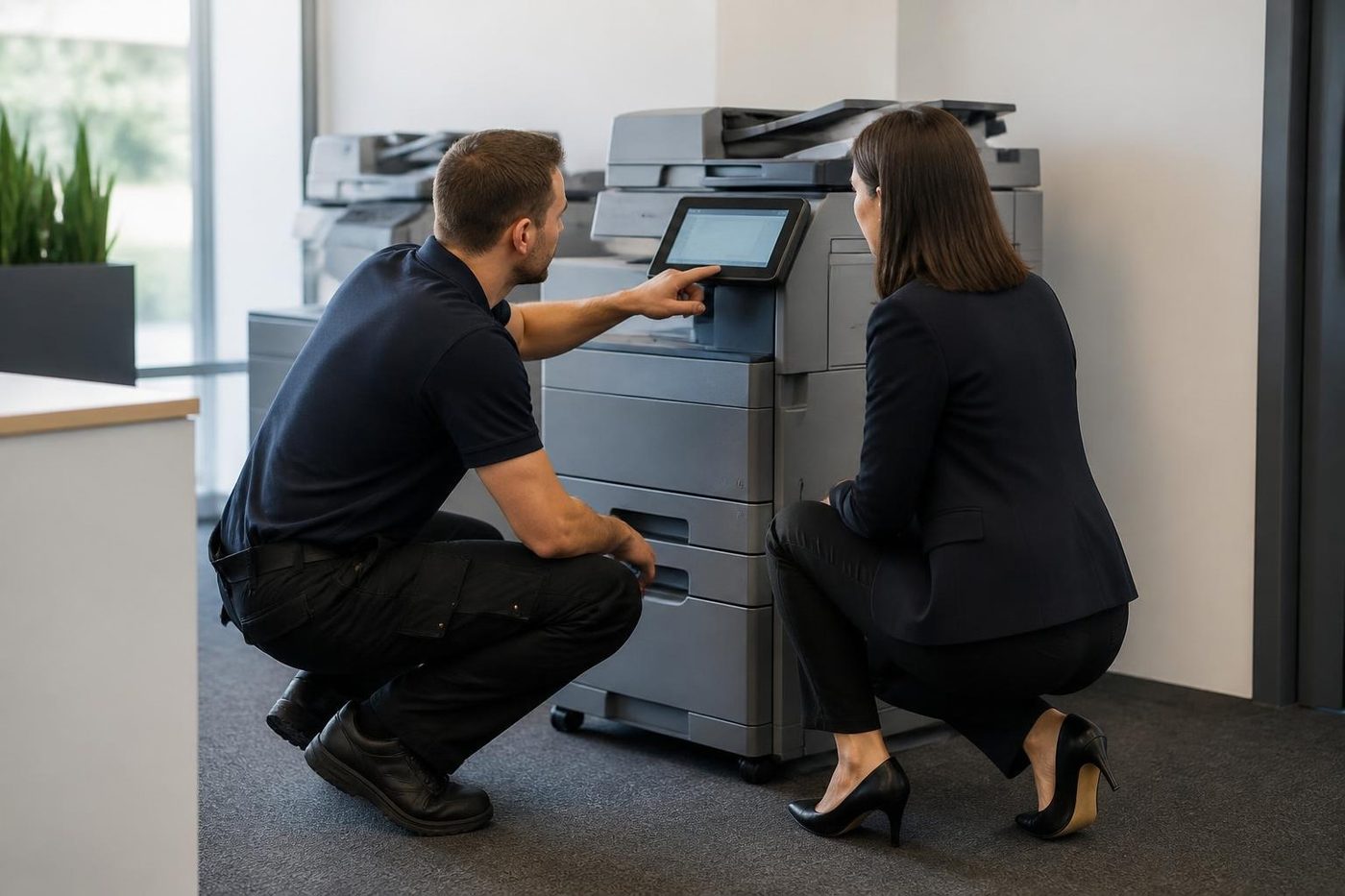
The technician signs in at reception, asks whoever feeds the printer each day what it has been doing, finds the cause before any part goes in and tests on your own labels. We are independent and not Zebra. Our work is warranted, with the detail explained on the phone, and a repeat of the same fault is fixed again free.
Zebra service from Caloundra to Gympie
We look after Zebra printers from Caloundra and Maroochydore through Nambour to Noosa, and north to Gympie and the country around it. Where several machines share a site we group them into one visit, and a Zebra repair is often done alongside the office copier in the same call. Same day service is available.
If a printer is past saving, we buy and sell machines, new and second hand, and the machines we sell are warranted.
What happens on a Zebra job


Damp and salt
The coast does odd things to paper and metal
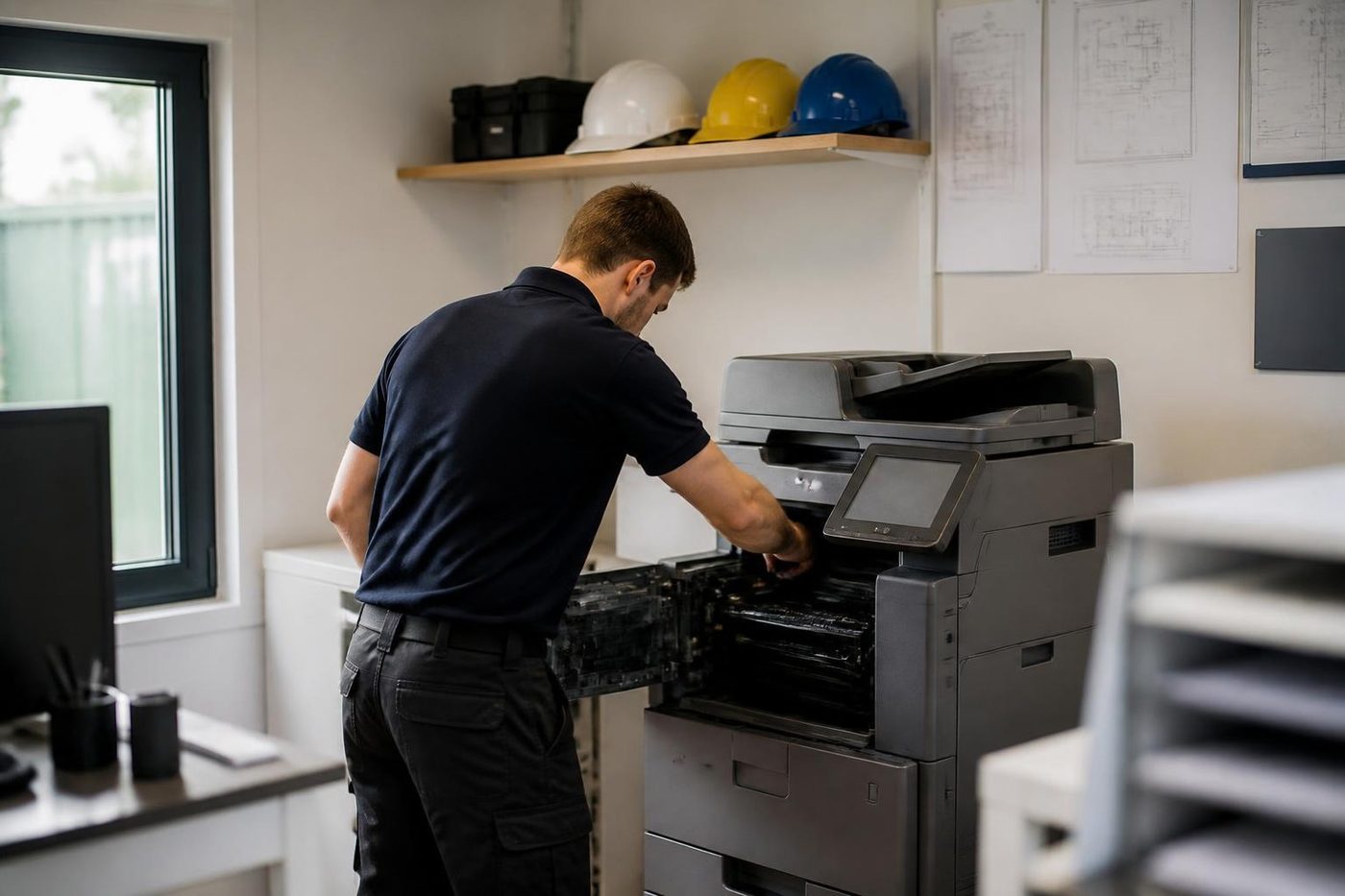
Paper takes up moisture on a humid Mooloolaba afternoon and then jams in a machine that was fine last week. Cartons stacked on a garage floor in Pelican Waters are worse. Before anyone blames the copier we look at how the paper has been stored, because that is a free fix.
Sometimes the answer is a new roller. Sometimes it is a cupboard shelf. We would rather say which.
- Check the paper. Wrapped, off the floor, out of the sun.
- Look at the room. Damp, dust and salt all count.
- Fix the cause. Parts only when they are the problem.
More for Sunshine Coast offices
Commercial printer repairsCommercial laser printers, label printers and fleets repaired on site. OKI repairsOKI LED colour and mono printers and Microline dot matrix, fixed on site.
 Lexmark repairsLexmark mono and colour lasers and MFPs fixed at your premises.
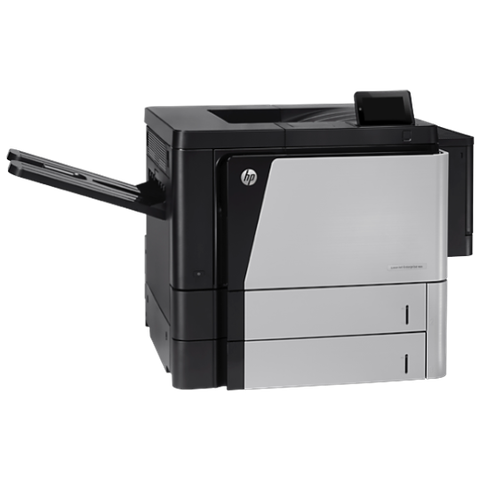 HP repairsLaserJet Pro, Enterprise, Color LaserJet and DesignJet repaired on site.
 Kawana and BirtinyaMedical suites, Kawana Way offices, Birtinya and Bokarina.
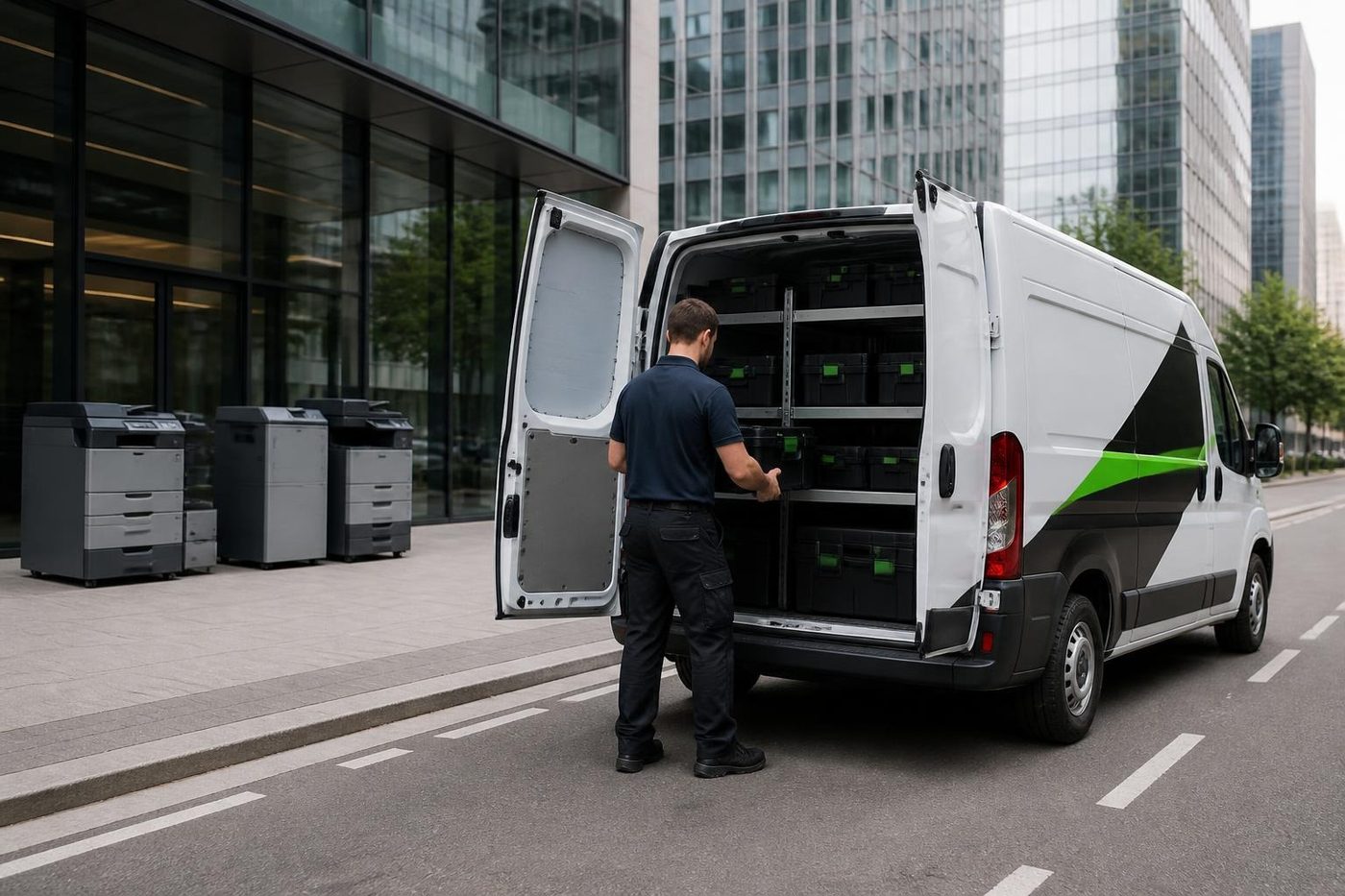 CaloundraBulcock Street counters, west side yards, beachside offices.
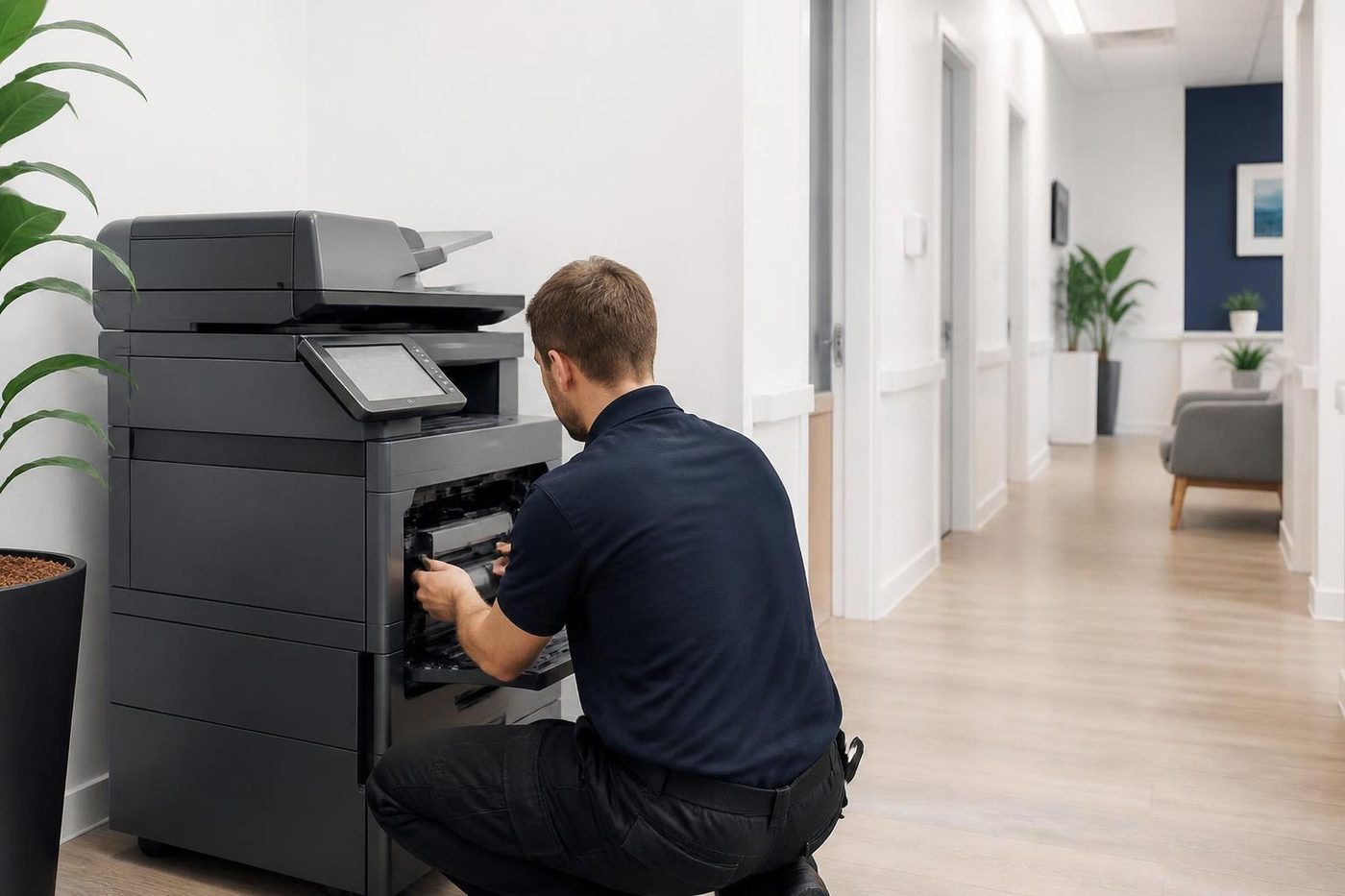 Printer and copier salesNew and second hand commercial copiers, printers and plotters, with our own technicians behind them.
Buy, sell and lease
Buy, sell and lease commercial copiers on the Sunshine Coast
We also sell new and second hand commercial copiers and buy used ones. Same team, same technicians.



Offices, surgeries and site sheds

What people ask when they ring
Why is a white stripe running through my barcodes?
Most often a burnt row of dots in the printhead. We test the head and the dots before quoting anything, because residue can look the same.
The Zebra says media out but the roll is full. What is wrong?
Frequently a sensor that wants calibrating or cleaning. Calibrate for the stock that is actually loaded, then clean.
Why does my ribbon crease?
Common causes are a ribbon wound crooked, spindles that stick, a ribbon narrower than the label, or uneven head pressure. We go over the path, the pressure and the roller.
What does a flashing amber light mean on a GK series?
Zebra says the printhead is overheating, and it carries on once it cools. Check where the printer sits and whether sun reaches it.
Do mobile Zebra printers get repaired?
Yes, including the ZQ520, ZQ620 and ZQ630. Batteries, heads, platens, latches and cradle contacts are the usual jobs.
What about card printers?
The ZC series is covered. Head, cleaning roller and feed rollers are the common wear points.
Is it worth repairing an old LP2844 or GK420?
Often, yes. Zebra has discontinued the LP2844 but plenty are still running. We tell you straight if the repair would cost more than the printer is worth.
Do I need to bring the printer in?
No. We work at your premises and your label stock stays where it is.
How fast can you get to us?
Same day service is available. When you ring we tell you what is realistic for your suburb.