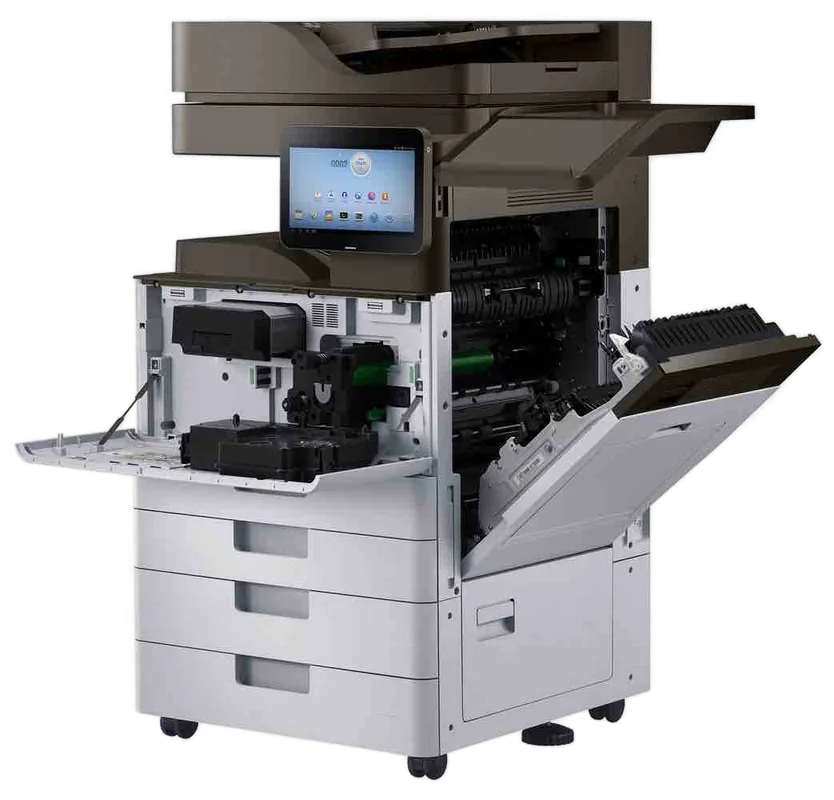
Kyocera TASKalfa and ECOSYS service, Sunshine Coast
Kyocera printer and copier service Sunshine Coast: TASKalfa and ECOSYS repairs
A Kyocera that stops is usually telling you something specific. The drum and developer parts in these machines last a long time, so when a fault turns up it is worth reading properly. Same day service is available. We settle the price with you by phone before a booking is made.
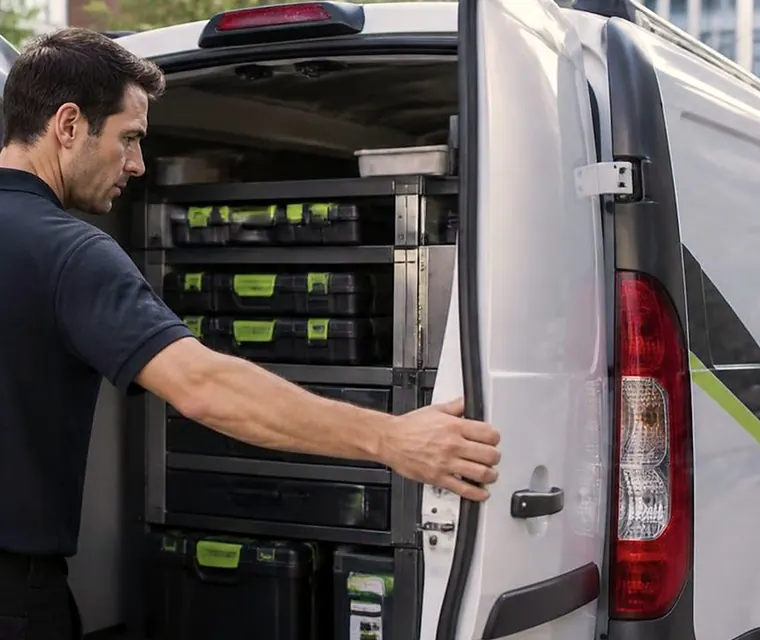
Copier and printer repairs, plus machines to buy and sell, on the Sunshine Coast
Kyocera printer service Sunshine Coast: TASKalfa, ECOSYS and which one you own
TASKalfa is the copier line. ECOSYS is the printer line and the smaller multifunctions. The letters and numbers after the name tell us colour or mono, paper size and speed. Put a TASKalfa 3554ci next to an ECOSYS M3655idn in the same corridor and they look like cousins under their grey covers, but the parts inside are different.
Give us the whole name and the visit can be planned before anyone is booked. Where the lettering has worn off the front, a label on the side or back repeats it, and a phone photo of that label does the job.
Ours is an independent service business. Kyocera we are not, and we make no claim to be a Kyocera dealer. These machines are repaired at your premises across the Sunshine Coast, with Caloundra, Noosa and Gympie all inside our area.
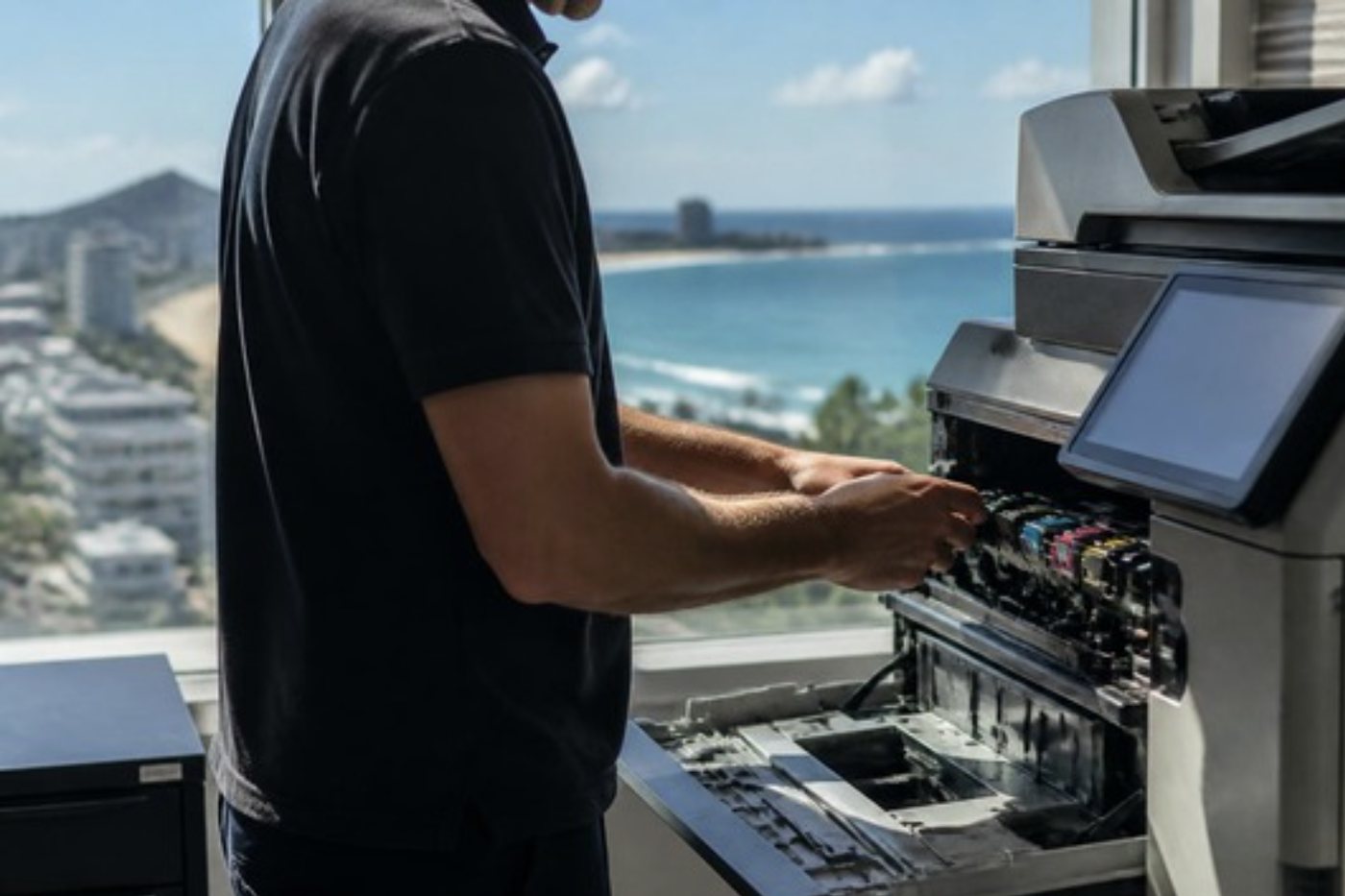
Get a price in three steps
- Describe your machineMake, model and the problem you are seeing.
- We phone with the priceYou hear it before anything is booked.
- A certified technician attendsSame day where the diary allows.
Why a fault on a Kyocera means something
Kyocera made its name with drums and developer parts that outlast those in a lot of rival machines. The toner container is separate, so in normal use you change the toner and leave everything else alone. That is a good design. A side effect is that the wear parts say nothing for years and then all complain at once.
When a TASKalfa or ECOSYS stops, there are usually two possible explanations. Either a part has truly come to the end of its working life, or the machine has been fed badly for a long while. The answer decides whether the fix is a new part or a change in how the machine gets used.
A long life drum only lasts if it is handled well. One left in daylight, scratched on removal or refitted crooked gives up long before it should. That is the practical reason to send someone who has done it before. The people we send are trained, experienced and certified, and roughly 98% of repairs wrap up on the first visit.
Kyocera series we repair
In Kyocera naming, ci on the end of a TASKalfa means A3 colour and i means A3 mono. ECOSYS machines end in cdn or cidn when they are colour and dn or idn when they are mono. The table covers what we see most often. A model that Kyocera Australia lists as discontinued is labelled an earlier range here.
| Family | Models we meet | Usually found in |
|---|---|---|
| TASKalfa 2554ci up to 7054ci | A3 colour from 25 to 70 pages per minute, in six steps: 2554ci, 3554ci, 4054ci, 5054ci, 6054ci and 7054ci. Kyocera shows the 5054ci as discontinued, so it counts as an earlier range with us. | Medium and large office departments. |
| TASKalfa 2553ci up to 6053ci | An earlier range of A3 colour machines with a 10.1 inch touch panel: 2553ci, 3253ci, 4053ci, 5053ci and 6053ci. | Offices still on the previous generation. |
| TASKalfa 3212i, 4012i | A3 mono at 32 and 40 pages per minute. | Departments doing black and white work. |
| TASKalfa 5002i, 6002i | Higher volume A3 mono. | Mono copy and print rooms that never stop. |
| TASKalfa 3511i | A3 mono. | Small to mid size offices. |
| TASKalfa MZ3200i and MZ4000i | A3 mono multifunctions rated at 32 and 40 pages per minute. | Offices after a straightforward mono machine. |
| ECOSYS M3655idn and M3660idn | A4 mono multifunctions, 55 pages a minute on the M3655idn. | Busy A4 workgroups. |
| ECOSYS P3055dn | A4 mono, print only, 57 pages a minute. | High speed workgroup printing. |
| ECOSYS PA and MA series | Newer mono printers and multifunctions, such as the PA4500x and MA4500ifx. | Reception and small teams. |
| ECOSYS P and M colour | Older A4 colour printers and multifunctions. | Offices that never replaced them. |
Time for maintenance: a reminder, not a breakdown
Offices ring in a state about a maintenance message on a machine that is printing fine. Page count drives the prompt. Printing carries on, yet leave it too long and the parts that are due wear quicker, and putting that right later is dearer than the visit would have been.
Kyocera calls its service packages maintenance kits, MK for short, and what is in one depends on the model. Take the ECOSYS M3655idn as an example. Its listed kit contains a transfer roller, separation and feed roller assemblies, and the drum, developer and fuser units. The P7240cdn and M8124cidn use different kits, so we never assume what is in one without looking at the machine.
Someone who knows Kyocera judges the actual condition and not only the counter. Some machines run happily well beyond the prompt. In a dusty workshop office, some do not, and we say which kind yours is.
Inspection covers a long list. In the imaging area: drum units (colour machines carry a memory chip in each), the black, cyan, magenta and yellow developers, the main charge assembly, and the laser scanner with its cleaner. In the paper path: the fuser, the pickup, feed and separation rollers, and a transfer roller on mono machines or a transfer belt on colour. Then the waste toner container, the staple cartridge, and the motors and fans. The document feeder has a kit of its own, made up of a separation pad holder and a pickup and feed roller assembly.
No Kyocera drum is lifetime, and none is maintenance free, so we make no such claims and quote no page yields. We inspect, report and say whether a whole kit is due or one part will do.
Dust, builders and the industrial estates
Plenty of Kyoceras up here live in workshop offices, site sheds and the mezzanine of a warehouse. Kunda Park, Warana, Caloundra West and the Yandina and Gympie industrial areas all have them. Paper dust, building dust and fine grit from the yard work their way into the feeder and around the pickup rollers, and that is a very common cause of misfeeds and double feeds.
Clearing a jam is not the same as cleaning the paper path. A jam cleared and not cleaned comes back. Cleaning is part of the repair, and in a dusty room we tell you how often to expect it.
Humidity plays a part too. After a wet week, damp paper feeds in ways that look like worn rollers, so paper and room get checked before a part is condemned.
The Maroochydore and Kawana professional offices have a different set of problems. They are mostly about authentication, network and scan settings, especially where the mail or file server is looked after by someone outside the office and changes arrive without warning.
Reading a Kyocera C code
A Kyocera that needs a technician puts up Call service and a code of C followed by four digits, such as C6000, C2000 or C7900. Some firmware and controller faults come up as F codes, and jams appear as J or JAM with a number.
Keep in mind that one code does not mean the same thing everywhere. On the older TASKalfa 420i, C6400 is a zero cross signal error, although a third party blog calls it fuser overheating. For that reason each code is read against your model. The list below comes from service data covering several families, among them the TASKalfa 3253ci, 3252ci, 180, 181 and 420i, and on the 2554ci to 7054ci the meanings may differ.
- On the 3252ci and 3552ci class, C6000 is an induction heating error: the centre thermistor never saw 100 degrees inside 60 seconds of warm up. An older small TASKalfa reports it as a fuser heater malfunction. The suspects are the fuser, the thermistor, the heating board, wiring, connector pins, firmware, and debris lodged in the fuser.
- For the TASKalfa 420i and 520i, C6400 says that no zero cross signal came through within three seconds while the heater was under control. Blame falls on the power source board or the engine board.
- A drive motor problem shows as C2000, and the cause can be a connector, binding gears, a board or the motor itself. C2300 belongs to the fuser motor and C2500 to the feed motor.
- C2810 points at the waste toner motor, either seized itself or with its drive stuck.
- C4201 means the laser beam was not detected, which can come from the laser diode, the detect sensor, a flat cable or engine firmware. C4600 concerns the laser scanner cleaning motor.
- Poor contact at the main charge roller, or too heavy a load on the drum, gives a main high voltage error: C5101.
- A developer unit built for another model, once fitted, brings up C7401 to C7404.
- C7620 is an automatic colour registration error, meaning the test patch fell outside the sensor's reading area or the primary transfer belt is dirty.
- C7800 and C7810 both report the outside temperature and humidity sensor as broken or shorted.
- A drum memory chip that cannot be read or written, again and again, shows as C7901. C7970 and C7980 relate to the waste toner box weight sensor.
- C8000 flags a finisher that does not belong on the machine, typically a 100 sheet staple finisher fitted where it is not supported.
- After a security kit has been installed, a security chip error can show as C0850. C0840 is a real time clock fault, which can bring a Time for Maintenance prompt following a long power off.
Reading the symptoms
On the phone we sort symptoms into areas using this shorthand.
| What you notice | Where we look | First checks |
|---|---|---|
| A C6 code at warm up, creased paper, toner that rubs off | The fuser | Fuser unit, thermistor, connector and heating board. |
| Motor codes such as C2000, C2300, C2500, or a noisy start | Drives and feed | Binding gears, rollers that do not spin freely and loose connectors come before the motor. |
| Streaks, dark bands, dots, background toner, a colour shift | Drum and developer | Scanner glass and feeder slit first, then the laser and lens area, then the drum and developer. |
| Smears, weak transfer, colour registration errors | Transfer | Transfer roller on mono machines, belt unit on colour. |
| Misfeeds, multiple feeds, no feed from a cassette | Pickup and separation | Worn or dirty rollers, how the paper is loaded and whether the stock suits. |
| Banding, a missing colour line, a C4 code | Laser unit | Diagnose first. Faults here are rare. |
| Skewed scans, streaks only on feeder copies | Document feeder | Pickup and separation parts and the glass strip. |
| A waste toner full message, or C7970 style sensor codes | Waste toner | The container, its seating and the sensor. |
Command Center RX and the numbers that stump people
Open a browser on your network, type in the machine's IP address, and you are inside Command Center RX, the web page every modern Kyocera carries. An administrator can edit the address book, build email and folder destinations and view network settings from a desk, without standing at the panel.
For scan to email, SMTP has to be switched on first, followed by the server name, port, authentication, login and sender address, with the sender address kept identical to the login. Ports, as Kyocera Australia lists them: 465 when SSL or TLS is used, 587 for STARTTLS, and 25 where there is no security at all. Some older models give no SMTP security choice.
A failed test send hands back a number. 1101 says the SMTP server name is not valid. 1102 says the login was rejected. 4803 says the wrong SMTP security was chosen. Set a sensible email size limit, or a large scan is cancelled without fuss.
With Microsoft 365, a 1102 normally traces to multi factor authentication on the mailbox, basic authentication being turned off, or a requirement for an app password. Which fix applies depends on your tenant settings, so those get checked first, and we cannot promise that Microsoft 365 scan to email can always be put right from the machine side.
Scanning to a folder goes over SMB. The TASKalfa 5054ci, for one, supports SMBv3, FTP over TLS and USB. Some older machines can manage only SMB version 1, which Windows now turns off by default, so the remedy there is firmware or a different route. Create a dedicated Windows account for the machine, share the folder with the right permissions, and put the user into the address book either as domain and user or in email address style. Firmware stays with authorised technicians; we do not supply firmware downloads.
Security, sign in and settings that drift
The 2553ci to 6053ci range came with a trusted platform module, secure boot, integrity checks at run time and built in data encryption. Add local or network authentication, plus a card reader, and you get more spots where a settings change can cause trouble.
When a Kyocera that scanned perfectly on Friday stops on Monday, we go looking for what changed: a server swapped out, a password that lapsed, a share that was renamed. The machine is healthy and the destination has moved. A test send from the panel checks the entry, we correct it and your IT provider hears what we found.
Finishers and options on the Kyocera side
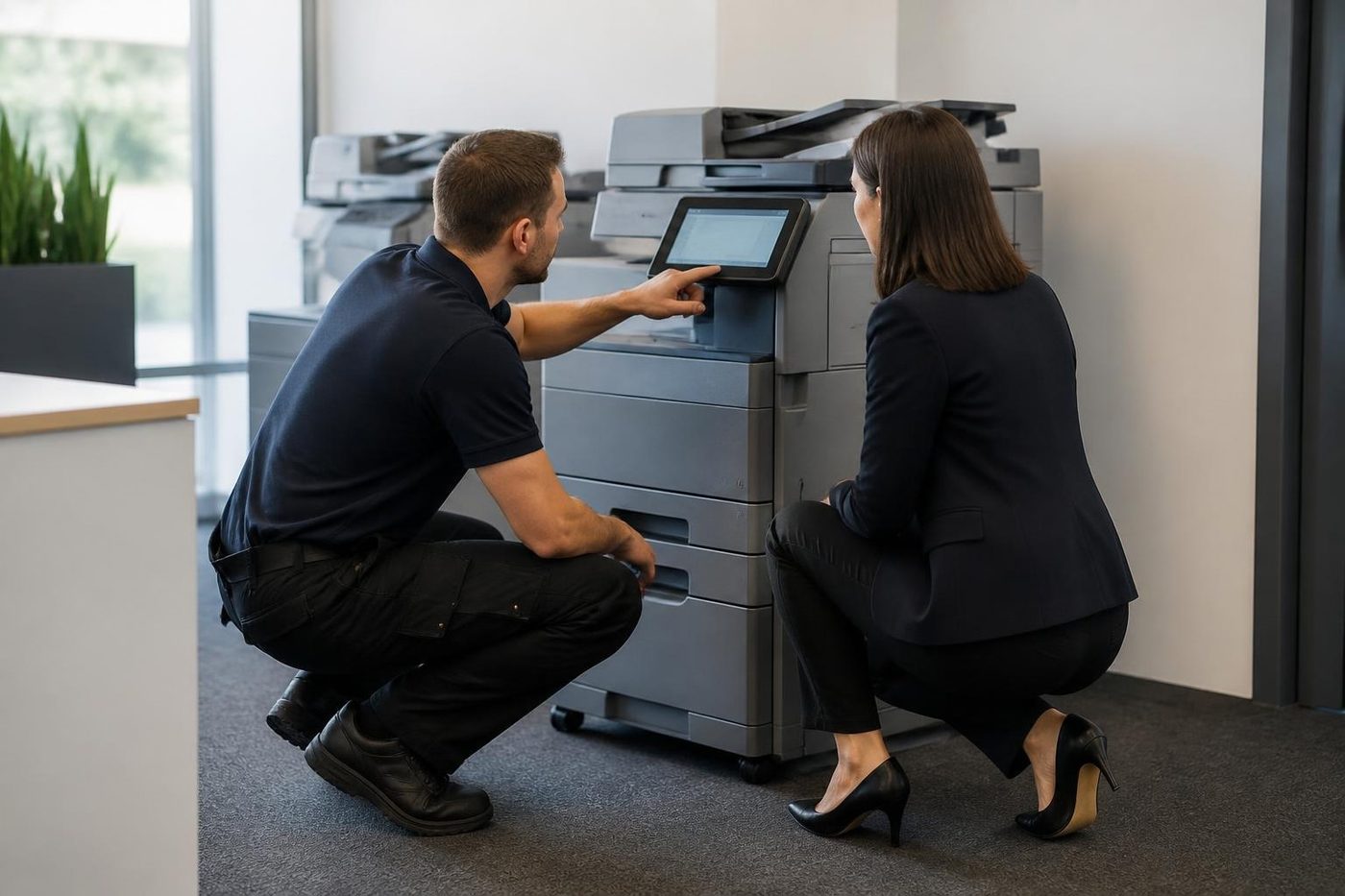
Treat a finisher as a second machine, with motors, belts and sensors of its own, which is why the copier is blamed when it fails. A staple that clicks and never fires, punch waste filling the tray, a skewed booklet. The finisher is run on its own with your paper before the engine is touched.
A good share of Kyocera finisher faults are mismatches, as C8000 shows, so the first check is that finisher and machine are meant to work together, ahead of any hunt for a failed part.
- Document processors come in four models. The DP-7170 reads both sides in one pass, detects multi feeds and staples, and the DP-7160 also reads both sides in one pass. The DP-7140 and DP-7150 complete the set.
- DF-7100 is a finisher for 500 sheets that shift sorts and staples, and the PH-7120 punch can be added.
- DF-7120 takes 1,000 sheets, shift sorts and staples, and works with the PH-7C punch.
- The DF-7140 and DF-7150 are 4,000 sheet finishers that sort to two trays and staple, with punch, folding and Z fold as options. Alongside the DF-7140 sits the BF-730 booklet folder.
- For extra paper capacity there are the PF-7120, PF-7140 and PF-7150 feeders, and a ZF-7100 Z fold unit for the 60 and 70 pages per minute models.
- Also on the options list: Fax System 12, an Internet FAX Kit, Data Security Kit 10, and a card authentication kit that includes an IC card reader.
Kyocera copier repairs: what a visit looks like
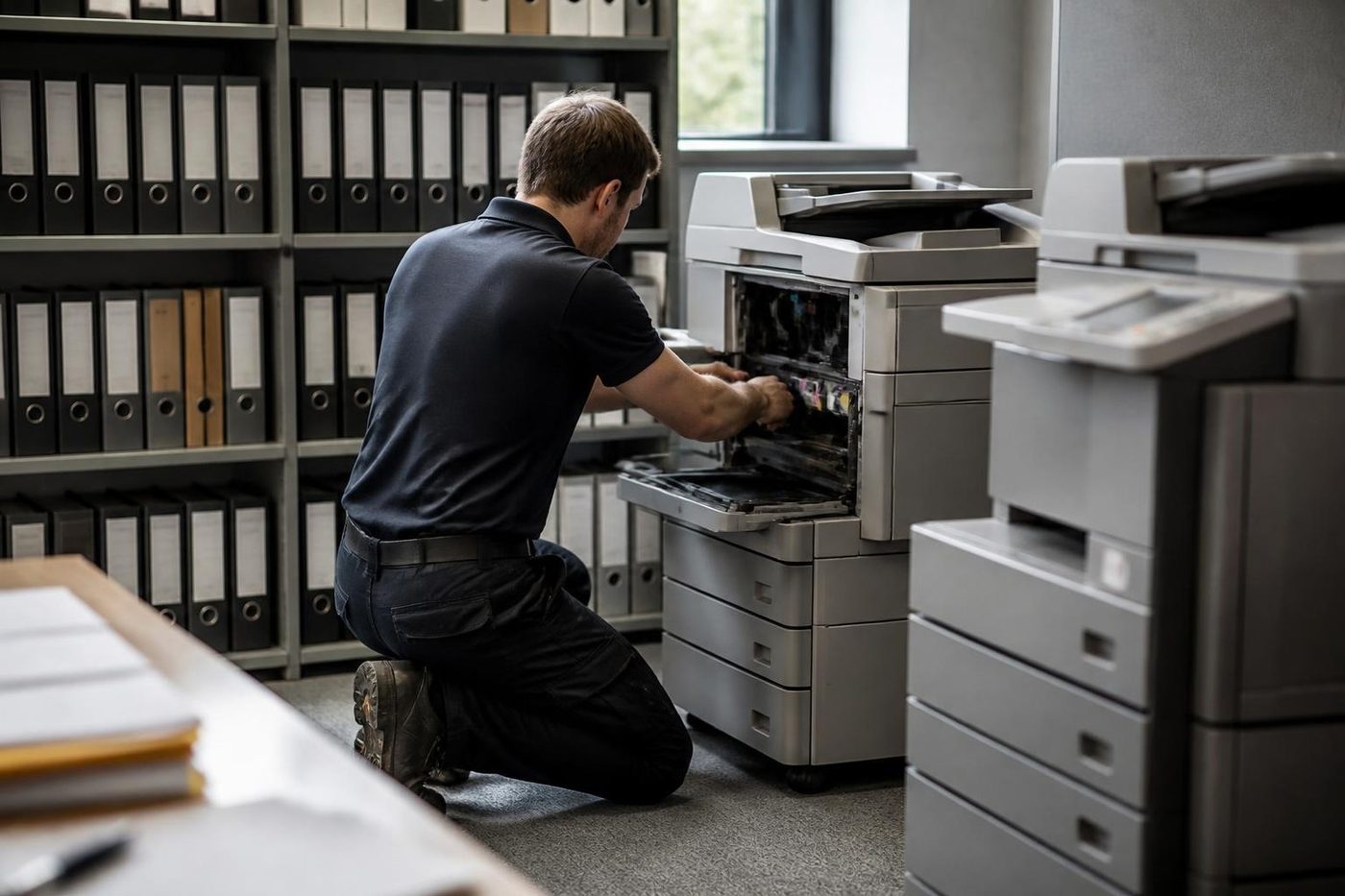
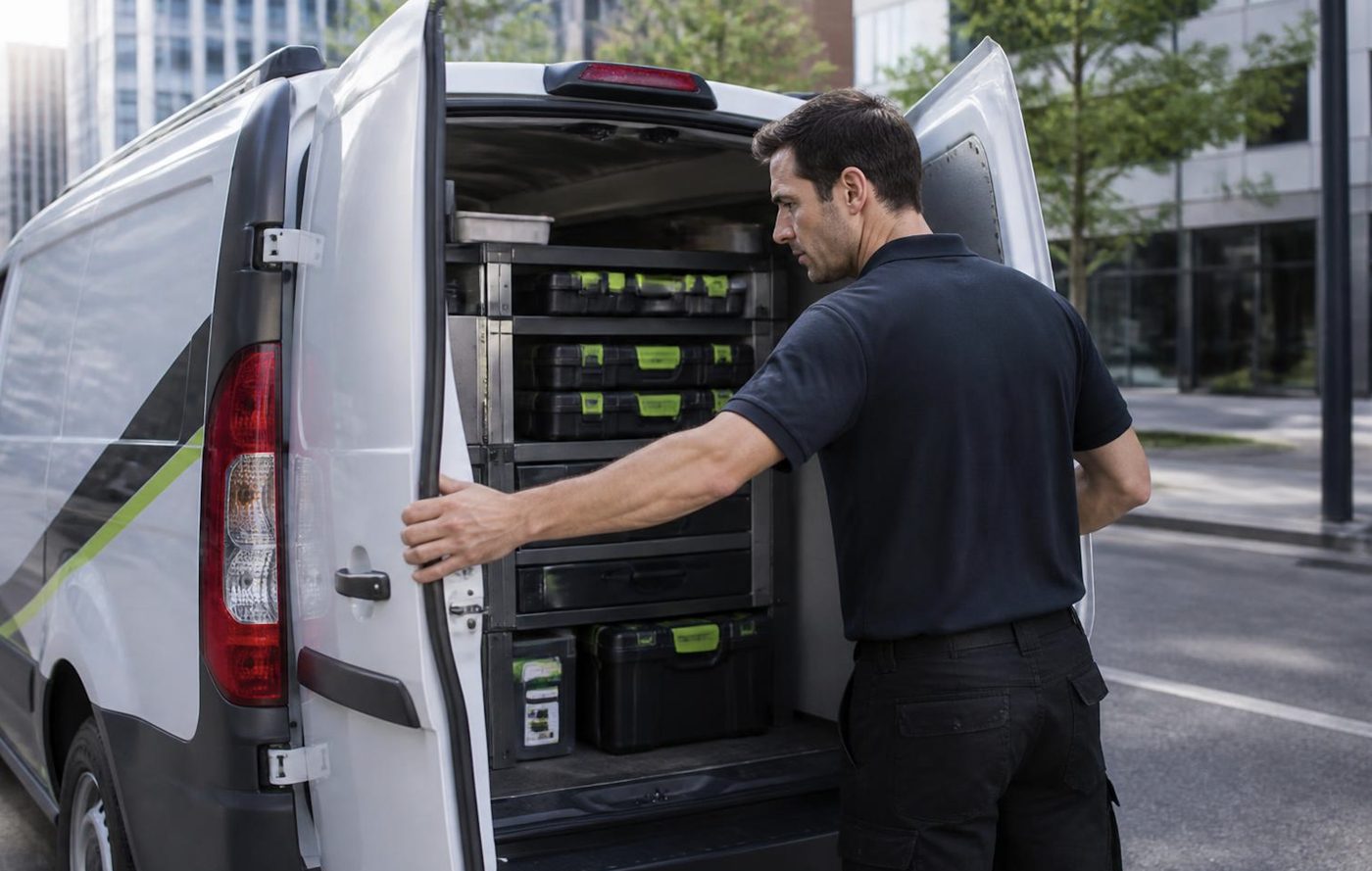
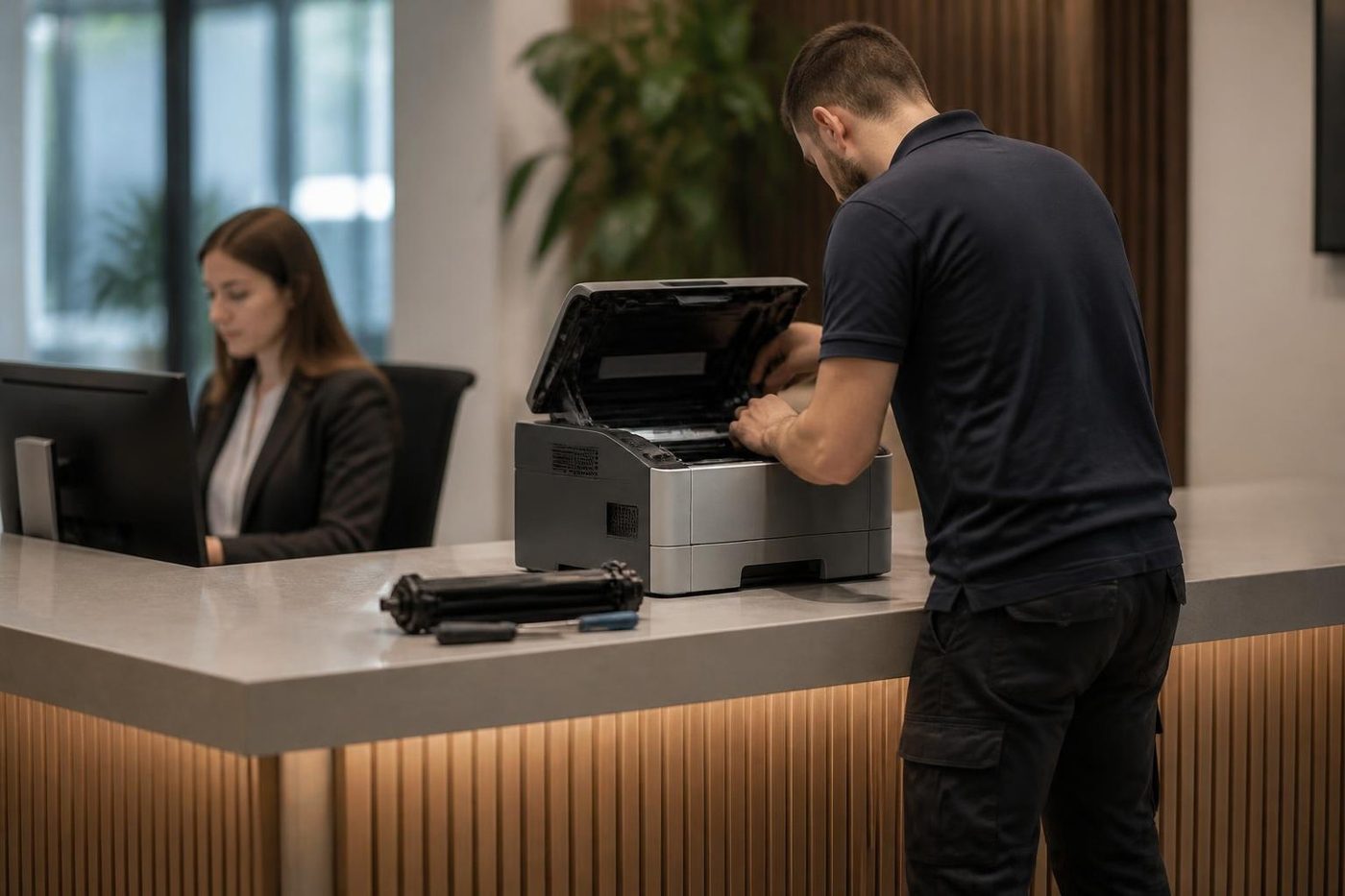
First the model, the panel message and what the machine was in the middle of, then we talk through the price. The technician brings tools and common parts picked from your description, signs in at reception and asks the person who uses the machine what it has been up to. That person usually knows.
Next the message is read, the paper path, consumables and wear parts are inspected, and the findings are put to you in ordinary words before any part is fitted. The repair is proved on your own paper, scans and finishing. A fault that returns is fixed again at no charge.
A Kyocera at the end of a long run
A very high page count does not mean a Kyocera is finished. Some run for years beyond anyone's expectation, and the drum is rarely what ends one. Small things add up instead: a finisher whose repair bill outweighs its value, a panel that has died, a fuser nobody can source.
Where a repair makes sense, we give you the price by phone first. Where it does not, we explain why. Commercial machines are part of our business, so should you want to look at a replacement we can go through second hand and new, and we are plain with you when the old machine is still the better bet.
A newer Kyocera and the home of the odd surprise
The newer ECOSYS PA and MA series have few mechanical surprises early on. When they ring us it is usually pickup wear on a busy machine, or a sign in setup that did not survive a network change. The older ECOSYS colour machines tend to ask for toner and developer parts that are worn out, and for attention to drum marks.
TASKalfa colour A3 machines go in the order you would expect: fuser and transfer wear first, then the finisher if there is one. That is not a rule, only a pattern. A model missing from the table is no barrier: ring regardless. We go by what is on the machine, not a brochure.
The ECOSYS on the consulting room bench
Not every Kyocera is a big grey copier. A lot of the ECOSYS machines we get called to are single desk printers in clinics, accounting rooms and builders' offices, sitting on a bench or a filing cabinet and printing one job at a time. They are easy to forget about, which is how they end up with a pickup roller worn smooth and a paper tray full of curled sheets.
The fault history on these is short and honest. Pickup wear, a toner warning that disagrees with what has been fitted, a driver that vanished when a PC was replaced, a Wi-Fi or network address that moved when the router was swapped. All of those are fixed where the machine sits, and we say so straight out if replacing it costs less than repairing it.
Pickup rollers and why a good machine misfeeds
Rollers wear in two ways. They wear smooth, which makes them slip, and they glaze, which makes them skate on the paper. Either shows as a printer that grabs two sheets, or none, or one that starts a job and stops with a jam a few centimetres in.
Cheap paper and damp paper make it worse. A ream bought on price and left in a shed near the coast will misfeed in an otherwise sound machine. We try a fresh ream of decent paper before we condemn anything, and where a roller is worn we replace the whole set for that tray, not one at a time.
Getting a misfeed every few days? Note which tray, which paper and whether it happens more first thing in the morning. A pattern like that tells us more than any amount of staring at the machine.
Streaks that are not the drum
Lines on a page send everyone straight to the drum. On a Kyocera that is often the wrong first guess. A dirty scanner glass, a dirty slit glass on the document feeder or dust around the laser window can all print a clean line down copies. A line that shows only on copies made through the feeder, and never from the glass, is the feeder strip.
Our order is cheap to expensive. Clean the glass and the slit, wipe the dust from the laser area, and run a test print from the machine itself. If the line is still there on a print and not just on copies, we turn to the drum, then the cleaning blade, the transfer parts and the charge unit. Dark bands, dots and a dirty background each lead to a different part, and we explain which before any part is ordered.
Toner messages and the cartridge that does not fit
Most toner complaints on a Kyocera are not about empty toner. A message saying the toner or developer is wrong usually means a unit made for a different model has been fitted. The C7401 to C7404 family of codes is exactly that. Toner containers for different Kyocera ranges look much alike, so a box that arrives by mistake can get fitted before anyone checks.
Message straight after a toner change? Give us the machine's model and the number printed on the container. A short phone call settles it and often saves a visit.
Moves, installs and settings
A new Kyocera needs user codes, an address book, scan destinations and a fixed address. A relocated one needs the same restored. Our installation and setup page explains how we do it, and our relocation page covers moves. The same people repair the machine later, so nobody has to explain the office to a stranger.
What a Kyocera is cheap to keep running
There is a reason so many offices hold on to their Kyoceras. Parts last, the consumables are separate, and the machines tolerate dust, heat and rough handling better than most. The downside is that people stop looking at them. They are put in the corner, loaded with whatever paper is nearest and ignored for four years.
Looking over a Kyocera now and then, while it is still running, costs little and catches wear before it spreads. A machine that works is welcome on our list too, and if it needs nothing, you will hear that.
A Kyocera with a fixed address and a tidy queue
Network printing is where a quiet Kyocera starts to trip. The machine is handed an address by the network, the network changes, and every computer in the office is aimed at an address that nobody answers. A printer that prints from one desk and not another is usually an address or a queue, not a fault.
We give it a fixed address, tidy the ports on each computer and print a test from a different desk to the one used at setup. The address goes on a label inside the cover so nobody has to guess later.
Two sided printing and the jam on the turn
The duplex unit turns each sheet over for the second side, and a Kyocera that is fine on single sided jobs but jams on two sided ones has told you where to look. Curled or damp paper is the usual suspect. A sheet that arrives at the turn already bent will not make it round.
Paper gets checked first, then the transport rollers and guides in the duplex path. A roller that has worn flat there will not show on a single sided job at all.
Fans, filters and the quiet heat problem
A Kyocera that has started to show random faults in the afternoon, and behaves in the morning, is often a machine that is running hot. Fans clog with dust, filters fill, and a cabinet pushed hard against a wall has nowhere to breathe. Heat shows up first in the fuser area and then in the boards.
Leave a hand's width behind and beside the machine. We clean the fans and the dust filters when we are there, and we say so when a room needs better airflow. It is not glamorous advice, and it adds years.
A Kyocera in a trade office, with the roller door open
Plenty of TASKalfas and ECOSYS machines sit ten metres from a loading bay or a workshop door. Dust, diesel haze and the occasional gust of weather come through, and the machine does its best. It is a tough design, and it needs a wipe round more often than the one in the accountant's.
Leave paper wrapped until the moment it goes into the tray. Close the drawers. Use a covered shelf for toner. These are small habits and they stop a lot of the fine grit from reaching the pickup rollers. Fans and filters get a look during the visit, along with a verdict on whether the room needs rearranging.
The ECOSYS that prints labels and dockets
Depot offices print delivery dockets, picking slips and the odd sheet of labels from a desk ECOSYS. The dockets are often multipart or on thin paper, which wears pickup rollers faster than plain stock and leaves paper dust behind.
Running multipart or thin stock? Mention it on the call, since it changes what we check. A pickup set that is fine for plain paper can be worn out by dockets in half the time, and it is cheaper to plan a roller change than to find out in the middle of a delivery run.
Details worth having to hand when you call
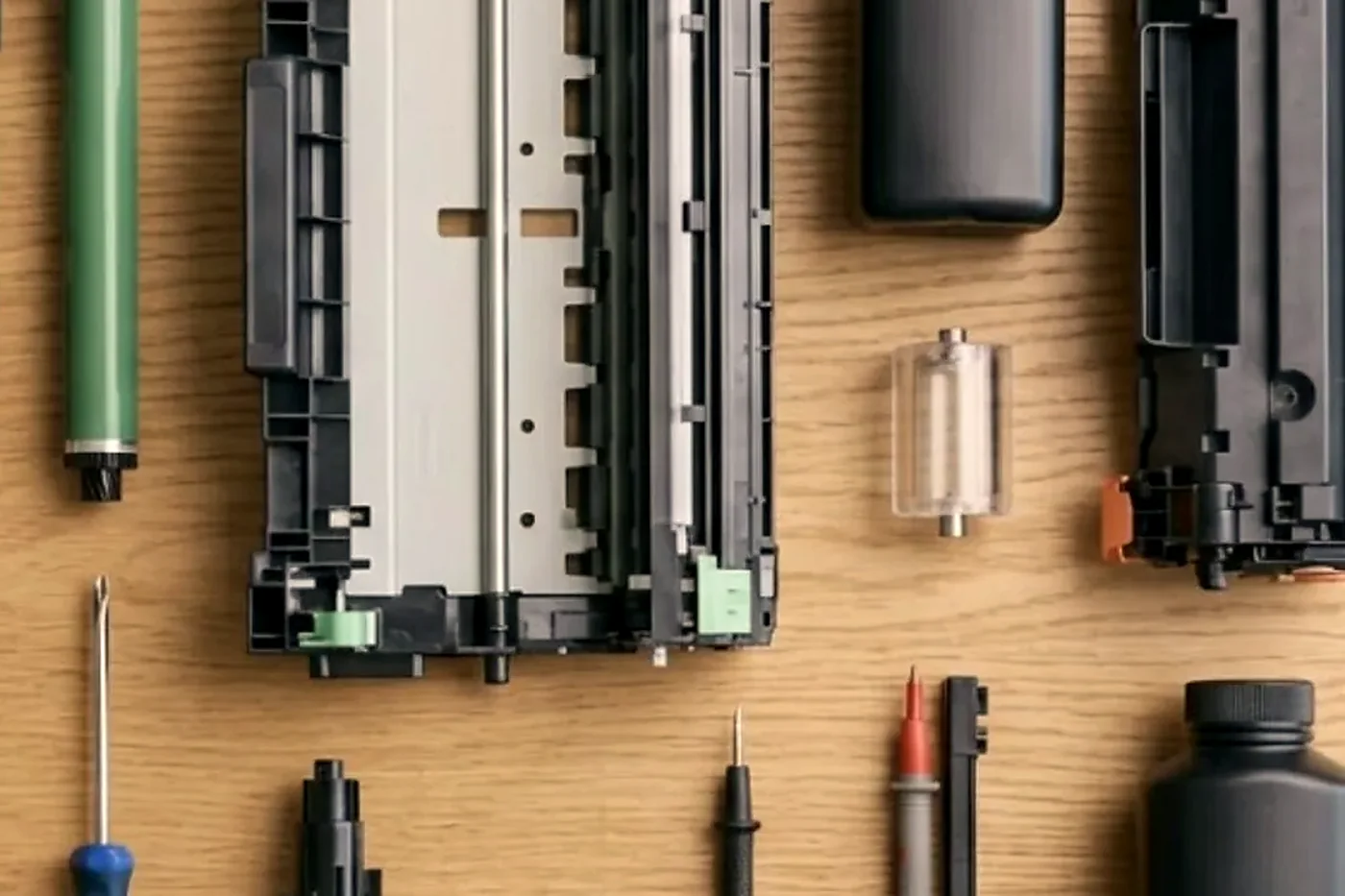
Give us the make, the model and what it is doing. Lines busy? Your call is logged and returned.
- Model name in full, from the front or the label.
- What the panel says, with any C code that comes with it.
- Which of printing, copying and scanning still work.
- If the room is dusty, hot or damp.
- Building, floor and any access arrangements.
Where we find them from Caloundra to Gympie
Around Maroochydore, Mooloolaba and Kawana we see TASKalfa copiers in professional and property offices, usually on a lease or service agreement. The industrial estates add workshop and trade offices, plus depot sites where a Kyocera turns out dispatch paperwork all day. Noosa and Nambour have a blend of medical, hospitality and education offices, and an ECOSYS in a consulting room is a common sight there. Gympie and Maleny add farm, council and small business work.
The Kyocera visit, step by step
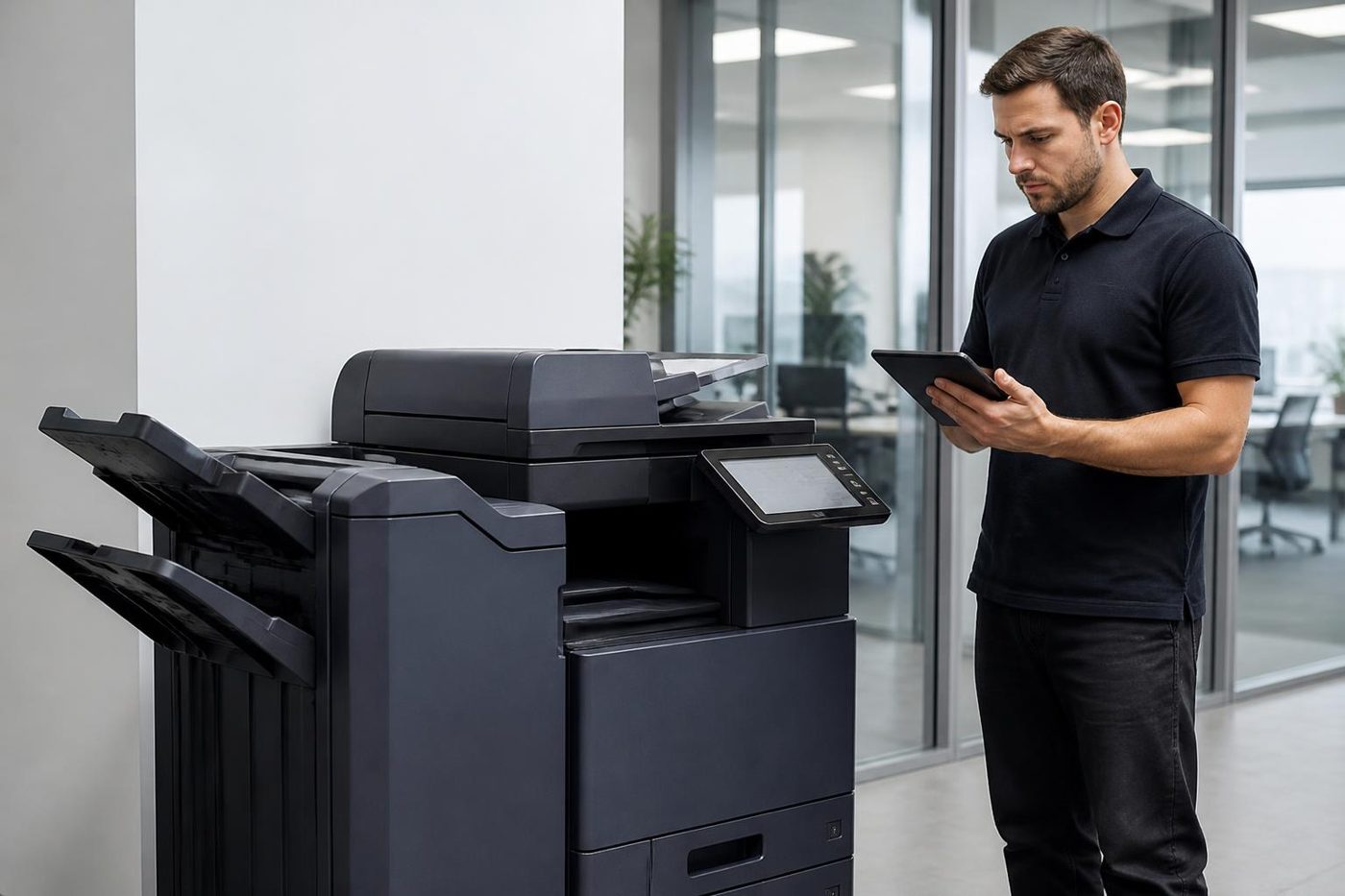
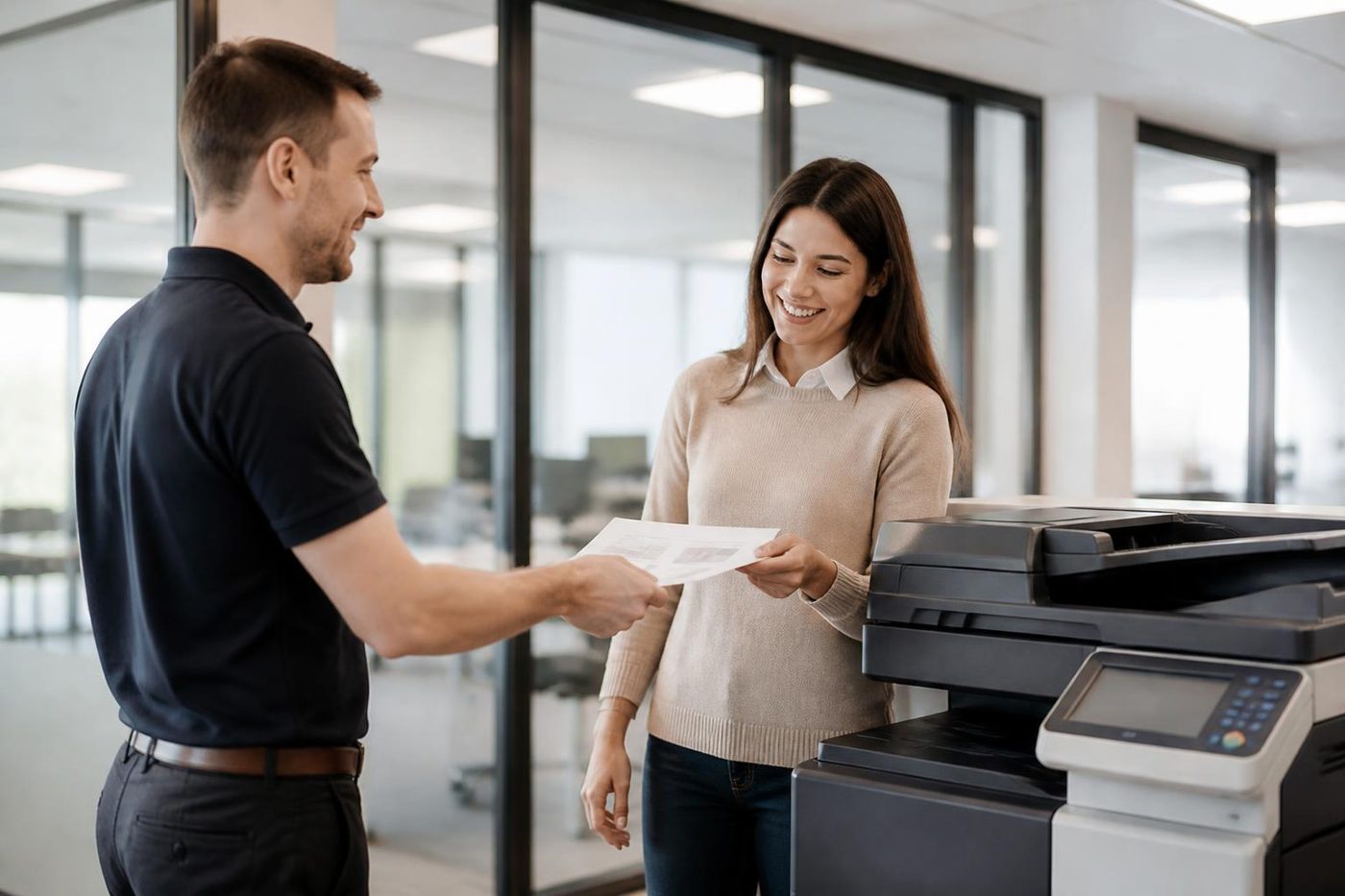
The second callout
The first repair is the cheap one
Most of the bad invoices we hear about are the second and third visits. Someone came, swapped a part, left. The fault was back by Thursday. Nobody found the cause, so nobody fixed it.
About 98% of our repairs are done on the first visit. When the odd one is not, the second visit costs you nothing.
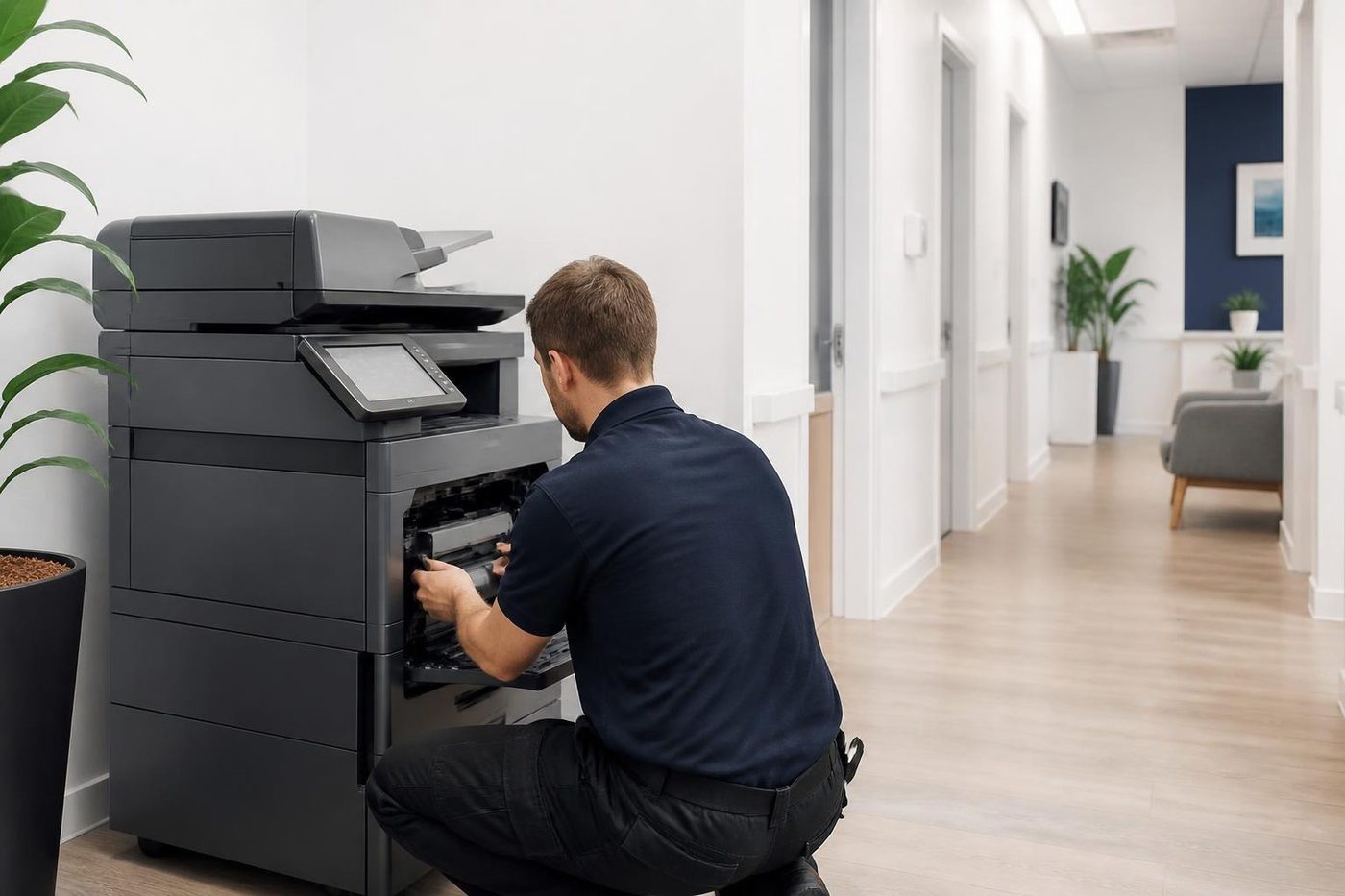
- Find it once. The cause, not the nearest part.
- Say so honestly. If a visit does not finish the job, you hear it from us.
- Come back free. Same fault, no charge.
More for Sunshine Coast offices
 Toshiba repairse-STUDIO colour and mono copiers, fixed where they sit.
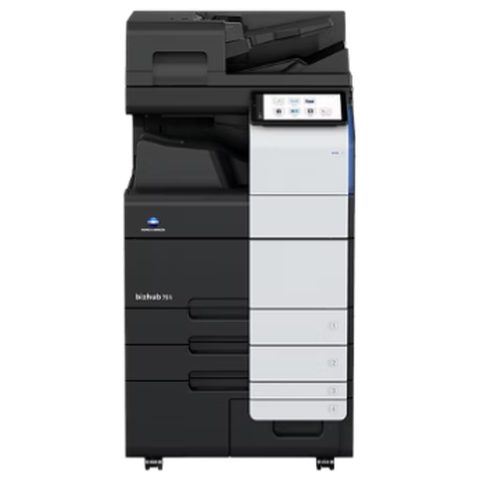 Konica Minolta repairsbizhub i-Series and C series colour and mono, fixed on site.
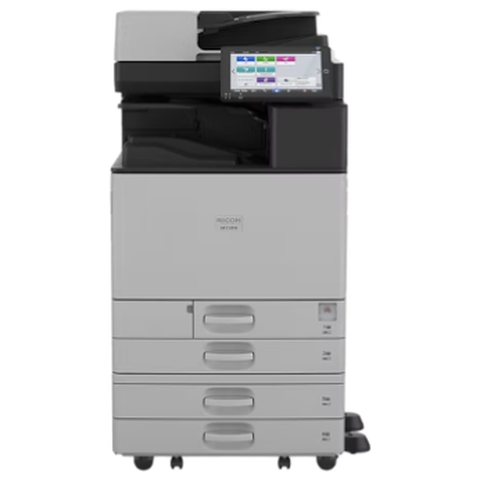 Ricoh repairsIM C, IM and MP series copiers, plus Lanier, looked after on site.
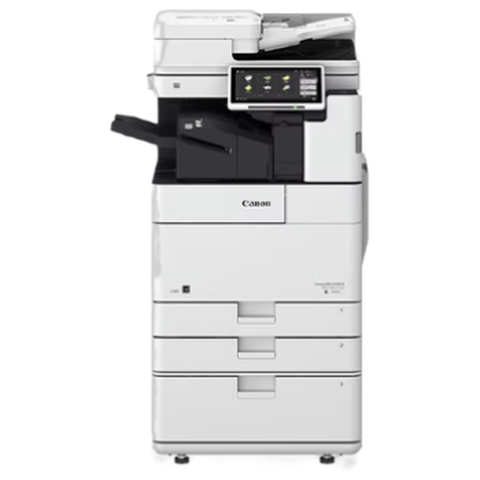 Canon repairsimageRUNNER ADVANCE, DX and i-SENSYS machines, fixed on site.
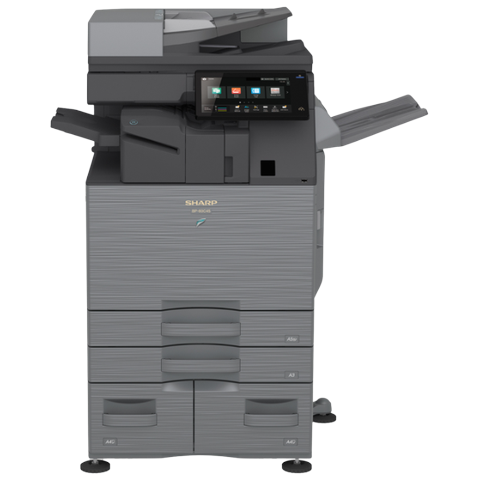 Sharp repairsMX and BP series copiers, repaired where they stand.
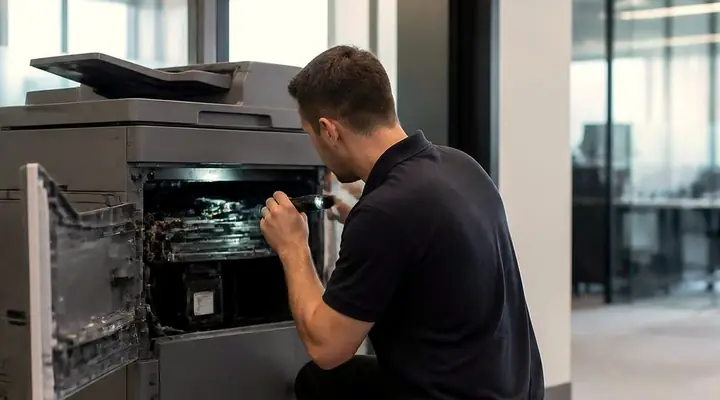 Photocopier repairsCopiers fixed at your desk, one call, price agreed first.
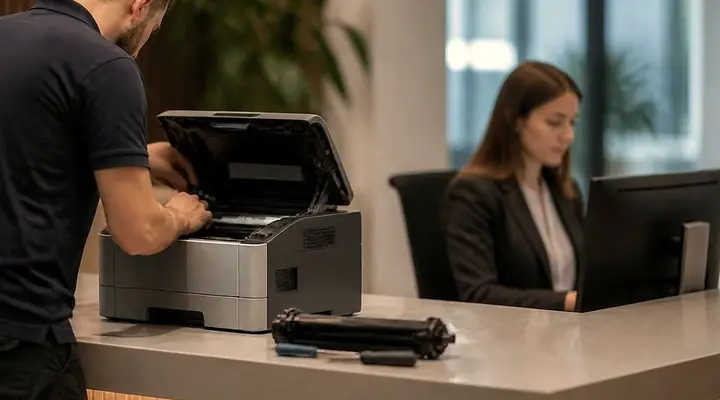 Commercial printer repairsCommercial laser printers, label printers and fleets repaired on site.
 NambourPrinter and copier service for Currie Street offices, the hospital precinct, schools and the trade yards.
Buy, sell and lease
Buy, sell and lease commercial copiers on the Sunshine Coast
We also sell new and second hand commercial copiers and buy used ones. Same team, same technicians.
Caloundra, Maroochydore, Noosa and the hills
What people ask when they ring
TASKalfa or ECOSYS: what is the difference?
TASKalfa is Kyocera's A3 copier line and ECOSYS covers the A4 printers and multifunctions. We look after both.
My Kyocera shows C6000. Do I need a fuser?
Not automatically. On the models that define it, C6000 is a heating fault that can come from the fuser, the thermistor, a connector, the heating board or wiring, and we test those before replacing anything.
Is a Kyocera code the same on every model?
No. A code can read differently on different families, so we compare it with your model and never take it as proof that a single part has failed.
Why does scan to email fail with 1102?
A 1102 means the login was turned away. With Microsoft 365 the cause is frequently multi factor authentication, or basic authentication having been switched off. 1101 is a bad server name and 4803 the wrong security choice.
Which port should a Kyocera use for email?
Per Kyocera Australia: 465 for SSL or TLS, 587 for STARTTLS and 25 where there is no security. Whichever your mail server expects is the right one.
Scan to folder died after a new Windows PC arrived. Why?
Some older Kyocera machines manage only SMB version 1, and Windows disables it by default. Newer ones cope with SMBv3. We look at the model, the firmware and the account format.
What does a maintenance kit hold?
That varies by model. The kit listed for the ECOSYS M3655idn covers the drum, developer and fuser units, the feed and separation rollers and a transfer roller. We check what your own machine needs rather than assume.
It says Time for maintenance but prints well. Is something wrong?
No, it is a reminder. We assess the real condition and tell you what is due and whether it can wait.
Does every toner change need a new drum?
Normally no. The drum is separate from the toner container and is only looked at when print quality changes.
Can a Kyocera in a dusty workshop be serviced?
Yes. We clean the path, check the parts that suffer from dust and say how often to expect it.
Is your business a Kyocera dealer?
No. We are independent, repairing TASKalfa and ECOSYS machines at your premises.
Is Kyocera printer service across the Sunshine Coast available on the same day?
Same day service is available. Tell us the model and the fault and we will go through the price with you.
Thinking about a different machine?
We buy and sell as well
New or second hand, with warranty. Ring and talk it over before you spend a cent.
Ask about machines
All of our work on the Sunshine Coast
Service pages
- Photocopier repairs Sunshine Coast
- Commercial printer repairs Sunshine Coast
- Plotter service Sunshine Coast
Fault pages
- Installation and setup Sunshine Coast
- Relocation and removal Sunshine Coast
- Copier and printer faults Sunshine Coast
- Photocopier paper jams Sunshine Coast
- Copier black lines and streaks Sunshine Coast
- Copier error codes Sunshine Coast
- Copier not printing Sunshine Coast
- Scan to email not working Sunshine Coast
- Toner smearing and fuser faults Sunshine Coast
- Printer offline and network faults Sunshine Coast
- Copier noise, grinding and squealing Sunshine Coast
- Is my copier worth repairing Sunshine Coast
- Toshiba e-STUDIO error codes Sunshine Coast
- HP LaserJet error messages Sunshine Coast
- Kyocera TASKalfa error codes Sunshine Coast
Makes we work on
- Toshiba copier repairs Sunshine Coast
- HP printer repairs Sunshine Coast
- Fujifilm copier repairs Sunshine Coast
- Xerox copier repairs Sunshine Coast
- Canon copier repairs Sunshine Coast
- Ricoh copier repairs Sunshine Coast
- Lexmark printer repairs Sunshine Coast
- Brother printer repairs Sunshine Coast
- Epson printer repairs Sunshine Coast
- OKI printer repairs Sunshine Coast
- Zebra printer repairs Sunshine Coast
- Konica Minolta copier repairs Sunshine Coast
- Sharp copier repairs Sunshine Coast
- Samsung printer repairs Sunshine Coast
- Fuji Xerox copier repairs Sunshine Coast
Coast towns and suburbs
- Printer service Caloundra
- Printer service Gympie
- Printer service Buderim
- Printer service Maleny and the Blackall Range
- Printer service Kawana and Birtinya
- Printer service Nambour
- Printer service Maroochydore
- Printer service Noosa and Noosaville
- Printer service Coolum and Peregian Beach
- Printer service Mooloolaba and Alexandra Headland
- Printer service Sippy Downs and Maroochydore industrial
- Printer service Pelican Waters and Bribie Island
- Printer service Beerwah and Glass House Mountains
- Printer service Yandina and Eumundi
- Printer service Cooroy, Pomona and Cooran
- Printer service Cooloola, Tin Can Bay and Rainbow Beach
- Printer service Kilcoy and the D'Aguilar side
- Printer service Palmwoods, Montville and Mapleton
- Printer service Landsborough and Mooloolah Valley
- Printer service Marcoola and Sunshine Coast Airport
- Printer service Coolum industrial
- Printer service Warana and Kunda Park
- Printer service Tewantin
- Printer service Bli Bli and Pacific Paradise
- Printer service Currimundi, Little Mountain and Baringa
- Printer service Kenilworth, Imbil and the Mary Valley
- Full list, Caloundra to Gympie
Got the make and the problem? That is all we need to price it.
Make, model, and what you can see
Fill in what you know and leave the rest to us. Nothing is booked until you say yes. Rather ring? (07) 5327 3472.