Nambour and the Blackall Range gateway
Printer and copier service Nambour
Nambour does not look like a printer town. It looks like the place everyone from the range goes to for a doctor, a solicitor, a plumbing supplier and a school. Then you find out how many copiers sit behind those counters. Printer and copier service in Nambour is done at your premises, and the usual spare parts ride with the technician.
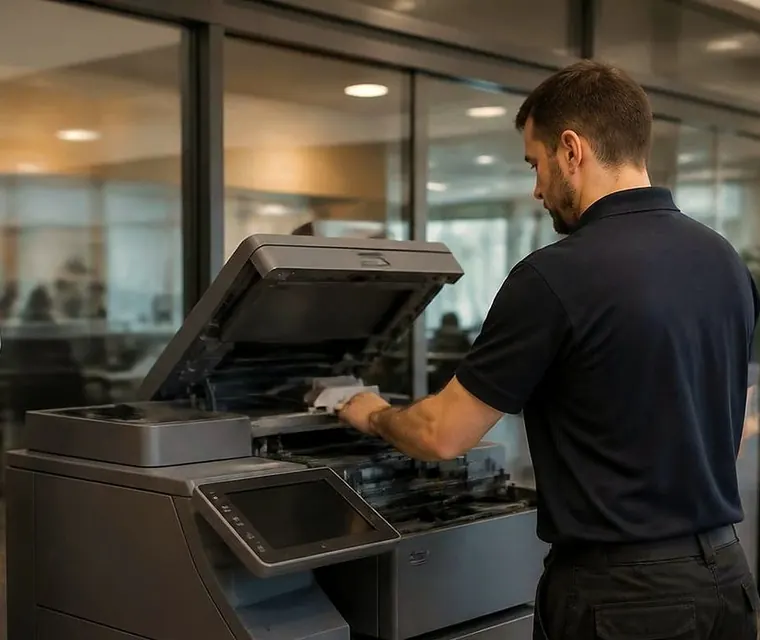
Nambour printer and copier service, on site
Currie Street and the offices behind it
Solicitors, accountants, real estate agents, insurance brokers, a few allied health practices. Many have been in the same building for years, and so have their copiers.
An old Kyocera or Ricoh A3 that survived two fit outs is still the one by the kitchen. The feeder has a rattle. The paper tray sits a little loose. Nobody has looked at the rollers since someone left. A visit at that stage is not a rescue, it is housekeeping, and it tends to cost less than the Tuesday it would otherwise fail.
On this strip the commonest calls are scanning that has stopped reaching the shared folder, and trays that stop picking after a humid week. Both are quick when we know the model.
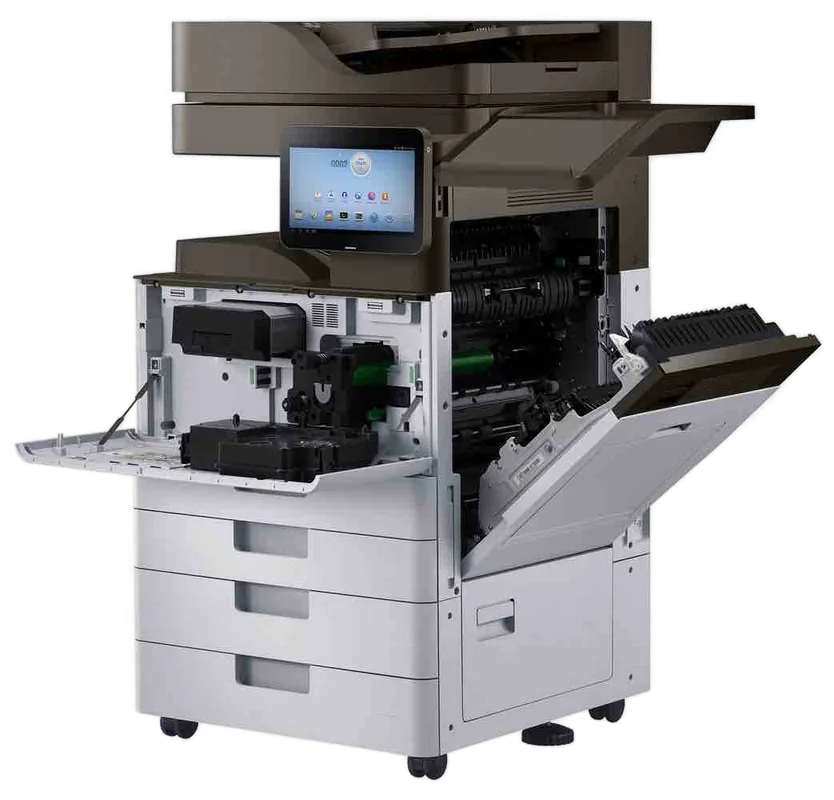

Get a price in three steps
- Describe your machineMake, model and the problem you are seeing.
- We phone with the priceYou hear it before anything is booked.
- A certified technician attendsSame day where the diary allows.
The hospital end of town
Around Nambour General Hospital there is a ring of surgeries, specialists, pathology collection rooms and allied health. Their machines do narrow, repeated jobs: script printers, label printers for samples and wristbands, and one multifunction at the back that handles referrals.
When one stops, the clinic notices at once. So we ask what is blocking work first and deal with that machine first. Tell us whether it is a jam, a streak, a network drop or an error on the panel, and we go from there.
Privacy matters in these rooms. We ask where printed pages land and whether anything sits in a tray overnight, and we set secure release where the machine supports it.
Sheds, yards and the trade supplier counter
Out along the industrial streets are builders, mechanics, electrical wholesalers, engineers and landscape yards. The office and the storeroom are often the same room.
Dust is the enemy there. Paper picks up grit, grit scores drums, and a fan clogged with sawdust cooks a fuser. We check the fans and the paper path, and we say honestly when a desktop laser has been asked to carry three thousand pages a month. A3 multifunctions rated for the load do not complain. A small A4 does.
Printing job sheets and quotes at the same moment is the other common habit, and it explains most of the jams we see in that group.
Schools, the TAFE and the school holidays
Education machines have their own rhythm. Hard use in term, quiet in holidays, and handled by dozens of people with different habits. Staples left in originals, card stock in the wrong tray, a stack of worksheets run in one go.
Book a visit in the holidays. A machine that has been cleaned and checked before term is far less likely to fail in week three. If the feeder chews pages, tell us what kind of originals go through it, because that changes the part we bring.
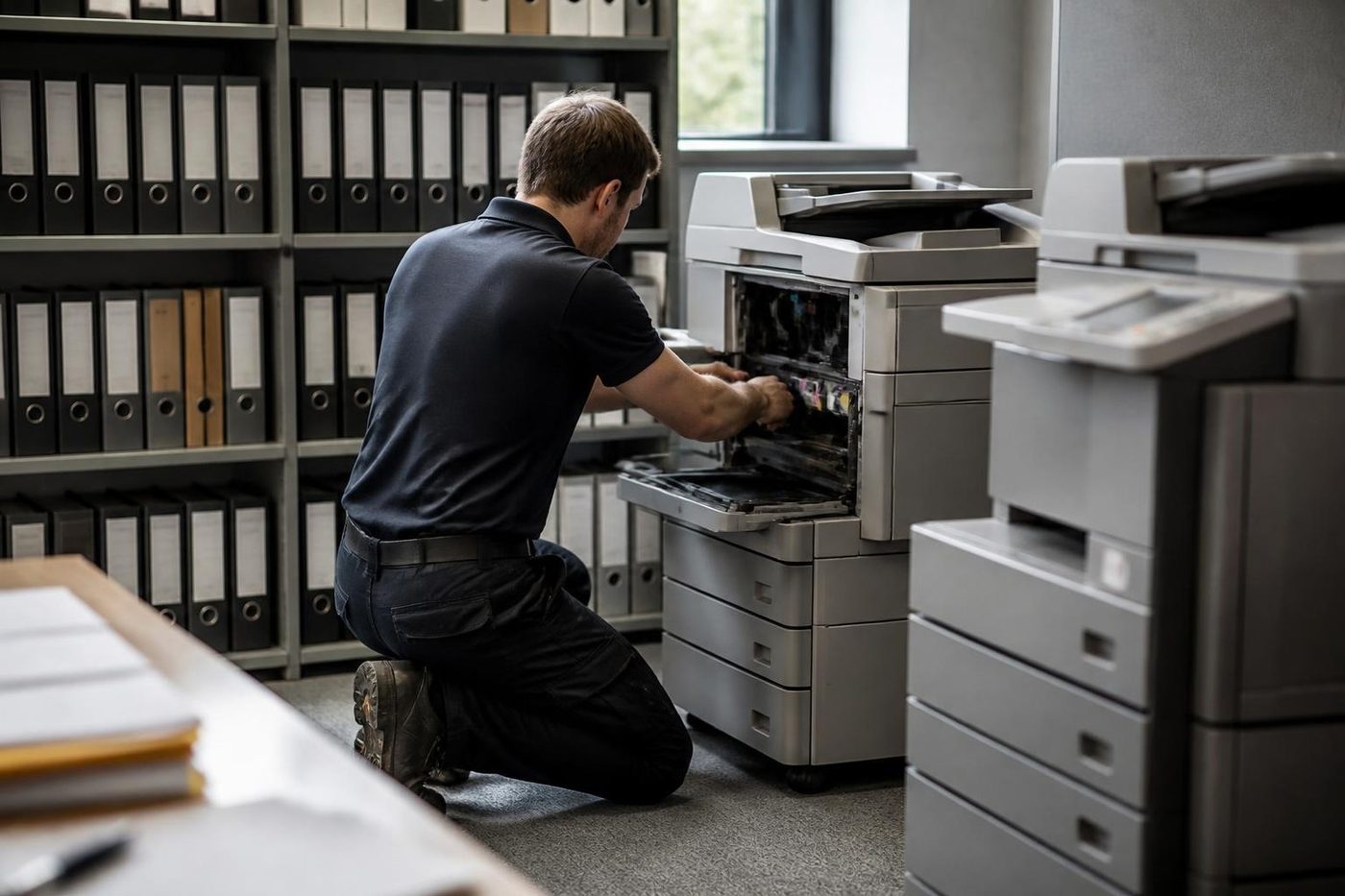
Before you pick up the phone
- Model name or number, found on the plate at the back or inside a door.
- Does it fail on every job, or only from one tray, one computer or one type of paper?
- What the panel says, word for word. A phone photo works.
- A recent change of any kind: an office move, a new router, a power cut after a storm.
- If paper is jamming, where it stops. Same place each time is a useful clue.
- The last time it behaved properly.
Nothing here is homework. These are the questions a technician would ask anyway, so having answers ready often saves a visit or shortens one.
Long lived machines and their maintenance pattern
Plenty of Nambour offices still run machines bought a decade ago, because they never gave up. Kyocera TASKalfa and ECOSYS are especially long lived, and Ricoh MP series copiers sit in a lot of back rooms.
The pattern is predictable. Kyocera machines have maintenance kits due at set page counts, covering the drum and developer parts and often the fuser. Miss the kit and you get streaks, noise and eventually a code that points to that same area. Ricoh machines wear in their own order, usually the fuser, the paper feed and the transfer belt.
On a first visit we read the page counters and tell you where the machine sits against its schedule. That is more use than waiting for the first failure.
Staircases, back rooms and the narrow doorway
Older buildings near the railway line and behind Currie Street have bookkeepers over shops and tax agents in converted houses. Some of them are up a flight of stairs with no lift.
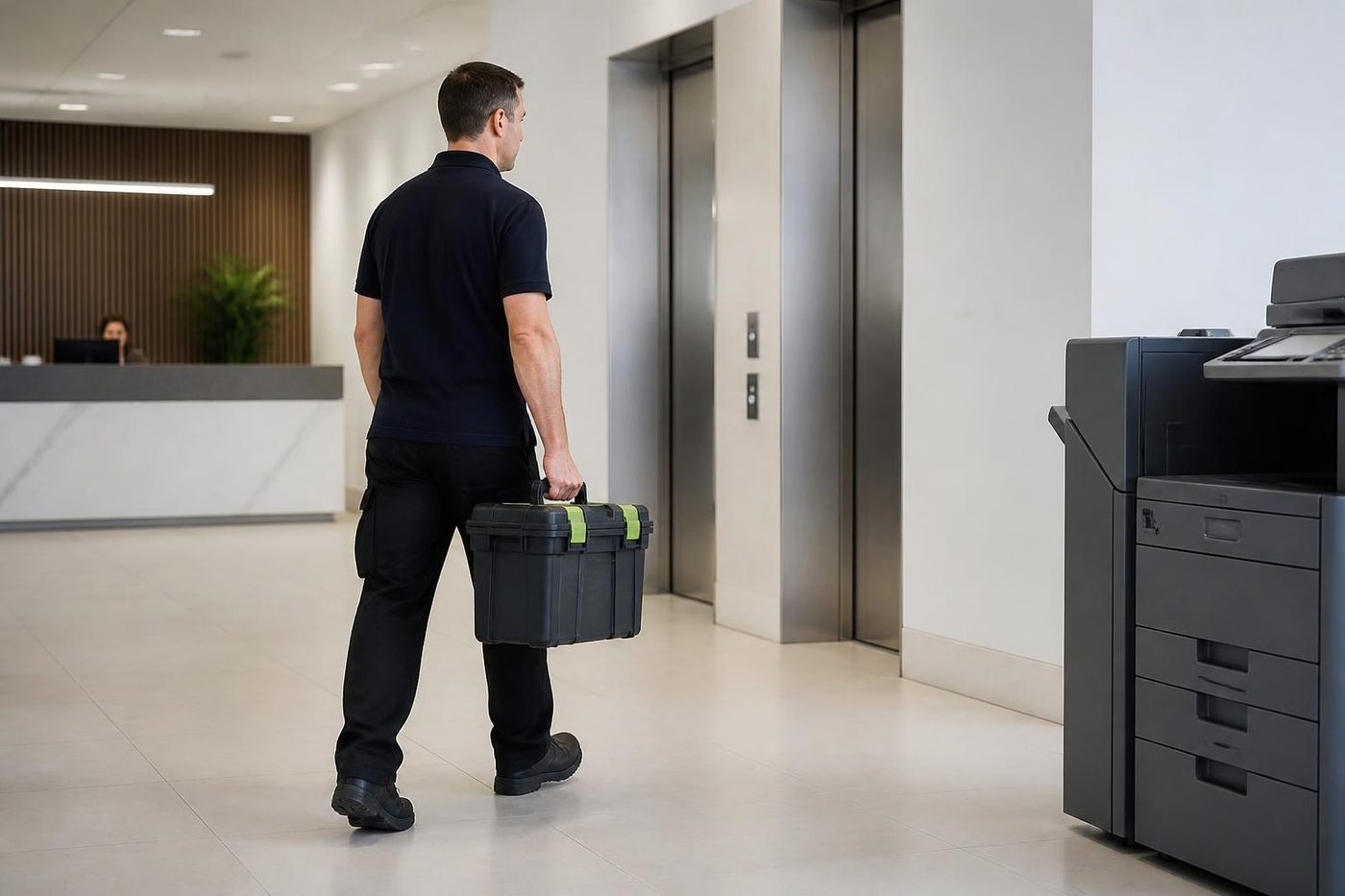
A technician carrying a bag of parts handles stairs without trouble. A floor standing copier that has to come down them is another matter, so mention it when you ring and we plan the job properly.
Humid summers
Nambour is warm and damp in summer, and older buildings often keep the copier in a room with poor air flow. Paper takes in moisture and curls, toner clumps and the fuser works harder.
Some of the cure is position. Take the machine out of a cupboard, keep it clear of a sunny window, and leave the paper wrapped until it is loaded. The rest is upkeep: clean the filters on machines that have them, wipe the rollers, and replace the fuser before it gives up.
Parts in the van
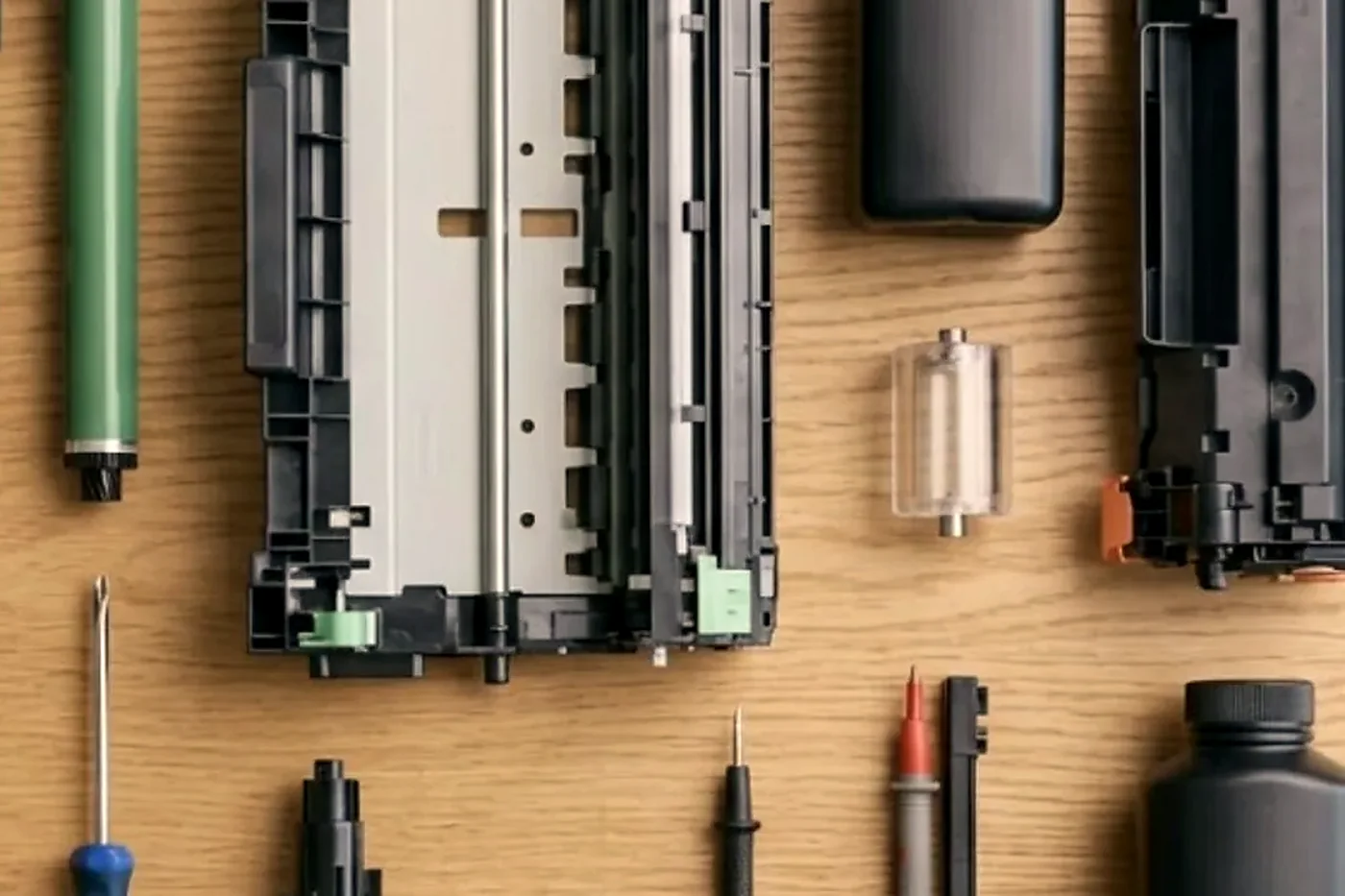
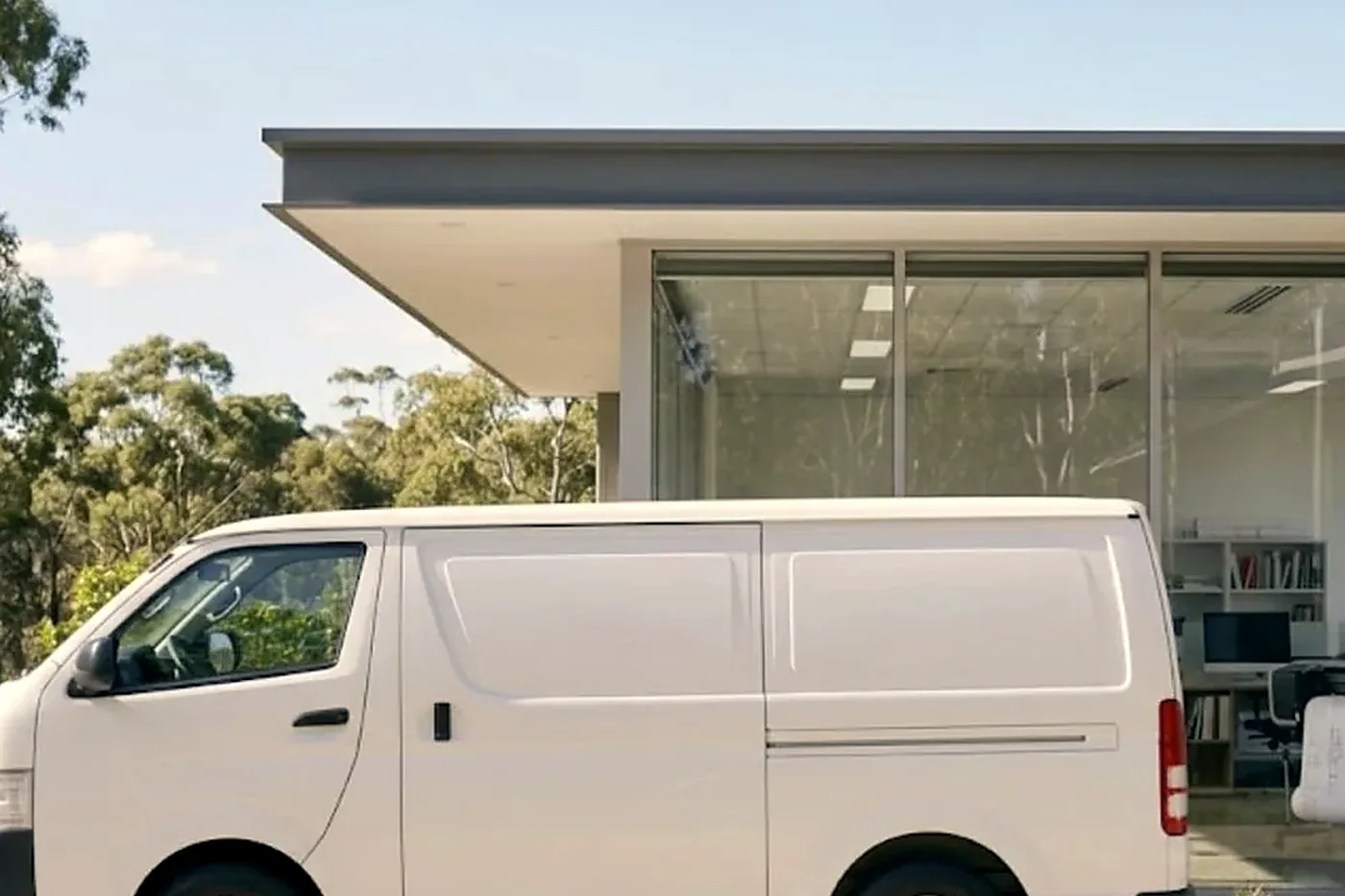
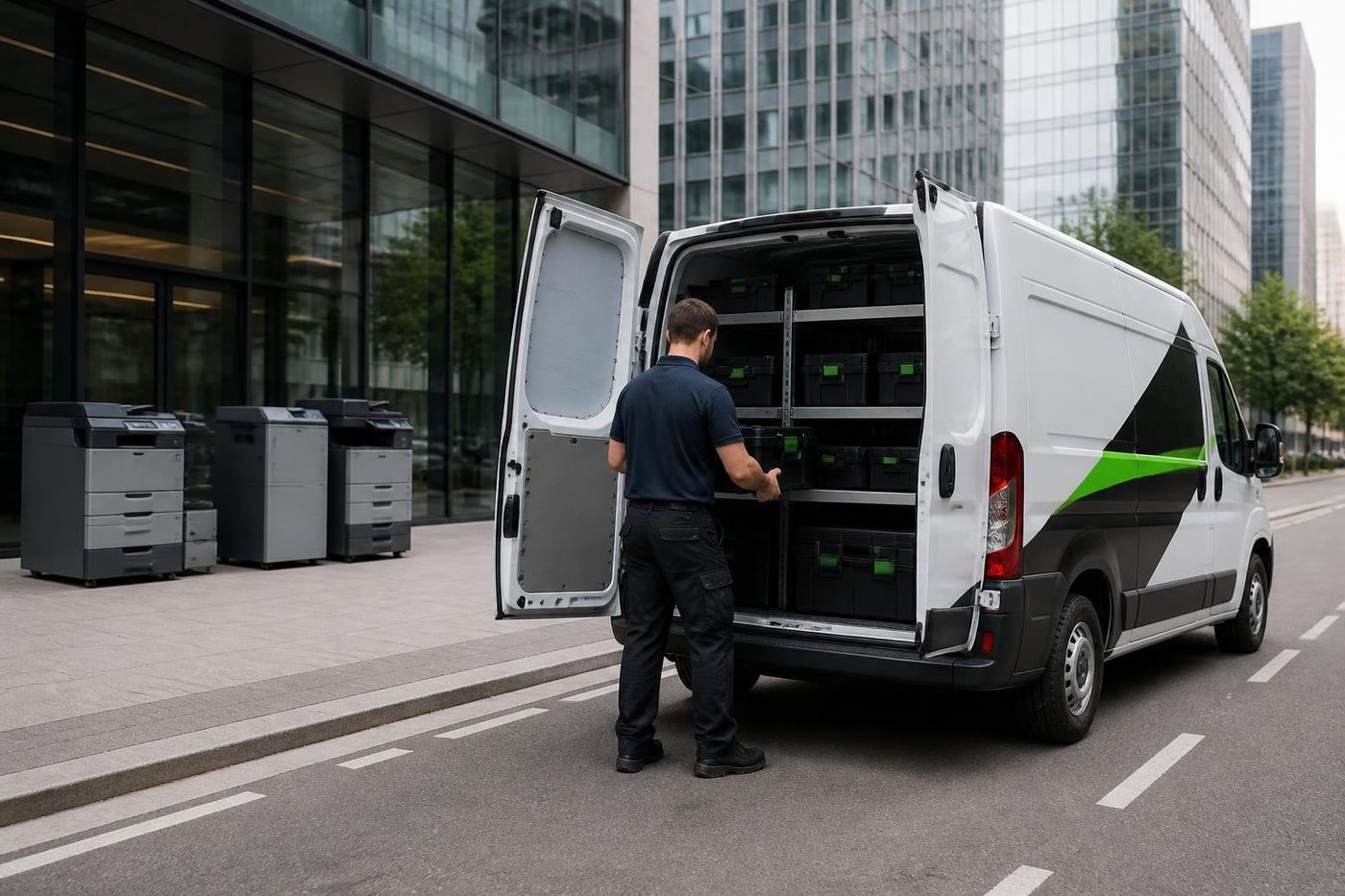
For Nambour jobs we usually carry pickup, feed and separation rollers for the common Kyocera, Toshiba, Ricoh, Canon and HP lines, plus cleaning blades, drum units for popular desktops, some fuser units, belts, gears and sensors.
Not everything fits in a van. Where a part has to be ordered in, you hear that on the phone, and you know about a second visit before you agree to the first.
Label printers and wristbands
Pathology rooms, pharmacies and some surgeries run thermal label printers beside the main copier. When the labels come out blank or half printed, the head needs cleaning, the roll is loaded the wrong way round, or the sensor is dusty. These are two minute fixes when you know them, and we talk people through them on the phone.
When scanning stops arriving
Scan to folder that quietly stops is the most common thing we hear from Currie Street offices. It is rarely the scanner. Someone changed a password on the computer the folder lives on, the computer got a new name after an update, or the router handed out different addresses after a power cut.
If you can tell us which of those happened around the time it stopped, we usually know where to look. If not, we find out by testing from the machine's panel, one step at a time.
A small machine to cover a big one
If one copier carries the whole office, a failure is a stopped day. A small A4 laser kept in a cupboard costs little and covers invoices, letters and the occasional urgent form while the big machine is being repaired.
Surgeries and solicitors who have set one up say they stopped dreading the phone call. It is hardly a product, just a cupboard solution that works.
Woombye, Palmwoods and the other hinterland calls
Nambour is the town people come into from Woombye, Palmwoods, Bli Bli, Yandina, Mapleton and Montville. Some of the calls we take from those places are put together with Nambour jobs on the same day.
Premises out near the edge of our area are worth a mention at the start of the call. We look at what else is close that week, and that can change which day suits.
Two checks a year
A few Nambour customers book their important machines twice a year, once ahead of Christmas and once before the financial year turns over. The common wear parts come with us and anything close to worn out is replaced.
The cost of a visit is small next to a week with no printing. A solicitor who cannot send documents, a practice that cannot scan, a builder who cannot get a quote out: what stops is never the machine. It is the work.
How the visit goes
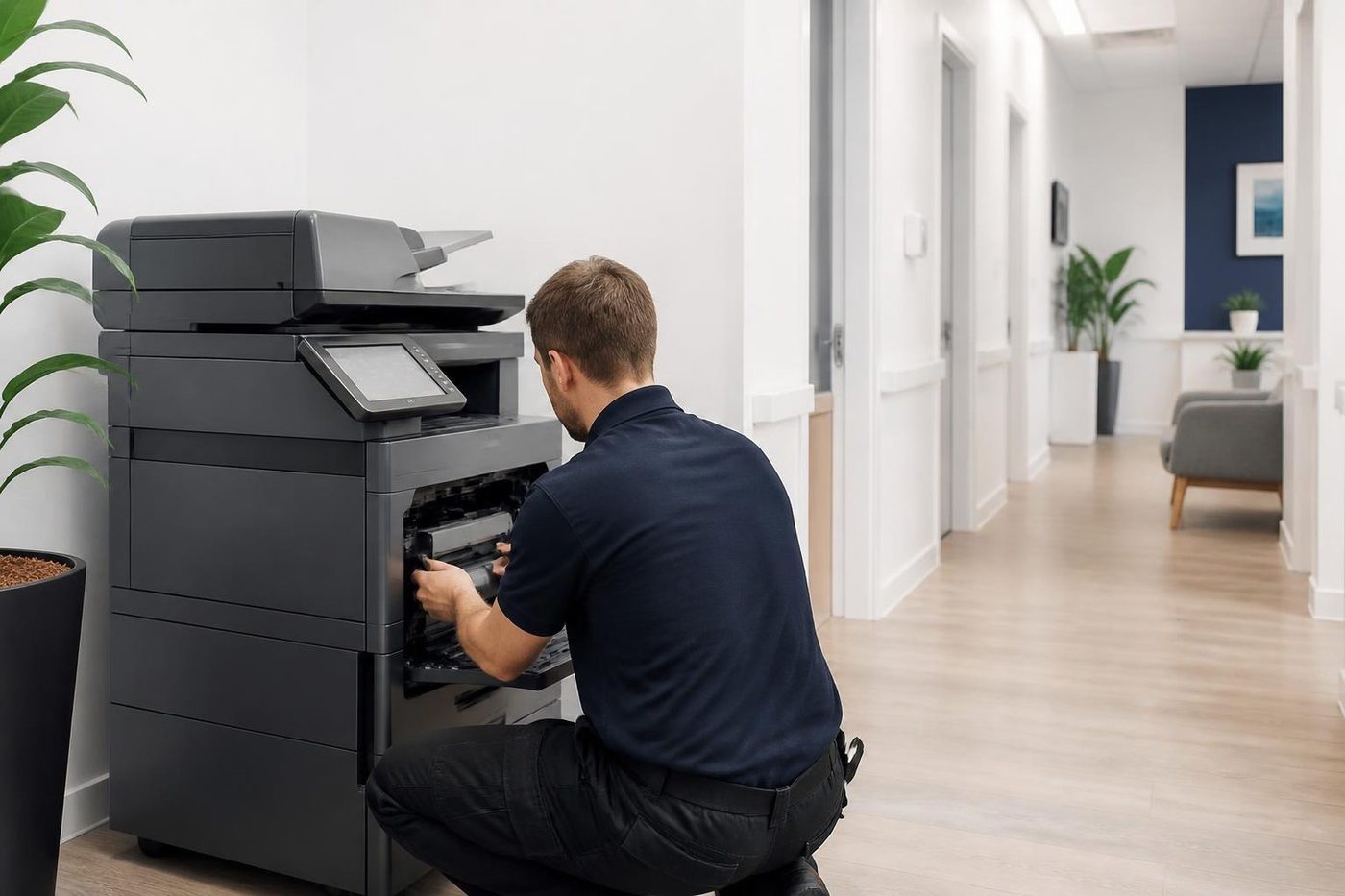
On the phone you hear the price before a booking is made, and you are not tied to it. The technician arrives, finds the fault, repairs it and runs test prints and scans alongside you. All of our technicians are trained, experienced and certified. Close to every repair (98%) is completed on the first visit, and if that fault reappears we fix it once more without charge.
Same day visits are possible. When the lines are busy your call is logged and we ring back.
Before a firmware update
Plenty of faults trace to a setting and not a worn part. Think of a copier that has dropped off the network, scanning to email that went quiet, or a panel frozen on one screen. A power cut or router swap is often behind them, so our first question is what changed.
Ahead of any update we write down the settings, address book and scan destinations. Staff are then not rebuilding them from scratch on Monday morning.
Firmware
Software is a repair part too
Some faults are not a worn part at all. A copier that drops off the network, a scan to email that stops, a panel that freezes on one screen: these can come from firmware, or from a setting that got changed after a power cut. A technician who only carries a screwdriver will swap parts and still have the fault. A good one asks when it started and what changed.
Before any update we note the settings, the address book and the scan destinations, so your staff are not rebuilding them on Monday morning.
- Ask what changed. New cable, new router, a storm, a power cut.
- Save the settings. Address book and scan destinations noted before an update.
- Update only when it helps. Newer is not automatically better.
More for Sunshine Coast offices
 Commercial printer repairsCommercial laser printers, label printers and fleets repaired on site.
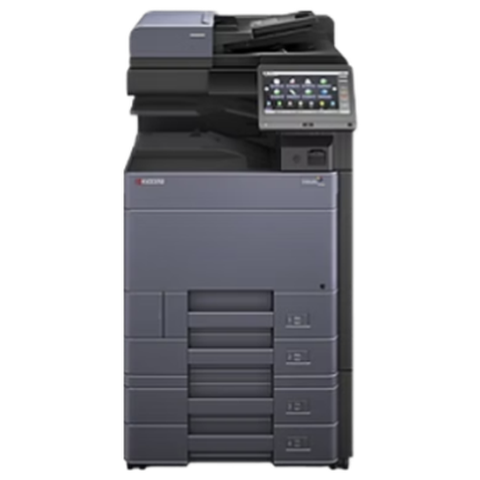 Kyocera repairsTASKalfa copiers and ECOSYS printers, looked after on site.
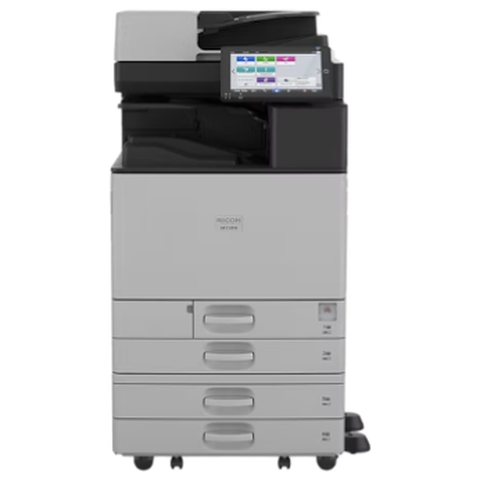 Ricoh repairsIM C, IM and MP series copiers, plus Lanier, looked after on site.
 Palmwoods, Montville and MapletonCafes and galleries, guest houses, function venues, growers and Palmwoods practices.
 Yandina and EumundiMarket day deadlines, packing shed label printers, farm office lasers.Bli Bli and Pacific ParadiseBli Bli, Maroochy River, Pacific Paradise and the home offices and trades between them.
 Copier error codesHow to read a panel code, which ones you can clear, when to ring.
Buy, sell and lease
Buy, sell and lease commercial copiers on the Sunshine Coast
We also sell new and second hand commercial copiers and buy used ones. Same team, same technicians.
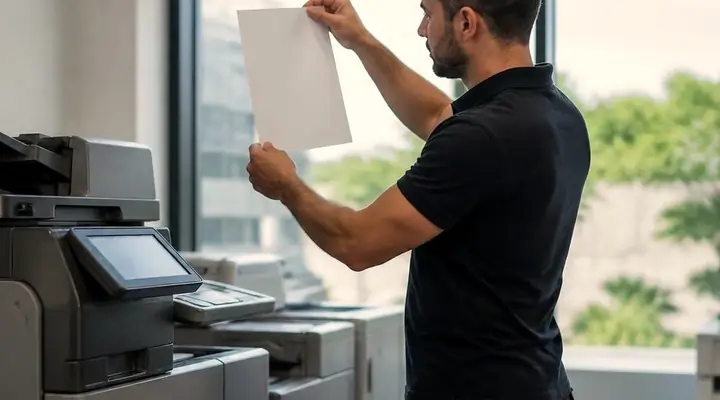
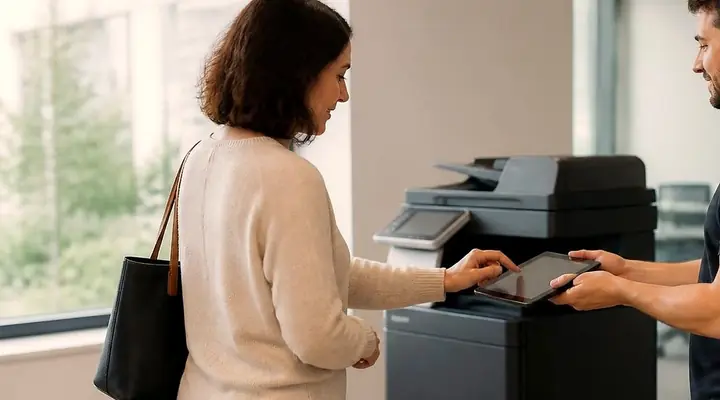
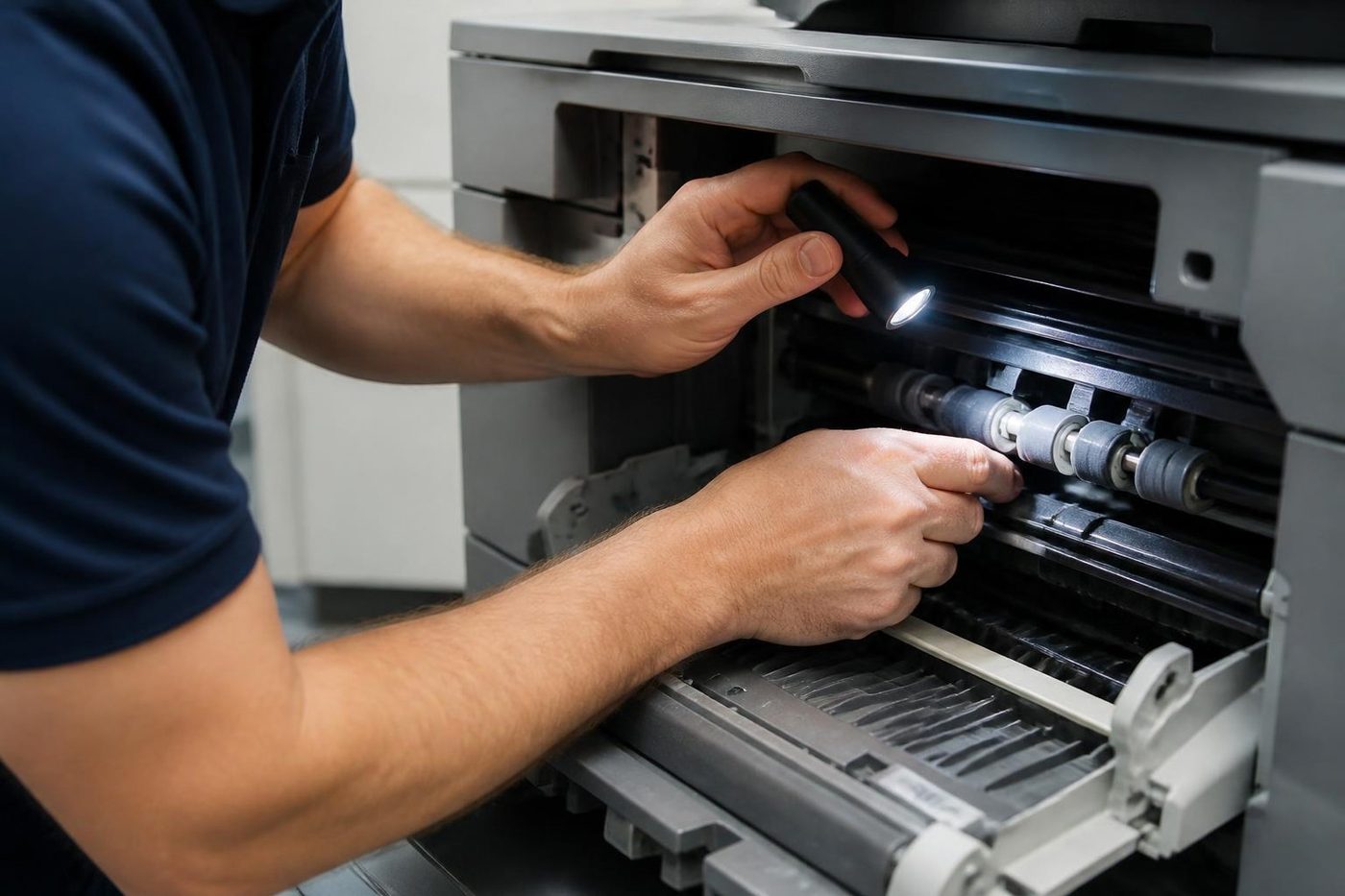
On the job on the Sunshine Coast
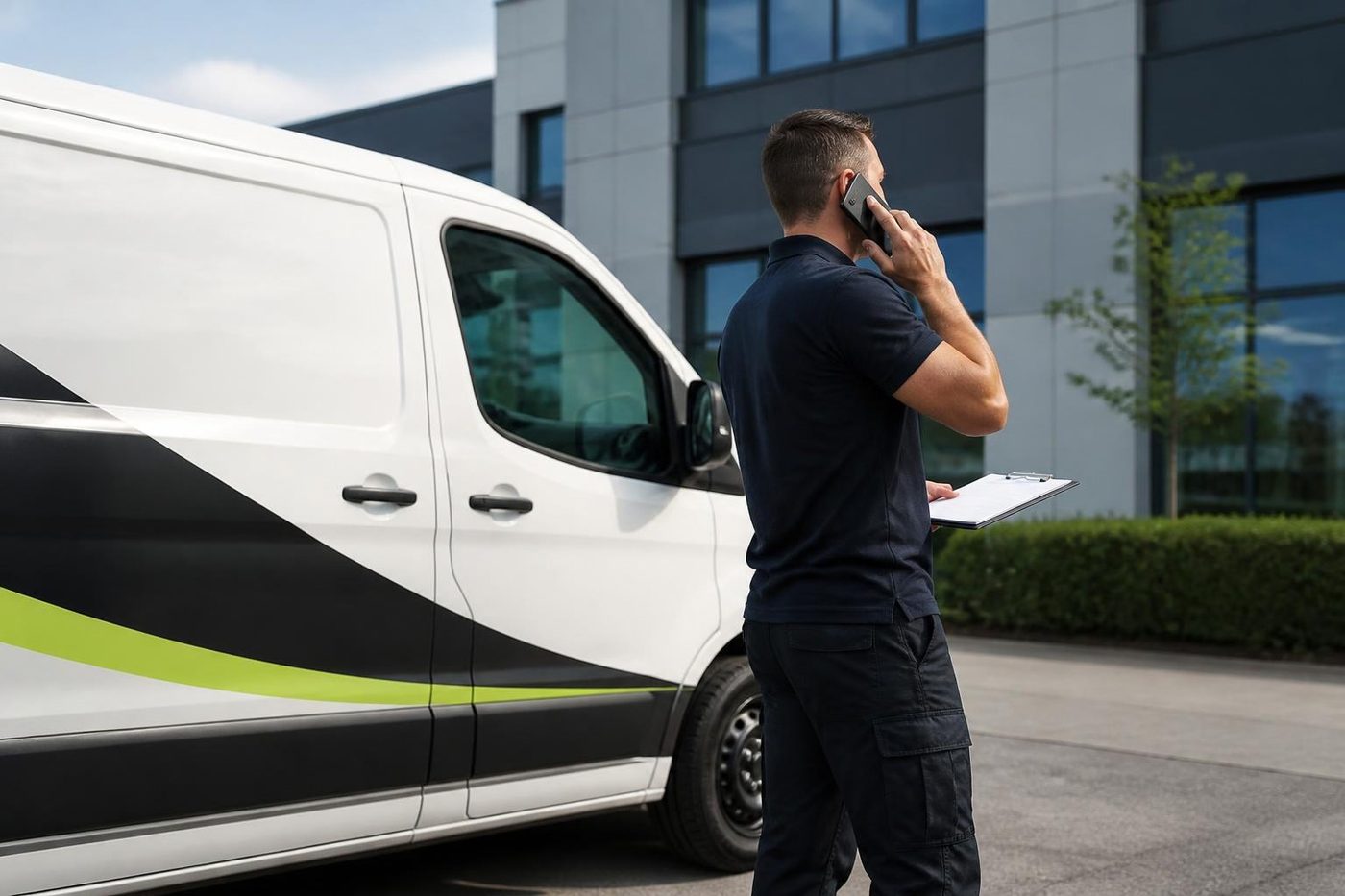
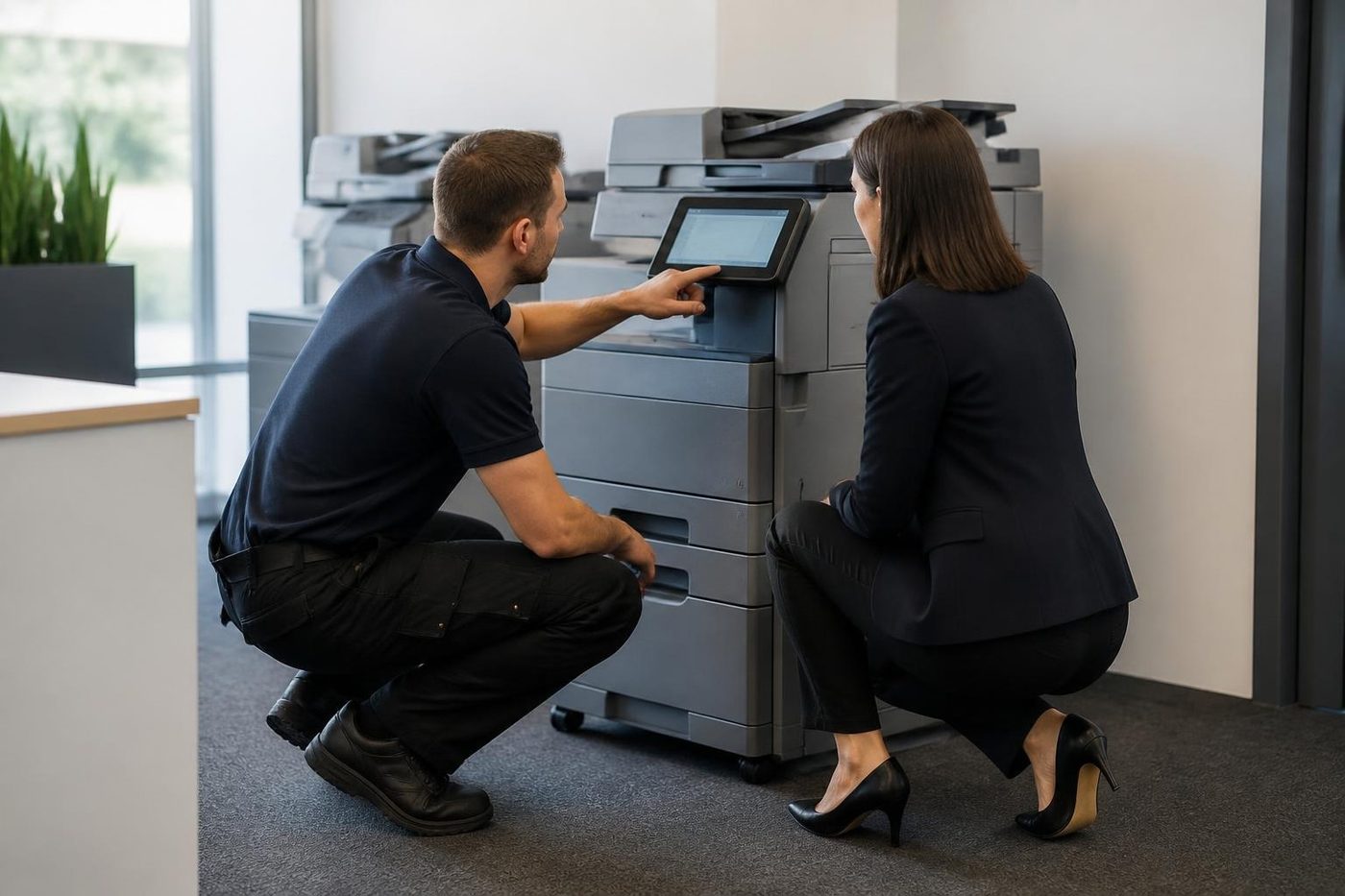
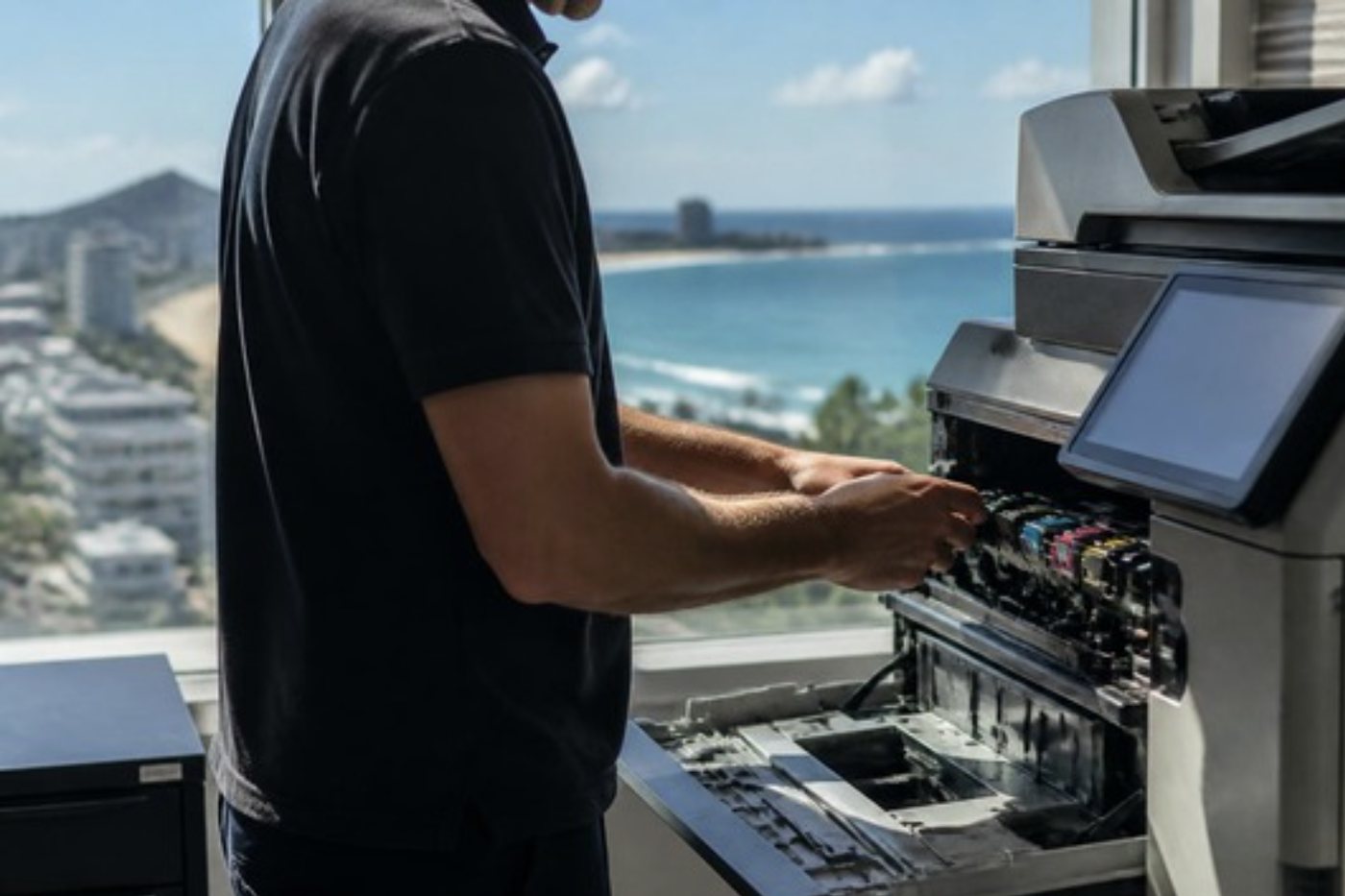
What people ask when they ring
Do you service printers and copiers in Nambour itself?
Yes, in town and in the places around it. Ring with the make, the model and your address and the visit gets planned from there.
Is a ten year old copier still worth repairing?
Often it is. When parts are available and the sums work, we repair it. If the bill would pass the machine's worth we tell you, and the decision stays with you.
Is the school holiday really the best time for a service?
Yes. The machine is quiet, and anything found can be fixed before term starts.
When is the price settled?
On the phone, before a booking. Should the job turn out different on site, we stop and speak to you before doing more.
Do you look after machines in builders' and mechanics' offices?
Yes. Dust and heat are the main enemies, so we check fans, fusers and the paper path, and give a view on whether the machine is big enough.
Our document feeder tears pages. Can that be fixed?
Usually. A worn pad or roller is the common cause, though a staple or fold in the original can do it too. We check the feed path and replace what is worn.
My clinic prints scripts and labels. What if one machine stops?
Tell us which one is blocking work and we deal with that one first.
Does a working copier need a visit?
If it prints a few thousand pages a month, yes, it is sensible. The counters get read, wear parts get checked and you hear what is likely to fail next.
Ring early
Early call, better odds today: (07) 5327 3472
Same day service is available, and we say honestly what we can manage for your suburb.
Leave a message
All of our work on the Sunshine Coast
Service pages
- Photocopier repairs Sunshine Coast
- Commercial printer repairs Sunshine Coast
- Plotter service Sunshine Coast
Fault pages
- Installation and setup Sunshine Coast
- Relocation and removal Sunshine Coast
- Copier and printer faults Sunshine Coast
- Photocopier paper jams Sunshine Coast
- Copier black lines and streaks Sunshine Coast
- Copier error codes Sunshine Coast
- Copier not printing Sunshine Coast
- Scan to email not working Sunshine Coast
- Toner smearing and fuser faults Sunshine Coast
- Printer offline and network faults Sunshine Coast
- Copier noise, grinding and squealing Sunshine Coast
- Is my copier worth repairing Sunshine Coast
- Toshiba e-STUDIO error codes Sunshine Coast
- HP LaserJet error messages Sunshine Coast
- Kyocera TASKalfa error codes Sunshine Coast
Makes we work on
- Toshiba copier repairs Sunshine Coast
- HP printer repairs Sunshine Coast
- Kyocera copier repairs Sunshine Coast
- Fujifilm copier repairs Sunshine Coast
- Xerox copier repairs Sunshine Coast
- Canon copier repairs Sunshine Coast
- Ricoh copier repairs Sunshine Coast
- Lexmark printer repairs Sunshine Coast
- Brother printer repairs Sunshine Coast
- Epson printer repairs Sunshine Coast
- OKI printer repairs Sunshine Coast
- Zebra printer repairs Sunshine Coast
- Konica Minolta copier repairs Sunshine Coast
- Sharp copier repairs Sunshine Coast
- Samsung printer repairs Sunshine Coast
- Fuji Xerox copier repairs Sunshine Coast
Coast towns and suburbs
- Printer service Caloundra
- Printer service Gympie
- Printer service Buderim
- Printer service Maleny and the Blackall Range
- Printer service Kawana and Birtinya
- Printer service Maroochydore
- Printer service Noosa and Noosaville
- Printer service Coolum and Peregian Beach
- Printer service Mooloolaba and Alexandra Headland
- Printer service Sippy Downs and Maroochydore industrial
- Printer service Pelican Waters and Bribie Island
- Printer service Beerwah and Glass House Mountains
- Printer service Yandina and Eumundi
- Printer service Cooroy, Pomona and Cooran
- Printer service Cooloola, Tin Can Bay and Rainbow Beach
- Printer service Kilcoy and the D'Aguilar side
- Printer service Palmwoods, Montville and Mapleton
- Printer service Landsborough and Mooloolah Valley
- Printer service Marcoola and Sunshine Coast Airport
- Printer service Coolum industrial
- Printer service Warana and Kunda Park
- Printer service Tewantin
- Printer service Bli Bli and Pacific Paradise
- Printer service Currimundi, Little Mountain and Baringa
- Printer service Kenilworth, Imbil and the Mary Valley
- Full list, Caloundra to Gympie
Got the make and the problem? That is all we need to price it.
Stopped, streaking or jamming?
Short and plain is fine. Photocopier, printer, plotter, label printer, whatever sits in your office. Or phone (07) 5327 3472.