Buderim, up the hill
Printer and copier repairs Buderim
Buderim sits on the ridge behind Mooloolaba and Maroochydore, and plenty of small practices and home based firms are tucked up there with a printer or two. When one of them stops working we come to the office on the hill and bring the usual spares with us.
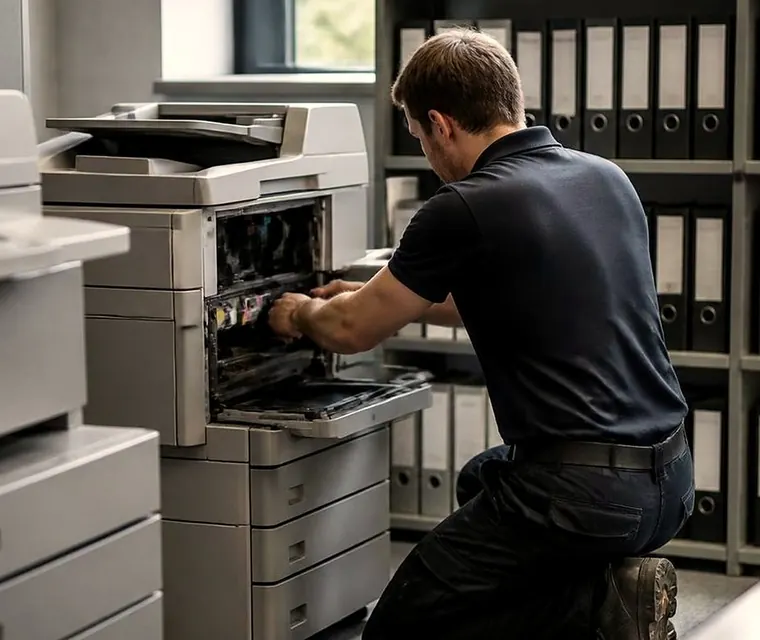
Buderim printer and copier repairs, up the hill
The ridge and the people on it
Half the businesses in Buderim have no sign out the front. There is the bookkeeper working from the front room of a house on the ridge, a physiotherapist off Burnside Road, a consultant around Main Street with one multifunction and a label printer. Then a few bigger sites: schools, and the private hospital on the Mooloolaba Road side with its specialist suites.
That mix sets what goes in the van. Mostly desktop lasers and small A3 or A4 multifunctions, now and then a floor standing copier in a practice or a school office. Fewer paper trays to worry about, more network settings. Fewer rollers, more drivers.
It sets the manner too. Nobody up here wants a technician who looks down on a front room office, and nobody wants to hear that a printer is finished when it only needed ten minutes with a reset.
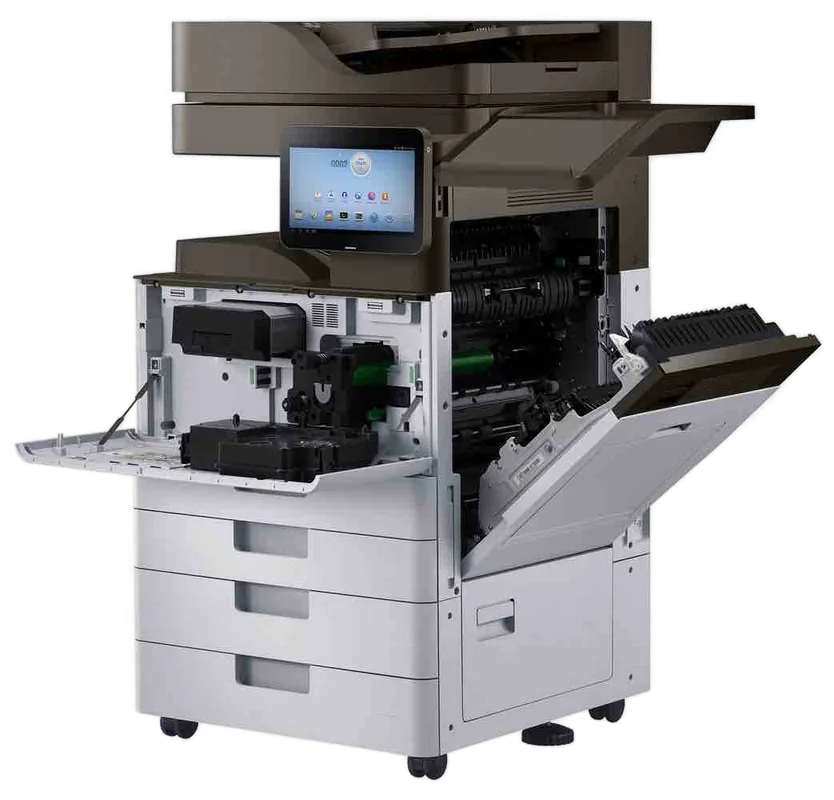

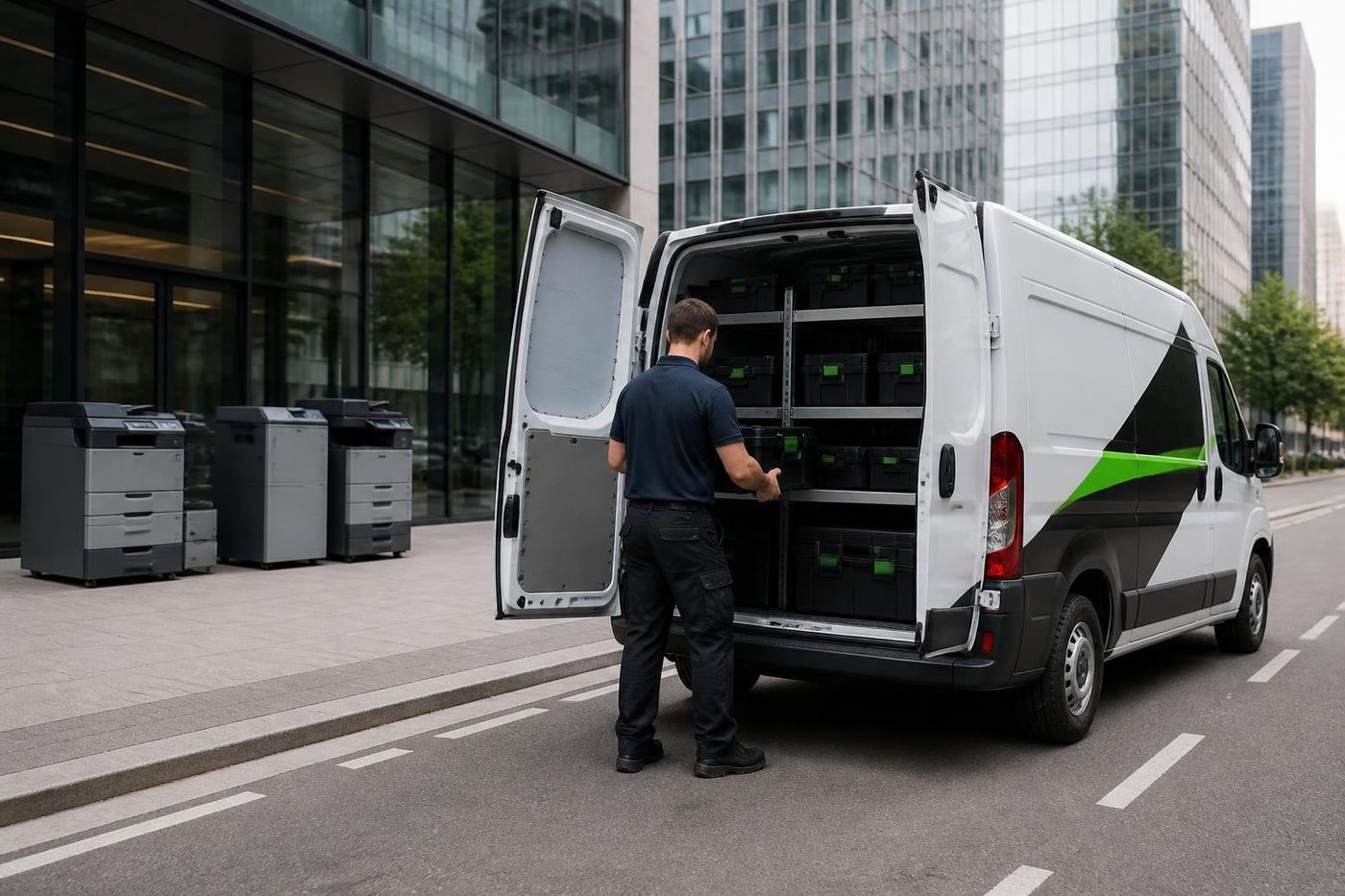
Get a price in three steps
- Describe your machineMake, model and the problem you are seeing.
- We phone with the priceYou hear it before anything is booked.
- A certified technician attendsSame day where the diary allows.
The drop out that is never the printer
Most Buderim calls start with a machine that has fallen off the network. Somebody changed the router, the internet provider reset something at the exchange, or the mesh Wi-Fi in a big old house has quietly put the printer on a different segment from the computer.
Our order is the printer first, then the settings on each computer, then the router if it comes to that. Often the cure is a fixed address on the printer. Other times Windows swapped the driver overnight and nobody noticed.
One useful sentence when you ring: say whether it prints from the laptop but not the desktop. It halves the search.
A wireless printer showing offline on its screen is among the quickest jobs we do. Clearing the print queue and plugging in a network cable usually settles it. For a practice with a patient waiting at the counter, a cable beats Wi-Fi every time, and we will tell you so.
Paper that curls on a damp ridge
The ridge runs cooler and damper than the coast. In a house office, paper kept in a cupboard soaks up moisture, and the machine then jams on the first few sheets each morning. A tray left half full and unwrapped is the first thing to blame.
You can often fix this without calling anyone. Load from a sealed ream, keep the tray closed, and watch whether the jams stop. When they do not, we check the pickup rollers, which harden with age and begin to slip on a damp sheet.
Scanning is the real workload
Practices scan more than they print: referral letters, receipts, patient forms, identification. When scan to email stops, the cause is usually a changed password or a mail setting further upstream, and the machine itself is fine. We correct what lives on the printer and write down what your IT provider needs to change if the problem sits on their side.
Scan to folder breaks for other reasons. The folder was moved, the computer got a new name, or an update switched off an old sharing protocol that the copier still depends on. We have seen the pattern often enough that the office is spared a lot of poking about.
If every scan carries a smudged line, even from a clean original, suspect the narrow glass strip beside the document feeder. It takes a technician about a minute to wipe, and people put up with that fault for months before they ring.
How a Buderim visit runs
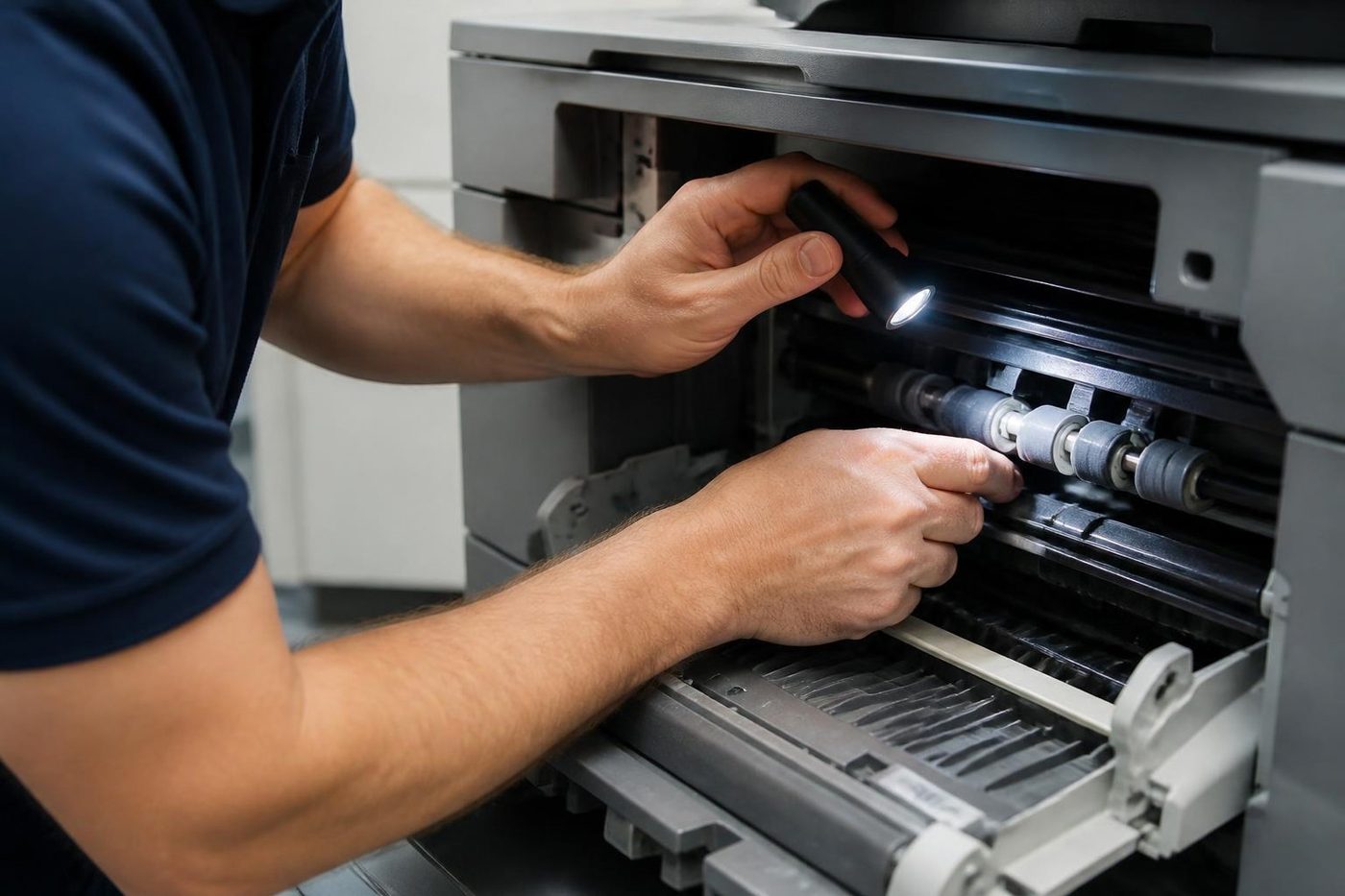
You ring with the make, the model and a plain account of the symptom. We tell you our best guess and what the job would cost. If that suits, the visit is booked, and the technician arrives, repairs the machine and prints test pages with you at the counter.
Same day service is available. When we are tied up on another job as you call, the call is logged and returned, so nothing drops.
Price comes first, before anyone is booked. 98% of repairs finish on the first visit, and if the same fault returns we fix it again at no charge.
Home based business is still business
A big share of Buderim firms operate out of a house. A commercial machine in a spare bedroom gets the same treatment as one in a unit. The only extra questions are where to park and whether the dog is friendly.
An inkjet that cost less than the repair is the exception. We will say so and leave it, because chasing that kind of work is not what we do and talking you into fixing something that should be replaced is not either. If the home office needs a better machine, we can go through options with you, since we sell them as well.
Machines around Buderim
In the small offices the commonest are HP LaserJet and Brother. Schools and practices lean to Canon imageRUNNER ADVANCE and Toshiba e-STUDIO. A good many accountants run Kyocera ECOSYS. Fujifilm, Xerox, OKI and Epson turn up too.
No maker owns us. The brand pages on this site cover the typical faults of each, and if your trouble is the network, the printer offline guide is worth a read first.
Schools, practices and the hospital side of the hill
The bigger sites keep their own rhythms. A school office prints permission slips, newsletters and reports in waves, and the staff room copier is shared by thirty people with thirty habits. A specialist suite prints appointment letters and scripts, and scans back every referral that arrives.
At a school the faults are mostly human. Staples left in a stack, card stock dropped into the wrong tray, a bypass tray pulled out and never pushed home. None of it is a repair, yet it fills the call log. A taped note saying which tray takes what makes a surprising difference.
At a suite the trouble is more likely the label printer or the scanner. A label printer that runs for months without a clean gives thin print and the odd skipped label. Scanner glass collects dust and fingerprints. A visit twice a year keeps both sweet.
Colour documents and the fade
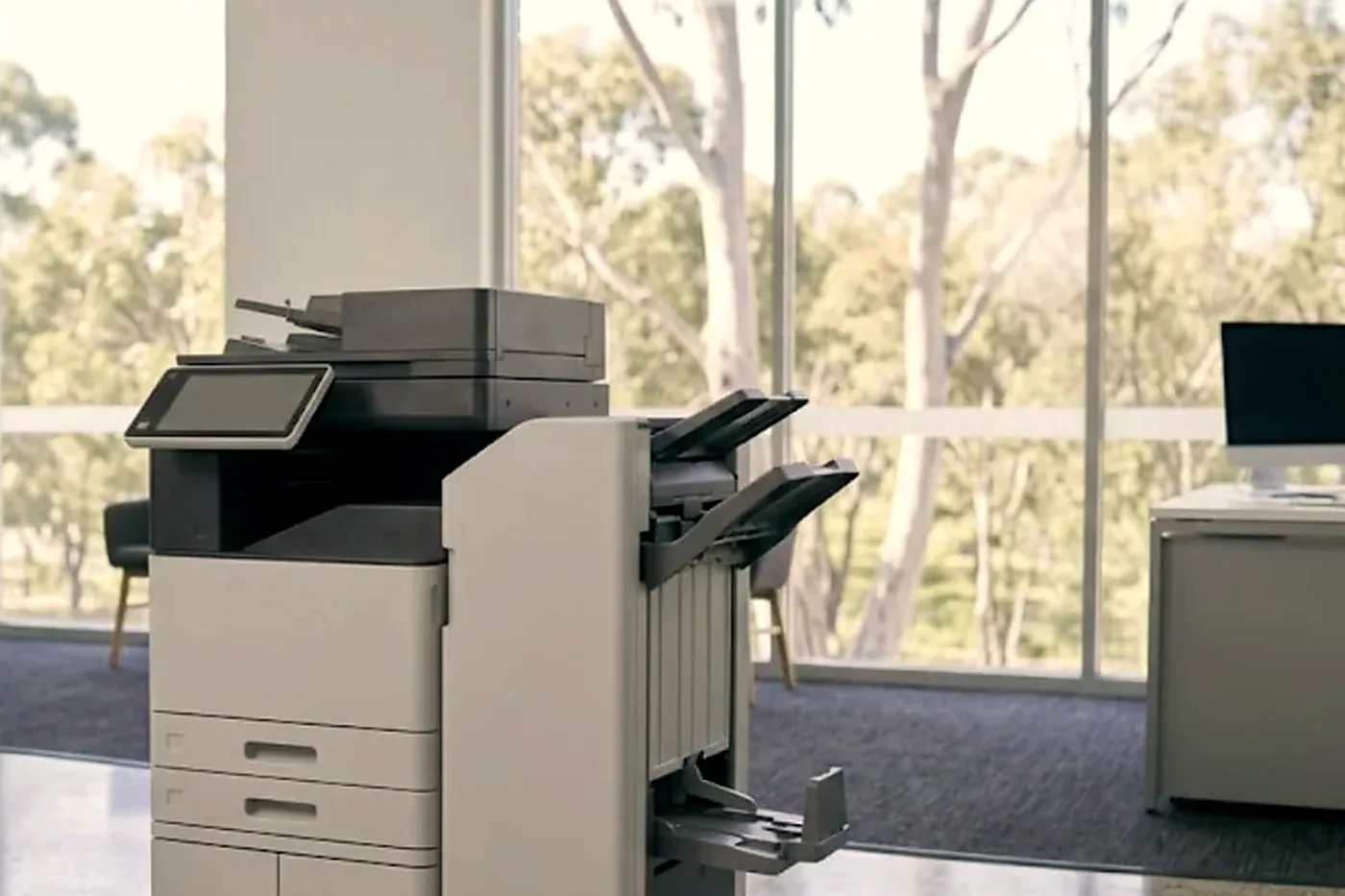
Colour lasers in small offices use toner unevenly. Black runs out first and the printer starts producing an awkward grey. Colours that look weak or tinted on a brochure or a quote normally point to the developer or the toner, and sometimes a transfer belt that is starting to wear. A test page tells us which.
If the colour work goes to clients, get it checked before the big job rather than after.
When the printer is older than the router
Plenty of Buderim offices still run a printer that predates the current internet connection. It works, but it was set up for another network, and one Wi-Fi password change turns it into an expensive paperweight. Old printers also speak older sharing protocols that some computers now refuse.
We update the printer settings and reinstall drivers, and we say so if the machine itself has become the limit. If age is the only thing wrong, you hear that plainly, and what happens next is your decision.
Parking, hills and getting the van up the driveway
Buderim is steep, and some businesses sit at the top of long driveways. The technician copes, but we would like warning. Narrow street, shared drive or locked gate: say so when you ring. Same if the machine is upstairs in a house or on a stair landing, because it changes what we carry up.
Most visits take an hour or two. In a home office we leave the room as we found it.
Drums and daylight
A drum does not forgive a sunny bench
The drum is coated with something that reacts to light. Leave one on a bench by a window at a Buderim office while someone hunts for a screwdriver and it can come back marked for good, the same small spot down every page. People notice a week later and blame the toner. Ours stay wrapped until the second they go in, and nobody puts a finger on the surface.
We have no brand to push, so nobody here gains by selling you a drum you did not need. If the drum is fine we say so and look somewhere else.
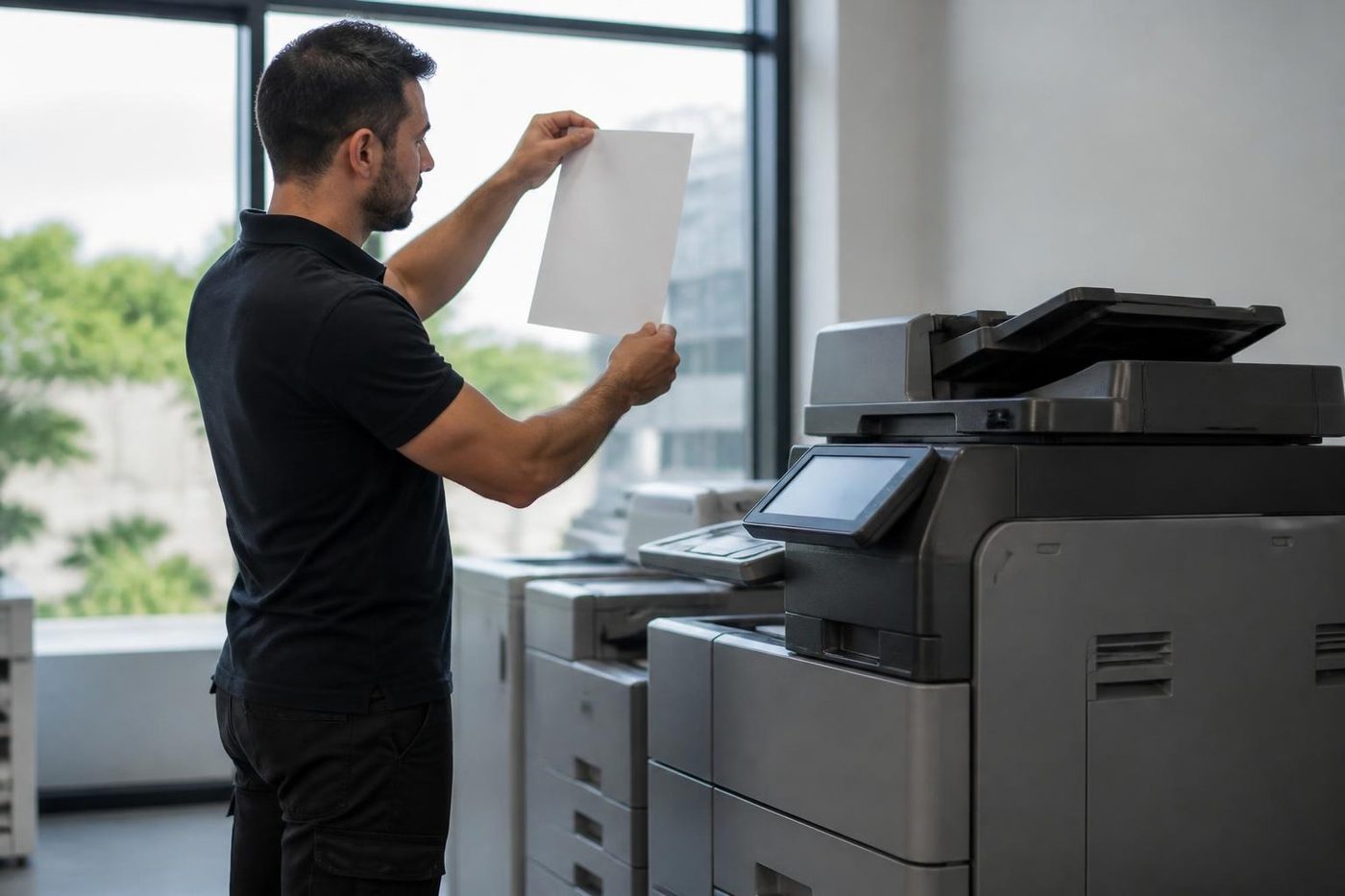
- Wrapped until fitted. Drums stay out of the light.
- No fingers. The surface is never touched.
- Cause first. Streaks and spots get traced before a part is ordered.
More for Sunshine Coast offices
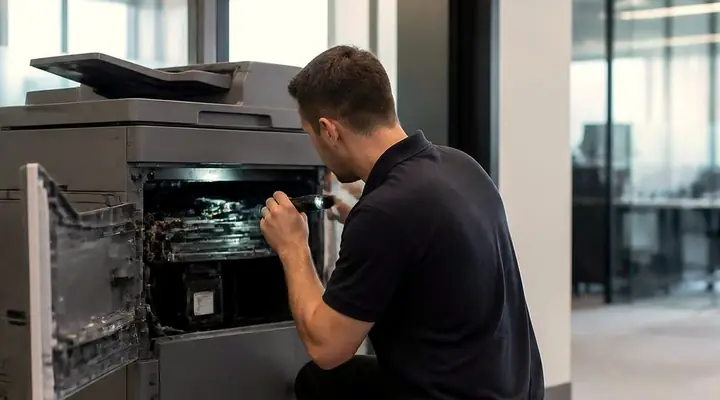 Photocopier repairsCopiers fixed at your desk, one call, price agreed first.
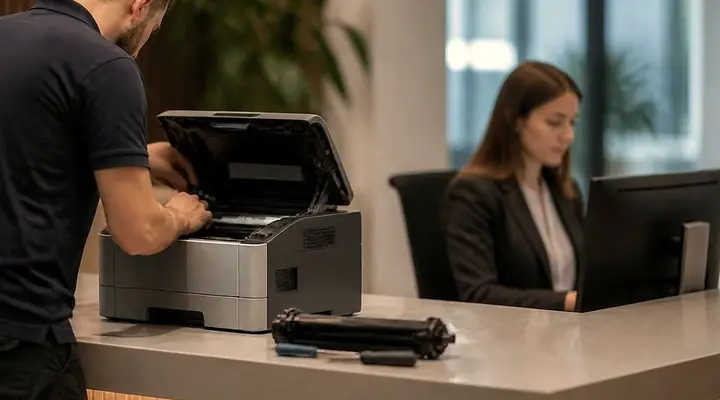 Commercial printer repairsCommercial laser printers, label printers and fleets repaired on site.
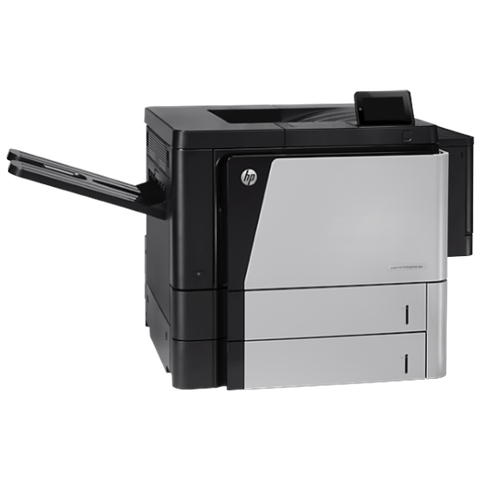 HP repairsLaserJet Pro, Enterprise, Color LaserJet and DesignJet repaired on site.
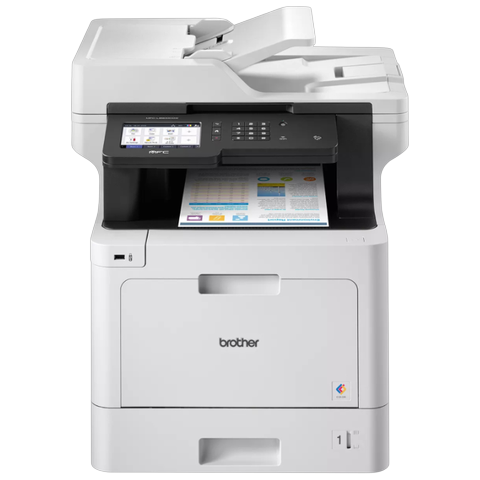 Brother repairsBrother HL lasers, MFC multifunctions and A3 inkjets repaired on site.
 Sippy Downs and Maroochydore industrialUniversity of the Sunshine Coast, Sippy Downs, Kunda Park and the industrial areas.Mooloolaba and Alexandra HeadlandMooloolaba Esplanade, the wharf and marina, Alexandra Headland, Minyama.
 Printer offline and network faultsPrinter showing offline, or reachable from some computers only.
 Scan to email not workingThe scan leaves the glass and never reaches the inbox.
Buy, sell and lease
Buy, sell and lease commercial copiers on the Sunshine Coast
We also sell new and second hand commercial copiers and buy used ones. Same team, same technicians.
Some recent callouts

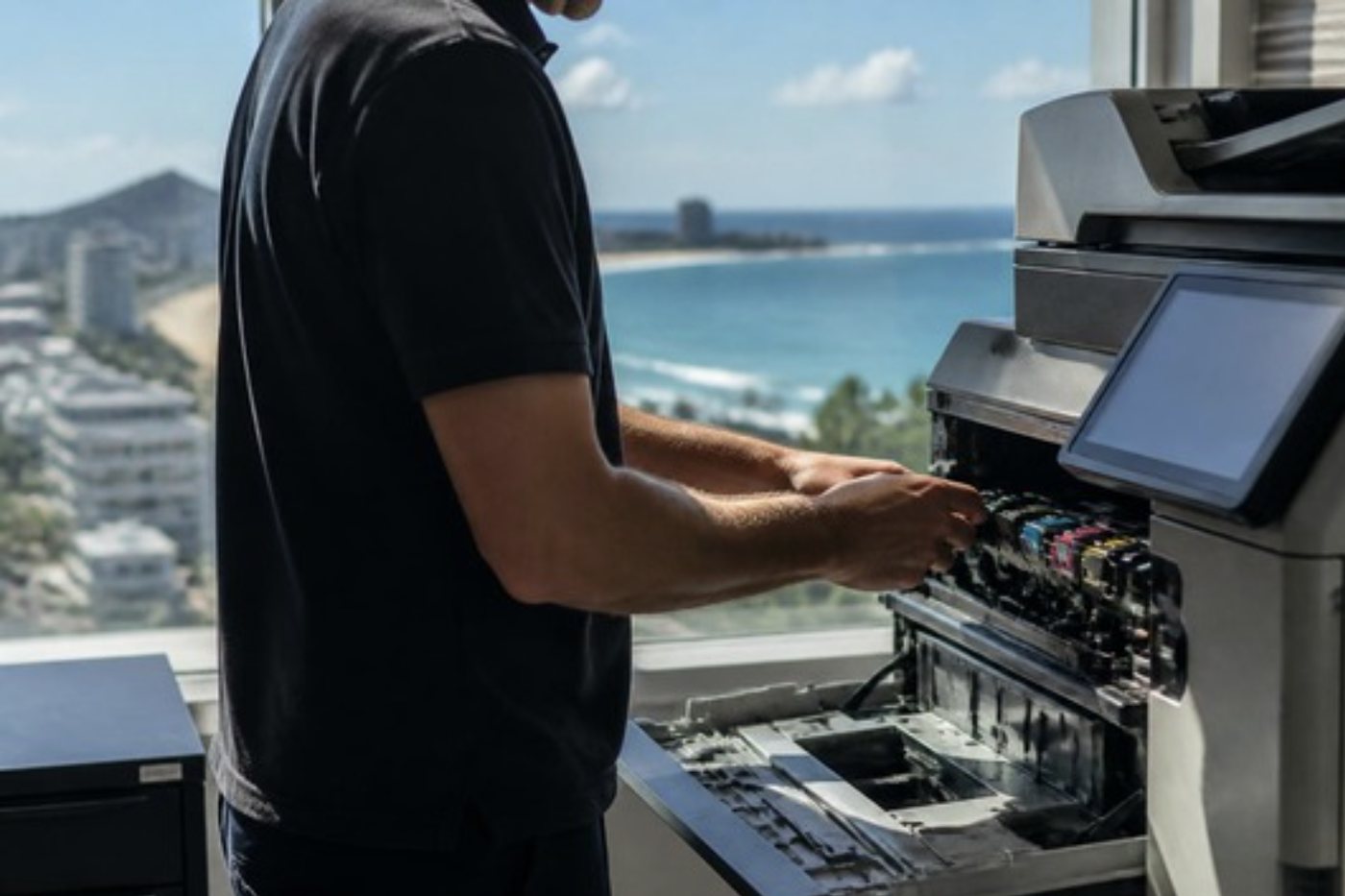
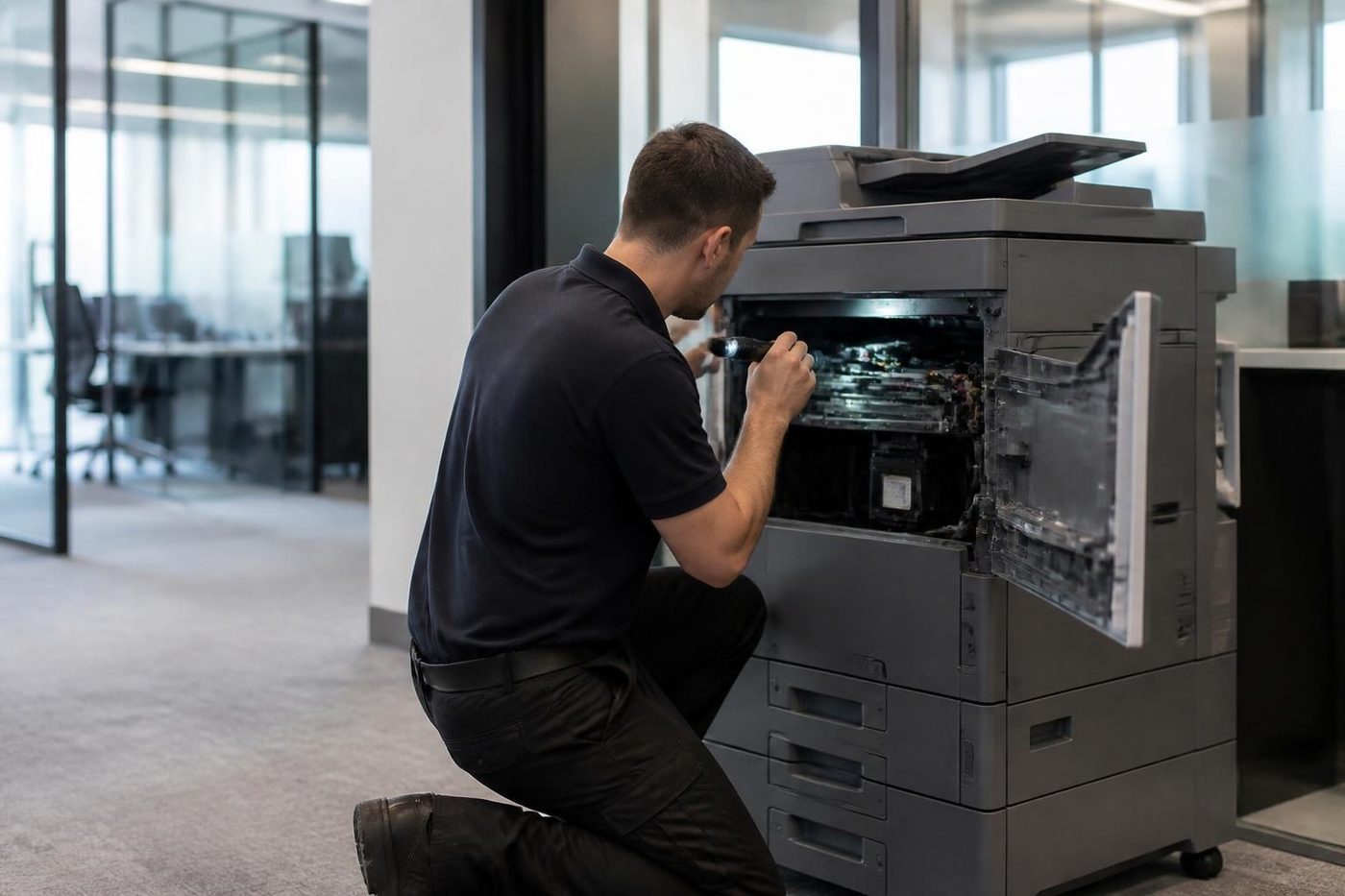
What people ask when they ring
Will you come to Buderim for one desktop printer?
Yes, provided it is a business machine. Commercial and office printers get repaired at your premises across the ridge and through the village.
Why did my printer go offline after the router was changed?
Most likely it picked up a new address or joined the wrong network. We put it back on the right one, give it a fixed address where that helps, and check each computer so the fault stays away.
Can scan to email be fixed for a practice?
Normally, yes. The cause tends to be the mail settings or a password that changed. We set the scanner up properly and leave a note of what the IT provider has to do on their end.
How soon can someone get to Buderim?
Same day service is available, so ring with the details and we will say what is possible. A busy line means your call is logged and returned.
Which brands get repaired around Buderim?
Mostly HP, Brother, Canon, Toshiba, Kyocera, Ricoh, Konica Minolta, Fujifilm, Xerox, OKI and Epson. We work independently of the makers.
Does someone from the office need to be there?
Yes, so the technician can print test pages and show you the result. If the office is covered by a part timer, give us their days and we will plan around them.
Is an old printer worth repairing?
That turns on the part and the age. You get a repair cost set against what the machine is worth. If the numbers say no, we say no, and we can talk replacement.
Every scan has a line down it. What causes that?
A mark on the glass strip beside the document feeder is the usual culprit, and wiping it is quick. If not, it can be the drum or a roller, and the look of the line points us to the right one.
Is a home office machine covered?
Yes, so long as it is a business machine. Houses get the same repair as suites.
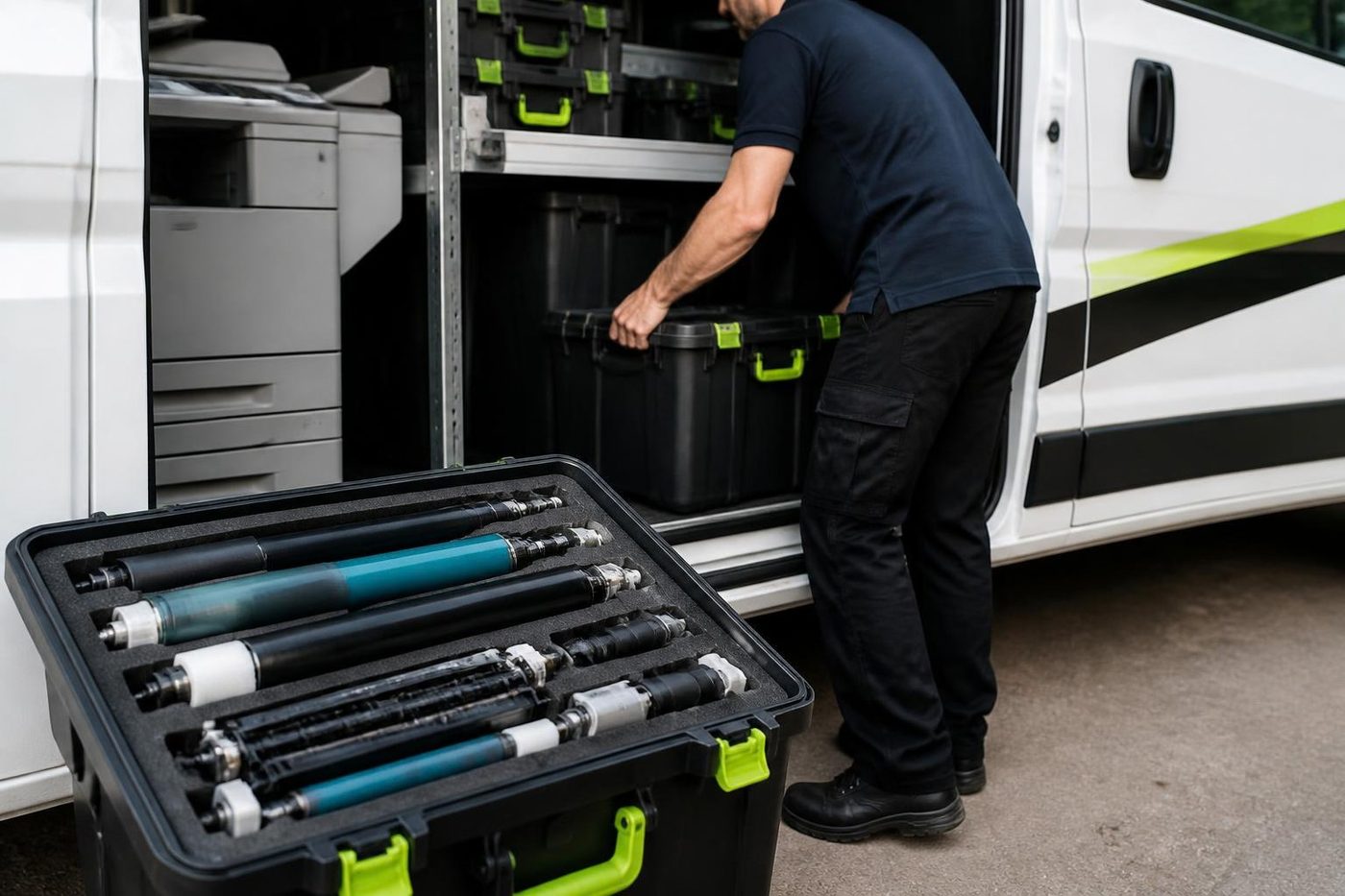
No box, no freight
We fix it where it sits
Technicians carry the common spare parts, so plenty of jobs finish in a single visit.
Book a repair
All of our work on the Sunshine Coast
Service pages
- Photocopier repairs Sunshine Coast
- Commercial printer repairs Sunshine Coast
- Plotter service Sunshine Coast
Fault pages
- Installation and setup Sunshine Coast
- Relocation and removal Sunshine Coast
- Copier and printer faults Sunshine Coast
- Photocopier paper jams Sunshine Coast
- Copier black lines and streaks Sunshine Coast
- Copier error codes Sunshine Coast
- Copier not printing Sunshine Coast
- Scan to email not working Sunshine Coast
- Toner smearing and fuser faults Sunshine Coast
- Printer offline and network faults Sunshine Coast
- Copier noise, grinding and squealing Sunshine Coast
- Is my copier worth repairing Sunshine Coast
- Toshiba e-STUDIO error codes Sunshine Coast
- HP LaserJet error messages Sunshine Coast
- Kyocera TASKalfa error codes Sunshine Coast
Makes we work on
- Toshiba copier repairs Sunshine Coast
- HP printer repairs Sunshine Coast
- Kyocera copier repairs Sunshine Coast
- Fujifilm copier repairs Sunshine Coast
- Xerox copier repairs Sunshine Coast
- Canon copier repairs Sunshine Coast
- Ricoh copier repairs Sunshine Coast
- Lexmark printer repairs Sunshine Coast
- Brother printer repairs Sunshine Coast
- Epson printer repairs Sunshine Coast
- OKI printer repairs Sunshine Coast
- Zebra printer repairs Sunshine Coast
- Konica Minolta copier repairs Sunshine Coast
- Sharp copier repairs Sunshine Coast
- Samsung printer repairs Sunshine Coast
- Fuji Xerox copier repairs Sunshine Coast
Coast towns and suburbs
- Printer service Caloundra
- Printer service Gympie
- Printer service Maleny and the Blackall Range
- Printer service Kawana and Birtinya
- Printer service Nambour
- Printer service Maroochydore
- Printer service Noosa and Noosaville
- Printer service Coolum and Peregian Beach
- Printer service Mooloolaba and Alexandra Headland
- Printer service Sippy Downs and Maroochydore industrial
- Printer service Pelican Waters and Bribie Island
- Printer service Beerwah and Glass House Mountains
- Printer service Yandina and Eumundi
- Printer service Cooroy, Pomona and Cooran
- Printer service Cooloola, Tin Can Bay and Rainbow Beach
- Printer service Kilcoy and the D'Aguilar side
- Printer service Palmwoods, Montville and Mapleton
- Printer service Landsborough and Mooloolah Valley
- Printer service Marcoola and Sunshine Coast Airport
- Printer service Coolum industrial
- Printer service Warana and Kunda Park
- Printer service Tewantin
- Printer service Bli Bli and Pacific Paradise
- Printer service Currimundi, Little Mountain and Baringa
- Printer service Kenilworth, Imbil and the Mary Valley
- Full list, Caloundra to Gympie
Got the make and the problem? That is all we need to price it.
Tell us what it is doing
Tell us where it is, what it is and what it is doing. A figure comes back by phone, and you decide. Ring (07) 5327 3472 if that is quicker.