Everyday prompts and the message that stops the job
Most e-STUDIO messages are chores. Load tray two. Swap the toner bottle. Empty the waste toner box. Shut the side door properly. Staples running low. They are written in ordinary words and they clear the moment you do the job.
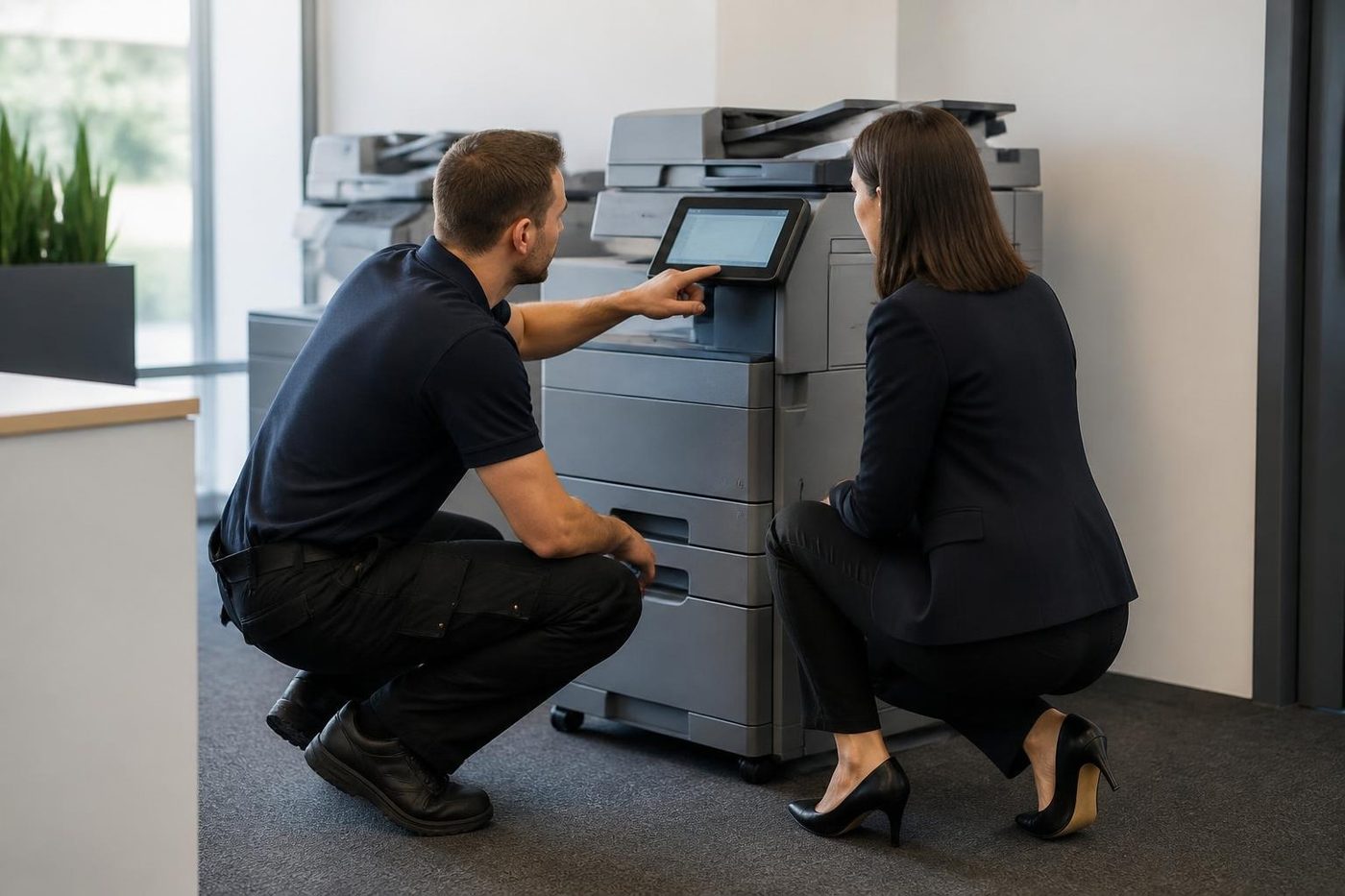
Call for Service is another thing. The copier has met a fault it will not get past, and it keeps the code on screen until a technician clears it.

How the codes are grouped
Toshiba arranges service codes by the area of the machine that triggered them, and each model generation gets its own list. Toshiba's manual for the e-STUDIO477S puts the fuser unit errors in one group: C446, C449, C466, C468 and the run from C41A to C41D.
The same manual tells the technician to watch the clock. If the code comes up the instant the power goes on, suspect a faulty thermistor or a fuser that is not seated right. If it appears roughly a minute after power on, the heat is not climbing as it should. That can be a thermistor out of position, or a problem with the AC supply feeding the halogen lamp.
In short, the number gives the family and the timing narrows it down. Another model has another table, so we check yours before saying anything firm. What we tell you about a code on a different model is a pointer, not a verdict.
Code families at a glance
A rough sorting of what you might read on the panel, and who ends up dealing with it.
- e-STUDIO477S fuser codes: C446, C449, C466 and C468, plus the four from C41A to C41D. Ring us with whichever you see.
- Older e-STUDIO models: anything starting C41, C43, C44 or C45 usually sits at the fuser thermistor or heater end of the machine. Ring us.
- Any other C code: what it means varies by model, so give us the model name too.
- Add paper, replace toner, waste toner full: yours to handle.
- Finisher and staple messages: covers, staples, a sheet caught. Try the obvious first, then ring.
- Jam messages: paper stuck where the picture shows. You first.
Why the fuser matters most
The fuser is the hardest working part in any copier, and it fails more often than anything else for that reason. It lives at fusing temperature all day, with a heat source, temperature sensors and a safety cut out around it. A code from that family might trace to a dead heater, a thermistor giving a false reading, a tripped thermostat, a loose connector, or the board that runs the lamp.
The manual's remedies read as a list of things to test and then replace if the test says so: the fuser unit, a power supply, a board. Nobody should be fitting a fuser on a hunch. It costs a lot to learn that the fault was elsewhere.
What you can do at the machine
Five minutes, no tools.
- Copy the code exactly, and the model name that is printed on the front.
- Remember whether it showed at the moment of power on or part way through warming up.
- Turn it off with the power key, count out a full minute, turn it on. Once only.
- If the same code shows again, leave it off.
- Confirm it is plugged into a wall socket, with no power board or surge protector in between.
- Keep your hands out of the fuser area.
Toshiba itself says the code should go to a service representative and the repair should be left to them. Good advice.
The e-STUDIO families we see on the Coast
The colour multifunctions in the 2010AC and 2515AC range turn up in practice rooms, architects' offices and school admin blocks. Mono machines from the 2508A up to the 5008A do the daily grind at accounts desks, council counters and trade supply offices. Plenty of older e-STUDIO units are still going in small firms that never saw a reason to replace them.
Codes are not shared evenly across those families, so a code you found online for one model may mean something else on yours. When you phone, read us the whole model name, letters and all.
Finisher, toner and waste messages that look like faults
Finishers cause more false alarms than anything. An empty staple cartridge, a staple bent in the head, a sheet caught in the stack tray or a door sitting a few millimetres ajar will all stop a job and put a message up. Read the picture on the panel, clear the staple or the paper, shut the door with a firm push and the message goes. Seeing the same one after a clean clear means a sensor or the stapler head needs a technician.
Toner is the easy one. Toner message: the bottle is empty or close to it. Waste toner message: the box that catches what the cleaning blade scrapes off is full. Change it and carry on. If the message is still there after a change, either the box is not seated or the sensor cannot see it.
Power, storms and the code that appears on Monday
When a copier wakes up, the fuser pulls a big slug of current quickly. Put a kettle on the same power board, add a long extension lead, or have the air conditioning drag the supply down as it starts, and the voltage dips enough to trigger a heating code. That is the reason we ask you to use a wall socket for your one restart. If the code vanishes on a direct plug, you have found the culprit and saved yourself a fuser.
Where we are asked
Maroochydore and Sippy Downs offices, council and school sites, builders and suppliers around Kunda Park. A trade office where the copier is switched off at the wall every night and woken at seven by someone with a coffee in hand is a very ordinary place for a power dip code to turn up.
Hinterland storms and short coastal outages leave the same fingerprint. A Toshiba that rebooted by itself overnight and now shows a code is a regular call, and the first thing we ask about is the weather, ahead of the model.
Firmware: why we hold off updating
A firmware update can clear a 49 or 79 error with a known cause. It can also change settings, break a feature the office leans on, or lock out a supply. We look at the printer's history and the reason for the fault first, and if we do update, the version before and after goes in our notes.
Does your IT provider push updates centrally? Speak to them before we touch anything. Two systems updating one printer is a good way to create a brand new fault.
What we do on site
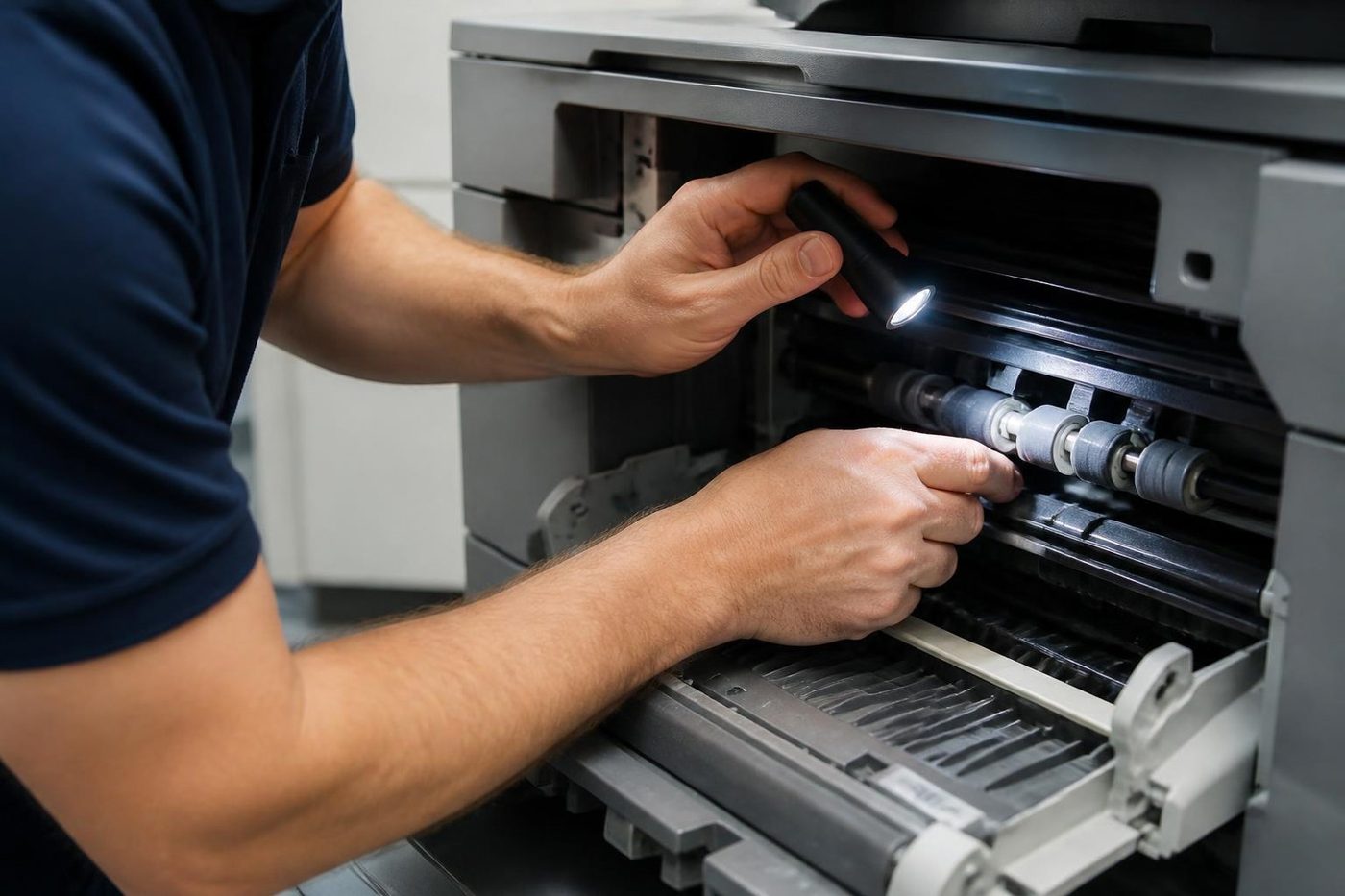
First we read the machine's own fault log, to learn whether this is a one off or the latest of several. Then comes the area the code names: for a fuser code, thermistor, heater, thermostat and connectors are tested before a part is ordered. Any wear part we replace has its counter reset. Copy, print and scan tests follow, and the finisher too if one is fitted, since a machine that clears one fault can show the next.
Our technicians are trained, experienced and certified, and one is chosen to suit the machine. About 98% of repairs are done first time, and a repeat of the same fault is fixed again free. This is an independent service business: not Toshiba, not authorised by Toshiba and not affiliated with it.
Reading the code history is half the job
The copier keeps its own log. A code that showed once, months back, and a code that has come up nine times in a fortnight lead to different decisions. A fault that began right after a toner change or a move tells us what got disturbed.
If someone has been keeping a note beside the machine, hand it over. Dates and wording together say more than either on its own.
When to ring
Ring when the same code comes back after your one restart, when the machine smells hot, when paper is stuck deep in the machine where the panel shows no access, or when the code involves the fuser, the laser or a high voltage part.
Tell us the code and the model, and the price gets worked out on the call itself. Lines busy? Your call is logged and returned. Same day service is available.
The second callout
The first repair is the cheap one
A builder in Kunda Park does not have a spare morning to stand next to a copier while the same job gets done twice. Neither does a school office in the last week of term. We try to find the cause on the first visit and say plainly if we cannot.
About 98% of our repairs are done on the first visit. When the odd one is not, the second visit costs you nothing.
- Find it once. The cause, not the nearest part.
- Say so honestly. If a visit does not finish the job, you hear it from us.
- Come back free. Same fault, no charge.
More for Sunshine Coast offices
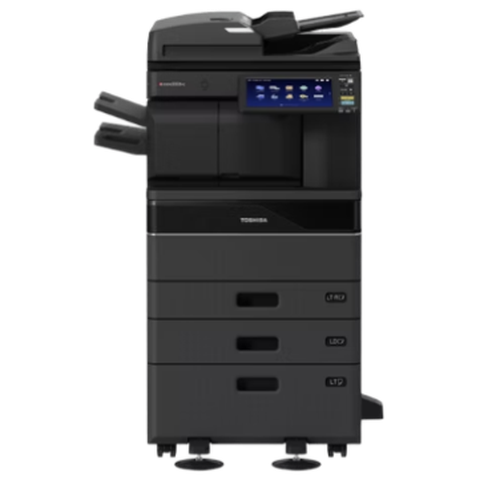 Toshiba repairse-STUDIO colour and mono copiers, fixed where they sit.
 Photocopier repairsCopiers fixed at your desk, one call, price agreed first.
 Copier and printer faultsStart from the symptom, find the next step.
 Copier error codesHow to read a panel code, which ones you can clear, when to ring.
 Toner smearing and fuser faultsToner that rubs off, ghost images and fuser trouble.
Buy, sell and lease
Buy, sell and lease commercial copiers on the Sunshine Coast
We also sell new and second hand commercial copiers and buy used ones. Same team, same technicians.



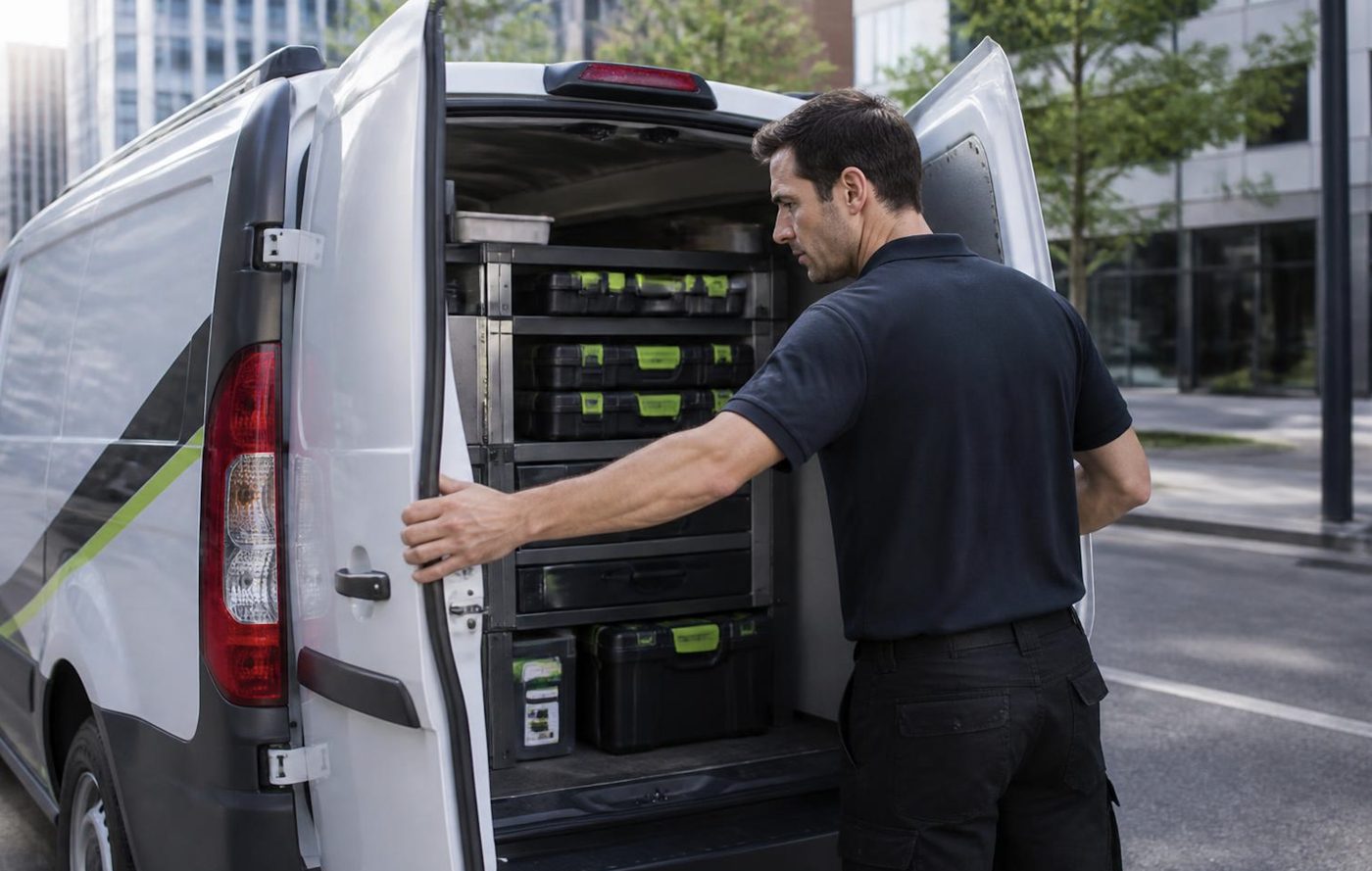
Around the coast with the van

What people ask when they ring
What does Call for Service mean on a Toshiba?
The e-STUDIO has hit a fault it cannot get past. The C code that comes with it points a technician to the area of the machine.
What does C41A mean?
For the e-STUDIO477S, the service manual lists C41A under fuser unit errors. Other models can use the same number differently, so we check against yours.
Can I wipe a Toshiba error code myself?
One restart is fine: off for a minute, then on. If the code is back, phone us. It stays stored until a technician clears it after the repair.
Why does the code come straight after I switch on?
In the fuser family a code at power on points at a faulty thermistor or a poorly seated fuser. A code about a minute later leans towards heat that is not rising.
Is a fuser replacement always needed?
No. A thermistor, a connector, a supply or a board can turn out to be the cause. We test first and fit afterwards.
Do you work on older e-STUDIO models?
We do. Give us the model and code and we will say how easy we expect parts to be.
Do you have an affiliation with Toshiba?
None. We are an independent service business.
Which messages are mine to deal with?
Paper, toner, waste toner and open covers. Do what the message asks and it clears.