Lexmark printer repairs Sunshine Coast offices ask us for
Monday morning. Someone has a hand on the tray and a number on the panel: a 200, or a 900 with digits after it, or a cartridge message about the one fitted on Friday, which was fine at the time. A Lexmark is quick to announce a fault and slow to tell the person at the front desk what to do next.
We read the message and the model together, because one number can point at different parts across different Lexmark families. Then we say, in ordinary words, what is likely, what it costs and whether you need us today or can limp to Friday.
Ring with the screen wording ready and the model name, which is on the front panel or a label inside the door. The time it started helps too.
How Lexmark names its machines
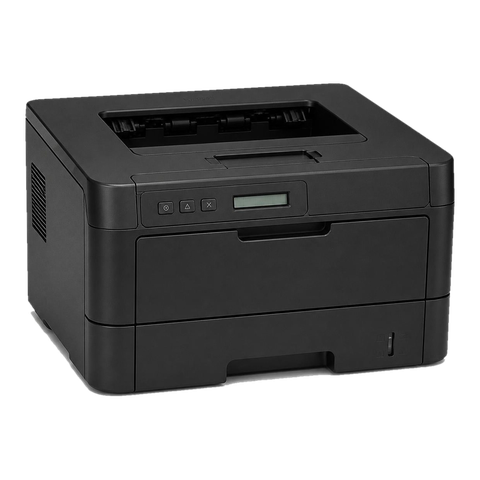
Four letter pairs cover most of what we meet. MS is a mono printer, MX a mono multifunction, CS a colour printer and CX a colour multifunction: M for mono, C for colour, S for printer, X for multifunction, going by the models we have looked at. Numbers climb with the range and trailing letters describe options. Duplex and wireless come standard on the CX431adw, CX635adwe and MS631dw.
Older machines from the same lines are still working hard across the coast and we look after them as they stand. Not listed below? Ring with the name and we confirm what applies.
| Models | Size and type | Usual setting | Wears first |
|---|---|---|---|
| B2236, MB2338, MB2442 | A4 mono, printer or multifunction | Front desks, small branches | Pick tires and separator pad, and on older units the fuser |
| MS321 to MS621 and MX321 to MX622 (the 321, 421, 521, 621 and 622 models) | A4 mono, printer or multifunction | Workgroup print and copy | Pick and separation rollers, then fuser and imaging unit |
| MS431, MX431 | A4 mono with a touchscreen and duplex scanning | Small workgroups | Pick rollers, fuser, imaging unit, in that order |
| MS531, MS631, MS632, MX532, MX632 | A4 mono at higher speed | Busier workgroups | Fuser, then pick rollers, imaging unit and feed sensors |
| CS431, CX431 | A4 colour, printer or multifunction | Admin teams, small colour workgroups | Fuser, imaging unit, transfer parts |
| CS531, CX532, CS632, CX635 | A4 colour with a touch panel | Mid sized offices with meeting rooms | Fuser, transfer parts, pick rollers |
| MS71x, MS81x, MX71x, MX81x | Big A4 mono for heavy work | Print rooms and busy departments | Fuser, transfer roller, then pick and separator rollers |
Three machines, by the book
Every Lexmark model carries a published duty rating, and ignoring it is how pick rollers and fusers die young. What follows comes from the Lexmark guides.
The CX431adw first. Compact, colour, multifunction, up to 26 pages a minute, with a small 2.8 inch touchscreen. Its 250 sheet tray reaches 750 once another tray is added. Lexmark suggests 750 to 5,000 pages a month.
Next the CX635adwe, at 42 pages a minute. It has a 7 inch colour touchscreen and holds 251 sheets as standard, rising to 2,001. The monthly figure is 1,500 to 10,000.
Then the MS631dw, which is mono and goes up to 50 pages a minute. It holds 650 sheets as shipped and 2,300 at most, rated at 2,000 to 20,000 pages a month.
In practice on the coast: a CX4 suits a small admin team, a CX6 a mid sized office, and the MS and MX 6 series can serve a full floor. A practice that pushes one past its rating hears about it from us, and we go through what else could work.
The messages, and what we do about each
Past the wording, Lexmark shows a bracketed number such as [88.xy] or [38], xy being a sub code. For us each one is a hint about where in the machine to look. It is never an order to buy a named part.
- Paper jams are the 200 group. For 200, 201 and 202 Lexmark points to a jam at the front or middle and names the places to look: beneath the tray, behind the front door, at the green guide tab and at the rear door. Typical culprits are a scrap of torn paper or a tray loaded above its line. On older machines 241.06 is commonly blamed on worn pick tires, and we count the pages they have run.
- Cartridge messages: with 31.xy the toner cartridge is missing or silent. Lexmark suggests removing and reseating it. 32.xy says the cartridge is not supported, and we see what the machine reports. 42.xy flags a region mismatch, the two numbers being printer region and cartridge region.
- Supply running down: 84.xy warns the imaging unit is low. On printers that display it you can keep going for a time, and we find out whether the part is worn or the counter just never got reset. 88.xy warns the cartridge is nearly spent and Continue dismisses it. 80.xy flags the maintenance kit, which Lexmark says to report to support, with Continue dismissing it. We check the fuser, pick and transfer parts that kit stands for.
- Service errors: 900.xx belongs to the RIP or firmware. Start with the queue, because a lone job the machine cannot interpret can raise it, and move on to firmware after that. 920.xx means the fuser failed to reach working temperature; Lexmark gives 921 to 925 similar causes. We look at the fuser and the wiring, then at the power feed.
- Memory and network: 38 is memory full, and Lexmark lists continuing with data loss, cancelling, adding memory or dropping the resolution as the choices. 39 says a page was too complex for the memory. 54 is a network software error: continue, power off and on, then update the network firmware, per Lexmark.
Pressing Continue is the usual Lexmark reflex. For a low supply warning that is harmless. For 38 it is not, because pages are lost.
A 900 error is often one bad job
A 900 on the screen leads staff to write the machine off. More often it choked on one job: a PDF from an odd source, a driver that did not fit, a file corrupted in transit. Empty the queue, switch off and on, and the printer carries on as if nothing happened.
If it comes straight back we look at firmware. An interrupted update can leave a machine stalled, and since Lexmark firmware is digitally signed, a machine will not take an update without a valid signature. When a 900 appears right after an update, the firmware level is our first look.
Wear parts, in the order they usually give up
Follow the paper and toner through a Lexmark and you see the order of failure. Pick tires and rollers first: multi feeds, a false empty message, 241 jams. Then separation rollers and pads, letting two sheets through together. Fuser next: creases, toner that smears, 920 messages. After that the imaging unit, which shows as streaks, a grey wash or spots. On colour machines the transfer parts are the last to go and produce banding and ghosting.
A maintenance kit for the MS81x and MX81x range includes the fuser, transfer roller, pick roller assembly and separator roller assembly. We confirm which parts apply to your machine, and nothing is fitted until you have agreed on the phone.
The 920 fuser message and the power point
For 920 errors Lexmark's advice begins with a direct wall socket rather than a power strip, as low supply can cause a false fuser fault. Summer storms on the coast make that a sensible first check. We look at the power connection on every visit, and now and then that is the whole answer.
Coast summers also keep air conditioning busy, and a printer in the rear corridor of an old building may sit in warm, damp, dusty air. Paper carries dust in and it collects around rollers and sensors. We clean the path during the visit and show you what came out.
Sign in, secure print and the touch panel
Newer Lexmarks run apps through eSF, the Embedded Solutions Framework. Lexmark describes those apps as packaged and signed by Lexmark before they install. A sign in app, a card reader app or a print release app may be on the touch panel.
Held jobs depend on a PIN. Lexmark describes confidential jobs waiting until their owner signs in, with a limit on wrong PIN attempts and an expiry set by the administrator. If the machine has a hard disk, encryption is on by default, according to Lexmark.
Most settings sit in the embedded web server, which you open by typing the machine's address into a browser. Lexmark documents that this access can be limited to HTTPS. If an administrator gets locked out, the documented fix is a security reset jumper on the controller board, and that means opening the machine. We do it at your premises when needed and explain beforehand what will happen.
Wi-Fi and the network side
Several current models offer wireless, among them the CX431 and the 5 and 6 series. Wi-Fi trouble usually sits in the network more than the machine: a password that changed, an access point that was swapped, a guest network blocking print traffic. We check the machine end and talk your IT contact through the rest.
A scan to email button that went grey after the mail system changed is a very common call. It is more a settings job than a repair job, and it costs less than people expect.
Where Lexmarks live on the coast
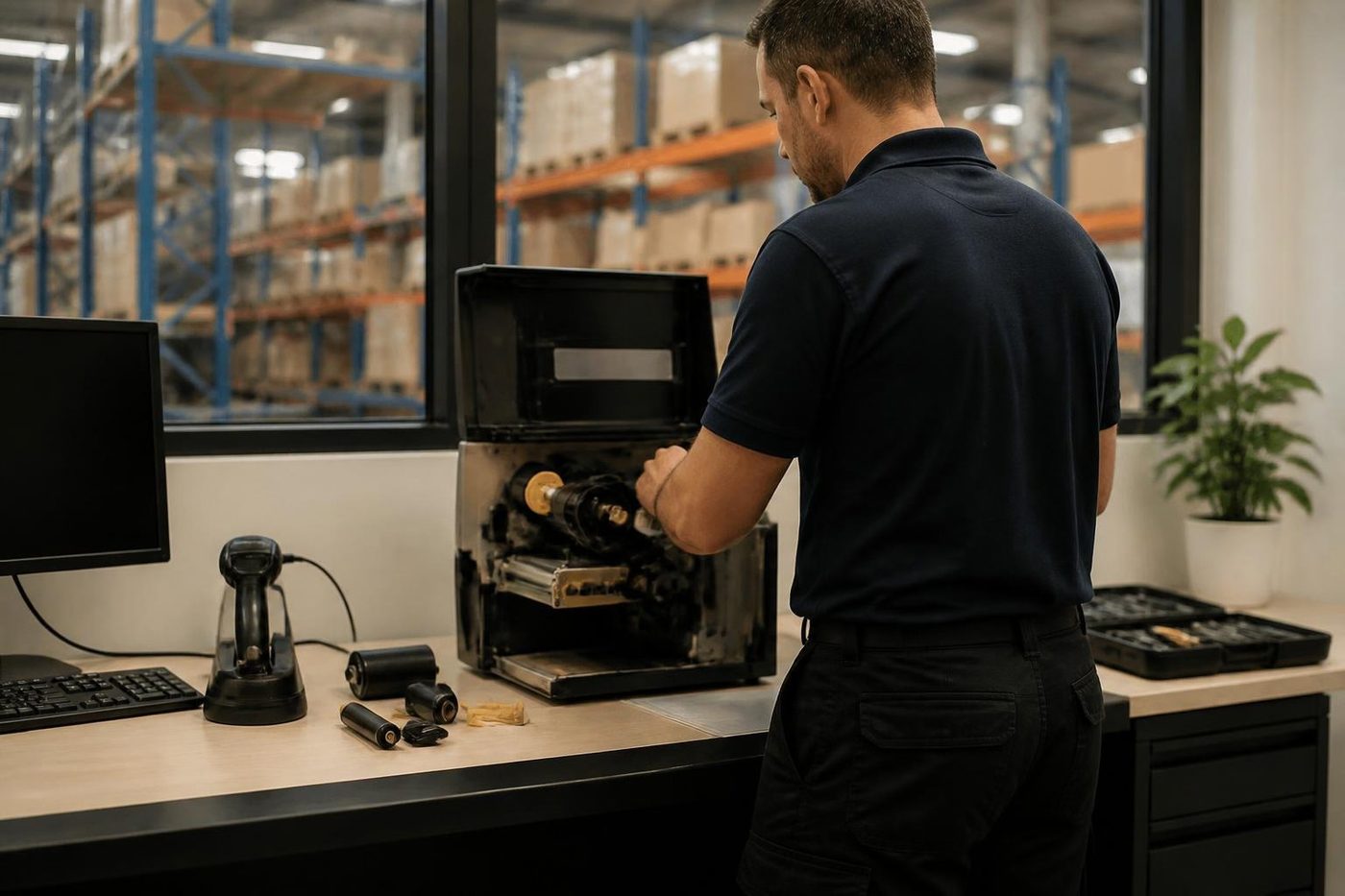
Mono MFPs carry plans and contracts for building and engineering firms around Kunda Park and Warana. Colour tends to sit near the meeting rooms in professional suites at Maroochydore and Mooloolaba. Out at Yandina and Caloundra West, warehouse offices put a Lexmark on a mezzanine desk where carton dust is the enemy.
In multi storey and multi tenant buildings we ask about the dock and the lift when you ring, so the visit starts on time and nobody carries a toolbox up four flights.
What sets a Lexmark apart when it fails
A Lexmark nearly always shows the fault as a number. That helps diagnosis and punishes guessing. Two machines can show the same 900 for completely different reasons, so we read the sub code and the machine history before a cover comes off.
Many models keep the cartridge and the imaging unit as separate parts, so a supply message can mean two things. The larger families count their own maintenance kit, a bundle of wear parts. We treat the kit message as a prompt to inspect what it covers, not a licence to replace the lot.
Most calls fall into three groups: paper handling, heat, or settings and software. Paper means the rollers get the attention. Heat means the fuser and the power. Settings means we sit with whoever runs your network.
A fresh cartridge and the streak is still there
This one is the most expensive misunderstanding in the printer trade. A page has a line down it, someone fits a new cartridge, the line stays, and a second cartridge goes in on the strength of a hunch. On many Lexmark models the cartridge and the imaging unit are separate parts. The streak is in the imaging unit, or the fuser, or the transfer stage, and the cartridge has been innocent all along.
A quick way to narrow it down is to look at where the mark repeats. A mark that repeats at regular distances down the page is a roller or a drum with damage on it, and the spacing tells us which. A mark that is always in the same place across the page, running the full length, is more often something that touches the page along the way. A grey tint over the whole sheet is typically wear in the imaging unit.
Hold on to the bad page. Put it in the tray when we arrive. It saves guessing.
Trays, duplex and what you can add
Lexmark builds most of its workgroup machines so that trays can be added underneath. The MS631dw starts at 650 sheets and grows to 2,300. The CX635adwe goes from 251 to 2,001. Duplex is standard on the models we named earlier, which matters, because duplex adds a second paper path and a second place for a jam to happen.
If the jams only appear on two sided jobs, tell us. That points at the duplex path and not the trays. If they only appear from one tray, the pick tire for that tray is the likelier cause. Those two facts alone can change what the technician puts in the van.
Heavy stock, labels and envelopes are harder on a machine than plain paper. A printer that runs perfectly on A4 can jam on a stack of letterhead that has been sitting in a damp cupboard at Coolum all summer. Paper that has taken on moisture curls, and curled paper gets caught.
Questions we ask when you ring
- What is the full model name, and how old is the machine roughly?
- What does the screen say, word for word, with the number and anything in brackets?
- When did it start, and did anything change that week: a new router, a power cut, a different cartridge, a Windows update?
- Does it happen on every job, or only from one tray, one computer or two sided pages?
- Is it a single machine or one of several at the site?
That is five questions and about two minutes. It is cheaper for you than a second visit.
A Lexmark visit, in the order things happen
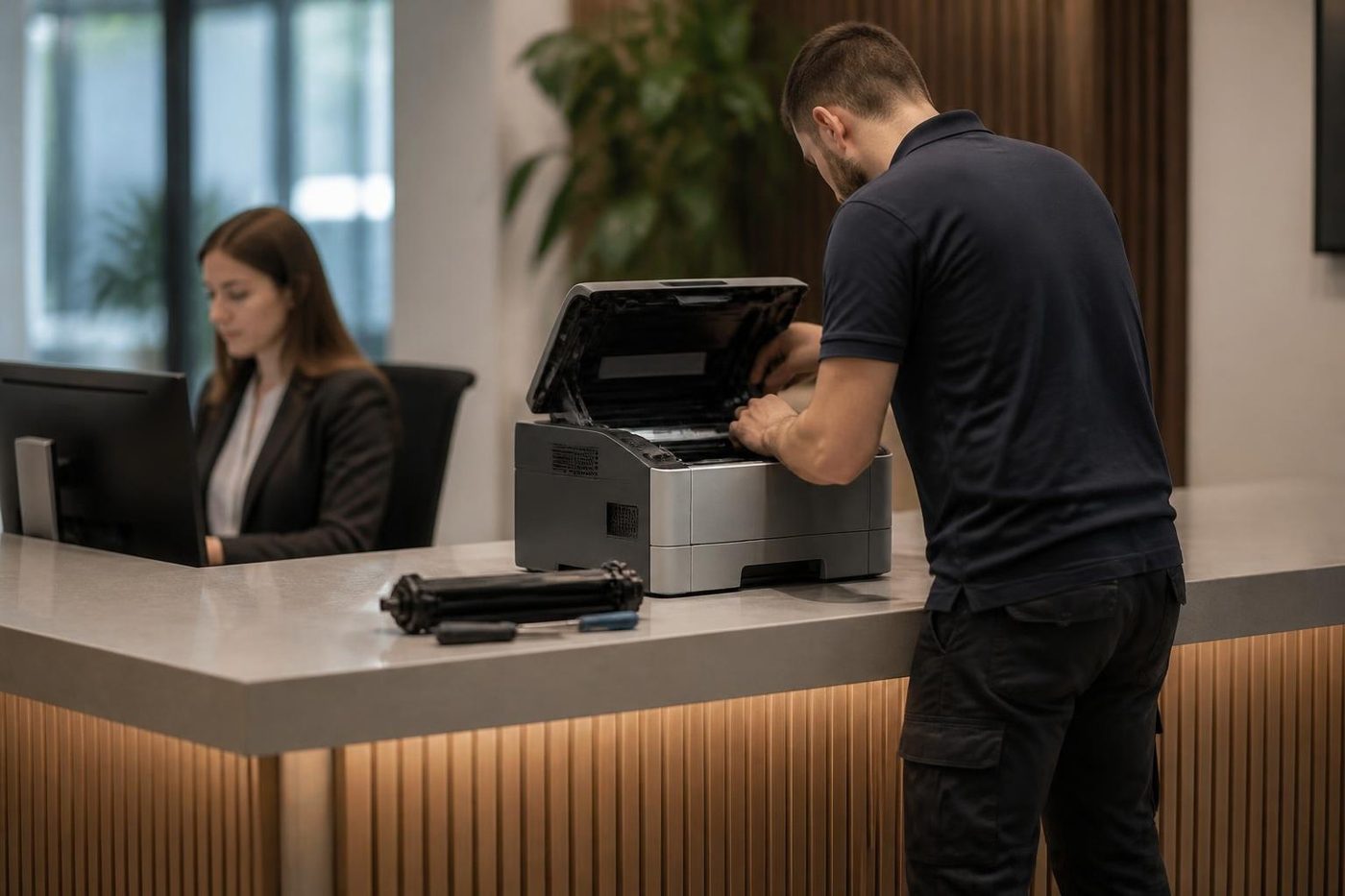
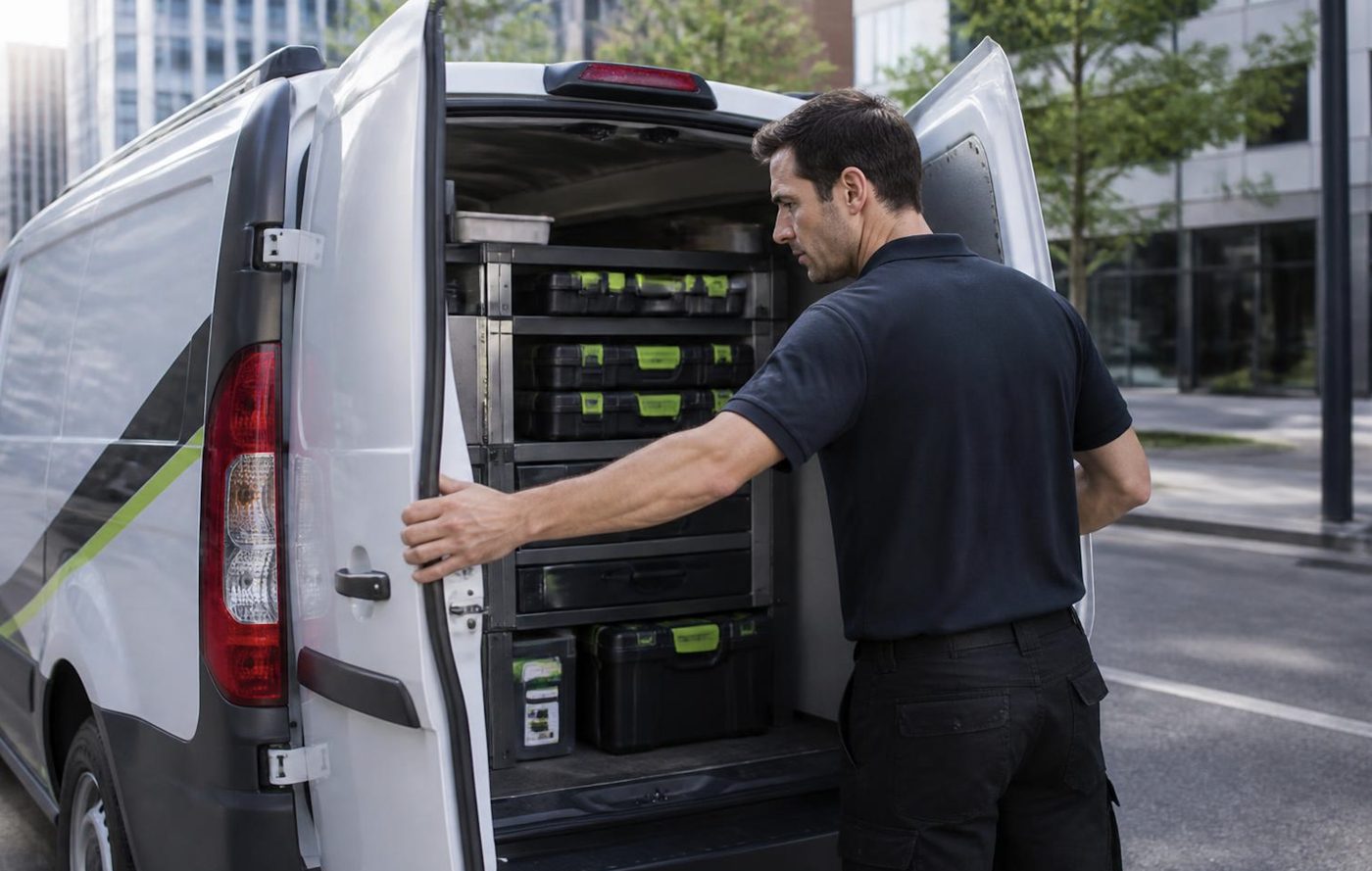
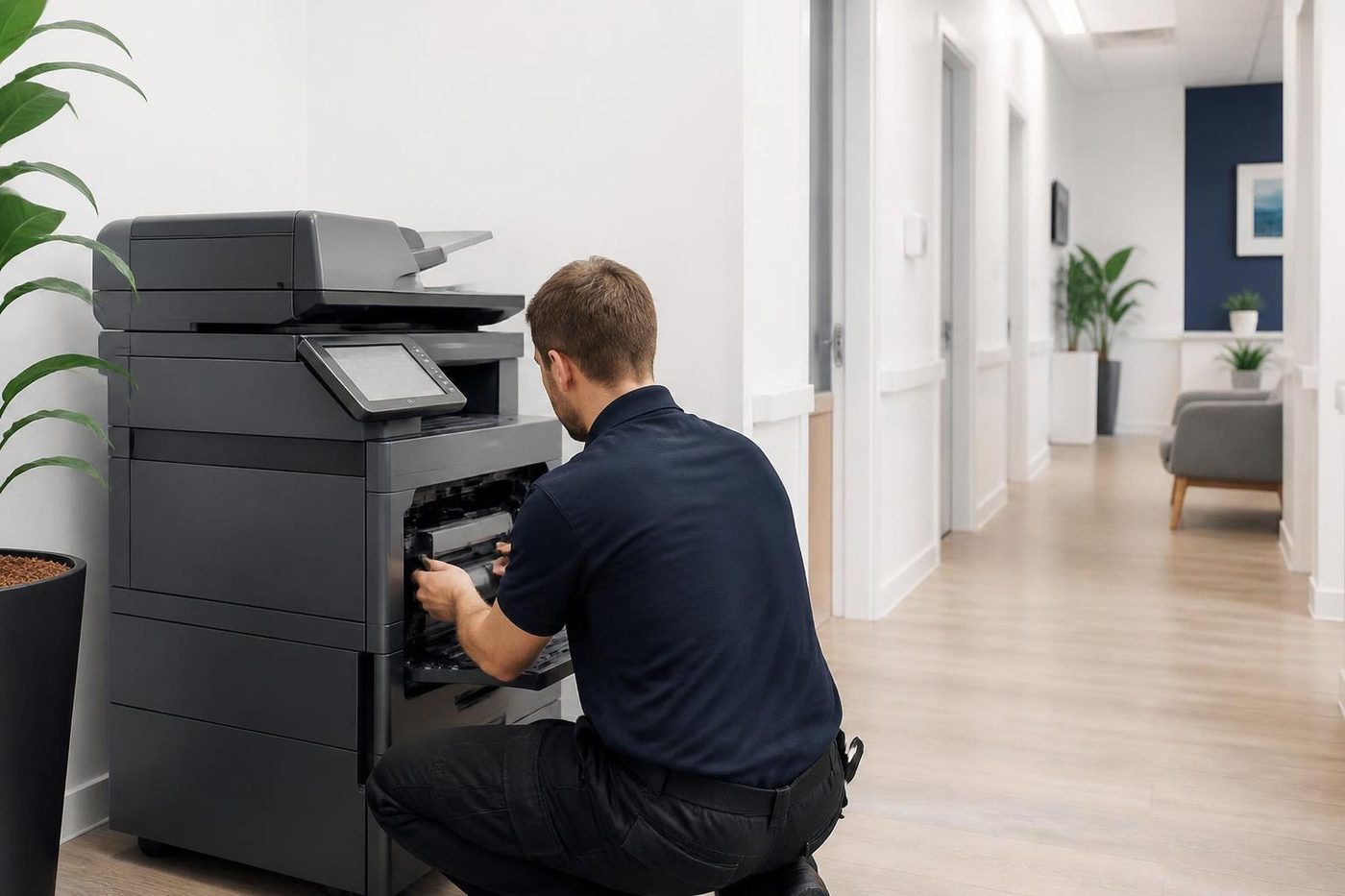
The technician arrives with the parts that usually fail on that family, so a pick tire kit and a fuser are not left back at the yard. They check the symptom, run paper from every tray, read the message history and look at the parts in the order a page passes them. If a part is worn, they tell you and show you. If it is not, they say that too.
Afterwards there is a test print, and if you scan, a test scan. We tell you what else we saw. A fuser with a lot of life left, rollers that will want attention in a few months, a power board that is not doing the machine any favours. What you do with it is up to you.
The price was agreed on the phone. If the work turns out to be bigger than that, we stop and talk to you before going on.
Repair, replace, or move to a different machine
A sound MS or MX with a worn fuser is a sensible repair. An old unit needing several parts, with supplies getting hard to find, is another matter, and we say so. We also deal in machines, new and second hand, so a replacement can be discussed on the same call. The machines we sell are warranted and so is our repair work, with the detail explained on the phone.
We are independent, not Lexmark, and we do not claim any authorisation from them.
What happens on a Lexmark job


Damp and salt
The coast does odd things to paper and metal
Paper takes up moisture on a humid Mooloolaba afternoon and then jams in a machine that was fine last week. Cartons stacked on a garage floor in Pelican Waters are worse. Before anyone blames the copier we look at how the paper has been stored, because that is a free fix.
Sometimes the answer is a new roller. Sometimes it is a cupboard shelf. We would rather say which.
- Check the paper. Wrapped, off the floor, out of the sun.
- Look at the room. Damp, dust and salt all count.
- Fix the cause. Parts only when they are the problem.
More for Sunshine Coast offices
Commercial printer repairsCommercial laser printers, label printers and fleets repaired on site. HP repairsLaserJet Pro, Enterprise, Color LaserJet and DesignJet repaired on site.
 OKI repairsOKI LED colour and mono printers and Microline dot matrix, fixed on site.
 Brother repairsBrother HL lasers, MFC multifunctions and A3 inkjets repaired on site.
 Zebra repairsZebra desktop, industrial, mobile and card printers repaired on site.
 Kyocera repairsTASKalfa copiers and ECOSYS printers, looked after on site.
 MaroochydorePrinter and photocopier repairs for the plaza, the new city centre, Cotton Tree and the business parks.NambourPrinter and copier service for Currie Street offices, the hospital precinct, schools and the trade yards.
Buy, sell and lease
Buy, sell and lease commercial copiers on the Sunshine Coast
We also sell new and second hand commercial copiers and buy used ones. Same team, same technicians.

On the job on the Sunshine Coast



What people ask when they ring
What is a 900 error on a Lexmark?
It points at a service RIP or firmware problem. One job the machine cannot interpret can trigger it, so clear the queue and restart first. If it keeps coming back, ring with the full code.
Our new Lexmark shows a fuser error. How can that be?
A 920 message can mean the fuser did not reach temperature, and Lexmark notes that low supply from a power strip can set it off falsely. Try the wall socket. If it persists, the fuser or its wiring needs looking at.
Is it safe to keep pressing Continue on a maintenance kit warning?
The machine will carry on. The message is telling you the wear parts are ageing, so a visit before the pick tires or fuser stop you at a bad time is wise.
The tray is full but the screen insists it is empty. What now?
Worn pick tires or a sensor that cannot see the paper are the usual causes, and a tray size setting that does not match can do it too. We start with the cheap causes.
MS or MX, CS or CX: what do the letters mean?
MS is a mono printer and MX a mono multifunction. CS and CX are the colour pair. The numbers give the range and speed.
Do you attend on site?
Yes. The Lexmark stays on your network and nothing is posted off. Technicians carry the common spare parts, so many repairs finish in one visit.
Scan to email went dead on the Lexmark after an IT change. Broken?
Probably settings. They shift when the mail system does. We check the machine and speak to whoever runs your mail.
Will you tell me if a repair is not worth doing?
Yes, and we explain why. A machine needing several parts, near the end of its supported life, is better replaced.
What if the repair does not last?
The same fault coming back is fixed again at no charge. Our work is warranted, and what that covers is explained on the phone.

