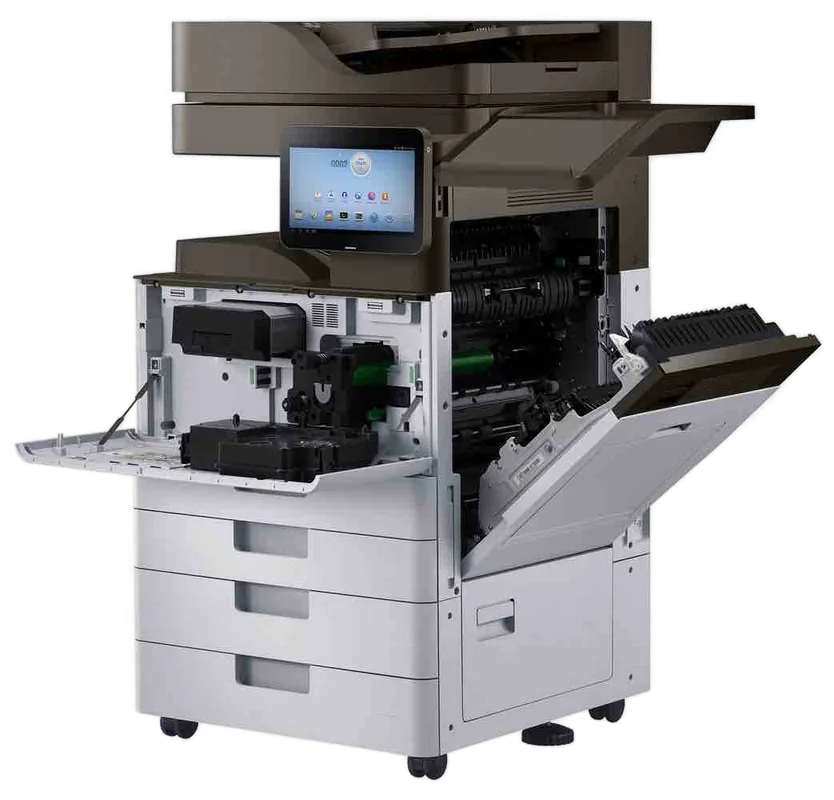
Canon imageRUNNER service, Sunshine Coast
Canon copier and printer repairs Sunshine Coast: imageRUNNER ADVANCE and DX service
Canon is one of the names we get asked for most. The machine on the floor is usually an imageRUNNER ADVANCE or the newer DX version of it, sitting in an accountant's, a real estate office or a school admin block. Same day service is available, and the price is agreed on the phone first.
Copier and printer repairs, plus machines to buy and sell, on the Sunshine Coast
Canon copier repairs Sunshine Coast offices phone about
A Canon call usually turns out to be two problems at once. Something is wearing inside the machine, and something has changed outside it, like a mail password or a file server, that the machine was never told about. Before you restart anything, have the model and the E code ready for the call. The code tells us which half of the problem to bring tools for.
You find these machines in accountants and solicitors around Maroochydore, in real estate offices up and down the coast, in aged care administration, in school offices and in trade businesses that run the paperwork from a front room. They print, copy, scan and send, and most run a card or code login, carry a shared address book and have a finisher bolted on.
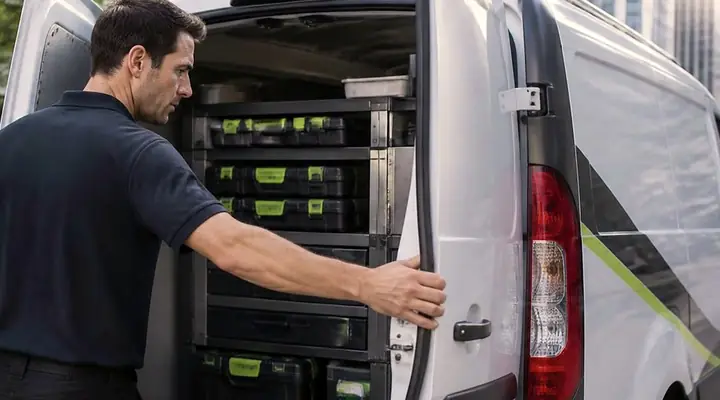
Ours is an independent service business: not Canon, and not a Canon dealer. The people we send are certified, trained and experienced, and the common parts ride in the van. Roughly 98% of repairs are finished on the first visit, and a fault that comes back gets fixed again free.
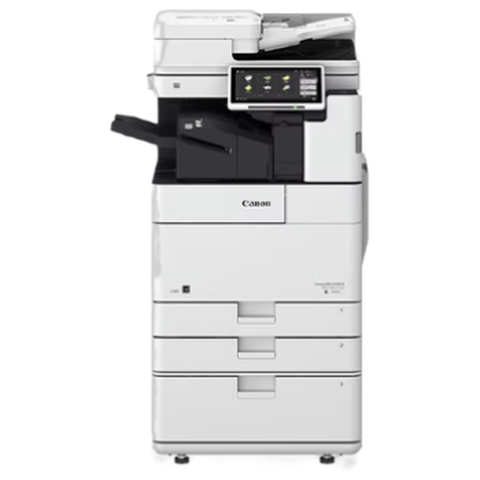
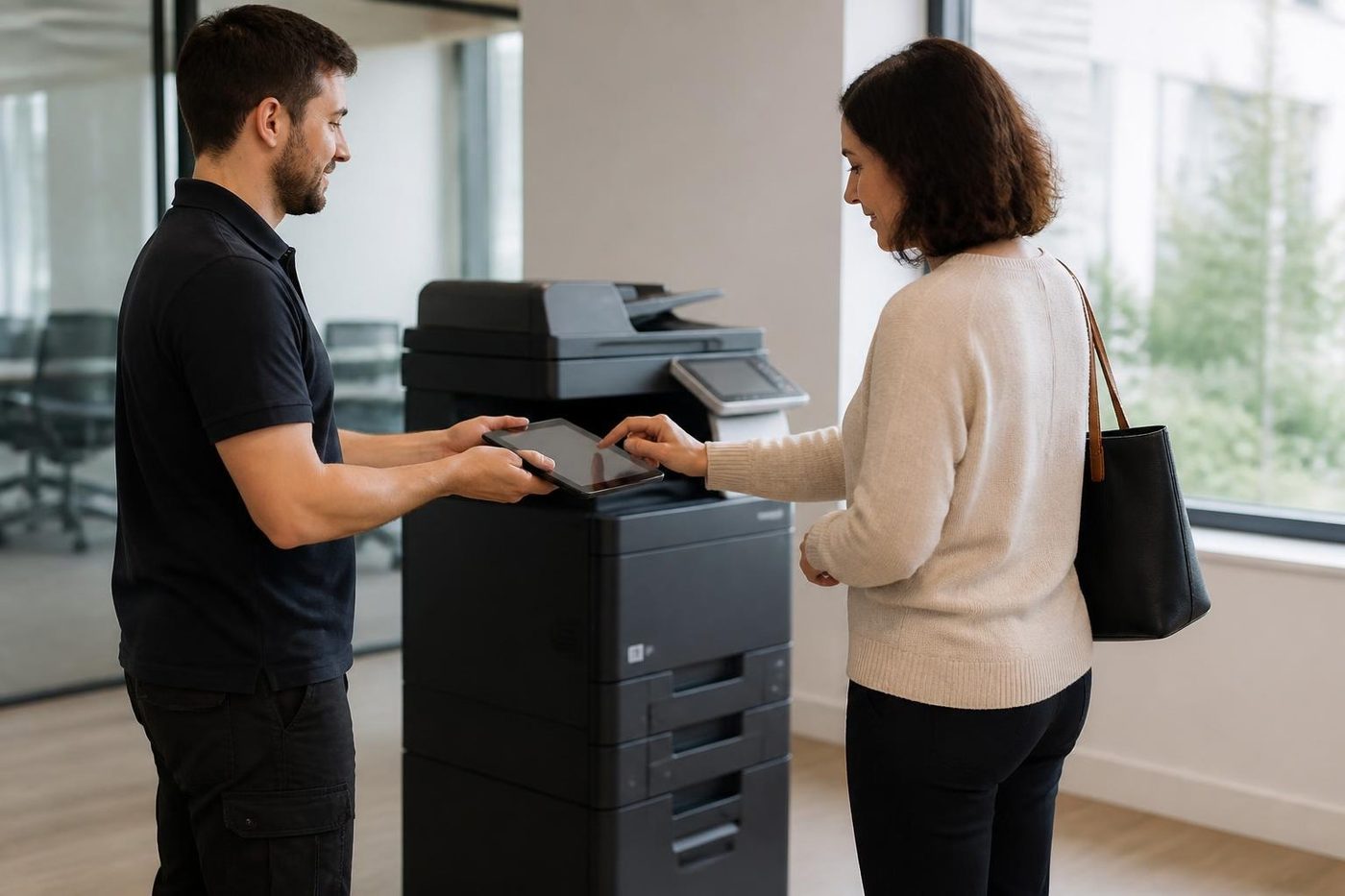
Get a price in three steps
- Describe your machineMake, model and the problem you are seeing.
- We phone with the priceYou hear it before anything is booked.
- A certified technician attendsSame day where the diary allows.
Which Canon is it? A short sort of the names
Canon keeps renaming its ranges, and even tidy office managers lose the thread. The line runs imageRUNNER ADVANCE, then ADVANCE DX, and now imageFORCE, a newer A3 family that Canon Australia puts alongside the DX machines. Smaller office printers and multifunctions sold in Australia carry the i-SENSYS name. Panels look the same across all of them. What is underneath does not.
Our first question is therefore the whole model off the label, with the letter ahead of the number. C stands for colour and DX gives the generation. That lets us plan the visit and send someone carrying parts that fit.
| Family | Models we meet | Usually found in |
|---|---|---|
| ADVANCE DX, C5800i series | The C5840i, C5850i, C5860i and C5870i: A3 colour running to 70 pages per minute. | Larger offices, council and education print rooms. |
| ADVANCE DX, C3900i series | Takes in the C3922i, C3926i, C3930i and C3935i, A3 colour for workgroups. | Small and mid sized businesses, the copier a whole floor shares. |
| ADVANCE DX, 4900i series | The 4925i and 4945i: A3 mono, paper capacity to 3,650 sheets, with staple, saddle stitch and punch finishing. | Contracts, reports and big mono jobs. |
| imageRUNNER ADVANCE DX 719i | A4 mono multifunction. | Front counters and branch offices. |
| imageFORCE | A newer A3 family that Canon lists next to the DX range. | Recent installs. |
| imageRUNNER ADVANCE and C series, earlier | Earlier generations still working in coastal offices. | Businesses that never needed to change. |
| imagePROGRAF | Canon wide format plotters. | Builders, surveyors, designers. One call can cover both. |
What an E code on the panel is telling you
When a Canon stops for service it shows an E code. On imageRUNNER ADVANCE machines the shape is E001-0001: the letter E, three digits, a hyphen, then four more. Read the first block as the area of the machine and the second as the specific detection. Newer DX models may tack on a further suffix, as in E064-1400-05, while older machines showed plain three digit codes.
Faults with sending and jobs form a family of their own. They carry a hash and three digits, for instance #801 or #839, and appear on the job status or log screen. In both cases the code names a detection and nothing more. It is no verdict, and meanings move a little between models.
- In the fixing group (E001 to E004), E001-0001 means the fixing unit's main thermistor reports too hot and E003-0004 too cool. E004-0001 is a relay that has welded shut, and E009-0000 is a timeout on fixing pressure.
- The toner bottle motor and toner supply come under E025. With E025-0268 no toner turned up despite five runs of the recovery sequence after a container change.
- On a DX model E064-1400-05 is a high voltage fault, the AC voltage straying outside its normal range while charging.
- Also on a DX model, E015-0001-05 means the cassette 1 lifter motor ran and the machine never found the paper surface.
- E197-5000 is a serial communication failure at start up. The two parties are the DC controller board on one side and the secondary transfer high voltage board on the other.
- E202-0001 means the scanner or document feeder could not find home when a scan began.
- E315-0501 is an image processing fault: an odd signal passing between the main controller board and the reader.
- A cooling fan fault inside the buffer pass area of a Staple Finisher U1 or Booklet Finisher U1 shows as E551-0001.
- Hard disk faults live in the E602 family: E602-0401 is a logical partition error, E602-0501 a problem in the image data storage area, and E602-0301-00 an area error in the MEAP section.
- E614-0001 appears when the flash board is not recognised or has not been formatted.
- E713-0030 means the DC controller and the finisher did not finish talking. E719-0031 means the card reader did not make contact at start up.
The hash codes, mostly about sending
A hash code appears when a scan fails to leave the machine. #801 is the broad send failure, and it can trace to an SMTP timeout, a wrong destination or a permissions problem. #804 points to a folder path or a permission on the file server. #806 is a credential mismatch, #839 wrong SMTP authentication details. Then #843, which nobody guesses: the machine and the Kerberos server are out on the time by a wide margin.
Worth remembering. A Canon whose clock has wandered will turn away people who signed in without trouble yesterday. Keep the date, the time and the network time setting right and you save yourself a visit.
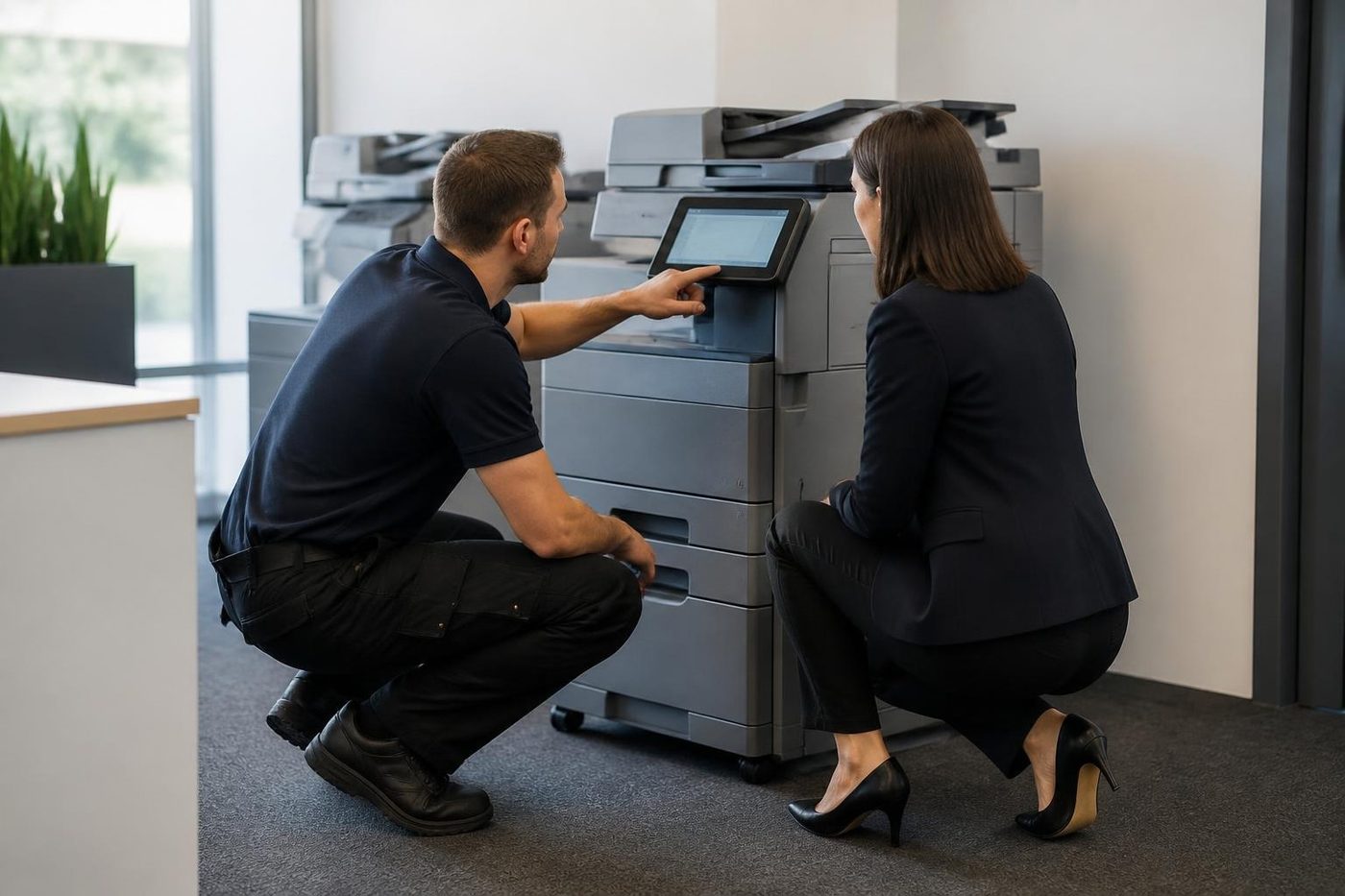
How Canons fail, and what shows at the desk
Failures cluster by part, and each part leaves its own signature. Learning the signature is what lets a technician arrive with the right part and not a bag of hopeful extras.
- Fixing assembly: pages that are creased or smeared, toner that comes off under a thumb, or an E001 to E004 code the moment the machine powers up. Black streaks can come from nothing worse than a dirty fixing pressure roller, and Canon's maintenance menu has a cleaning routine that is worth a go before a part takes the blame.
- Drum and developer: lines down the sheet, marks that repeat, one colour faded. On some earlier colour ADVANCE machines, lines have turned out to be a bent contact spring on the drum unit, and pale colour toner caked round the laser shutter.
- Transfer: colour registration drift, patchy transfer, repeating marks. Across the ADVANCE generation, suspect the intermediate transfer belt unit first, then the secondary transfer outer roller.
- Pickup and separation: misfeeds, double feeds from a cassette, registration delay jams. On earlier machines a 0105 type jam was traced to a separation roller unit not seated properly, so a good visit checks fit as well as wear.
- Document feeder: black streaks on feeder copies but not on glass copies mean a dirty scanning strip, and multi feeds point at the separation pad holder. Canon's instruction is to clean the scanning area with the sheet supplied, never with glass cleaner or alcohol, since both strip the stain resistant coating.
- Controller and firmware: a panel stalled on its start up progress bar, a machine that powers up and lights only a tally lamp, or an E602 disk error at power on. On one earlier ADVANCE family the tally lamp symptom was a limit on flash board rewrites in old firmware, cured from safe mode with a firmware update.
Canon printer repairs Sunshine Coast offices book
Canon printer repairs on the Sunshine Coast mostly mean an imageRUNNER or an i-SENSYS in an office, and a few imagePROGRAF plotters. A desk printer in a small business, a multifunction in a clinic corridor, a floor standing machine in a council office. Every visit takes the same shape: the message first, then the paper path and consumables, then the network and sign in settings.
Canon printer service is something people ask for when a machine has begun to misbehave without quite stopping. A page with a shadow, a tray that sometimes picks two sheets, a scan that has slowed down. Worth a look, all of them. A small repair made early costs less than the same machine failing in the middle of a deadline.
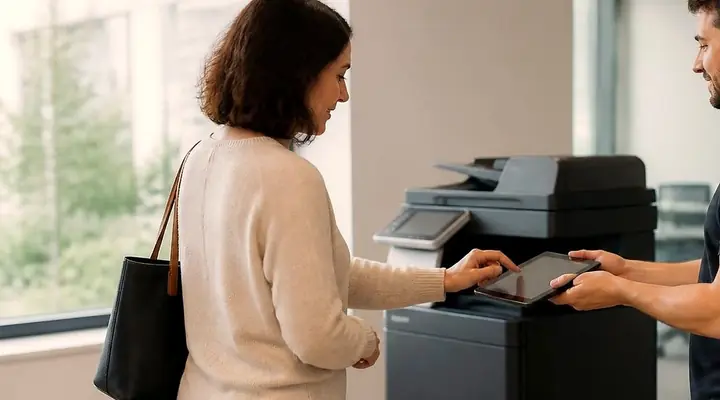
Searched for Canon printers repair near me? The answer is that we come to you. Give us the model off the label and what the machine is doing, and we go through the price before anyone is booked.
Send settings, sign in and the checks that matter
Canon calls scanning Send, and Send fails in predictable ways. For scanning to a shared folder, Canon publishes a checklist. Give the machine a moment after power on. Verify the computer name and the share name held in the Address Book, then the user name and password, then that SMB is switched on in the network settings. When one of these is wrong you will see #801, #804, #806 or #807.
Email scanning depends on a correct SMTP server name, port, authentication and TLS choice. A server or DNS name that does not resolve brings #752 and #802, wrong authentication details bring #839, and a certificate or SSL mismatch brings #841 and #842.
User authentication, department ID mode and single sign on through Active Directory are all on offer. Before the browser based Remote UI shows up, it has to be enabled in the management settings and the machine power cycled. A proxy setting on an office PC can block it unless the machine's address is listed as an exception.
These machines can also encrypt the drive, restrict Send to registered addresses, control network access and forward audit logs. A firewall receive filter can lock a machine out, and Canon uses #831 and #837 for blocks of that kind. Canon suggests switching Remote UI off when it is not needed, which is a call for your IT contact, and we are happy to talk it through.
Finishers on the imageRUNNER range
The finisher faults we see most are communication codes such as E713-0030, fan lock codes such as E551-0001 and staple jams. Changing a staple cartridge is easy. A finisher that has not been docked back square onto the machine is another matter, so docking gets checked while we are there.
- The Y1 finishers (Staple Finisher and Booklet Finisher) collate, group and offset, staple in a corner or twice, crimp without a staple, and produce saddle stitch booklets. A buffer pass unit and a 2 or 3 hole punch can be added.
- The U1 pair, Staple Finisher U1 and Booklet Finisher U1, are the family named in the E540, E542 and E551 finisher codes.
- Hole puncher units, whose removable waste tray is a common reason for a punch waste full message.
- Inner and booklet finishers for the compact DX colour machines, with folding and trifold units on the bigger colour machines.
- Paper deck and cassette modules for more capacity, and an optional fax board on some models.
Wear parts, and what we check on a visit
Canon names its serviceable parts plainly: fixing assembly, fixing pressure roller, secondary transfer outer roller, ITB unit, waste toner container, drum unit, and the feeder maintenance kit for single pass and double pass document feeders. Each one has a symptom when it tires, and each gets looked at while we are on site.
On site we go through the fuser and pressure roller, then the pickup, feed and separation rollers in each cassette and the bypass. Next come the transfer belt with its secondary roller, the drum and developer area for toner contamination, and the sensor windows that toner can stain. The feeder rollers and pad, the scanner glass and white plate, and the finisher paper path round it off. We also listen, because a worn delivery or fixing drive gear rattles at power off or in sleep long before it jams.
A page like this leaves lifespans out, since volume, paper and the room all move the figure. What we can describe is how a part behaves as it fails, and that is what the lists above are for.
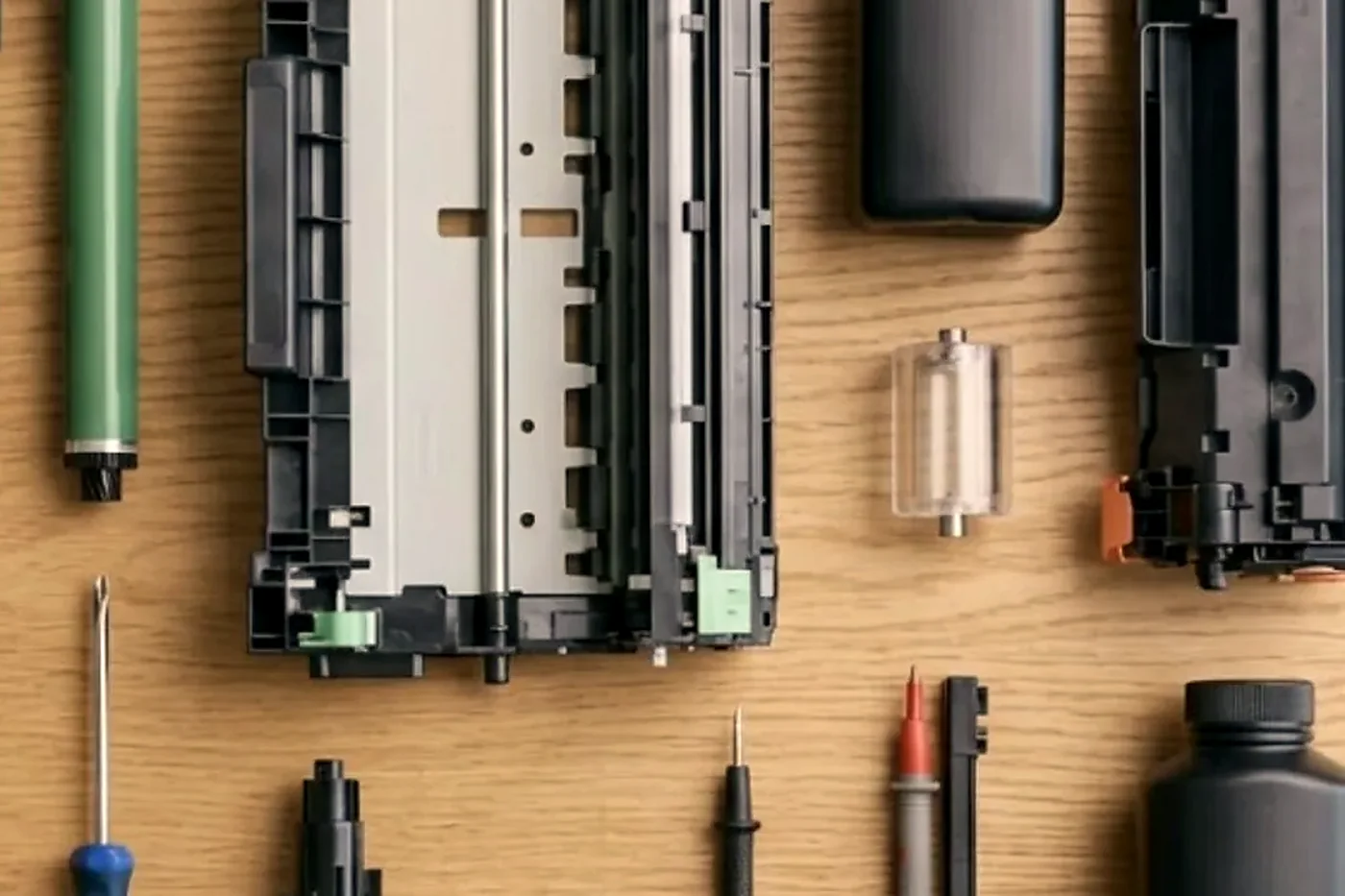
Maroochydore carpet, Kunda Park concrete
A Canon in a Maroochydore or Kawana professional office usually lives a sheltered life, but it sits behind a locked down network. Card login and secure release are common, so a failure that looks like hardware is often a sign in or Kerberos problem.
Around Kunda Park, Warana and Caloundra West the same imageRUNNER shares a building with workshops and loading bays, and fine dust finds its way into feeders and onto scanner glass. There the feeder and the paper path need cleaning as part of the repair, not just the jam clearing.
The coast adds its own wear. Humid air makes paper take on moisture and curl, and a ream left in a back room by the beach will misfeed even in a sound machine. Salt air and summer storms do their bit too, with power surges and the machine switched off at the wall. If your Canon starts misfeeding after a wet week, tell us, because it changes where we look first.
Old Canon, new Canon
Wondering if an older imageRUNNER is still worth keeping? We will give you a straight answer. It comes down to page count, parts supply and the fault history. Commercial machines are part of our business too, so where a replacement makes better sense we can go through that, and our repair advice does not change whichever way you go.
Canon E codes: where the number is only the start
Read us the whole code, tail included, and leave it uncleared until you have phoned. A restart that wipes a code once is not a repair. If it comes back, that tells us something we can use.
If you can, note when it appeared, what the machine was in the middle of, and whether the room was hot. Reset steps are not published here: they vary by model, and a reset that only clears the panel just postpones the problem.
Toner changes and the E025 trap
An E025 style code after a toner container change catches people out. The machine has run its recovery sequence several times, found no toner arriving and given up. The usual reasons are a container that was not seated fully, a seal left on, or a container made for a neighbouring model.
Take the container out and look at it. Check for a strip of tape or a seal that did not come away. Check the model name on the container against the machine. If both are fine and the code returns, ring us. We keep reset steps off this page, and we would rather you left the settings alone.
A Canon in a school or council office
Canons are common in school and council offices because they sign in cleanly and finish well. They are also asked to do more than any other machine in the building. A term end report run, a council agenda pack or a rates notice batch will find any weakness.
If you run a machine like this, we would rather see it before the big job. Checking the feed rollers, the fixing assembly and the finisher on a quiet week is much cheaper than a stoppage in the middle of a mail out. If it does stop, ring early, tell us what must go out first, and the visit is planned around that.
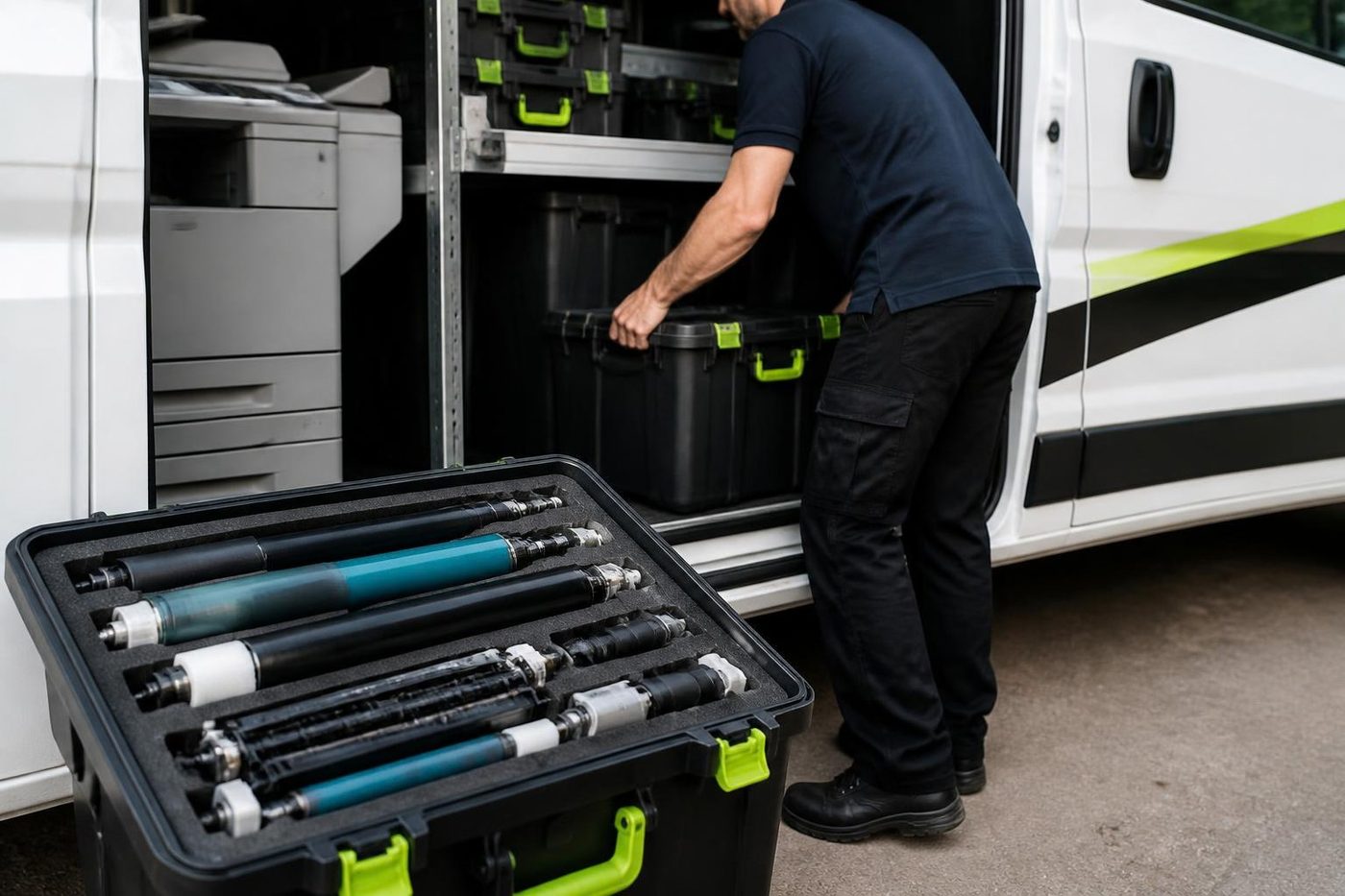
Canon scan to email once your mail provider changes something
A Canon that sent scans by email last week and does not this week has usually been affected by something outside it. Mail providers keep tightening their rules. A password policy changed, a sign in method was switched off, a certificate was renewed. The machine has not changed, and the settings that it holds no longer match what the server expects.
The code comes first. Sign in details sit behind #839 and the SMTP codes, a certificate behind #841 and #842, and a name or address that no longer resolves behind #752 and #802. After that we go through the provider side with your IT contact. Whether a particular fix works depends on how your mail is set up, and we are blunt when the cause lies outside the copier.
Document feeder faults you can spot from the desk
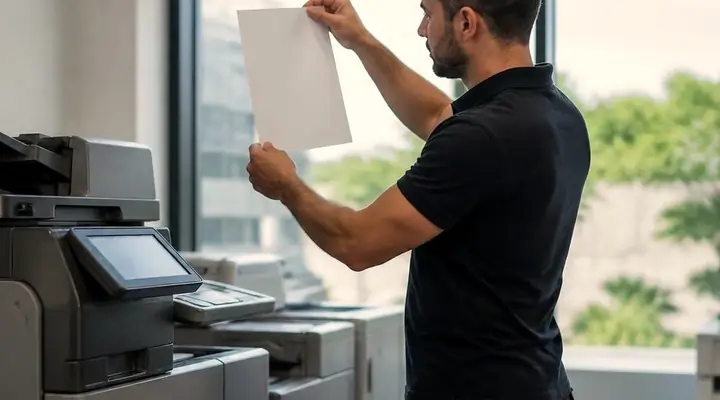
A black streak that appears on copies made through the document feeder and not from the glass is a dirty scanning strip. A double feed on the feeder is a worn or dirty separation pad. A skewed scan is rollers or paper guides. Clean the glass strip with the supplied cleaning sheet, not glass cleaner or alcohol.
If cleaning does not clear a streak, ring. A strip with a scratch or a stain cannot be cleaned. We carry the common feeder parts, and a feeder service is a short job.
The plotter beside the copier
Builders, surveyors and designers often run an imagePROGRAF plotter next to the imageRUNNER. They are different machines with different faults, banding across a sheet, a head that needs care, a roll that skews. One visit can cover both, and it saves a second booking.
Our plotter service page has the detail for those machines. When you ring about the copier, mention the plotter and we plan for it.
Department codes, quotas and the job that was refused
Many Canons run department ID mode, which asks staff to enter a code before they copy or print. It lets an office track usage by team or client, and it can set limits. When someone is refused with no obvious reason, the cause is often a limit that has been reached, or a code that was never set up for the new starter.
Look at the message on the panel before you ring. If it mentions a limit or an unknown ID, that is a settings job and we can talk it through on the phone. If the machine refuses everyone, the cause is more likely in the network or the directory, and we start there.
A Canon beside a locked down network
Professional offices around Maroochydore and Kawana often segment their networks. The copier lives in its own part, with rules about what it may talk to. That is sensible, and it is also why a Canon that has worked for years stops sending after a firewall change.
A familiar pattern: the machine is untouched, a rule on the network moved, and the panel code names a path that no longer opens. We read the code, send a test from the panel and hand your IT contact a short list of exactly what the copier needs to work.
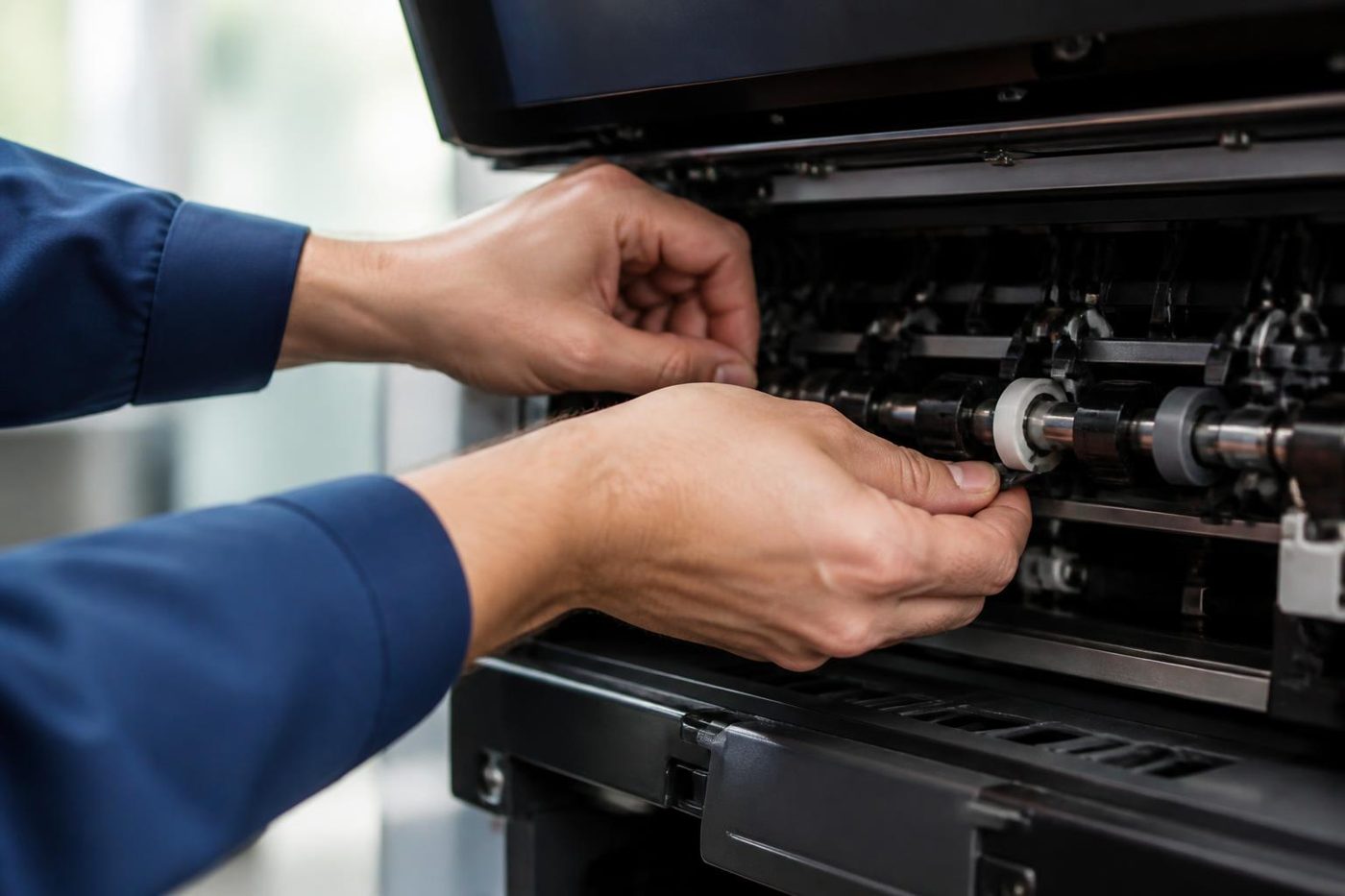
Before you ring about a Canon
Should the lines be busy, your call is logged and returned.
- Model name in full from the label, letters before the number included.
- The whole E code with its tail, or the hash code.
- What it was doing, and if a restart changed anything.
- One person affected, or everyone.
- Which building and floor, and any lift booking to arrange.
The Canon visit, step by step
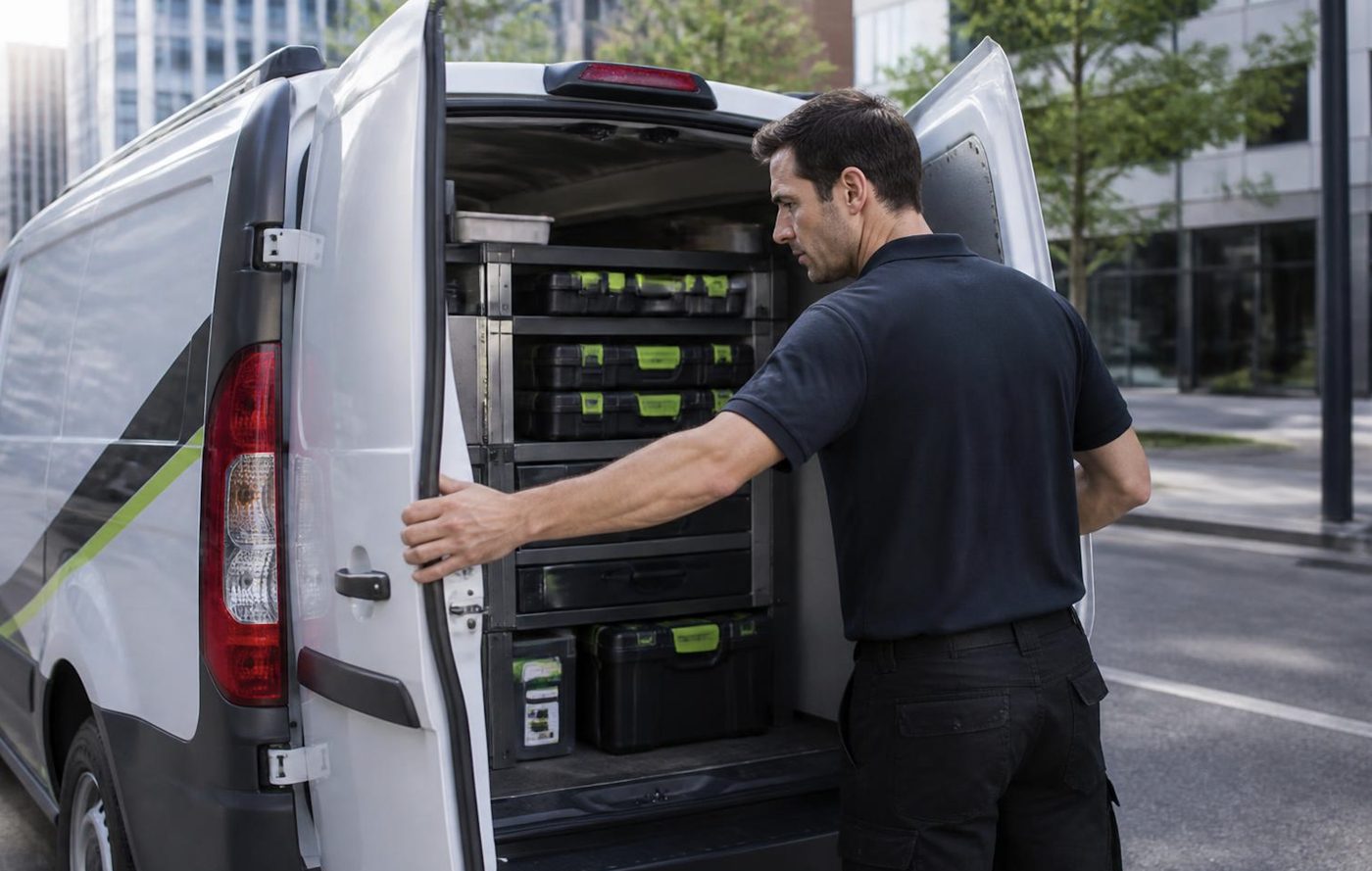
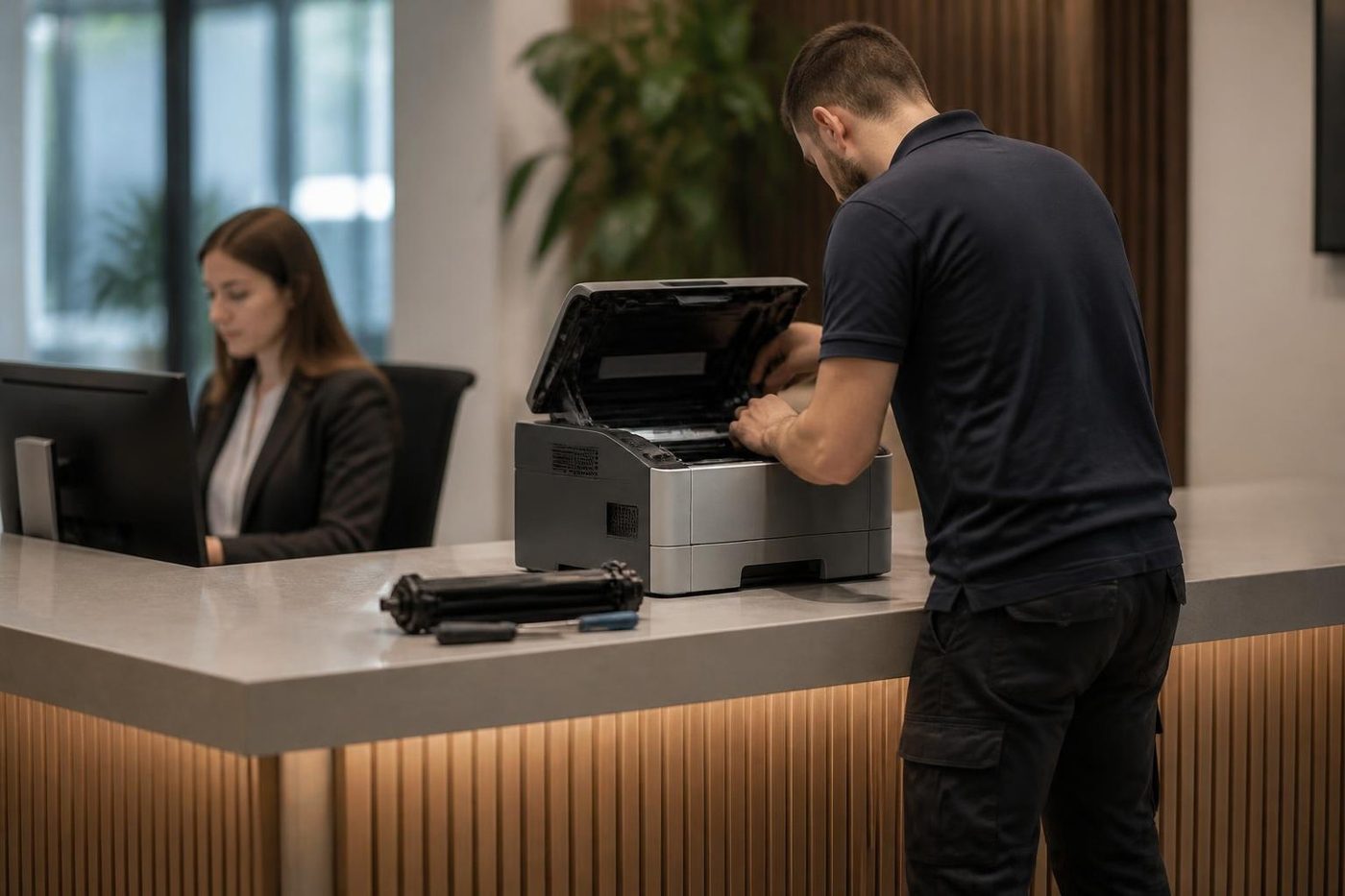
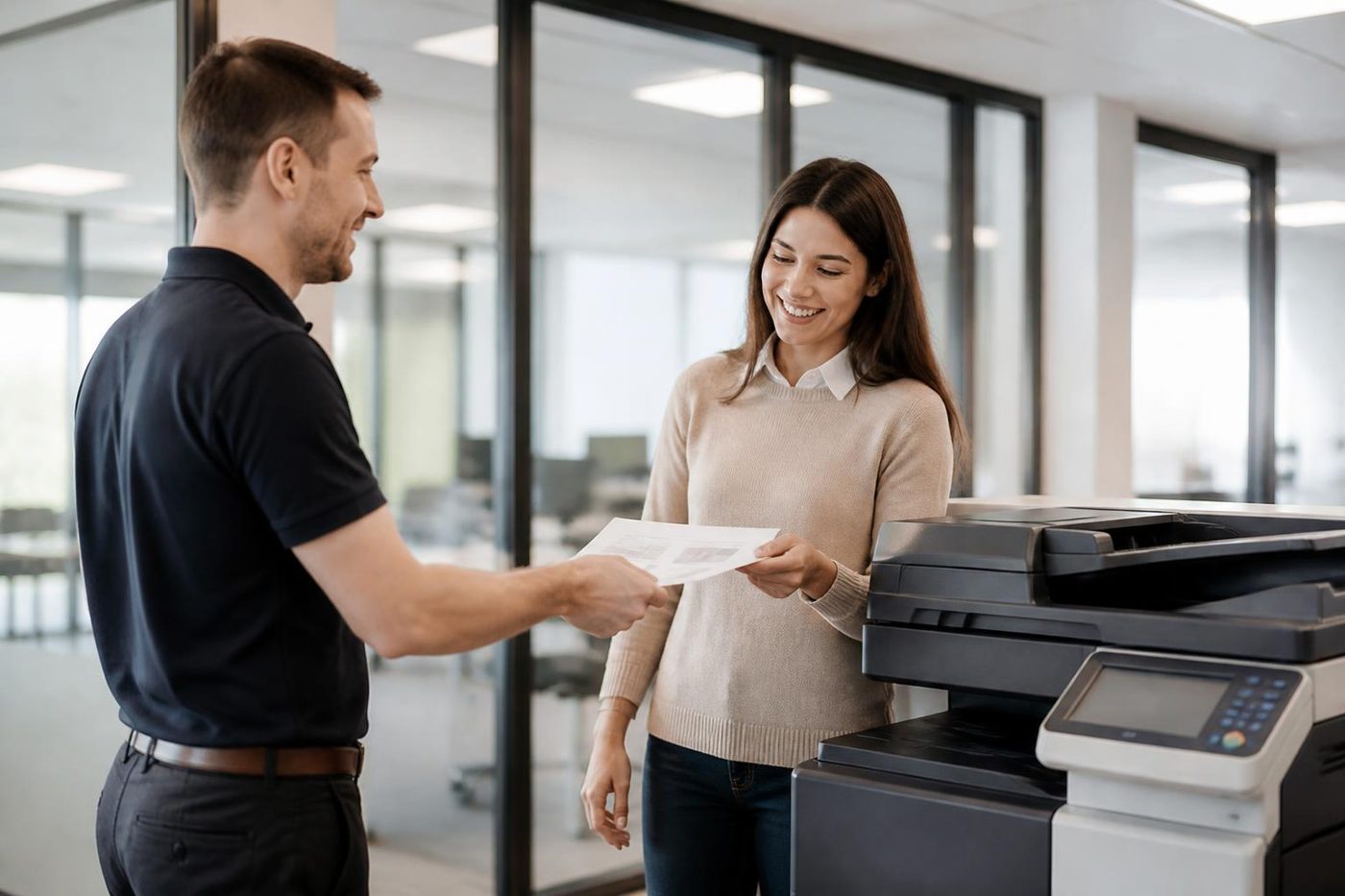
The second callout
The first repair is the cheap one
A builder in Kunda Park does not have a spare morning to stand next to a copier while the same job gets done twice. Neither does a school office in the last week of term. We try to find the cause on the first visit and say plainly if we cannot.
About 98% of our repairs are done on the first visit. When the odd one is not, the second visit costs you nothing.
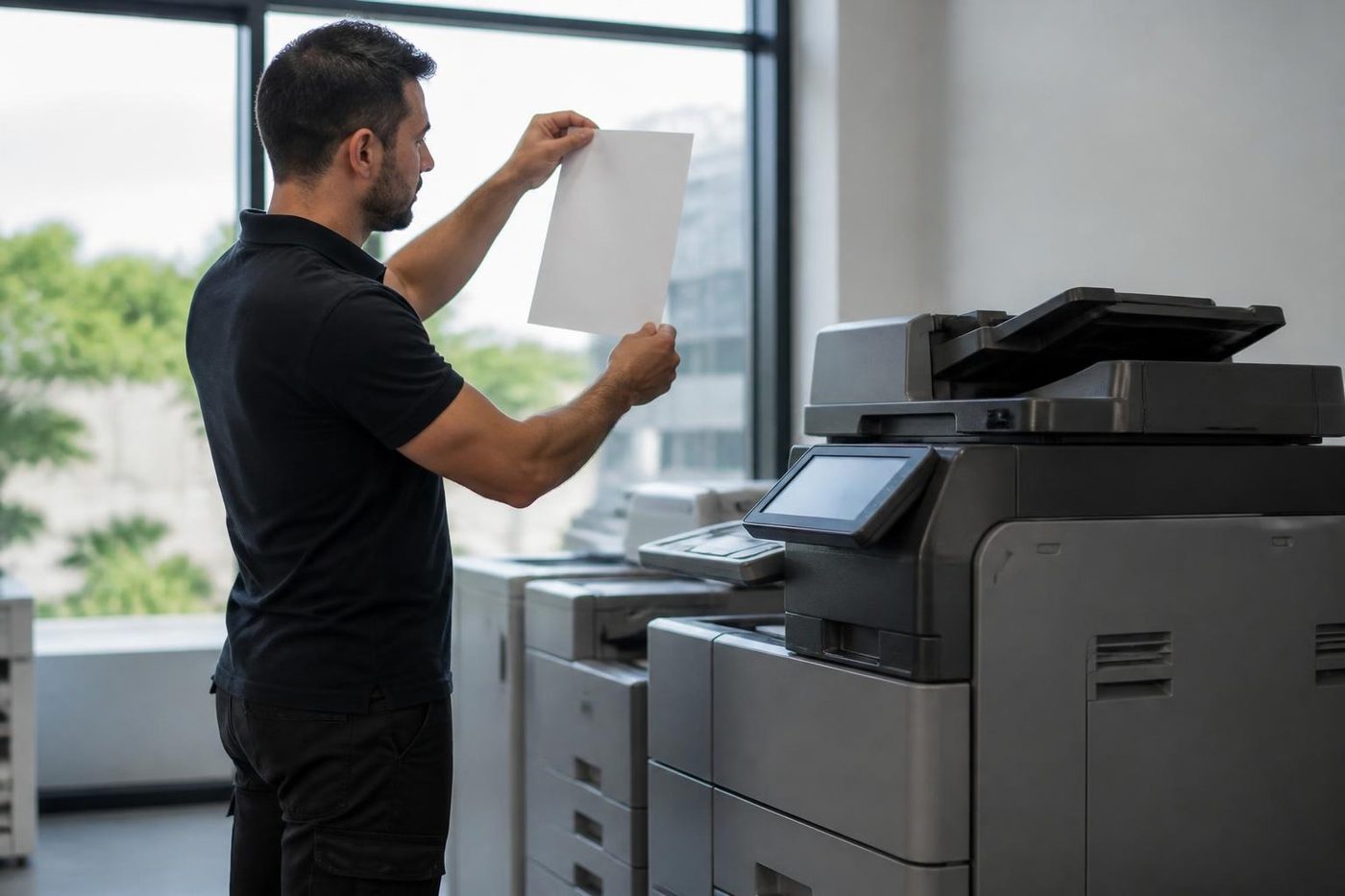
- Find it once. The cause, not the nearest part.
- Say so honestly. If a visit does not finish the job, you hear it from us.
- Come back free. Same fault, no charge.
More for Sunshine Coast offices
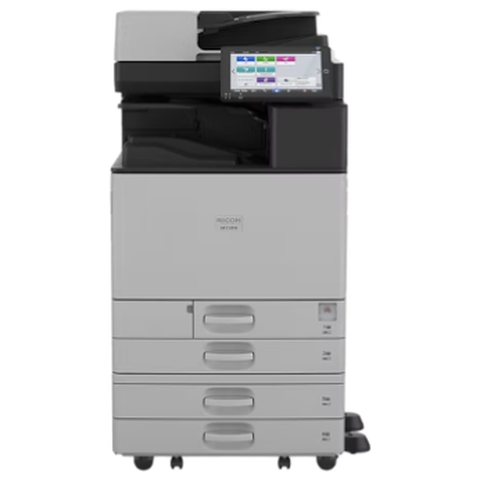 Ricoh repairsIM C, IM and MP series copiers, plus Lanier, looked after on site.
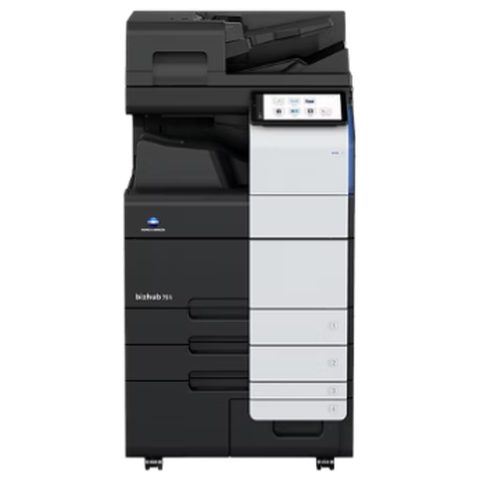 Konica Minolta repairsbizhub i-Series and C series colour and mono, fixed on site.
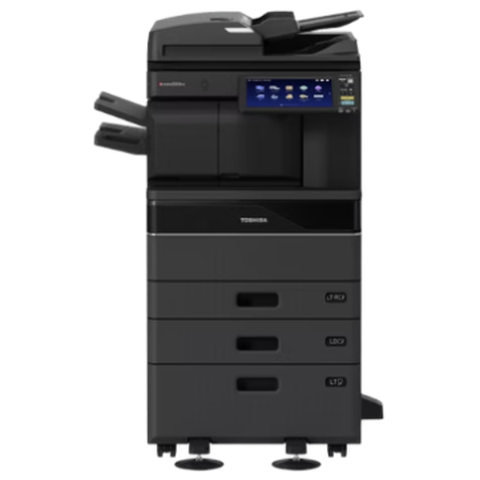 Toshiba repairse-STUDIO colour and mono copiers, fixed where they sit.
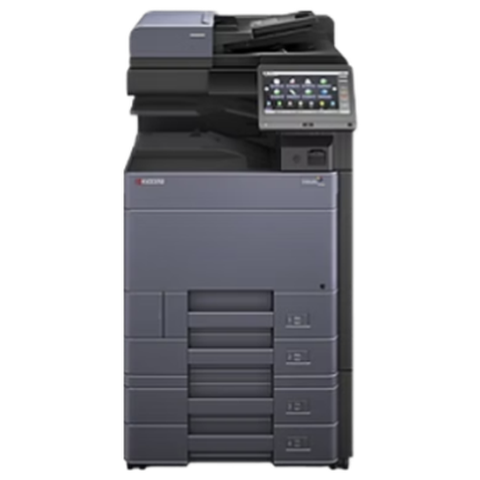 Kyocera repairsTASKalfa copiers and ECOSYS printers, looked after on site.
 Plotter serviceHP DesignJet, Canon imagePROGRAF and Epson SureColor plotters repaired on site.
 Photocopier repairsCopiers fixed at your desk, one call, price agreed first.
 Commercial printer repairsCommercial laser printers, label printers and fleets repaired on site.
 BuderimVillage practices, allied health, home based firms on the ridge.
Buy, sell and lease
Buy, sell and lease commercial copiers on the Sunshine Coast
We also sell new and second hand commercial copiers and buy used ones. Same team, same technicians.
Caloundra, Maroochydore, Noosa and the hills
What people ask when they ring
What is an E code on a Canon?
It is the code the panel shows when the machine wants service. Three digits point to an area of the machine and the four after them to a specific detection. For us it is a pointer, never a verdict.
Do Canon codes mean the same on every model?
Not entirely. A code can drift in meaning from one model to the next, which is why yours is checked against your own machine first.
Does E001 on my Canon mean the fuser has died?
E001 belongs to the fixing temperature group, so the fuser area is where we start. Thermistor, wiring and unit are all checked before replacement is even discussed.
Why does my Canon turn away people who signed in yesterday?
#843 appears when the machine's clock and the Kerberos server's clock are well apart. Correcting the date, the time and the network time setting often cures it.
What are the hash codes?
They are send and job errors. #801 is a general send failure, #804 a folder path or permission problem, #806 a credential mismatch and #839 wrong SMTP authentication details.
Do you handle Canon printer repairs Sunshine Coast wide?
We do. imageRUNNER, imageFORCE and i-SENSYS machines are repaired at your premises between Caloundra and Noosa, and as far as Gympie.
ADVANCE or ADVANCE DX: does it matter?
It does. DX is the later generation, and although the panels look alike, parts and codes differ, so the full label model is the first thing we ask for.
Do you look after Canon plotters?
Yes. imagePROGRAF plotters have their own page, and one call can cover a plotter and a copier.
How do I clean the document feeder?
Use the cleaning sheet Canon supplies. Glass cleaner and alcohol strip the stain resistant coating, so leave them off.
Are you tied to Canon?
No. We are independent and repair Canon machines where they stand.
Can Canon copier repairs be done today?
Same day service is available. Tell us the model and the code and we go through the price with you.
Thinking about a different machine?
We buy and sell as well
New or second hand, with warranty. Ring and talk it over before you spend a cent.
Ask about machines
All of our work on the Sunshine Coast
Service pages
- Photocopier repairs Sunshine Coast
- Commercial printer repairs Sunshine Coast
- Plotter service Sunshine Coast
Fault pages
- Installation and setup Sunshine Coast
- Relocation and removal Sunshine Coast
- Copier and printer faults Sunshine Coast
- Photocopier paper jams Sunshine Coast
- Copier black lines and streaks Sunshine Coast
- Copier error codes Sunshine Coast
- Copier not printing Sunshine Coast
- Scan to email not working Sunshine Coast
- Toner smearing and fuser faults Sunshine Coast
- Printer offline and network faults Sunshine Coast
- Copier noise, grinding and squealing Sunshine Coast
- Is my copier worth repairing Sunshine Coast
- Toshiba e-STUDIO error codes Sunshine Coast
- HP LaserJet error messages Sunshine Coast
- Kyocera TASKalfa error codes Sunshine Coast
Makes we work on
- Toshiba copier repairs Sunshine Coast
- HP printer repairs Sunshine Coast
- Kyocera copier repairs Sunshine Coast
- Fujifilm copier repairs Sunshine Coast
- Xerox copier repairs Sunshine Coast
- Ricoh copier repairs Sunshine Coast
- Lexmark printer repairs Sunshine Coast
- Brother printer repairs Sunshine Coast
- Epson printer repairs Sunshine Coast
- OKI printer repairs Sunshine Coast
- Zebra printer repairs Sunshine Coast
- Konica Minolta copier repairs Sunshine Coast
- Sharp copier repairs Sunshine Coast
- Samsung printer repairs Sunshine Coast
- Fuji Xerox copier repairs Sunshine Coast
Coast towns and suburbs
- Printer service Caloundra
- Printer service Gympie
- Printer service Buderim
- Printer service Maleny and the Blackall Range
- Printer service Kawana and Birtinya
- Printer service Nambour
- Printer service Maroochydore
- Printer service Noosa and Noosaville
- Printer service Coolum and Peregian Beach
- Printer service Mooloolaba and Alexandra Headland
- Printer service Sippy Downs and Maroochydore industrial
- Printer service Pelican Waters and Bribie Island
- Printer service Beerwah and Glass House Mountains
- Printer service Yandina and Eumundi
- Printer service Cooroy, Pomona and Cooran
- Printer service Cooloola, Tin Can Bay and Rainbow Beach
- Printer service Kilcoy and the D'Aguilar side
- Printer service Palmwoods, Montville and Mapleton
- Printer service Landsborough and Mooloolah Valley
- Printer service Marcoola and Sunshine Coast Airport
- Printer service Coolum industrial
- Printer service Warana and Kunda Park
- Printer service Tewantin
- Printer service Bli Bli and Pacific Paradise
- Printer service Currimundi, Little Mountain and Baringa
- Printer service Kenilworth, Imbil and the Mary Valley
- Full list, Caloundra to Gympie
Got the make and the problem? That is all we need to price it.
Make, model, and what you can see
Fill in what you know and leave the rest to us. Nothing is booked until you say yes. Rather ring? (07) 5327 3472.