Office printers Sunshine Coast businesses actually keep
Walk through ten small offices and you will find the same story in eight of them. A machine bought on a sale weekend, rated for a few hundred pages a month, now printing a couple of thousand. It has had its rollers changed once and its toner changed often. Someone says the printer is useless. The printer is fine for the job it was built for. It was just bought for the wrong one.
So we start with the work, not the model. A builder printing quotes and delivery dockets wants something different from a physio practice scanning patient forms all day, and both want something different from an accounts team that prints a month end run on the 28th and then goes quiet.
We sell commercial machines only. Black and white lasers, colour lasers, A4 multifunctions and A3 floor standing copiers that also print. Label printers and plotters too, for the trades and design offices that need them. Home inkjets are not on the list, and we would rather say that plainly than pretend.


Which office gets which machine
This is the shorthand we use on the phone. Your numbers will move it, but it gets a conversation started.
| The office | What we usually reach for | The thing that decides it |
|---|---|---|
| Sole trader or two person office | A4 mono laser or a small colour multifunction | Whether anything gets scanned, and how often |
| Medical, dental or allied health front desk | A4 multifunction with a document feeder and secure release | Privacy of what sits in the output tray |
| Builder or electrical contractor | A3 mono multifunction, sometimes plus a small colour A4 | Plans and job sheets at A3, dust in the office |
| Accountant or bookkeeper | Fast duplex A4 multifunction | Tax time peaks, scanning to client folders |
| School office or campus | Colour A3 multifunction on a PIN or card | Many users, term time volume, heavy scanning |
| Real estate or design studio | Colour laser with a proper paper tray for heavier stock | Colour that matches from page one to page two hundred |
Printer or multifunction
If it only ever prints from a screen, a printer is enough. Reception desks and a spare room off the main floor often fit that. Everything else tends to want a multifunction, because the scanner and copy glass get used far more than the person who signed the order expected.
The one thing worth looking at on a multifunction is the document feeder. A single pass duplex feeder reads both sides of a page in one go and is gentler on thin paper. A cheaper reversing feeder turns each sheet over and is slower. For ten pages nobody cares. For a hundred page contract, they do.
Seven questions we ask before we name a model
- How many people share it, and do they sit in one room or across two floors?
- How many reams does the office use in a normal month? Count the packets in the stationery cupboard, it is a better guide than a guess.
- Is colour a daily need or a once a week treat?
- Does anything bigger than A4 ever go through it?
- What gets scanned, where does it have to land, and who is allowed to see it?
- Mac, Windows, or a mix, and is there a print server or are the computers talking to the printer straight?
- What does the machine have to replace, and what did you like or hate about it?
Answer five of the seven and we can usually narrow it to two or three machines by the end of the call.
Duty cycle and why printers die early
Every office laser has two numbers on the specification sheet. One is a recommended monthly volume. The other is a maximum, which is the number the maker will not be embarrassed by. Run a machine at the maximum month after month and the fuser, the drum and the paper pickup all wear out together, years ahead of schedule.
We aim to put the machine at somewhere around half of its recommended volume. That gives the office room to grow, and it gives the parts an easy life. An office that prints two thousand pages a month does well with a machine rated well above that, not one that sits exactly on it.
It also explains why a larger machine is sometimes cheaper over the years than a smaller one. It does not fail as often, and the consumables are made for volume.
Toner, drums and what the thing costs to feed
The purchase price is the first bill. Toner, drums, waste containers and the fuser are the bills that follow it for as long as the machine lasts. A bargain printer with small cartridges and a drum that wears out at a low page count can cost more over three years than a dearer one with large, long life cartridges.
We explain the running side in words on the phone, because the numbers change with the model and with what the office prints. Heavy coverage, such as photos and solid colour blocks, uses toner far faster than letters and invoices.
Prices stay off this page on purpose. Stock moves, and we quote after the first conversation, with nothing locked in.
Brands we know well
Kyocera is a favourite in offices that want few surprises. ECOSYS printers and TASKalfa multifunctions use long life drums and plain, sturdy paper paths, and a lot of them run for years between visits. Toshiba e-STUDIO machines are our other strong suit, well suited to A3 colour and mono multifunctions in busy offices.
HP LaserJet Pro and Enterprise machines turn up in nearly every town on the Coast, as do Brother HL and MFC business models, Canon i-SENSYS and imageRUNNER, Ricoh, Konica Minolta bizhub, Sharp and Fujifilm Apeos. We are an independent service business. We are not the maker or a dealer of any of these brands, so the advice does not depend on which one we have on the shelf this month.
New or second hand
New buys the newest security features, a full run of manufacturer life and a long supply of parts. Second hand buys the same working day for a lot less money, and a plain workgroup laser is a simple, forgiving machine that can run for years.
Second hand needs honesty about where the machine has been. We tell you the page count, what was replaced before it left the bench and what is likely to want attention next. If a particular machine is not worth putting in an office, we say so.
Machines we sell are warranted, and what that covers is explained on the phone before you decide.
Secure release and the output tray
Pages left in a tray are the easiest data leak in any office. A medical practice, a law firm or an accountant printing a client statement does not want it sitting there while someone makes a coffee.
Most commercial machines can hold a job until the person who sent it taps a PIN or a card at the panel. It takes minutes to switch on and staff stop noticing it in a week. We set it up where the machine supports it, and we say so when a machine does not.
Wireless, phones and the laptop on the visitor desk
Printing from a phone or a laptop that is not on the office domain is a real request now. Most current machines do it, usually through the maker's app or the standard network printing the phone already knows.
The catch is that every route in is a route someone has to look after. We keep the list short, switch on what the office really uses and turn off what it does not.
The afternoon it goes in
Delivery day should not be the beginning of a week of problems. The machine arrives, is connected to your network, and is added to each computer that will use it. We print a test from a Windows machine and from a Mac if you have both, then set up scan to email and scan to folder, and test each with a real document.
The office gets a short walk through of the settings people will actually touch: paper trays, duplex, the PIN release if there is one. We do not hand over a manual and leave.
After that the machine is looked after by the technicians who repair printers and copiers across the Coast. That is a very different thing from buying from a shop where nobody answers when it jams.
What we will talk you out of
A colour A3 for an office that prints invoices. A tiny desktop for a workgroup of twelve. A printer chosen because its cartridges are cheap to buy once, when the cartridges are half the size of the one next to it. A brand because a friend had one.
If we think you are buying the wrong size, we say so on the phone. Sometimes that is a smaller machine, sometimes it is a bigger one. The aim is for you not to ring us in six months.
Firmware
Software is a repair part too
Some faults are not a worn part at all. A copier that drops off the network, a scan to email that stops, a panel that freezes on one screen: these can come from firmware, or from a setting that got changed after a power cut. A technician who only carries a screwdriver will swap parts and still have the fault. A good one asks when it started and what changed.
Before any update we note the settings, the address book and the scan destinations, so your staff are not rebuilding them on Monday morning.
- Ask what changed. New cable, new router, a storm, a power cut.
- Save the settings. Address book and scan destinations noted before an update.
- Update only when it helps. Newer is not automatically better.
More for Sunshine Coast offices
 Printer and copier salesNew and second hand commercial copiers, printers and plotters, with our own technicians behind them.
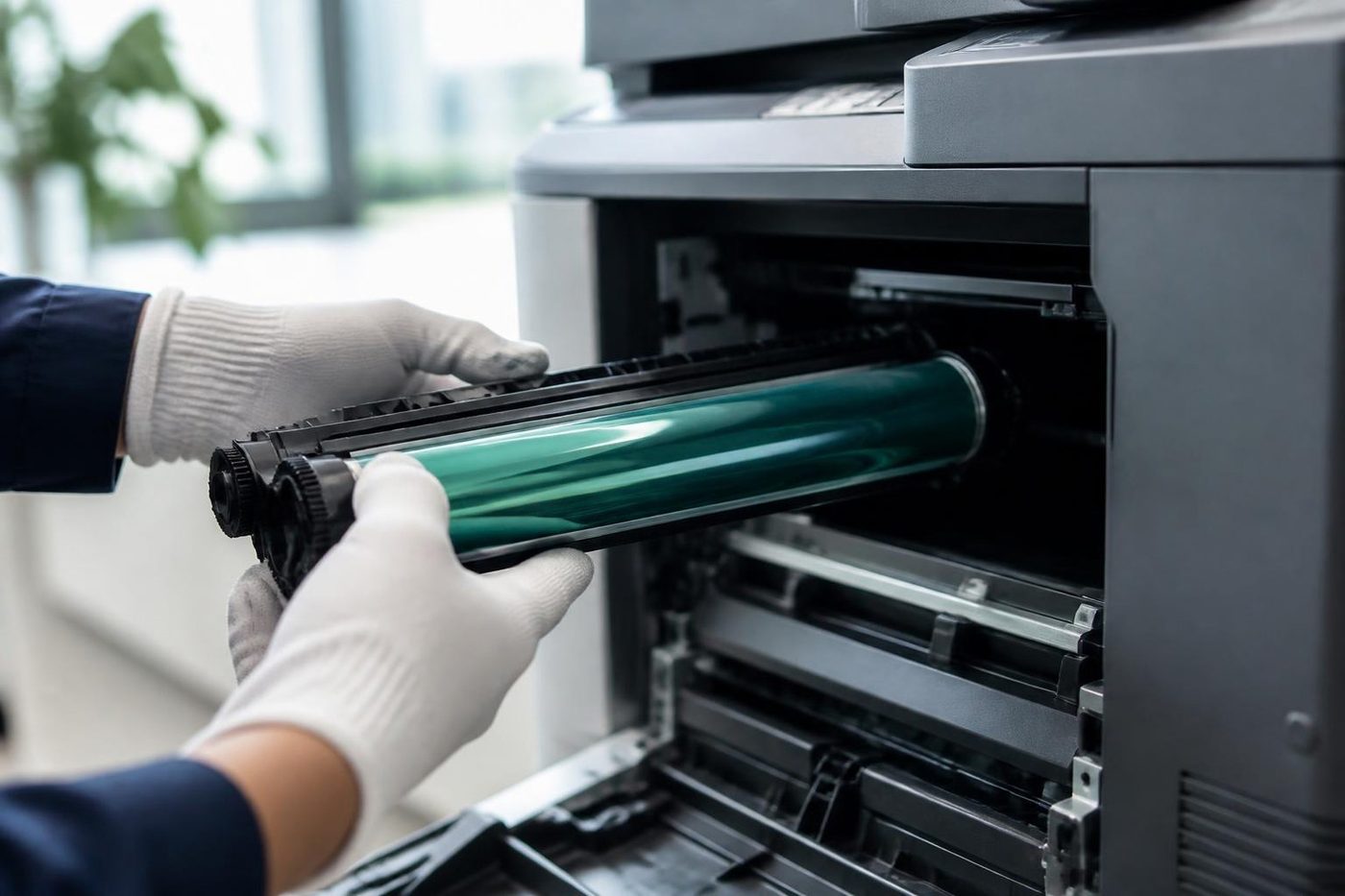 Photocopier salesHow a sale goes with us, from the first call to a working machine.How to choose a photocopierWhat to ask before you spend a cent on a copier.New and A3 photocopiersNew A3 copiers, delivered, set up and serviced by us.
 Used photocopiersUsed photocopiers and office printers, tested and looked after.Installation and setupDelivered, networked, scan tested and shown to staff.
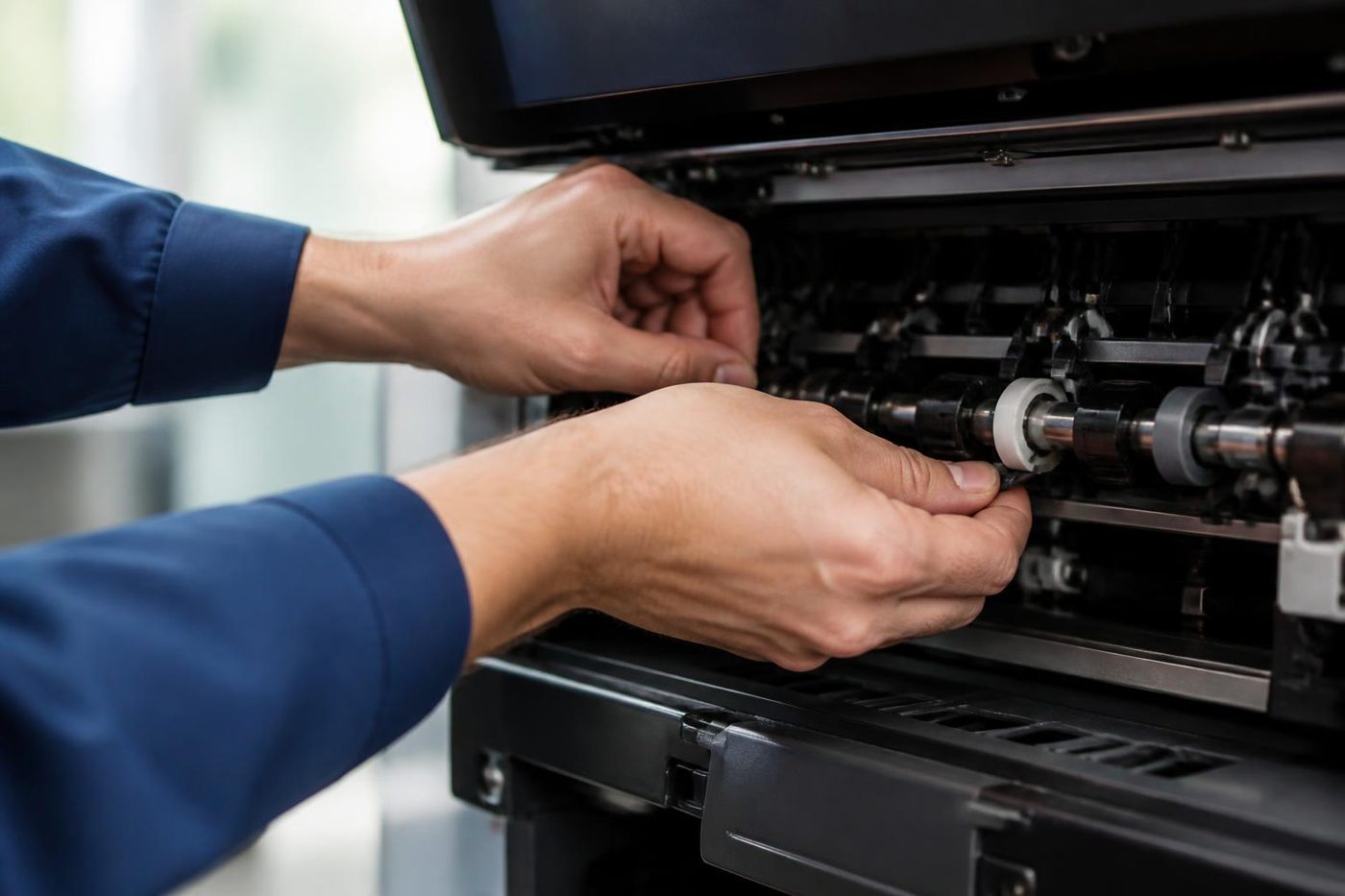 Photocopier hire, rental and leaseFour ways to pay for a commercial copier, set out in plain words, with what to ask before you sign.
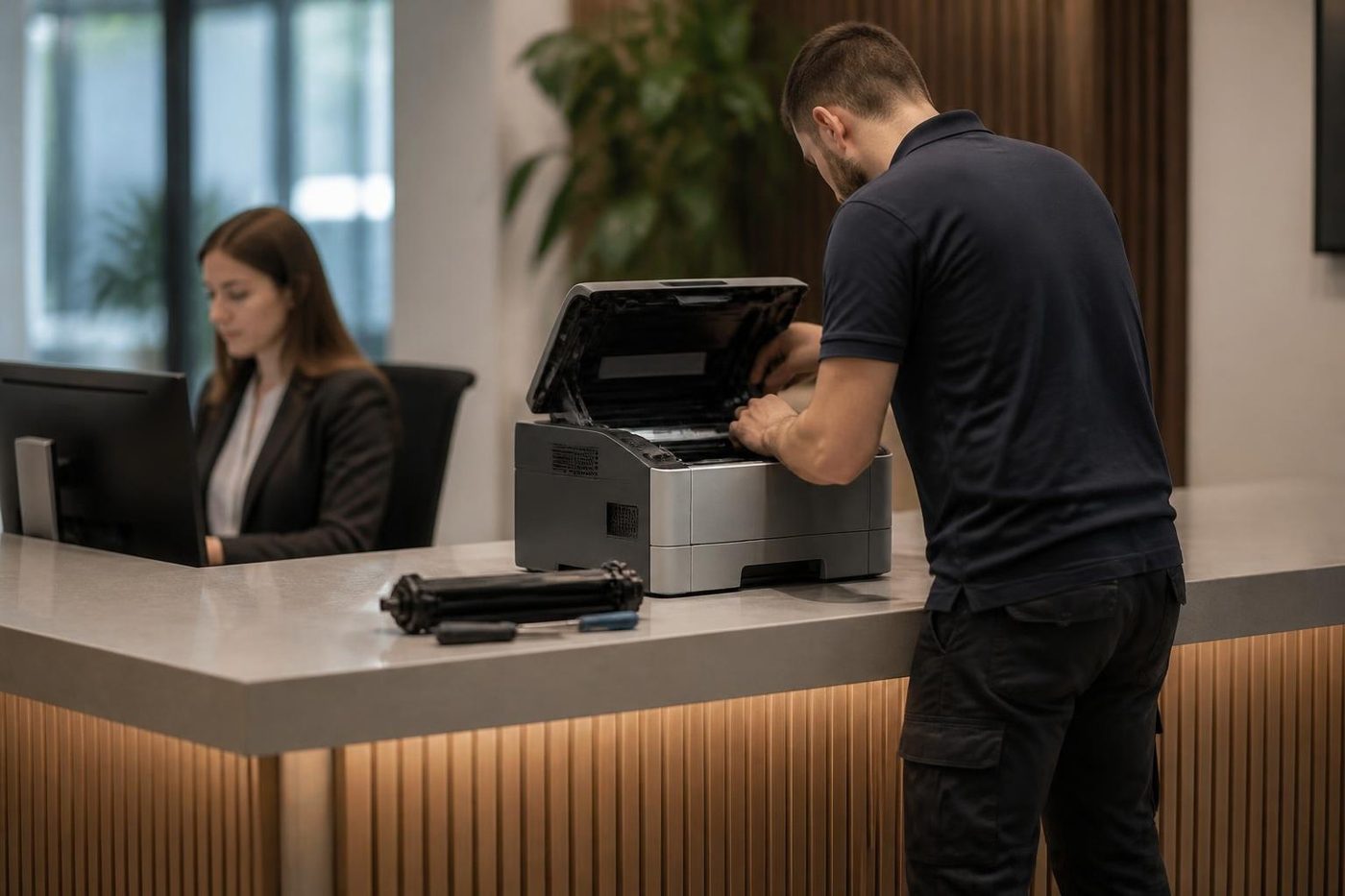 Commercial printer repairsCommercial laser printers, label printers and fleets repaired on site.We buy used photocopiersA figure agreed on the phone, collection arranged, drive wiped.
Buy, sell and lease
Buy, sell and lease commercial copiers on the Sunshine Coast
We also sell new and second hand commercial copiers and buy used ones. Same team, same technicians.


Offices, surgeries and site sheds
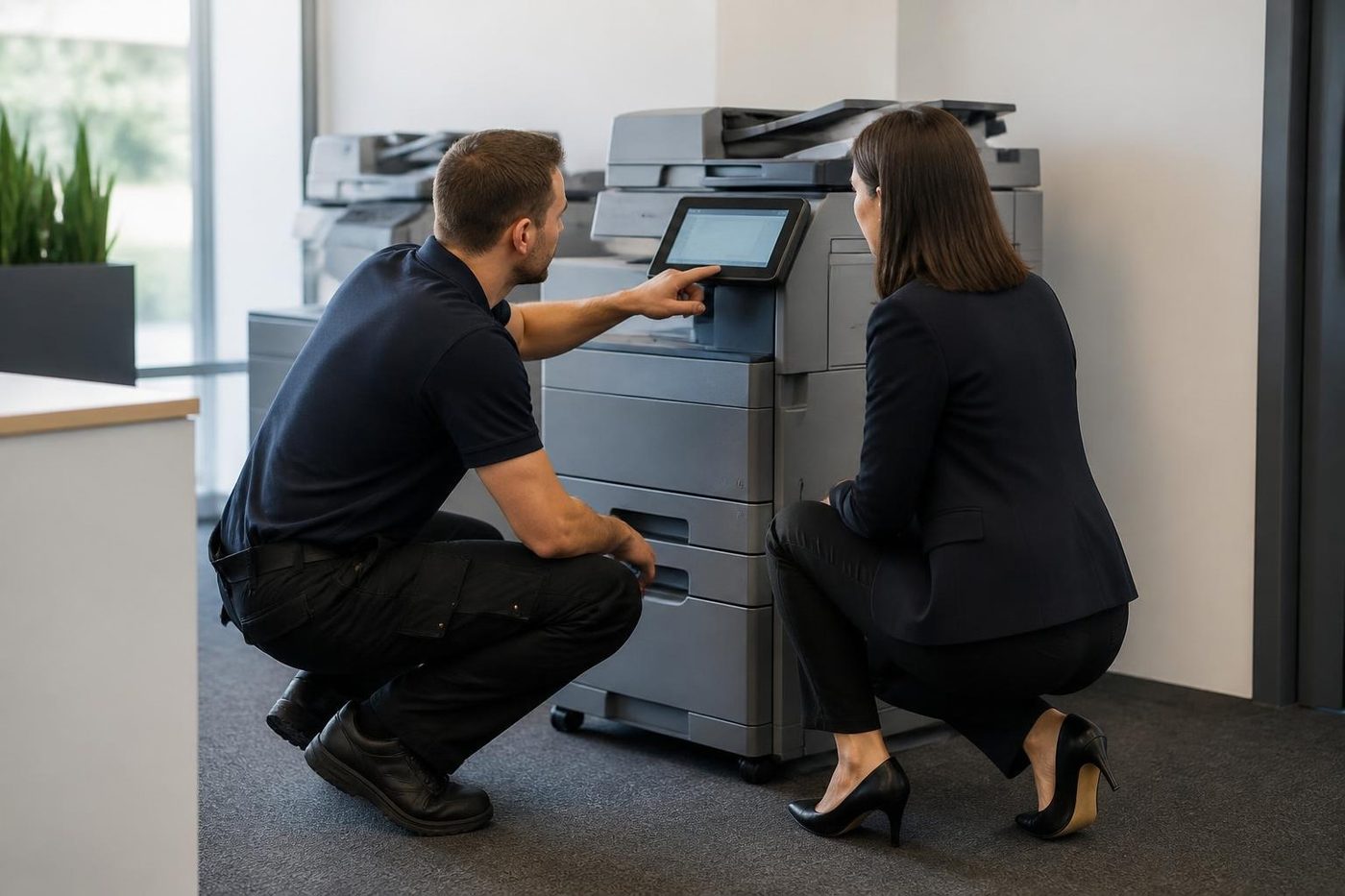
What people ask when they ring
Do you sell office printers on the Sunshine Coast, or only repair them?
Both. We sell commercial office printers and multifunctions, new and second hand, and the same technicians who repair machines look after the ones we sell.
Can I buy an A3 office printer second hand?
Yes. A3 machines are available new and second hand, in colour and black and white. We tell you the page count and what has been done to the one you are looking at.
What is a sensible number of pages for a small office printer?
Count the reams the office uses in a month and tell us. We choose a machine with a good margin above that, because running a laser flat out wears the fuser and the drum early.
Do you set up scan to email and scan to folder?
Yes, and we test each with a real scan before we leave. Address books and destinations are saved so the office is not rebuilding them later.
Does a new printer work with both Mac and Windows computers?
Yes. We install the driver on each type of computer in the office and test a print from every one.
Is a laser or an inkjet better for a working office?
Laser, almost always. It is faster, the toner does not dry out in a quiet week, and the cost per page is lower. We do not supply home inkjets.
What happens to my old printer?
If it is a commercial machine in decent order we may take it. Phone with the make and model and we say what is possible.
Will you recommend one brand?
We recommend from what we repair every week and what suits your volume. We are not tied to one maker.
Can you supply label printers or a wide format plotter for an office?
Yes. We supply and install them, and our technicians repair them.