Reading the panel
When a Kyocera hits a problem it cannot route around, it halts and puts Call service on the screen with a code underneath. Those service codes begin with C and have four digits. An F code leans toward the controller and network side. Paper jams get a jam number or a diagram instead, and a maintenance message is only a nudge that wear parts are getting old.
Treat the number as a signpost. Each code has its own list of possible causes in the service manual, and the list changes with the model family, so the machine name matters as much as the digits. Give us both.


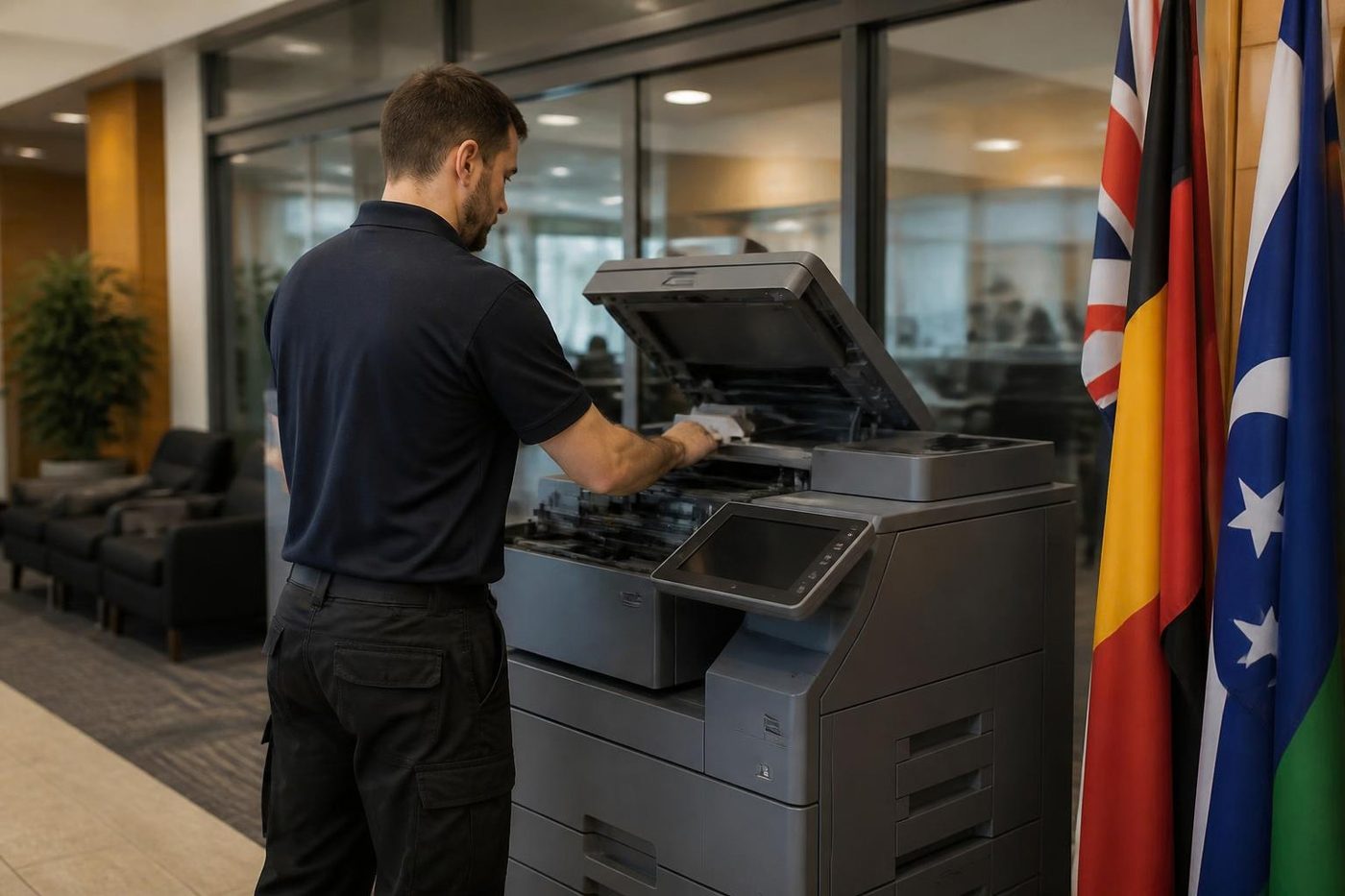
C6000 and the fuser
C6000 is the one customers quote to us most. For the TASKalfa 181 the manual calls it a broken fuser heater: the fuser failed to reach 70 degrees Celsius within 15 seconds, or did not gain the expected heat in the expected time during certain stages. The manual lists a thermistor connector with poor contact, a thermistor installed the wrong way, a tripped thermostat, a mis fitted heater and a broken heater wire.
The same four characters on a newer induction heating machine may point elsewhere: the fuser, a heating board, an engine board and the wiring joining them. Service data for the 420i also devotes a section to measures against codes that detect fuser trouble, a fair hint that Kyocera treats the whole fuser area as one family of faults. Our experience agrees. A TASKalfa that dies mid job gets its fuser looked at before anything else.
Where a code is unfamiliar on your model, we do not guess. We confirm it at the machine and report back.
The codes in plain words
- C6000: on the listed models, a heating fault at the fuser, whether heater, thermistor, thermostat or plug. Ring with the code and the model.
- Any other C6 number: normally still the fuser neighbourhood, though the exact meaning moves from model to model, so tell us which model.
- A C code from another range: varies by machine, and it is a call to us.
- An F code: mostly controller territory. Also a call to us.
- A jam number: paper has stopped at the spot named on screen, and clearing it is yours to do.
- The maintenance reminder: wear parts have reached their page count. It is not a fault, but book us in.
Before you ring, a few safe steps
- Put the full code on paper with the model name from the front and a line on what the machine was midway through.
- Switch off at the main switch, count to sixty, switch on again. One attempt only.
- If the code is back before it has finished starting, leave the machine off.
- Take it off any power board or surge protector and put it straight into a wall socket.
- A finisher or feeder complaint usually means a cover not shut or something caught inside, so check both.
- With a jam, go only where the panel diagrams point. Keep out of the fuser: it holds heat for a long while after power off.
Why a Kyocera keeps going, and what that costs
Kyocera designs around a drum that lasts, which goes a long way toward the reputation TASKalfa and ECOSYS machines have for outliving their neighbours. The bill turns up in the maintenance kit instead. Rollers, the fuser and similar parts are swapped as a set once the machine has counted off a certain number of pages.
So when the maintenance message appears, take it seriously even though it is not a fault. Leave it for months and a tired roller starts to chew into the parts around it, and a simple scheduled visit becomes a repair.
What goes into a kit depends on the model. We look up yours and do not assume.
Paper, toner and waste messages
The everyday prompts are written in words: out of paper, toner needed, waste box full. Those are yours. Do what it says and the message goes.
After a toner change, a complaint about the container often means it is the wrong type for the machine or is not seated. Pull it out, compare it with the model, then push it home until it clicks. In most cases that is all it was.
When a jam message returns from the same spot, the story is different. Something at that point, a roller or a sensor, has worn and needs a technician.
When the message is not a C code
Plenty of Kyocera trouble arrives in plain English. A scan that will not leave the machine is nearly always about the mail server, the shared folder or a password that changed last month. The scan to email page on this site lists the order we check things in.
And a TASKalfa that drops off the network behaves much like any other printer. The offline page covers the address problem behind it.
Which TASKalfas work where
Colour ci machines turn up in architects' studios, real estate offices and clinic waiting rooms, while the mono i models sit at council counters, in school offices and in the back room of a builder's yard. A TASKalfa serving a surgery in Buderim lives a different life from the one in a trade supplier at Kunda Park, and the faults follow the workload.
Small offices lean on ECOSYS desktop P and M models. They report with the same C format, so the advice above holds.
Several machines on one site
Picture a school with a TASKalfa in each wing, or a firm with three or four across its floors. A repeat code there is information. If two machines show the same number in one month, look for what they share: toner stock, a power circuit, or a wear part that hit the same count together. One planned visit beats four separate ones.
Stop and call us when
The C code returns after a restart. The machine smells of heat or never gets warm. A message names the laser unit or a motor. Someone fitted a drum or developer meant for a different model, because running it can damage the unit.
Give us the make and model and describe what it is doing, and we talk through a price. If the lines are busy your call is logged and returned, and the contact form takes the code and model so the visit starts prepared. Same day service is available.
On the day
The technician reads the stored code and the machine's history first, then works through whatever area the code names. For a heating fault we test the thermistor, heater, connectors, supply and heating board before a fuser is ordered. A motor or laser code takes us to the connectors and then the unit.
Once repaired, the code is cleared, the counter for any part we replaced is zeroed, and copy, print, scan and finisher all get tested.
The technician is trained, experienced and certified, and 98% of jobs are completed first time. Should the same fault return, the second repair costs nothing. Price is agreed by phone before booking. Kyocera is not our principal: we run independently.
Heat
The fuser is the part that bites back
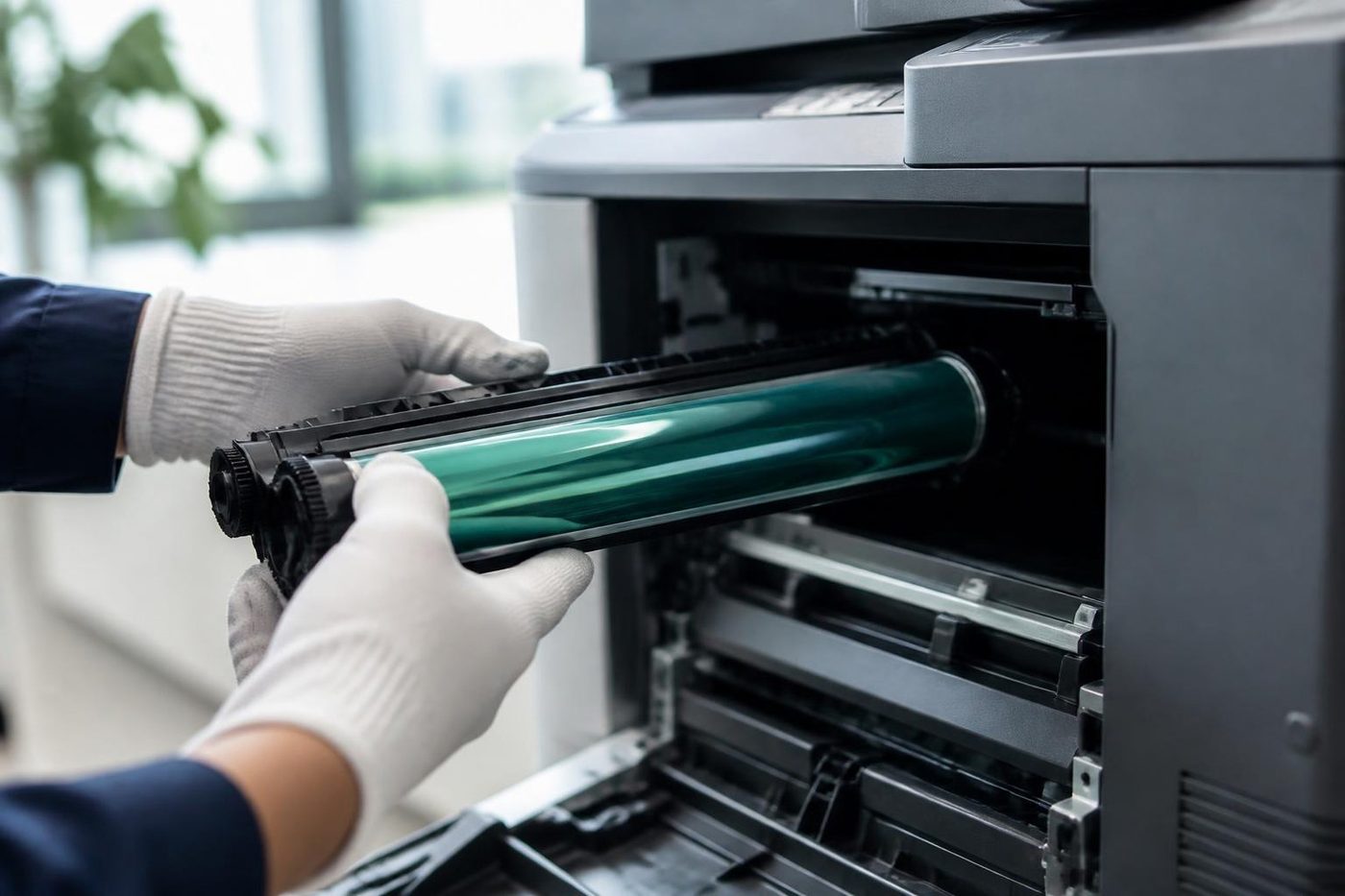
The fuser bakes toner onto the page, and it is hot enough to burn a finger in a blink. It also stays hot long after the machine has gone quiet. A rushed job either wastes time waiting or costs somebody a blister. We let it cool, look over the rollers and the sensors while we wait, and refit it square. Fitted crooked, a fuser wrinkles paper and wears out early.
A copier that eats paper is not always a fuser problem. We check the paper path first and only open the hot end when the evidence points there.
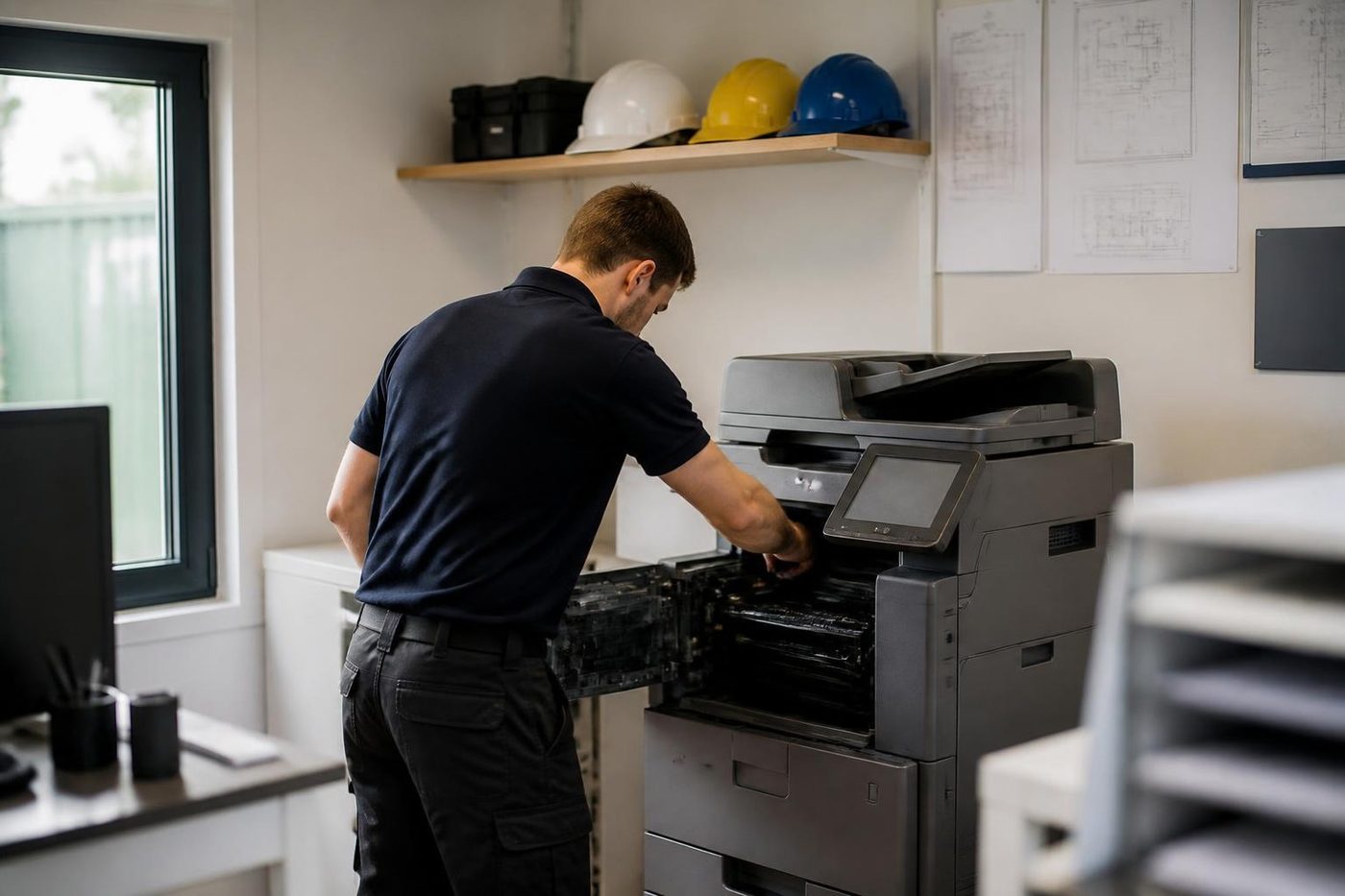
- Let it cool. Nobody gets burned and nothing gets bent.
- Check the sensors. A false reading can look like a dead fuser.
- Fit it square. Even pressure, even toner bond.
- Fixed once. If the fault returns, we fix it again at no charge.
More for Sunshine Coast offices
 Kyocera repairsTASKalfa copiers and ECOSYS printers, looked after on site.
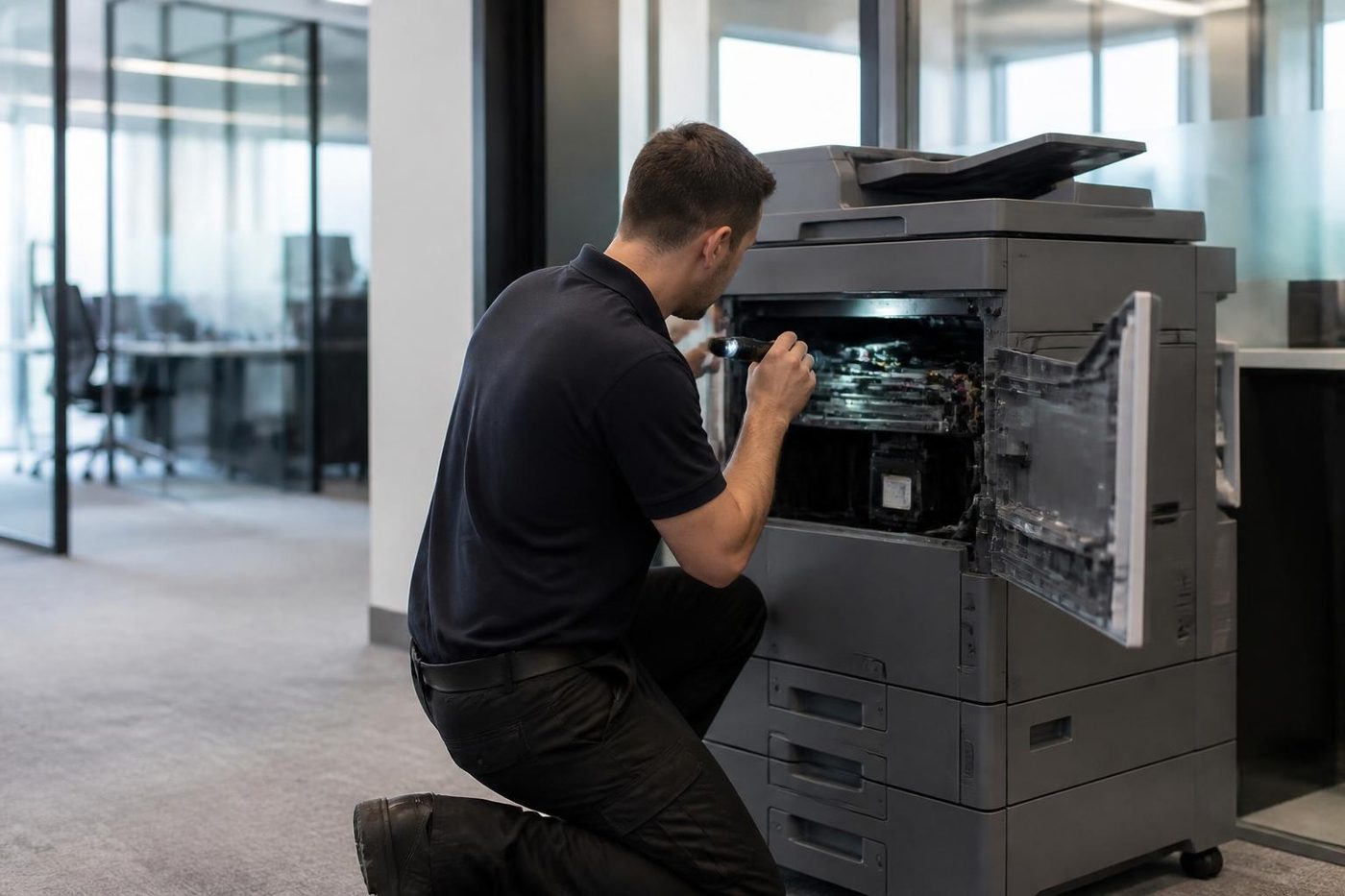 Photocopier repairsCopiers fixed at your desk, one call, price agreed first.Copier and printer faultsStart from the symptom, find the next step.Toner smearing and fuser faultsToner that rubs off, ghost images and fuser trouble.
 Is my copier worth repairing?How we weigh a repair against a replacement.
Buy, sell and lease
Buy, sell and lease commercial copiers on the Sunshine Coast
We also sell new and second hand commercial copiers and buy used ones. Same team, same technicians.

What a visit looks like


What people ask when they ring
What does C6000 mean on a Kyocera?
The TASKalfa 181 listing describes it as a broken fuser heater, where the temperature does not rise as it should. The manual lists the thermistor plug, the thermistor, the thermostat, the heater and its wire. Other models may describe it another way.
Can I clear a Kyocera service code myself?
You may try a single restart. A code that comes straight back stays until a technician clears it.
What are F codes?
Mostly controller side messages. Ring with the model and the code.
Is the maintenance message a fault?
No, it is a page count reminder that wear parts are due. Book a visit when you see it.
Will a different drum unit cause a code?
It can. A drum meant for another model may trigger a code and the machine can be harmed if it keeps running. Fit the correct unit.
Do you repair ECOSYS machines too?
We do, along with TASKalfa, at your premises.
Does it matter if the code appears at power on?
It can. A code at the moment of switching on may have a different cause from one that shows a minute later, so note which it was.
Are you authorised by Kyocera?
No, we are independent.