Copier service on the Coast
Photocopier repairs and services across the Sunshine Coast
Most copier calls start the same way. Somebody has a job half printed, a queue behind them and a message on the panel they have never seen. Photocopier repairs on the Sunshine Coast fill our week, and each one is done where the machine stands. A certified technician is sent, 98% of jobs are finished on the first visit, and the price is given over the phone before any booking. Same day service is available.
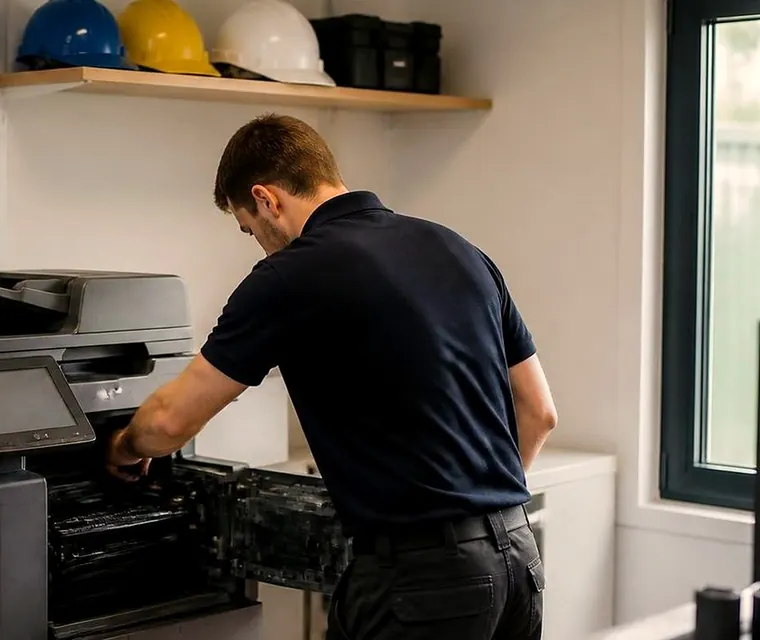
Photocopier repairs from Caloundra to Noosa and up the range
Photocopier repairs: what a call to us looks like
Ring, and the first thing we want is the make and model, which is usually on a sticker near the front door of the machine or on the panel under a menu called something like Device Information. After that we want the words on the screen, copied out exactly as they appear. A code on its own helps. A code and the sentence next to it helps more.
Then a few plain questions. Is it the whole office or one person? Did it start after something changed, such as a new computer, a power cut, a move down the corridor, a password reset at the mail provider? Does the fault show on copies, on prints from the computers, on scans, or all three? Those answers split a long list of possible causes into a short one before anyone gets in a vehicle.
From there we say what that kind of fault usually proves to be on that sort of machine, what the visit will check, and how the figure is worked out. The figure is yours to accept or refuse on the phone, with nothing locked in and nobody booked until you say yes. Suppose we are tied up on another job when you ring. The lines are busy, and that is the whole story: your call is logged, and someone who has read what you left rings you back.
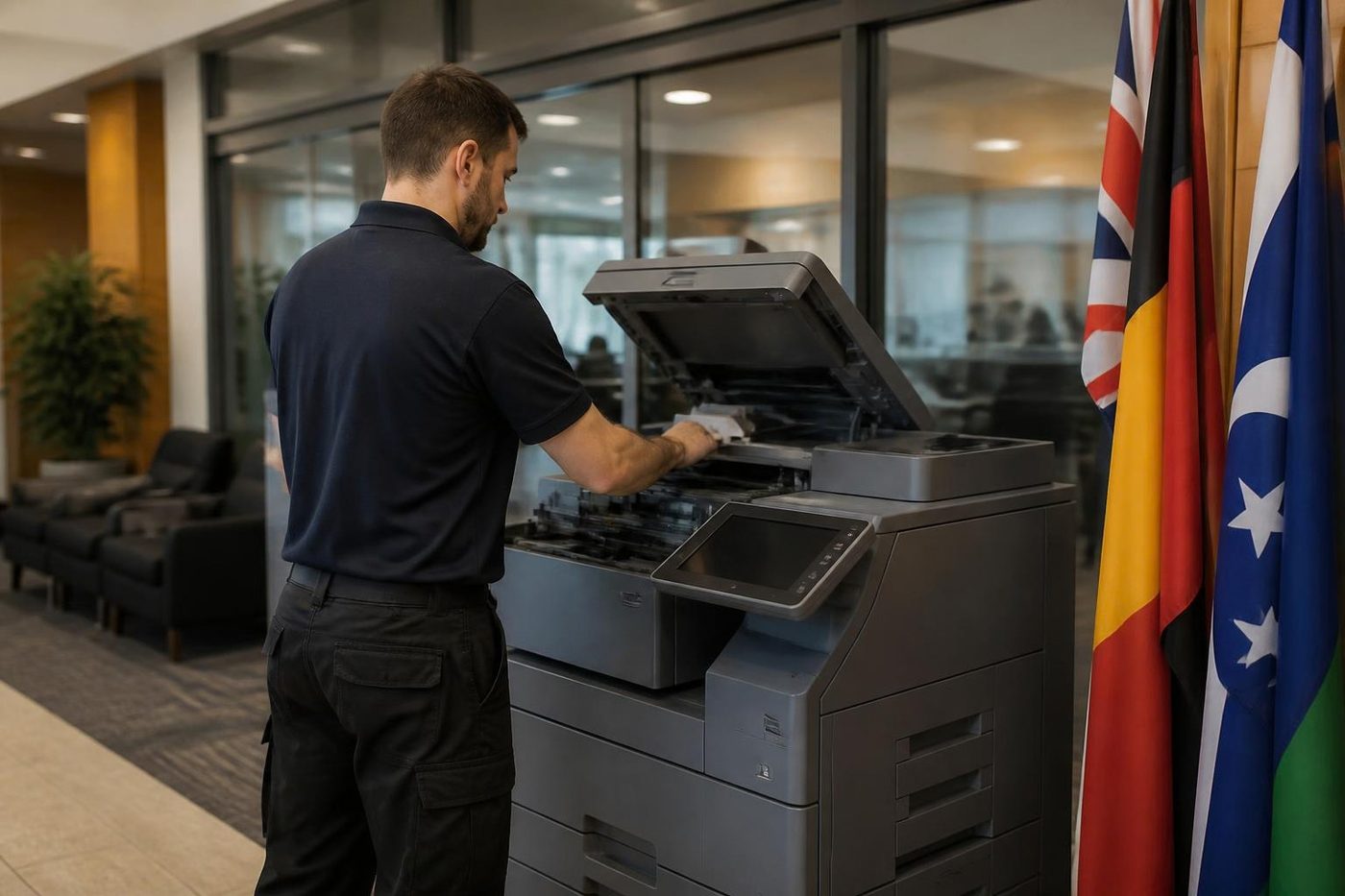
Get a price in three steps
- Describe your machineMake, model and the problem you are seeing.
- We phone with the priceYou hear it before anything is booked.
- A certified technician attendsSame day where the diary allows.
Copier service Sunshine Coast offices ask for, in three flavours
People say copier service and mean one of three different things, and it helps to know which is yours before you phone.
The first is the breakdown: stopped machine, work stacking up. That one jumps the queue. The second is the repeat fault. Someone fixed it last month, it is back, and you are starting to lose patience. We take that one personally, and a repeat of the same fault after our repair is put right again at no charge. The third is the machine that still works but is getting worse: paler print, more jams, a new rattle, a message that flashes up and goes away again. That is the least costly time to call, because a worn roller costs far less than the damage it does when it finally lets go.
If someone has quoted you for copier services you did not follow, ring and describe it. Plain copier services are a technician, a diagnosis, a price you have agreed and a machine that works when we drive off. You do not need a contract for that unless you want one.
Where on the machine the trouble usually sits
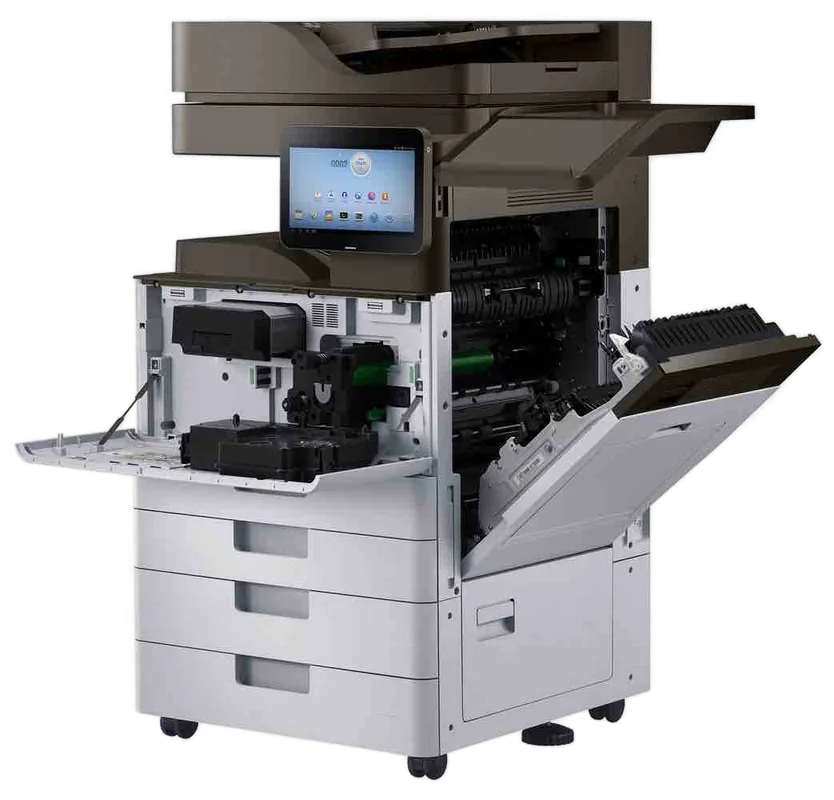
A copier is a paper path with a lot of machinery wrapped around it. When something is wrong the fault nearly always sits in one of a handful of places, and the order we check them in is the same on every make.
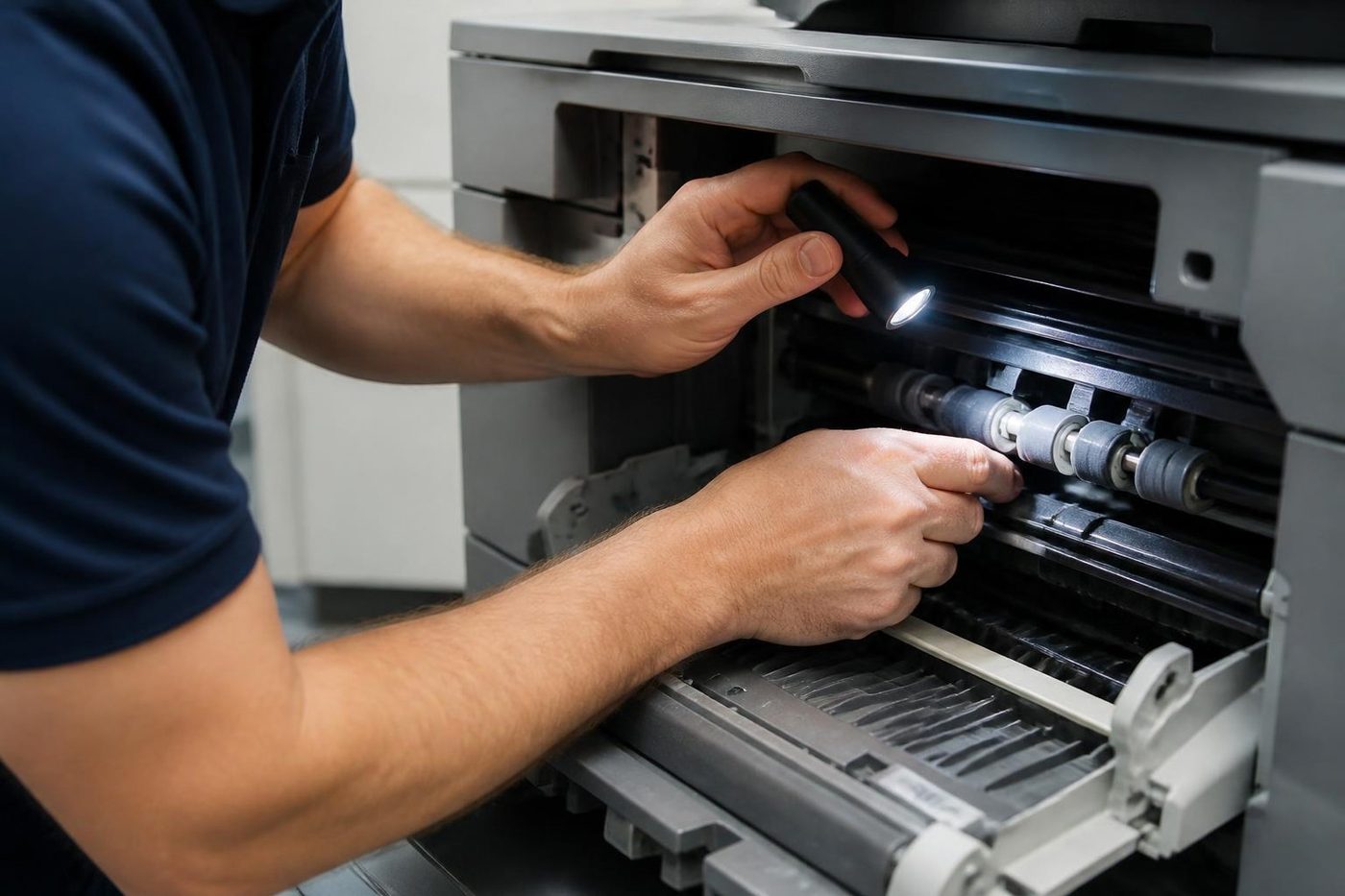
Paper first. Pickup, feed and separation rollers wear steadily, because they grip paper thousands of times a day. A worn set misfeeds, pulls two sheets at once or stops pulling in the cold of a morning and works by afternoon. The tray guides and the duplex unit, which flips pages for double sided work, are checked in the same pass. Damp paper does the same things as worn rollers, so we look at the ream as well as the machine.
Then imaging. That means the drum, the developer, the transfer belt on a colour machine and the cleaning blades that scrape the leftovers away. A line down every page, a repeating spot, a grey tinge across the background, or toner you can rub off with a thumb: all of those live here or in the next part.
The fuser is next. Two heated rollers, or a heated belt on newer machines, press and melt the toner into the sheet, and the wear comes on by degrees. Creased pages, a warm plastic smell, loose toner, a slow wake up from sleep and heat codes all point towards it.
Last come the controller, the hard drive, the scan settings and the network. This is where the sudden problems sit: scans that stopped arriving, a machine that vanished from the computers, a screen that freezes. Plenty of these are a changed password or a relocated server and not a failed part at all. We save the swapping of boards for when the evidence points that way.
- Paper path: rollers, guides, duplex, bypass, trays
- Imaging: drum, developer, transfer belt, cleaning blades, waste toner
- Fuser: heat roller, pressure roller, belt, thermistor
- Controller and storage: board, hard drive, firmware
- Scanning: glass, document feeder, and the settings behind scan to email and scan to folder
- Finishing: staple cartridge, punch unit, output tray
Four faults we hear about before lunch
The jam that lives in one spot
A jam that lands in the same place every time is almost never bad luck. Something there is worn, bent or dirty: a roller that has glazed smooth, a guide with a burr on the edge, a sensor flag stuck with paper dust. Clear the sheet, note where it was, and tell us. That one detail saves a technician half an hour of hunting. Our page on photocopier paper jams goes through what you can safely look at yourself.
Pages that came out wrong
A black line, a grey edge, pale patches, a smear down one side. Hold the page to the light. Does the mark come round again at an even spacing, and is it in one colour or in all of them? An even repeat is the signature of a turning part, a roller or the drum, which stamps its flaw once per turn. A solid streak is more often the cleaning blade or the glass. Keep the page. A technician learns more from a bad copy than from a description.
The code that comes back
A panel message that clears when you switch off and returns an hour later has not gone away. It is waiting. Think of a code as an arrow towards one region of the machine, perhaps the fuser, a motor, the paper feed or the controller, and it takes a technician to say what is wrong in that region. Nothing is guessed from the phone, and service mode steps are not something we publish. If you have the code, tell us, and read our guide to copier error codes for what the main families point to.
Scans that stopped arriving
Here the copier is usually fine. Something around it changed: a mail password, a server name, a shared folder moved to a new drive, a firewall rule. A scan to email that dies with no error message points to the mail settings. A scan to folder that complains about access points to the folder permissions, or to the login the machine uses. We sort those over the phone where we can, and on site when the settings need a look at the panel.
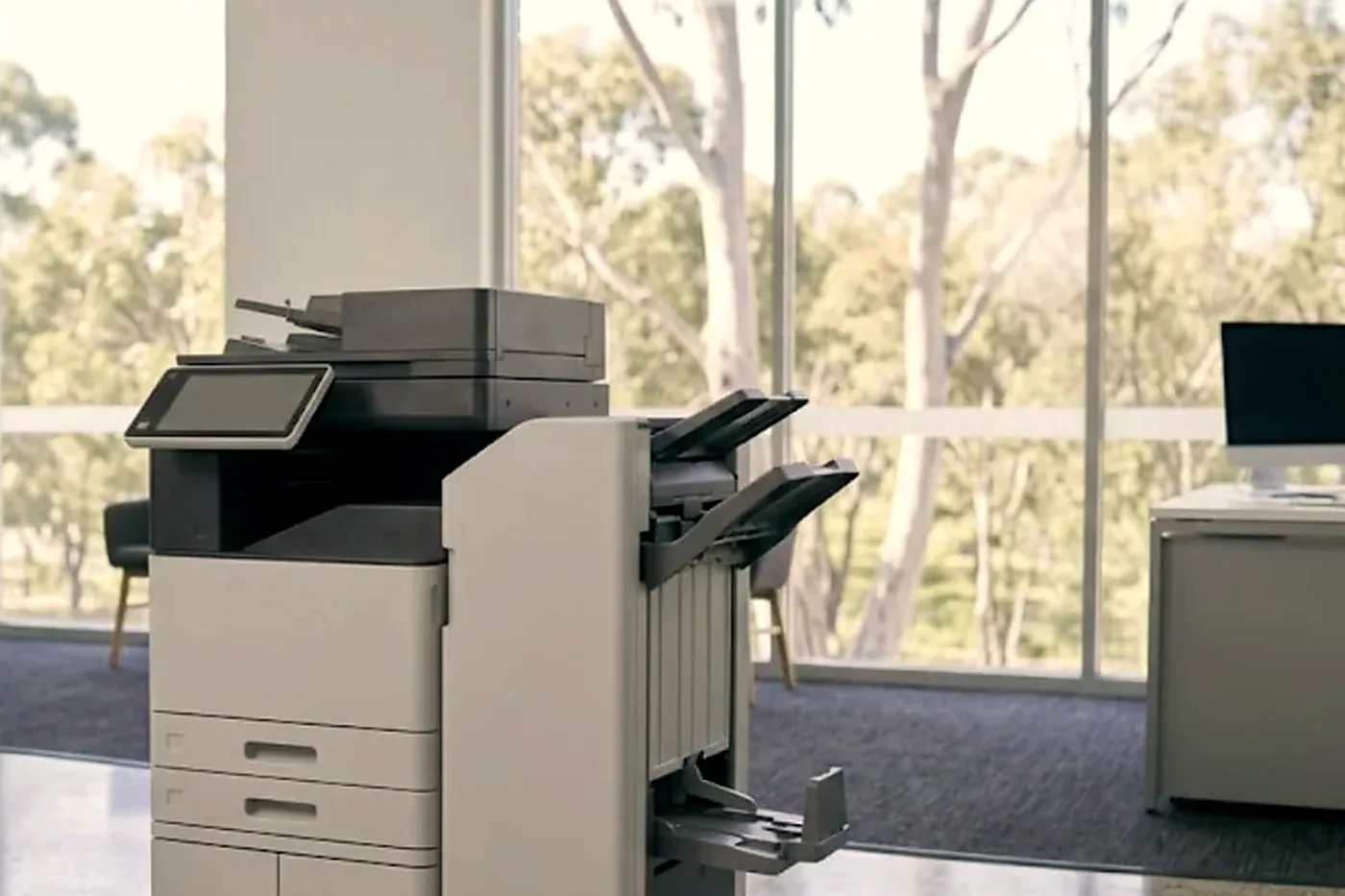
The makes we repair and what each one is known for
Most copiers on the Coast belong to a short list of makers, and each has its habits. These are our own observations from the job, and they say nothing on behalf of any maker. None of these makers is our parent: we are an independent service business.
| Make | Machines you will see | What turns up on the bench |
|---|---|---|
| Toshiba | e-STUDIO A3 colour and mono copiers | Call for Service messages, fuser wear, drive faults, finishers worn by shared use |
| Kyocera | TASKalfa copiers, ECOSYS printers | Dusty pickup rollers, maintenance prompts at set page counts, scan settings that break when a server moves |
| Fujifilm, Fuji Xerox and Xerox | Apeos, ApeosPort, DocuCentre, WorkCentre, VersaLink, AltaLink | Worn fusers, transfer trouble, folder scans that stop, cleaning parts at the end of their life |
| Canon | imageRUNNER ADVANCE, imageCLASS | Start up error codes, tired transfer belts, a document feeder that grabs two sheets |
| Ricoh and Lanier | IM and MP series | Paper feed and fuser trouble, SC codes, and finishers that sit out of line |
| Konica Minolta and Develop | bizhub colour and mono | Banding across the page, colour drifting out of register, drum and transfer wear |
| Sharp | MX series multifunctions | Worn paper path parts, fuser faults, settings that vanish after the network changes |
Toshiba and Kyocera, because that is most of the Coast
Step into a clinic at Birtinya, a builder's office at Kunda Park or a school admin block out the back of Nambour, and the odds are good that the copier says Toshiba or Kyocera across the front. We know those machines best, and they are the ones we are called to most.
On the Toshiba e-STUDIO side the faults we meet most are fuser wear on machines that print all day, Call for Service messages that return after a restart, and finishers on shared copiers that have been asked to staple more than they were built for. Paper feed is the usual story on the Kyocera TASKalfa and ECOSYS side. Fine dust coats the pickup rollers, the machine begins to take two sheets or none, and cleaning plus a fresh set of rollers sorts it. Kyocera also prompts for maintenance at set page counts. A prompt is a reminder, not a breakdown, though ignoring it for a year does turn it into one.
Each has its own page with model families and more detail: Toshiba and Kyocera.
Fujifilm, Fuji Xerox, Xerox: three names, a lot of the same machines
Plenty of offices have a copier with Fuji Xerox on the front and a service sticker that says Fujifilm. In 2021 the company behind the Fuji Xerox name became Fujifilm Business Innovation, so the machine stayed the same and only the badge on newer ones changed. Xerox itself is a separate American company with WorkCentre, VersaLink and AltaLink lines of its own. We repair all of them. There is a page for the machines from the Fuji Xerox years and one for Fujifilm and Xerox.
Canon, Ricoh, Konica Minolta and Sharp copiers are looked after as well. Ricoh is the maker behind Lanier machines and Konica Minolta the maker behind Develop, so those are covered. Samsung copiers and printers have a page of their own, and HP, Brother, Epson, OKI, Lexmark and Zebra printers come up often enough that we carry their common parts too.
Damp air, salt, dust and storm season
A copier on the Sunshine Coast has a harder life than the brochure suggests. Humid air makes paper limp. Summer heat then dries and curls the same ream if it has been sitting on a window ledge or in a storeroom with a tin roof. Curled paper jams, and it jams worse on a machine with tired rollers.
Near the beach, salt in the air gets into connectors and screws. A green connector pin can look exactly like a failing board, and swapping the board does nothing. On the industrial estates around Kunda Park and Coolum, fine dust gets in by the cupful. Then there are the summer storms: surges that upset a controller, and the odd machine switched off at the wall over the break that returns with a corrupted setting.
So we ask where the machine sits. Beside an open door, under an air conditioning vent, in a shed, in a back room where the paper lives. Often the answer explains the fault. Keep the paper wrapped until it is loaded, load it flat, and give the machine a spot out of direct sun. Moving a ream to a drier shelf costs nothing.
Photocopier repairs near me: where we come to
If you have searched photocopier repairs near me, a photocopier repair near me or copier service near me, the useful question is whether anyone can actually reach your building. We come to your premises: Caloundra and Pelican Waters at the southern end, Kawana, Birtinya and Mooloolaba, Maroochydore, Coolum, Noosa, then inland to Nambour, Buderim, Maleny and the Blackall Range, and up the Bruce Highway to Gympie, Cooroy, Pomona, Tin Can Bay and Rainbow Beach. Bribie Island is on the list too.
That is a long, thin stretch of coast, so we plan calls by area and keep a technician working one part of it at a time instead of driving the length of it twice in a day. Several machines in the same part of the coast get grouped into one visit. A copier repair near me can just as well mean a machine in a shed, a depot or a site office, which we repair where it stands. Each area has its own page with what we typically find there, linked from our areas page.
Some buildings have habits of their own. A medical suite near the hospital precinct at Birtinya may want visits outside clinic sessions. A unit on an industrial estate may need a gate or a roller door pointed out. A school office runs to a bell timetable. Mention it on the call, and the visit gets planned around it.
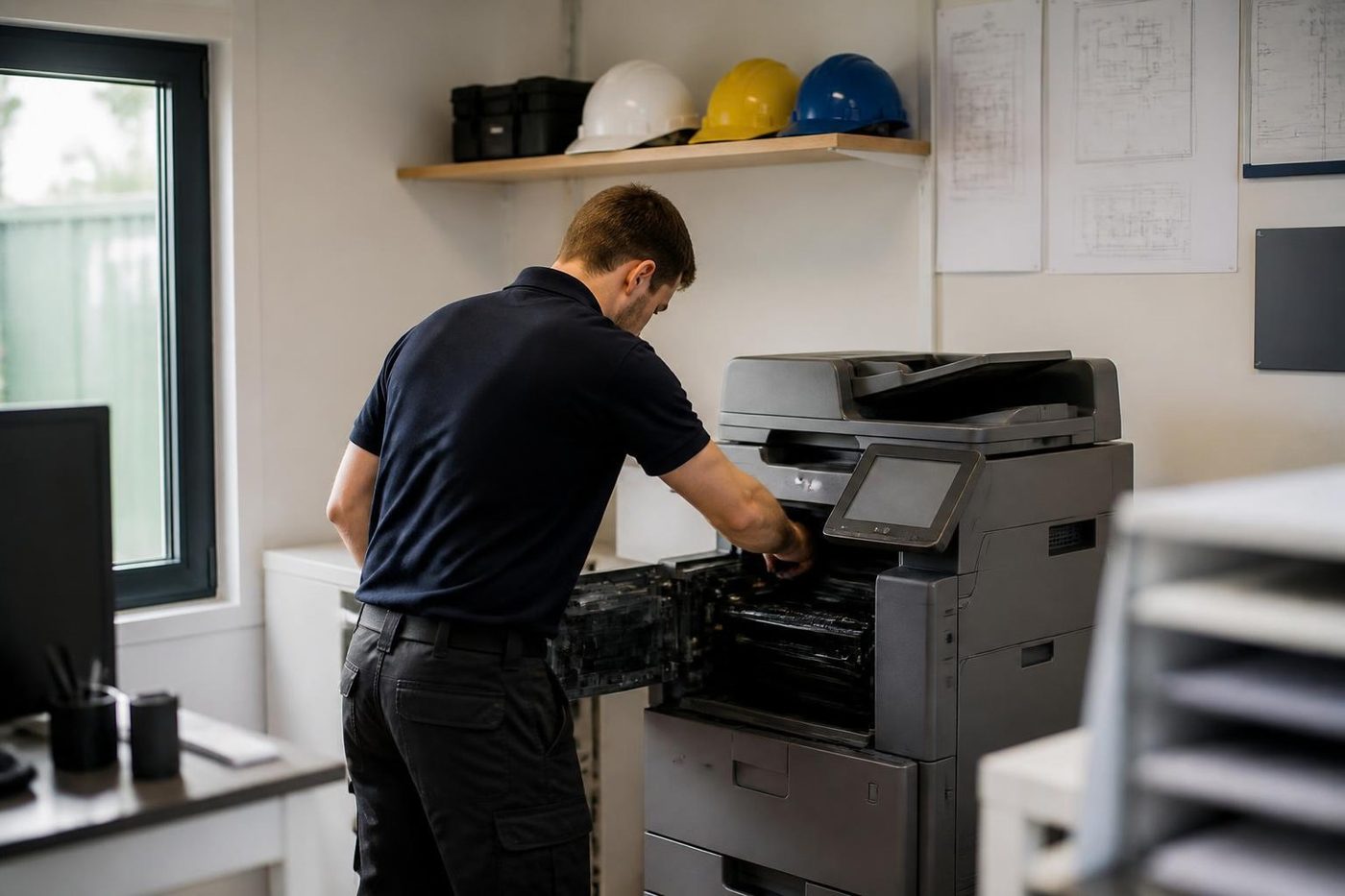
The visit, from the van to the signed off machine
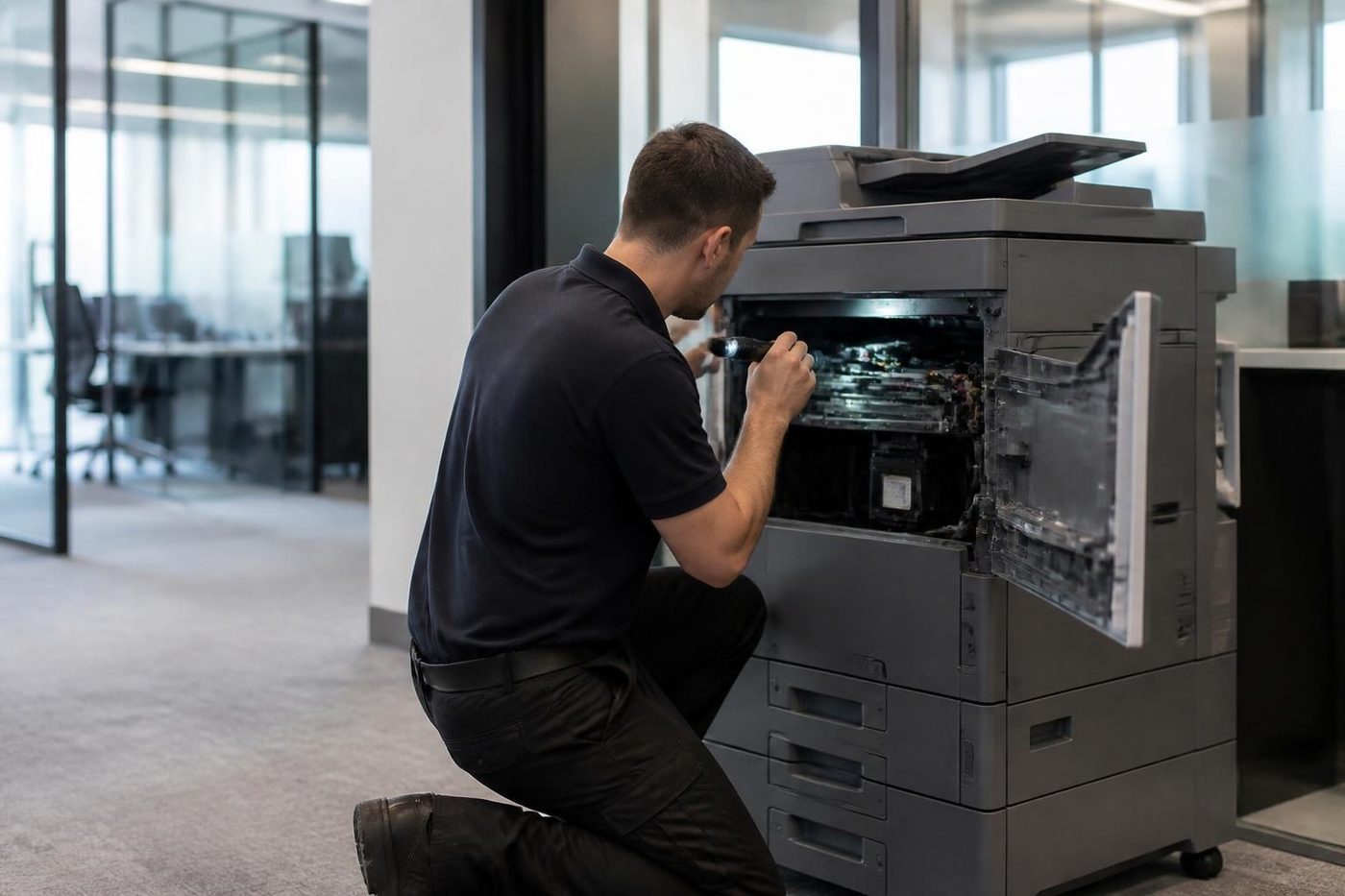
The technician looks at the machine and its paper path first, runs test pages and reads the fault history the machine has stored. Before any part is fitted you are told what was found, in plain words, with the options and what each involves. A small fix happens there and then. The common spare parts ride in the technician's vehicle, which is why most visits finish with a working machine and a test print on your own paper.
When a part has to be ordered, that news comes before the technician leaves, and the return visit is arranged. Better you hear it on the day than wait beside the phone.
Then comes a test of everything you depend on, not just the part that failed. That means the scan destination, the finisher, the tray that gave the trouble and, on a colour machine, colour. Then the machine goes back to whoever in the office knows it best, with a word about what was done.
Why we work from the symptom, not from the parts shelf
Replacing a part is the easy bit. Knowing which part is the work. A page with a black line down it might be a scratched drum, a dirty slit glass or a worn cleaning blade, and the cure for each is different. A scan that fails might be a document feeder fault, or a password that expired at the mail provider last week. Swapping parts to see what happens is how a repair bill grows, so we do not do it.
Drums are sensitive to light, and a few seconds beside a bright window can mark one for good. Fusers run hot enough to burn a careless hand. Transfer belts scratch. Force a connector in the wrong way and the damage can outrun the original fault. Someone who has met the same problem a hundred times names the cause in minutes and fits the right part first time. That is how 98% of repairs get finished on the first visit, and why the same fault returning costs you nothing to fix again.
Some things cannot be told from the phone. A code that comes back after a restart usually means a part is failing, but which one depends on the model. We say what we think, say what we do not yet know, and confirm it once we see the machine. The work is warranted, and the call is where we explain the cover.
A repair, or regular servicing
A repair fixes what has broken. Regular servicing, which some people call copier maintenance or printer maintenance, is the visit before anything breaks: the paper path cleaned, rollers and feeder checked, wear parts looked at, the machine tested on your own paper. If you run a few machines in different corners of an office, or a small fleet across a few sites, ask about regular servicing when you ring and we say what it would involve for your machines and how often it makes sense.
Booking a single repair does not need an agreement. If the copier is covered by another company's contract or lease, start by reading it, since it may say who is allowed to do the work. After that, ring with the make and model and we will be plain about what we can take on.
Where the machines sit, and what that does to them
A beachside real estate agency, a clinic corridor at Birtinya, a school admin office up the hills, a builder's site shed, the back of a trade supplier's counter at Warana or Kunda Park. Each puts a different kind of stress on a copier.
Shed and counter machines see dust and damp. Clinics print in bursts and cannot wait. Schools run to a timetable and need the machine for Monday morning. Trade suppliers run mixed paper and heavy use. Offices that are branches of a business run from somewhere else are usually in a hurry to have it sorted before the head office notices. If the scanning broke after someone elsewhere changed a setting, tell us, because that points us at the first thing to check.
Higher up, in the towers around Maroochydore and Mooloolaba, loading areas, sign in desks and lift bookings come into it. Sorting those beforehand saves half an hour on the day.
When repairing is not the right answer
Sometimes the straight answer is to stop spending. A machine with a tired fuser, a worn drum, a drive fault and a finisher problem inside one year will probably keep costing money. A machine with one worn roller will not. Age alone does not settle it. Page count, availability of parts and the pattern of faults count for more. Where a repair makes sense we price it. Where it does not, we explain why, and for anyone weighing a replacement our pages on whether a copier is worth repairing and on second hand copiers are worth a look. Buying and selling machines is a separate conversation, and the repair advice you get from us does not depend on it.
Before you phone
Two minutes of notes make the call quicker and the visit shorter.
- The model name and make, off the front of the machine or the serial sticker
- The panel message copied out, or a photo of it
- Whether copies, prints, scans or all three are affected
- One person stuck or the whole office, and whether restarting helped
- What changed lately: a move, a new server, a power cut, a password
- A page showing the mark, kept flat
- Building, floor and any gate, lift or sign in rules
- If the machine is leased, the contract, in case it says who must do the work
Book a service call
The number is (07) 5327 3472. The form on the contact page works as well: put in the brand, the model if you have it and a line on what is going wrong. If the lines are busy the call is logged and returned. Same day service is available, and you hear the price before any booking.
Copier makes we work on
From the van to a working photocopier
Parts
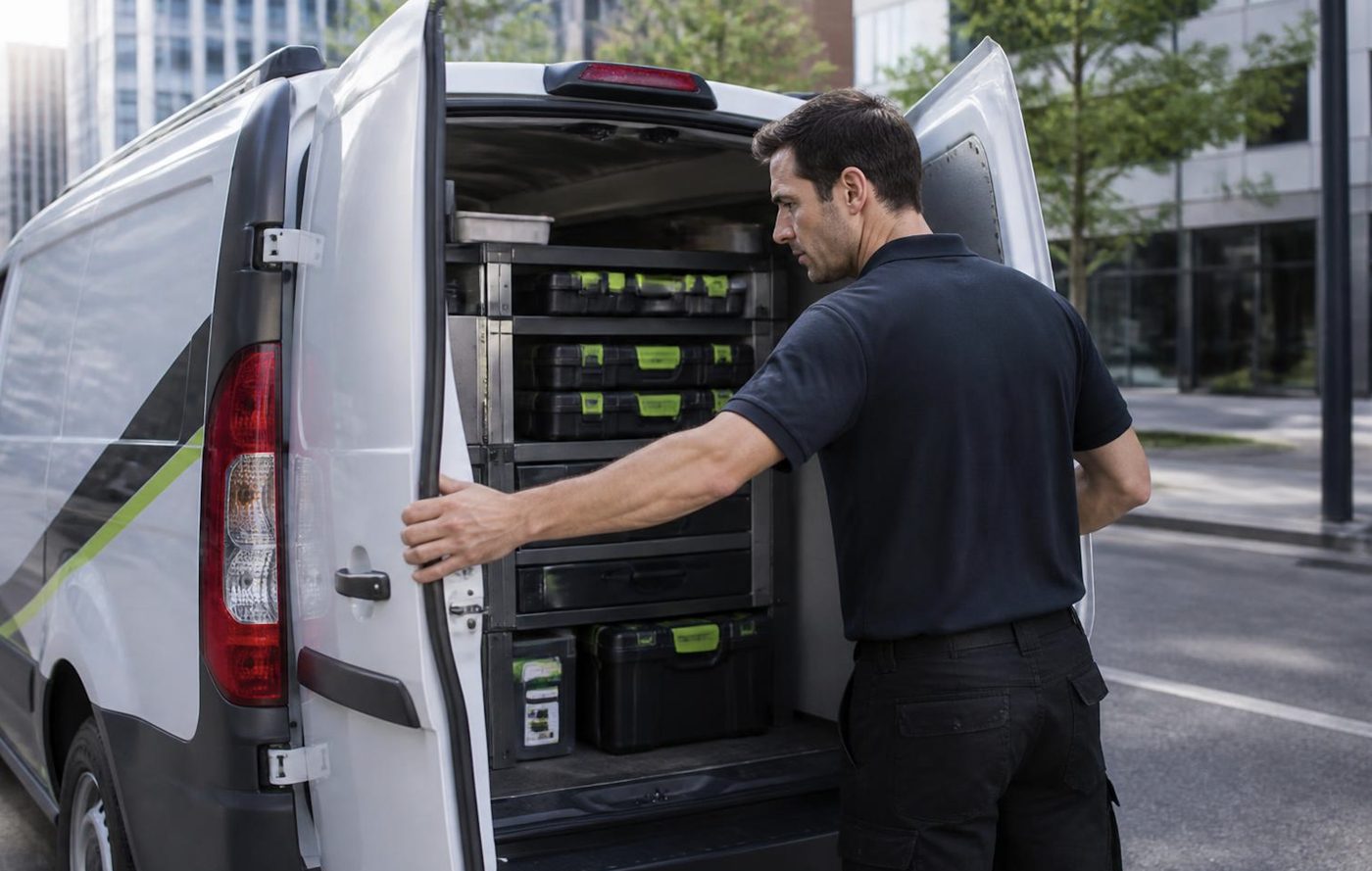
The part is in the van, or we know before we arrive
Waiting a week for a roller to come from a warehouse is a poor deal for a firm with invoices to print. Technicians carry the common spare parts, and on the phone we work out which ones your make and model are likely to want. If something rarer is needed, you hear that before we arrive, not after we have pulled the machine apart on your floor.
Parts that are not worth fitting we tell you about too. A fifteen year old machine with three things failing is a different conversation, and we have it plainly.
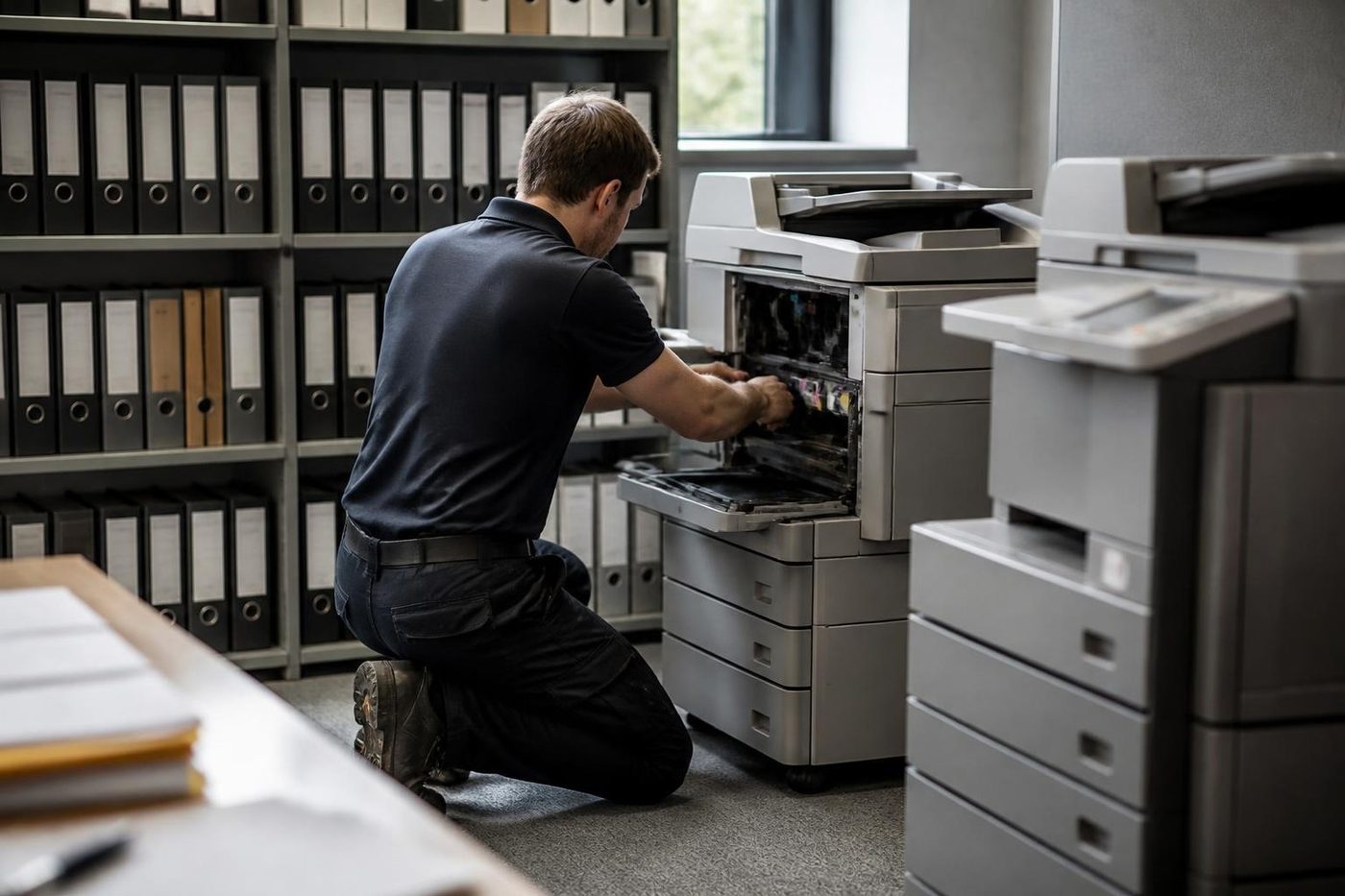
- Common parts carried. Rollers, drums, blades and the usual wear items.
- Rare ones flagged early. You know before the visit.
- Plain advice. Repair or replace, your call.
More for Sunshine Coast offices
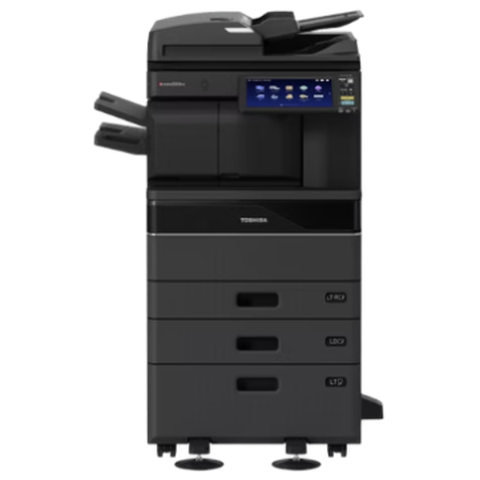 Toshiba repairse-STUDIO colour and mono copiers, fixed where they sit.
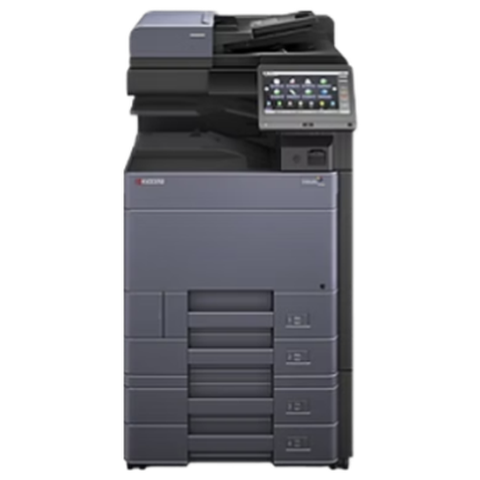 Kyocera repairsTASKalfa copiers and ECOSYS printers, looked after on site.
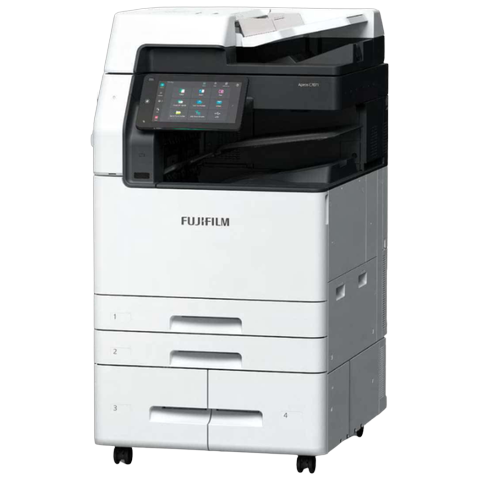 Fujifilm and Xerox repairsApeos, ApeosPort and DocuCentre, including Fuji Xerox and Xerox.
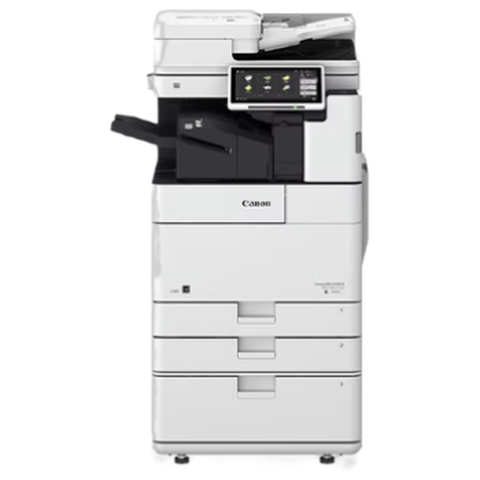 Canon repairsimageRUNNER ADVANCE, DX and i-SENSYS machines, fixed on site.
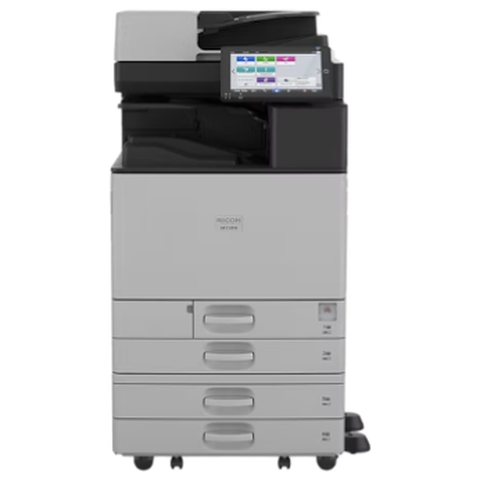 Ricoh repairsIM C, IM and MP series copiers, plus Lanier, looked after on site.
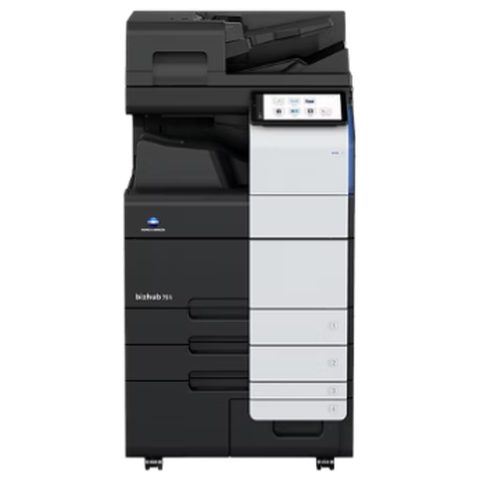 Konica Minolta repairsbizhub i-Series and C series colour and mono, fixed on site.
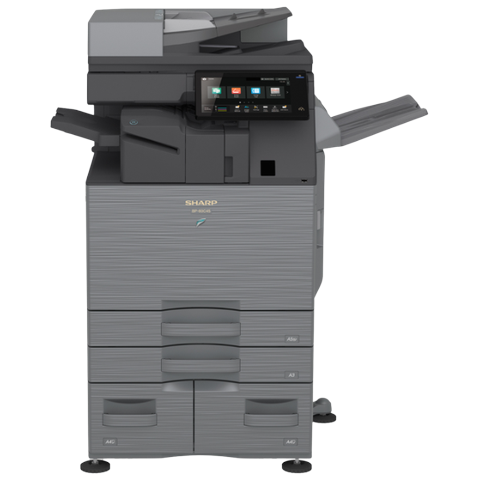 Sharp repairsMX and BP series copiers, repaired where they stand.
 Copier and printer faultsStart from the symptom, find the next step.
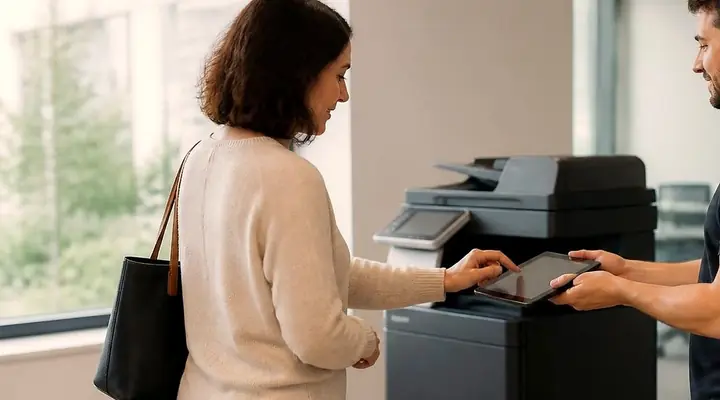 Photocopier paper jamsWhy copiers jam, what you can do at the machine and when to ring.
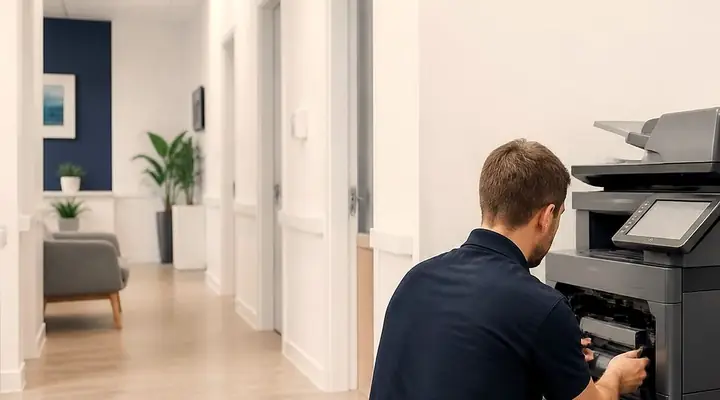 Copier error codesHow to read a panel code, which ones you can clear, when to ring.
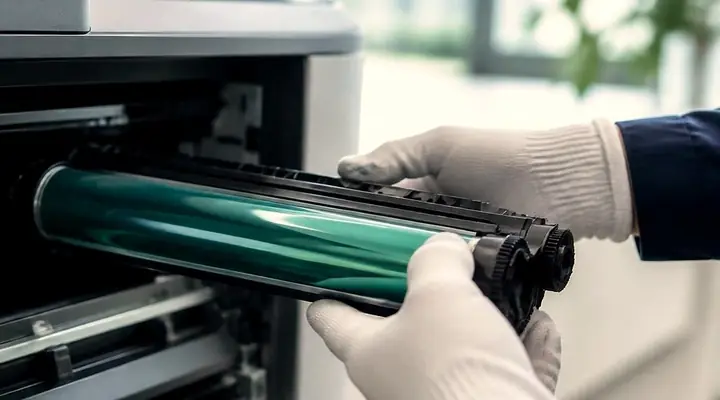 Is my copier worth repairing?How we weigh a repair against a replacement.
Desk printers, and machines to buy or sell
For desk and workgroup printers, printer service Sunshine Coast wide is on the home page. If repair is no longer worth it, a refurbished copier on the Sunshine Coast is often the next step, and copier buyers on the Sunshine Coast explains how the old one can be sold to us.
Buy, sell and lease
Buy, sell and lease commercial copiers on the Sunshine Coast
We also sell new and second hand commercial copiers and buy used ones. Same team, same technicians.
Around the coast with the van
What people ask when they ring
Do you offer same day photocopier repairs on the Sunshine Coast?
Same day service is available. Ring early with your suburb, the make, the model and what the machine is up to, and we say what can be arranged. You are not booked until the price suits.
Can you repair a photocopier at my office?
Yes, at your premises, and nothing is posted away. When a part needs ordering, the technician tells you before leaving and the return visit is set up.
Which copier brands do you repair?
Toshiba, Kyocera, Fujifilm, Fuji Xerox and Xerox, Canon, Ricoh, Konica Minolta and Sharp, plus Lanier and Develop. HP, Brother, Epson, OKI, Lexmark and Zebra printers as well. Not sure about yours? Phone with the model.
What happens if the same fault comes back?
Putting it right again costs nothing. Ring, tell us what the machine is doing, and we arrange the visit.
How is a photocopier repair priced?
Three things go into it: parts the machine is likely to need, time on site and any building access that adds to the job. We go through the figure by phone, and it is agreed before anyone is booked.
Is there a photo copier service near me on the Sunshine Coast?
There is no workshop to find, because we come to you. The range runs from Caloundra to Noosa, inland to Nambour and Maleny, and north to Gympie. Same day service is available.
Do I need a maintenance agreement for copier service?
No. You can book a single repair, or ask about regular servicing as well. If the machine is under another company's agreement, read what it says first.
Do you do photocopier servicing near me in Gympie and the surrounding areas?
Yes. Gympie, Cooroy, Pomona, Cooloola, Tin Can Bay and Rainbow Beach are covered along with the coast. Give your suburb when you phone.
Why does my copier jam in the same spot every time?
Usually a worn roller, a damaged guide or a dirty sensor at that spot. Say where the sheet stops and we know where to look first.
Does coastal humidity really affect a copier?
It does. Damp paper curls and sticks, summer heat then adds to fuser wear, and salt near the beach gets into connectors. Keep paper wrapped and the machine out of direct sun.
Do you repair Lanier or Develop copiers?
Yes. Ricoh is the maker of Lanier machines and Konica Minolta of Develop machines, and our technicians service both.
Do I need my IT person on site?
Only for scan and network faults, and then a phone call is often enough. For jams, print quality and fuser trouble you do not.
For offices and trades
Site office, surgery or school front desk
One call, a price agreed before anyone is booked, and a technician who knows your make.
Get a price
All of our work on the Sunshine Coast
Service pages
Fault pages
- Installation and setup Sunshine Coast
- Relocation and removal Sunshine Coast
- Copier and printer faults Sunshine Coast
- Photocopier paper jams Sunshine Coast
- Copier black lines and streaks Sunshine Coast
- Copier error codes Sunshine Coast
- Copier not printing Sunshine Coast
- Scan to email not working Sunshine Coast
- Toner smearing and fuser faults Sunshine Coast
- Printer offline and network faults Sunshine Coast
- Copier noise, grinding and squealing Sunshine Coast
- Is my copier worth repairing Sunshine Coast
- Toshiba e-STUDIO error codes Sunshine Coast
- HP LaserJet error messages Sunshine Coast
- Kyocera TASKalfa error codes Sunshine Coast
Makes we work on
- Toshiba copier repairs Sunshine Coast
- HP printer repairs Sunshine Coast
- Kyocera copier repairs Sunshine Coast
- Fujifilm copier repairs Sunshine Coast
- Xerox copier repairs Sunshine Coast
- Canon copier repairs Sunshine Coast
- Ricoh copier repairs Sunshine Coast
- Lexmark printer repairs Sunshine Coast
- Brother printer repairs Sunshine Coast
- Epson printer repairs Sunshine Coast
- OKI printer repairs Sunshine Coast
- Zebra printer repairs Sunshine Coast
- Konica Minolta copier repairs Sunshine Coast
- Sharp copier repairs Sunshine Coast
- Samsung printer repairs Sunshine Coast
- Fuji Xerox copier repairs Sunshine Coast
Coast towns and suburbs
- Printer service Caloundra
- Printer service Gympie
- Printer service Buderim
- Printer service Maleny and the Blackall Range
- Printer service Kawana and Birtinya
- Printer service Nambour
- Printer service Maroochydore
- Printer service Noosa and Noosaville
- Printer service Coolum and Peregian Beach
- Printer service Mooloolaba and Alexandra Headland
- Printer service Sippy Downs and Maroochydore industrial
- Printer service Pelican Waters and Bribie Island
- Printer service Beerwah and Glass House Mountains
- Printer service Yandina and Eumundi
- Printer service Cooroy, Pomona and Cooran
- Printer service Cooloola, Tin Can Bay and Rainbow Beach
- Printer service Kilcoy and the D'Aguilar side
- Printer service Palmwoods, Montville and Mapleton
- Printer service Landsborough and Mooloolah Valley
- Printer service Marcoola and Sunshine Coast Airport
- Printer service Coolum industrial
- Printer service Warana and Kunda Park
- Printer service Tewantin
- Printer service Bli Bli and Pacific Paradise
- Printer service Currimundi, Little Mountain and Baringa
- Printer service Kenilworth, Imbil and the Mary Valley
- Full list, Caloundra to Gympie
Got the make and the problem? That is all we need to price it.
Not sure what the message means?
You do not need the right words. Say what it does or does not do and we work out the rest on the phone. (07) 5327 3472.