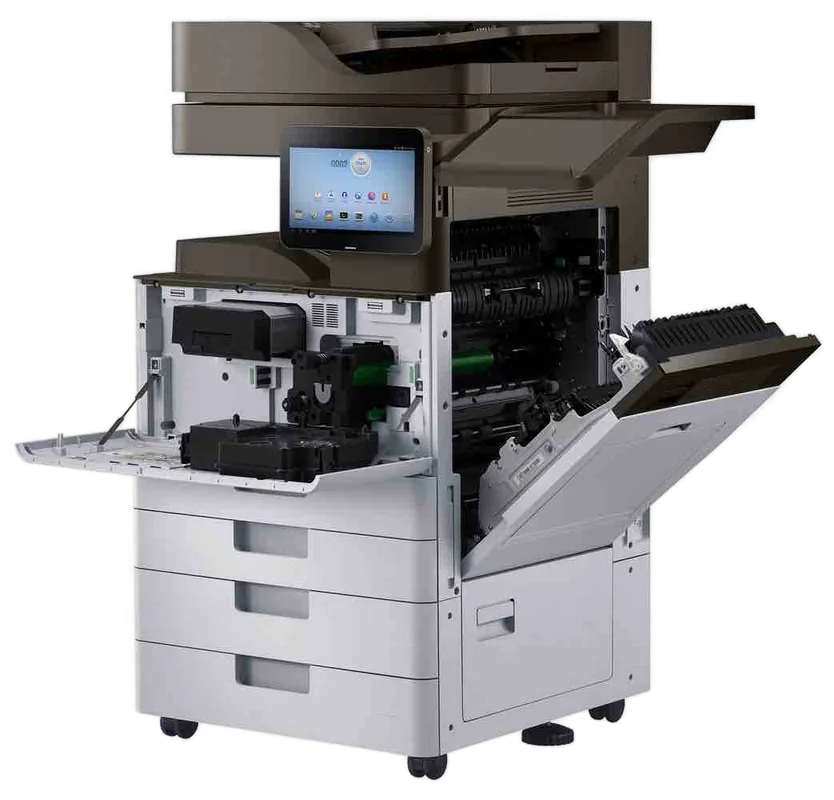
Brother HL and MFC business machines, serviced on site
Brother printer repairs Sunshine Coast: HL and MFC service and support
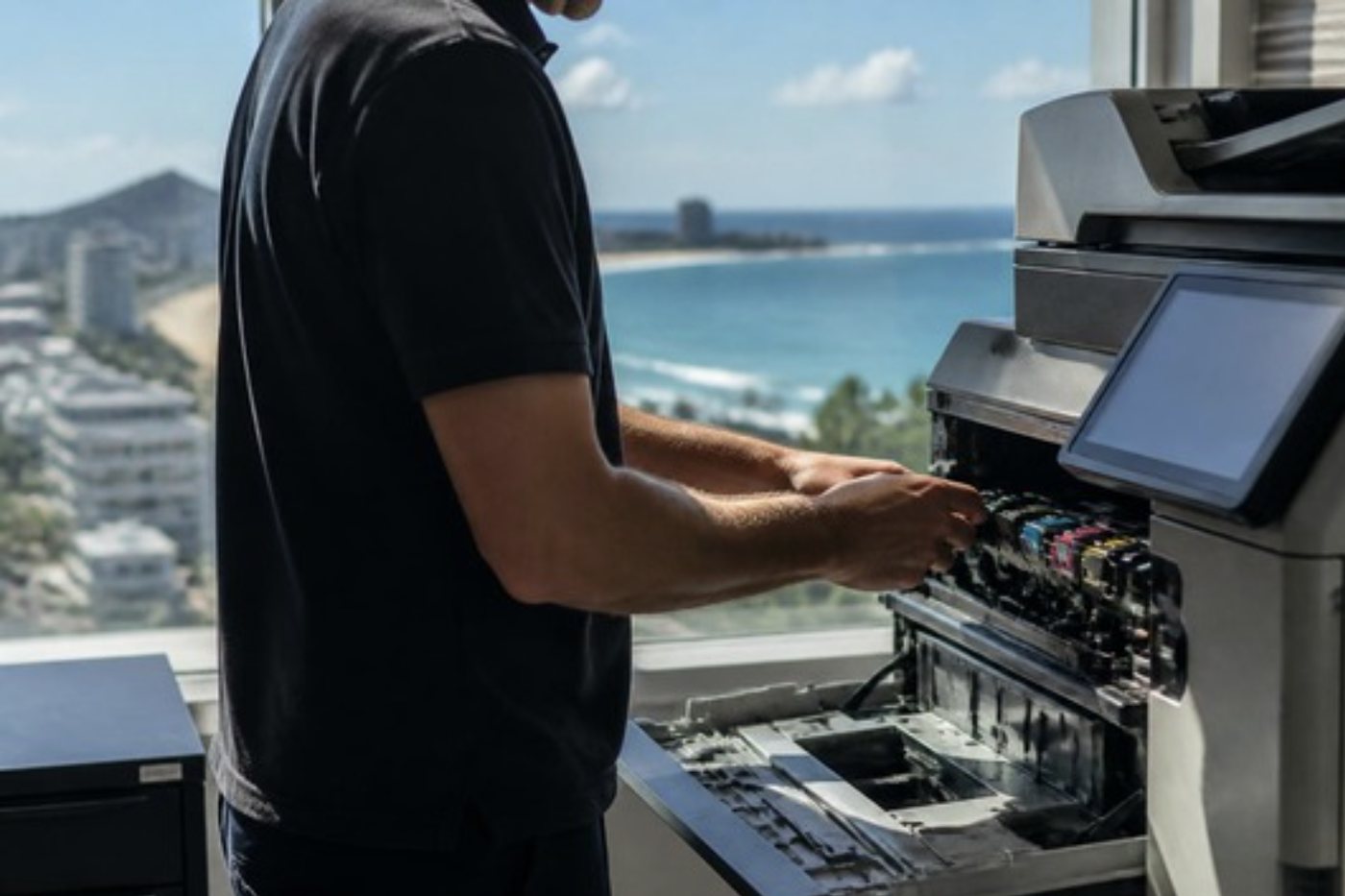
Same day service is available for Brother printers on site across the Sunshine Coast, from a front counter MFC to a colour laser in a busy clinic. Brother writes its faults out in words, which helps, until the words say Replace Drum and the drum is fine.
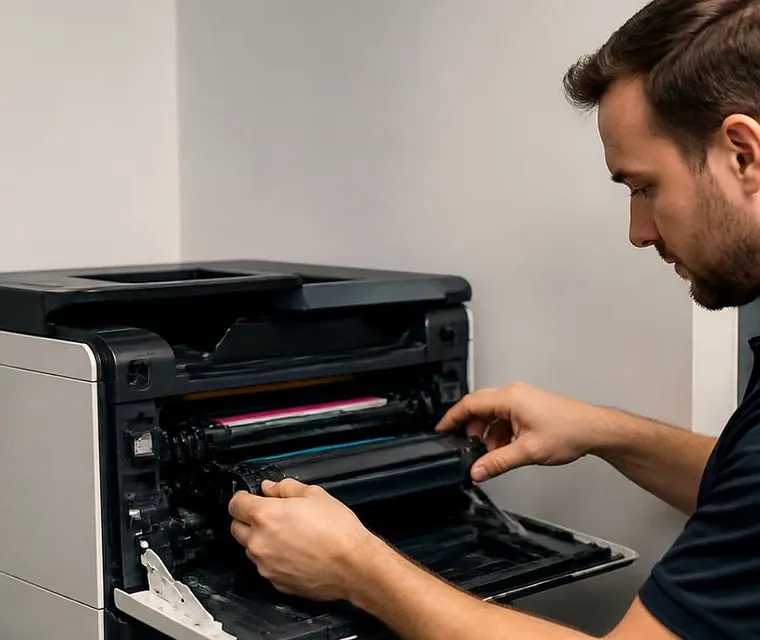
Copier and printer repairs, plus machines to buy and sell, on the Sunshine Coast
Brother printer repairs Sunshine Coast front counters rely on
Brothers usually turn up tidy. A mono HL on a shelf in the accounts corner, an MFC at the end of a reception counter, a colour laser feeding a small team in a clinic or an agency. They are A4 machines made for light to medium use, and the ones that last are those where somebody looks at the drum, belt and feed parts before they give out.
Nobody does, of course. They get attention when the display complains. So when you ring about a Brother, we ask for the exact words on the screen and the full model name first. Often that is enough to say whether it needs us this afternoon or only a counter reset and a dry cloth. If it is the first kind, same day service is available.
There is no link between us and Brother, and we do not pretend otherwise. We fix the machine you have.
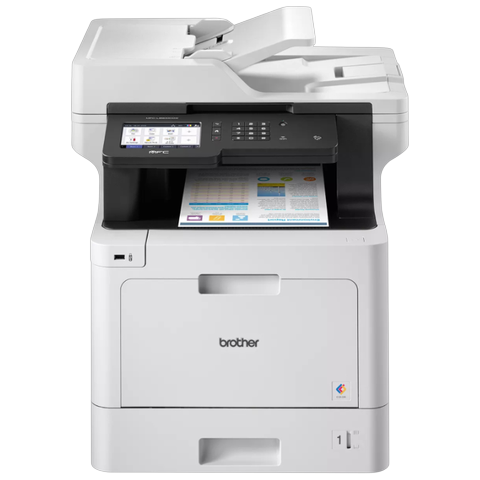
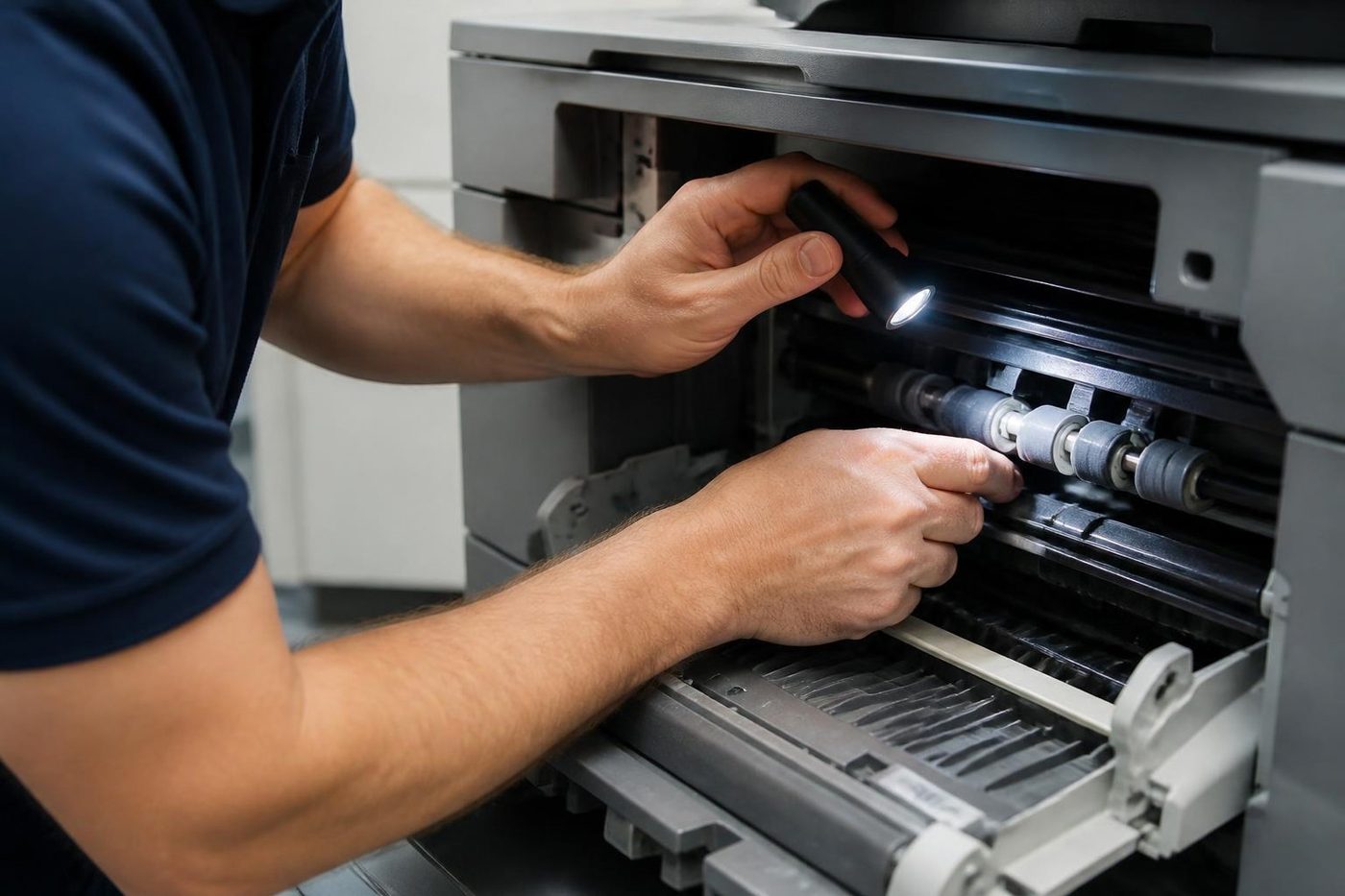
Get a price in three steps
- Describe your machineMake, model and the problem you are seeing.
- We phone with the priceYou hear it before anything is booked.
- A certified technician attendsSame day where the diary allows.
Which Brother is it?
Start with the letters on the front. HL is print only, and MFC is the multifunction line, which on Brother's own pages means print, copy, scan and fax. In the model that follows, L marks a laser and J an inkjet, and a C close to the end signals colour. Trailing letters cover duplex and network options. Read us the whole name, not just the digits.
| Family | Models we repair | Where we meet it |
|---|---|---|
| Mono lasers, L5 and L6 series | HL-L6400DW, HL-L6210DW, HL-L5210DN and HL-L5200DW | Department printers. The L5200DW belongs to an earlier range that still turns up. |
| Mono multifunctions, L5 and L6 series | L6 side: MFC-L6915DW, L6900DW, L6700DW. L5 side: MFC-L5900DW, L5800DW, L5710DW, L5700DN. | Counters, practice offices, accounts teams. The L6900DW comes from an earlier range. |
| Colour multifunctions, L8 and L9 series | MFC-L9570CDW, L8900CDW and L8690CDW | Small teams printing proposals who want a quick duplex feeder. |
| Colour printers, L8 and L9 series | HL-L9310CDW, L8360CDW and L8260CDW | Colour for small and medium offices. |
| A3 inkjet multifunctions | MFC-J6555DW, J5855DW and J6955DW | Offices that need A3 copying and printing from an inkjet. |
Brother label printers in the QL and TD families are a little off our usual copier ground, so check with us first if that is what you own.
What the bigger models are rated for
Brother Australia's pages give some scale. Take the HL-L6210DW: a mono printer at 50 pages a minute, with 520 sheets in the box and a ceiling of 1,660 once optional trays go on. Next, the MFC-L5710DW: mono, multifunction, 48 pages a minute. It starts with 250 sheets and goes to 1,390 with trays, and its document feeder takes 50 sheets.
On the colour side, the MFC-L8900CDW is rated at 31 pages a minute and holds 250 sheets standard, climbing to 2,380 with tower trays. The MFC-L9670CDN does 40 pages a minute, begins with 520 sheets, can reach 2,600 with options and comes with Gigabit Ethernet. Wireless is an extra on that one, not a standard fit.
Add tower trays to the HL-L6400DW and capacity reaches 2,650 sheets. The colour HL-L9310CDW and MFC-L9570CDW stop at 2,380. A stapling or punching finisher is something we have not found in the Brother range we look after, so we promise nothing there.
Reading the screen: plain English messages and what hides behind them
Supplies and jams arrive as ordinary words. Mechanical trouble shows as Print Unable or Scan Unable followed by two characters, or Init Unable with two. Inkjets say Machine Error and a number. Identical words can mean different things between models, so tell us the model first.
- Jams: Jam Inside, Jam Rear and Jam Duplex describe sheets caught in the main path, at the fuser exit or within the duplex unit. The fuser and the rollers hold their heat long after printing stops.
- Mechanical: Brother classes Print Unable, Scan Unable and Init Unable as mechanical errors. Power off, wait a few minutes, power on. If it comes back, a sensor, a motor or similar needs a technician. Errors 50 and 71 get phoned in too, and their meaning depends on the model.
- Heat: Fuser Error and Self Diagnostic say the fuser was slow to reach temperature or overheated. Brother tells you to restart and wait fifteen minutes before booking a service.
- Wear parts: when Replace Fuser, Replace Laser or Replace PF Kit appears with a tray name, that part, for that tray, has reached its replacement point.
- Drum: Drum End Soon still prints. Replace Drum and Drum Stop say the unit is at or near the end. The drum is a separate part from the toner cartridge.
- Cooling Down is the printer pausing because it got too hot. It carries on by itself, and open vents help.
- Cartridge Error says the toner cartridge is not sitting properly in the drum.
- Colour models add Waste Toner Full, WT Box End Soon, Replace Belt and Belt End Soon. On those, Brother says an old waste toner box must not be reused.
- On an inkjet, Machine Error 46 points at a full ink absorber pad, a job Brother leaves to a service engineer.
The drum: the usual suspect, and not always guilty
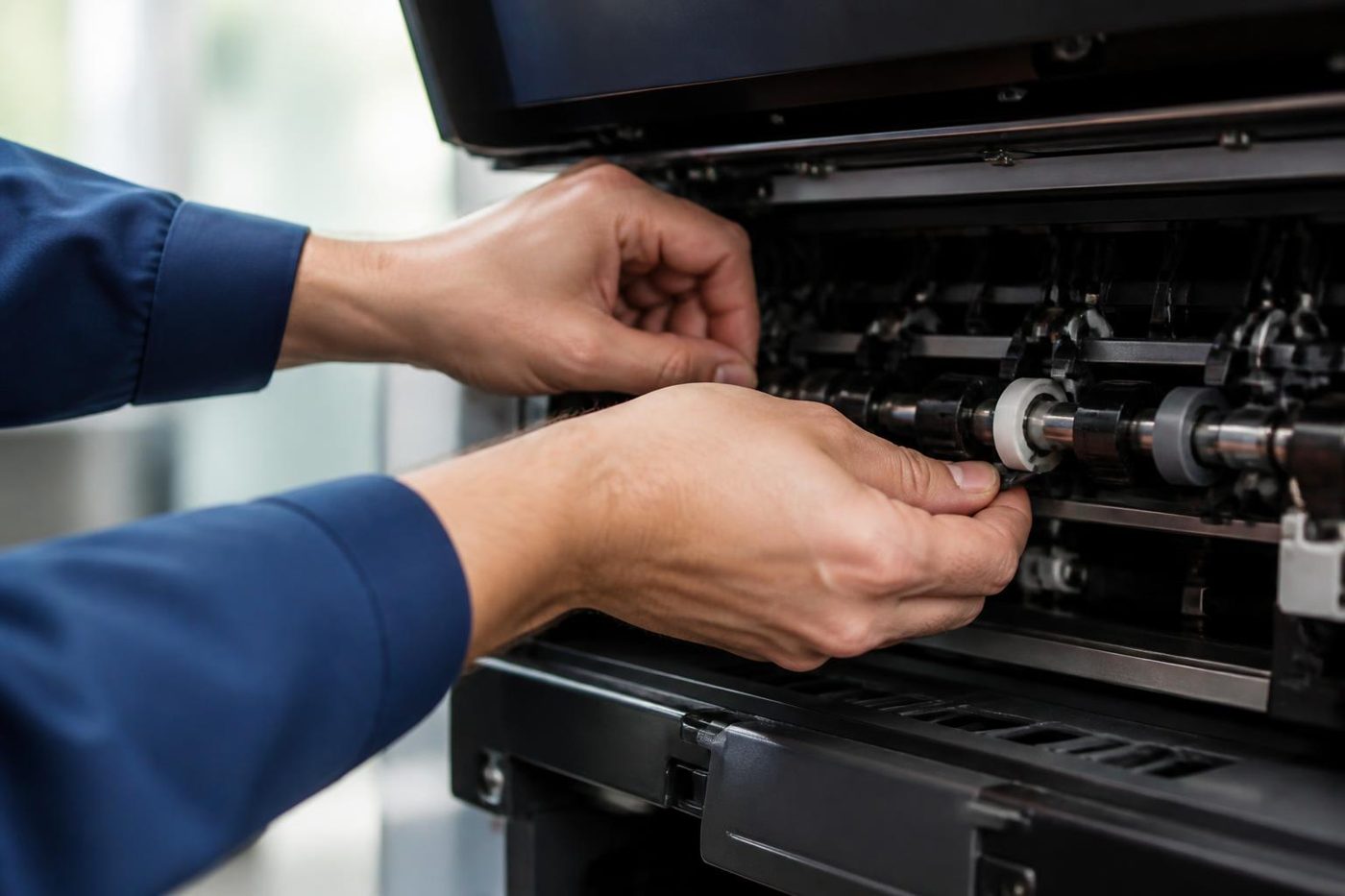
Replace Drum can come from several places. The drum may truly be worn. The counter may never have been reset after a new drum went in. A corona wire may be dirty. The screen says the same thing each time, and the cure differs.
For a Drum ! error, Brother's own advice starts with grubby corona wires, moves on to a drum or cartridge that is seated wrongly, and only then blames a drum that has run out of life. We keep to that sequence: the drum comes out of the light, the corona wire is cleaned with its slider, everything is reseated, and the drum is judged last. Vertical lines, black or colour, can come from a dirty corona wire, the toner cartridge, a damaged drum or a smudged fixing unit.
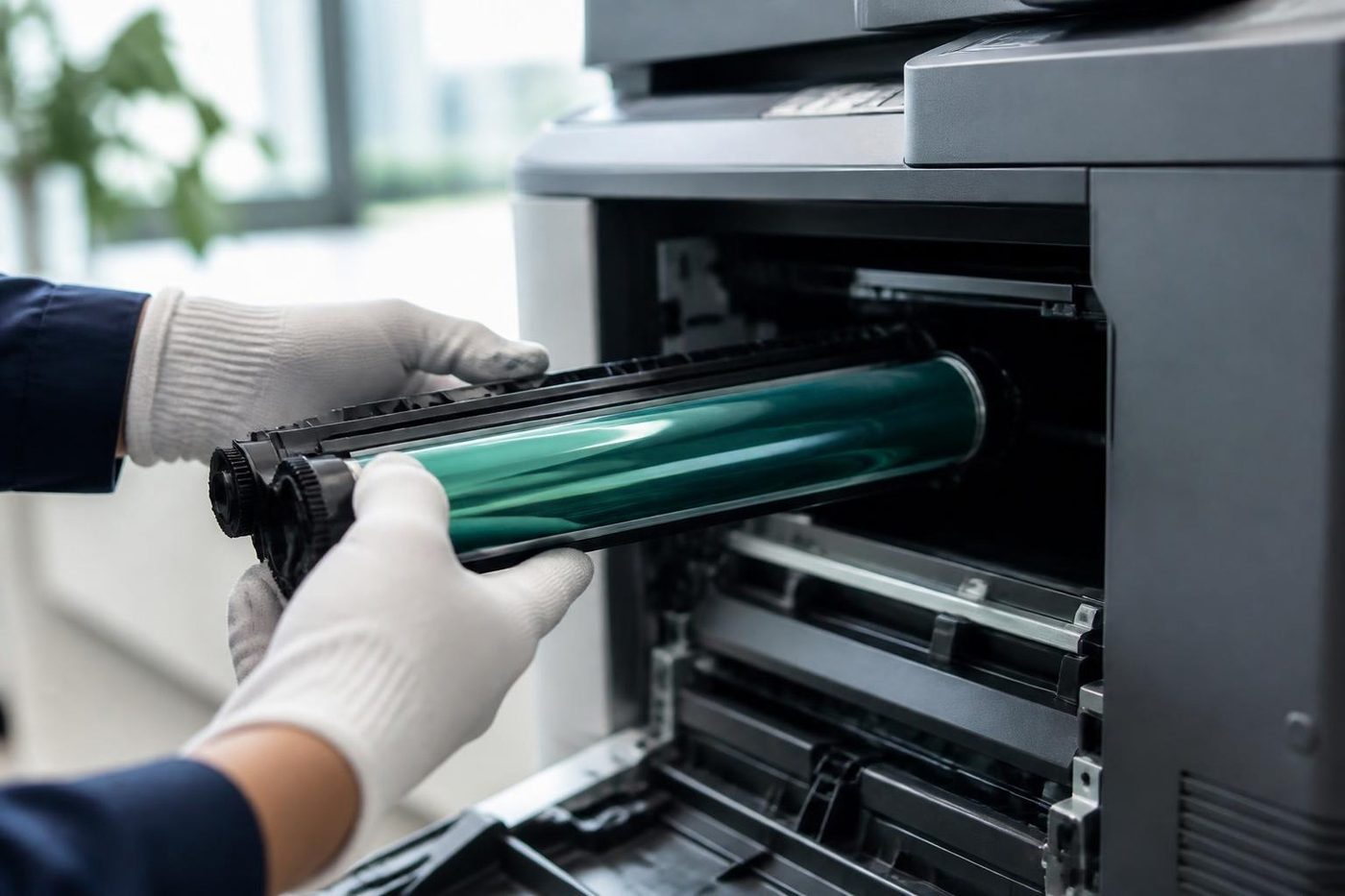
A light sensitive coating covers the drum. Left on a desk while somebody looks for a screwdriver, it can be spoiled within minutes. Ours stay covered right up to the moment of fitting.
The fuser, and why we let it cool
Wrinkled pages, lines, a Fuser Error and toner that smears or rubs off all lead to the same area. Where we have read up on the fuser design, the heater pressure plate tends to be the part that wears, which is why a new film and roller alone may not last. The whole assembly is what we examine.
After a jam the rollers stay hot for a long while. Pull a stuck sheet out through the back and you can burn a hand, or tear the paper into the fuser and turn a ten minute problem into a part. If the jam is at the rear, let it cool, and tell us what the sheet looked like when it came out.
Colour models: belt, waste toner and calibration
A colour Brother has two more things to keep healthy: the belt unit and the waste toner box. Drifting colour registration, a failed calibration, or a Registration failed screen can all involve them. If Registration keeps failing after a restart and a second attempt, Brother says the belt unit may need replacing, so the belt and its sensors are what we check next.
Calibrate and Calibration Failed on a colour model can point at the belt, a drum or the waste box, and we do not guess which. A waste box that was just swapped and still reads full is generally a counter matter.
Counters need handling properly after any part goes in, or the message stays up. People sometimes decide a part was fitted badly when it was fitted fine and only the counter is wrong.
Duplex jams and Size Error DX
Jam Duplex tends to follow somebody lifting a half printed sheet from the tray, or feeding the duplex unit a size it rejects. Brother lists A4, Letter, Legal and Folio for it, though Legal and Folio vary by region.
Size Error DX means a double sided job asked for a size the duplex unit cannot handle. First we read the paper size set in the driver, then what is physically in the tray. Mostly it is a setting on one computer.
Humidity, Condensation and a machine that is just damp
Brother notes that moisture can form inside after a sharp change in room temperature. For the older colour model it documents, the advice is to leave the printer on with the cover open for about half an hour. That is useful knowledge on a humid coast. A machine kept in a warm shed or an unairconditioned back room, then carried into a cold office, can show Condensation and recover on its own.
We would sooner tell you to wait than book a visit you do not need.
Wireless drops, scan to folder and who holds the password
Web Based Management, opened in a browser, is how Brother machines get configured. Each unit ships with a factory administrator password, which should be changed during setup. We do not publish the defaults, and if you ask we will change it for you on the day.
On the WLAN report, wireless faults appear as TS codes. A router broadcasting only 5 GHz does not suit a machine that wants 2.4 GHz, and that is the commonest reason one drops. Two other causes: a router security method the printer does not support, and a WPS handshake that never completed.
A scan to network folder needs a stored profile: host address, destination folder, sign in method and user name. The profile name has a length limit. A wrong host, path or credential explains most failures. For scan to email on a machine with network security switched on, the sign in method has to match: directory authentication, LDAP or Secure Function Lock. Some models also insist on a minimum firmware level. SMTP settings live under the network protocol options.
Current business models also offer IPsec, certificate management, secure print and NFC card readers, alongside directory sign in and Secure Function Lock, which limits features by user or group. Some older scanners lack the newer file sharing versions, so each model is checked before anyone touches a server.
Other messages that get a call
On the model Brother's page covers, No Toner generally means the cartridge, or the cartridge and drum together, is not seated properly. Often the cartridge went in without the drum clicking home. Toner Error is a fault reading the cartridge, which is a different thing from Toner Low, a plain warning that supply is running down.
Document Jam says the original fed badly or was too long for the automatic feeder. We look at the feeder rollers, the separation pad and for a scrap of paper under the document cover. Out of Memory and Print Data Full say the memory is full. Brother's advice is to cancel, lower the resolution or delete stored secure print data, so we see whether held secure jobs have piled up.
2 sided Disabled and Offline mean duplex is switched off or the machine has left the network. Tray Error, No Tray, Manual Feed and Cover is Open mean a tray not pushed home, a cover not shut or a job requesting manual feed, and we test the tray sensor and cover switch in that order.
What wears, and what a visit covers
The parts that wear on a Brother laser are the paper feed kits, drum unit, belt unit, waste toner box, fuser and laser unit, plus the corona wire on older designs. On inkjets the wear sits at the ink absorber pad and along the print head path. Brother's life figures for drums and toner shift with the model and the job, and supplier figures for fusers contradict each other, so we quote no page lives.
A visit starts with the paper path, cleared and inspected, and the feed kit in every tray. Colour models also get the drum, belt and waste box checked. We look over the fuser and vents and test the document feeder. If the complaint is scanning or connection, the network configuration report gets printed. One tray misfeeding usually points at that tray's feed kit, though a wrong guide setting can do the same.
Brother printer repair near me: the coast, north to south
A search for Brother printer repair near me usually starts at a front counter. A dental practice at Kawana, a physio at Buderim, a conveyancer in Nambour, an agent at Noosa Junction. What they share is that nobody there is the IT person.
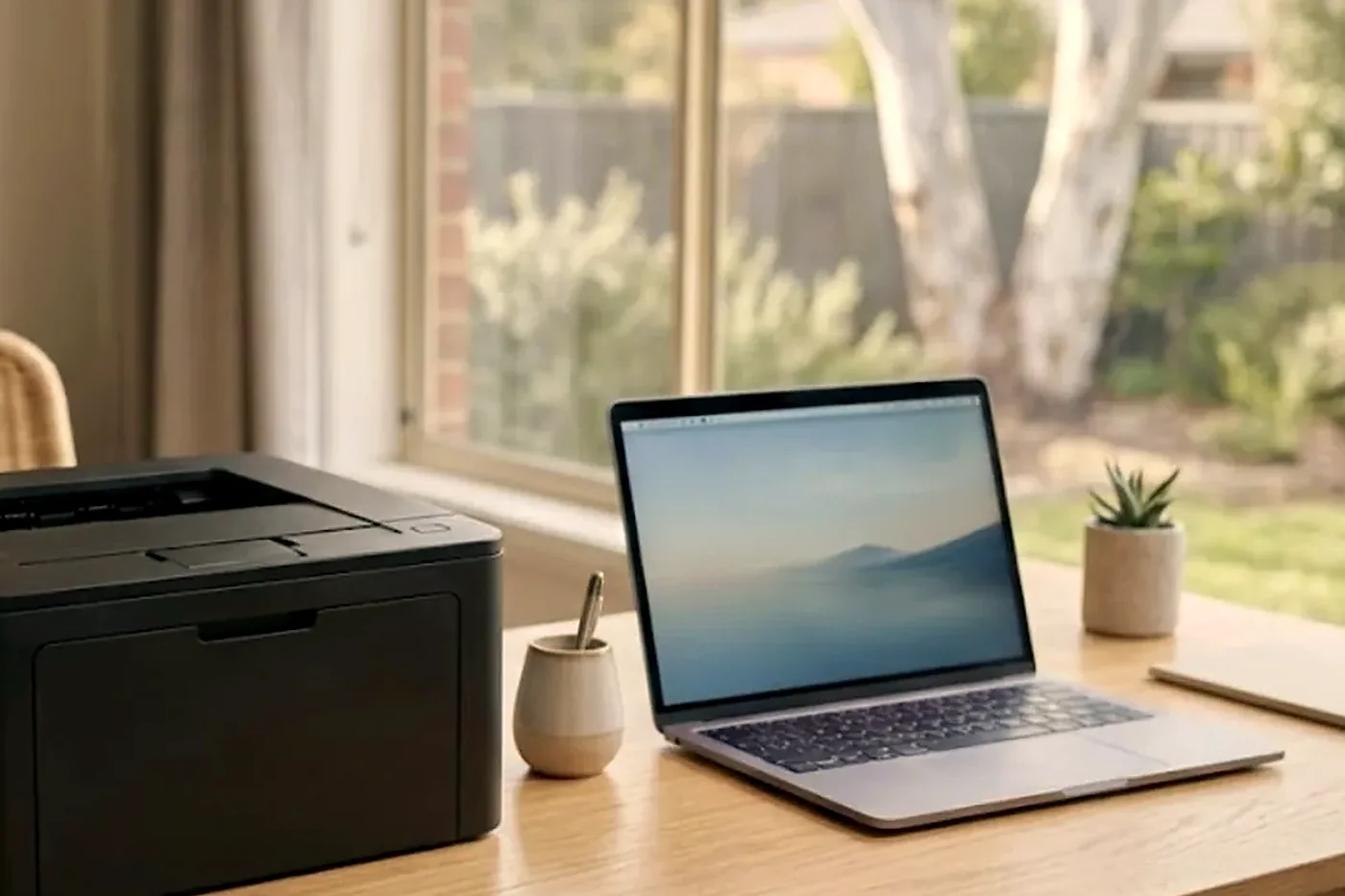
HL machines live under desks and on shelves with little or no screen, so the message list does a lot of work for them. A flashing light and a click may be all you have. The MFC L5 and L6 machines are the ones we see most on counters and in accounts teams, and the L8 and L9 colour machines turn up where a team prints proposals.
For Brother printer service on the Sunshine Coast without fuss, ring with the model and whatever the display says, and we take it from there.
The fax that nobody admits to using
Every MFC has a fax in it, and more coast practices use it than you would guess. Referrals, pharmacy orders and the odd contract still go that way. When a fax stops, staff tend to assume the whole machine is broken, because the fax is the one thing nobody has touched in months. It is often a line setting, a cable that was knocked behind the counter, or a memory issue that built up while nobody was looking.
Tell us if the fax is what stopped. It changes where we look, and it saves a visit if the cause is a loose lead.
Six Brothers and one person who looks after them
Some practices end up with a Brother on every desk because they were cheap and easy. Six of them, bought over four years, three different generations. Each takes its own drum and toner, and nobody can say which is which. A fault on one of them gets treated as a mystery every time.
If that is you, a short visit to label each machine with its model and its supplies is worth the time. We write down what is fitted, what is due and what has been replaced, so a fault that repeats on one unit gets spotted and dealt with. It also makes the repair or replace question easier, because one tired machine can be retired while the other five carry on.
Paper, labels and envelopes
Brother trays are fussy about the guide position. A guide a millimetre too tight can cause a skew, and one that is loose lets paper wander and jam in the duplex path. Envelopes and labels are better fed from the manual slot, and a label sheet that has been through the machine once should not go back in, because the backing is no longer flat and the adhesive can end up on the fuser.
In the coastal summer, paper left in an open cupboard takes on moisture and curls. The printer then tries to pull a curved sheet through a flat path. When a machine that ran happily for years starts jamming in February, look at the paper before blaming the printer.
How a Brother fault differs from other makes
A Brother speaks in words, where other makers give a letter and number after a service message or just blink a light. That helps whoever is at the desk, and it sets a trap for a technician, since the same words can have more than one cause.
These machines are built for light to medium duty. One that has worked far beyond that is a machine we talk to you about openly, and repair against replace is a fair question. Machines, new and second hand, are part of our trade, so if a bigger commercial unit suits your volume better, raise it in the same call. The machines we sell are warranted, our repair work is warranted, and we explain on the phone what is covered.
How a Brother visit runs
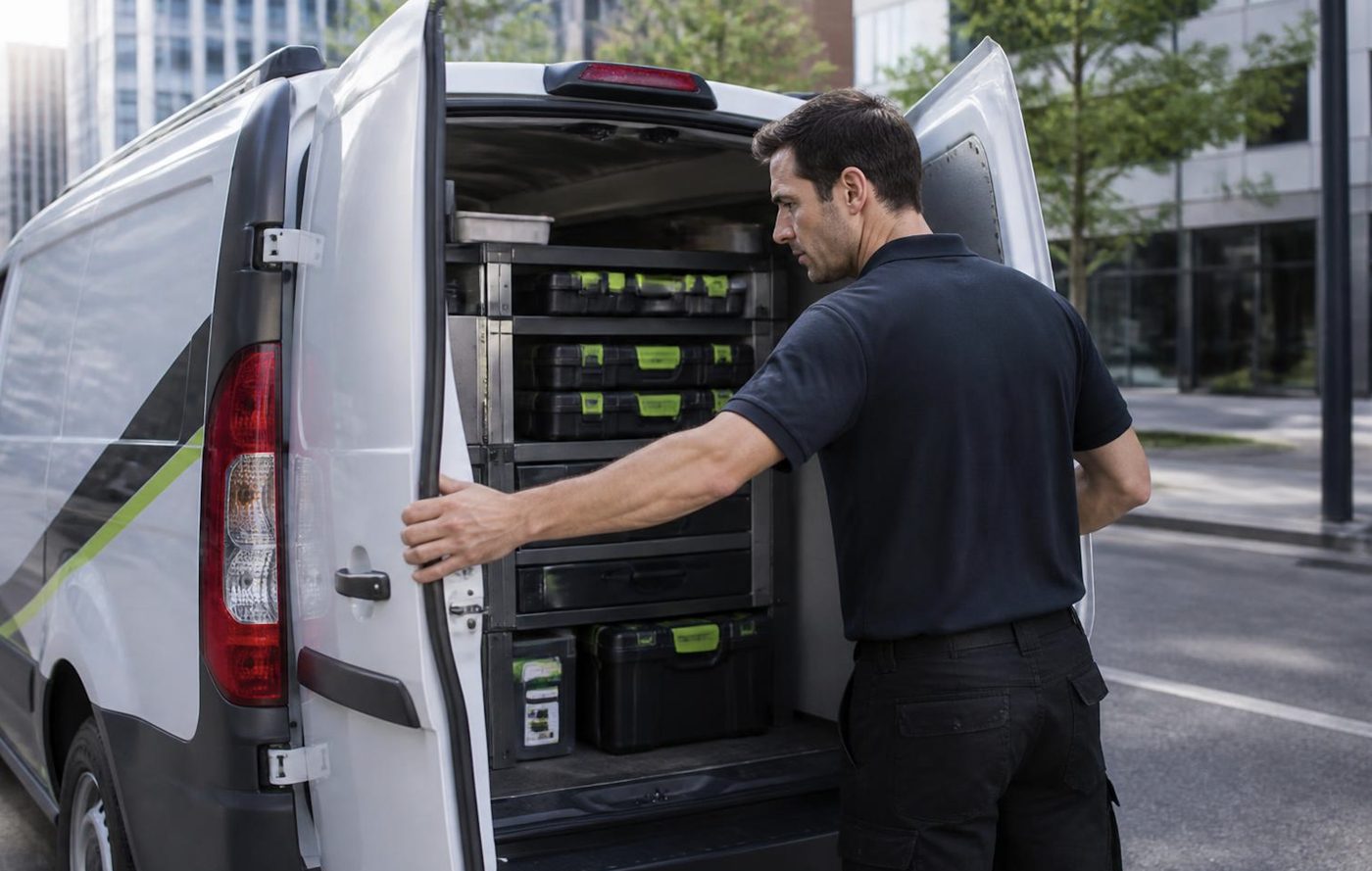
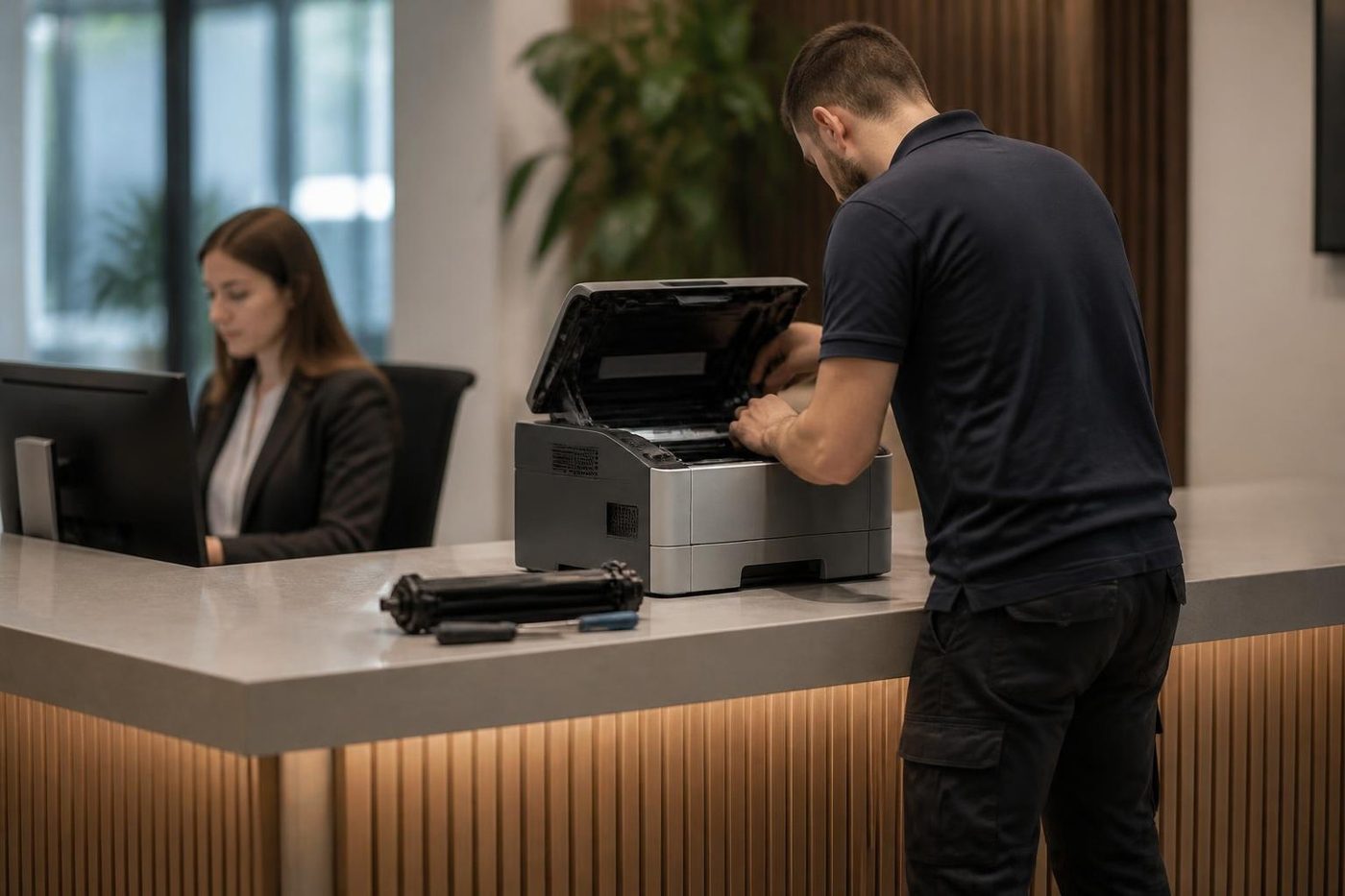
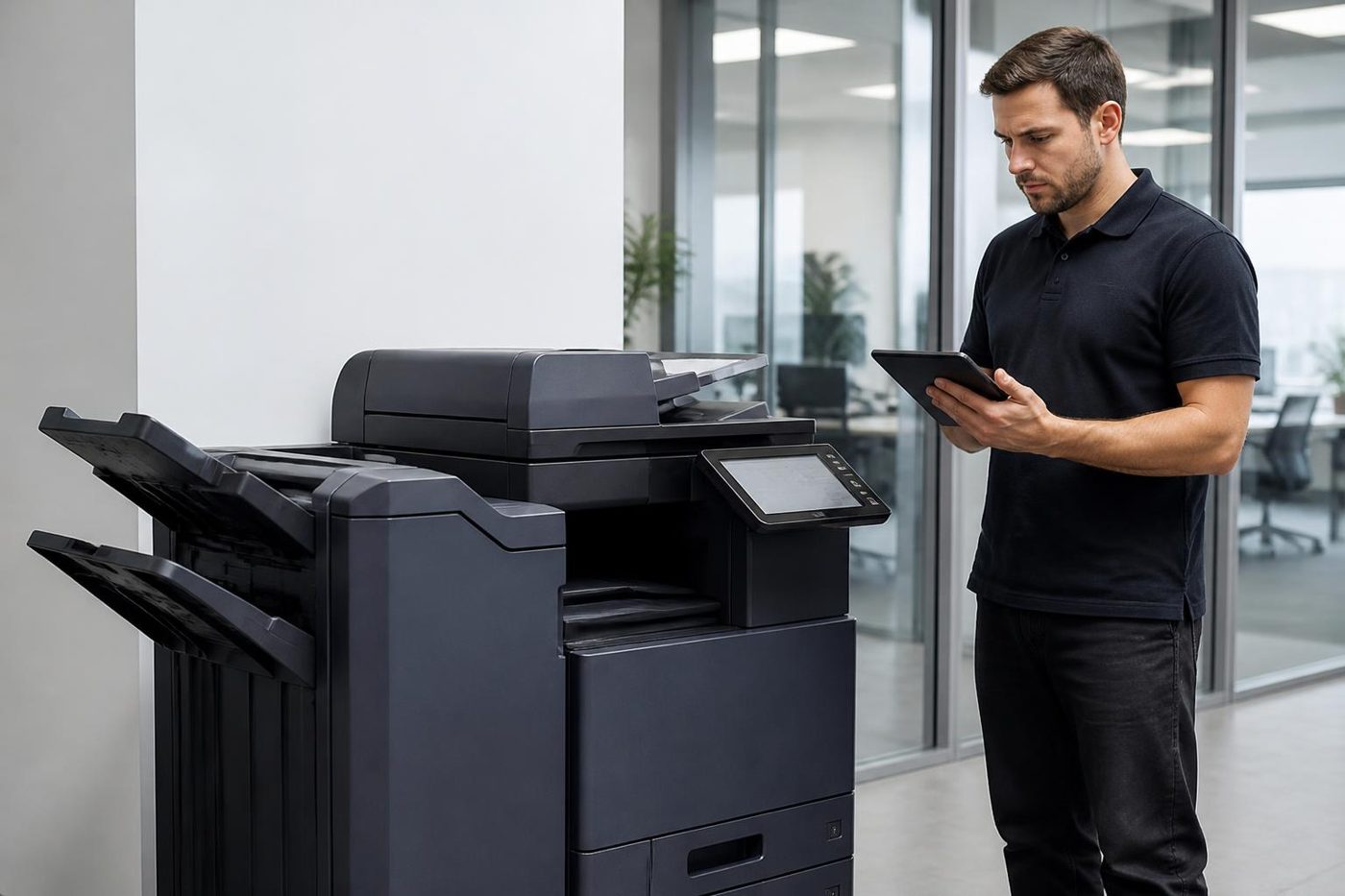

Firmware
Software is a repair part too
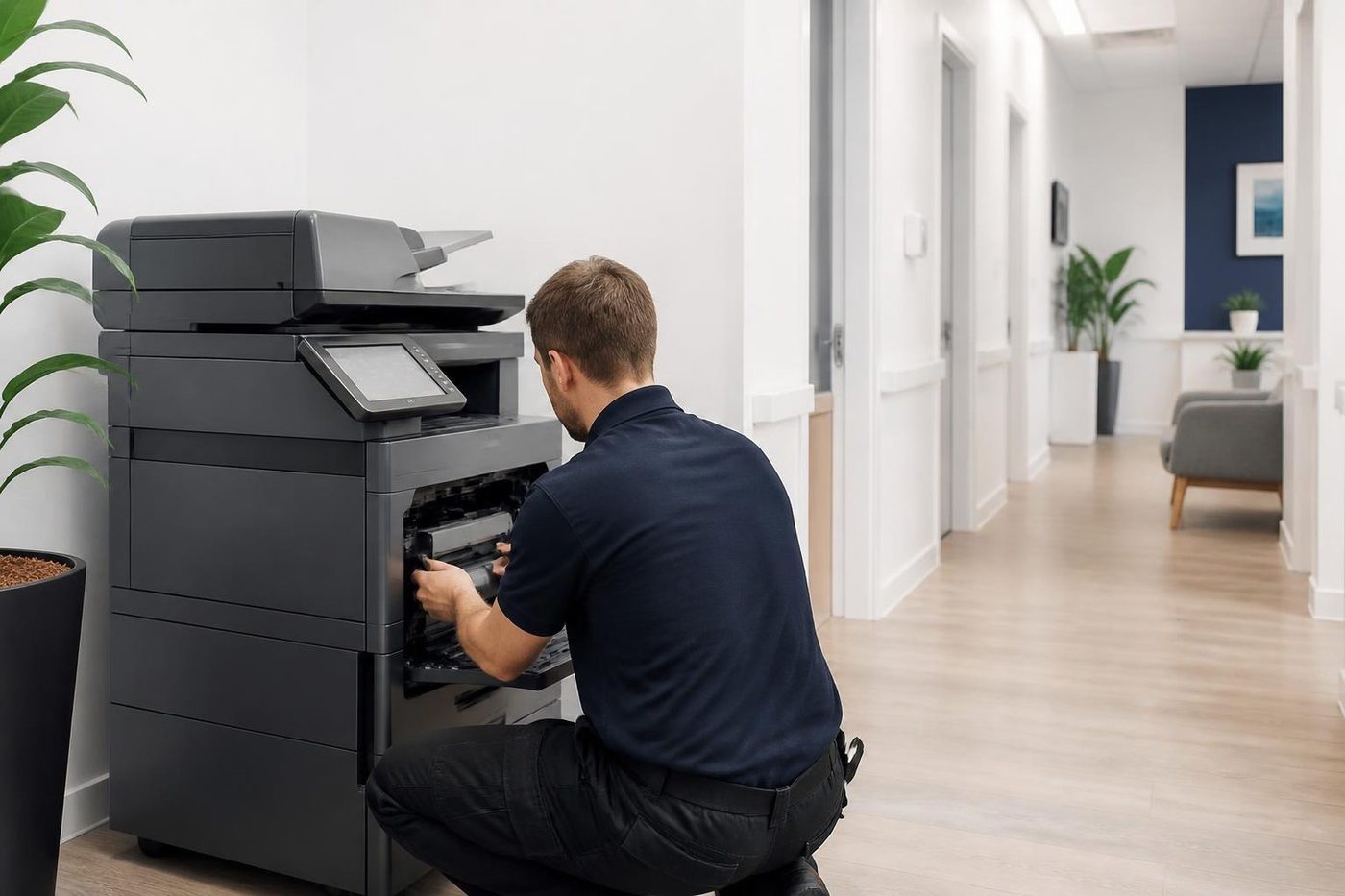
Some faults are not a worn part at all. A copier that drops off the network, a scan to email that stops, a panel that freezes on one screen: these can come from firmware, or from a setting that got changed after a power cut. A technician who only carries a screwdriver will swap parts and still have the fault. A good one asks when it started and what changed.
Before any update we note the settings, the address book and the scan destinations, so your staff are not rebuilding them on Monday morning.
- Ask what changed. New cable, new router, a storm, a power cut.
- Save the settings. Address book and scan destinations noted before an update.
- Update only when it helps. Newer is not automatically better.
More for Sunshine Coast offices
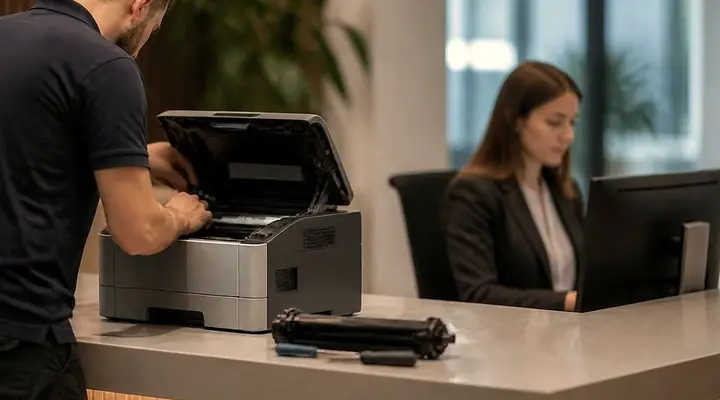 Commercial printer repairsCommercial laser printers, label printers and fleets repaired on site.
 HP repairsLaserJet Pro, Enterprise, Color LaserJet and DesignJet repaired on site.
 Epson repairsWorkForce Pro and Enterprise inkjets and SureColor plotters repaired on site.
 OKI repairsOKI LED colour and mono printers and Microline dot matrix, fixed on site.
 Lexmark repairsLexmark mono and colour lasers and MFPs fixed at your premises.
 Second hand photocopiersTested second hand commercial copiers, delivered, connected and warranted.Printer and copier salesNew and second hand commercial copiers, printers and plotters, with our own technicians behind them.
 Kawana and BirtinyaMedical suites, Kawana Way offices, Birtinya and Bokarina.
Buy, sell and lease
Buy, sell and lease commercial copiers on the Sunshine Coast
We also sell new and second hand commercial copiers and buy used ones. Same team, same technicians.
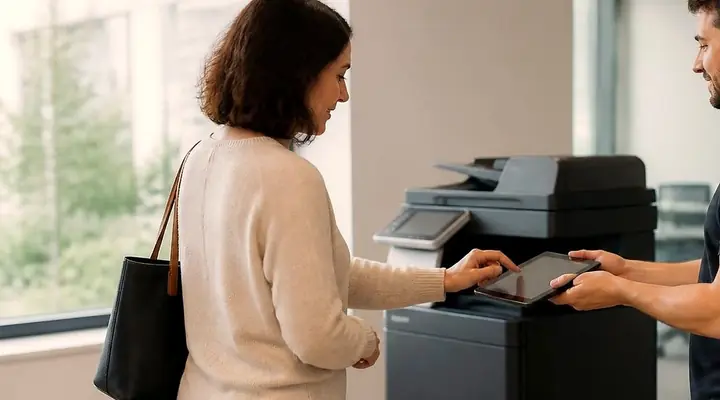
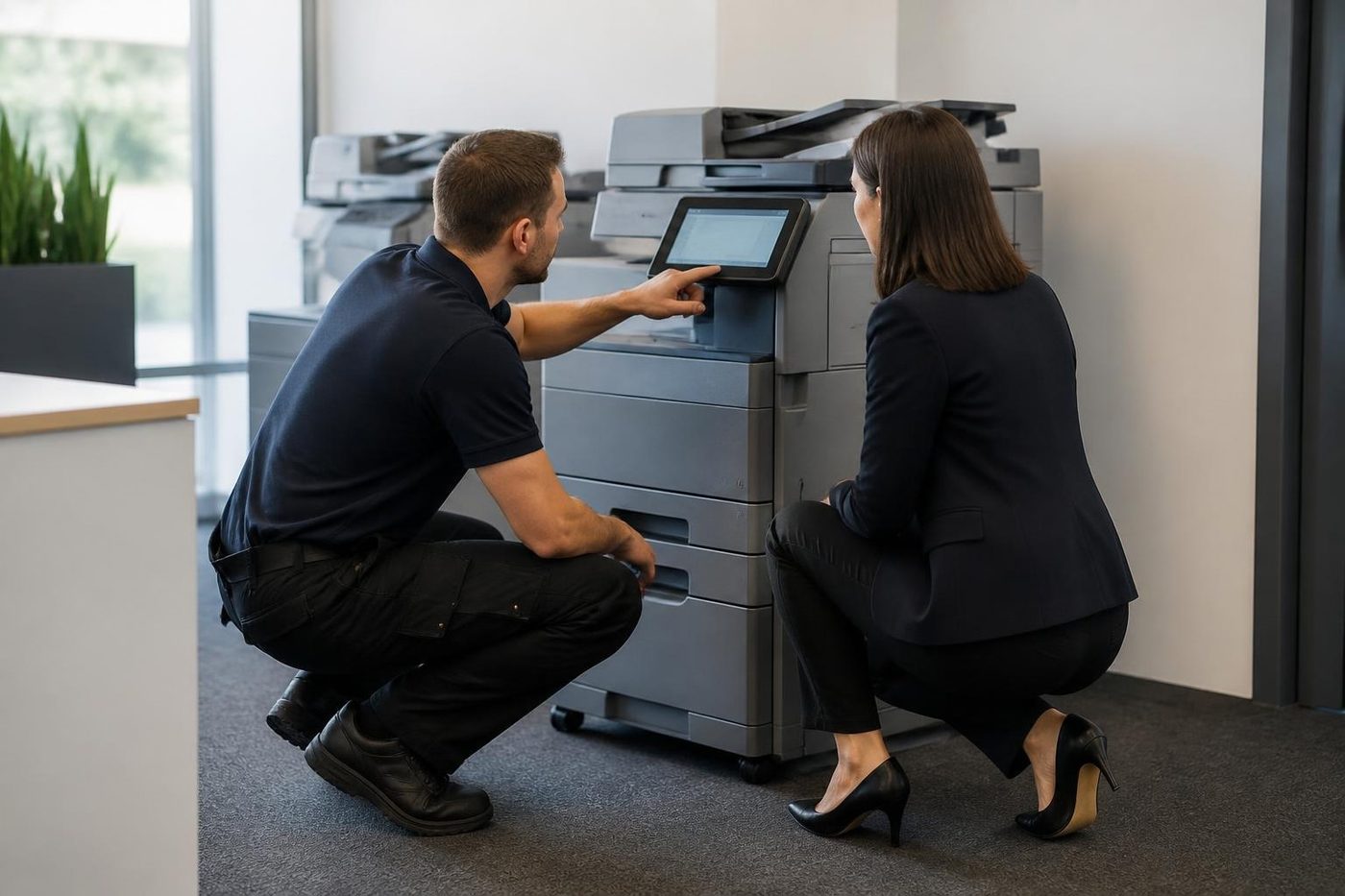
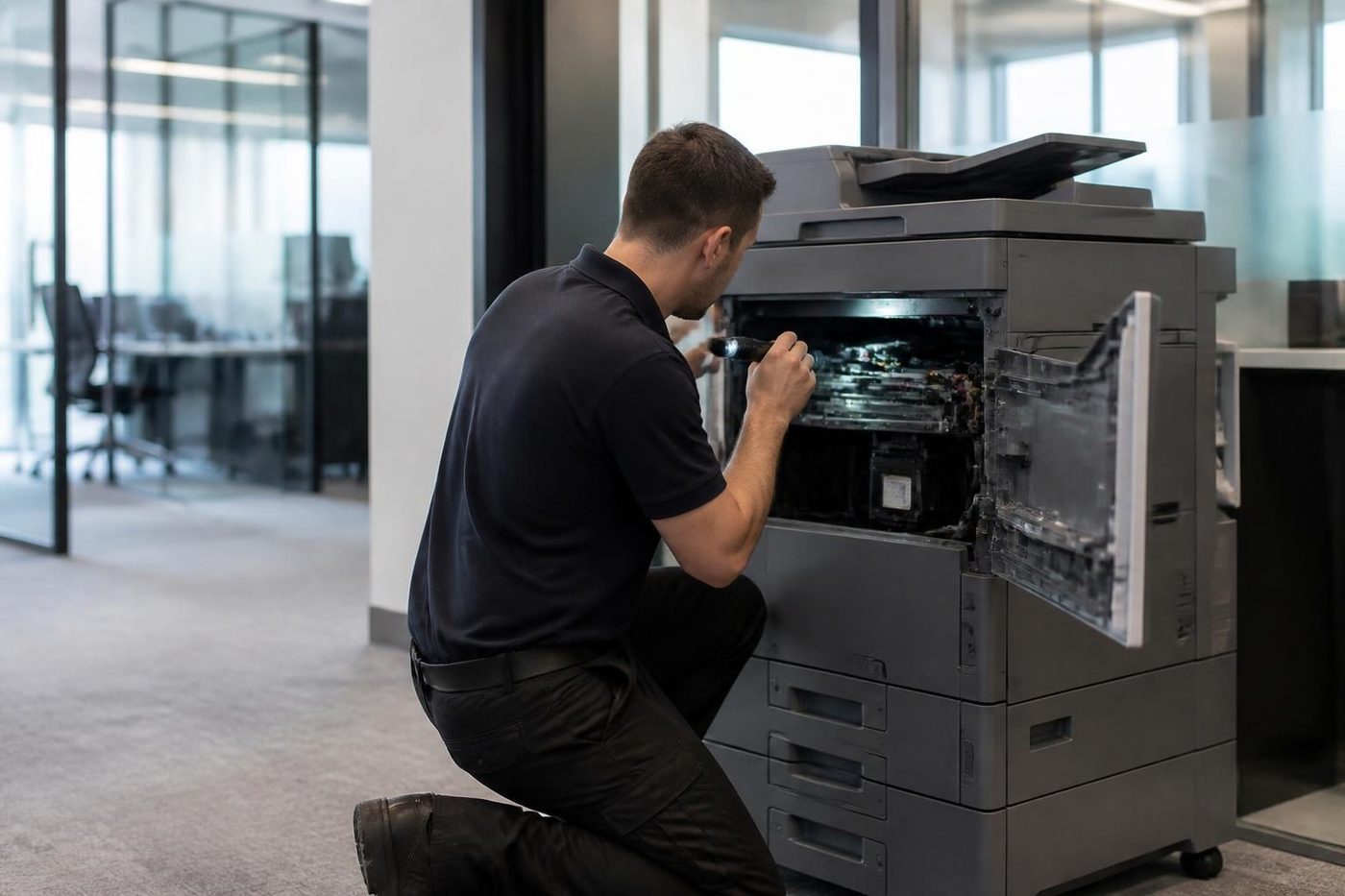
Where the work gets done
What people ask when they ring
Why does the Brother say Replace Drum when the drum is new?
The counter may not have been reset after fitting, a corona wire may be grubby, or the drum may be sitting wrongly. We rule those out before anyone says the drum is at fault.
What does Fuser Error mean?
Either the fuser was slow to reach temperature or it ran too hot. Brother advises a restart and a wait of fifteen minutes. If it returns, you need a technician.
Can you repair an A3 inkjet MFC from Brother?
Yes. The MFC-J6955DW and its relatives are on our list, including the Machine Error 46 ink absorber pad message, which Brother says needs a service engineer.
Our Brother keeps falling off the wireless network. Why?
A 5 GHz only router, a security method the printer does not support or a changed password are the usual culprits. We read the WLAN report and then help whoever runs the network.
How do I deal with a Condensation message?
Leave the machine on with the cover open for about half an hour, as Brother advises for the model it documents. It normally clears by itself.
Is it worth repairing a Brother?
A business model with a worn feed kit or fuser, yes. A machine that has done far more than light to medium duty and needs several parts often is not, and we tell you which.
Do you work on Brother label printers?
Not routinely. QL and TD label printers are a different line from the copiers we mostly service. Describe what you have and we will say if we can take it on.
Can someone get to us today?
Same day service is available. We say at once what looks possible for your suburb, and if every line is in use the call is logged and returned.
The fax stopped. Is the whole machine dead?
Rarely. A loose lead, a line setting or full memory is likelier. Tell us the fax is what stopped and it changes where we look.

Failed twice already?
Let us have a proper look
If the same fault comes back after our repair, we fix it again at no charge.
Tell us the fault
All of our work on the Sunshine Coast
Service pages
- Photocopier repairs Sunshine Coast
- Commercial printer repairs Sunshine Coast
- Plotter service Sunshine Coast
Fault pages
- Installation and setup Sunshine Coast
- Relocation and removal Sunshine Coast
- Copier and printer faults Sunshine Coast
- Photocopier paper jams Sunshine Coast
- Copier black lines and streaks Sunshine Coast
- Copier error codes Sunshine Coast
- Copier not printing Sunshine Coast
- Scan to email not working Sunshine Coast
- Toner smearing and fuser faults Sunshine Coast
- Printer offline and network faults Sunshine Coast
- Copier noise, grinding and squealing Sunshine Coast
- Is my copier worth repairing Sunshine Coast
- Toshiba e-STUDIO error codes Sunshine Coast
- HP LaserJet error messages Sunshine Coast
- Kyocera TASKalfa error codes Sunshine Coast
Makes we work on
- Toshiba copier repairs Sunshine Coast
- HP printer repairs Sunshine Coast
- Kyocera copier repairs Sunshine Coast
- Fujifilm copier repairs Sunshine Coast
- Xerox copier repairs Sunshine Coast
- Canon copier repairs Sunshine Coast
- Ricoh copier repairs Sunshine Coast
- Lexmark printer repairs Sunshine Coast
- Epson printer repairs Sunshine Coast
- OKI printer repairs Sunshine Coast
- Zebra printer repairs Sunshine Coast
- Konica Minolta copier repairs Sunshine Coast
- Sharp copier repairs Sunshine Coast
- Samsung printer repairs Sunshine Coast
- Fuji Xerox copier repairs Sunshine Coast
Coast towns and suburbs
- Printer service Caloundra
- Printer service Gympie
- Printer service Buderim
- Printer service Maleny and the Blackall Range
- Printer service Kawana and Birtinya
- Printer service Nambour
- Printer service Maroochydore
- Printer service Noosa and Noosaville
- Printer service Coolum and Peregian Beach
- Printer service Mooloolaba and Alexandra Headland
- Printer service Sippy Downs and Maroochydore industrial
- Printer service Pelican Waters and Bribie Island
- Printer service Beerwah and Glass House Mountains
- Printer service Yandina and Eumundi
- Printer service Cooroy, Pomona and Cooran
- Printer service Cooloola, Tin Can Bay and Rainbow Beach
- Printer service Kilcoy and the D'Aguilar side
- Printer service Palmwoods, Montville and Mapleton
- Printer service Landsborough and Mooloolah Valley
- Printer service Marcoola and Sunshine Coast Airport
- Printer service Coolum industrial
- Printer service Warana and Kunda Park
- Printer service Tewantin
- Printer service Bli Bli and Pacific Paradise
- Printer service Currimundi, Little Mountain and Baringa
- Printer service Kenilworth, Imbil and the Mary Valley
- Full list, Caloundra to Gympie
Got the make and the problem? That is all we need to price it.
Send the fault, get a figure by phone
A few lines will do. Put in the make, and if there is a code, the code. We call back with the cost. Direct line: (07) 5327 3472.