Buy, sell, hire and lease commercial copiers and printers
Local Photocopier and Printer Solutions: Sales, Rentals, Financing and Leasing
We came to selling machines through repairing them. Offices on the Sunshine Coast kept asking the same thing once a copier finally gave up: what goes in its place, and who looks after it? So we sell commercial copiers, multifunction printers, plotters and label printers, new and second hand, to buy, hire, rent or lease.
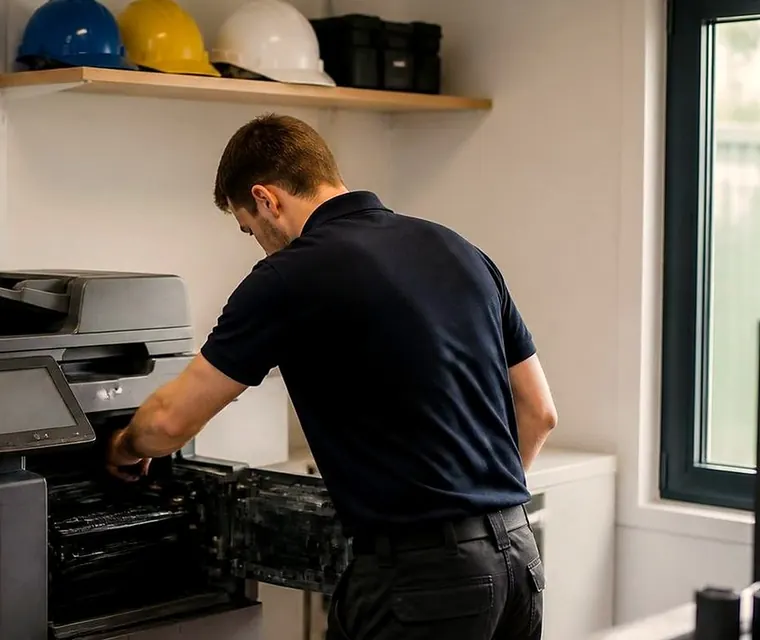
Copier and printer repairs, plus machines to buy and sell, on the Sunshine Coast
Printer sales Sunshine Coast offices ask us about
The question usually comes on the day a machine has been repaired for the third time. Somebody at the front desk says, half joking, that it might be time for a new one. Then the next question is the real one: new what, from whom, and who comes when it jams?
Because we repair machines every week, we have seen which ones keep going and which ones turn into a recurring invoice. That is the advice we pass on. A machine from us is looked after by the people who repair machines all week, in your building, with the common spare parts in the van.
We sell commercial machines. Floor standing A3 copiers that print, scan and copy. A4 desktop printers and multifunctions built for an office workgroup. Wide format plotters for plans and posters. Label printers. We do not sell small home inkjets and we would not want to.

What suits what
This is the rule of thumb we use on the phone before we get to models. It will move depending on your volume, your paper sizes and how your people actually print.
| Kind of business | Machine we usually talk about | What decides it |
|---|---|---|
| Medical or allied health practice | A4 multifunction, quiet, with secure print and good scanning | Privacy, a machine that sits in a corridor, scanning of referrals and forms. |
| Real estate or property management | A3 or A4 colour multifunction | Colour, double sided, fast scan to email. |
| Builder, civil or engineering | A3 copier plus a plotter for plans | Paper sizes, a roll fed machine for drawings. |
| Cafe, tourism or small trade business | A tough black and white machine, often with a label printer | Reliability over features. |
| School office | A3 floor standing multifunction with finisher | The end of term rush. |
| Dispatch or warehouse office | Mono laser for dockets, thermal label printers | Throughput and consumables. |
The right choice is rarely the biggest machine on the list.
Working out the size: reams, not guesswork
A ream of paper is 500 A4 sheets. If you can count reams, you can tell us roughly how much you print. Three reams a month is a very different office from thirty. A machine that is too small for the volume wears out early and a machine that is too large costs more to keep than it earns.
Beyond volume we ask a short list. Do you need colour? Do you need A3? Do you need scan to email, extra trays, wireless or AirPrint, PIN security so people only collect their own jobs, fast scanning, banners, A1 or A0 for plans? What are you using now, and what do you like or hate about it? Any brand you would rather avoid?
We are not tied to a single maker, so the question we start from is what suits your volume, your paper sizes and your building. The brands follow what we see on the job: Toshiba, Kyocera, Canon, Ricoh, HP, Fujifilm and Fuji Xerox, Konica Minolta, Sharp, Brother and Epson workgroup models.
Four ways to pay for a machine
Outright purchase fits an office that likes to own its kit and has the money set aside. Hire covers a short job, under twelve months: a project office, a seasonal business, a fit out that needs a copier for a few months and then does not. Rent runs for two to three years, and lease for three to five.
A rental or lease spreads the cost, keeps your money in the business for other things and usually bundles servicing into one arrangement, which many practices prefer to a surprise repair bill. The right one turns on how long the machine will stay and how you like your books to read. Talk it through with us, and with your accountant on the call if you like. Asking commits you to nothing.
New, or second hand
A new machine comes with a long runway and the latest scan and security features. A second hand commercial machine does the same daily work for much less outlay, and for a cafe, a trades business or a small real estate office it is often the sensible choice. We keep a separate page on second hand photocopiers that explains how those machines are prepared.
If you are not sure, the guide to choosing a photocopier on this site works through the questions in plain English: how much you print, whether you need colour, what the machine costs to run and who fixes it when it breaks.
What goes into a quote
- What you want: an A4 desktop printer or multifunction, an A3 copier that prints, scans and copies, or a wide format plotter.
- How you want to pay: outright, hire under twelve months, rent for 24 to 36 months, or lease for 36 to 60 months.
- Roughly how much you print in a month.
- Features that matter, from colour to PIN security to banner printing.
- What you use now, and any brand you prefer or want to avoid.
We come back with a no obligation quote you can set beside anyone else's. Stock changes, so we do not publish a list or prices that would be out of date by Friday. Tell us what you need and we say what is in stock and what is on its way.
Colour or black and white, without the sales pitch
Colour is easy to want and easy to overuse. An office that prints a few colour pages a week for proposals and signage wants a colour machine. An office that prints reams of text and the odd coloured chart may be better with a mono machine for the volume and a small colour printer for the exceptions. We ask what you actually print, and sometimes the honest answer is two machines.
Ask us about running cost as well as the price of the machine. Toner, drums and servicing are what you pay for over the years, and a cheap machine with an expensive appetite is no bargain. We do not publish figures, because they change with the model, but we can explain how they work on the call.
Security and the drive inside the machine
A modern copier is a computer with a scanner. It holds jobs, scans and address books, and a medical practice or a solicitor should care where that goes. PIN release means a job only prints when its owner stands at the machine. Drive encryption protects what is stored. When a machine leaves, the drive should be wiped.
If privacy matters in your business, say so at the start. It changes which machines we suggest and how we set them up.
One make across the office, or whatever fits each corner
A fleet on one make is easier to look after. One set of toner, one driver, one way of doing scan to email, and a technician who knows the lot. A mixed fleet is not a disaster, but it takes more notes. When we help with a replacement, we look at what the rest of the office runs and say whether it is worth lining up.
When a desk printer stops being enough
A practice grows from three people to eight, and the desk printer that served well starts to jam, run out of paper and queue. That is the moment to look at an A3 multifunction or a bigger workgroup machine. A bigger machine is not always the answer, but a machine that is too small for the load wears out early and annoys everybody in the meantime.
A sign you have outgrown the machine: somebody has started printing in a different room.
Delivered, connected and shown
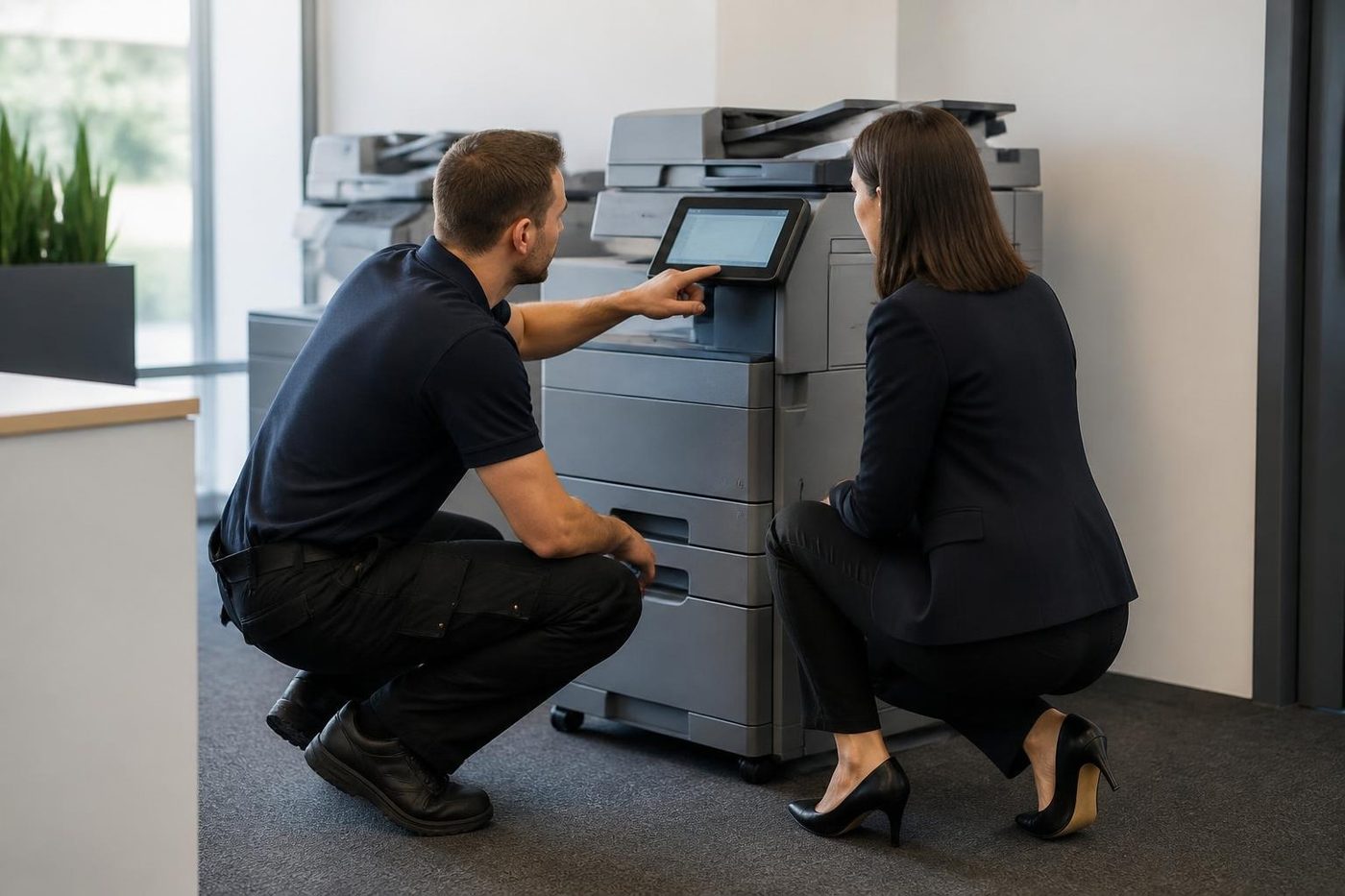
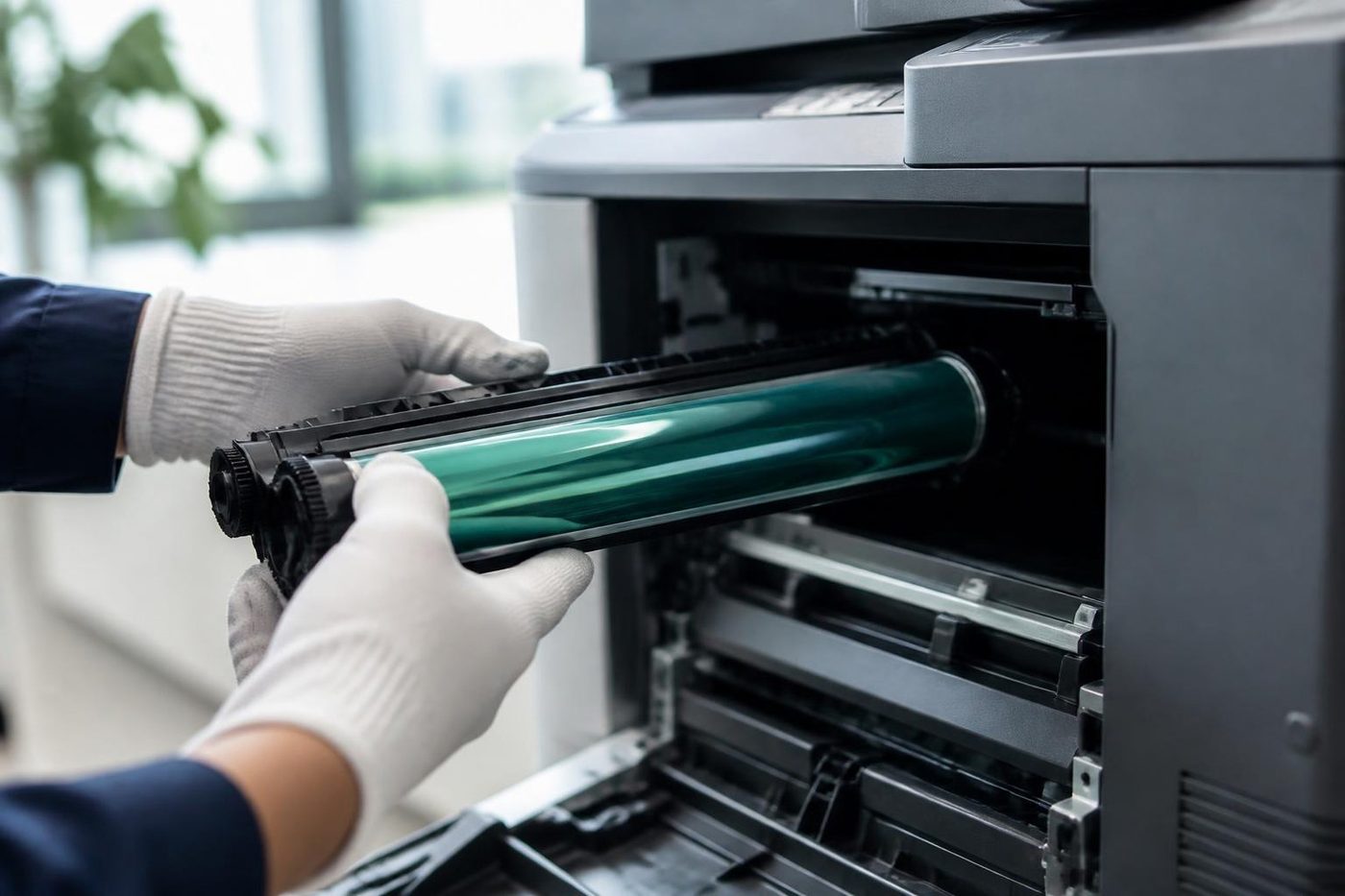
We deliver and set up across the region: Caloundra and Kawana, Maroochydore, Buderim and Nambour, Noosa, and inland to Maleny and Gympie. The machine arrives connected to your network and printing. A short session shows your people the handful of settings they will really touch, and that saves more calls than any manual.
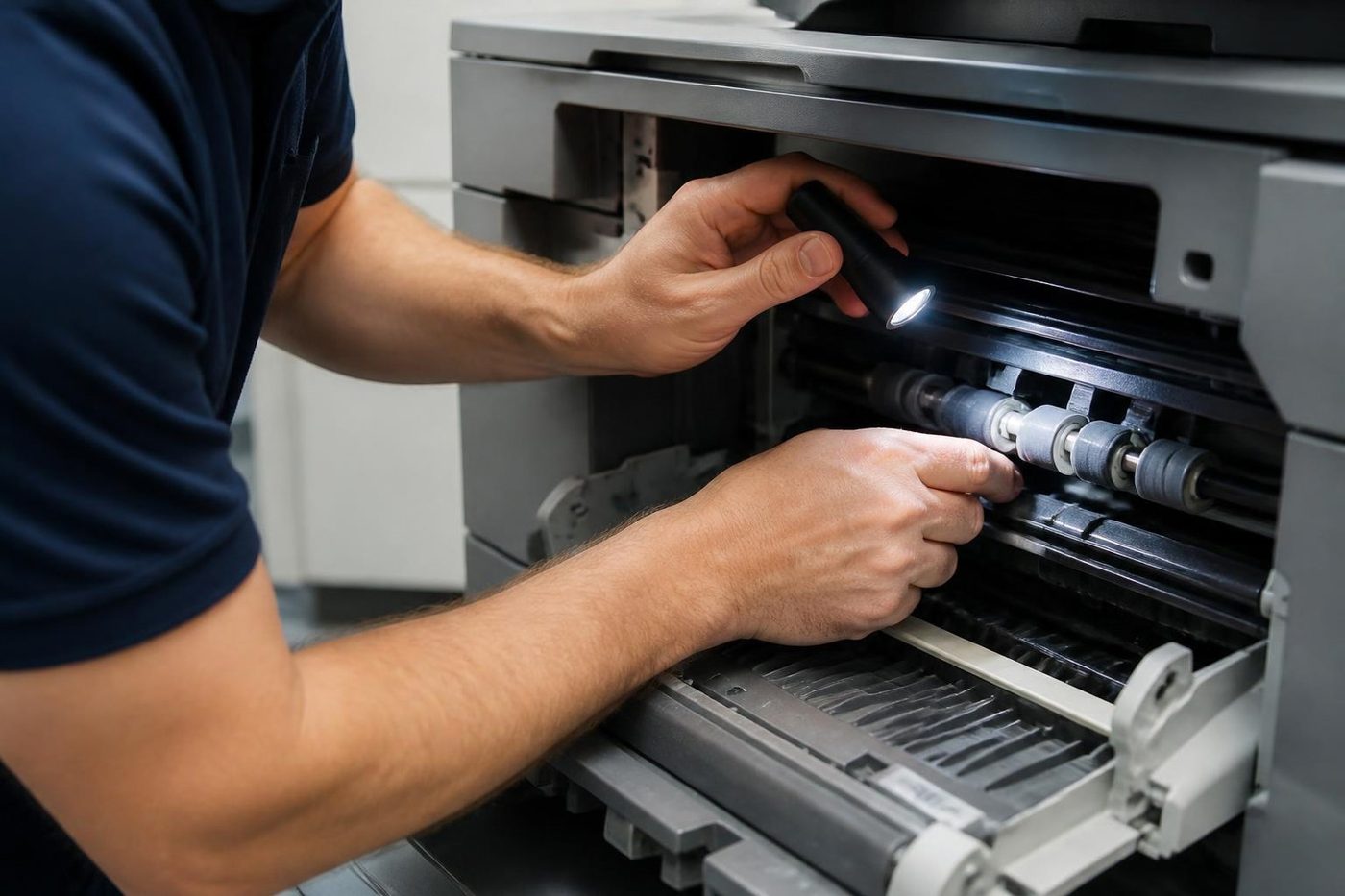
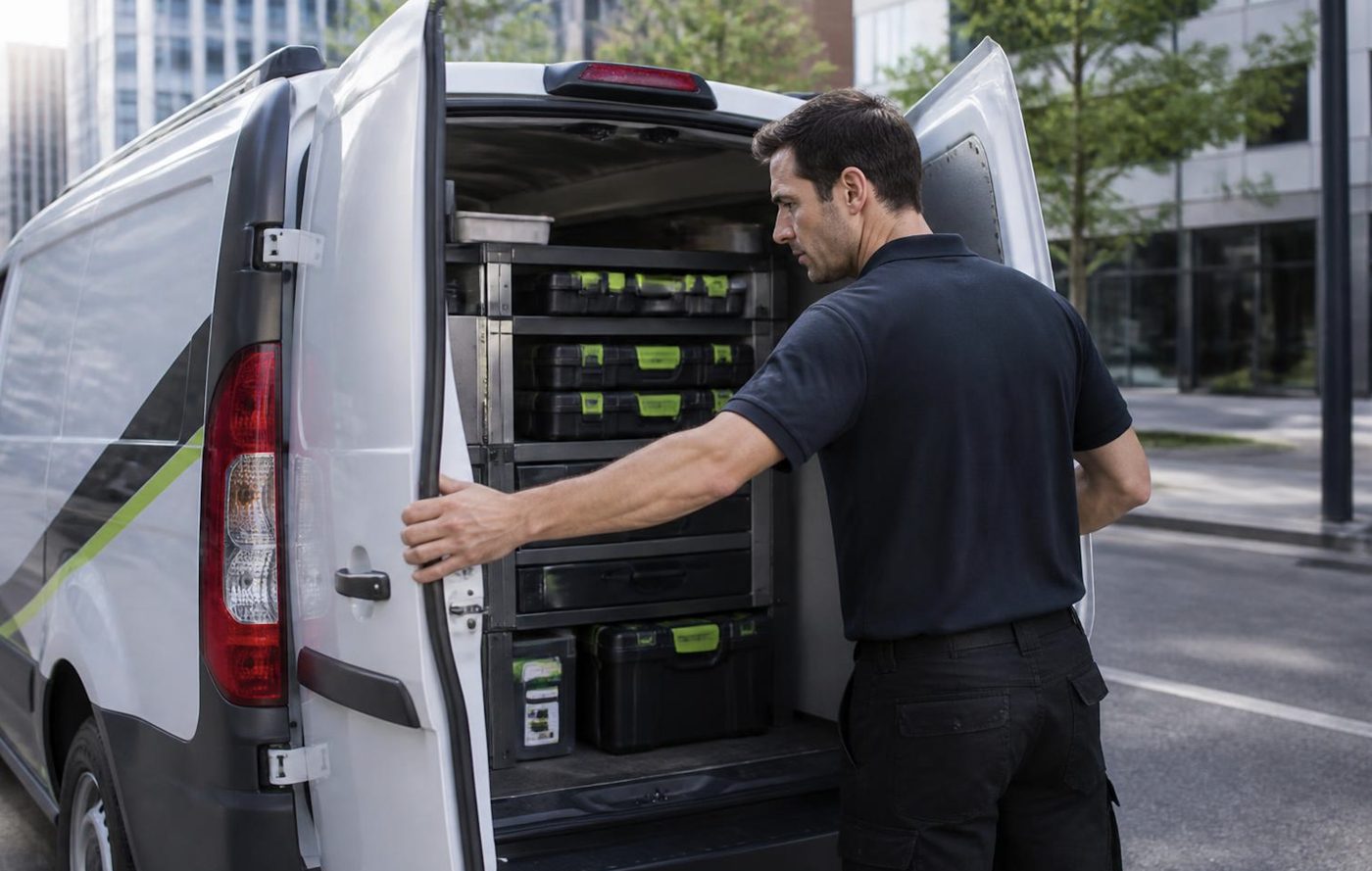
Repairs happen at your premises, with the common spares in the van. Both the machines we sell and our repair work are warranted. What that covers is explained on the phone before you decide, and we do not invent terms the paperwork does not carry.
Your old machine
When a new machine replaces an old one, the old one is worth something. We buy used commercial copiers and printers, pick them up and wipe the drive. The value can offset the new machine or be paid out.
Where the other sales pages fit
- How a photocopier sale runs, from the first phone call to the machine printing.
- New and A3 photocopiers, floor standing and desktop, colour and black and white.
- Used and second hand photocopiers, tested commercial machines.
- Refurbished, reconditioned and ex demo, and what those words mean.
- Office printers for sale, A4 and A3 workgroup machines.
- Hire, rental, lease and finance.
- Installation, setup and relocation.
- We buy used photocopiers, with a figure agreed on the phone.
If a repair is what you came for
Then you are in the right place and you do not need to read any of this. Ring with the make, the model and what the machine is doing, and we talk price. It is settled before anyone is booked and nothing is locked in. Same day service is available. The sales side is here for the day the repair stops making sense, and for new offices starting from scratch.
A call made while the lines are busy is logged and returned.
The second callout
The first repair is the cheap one
Most of the bad invoices we hear about are the second and third visits. Someone came, swapped a part, left. The fault was back by Thursday. Nobody found the cause, so nobody fixed it.
About 98% of our repairs are done on the first visit. When the odd one is not, the second visit costs you nothing.
- Find it once. The cause, not the nearest part.
- Say so honestly. If a visit does not finish the job, you hear it from us.
- Come back free. Same fault, no charge.
More for Sunshine Coast offices
 Photocopier salesHow a sale goes with us, from the first call to a working machine.
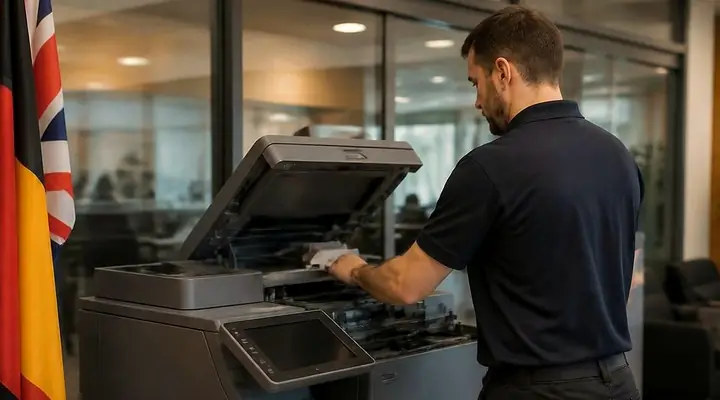 New and A3 photocopiersNew A3 copiers, delivered, set up and serviced by us.
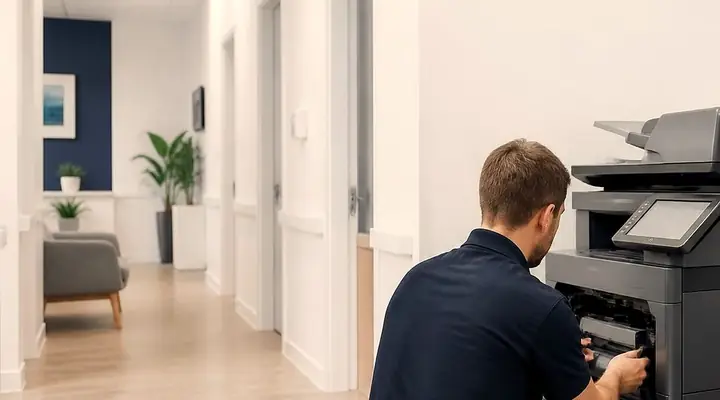 Second hand photocopiersTested second hand commercial copiers, delivered, connected and warranted.
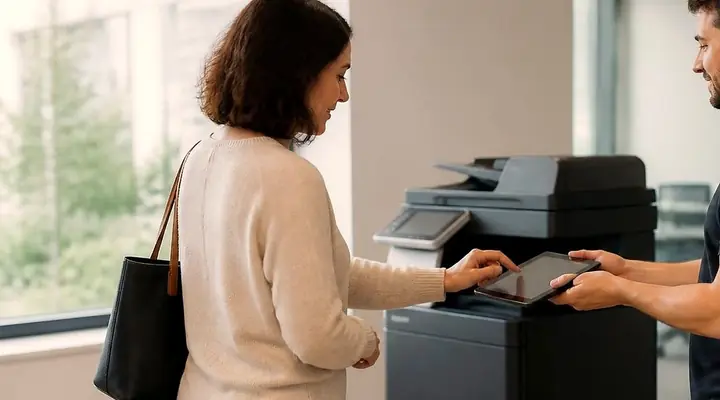 Used photocopiersUsed photocopiers and office printers, tested and looked after.Refurbished photocopiersWhat refurbished should mean, and what we do to a machine.Office printers for saleLaser printers and multifunctions picked for how many people print, and installed by the people who repair them.
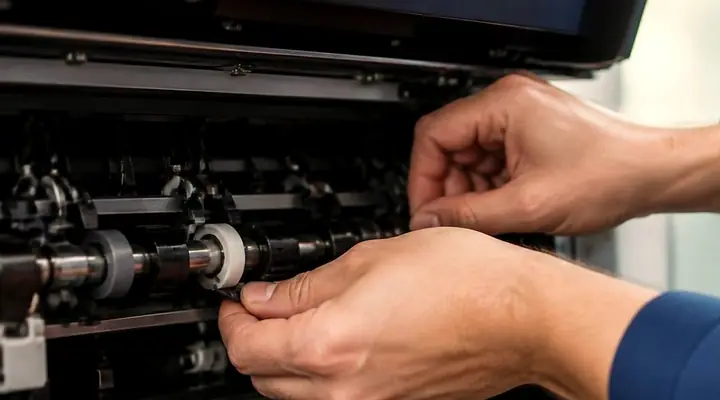 Photocopier hire, rental and leaseFour ways to pay for a commercial copier, set out in plain words, with what to ask before you sign.We buy used photocopiersA figure agreed on the phone, collection arranged, drive wiped.
 How to choose a photocopierWhat to ask before you spend a cent on a copier.Installation and setupDelivered, networked, scan tested and shown to staff.
Buy, sell and lease
Buy, sell and lease commercial copiers on the Sunshine Coast
We also sell new and second hand commercial copiers and buy used ones. Same team, same technicians.
Van, floor, handover
What people ask when they ring
Is it only second hand, or do you sell new?
Both. New and second hand commercial copiers, multifunction printers, wide format plotters and label printers.
Can I buy a printer for home?
No. We deal in commercial machines for offices and workgroups.
Do I have to buy outright?
No. Hire under 12 months, rent for 24 to 36 months, lease for 36 to 60 months, or buy. The differences are explained on the phone.
Who looks after the machine after it goes in?
Our own technicians, the ones repairing machines up and down the coast. They attend your premises, and service agreements are available.
I do not know what size of machine I need. Can you help?
Yes. Give us your monthly volume, paper sizes and must have features and we recommend something. We are not tied to one brand.
What happens to my old copier?
We buy used commercial copiers and printers and collect them. The value can go toward the new machine.
Does the quote cost anything?
No, and it carries no obligation.
Do the machines carry any cover?
Yes: the machines we sell are warranted, and the details are explained on the phone before you decide.
Same day service is available
Copier stopped? Ring (07) 5327 3472.
Tell us the make and what the panel says. We give you the figure on the call.
Get a price
All of our work on the Sunshine Coast
Service pages
- Photocopier repairs Sunshine Coast
- Commercial printer repairs Sunshine Coast
- Plotter service Sunshine Coast
Fault pages
- Installation and setup Sunshine Coast
- Relocation and removal Sunshine Coast
- Copier and printer faults Sunshine Coast
- Photocopier paper jams Sunshine Coast
- Copier black lines and streaks Sunshine Coast
- Copier error codes Sunshine Coast
- Copier not printing Sunshine Coast
- Scan to email not working Sunshine Coast
- Toner smearing and fuser faults Sunshine Coast
- Printer offline and network faults Sunshine Coast
- Copier noise, grinding and squealing Sunshine Coast
- Is my copier worth repairing Sunshine Coast
- Toshiba e-STUDIO error codes Sunshine Coast
- HP LaserJet error messages Sunshine Coast
- Kyocera TASKalfa error codes Sunshine Coast
Makes we work on
- Toshiba copier repairs Sunshine Coast
- HP printer repairs Sunshine Coast
- Kyocera copier repairs Sunshine Coast
- Fujifilm copier repairs Sunshine Coast
- Xerox copier repairs Sunshine Coast
- Canon copier repairs Sunshine Coast
- Ricoh copier repairs Sunshine Coast
- Lexmark printer repairs Sunshine Coast
- Brother printer repairs Sunshine Coast
- Epson printer repairs Sunshine Coast
- OKI printer repairs Sunshine Coast
- Zebra printer repairs Sunshine Coast
- Konica Minolta copier repairs Sunshine Coast
- Sharp copier repairs Sunshine Coast
- Samsung printer repairs Sunshine Coast
- Fuji Xerox copier repairs Sunshine Coast
Coast towns and suburbs
- Printer service Caloundra
- Printer service Gympie
- Printer service Buderim
- Printer service Maleny and the Blackall Range
- Printer service Kawana and Birtinya
- Printer service Nambour
- Printer service Maroochydore
- Printer service Noosa and Noosaville
- Printer service Coolum and Peregian Beach
- Printer service Mooloolaba and Alexandra Headland
- Printer service Sippy Downs and Maroochydore industrial
- Printer service Pelican Waters and Bribie Island
- Printer service Beerwah and Glass House Mountains
- Printer service Yandina and Eumundi
- Printer service Cooroy, Pomona and Cooran
- Printer service Cooloola, Tin Can Bay and Rainbow Beach
- Printer service Kilcoy and the D'Aguilar side
- Printer service Palmwoods, Montville and Mapleton
- Printer service Landsborough and Mooloolah Valley
- Printer service Marcoola and Sunshine Coast Airport
- Printer service Coolum industrial
- Printer service Warana and Kunda Park
- Printer service Tewantin
- Printer service Bli Bli and Pacific Paradise
- Printer service Currimundi, Little Mountain and Baringa
- Printer service Kenilworth, Imbil and the Mary Valley
- Full list, Caloundra to Gympie
Thinking about a machine on the Sunshine Coast?
Tell us how many people print, roughly what the office gets through in a month, and whether you lean to new or second hand. We phone back and talk it over. Prefer a call? (07) 5327 3472.