Choosing a copier, Sunshine Coast
HOW TO CHOOSE THE RIGHT PHOTOCOPIER FOR YOUR SUNSHINE COAST BUSINESS
Buying a photocopier on the Sunshine Coast is a decision you live with every working day. Photocopiers Sunshine Coast suppliers offer range from a compact desktop A3 to a floor standing production machine, and the right photocopier Sunshine Coast offices need depends on a handful of answers that cost nothing to work out. This guide runs through them in the order we ask them on the phone.
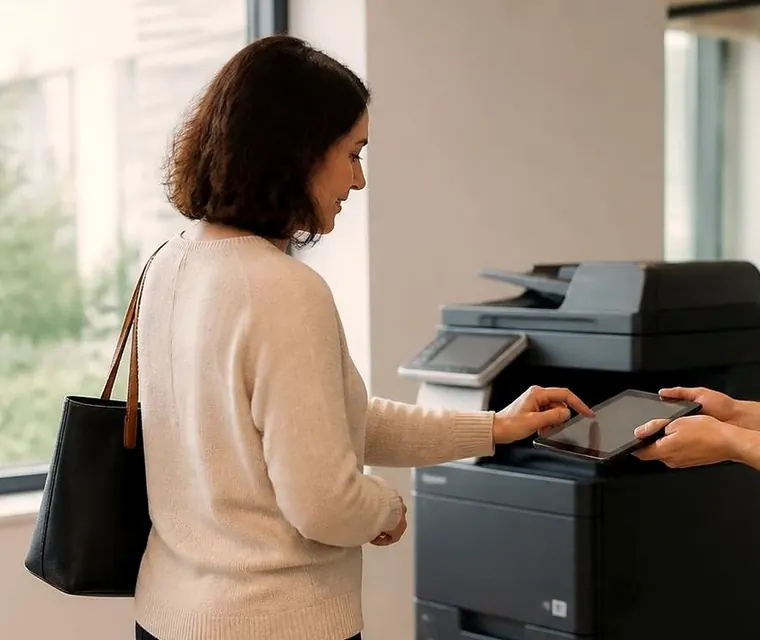
Choosing a copier for a Sunshine Coast office
Start with pages, not models
Everything else follows from how much the office prints. A practice that runs a few hundred pages a month needs a very different machine from a builder's yard or a school office pushing through thousands. Too small and the machine wears out early. Too large and you carry the cost of capacity that never gets used.
If nobody knows the number, count a normal week and multiply. A ream is 500 sheets, so reams used is a fair shortcut. The meter on your current copier will show the total pages too, and we can read it for you.
Get a price in three steps
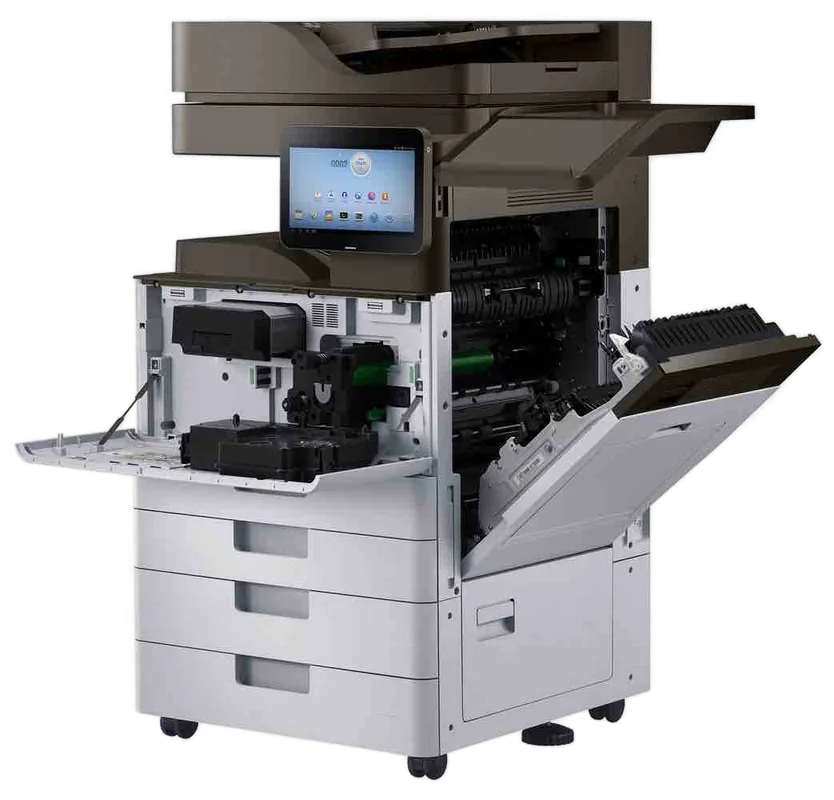
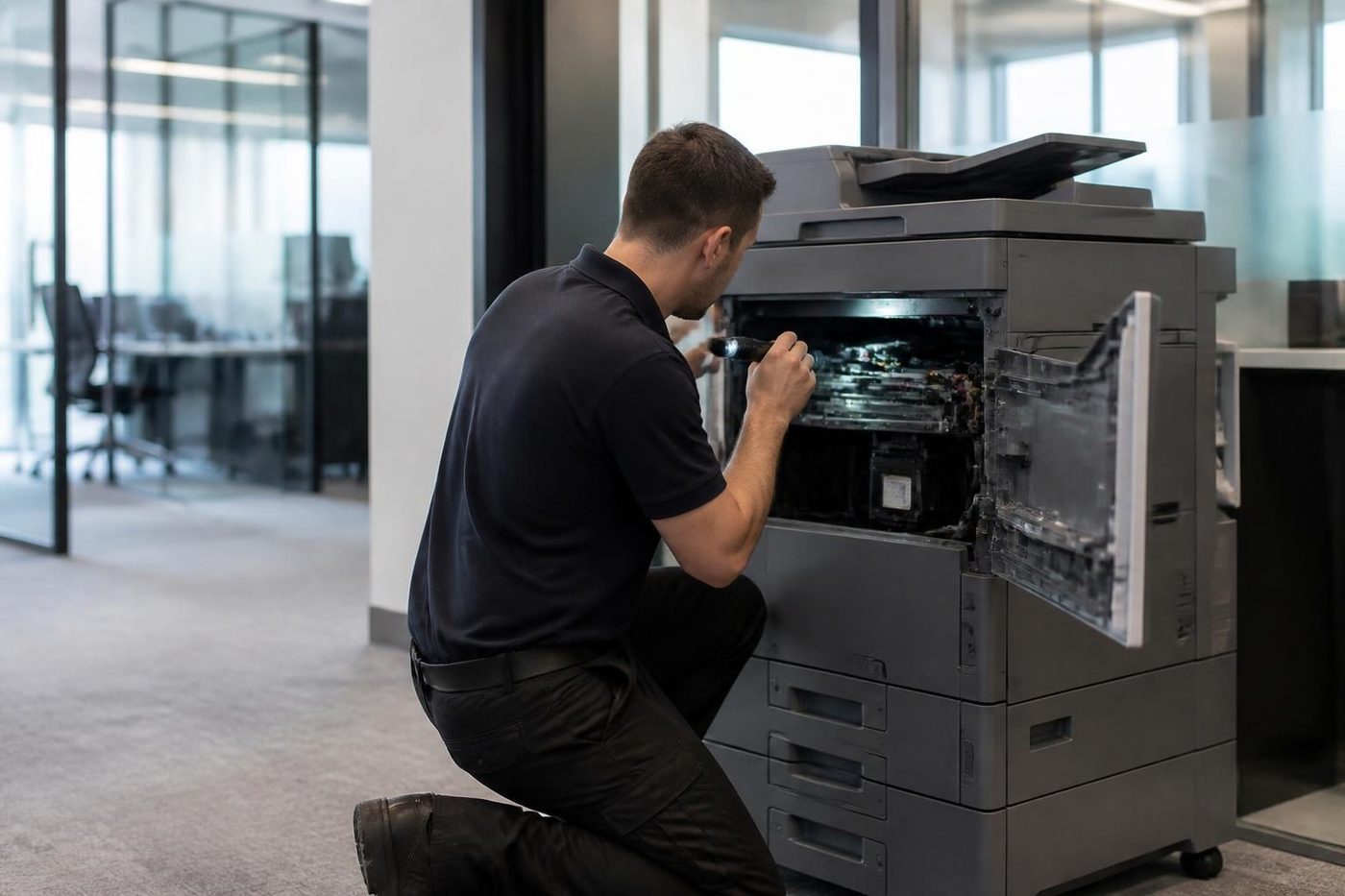
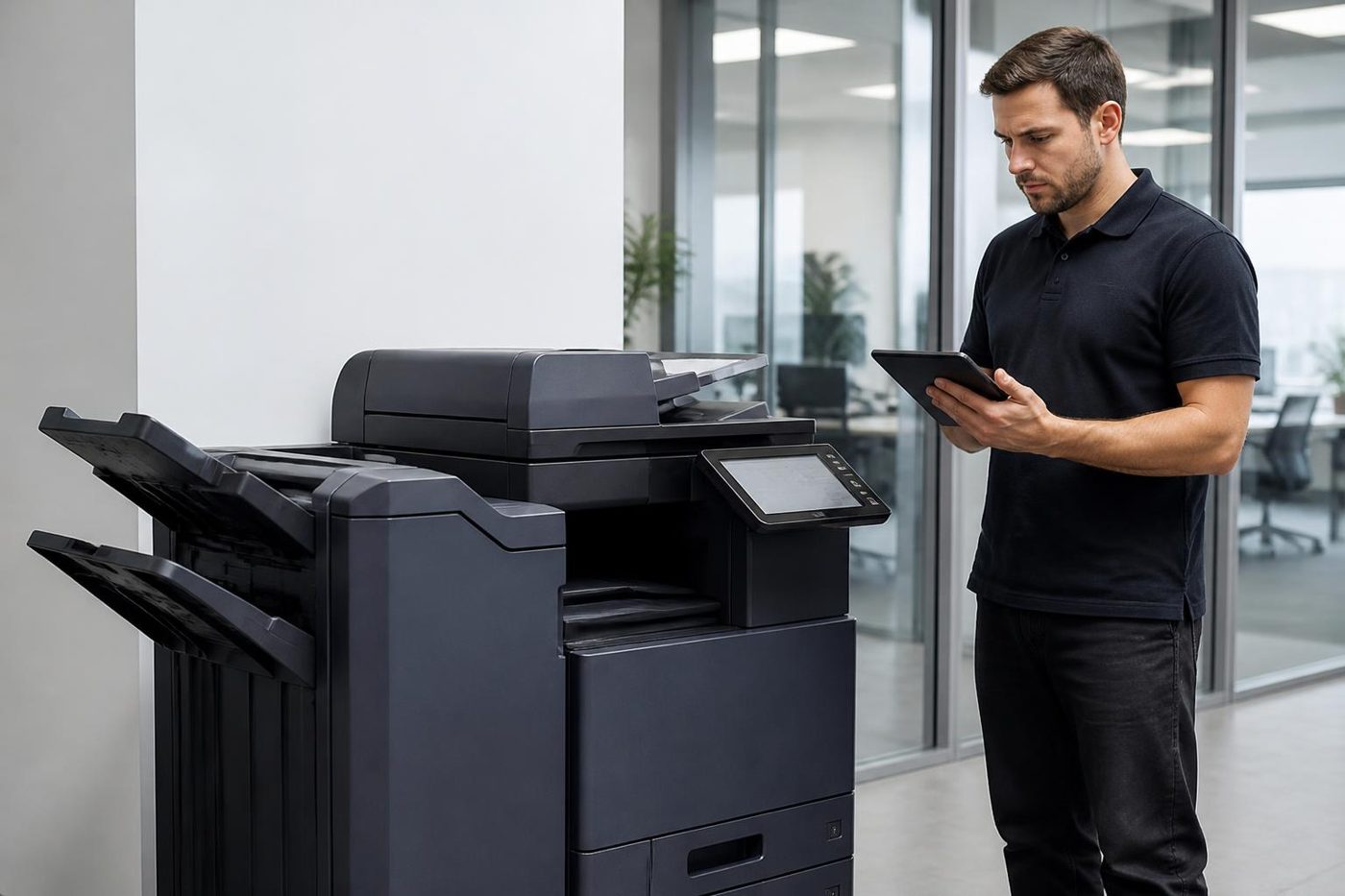
- Describe your machineMake, model and the problem you are seeing.
- We phone with the priceYou hear it before anything is booked.
- A certified technician attendsSame day where the diary allows.
Colour, A3 and the temptation to over order
Colour looks good on proposals and menus and costs more per page and more to put in. If most of what you print is invoices, letters and internal documents, black and white saves a surprising amount. Plenty of Coast businesses keep one colour machine for the occasional job and set everyone else's default to mono.
A3 is a separate question. Plans, wide spreadsheets, rosters and posters need it. If nobody in the office prints anything bigger than a letter, you may never use it.
New photocopier Sunshine Coast, or reconditioned photocopier Sunshine Coast
A new machine gives you the longest runway and the newest features. A reconditioned photocopier has been taken back to a working standard and tested, with the worn parts replaced, and for a small or medium office it is often the sensible middle. The key is buying from someone who services what they sell and explains what is covered, and not from an unknown unit on a marketplace listing.
A cheap photocopier Sunshine Coast advertisement is not the same thing as good value. Toner, drums and service outlast the purchase, and a cheap machine with expensive consumables costs more in the end. Our pages on new and A3 photocopiers, refurbished photocopiers and photocopier sales cover each path.
Running cost is half the price
Ask what a page will cost, and ask before you commit. Then ask whether servicing is covered by an agreement or billed as it happens. We do not publish dollar figures here because they depend on the machine and how you want to pay. Phone and we quote.
Buy photocopier Sunshine Coast outright, rent it or lease it
Buying means you own the machine and its running costs. Hire suits a project under a year. Photocopier rental Sunshine Coast offices arrange usually runs two to three years, and a photocopier lease Sunshine Coast businesses take runs three to five, with the cost spread and servicing often bundled in. Which is best depends on how long you will keep the machine and how you like your accounts to look, and the accounting side is for your accountant. Our page on hire, rental, lease and finance sets out the four ways and what to ask before you sign.
Duty cycle and the word maximum
Brochures quote a maximum monthly volume for each machine. That is a ceiling and not a target. A machine run close to its ceiling every month wears faster and breaks more. A sensible choice puts your normal month well below that number, with room for the busy ones. Offices that print a few thousand pages in a normal month and tens of thousands in the last week of June or the first week of term are the ones that get caught out.
Speed, in a real office
Pages a minute sounds like the number that matters. In a shared office what you feel is the wait for the first page and the time a job takes to stand in a queue. A slower machine that nobody queues at beats a fast one that three departments fight over. If a lot of your work is double sided, check that the machine scans both sides in one pass, because a machine that flips each page is slow at copying duplex originals.
Three offices, three answers
A builder's office with six people prints plans and the odd tender. An A3 colour machine of modest speed, a good bypass and scan to email do the job, and it has to put up with dust. A medical practice scans referrals and prints patient information, mostly A4 and mostly black and white, and wants secure print and a drive that gets wiped. A school administration office has a long list of short jobs, a timetable and a few reams of coloured paper. It wants a finisher, user codes by department and a machine that copes with the first week of term.
Three offices, three different machines. The question that picks between them is what the office does, and not which brand has the best advertisement.
Old machines: what to ask
A used machine can be excellent. A used machine can also be someone else's problem. Ask the meter reading. Ask what was replaced and when. Ask whether the maker still supplies parts and toner for that model, because machines eventually age out of support. Ask what happens if it fails in the first month. And ask who will come, because a bargain with nobody to fix it is only a bargain until the first jam.
Contracts and the end of the term
If you are looking at rental or lease, read what the agreement says about the end. Some roll on automatically. Some need notice in a particular window. Some say who removes the machine and who pays. None of that is unusual, and none of it is a problem if you know before you sign. Ask what the servicing covers and what it does not, what happens when the machine needs a part, and whether the monthly figure moves with page counts. Your accountant can say how it affects the books.
Features that save a week of grumbling
Think about how staff actually work. Printing from laptops and phones. Scanning to email or a shared folder. A PIN or card so confidential jobs do not sit in the tray. Larger paper. A stapling finisher. A short phone call before buying is cheaper than a wrong choice afterwards.
Each option is also a part that can need repair one day, so ask for what you will use and leave out what you will not.
Who fixes it when it stops
Every machine needs attention eventually. Ask any supplier who services it, where they are based and whether the technician carries parts. A great price means little if you wait days for a roller. On the Sunshine Coast, with offices from Caloundra to Noosa and inland to Maleny and Gympie, local support is part of the value.
We are an independent service business. We service the machines we sell and plenty we did not. Technicians are trained, experienced and certified, repairs happen at your premises and the price is agreed on the phone first. See our page on photocopier repairs on the Sunshine Coast. The machine makers have their own pages if you want to read about the one you are considering, for example Toshiba and Kyocera.
Photocopier service Sunshine Coast buyers should compare is the arrangement after the sale: who comes, how soon, and whether the visit is billed or covered.
Choosing locally
Choosing among photocopiers Sunshine Coast suppliers offer has one advantage over buying online: the people who sold it can be the people who fix it. Ask for the meter reading on any used machine and the cost per page on any machine. Read what is included in any hire, rental or lease. If a supplier cannot say who comes when the machine stops, the saving is not a saving. Phone us with what you have worked out and we say what we think. If our view is that you should buy somewhere else, we say that too.
Moving a machine, taking one out
Buying is often the moment a machine moves: the old one out, the new one in, or a whole office to a new address. If you need to move photocopier office Sunshine Coast wide, relocate office printer Sunshine Coast businesses use, or arrange office printer relocation or photocopier removal Sunshine Coast wide, read photocopier relocation and removal. The old machine can be bought back: see sell your photocopier.
Mistakes we see most
- Buying on headline speed and never checking the running cost
- Colour for the whole office when one person needs it twice a month
- Ordering A4 and finding out a month later that the first plan needs A3
- Signing a long arrangement without asking what happens at the end
- Leaving the network, scan to email and security until the machine arrives
- Keeping the old machine in the corner for years
Notes to bring to the phone call
Give us as much as you know and we fill the gaps. Nothing is locked in by asking. Phone (07) 5327 3472 or use the contact page, and if the lines are busy the call is logged and returned.
- Monthly volume, in pages or reams
- Colour or black and white, and how much colour
- A3 or A4
- Scan to email, scan to folder, secure print or card release
- Where it will sit and who uses it
- New, reconditioned or second hand, and own it or spread the cost
- What you have now, and whether it is leased
Belts and rollers
Belts like clean hands and a gentle pull
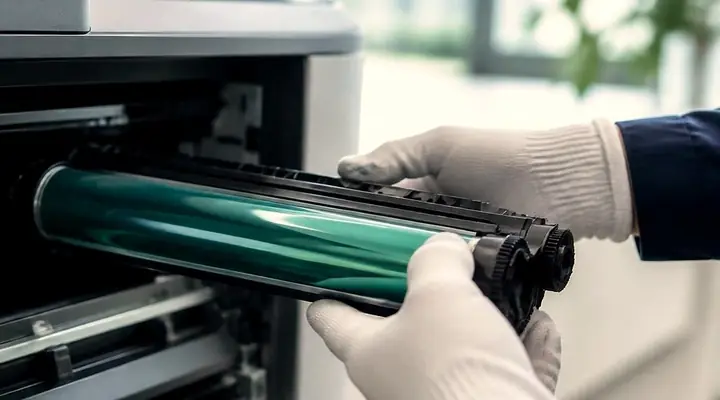
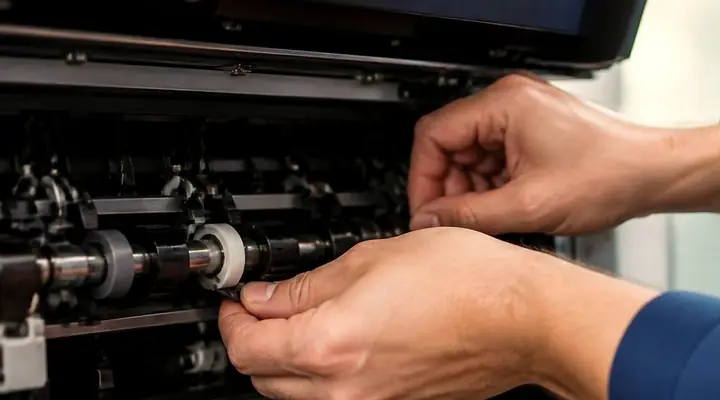
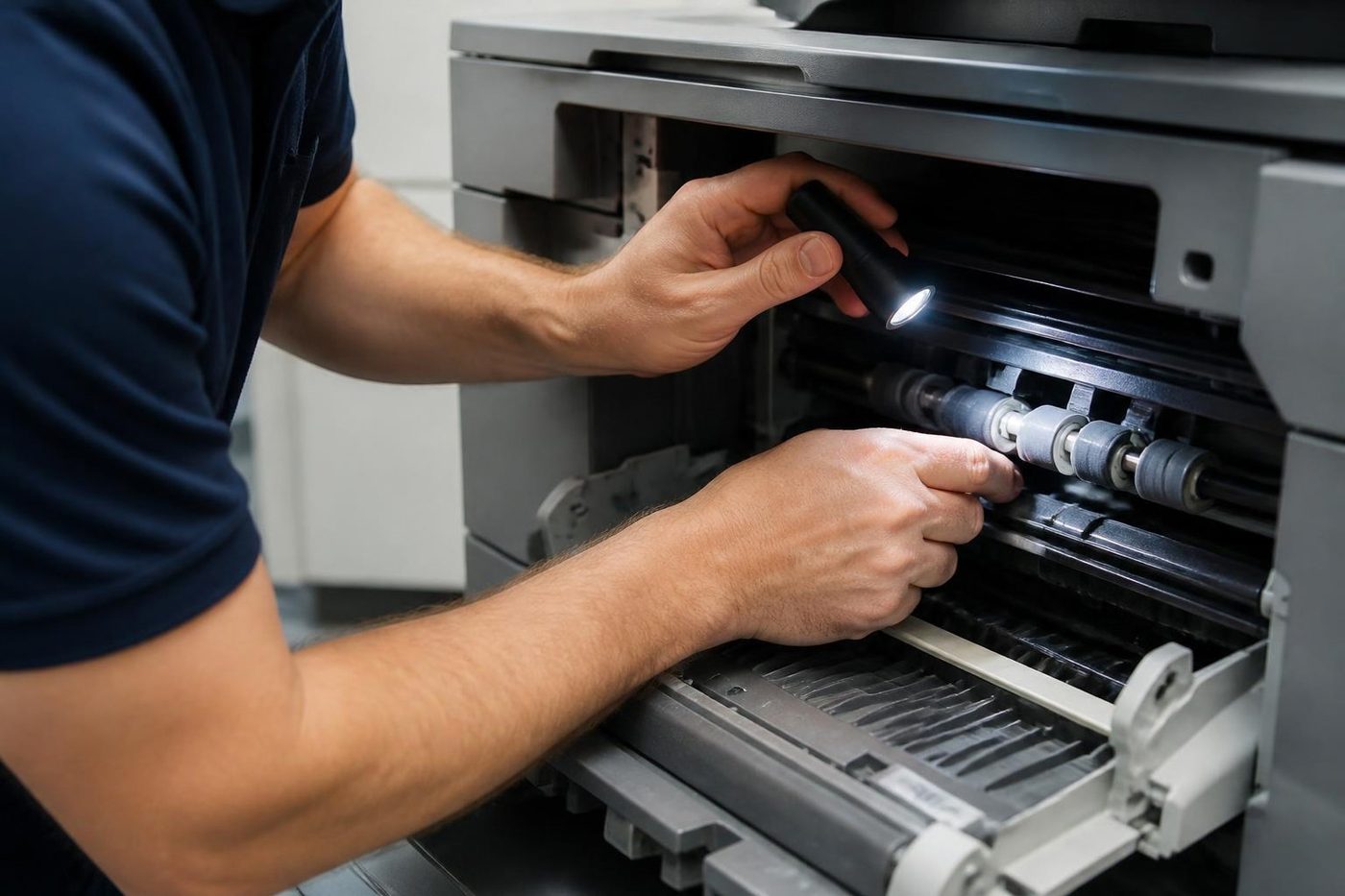
The transfer belt in a colour copier is thin, smooth and quietly expensive. A crease, a scratch or a smear of skin oil from a bare thumb can print as a faint repeating mark on every colour page for the rest of its life. We wear gloves, we lift it straight out, and we check the rollers that drive it before it goes back.
Honest repairs look dull from the outside. Check, clean, replace the one thing that is worn, test.
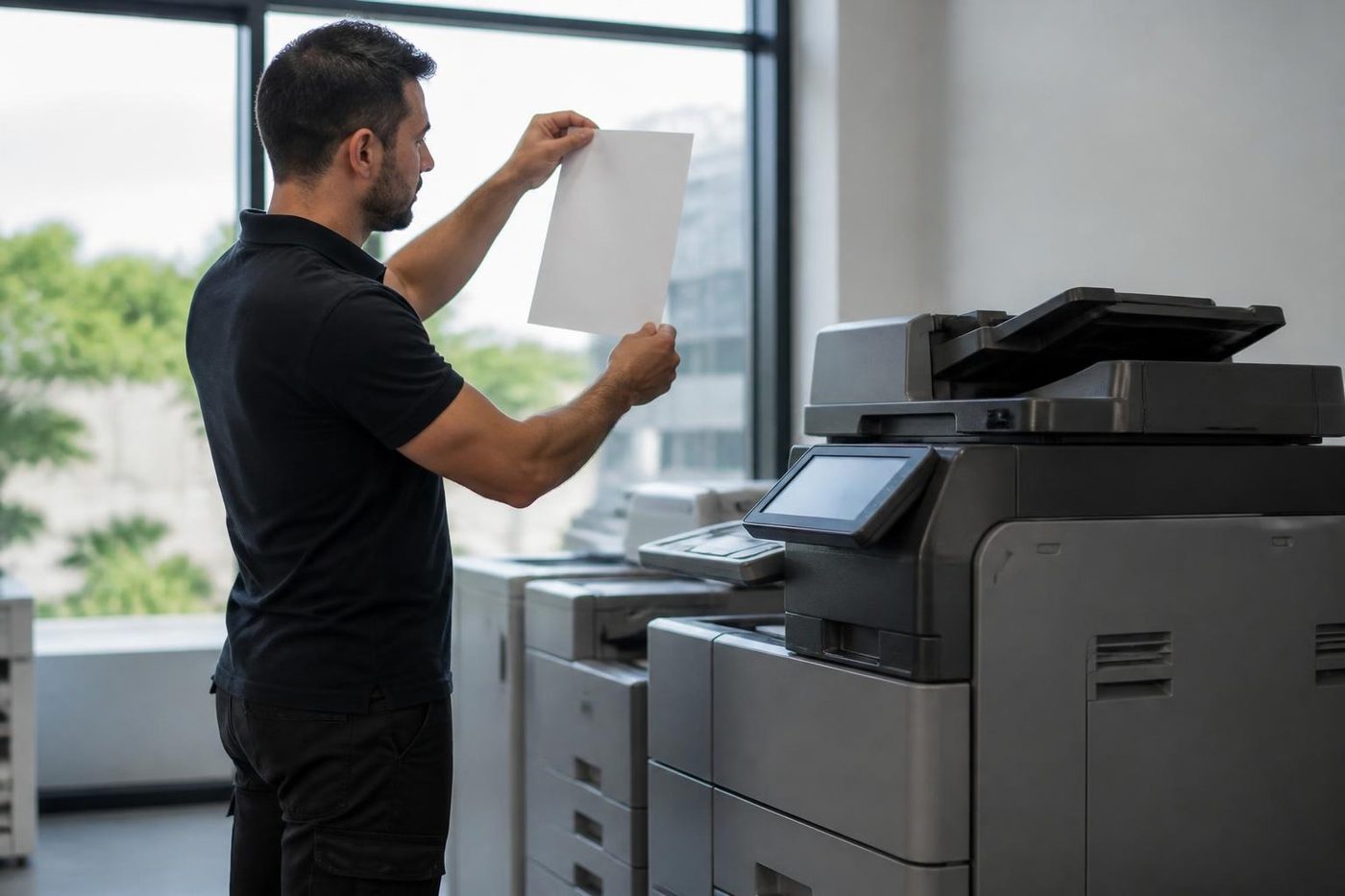
- Gloves on. Belts and drums are handled by the edges.
- Check the drive. Worn rollers cause marks that look like belt faults.
- Replace the worn part. Not the whole assembly.
More for Sunshine Coast offices
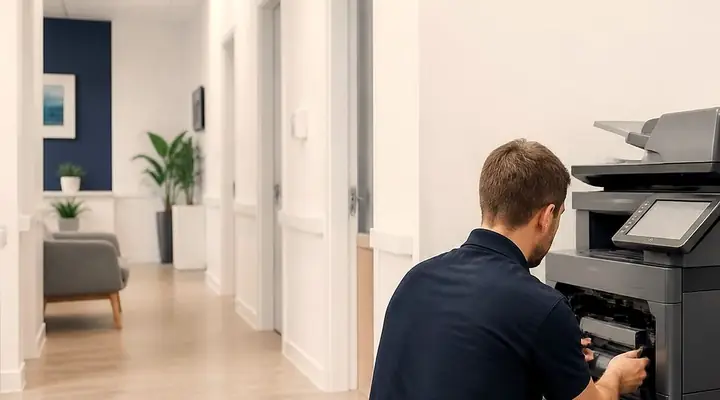 Printer and copier salesNew and second hand commercial copiers, printers and plotters, with our own technicians behind them.Second hand photocopiersTested second hand commercial copiers, delivered, connected and warranted.
 We buy your copierSelling a commercial copier or printer? Ring us first.
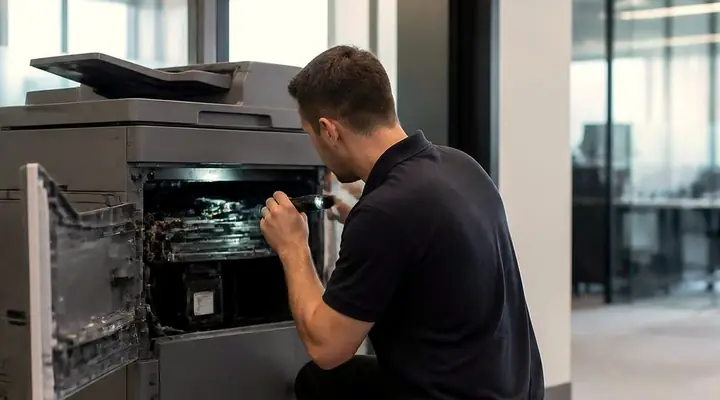 Photocopier repairsCopiers fixed at your desk, one call, price agreed first.
 Is my copier worth repairing?How we weigh a repair against a replacement.Photocopier salesHow a sale goes with us, from the first call to a working machine.
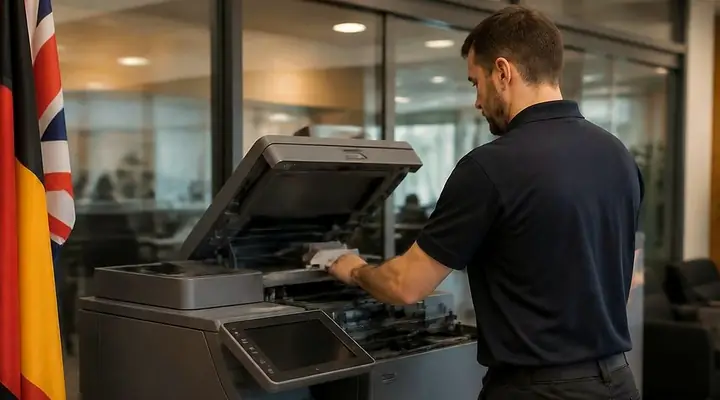 New and A3 photocopiersNew A3 copiers, delivered, set up and serviced by us.
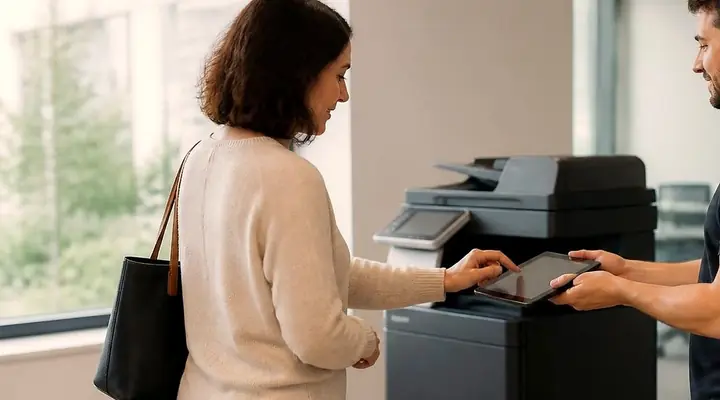 Used photocopiersUsed photocopiers and office printers, tested and looked after.Refurbished photocopiersWhat refurbished should mean, and what we do to a machine.
 Photocopier hire, rental and leaseFour ways to pay for a commercial copier, set out in plain words, with what to ask before you sign.Relocation and removalCopiers moved, reconnected and tested, or taken out and wiped.Installation and setupDelivered, networked, scan tested and shown to staff.
Selling, buying used, or only fixing the old one?
If you came here to sell rather than buy, cash for photocopiers on the Sunshine Coast and copier buyers on the Sunshine Coast are on the page about how we buy used machines. If a refurbished copier on the Sunshine Coast is the plan, that page explains what is replaced and checked; for used copiers for sale on the Sunshine Coast, the used page sets out what to look at. And if the old machine only needs a fix, copier service on the Sunshine Coast may be all it takes.
Buy, sell and lease
Buy, sell and lease commercial copiers on the Sunshine Coast
We also sell new and second hand commercial copiers and buy used ones. Same team, same technicians.
Caloundra, Maroochydore, Noosa and the hills
What people ask when they ring
How do I work out how much we print?
Count a typical week and multiply, or read the page count on your current machine. Reams used is a good rough guide.
Do we need a colour copier?
Only if you print colour regularly. Many offices run a black and white machine for most jobs and keep a colour option for the odd one.
Is a reconditioned photocopier a good idea?
For many small and medium businesses, yes, as long as it comes from someone who services and stands behind what they sell. Ask what was replaced.
Should we buy or lease?
It depends how long you will keep the machine and how you like to manage cash. Phone and we talk it through.
Is a cheap photocopier a good idea?
Not on its own. A low outlay can hide high running costs. Compare cost per page, service and what is covered.
Can you recommend a specific model?
Once we know your volume, paper sizes and features, yes. We are not tied to one brand.
What is the difference between rent and lease?
Rental usually runs two to three years and lease three to five. We explain both, and your accountant advises on the accounts side.
Do you sell A3 photocopiers?
Yes, new and second hand, in colour and black and white.
Can you move my copier to a new office?
Yes. We disconnect, move, reconnect and test it, and set up the network at the new address.
What do I ask about a machine I found elsewhere?
Phone with the make and model. We tell you what we know about it, honestly, and whether it suits what you print.
Who should service a copier I buy?
Someone local who can reach you, carries parts and agrees the price first. That decides how long a breakdown lasts.
Can you take away the old machine?
Yes, and we wipe the drive. If it has value we buy used photocopiers.
What happens if I outgrow the machine?
Talk to us early. Moving up a size, adding a second machine or swapping a heavily used machine for a lighter one are all options.
Is a bigger machine always better?
No. A machine built for much heavier use than yours can have slow warm up and toner that ages. We match the machine to what you print.
Thinking about a different machine?
We buy and sell as well
New or second hand, with warranty. Ring and talk it over before you spend a cent.
Ask about machines
All of our work on the Sunshine Coast
Service pages
- Photocopier repairs Sunshine Coast
- Commercial printer repairs Sunshine Coast
- Plotter service Sunshine Coast
Fault pages
- Installation and setup Sunshine Coast
- Relocation and removal Sunshine Coast
- Copier and printer faults Sunshine Coast
- Photocopier paper jams Sunshine Coast
- Copier black lines and streaks Sunshine Coast
- Copier error codes Sunshine Coast
- Copier not printing Sunshine Coast
- Scan to email not working Sunshine Coast
- Toner smearing and fuser faults Sunshine Coast
- Printer offline and network faults Sunshine Coast
- Copier noise, grinding and squealing Sunshine Coast
- Is my copier worth repairing Sunshine Coast
- Toshiba e-STUDIO error codes Sunshine Coast
- HP LaserJet error messages Sunshine Coast
- Kyocera TASKalfa error codes Sunshine Coast
Makes we work on
- Toshiba copier repairs Sunshine Coast
- HP printer repairs Sunshine Coast
- Kyocera copier repairs Sunshine Coast
- Fujifilm copier repairs Sunshine Coast
- Xerox copier repairs Sunshine Coast
- Canon copier repairs Sunshine Coast
- Ricoh copier repairs Sunshine Coast
- Lexmark printer repairs Sunshine Coast
- Brother printer repairs Sunshine Coast
- Epson printer repairs Sunshine Coast
- OKI printer repairs Sunshine Coast
- Zebra printer repairs Sunshine Coast
- Konica Minolta copier repairs Sunshine Coast
- Sharp copier repairs Sunshine Coast
- Samsung printer repairs Sunshine Coast
- Fuji Xerox copier repairs Sunshine Coast
Coast towns and suburbs
- Printer service Caloundra
- Printer service Gympie
- Printer service Buderim
- Printer service Maleny and the Blackall Range
- Printer service Kawana and Birtinya
- Printer service Nambour
- Printer service Maroochydore
- Printer service Noosa and Noosaville
- Printer service Coolum and Peregian Beach
- Printer service Mooloolaba and Alexandra Headland
- Printer service Sippy Downs and Maroochydore industrial
- Printer service Pelican Waters and Bribie Island
- Printer service Beerwah and Glass House Mountains
- Printer service Yandina and Eumundi
- Printer service Cooroy, Pomona and Cooran
- Printer service Cooloola, Tin Can Bay and Rainbow Beach
- Printer service Kilcoy and the D'Aguilar side
- Printer service Palmwoods, Montville and Mapleton
- Printer service Landsborough and Mooloolah Valley
- Printer service Marcoola and Sunshine Coast Airport
- Printer service Coolum industrial
- Printer service Warana and Kunda Park
- Printer service Tewantin
- Printer service Bli Bli and Pacific Paradise
- Printer service Currimundi, Little Mountain and Baringa
- Printer service Kenilworth, Imbil and the Mary Valley
- Full list, Caloundra to Gympie
Got the make and the problem? That is all we need to price it.
Thinking about a machine on the Sunshine Coast?
Tell us how many people print, roughly what the office gets through in a month, and whether you lean to new or second hand. We phone back and talk it over. Prefer a call? (07) 5327 3472.