Where the printer sits matters more than its make
Most of the printers we look at in trade units are in one of three spots. On a bench in the workshop. On a counter where customers lean on it. Or in a small office at the front where the owner does quotes at the end of the day.
The workshop bench is the hardest on a machine. A joinery has sawdust in the air all day. A fabricator has fine metal dust that is sticky with oil. A concrete or paving supplier has cement dust that sets like a crust where it meets damp. The machine is not at fault. It just lives in a bad place.
If you can put the printer in the office behind a door, do it. If you cannot, we work out how often it needs a clean and which parts need changing before they fail.


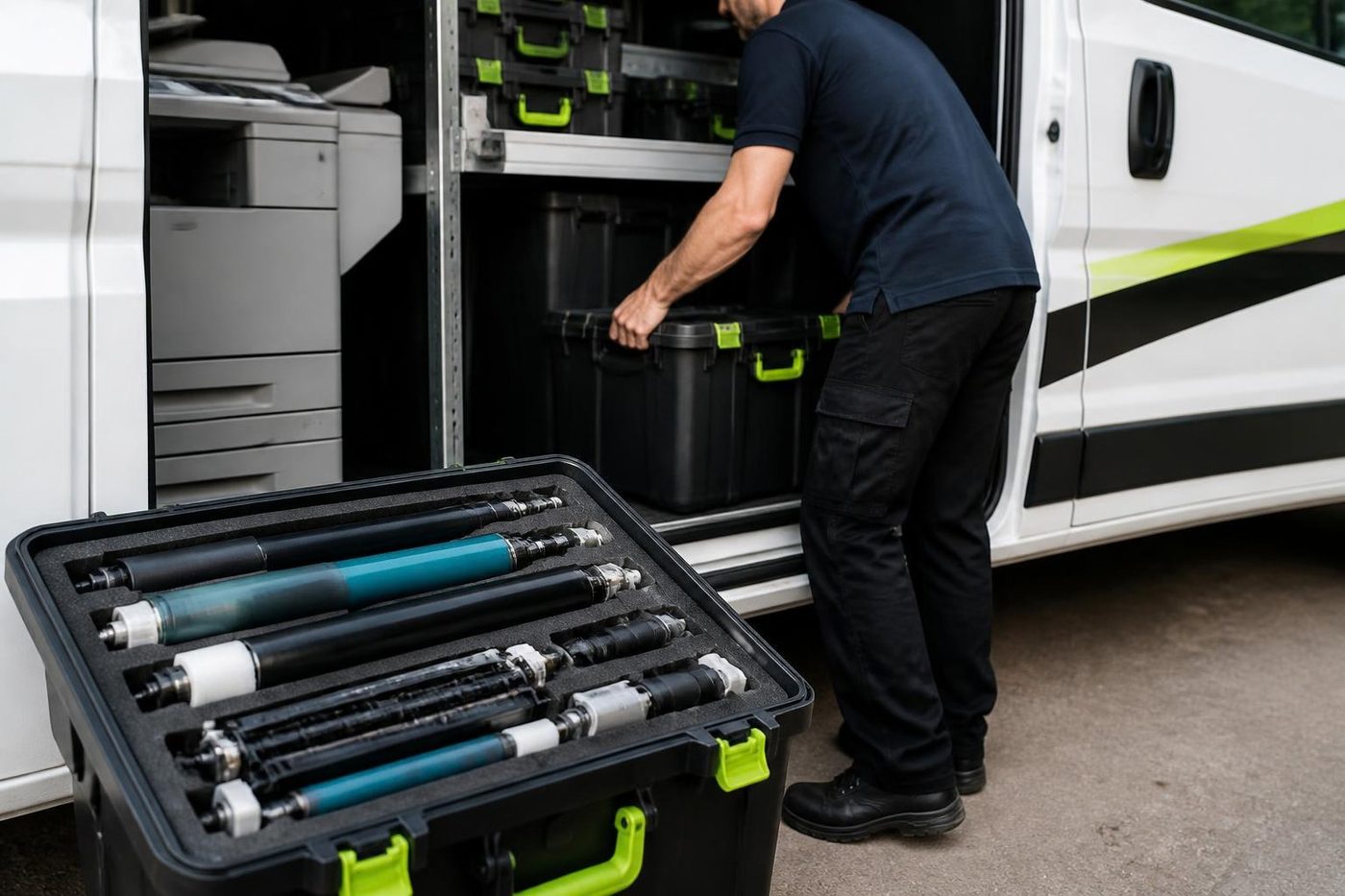
What each trade does to a machine
| Business | What gets printed | What we usually find |
|---|---|---|
| Joinery or cabinet maker | Cut lists, drawings, quotes, delivery dockets | Dust in the fan and feed rollers, jams on the second tray |
| Mechanic or auto electrician | Job cards, invoices, parts lists | Greasy fingerprints on the glass, smeared copies, a printer by the lift gone sticky inside |
| Builder or plumbing supplier | Plans, specifications, quotes, purchase orders | A3 copier or plotter feeding crookedly, a document feeder that has had a hard life |
| Landscape and garden supplier | Orders, delivery sheets, statements | Damp paper that curls, rollers glazed, toner that smudges |
| Fabricator or engineer | Drawings, work orders, certificates | Plotter streaks, A3 prints with a shadow, a loud copier in a quiet office |
Five minutes of checks before you ring
- Open the paper tray and look at the stack. Damp, curled or dusty paper causes more jams than any part.
- Look at the rollers you can see. Shiny, smooth rubber means they have lost grip.
- Feel the vents at the back or side. If they are furry with dust the machine is running hot.
- Run a plain page and a copy, and see whether the fault is in both. A fault in a copy only points to the glass, the scanner or the document feeder.
- Write down the exact message, then switch off, wait, and switch back on. Tell us whether it came back.
Docket printers and the counter
A supplier counter needs a docket printer that does not stop. Some use a small laser, some a thermal receipt style printer, and a few older yards still run a dot matrix such as an Epson LQ with a multi part form.
Thermal and dot matrix machines are simple but fussy. A thermal head that is dirty prints a white stripe. A worn platen roller feeds crooked. A dot matrix with a tired ribbon prints so faint the second copy is blank. These are fast to fix when we know the model, so tell us on the phone and we bring the right part.
Plans, drawings and the wide format side
Builders, designers and engineers in the area print plans on an HP DesignJet or a Canon imagePROGRAF, or run them through an A3 copier when the sheet is small. Plotters fail in their own ways. Horizontal banding usually points to the printheads or the ink supply. A skewed roll points to the media path. Lines that double up can be a calibration problem.
We repair plotters and copiers together if they sit on the same site, so one visit looks at both. We do not tie ourselves to a maker, which means we will tell you which machine is worth spending on.
The small office at the front
The office in front of the workshop does the quotes, the invoices and the scanning of signed dockets. When scan to email stops, the dockets pile up on the desk and the bookkeeper gets cranky.
Nine times in ten something changed. A new password on the email account. A router replaced after a storm. A folder renamed. Tell us what changed and we usually find the problem on the phone. If it needs a visit, the technician tests a scan from the panel before leaving.
Storms, power and dust together
Roller doors let the weather in. After a big storm the first thing we see is a printer that has been switched off at the wall, restarted into a dirty line and now shows a service code. A code is a pointer to an area of the machine, not a verdict. Often it is a sensor with dust on it, and a clean clears it.
If a surge has done damage, we say so and say what it will cost before starting.
A machine on its last legs
If a workshop printer has had a hard ten years and the repair costs more than a good replacement, we say so. We also deal in commercial copiers, new and second hand, and we can collect the old machine when the new one is set up.
Most of the time the better advice is a service and a better position for the machine, and we are happy to give that.
Heat under a tin roof
A shed in January can reach temperatures that no office machine was designed for. Toner is a fine plastic powder, and in a hot room it clumps. Paper stored near the roof dries out, then picks up damp overnight and curls. A fuser that is already hot has less room to move before it trips a thermal fault.
We cannot cool a shed, but we can suggest simple changes. Keep the paper in a closed cupboard at floor level. Keep the printer off a wall that takes afternoon sun. Switch the machine off at the end of the day in the hottest months, because standby heat adds up.
Cartridges, drums and what a bad one looks like
Trade offices often buy cheap toner to save money, and some of it is fine. Some of it is not. A cartridge that leaks, or one whose chip the printer rejects, shows up as spots, a dirty band along one edge, or a message that the cartridge is not recognised. We do not push any brand. If the cartridge is the cause we tell you, and if it is not, we leave your supplier alone.
A drum is a separate wear item on many machines. If a drum has been scratched by a staple or a bit of grit, it prints a thin dark line the full length of the page, in the same place every time. A drum change fixes that, and we can often tell from a sample page whether it is the drum before we arrive.
Between callouts
Printers in trade units do better when somebody gives them ten minutes a month. Blow dust out of the vents with a small brush, not a compressor, which can push grit deeper. Wipe the glass. Check the paper is dry. Take the lid off the toner area only if the manual says to, and never touch the drum surface.
Those habits stretch the gap between our visits, and we would rather see a machine every year or two for a check than every few weeks for a breakdown.
Delivery drivers and the printed docket
A supplier who hands a driver a smudged docket gets an argument at the next stop. The same goes for a delivery sheet printed with a pale stripe through the address. The fix depends on the machine, and a smudge is usually the fuser or a dirty transfer area, while a pale stripe is a head, a drum or a toner problem. If you send a photo of the bad docket, we usually know which before we arrive.
Out in the hills
A small office up the range still needs the right person
Maleny, Nambour, Eumundi, Kenilworth, Gympie. Small offices and farm supply counters have the same copier problems as a Maroochydore firm and fewer people to fix them. Ring before the van is loaded and we pack for your make, so a long drive is not wasted on the wrong roller.
A town office should not get a worse repair than a coastal one. Same technicians, same standard, same free second go if the fault returns.
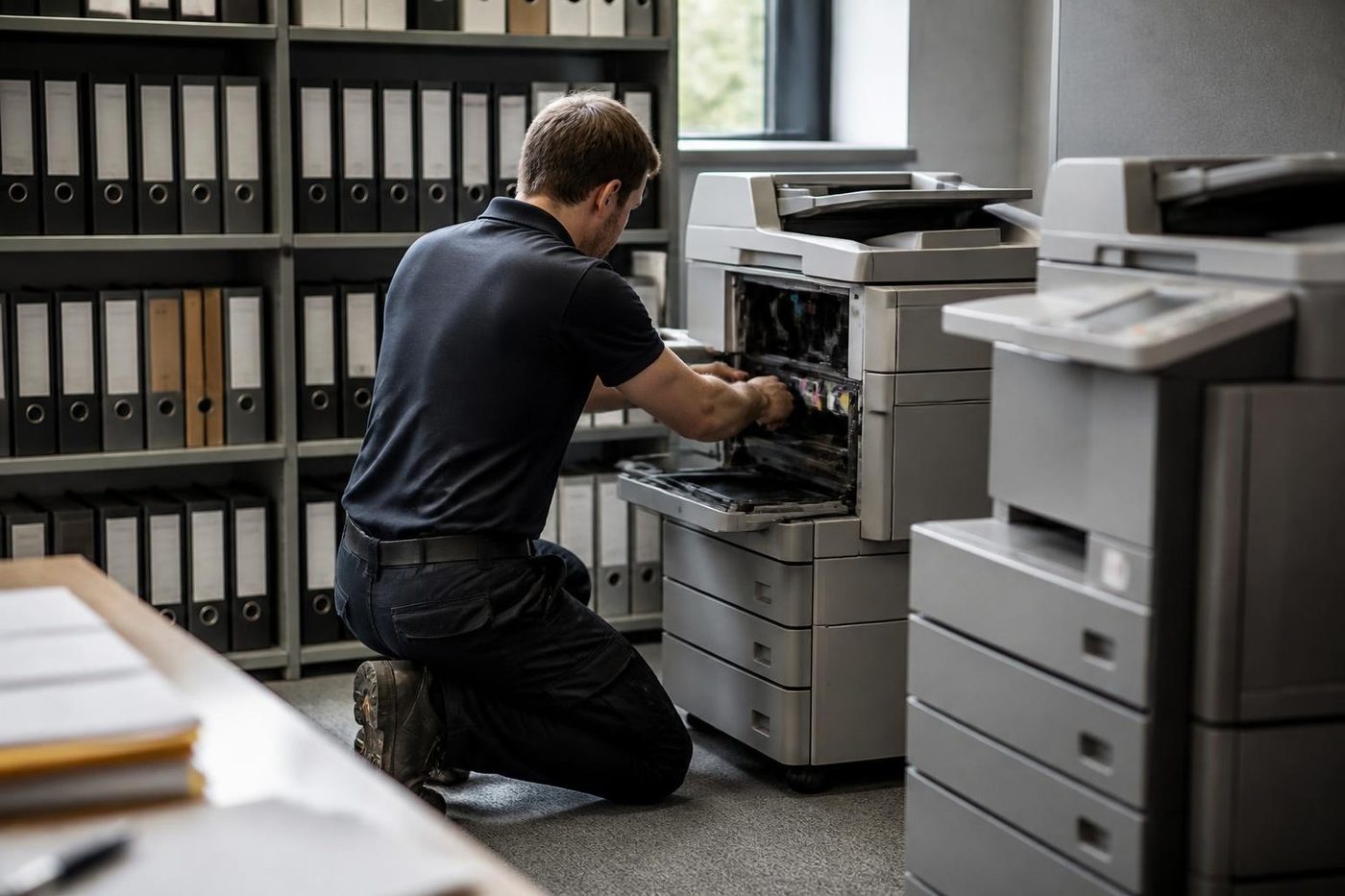
- Pack for the job. Make, model and message first.
- Same standard. Hills or beach.
- Same warranty. Same fault, no charge.
More for Sunshine Coast offices
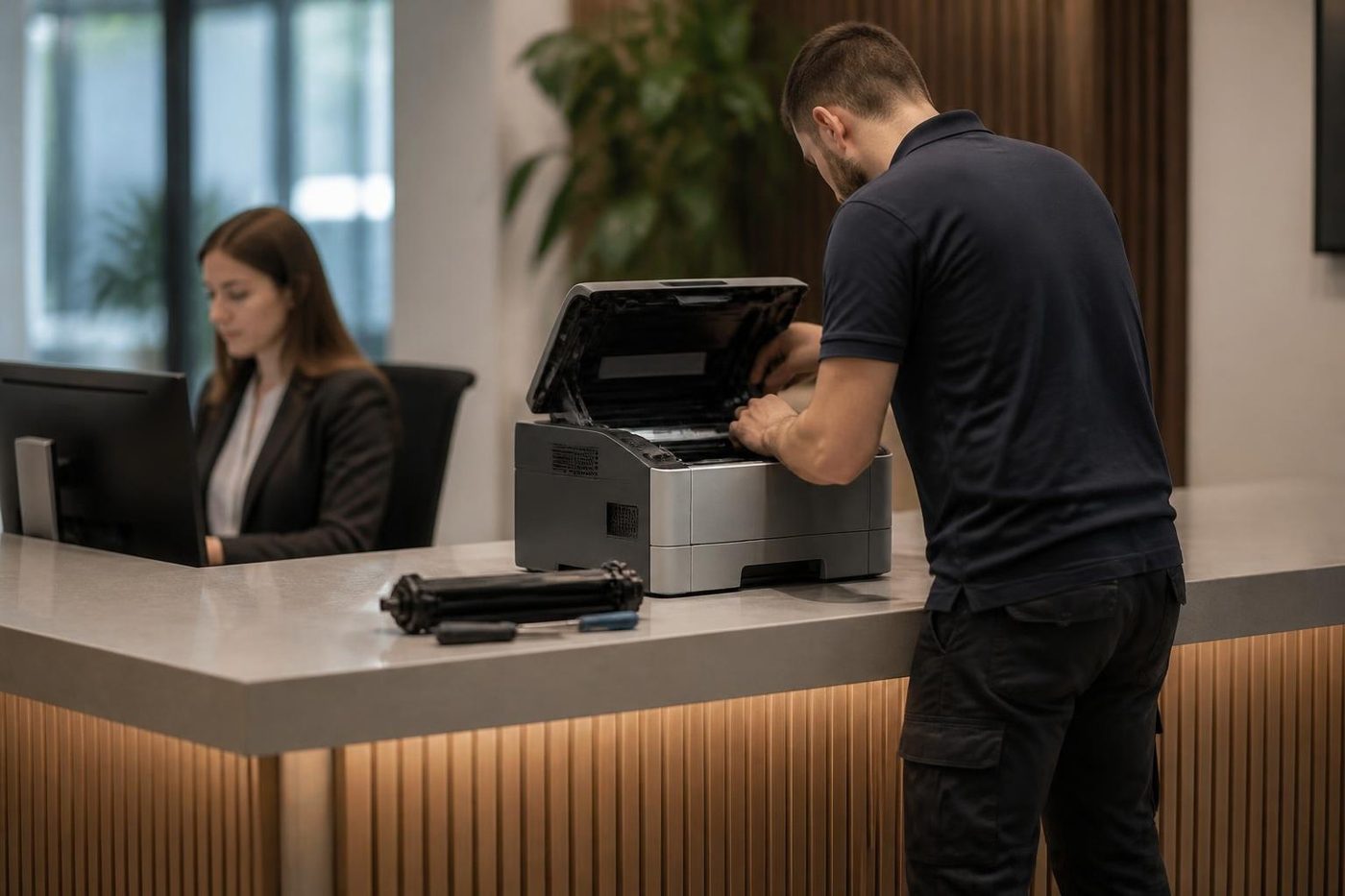 Commercial printer repairsCommercial laser printers, label printers and fleets repaired on site.
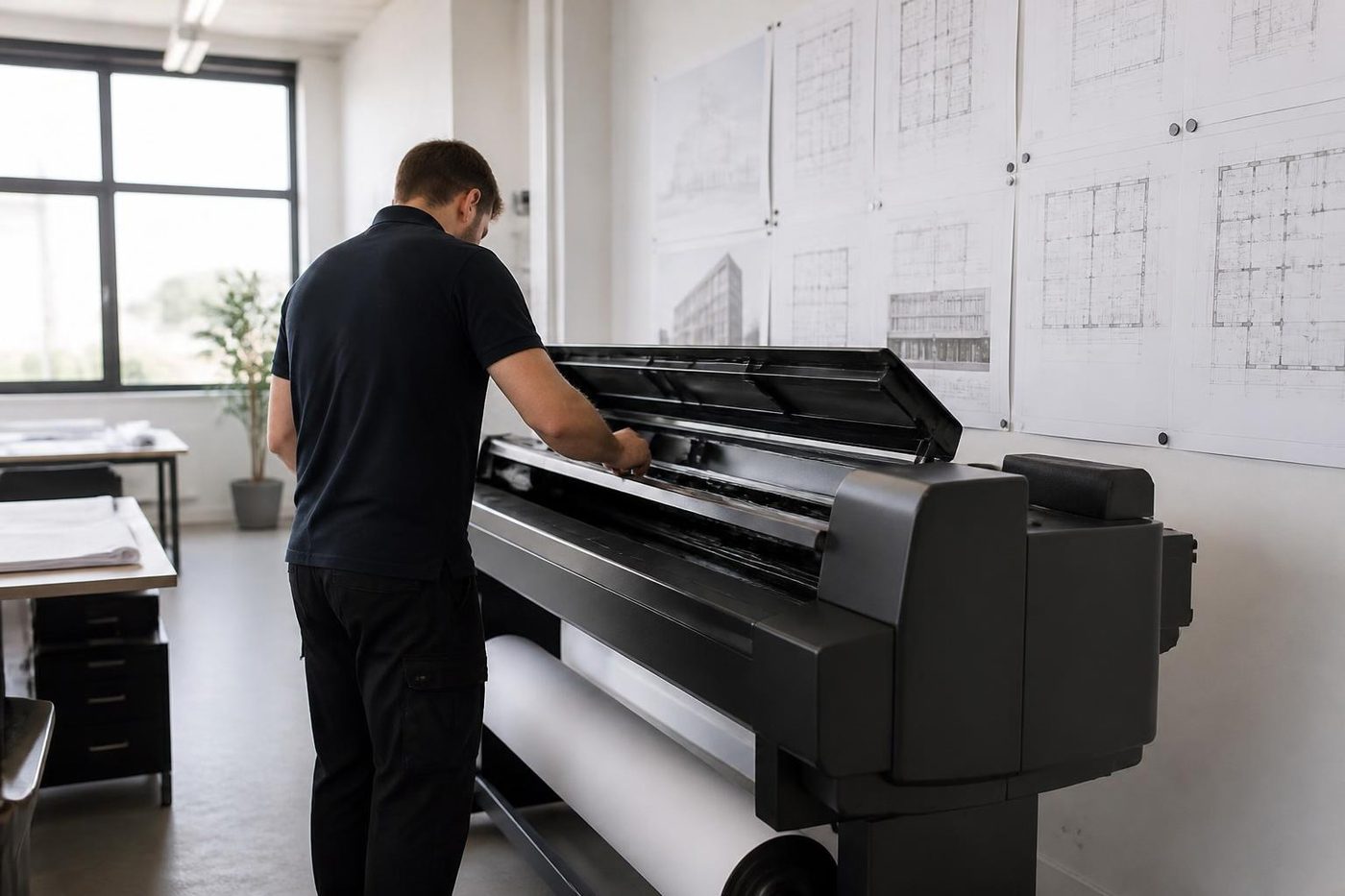 Plotter serviceHP DesignJet, Canon imagePROGRAF and Epson SureColor plotters repaired on site.
 Photocopier paper jamsWhy copiers jam, what you can do at the machine and when to ring.
 Marcoola and the AirportAirport side businesses, Marcoola Beach, Mudjimba and the nearby trade units.Coolum and Peregian BeachPrinter service and copier repairs along David Low Way for shops, holiday managers, practices and trades.Sippy Downs and Maroochydore industrialUniversity of the Sunshine Coast, Sippy Downs, Kunda Park and the industrial areas.
 Toner smearing and fuser faultsToner that rubs off, ghost images and fuser trouble.Scan to email not workingThe scan leaves the glass and never reaches the inbox.
Buy, sell and lease
Buy, sell and lease commercial copiers on the Sunshine Coast
We also sell new and second hand commercial copiers and buy used ones. Same team, same technicians.
Out on the road, in the building, back on the road


What people ask when they ring
Can you service a printer in a dusty workshop?
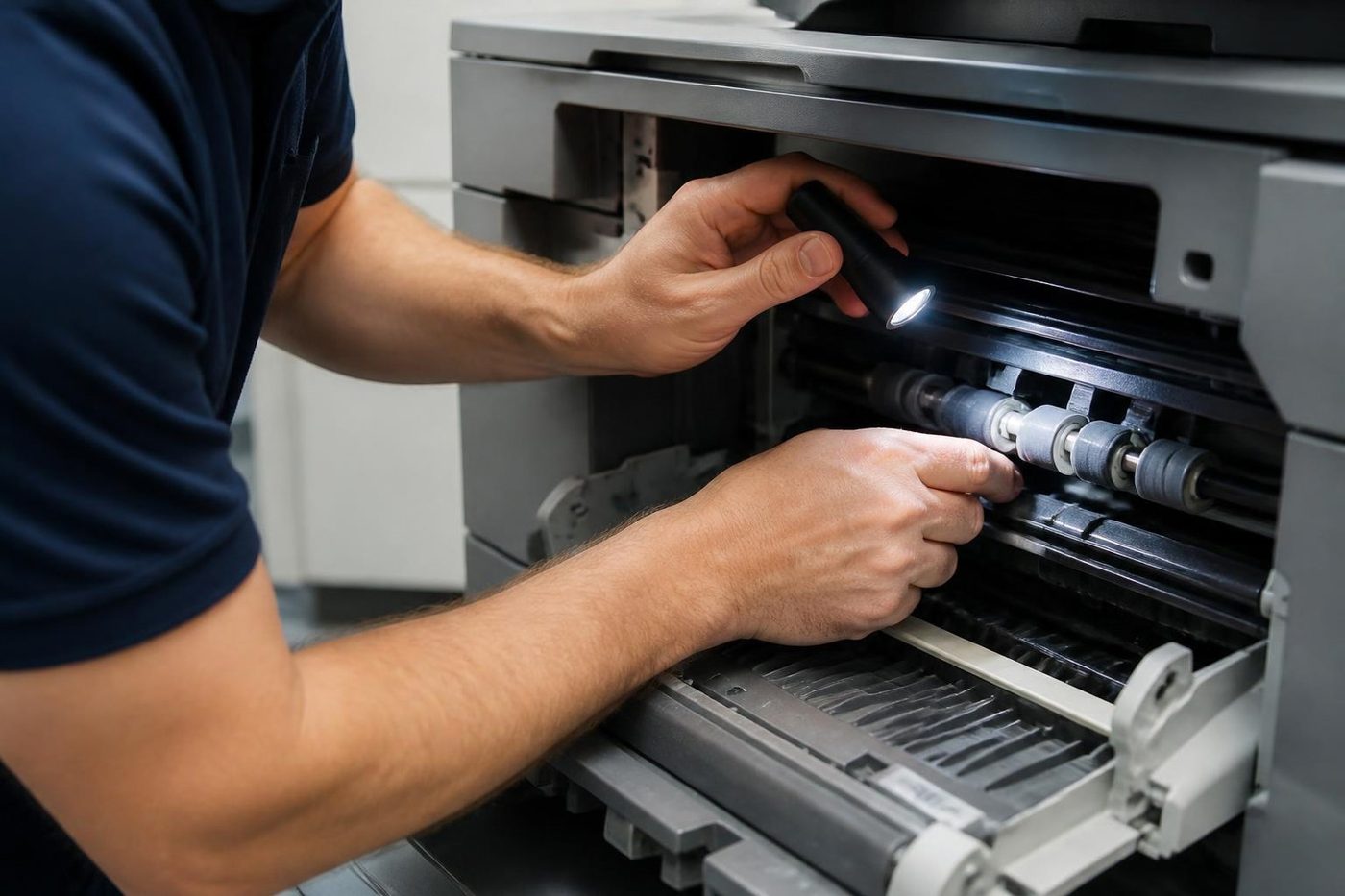
Yes. We clean the paper path, change worn rollers and clear the fans, and we tell you honestly how long the machine will last in that spot. Moving it, even a few metres, usually helps.
How often should a workshop printer be cleaned?
It depends on the dust. A woodwork shop might want a clean every few months, a clean office once a year. If paper starts jamming or the fan gets loud, do not wait for the schedule.
My plotter is printing stripes. Is it the plotter or the file?
Print the same file on a different printer to find out. If the stripes only happen on the plotter, the printheads, the ink supply or a dirty sensor are the usual suspects. We take a look.
Do you repair thermal docket printers?
Yes. A pale or striped print is usually a dirty head or a tired platen roller, and both are quick jobs if we know the model before we arrive.
We have a copier and a plotter by different makers. Can you do both?
Yes, in the one visit. We are independent and not tied to any maker.
Can someone come the same day?
Same day service is available. Phone early with the unit address, the make and model and what it is doing, and we tell you what we can arrange.
The copier shows a code and will not start. What should I do?
Write the code down, switch off at the machine, wait a minute and switch back on. If it returns, ring us with the code. It points us to an area, and the rest we check on site.
What if the fault comes back?
We fix it again at no charge.