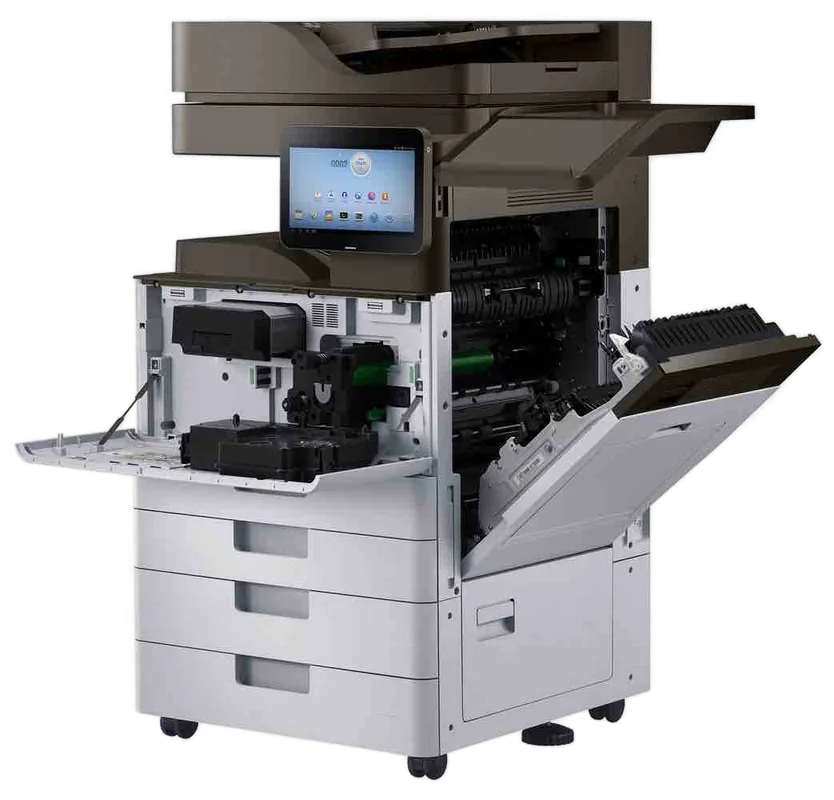
Epson WorkForce, EcoTank Pro and SureColor service on site
Epson printer repairs Sunshine Coast: EcoTank and WorkForce service
An Epson business inkjet has no fuser and no drum, so it fails in its own way: a full maintenance box, banding from a head, a cassette that will not pick. Same day service is available, and the repair happens at your premises, wherever you are on the Sunshine Coast.
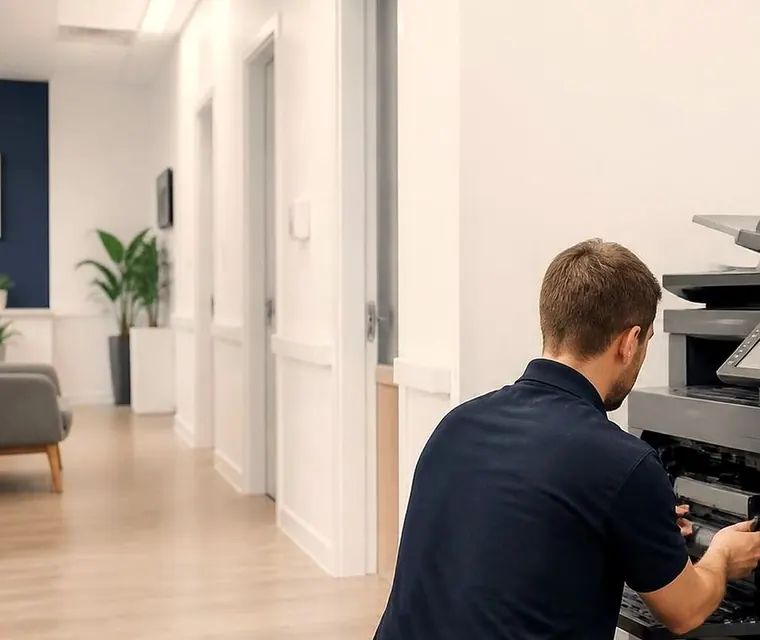
Copier and printer repairs, plus machines to buy and sell, on the Sunshine Coast
Epson printer repairs Sunshine Coast: a different kind of fault list
Ring us about a laser and you hear about a hot smell or a creased page. Ring about an Epson and the story changes. Bands have appeared across the sheet where a colour dropped out. The panel mentions a maintenance box. One cassette refuses to pick while its neighbour is fine. A scan to a shared folder died the week the PC was replaced.
Epson calls its bigger WorkForce Enterprise machines heat free inkjets, and that is a handy way to picture them. No toner gets baked onto the page, so the fuser trouble that fills most laser callouts never turns up. A jam comes out cold, which matters in a busy corridor where nobody has time to stand and wait.
The fault list is simply a different one. Waste ink collects in a box, ink packs run down, every cassette has its own pick rollers, and network and certificate settings carry more weight than people expect. The printhead, too, is a precision part. We know that list and work through it on site.
No tie exists between us and Epson, and we do not call ourselves an authorised agent. Our visit has no bearing on any cover you hold from the maker, so if the machine is still under it, speak to Epson before you book anything with us.
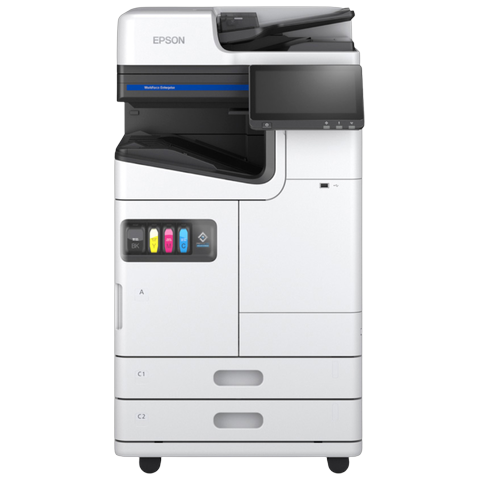
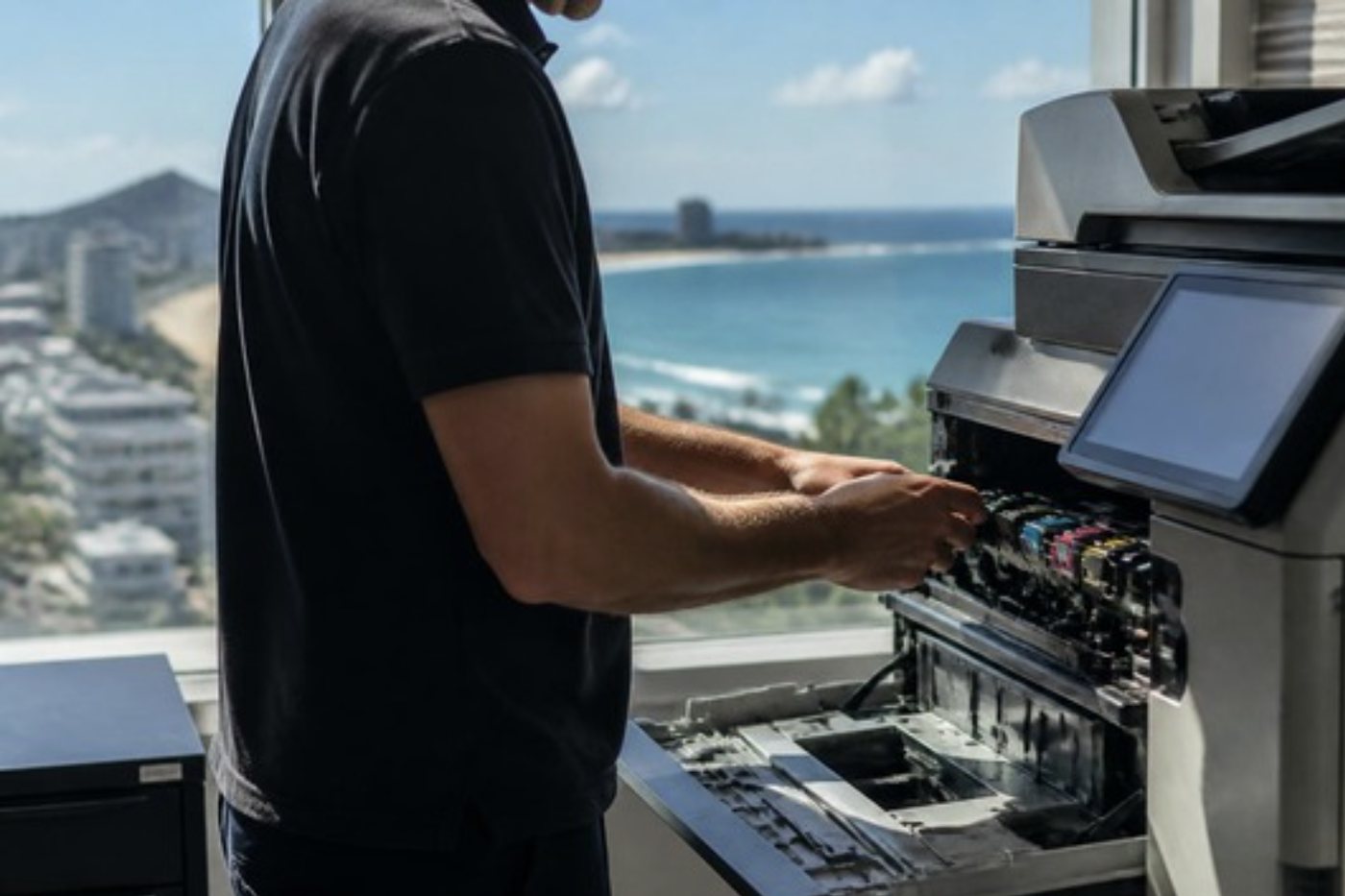
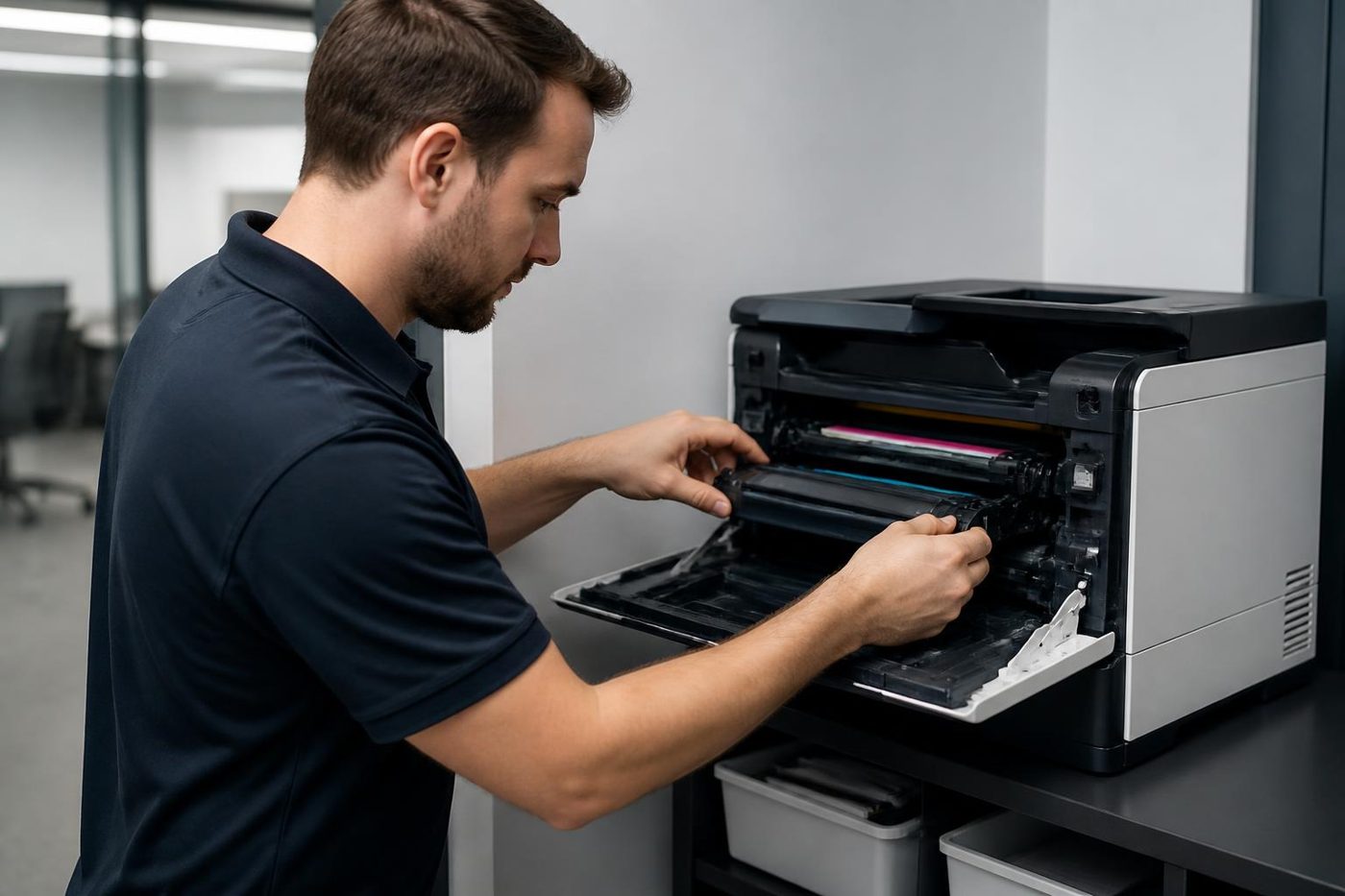
Get a price in three steps
- Describe your machineMake, model and the problem you are seeing.
- We phone with the priceYou hear it before anything is booked.
- A certified technician attendsSame day where the diary allows.
The Epson families we repair
A short word on how Epson Australia sorts its current business range. Larger machines sit under Enterprise. In A3 colour that means the AM-C4000, AM-C5000 and AM-C6000 plus the WF-C20750 and WF-C21000, with the AM-M5500 and WF-M21000 in A3 mono and the AM-C400, AM-C550 and AM-C550Z in A4 colour. Under Pro come the A3 colour EM-C8100 and EM-C8101, the A4 colour EM-C800, EP-C800, WF-C5390 and WF-C5890, and the A4 mono WF-M5399 and WF-M5899. The Epson Australia business pages we looked at carried neither EcoTank nor SureColor. If you own one, read us the full model and we say what applies.
- WorkForce Pro A4, current: the WF-C5390 and WF-C5890 suit accounts and admin teams who want A4 colour, and the C5890 also copies, scans and faxes.
- WorkForce Pro, earlier generation: WF-C5790, WF-C5710, WF-C5290 and WF-C5210, found in older fleets that still run ink supply units and a maintenance box.
- WorkForce Pro RIPS: the WF-C579R and WF-C529R in A4, for offices that hate swapping ink packs, and the WF-C878R and WF-C879R in A3, for a department that wants access control on top.
- WorkForce Enterprise: WF-C20600, WF-C20750 and WF-C21000, the choice for big volume print rooms with finishers attached.
- WorkForce Pro mono: WF-M5799 and WF-M5299, for a workgroup that only prints black.
- EcoTank Pro: the ET-M16600 and ET-M16680, which bring A3 mono work to an ink tank machine.
- SureColor T series: SC-T3160, SC-T5460 and SC-T5460M, the drawing office machines used by engineers, architects and designers.
Reading an Epson model name
From the names we have checked, C is colour and M is mono. The digits on the A3 AM series follow speed. Epson puts the AM-C4000, AM-C5000 and AM-C6000 in a band of 40 to 60 pages a minute. The WF-C20750 and WF-C21000 sit between 75 and 100, and the mono WF-M21000 is rated at 100. Each A3 AM machine takes a 3,000 sheet tray and tops out at 5,150 sheets with cassettes and trays added. Stapling goes to 50 sheets, and Epson also lists offset stacking, punching and saddle stitched booklets up to 20 sheets.
The ET-M16600 is another beast. It is an A3 mono multifunction using the EcoTank ink tank system, and Epson Europe describes it as Wi-Fi capable.
Around the coast, the WF-C5390 and WF-C5890 are the ones you find in clinics and accounts teams, while the AM series and the big WF-C20750 and WF-C21000 serve whole departments. Finishers matter on those, because a staple jam stalls the whole queue.
Where an inkjet gives up, one part at a time
The maintenance box comes first. It soaks up the waste ink from every head clean. As it nears the end of its life the panel warns you, and once it is full printing stops. A new box goes in. We do not reset the old one, and we do not use outside tools to wipe the waste ink counter.
Next come the feed rollers. A cassette that will not pick, two sheets dragged through together or a jam right at the tray usually means dust and paper residue on the rollers, or rollers worn smooth. On a WorkForce Pro each cassette has its own set, so one tray can fail while the next works perfectly.
The printhead is third. Bands across the sheet, or colours that go missing and stay missing after a nozzle check and a clean, point at the head. Cleaning too often burns through the maintenance box faster, so we keep it to what is needed.
Ink on the back of a page is usually an internal roller. The WF-C5790 can feed a sheet through itself to clean its paper guide. A document feeder that skews or picks badly shows on scans, not prints.
Models with a hard disk sometimes throw a disk error and cancel the job. That repair goes through Epson's own support, which is what we say on the call before agreeing the next step.
A SureColor T series plotter has two messages to know. Call For Service means it has stopped. Maintenance Request means some part has used up its service life. Paper stuck from a roll comes out through the rear cover.
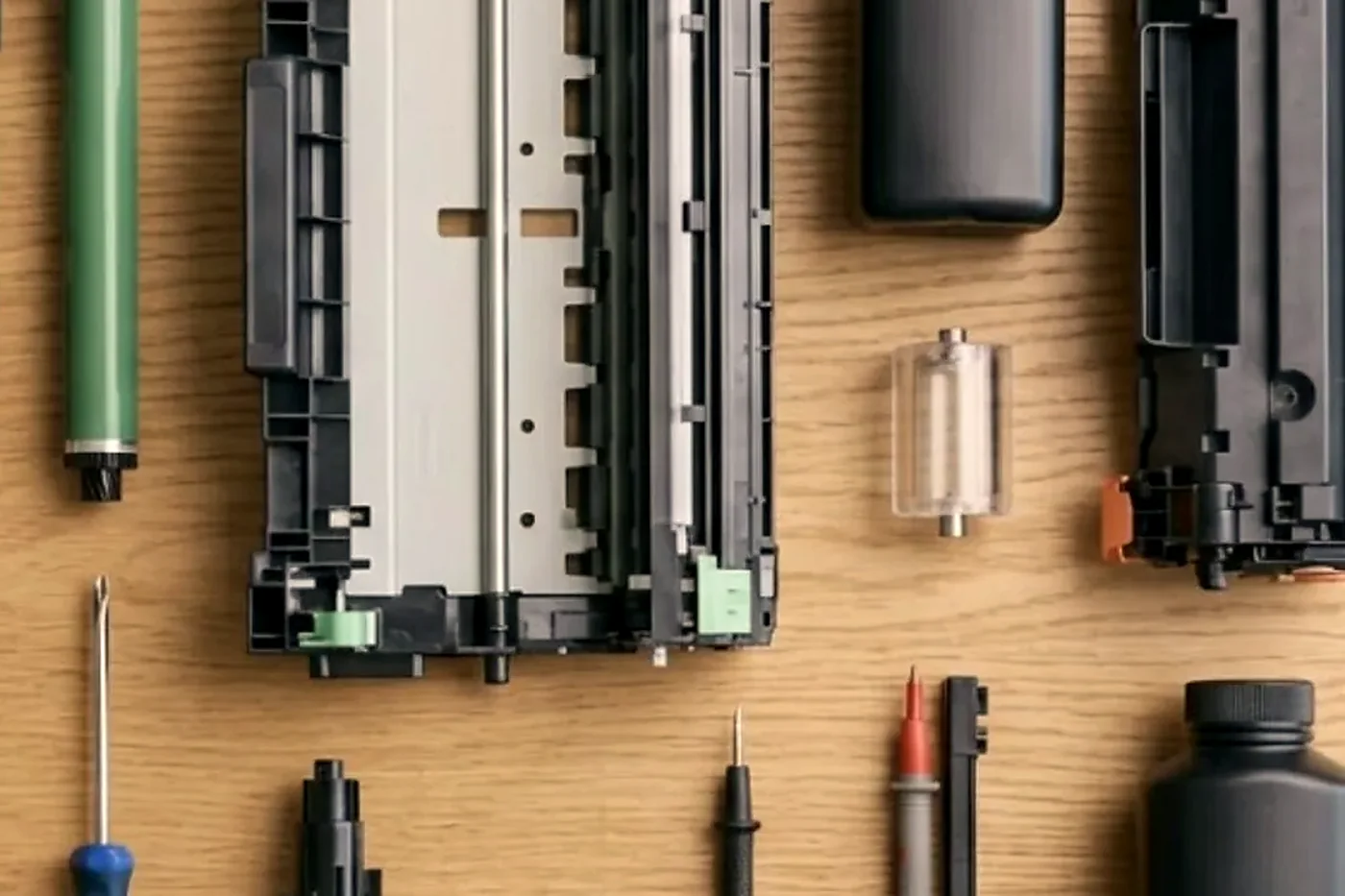
Job history codes you can read yourself
Each failed job on a WorkForce multifunction gets a three digit code. Open the Status Menu and look in the job history. We only discuss codes Epson prints in its user guides, and because a code can mean something different on another model, we check it against the manual for yours.
- Power: 001 means power was lost. On this coast, think storm season.
- Memory and storage: 101 is memory full, normally a job too big or too complex for the machine. 141 points to the printer hard disk, and 505 is a read or write fault in storage on the WorkForce Enterprise range.
- Access: 106 says access control blocked printing from the computer. 107 says the user failed authentication, so the job was dropped.
- Scan to email: 311, 312, 313 and 316 stand for DNS, authentication, communication and mail encryption, in that order.
- Scan to a network folder or FTP: the 322 to 328 run. 322 is authentication, 323 communication, 324 a file with that name already in place, and 328 a destination that is wrong or missing.
- Secure connections: 330 is a fault on FTPS or HTTPS, and 350 a certificate error, often only a wrong date and time set on the printer.
A Maintenance Request on a SureColor T series stays on screen until the worn part is changed. For Call For Service, Epson suggests turning off, unplugging at the wall and at the machine, plugging back in and starting again. If it comes back, the code goes to support.
Panel messages on a WorkForce Pro
The set below comes from Epson's list for the WF-C5710 and WF-C5790, and plenty of other models in the range word things the same way. Your panel may differ slightly. If it does, ring and read it to us.
Epson's own advice for a maintenance box message: do what the screen tells you, never touch the green chip, and carry the box level after removing it. A tilted or roughly handled box can leak onto the carpet and your hands.
- Printer error, turn the power off and on again: a general malfunction. Switch off and on, clear trapped paper and check each source has paper. We look for scraps in the paper path, how the cassette sits and what the job history says.
- Printer error, contact Epson Support, non printing features are available: Epson is flagging possible damage. Printing is locked out while scanning and other functions carry on. We work out whether it is power, a cassette or a board, and if it needs more than a visit we say so.
- Paper out in XX, load paper: that source is empty or holds the wrong size or type. We compare the size set for the cassette with what is loaded.
- Cannot print because XX is out of order: a cassette fault. Power off and on and refit the cassette. We check the cassette connector and the pick parts.
- Too many paper cassette units are installed: the model takes one optional cassette unit only. We count what is stacked under the machine.
- You need to replace Ink Supply Unit(s): the named pack has run out. We check the printer is reading the new one.
- Recovery mode: the machine has dropped into system recovery, and Epson says to contact the administrator. We look at an interrupted firmware update and the link to the computer.
- The combination of the IP address and the subnet mask is invalid: a network setting is wrong, so we compare the addresses on the panel and on the router.
- To use cloud services, update the root certificate: the certificate has expired. Date and time come first, then the certificate in Web Config.
Web Config, scan to folder and a clock that is wrong
Epson machines are configured through Web Config, a tool that runs in a browser. Change the administrator password from its starting value on day one, since the tool asks for it before advanced settings and firmware updates. Inside it you find mail server and sign in settings with a connection test, plus folder destinations with their credentials. LDAP lookups, certificates, IPsec, 802.1X and SNMPv3 live there as well.
Scan to email trouble clusters between 311 and 316, scan to folder between 321 and 334. One cause surprises people. If the computer name contains double byte characters, a save to a network folder can fail. And watch the printer clock: with the wrong date and time, encrypted connections break and certificate errors follow.
Rejections coded 106 and 107 come from user restriction and access control. Some sites run secure release or role based access on the A3 RIPS machines. There we look at the driver credentials too, not just the printer. If a wireless office runs a 5 GHz router, the printer needs the dual band setup with separate network names, otherwise scanning turns flaky. Firmware updates run from Web Config, and the machine has to be idle with nothing on screen.
Inkjets dislike a quiet fortnight
Nozzles can dry out when a machine sits idle, and the cleaning cycles that follow use up the maintenance box. A printer in a school office over the Christmas break or in a surveyor's shed over a long weekend is a candidate. Humid coastal air does not do paper any favours either.
If a machine is used rarely, tell us when you ring. It changes what we check first, and the best cure may be a short weekly test print and not a part.
Trays, finishers and what bolts on
Capacity grows with add ons. The WF-C5890 reaches 1,830 sheets with extra feeders, the WF-C579R 1,330 and the WF-C879R 1,900.
On the Enterprise side the WF-C21000 can take a high capacity input tray, a staple finisher with punch options and a booklet finisher that folds and saddle stitches. Options for those machines include a gigabit ethernet card, a fax board and locks for the cassettes, and the cassette feed rollers on them can be serviced.
A visit to an Epson, in the order we work
A nozzle check opens the visit, because it shows in ten seconds what the printhead is doing. How full the maintenance box is comes next, because a box close to full limits how much head cleaning we are willing to do. Then the cassettes: each one is pulled, looked at and fed a few sheets, because on a WorkForce Pro each cassette has its own roller and one good tray does not prove the other.
The document feeder follows, then the job history for any repeating code and, if scanning is the complaint, the network settings. Plotters get the roll path and cutter inspected as well. A machine that has been cleaned, fed properly and is printing a clean nozzle pattern goes back into service, and you hear what else we noticed.
RIPS machines and the ink pack rhythm
The RIPS models in the A4 and A3 ranges exist for one reason: so that nobody has to change a pack every fortnight. That is a good design for a busy office, and it has its own habits. People stop watching the ink level because they never need to, then a pack runs out on the morning of a tender and nobody has a spare.
If you run one, keep a spare unit in the cupboard and write the model on the shelf. When a replacement is fitted and the machine still reports the old pack, tell us. The machine may not be reading the new one properly, and that is a quick fix we can usually talk you through.
Roll feed, cutter and the long drawing
SureColor plotters pull paper from a roll, and the roll is where the trouble usually begins. One loaded slightly crooked will track to one side. Damp media in a humid summer cockles and rubs the head. A roll left outside its wrapper for a week behaves differently from a fresh one.
The cutter works from a sensor reading the edge of the media. If it cuts short or in the wrong place, the sensor, the blade or the roll width setting in the driver is at fault, and we check all three. Roll jams clear through the rear cover, and a roll that has jammed once should be trimmed square before it goes back in.
Drawing offices have a habit of printing on whatever media was on special that month. A new media type can behave quite differently on the same machine. Tell us if the fault started around a change of roll.
The queue, the driver and the shared printer that is shared with nobody
When an Epson prints from one computer but not the other, a driver or a port is likelier than hardware. Windows updates replace drivers quietly, and a printer found by name last week is sometimes found by address this week. If the router has handed the machine a new IP address, it can look dead when it has only moved.
Address, driver and queue are what we check, and on a multifunction we test scan to email and to folder as well. If the problem turns out to be a setting, whoever looks after the office is shown how to spot it next time.
Repair Epson printers, or leave it: an honest line
A business inkjet with a clogged head, a worn feed roller or a full maintenance box is often well worth fixing. A machine several years old that needs a new printhead is a closer call, because the head is a large part of what the machine is worth. You hear that, with the reasoning, before you spend a cent.
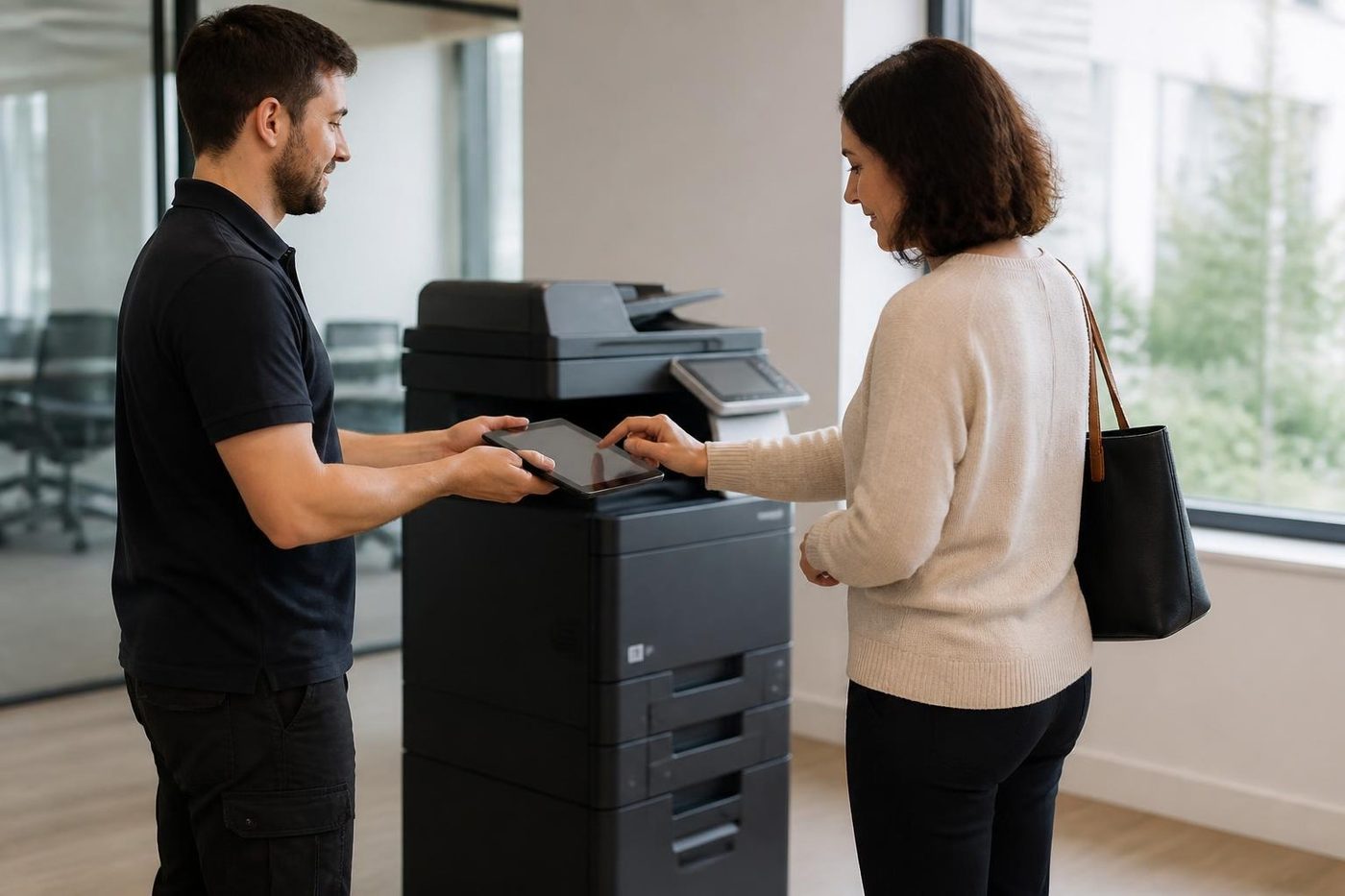
If you are searching for Epson printer repairing near me, you may find shops that want the machine left with them. Ours is a visit to your premises. A WorkForce Pro on a reception desk or in a back office is repaired there. Some faults can be talked through on the call, and now and then that settles it.
Everything we do is warranted. You are told the price on the phone, and nobody is booked until it is agreed. A fault that returns gets fixed a second time without charge.
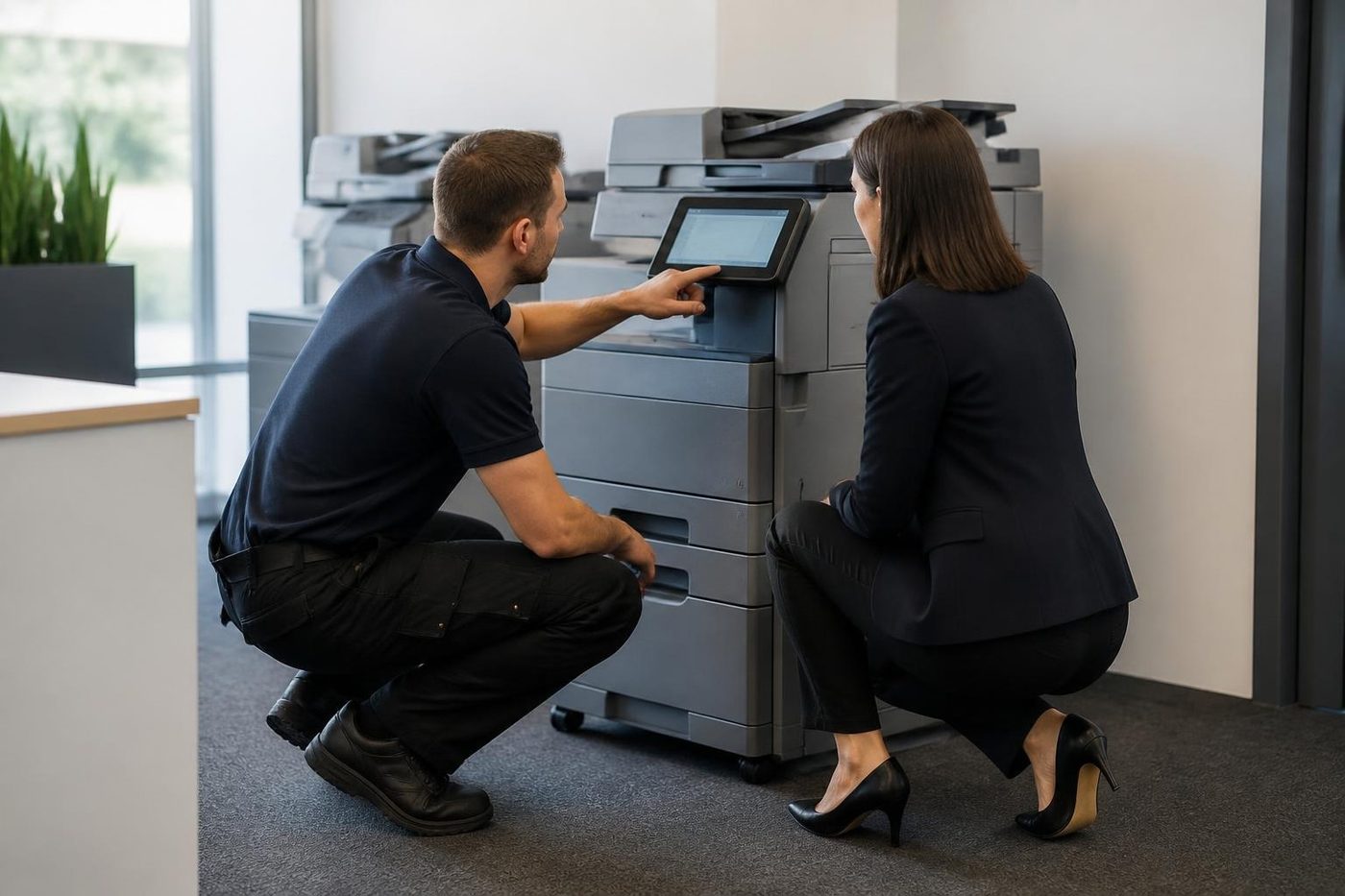
Epson across the coast: who rings and why
Plotter jobs come from engineers, surveyors and building designers around Maroochydore, Noosaville and Kunda Park. A4 colour calls come from clinics and professional rooms at Kawana and Buderim. On the industrial estates it is WorkForce multifunctions in the front office.
A site shed plotter needs a different plan from a suite printer, so ask yourself about the room, the media and the way in before you phone. Read us the job history code and tell us when the machine last worked properly. If you also run a laser or two, one visit can cover them.
Maybe a machine is past saving and you want to look at something else. Machines, new and second hand, are part of our trade, and what we sell is warranted. The call is where we explain what that covers.
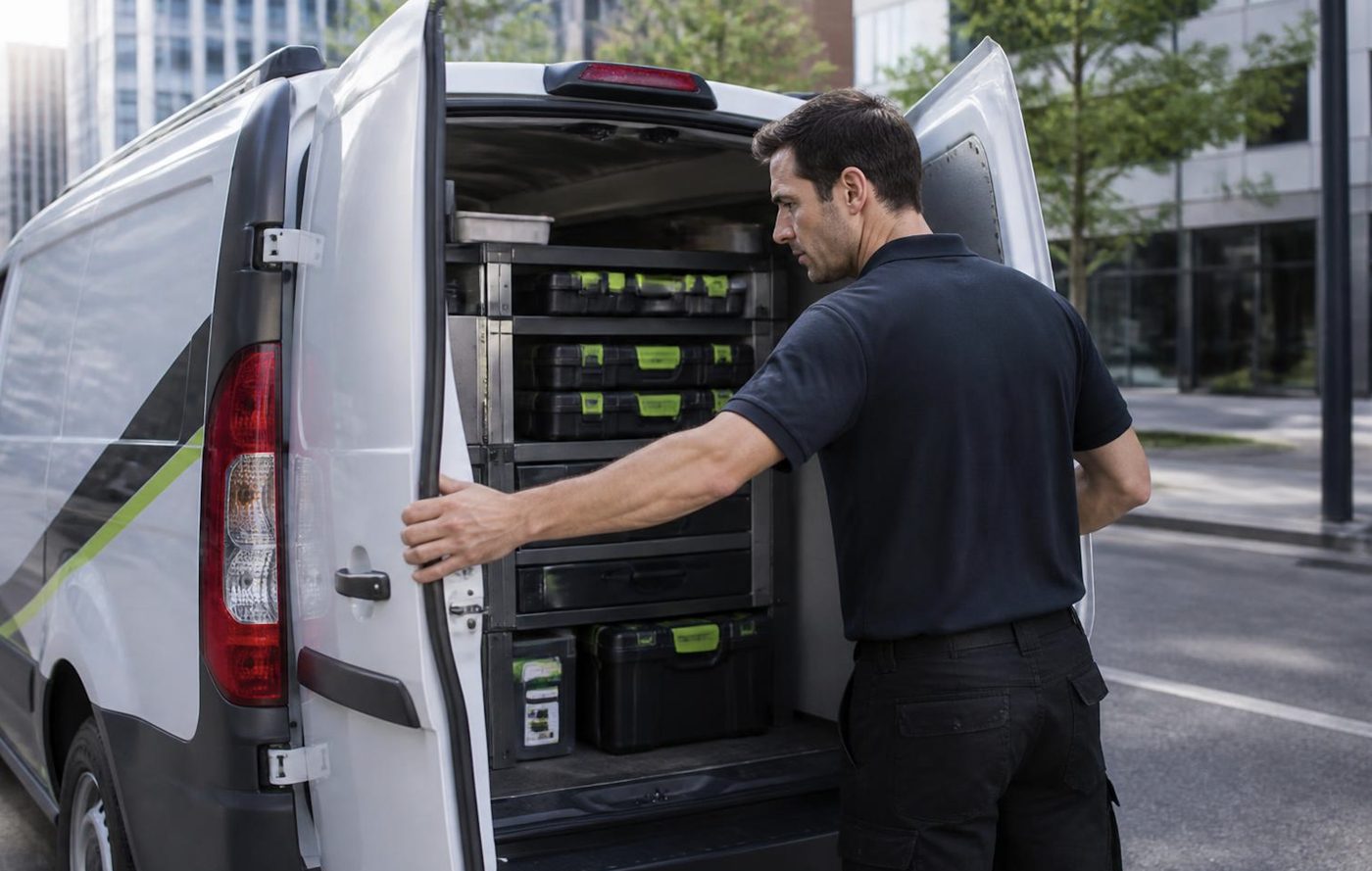
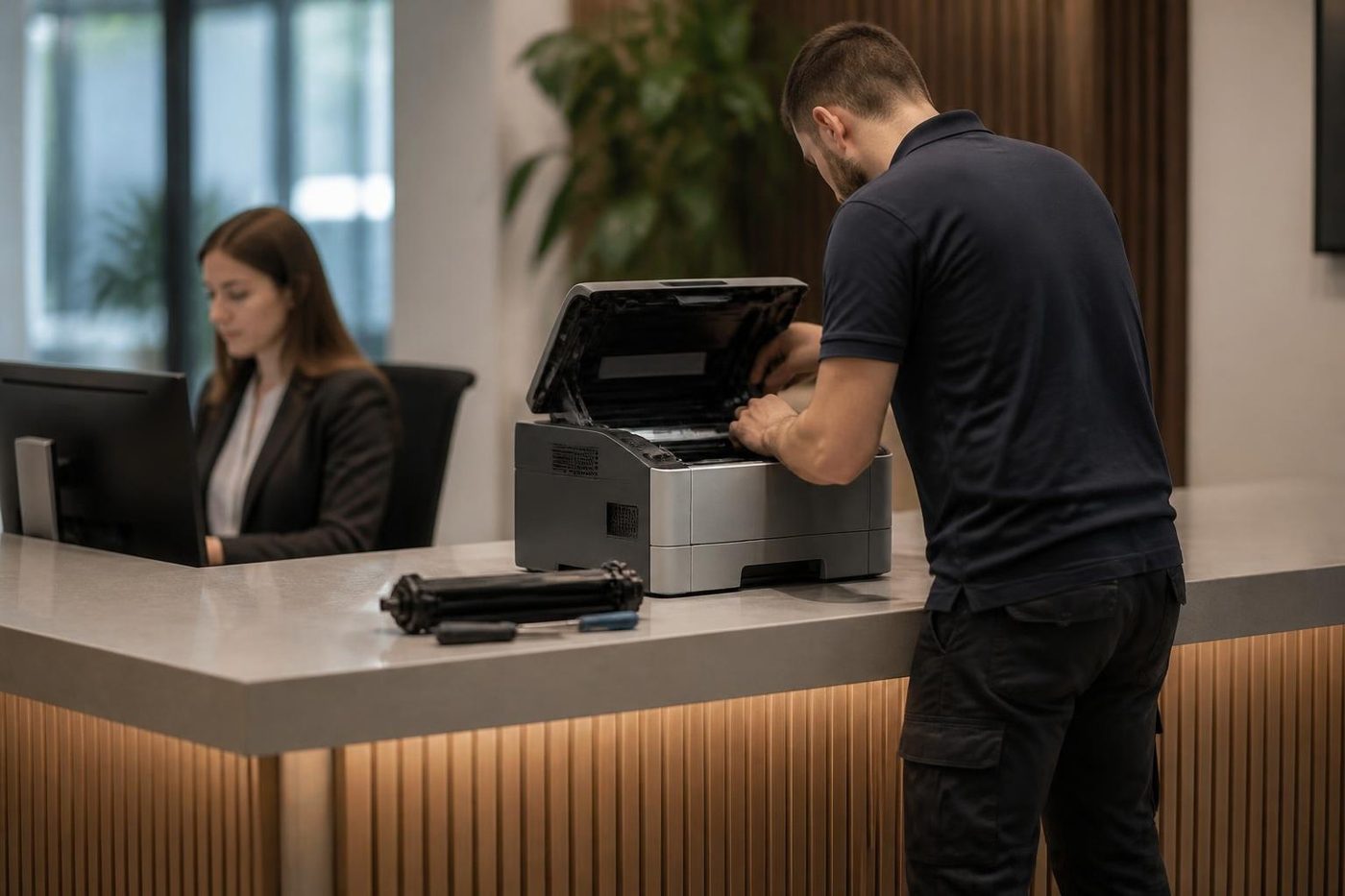
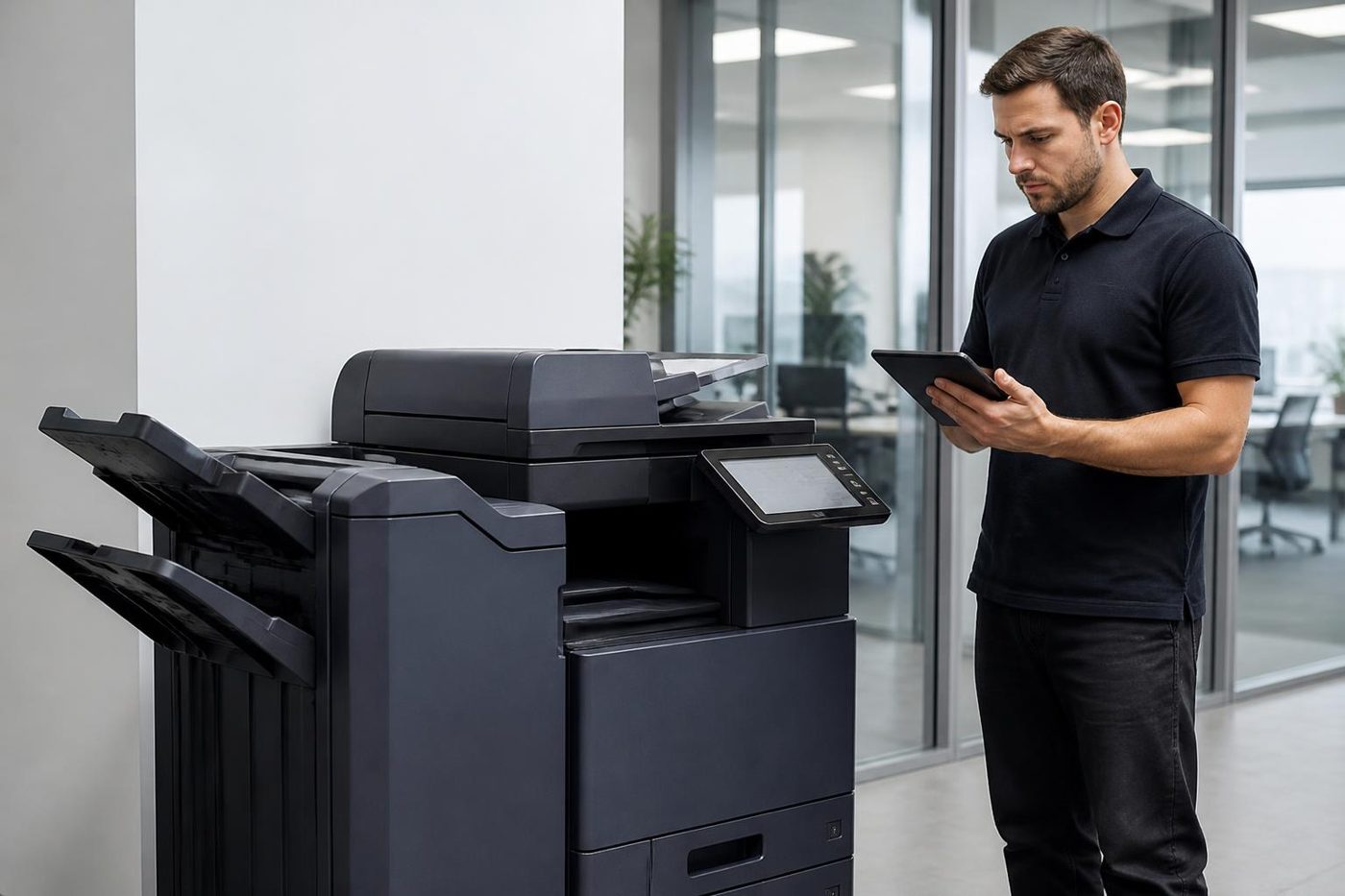
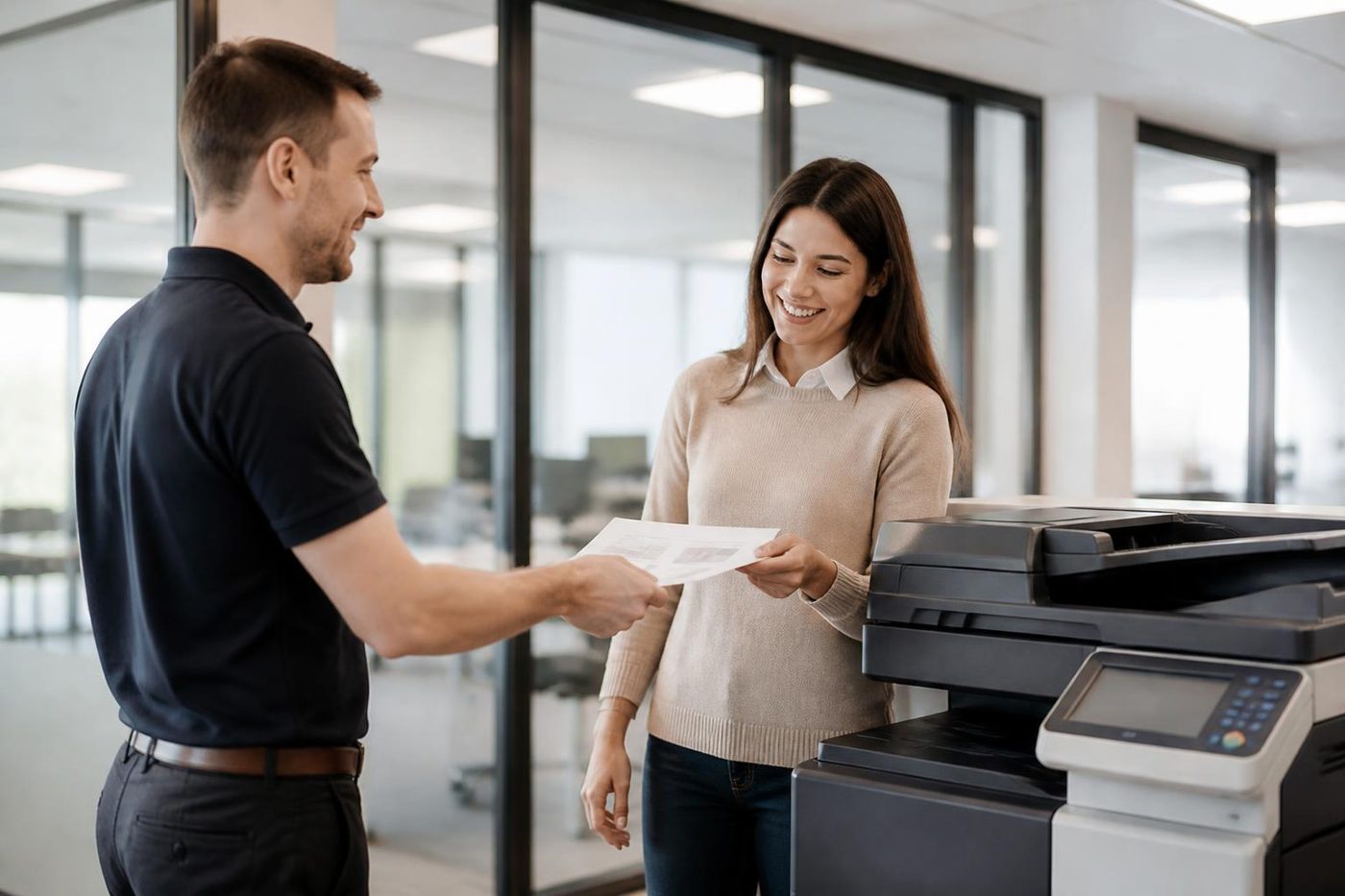
What happens on a Epson job
Belts and rollers
Belts like clean hands and a gentle pull
The transfer belt in a colour copier is thin, smooth and quietly expensive. A crease, a scratch or a smear of skin oil from a bare thumb can print as a faint repeating mark on every colour page for the rest of its life. We wear gloves, we lift it straight out, and we check the rollers that drive it before it goes back.
Honest repairs look dull from the outside. Check, clean, replace the one thing that is worn, test.
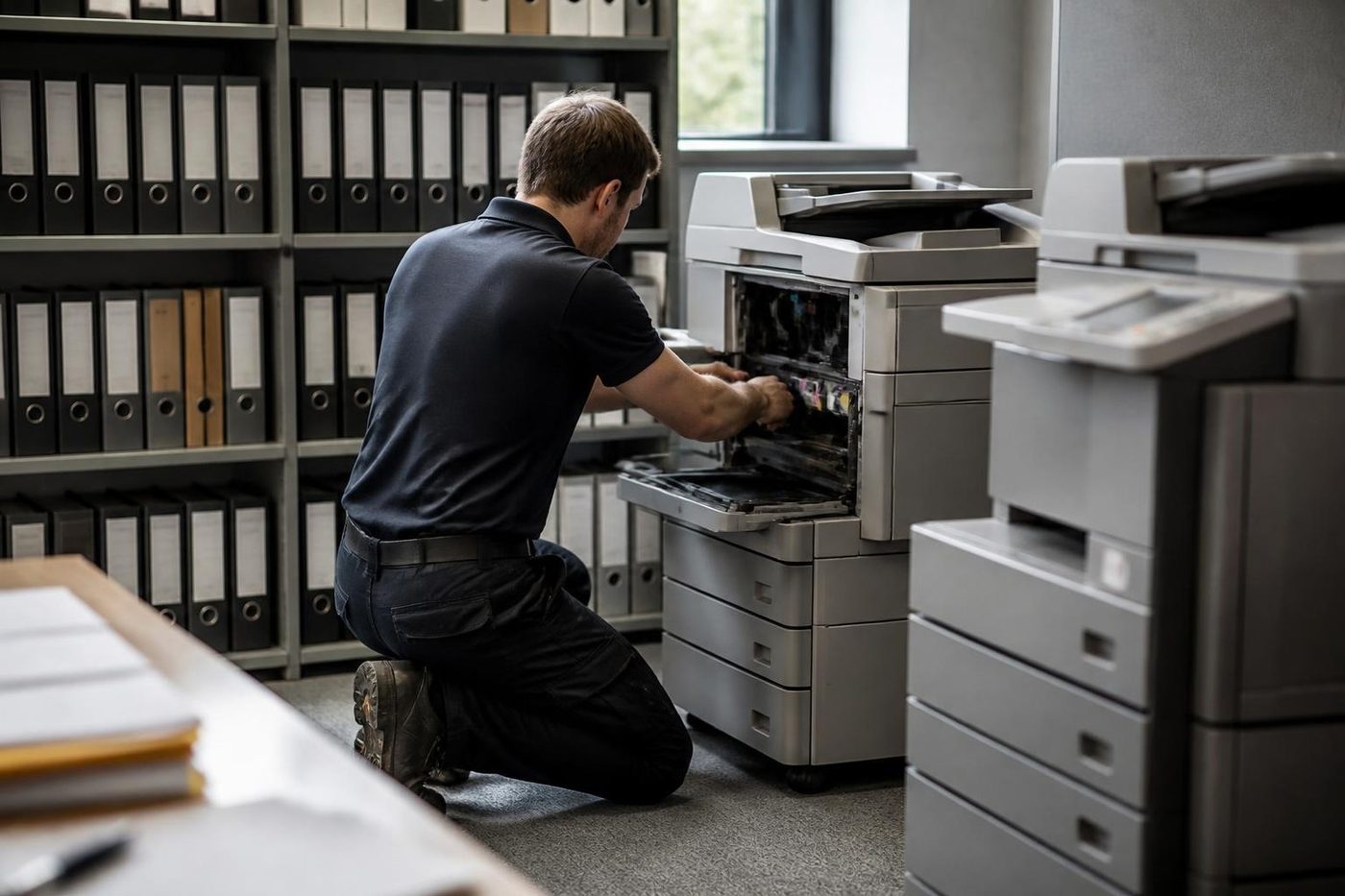
- Gloves on. Belts and drums are handled by the edges.
- Check the drive. Worn rollers cause marks that look like belt faults.
- Replace the worn part. Not the whole assembly.
More for Sunshine Coast offices
 Plotter serviceHP DesignJet, Canon imagePROGRAF and Epson SureColor plotters repaired on site.
 Commercial printer repairsCommercial laser printers, label printers and fleets repaired on site.
 HP repairsLaserJet Pro, Enterprise, Color LaserJet and DesignJet repaired on site.
 Brother repairsBrother HL lasers, MFC multifunctions and A3 inkjets repaired on site.
 Noosa and NoosavilleHastings Street, Noosa Junction, Noosaville and Tewantin.
 BuderimVillage practices, allied health, home based firms on the ridge.
 Kawana and BirtinyaMedical suites, Kawana Way offices, Birtinya and Bokarina.MaroochydorePrinter and photocopier repairs for the plaza, the new city centre, Cotton Tree and the business parks.
Buy, sell and lease
Buy, sell and lease commercial copiers on the Sunshine Coast
We also sell new and second hand commercial copiers and buy used ones. Same team, same technicians.
Around the coast with the van
What people ask when they ring
Where do I read an Epson error code?
Open the Status Menu on a WorkForce multifunction and go to the job history. The failed job carries a three digit code.
What does the Epson maintenance box message mean?
The waste ink box is close to the end of its life, and once full it stops printing. We fit a new box rather than resetting the counter with third party tools.
Why do my prints have bands across them?
Usually a weak or blocked nozzle in the printhead. A nozzle check and a head clean come first. If the bands return, the head or the ink path needs a closer look.
Can scan to folder be fixed on an Epson?
Yes. Codes from 321 to 334 point at authentication, communication, a duplicate file name or a wrong destination. We also check the date and time, and whether the computer name has unusual characters.
Do SureColor plotters get serviced too?
Yes, the T series among them. Epson says a Maintenance Request stays until the part is replaced. Roll feed and calibration are covered on the plotter page of this site.
Is an older Epson inkjet worth fixing?
A feed roller, a clean or a maintenance box usually is. A new printhead on an older machine is a closer call, and we say so plainly.
Do we bring the printer to you?
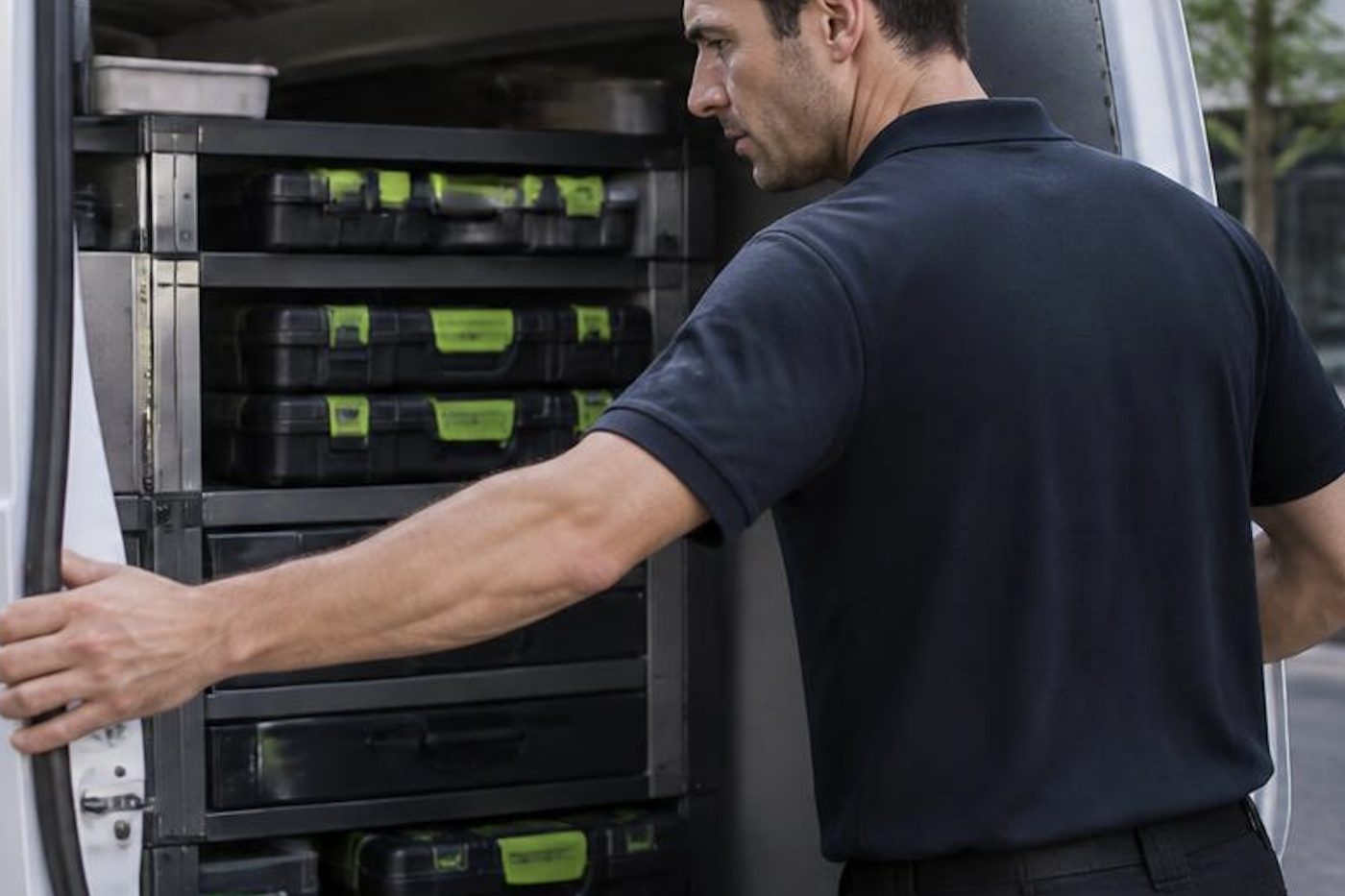
No, we come to your premises. Technicians bring the common spare parts, so plenty of jobs finish in one visit.
Will an independent repair upset our manufacturer cover?
We have no connection with Epson. If the machine is still under the maker's cover, speak to Epson before booking.
Is same day Epson service possible?
Same day service is available. When you ring we say what is realistic for your suburb.
For offices and trades
Site office, surgery or school front desk
One call, a price agreed before anyone is booked, and a technician who knows your make.
Get a price
All of our work on the Sunshine Coast
Service pages
- Photocopier repairs Sunshine Coast
- Commercial printer repairs Sunshine Coast
- Plotter service Sunshine Coast
Fault pages
- Installation and setup Sunshine Coast
- Relocation and removal Sunshine Coast
- Copier and printer faults Sunshine Coast
- Photocopier paper jams Sunshine Coast
- Copier black lines and streaks Sunshine Coast
- Copier error codes Sunshine Coast
- Copier not printing Sunshine Coast
- Scan to email not working Sunshine Coast
- Toner smearing and fuser faults Sunshine Coast
- Printer offline and network faults Sunshine Coast
- Copier noise, grinding and squealing Sunshine Coast
- Is my copier worth repairing Sunshine Coast
- Toshiba e-STUDIO error codes Sunshine Coast
- HP LaserJet error messages Sunshine Coast
- Kyocera TASKalfa error codes Sunshine Coast
Makes we work on
- Toshiba copier repairs Sunshine Coast
- HP printer repairs Sunshine Coast
- Kyocera copier repairs Sunshine Coast
- Fujifilm copier repairs Sunshine Coast
- Xerox copier repairs Sunshine Coast
- Canon copier repairs Sunshine Coast
- Ricoh copier repairs Sunshine Coast
- Lexmark printer repairs Sunshine Coast
- Brother printer repairs Sunshine Coast
- OKI printer repairs Sunshine Coast
- Zebra printer repairs Sunshine Coast
- Konica Minolta copier repairs Sunshine Coast
- Sharp copier repairs Sunshine Coast
- Samsung printer repairs Sunshine Coast
- Fuji Xerox copier repairs Sunshine Coast
Coast towns and suburbs
- Printer service Caloundra
- Printer service Gympie
- Printer service Buderim
- Printer service Maleny and the Blackall Range
- Printer service Kawana and Birtinya
- Printer service Nambour
- Printer service Maroochydore
- Printer service Noosa and Noosaville
- Printer service Coolum and Peregian Beach
- Printer service Mooloolaba and Alexandra Headland
- Printer service Sippy Downs and Maroochydore industrial
- Printer service Pelican Waters and Bribie Island
- Printer service Beerwah and Glass House Mountains
- Printer service Yandina and Eumundi
- Printer service Cooroy, Pomona and Cooran
- Printer service Cooloola, Tin Can Bay and Rainbow Beach
- Printer service Kilcoy and the D'Aguilar side
- Printer service Palmwoods, Montville and Mapleton
- Printer service Landsborough and Mooloolah Valley
- Printer service Marcoola and Sunshine Coast Airport
- Printer service Coolum industrial
- Printer service Warana and Kunda Park
- Printer service Tewantin
- Printer service Bli Bli and Pacific Paradise
- Printer service Currimundi, Little Mountain and Baringa
- Printer service Kenilworth, Imbil and the Mary Valley
- Full list, Caloundra to Gympie
Got the make and the problem? That is all we need to price it.
Not sure what the message means?
You do not need the right words. Say what it does or does not do and we work out the rest on the phone. (07) 5327 3472.