Kawana, Birtinya and the hospital precinct
Printer and photocopier service Kawana and Birtinya
The Sunshine Coast University Hospital changed what Kawana and Birtinya look like on a map, and it changed the printers too. Specialist suites, pathology, allied health, builders and consultants have moved into the streets around it, and every one of them has a copier or a printer that has to work. We do printer and photocopier service on site.
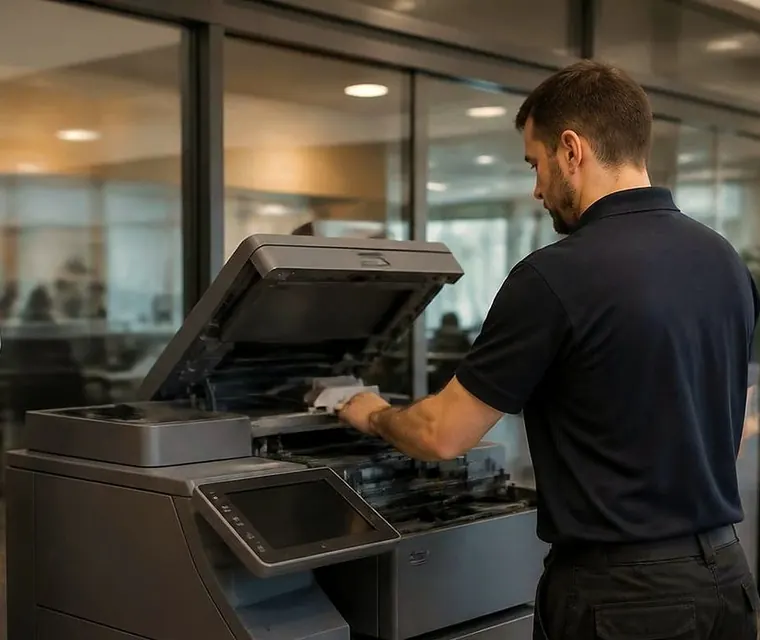
Kawana and Birtinya printer and photocopier service
Who is where
| Part of the area | What is there | The machines that go with it |
|---|---|---|
| Birtinya and the hospital precinct | Public and private hospital, specialist suites, pathology, imaging, allied health, medical administration. | Several A3 and A4 multifunctions per suite, label printers for specimens and scripts, a lot of scanning. |
| Kawana Way and the Kawana Shoppingworld side | Accountants, finance, real estate, insurers, dental, physio, small retail. | One floor standing copier plus desktop lasers. |
| Bokarina, Warana, Wurtulla, Buddina and Minyama | Home based practices, tradies working from a shed office, surf and tourism operators. | Desktop lasers, a few A3 machines, label printers, a plotter or two. |
| Birtinya's newer streets | Fit outs, builders' site offices, project managers, new tenants. | Machines moved in recently, sometimes with network settings from the last office. |
Get a price in three steps
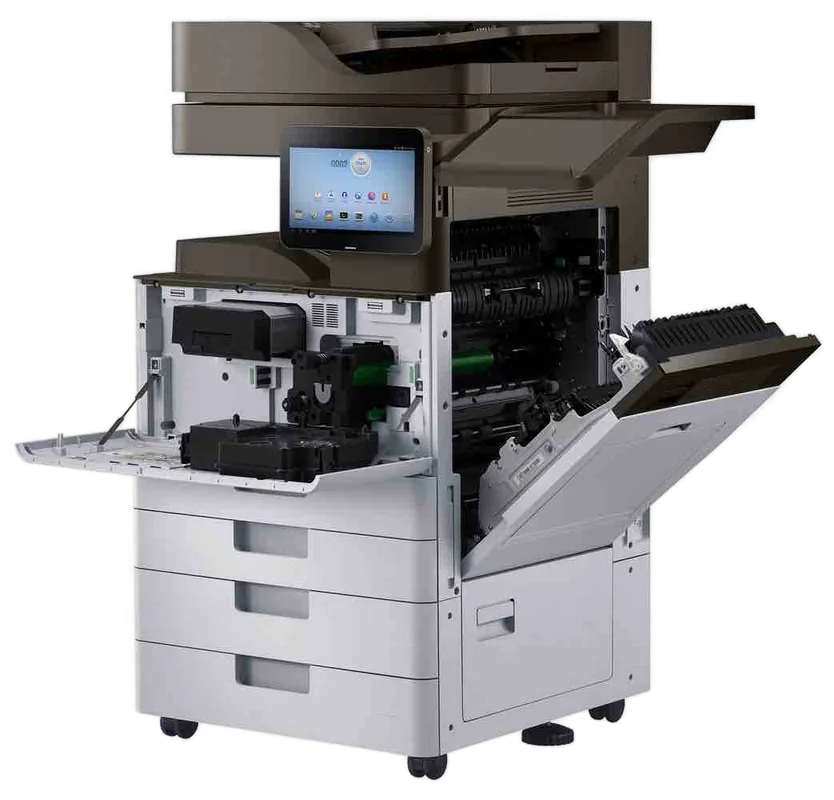
- Describe your machineMake, model and the problem you are seeing.
- We phone with the priceYou hear it before anything is booked.
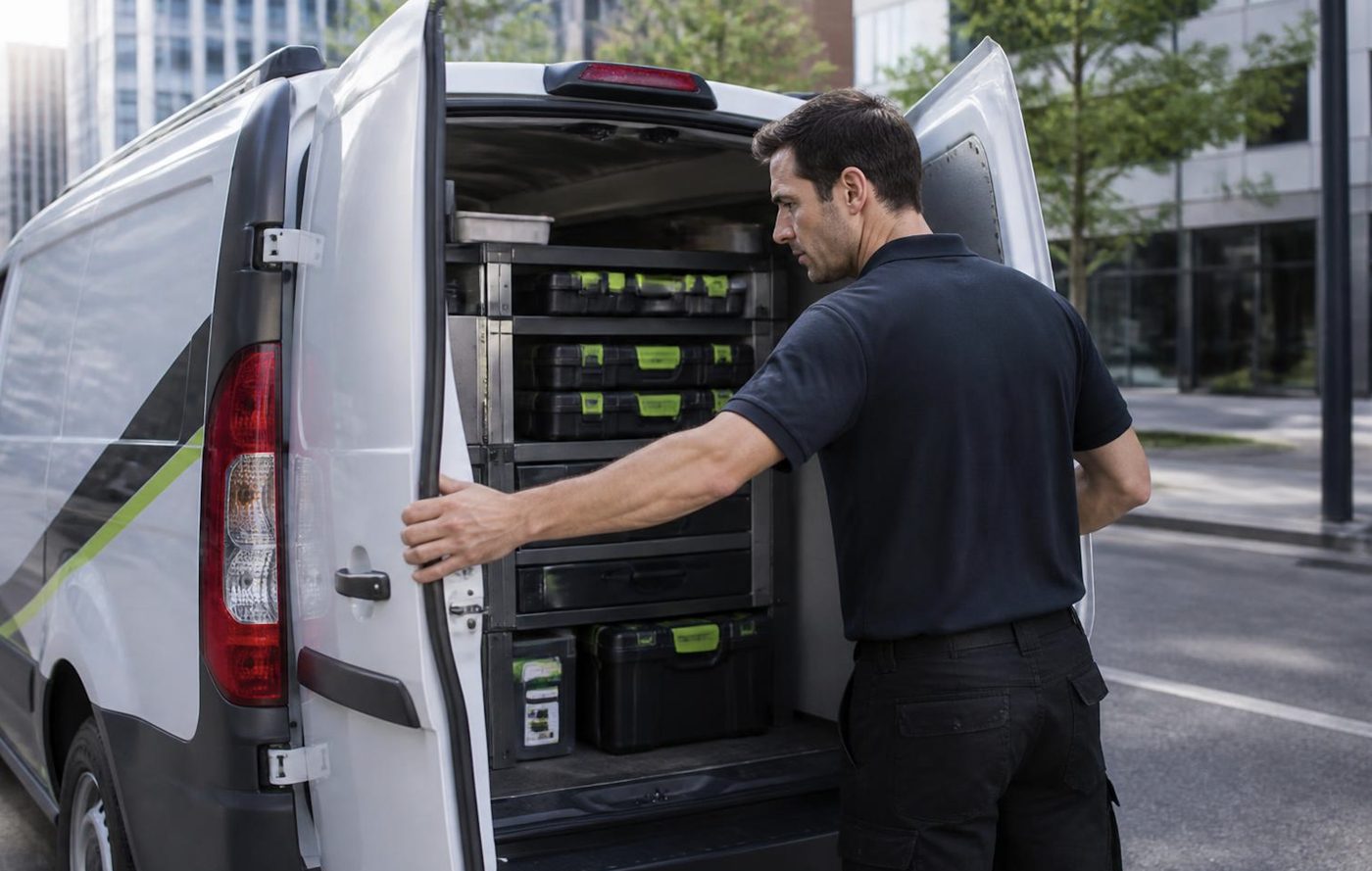
- A certified technician attendsSame day where the diary allows.
Medical suites: the machines that cannot wait
A suite in a hospital precinct usually has the same short list. A printer for scripts and referrals. A label printer. A copier or multifunction that scans identification and paperwork into the patient system. A small laser beside the reception counter.
The one we hear about first is the one at reception, because the patient is standing in front of it. So tell us on the phone which machine blocks the day. We will tell you what to do about the others while we are booking the visit.
We keep the visit tidy. We do not leave toner or paper waste in a clinical area, we ask where to put tools, and we run test pages before we leave so you are not left to find out at four in the afternoon that the tray does not feed.
If a printer prints patient information, we also treat the paper that comes out of it. Jammed sheets get handed back to you, not binned in a corridor.
Scan to the practice system
Scanning is where medical offices lose time. The copier scans to a folder, the practice software picks it up, and one change in the middle, such as a renamed computer or an updated password, stops the whole chain.
We work through the copier end of that. We check the address it sends to, the account it signs in with and the protocol it speaks. Then we tell you plainly whether the next step is with your IT provider.
This is a common repair, and it rarely needs parts.
Kawana Way offices and the finance crowd
Accountants, brokers and insurers share two traits: lots of paper at tax time, and a copier that was fine until the last week of June.
If you run through a peak, ask us for a check a month before it starts. We read the counters, replace the rollers that are near the end of their life, and clean the feed path. It costs less than the same callout in the middle of the rush.
Colour copying is another difference. Offices that print client reports in colour are hard on toner and transfer belts. A belt that shows a repeating mark every few centimetres is telling you something.
Home studios and shed offices
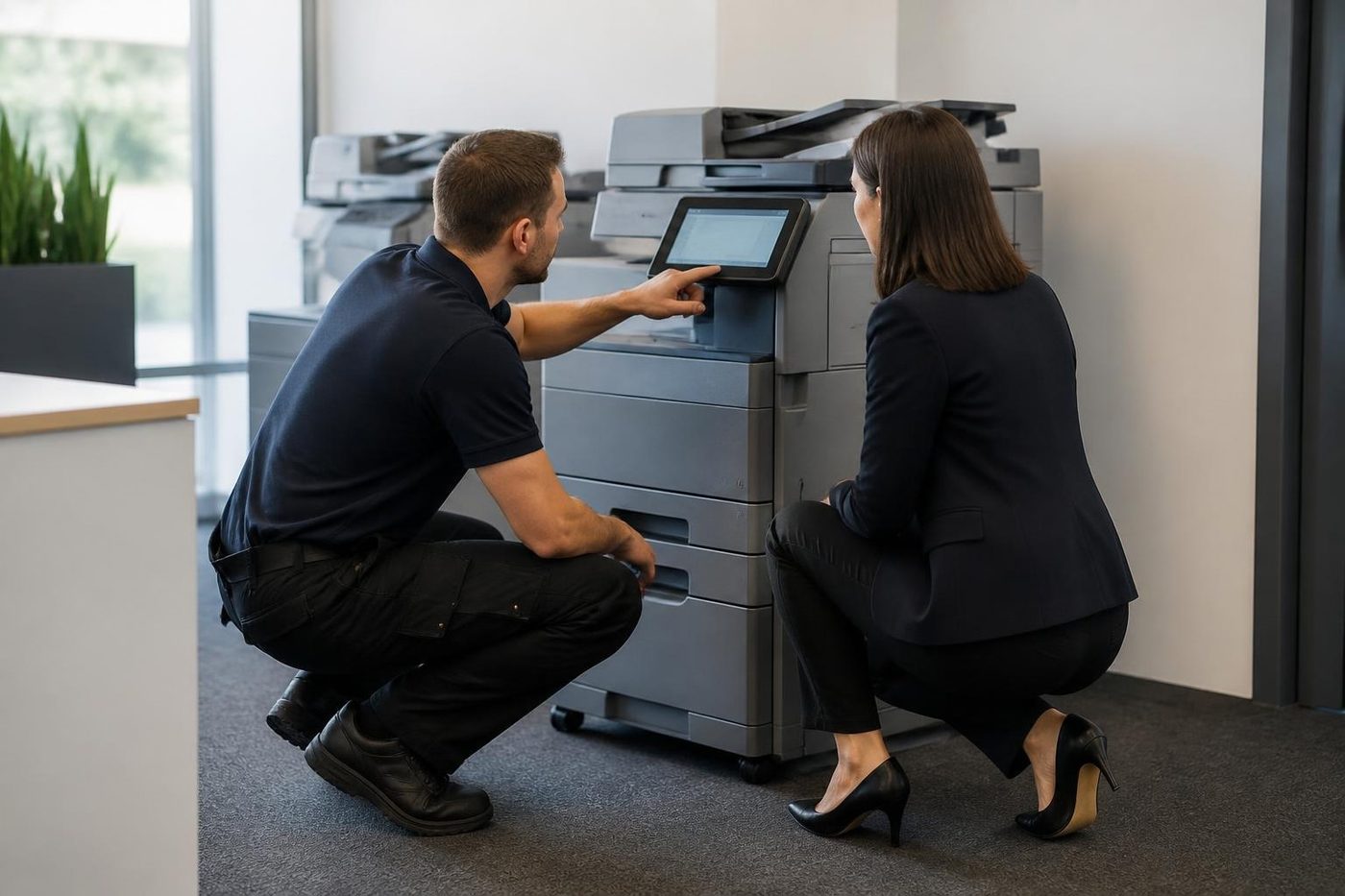
Around Warana, Wurtulla and Bokarina plenty of businesses have no office at all. A bookkeeper in the study, a builder with a printer in a shed, a designer in the garage. Those machines are normally desktop lasers or inkjets, and the usual faults are paper, network and toner.
We repair commercial printers for these businesses on the same terms as anyone else. If the machine in question is a cheap inkjet that costs more to fix than to replace, we tell you, and we are not chasing that work.
Newer buildings, older settings
Birtinya has plenty of fit outs. A business moves in with its machines from a previous building, switches them on, and finds that nothing prints. The network is different, the addresses are different, and the printer still has the old settings.
We reset the machine to the new network, set a fixed address, install the drivers on the computers and print a test from each. A few of these jobs a week is normal for us, and nobody should need a second visit.
Under the bonnet: what the technician actually checks
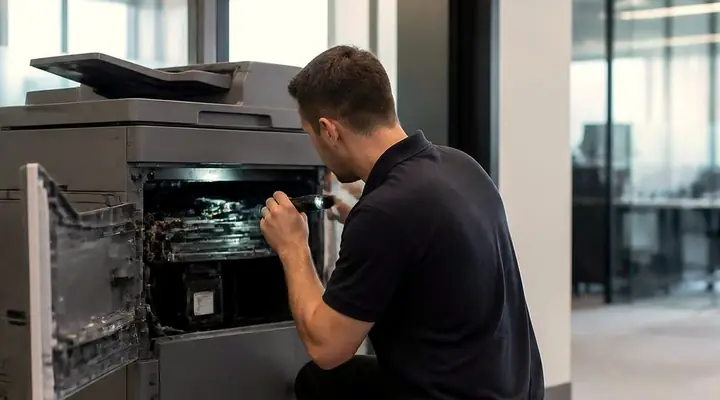
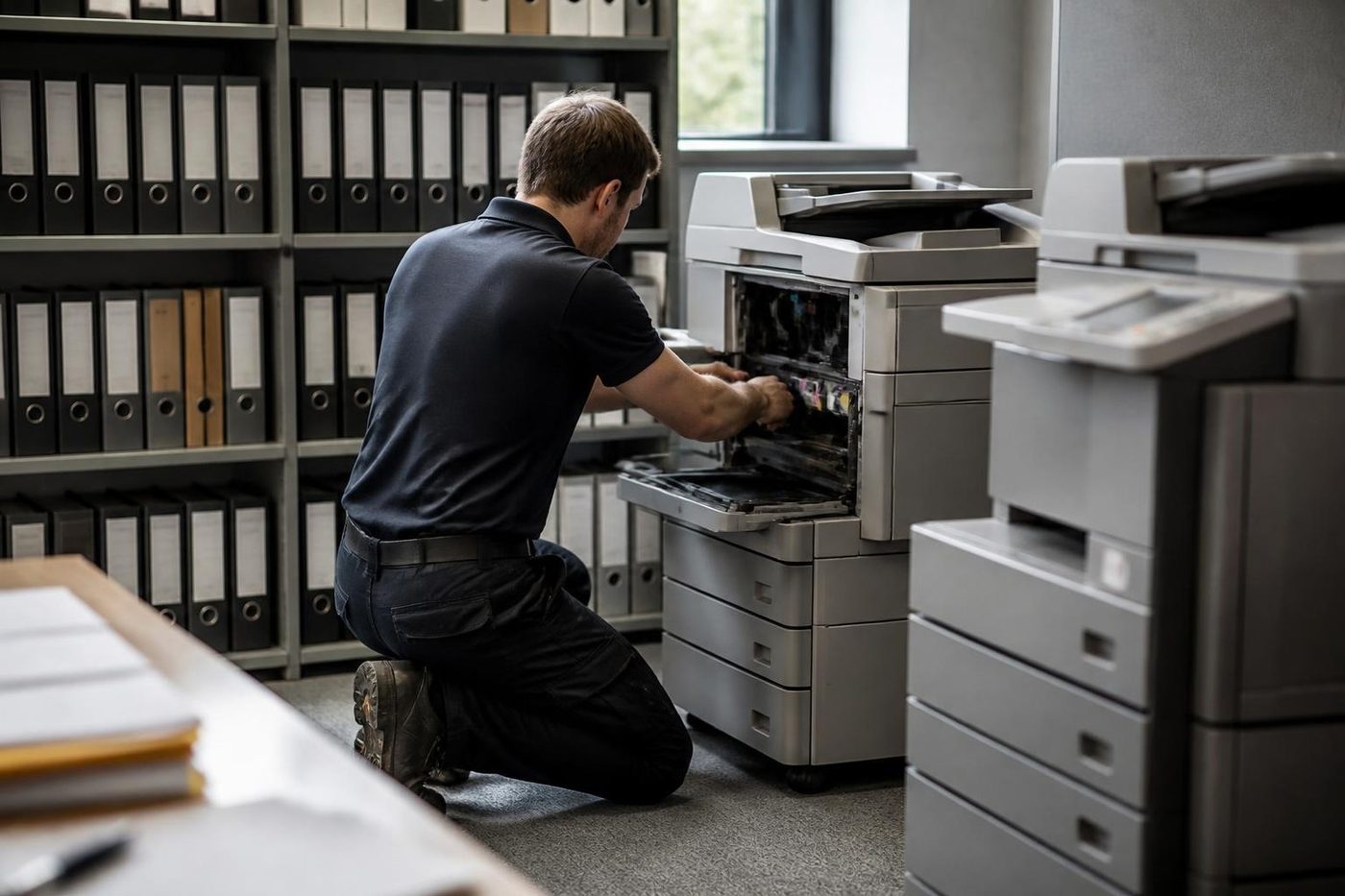
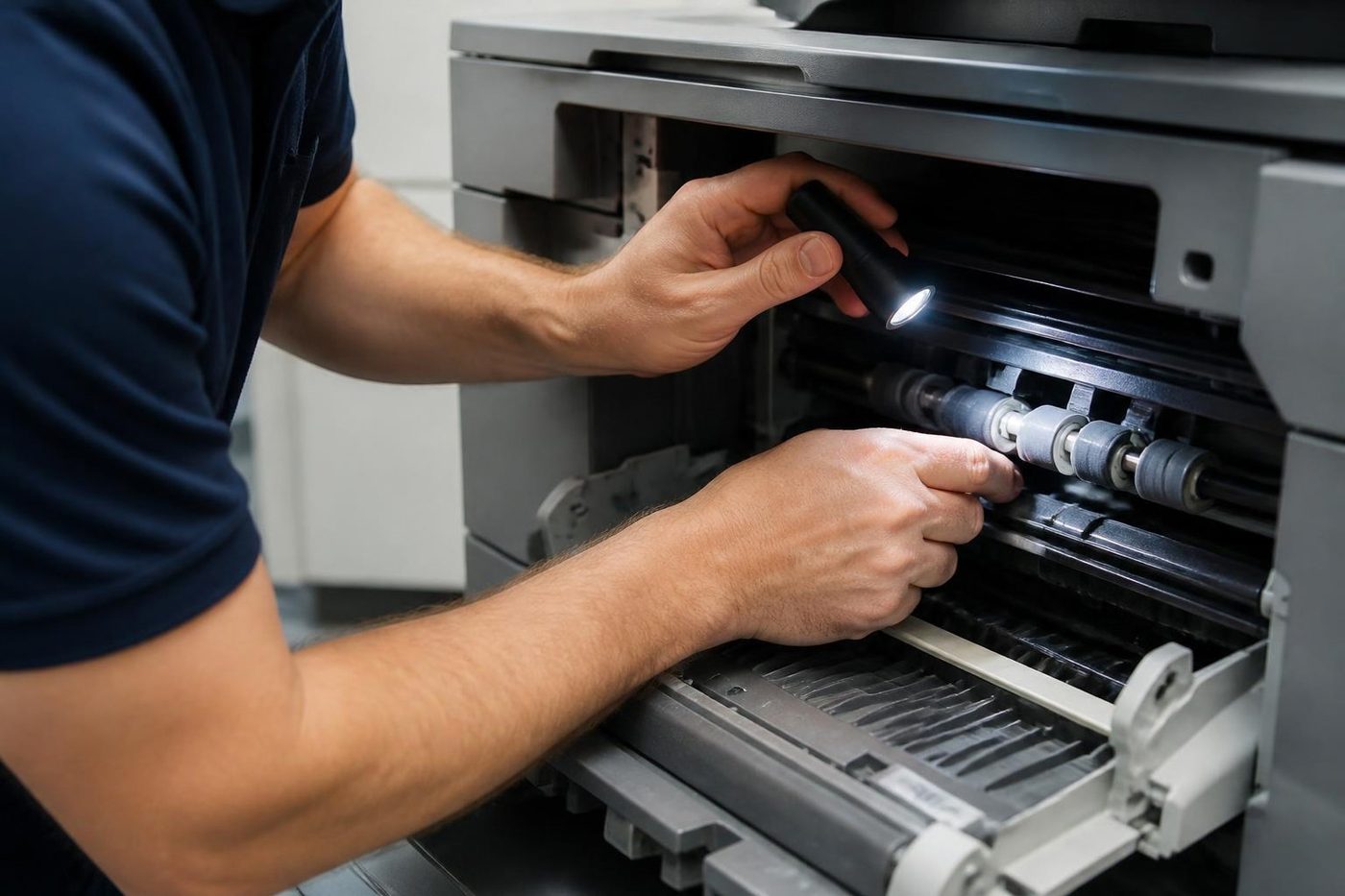
On a typical service visit to a multifunction in Kawana we go through the machine in a set order. The paper path first, because most faults start there. Then the pickup and feed rollers, the separation pad and the registration area. The document feeder next, with its glass strip. Then the fuser, looking at wear, noise and temperature behaviour, and the drum and cleaning blade for marks. Finally the page counters and the logs, for any codes that came and went.
That sequence finds the small problems before they become calls. A code that appeared three times last month and cleared by itself is a pointer, and we say where it points.
Technicians are trained, experienced and certified. Most repairs are finished on the first visit, 98% of them, and if the same fault returns we fix it again at no charge.
Brands around the precinct
Toshiba e-STUDIO and Canon imageRUNNER ADVANCE are the big two in the suites. Kyocera TASKalfa is common in accountants and builders. Ricoh, Konica Minolta bizhub, HP LaserJet, Brother and Epson are all around. Fujifilm and Xerox machines turn up in the older offices.
We are independent and have no tie to any maker. We also sell and buy machines, so a suite that is fitting out can ask us about a new or second hand unit rather than relying on a quote from elsewhere.
Colour work and the belt that tells you things
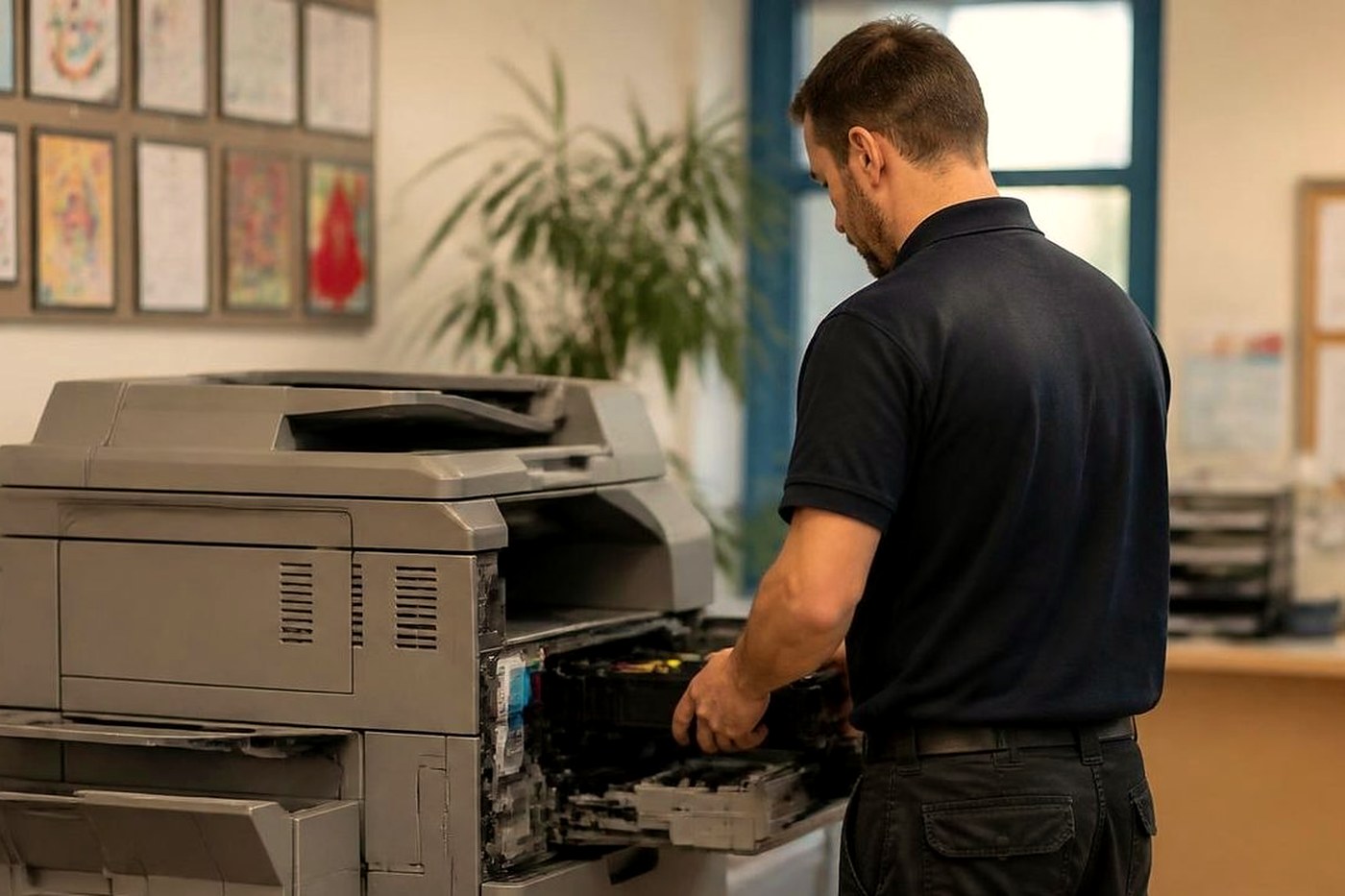
Offices around Kawana Way that print colour reports, proposals and presentations put a lot of load on the transfer belt and the colour toner stations. When colour output starts to show a repeating mark, a tint on the edge of the page, or a slightly different colour at the top compared with the bottom, those are clues.
A transfer belt wears with page count. It rarely fails in one go. It gets less even, and the machine tries to compensate with calibration. A calibration run sometimes helps, and when it does not, a belt or a cleaner assembly is the next step. We read the counters, so we know how old the belt is before we open the machine.
Moving into a new suite: a checklist
Fit outs bring a flurry of small jobs. This is the order we like them done in.
One. Tell us the make and model of each machine going in, and whether it is staying or being replaced.
Two. Check that the network points are live and labelled before the day.
Three. We set the fixed addresses, install drivers on the computers and print a test from each.
Four. We set up scan to email and scan to folder with the right accounts and shared locations.
Five. We note the counter readings on day one, so the wear on the new machine can be tracked.
That list is the same whether it is a surgery, a builder's site office or an accountant. Skip step two and everything after it takes twice as long.
Pathology, imaging and the label problem
Around a hospital precinct, the small printers matter as much as the big ones. Specimen labels, wristbands, barcode labels for stock. These run on thermal printers that fail in a few specific ways. The print goes faint, a gap appears in the barcode, or the printer stops detecting labels and feeds blank ones.
Faint print is usually the head or the roll. A gap in a barcode is a head element that has failed, and a barcode that will not scan is a serious problem in a lab, so we replace the head, not just clean it. Blank labels are normally the gap sensor, which collects glue and dust.
A good test is to print a block of solid black across a label and look for white lines. If you see them, ring us. We would sooner fix a head than have someone relabel a day of work.
Builders and project offices around Birtinya
New housing and commercial development in and around Birtinya keeps a lot of builders, certifiers, surveyors and project managers in site offices and demountables. Their needs are plans, specifications, contracts, and quick copies. The machines are often A3 multifunctions or wide format plotters, run on temporary networks.
Dust and heat are tough on these. A printer in a donga on a sunny site will run hot. A plotter at a site office with trucks passing will pick up grit in the roll feed. We check those parts, we clean what can be cleaned, and we advise on moving the machine out of direct sun.
When a project finishes, the machines move on. We can help with packing, relocating and setting up at the next site.
Belts and rollers
Belts like clean hands and a gentle pull
The transfer belt in a colour copier is thin, smooth and quietly expensive. A crease, a scratch or a smear of skin oil from a bare thumb can print as a faint repeating mark on every colour page for the rest of its life. We wear gloves, we lift it straight out, and we check the rollers that drive it before it goes back.
Honest repairs look dull from the outside. Check, clean, replace the one thing that is worn, test.
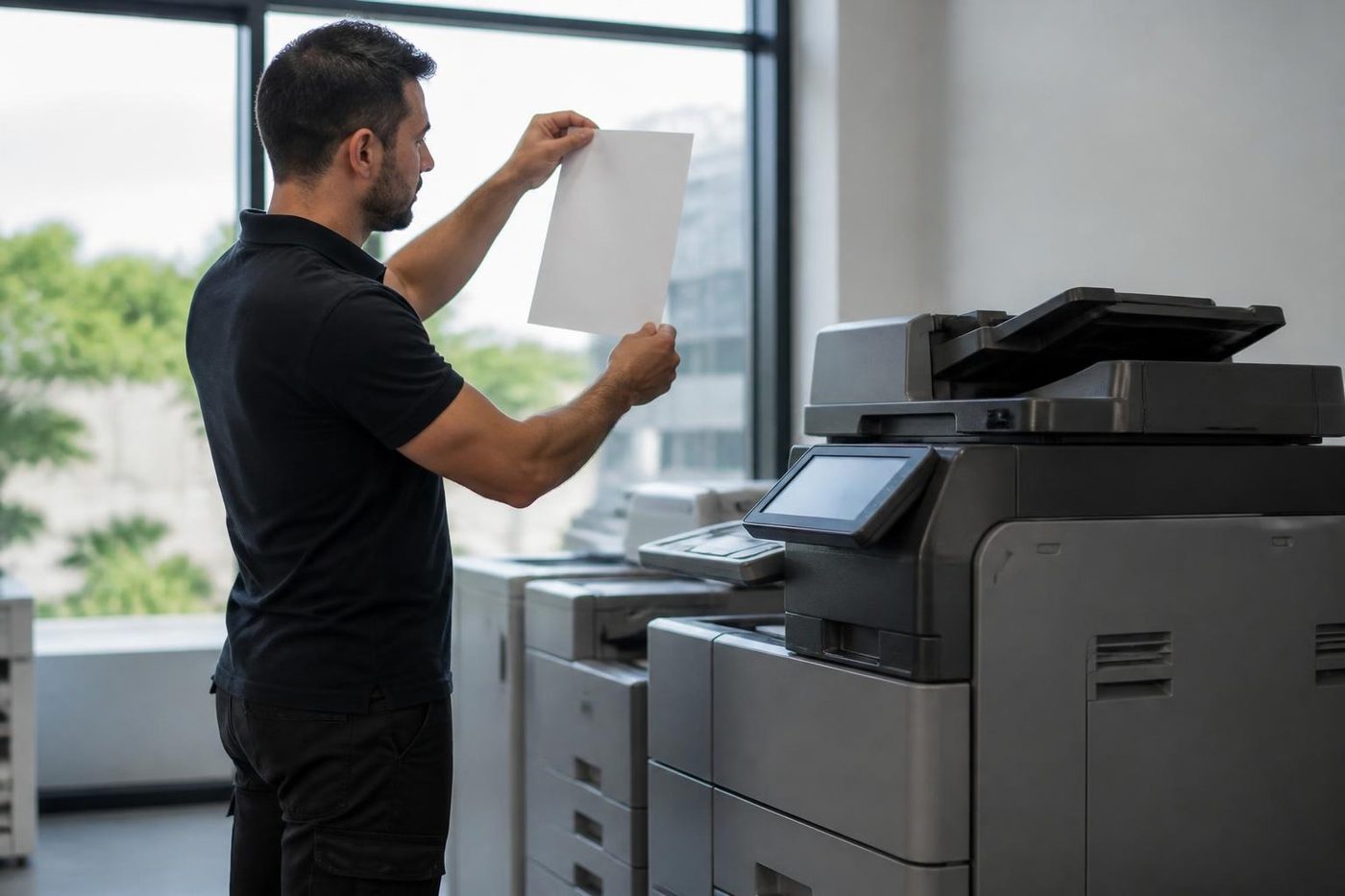
- Gloves on. Belts and drums are handled by the edges.
- Check the drive. Worn rollers cause marks that look like belt faults.
- Replace the worn part. Not the whole assembly.
More for Sunshine Coast offices
 Photocopier repairsCopiers fixed at your desk, one call, price agreed first.
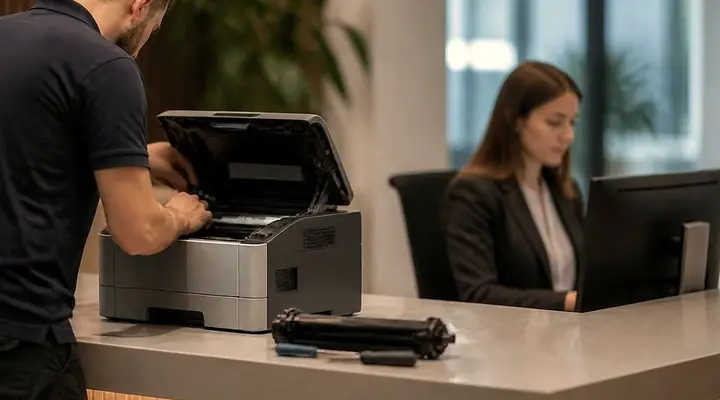 Commercial printer repairsCommercial laser printers, label printers and fleets repaired on site.
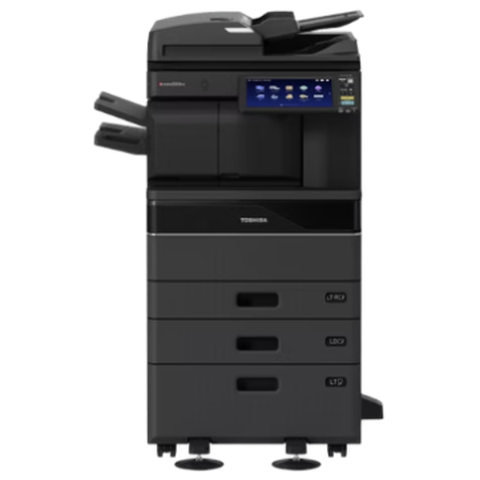 Toshiba repairse-STUDIO colour and mono copiers, fixed where they sit.
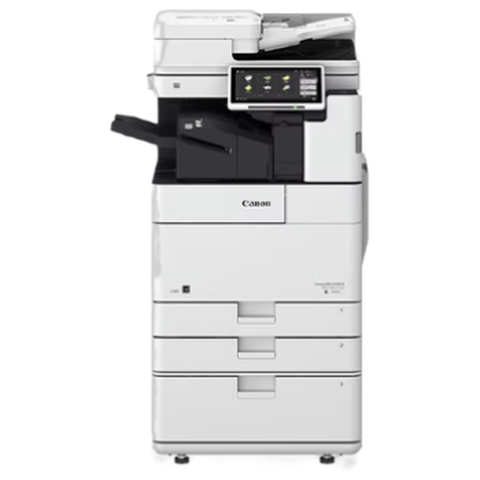 Canon repairsimageRUNNER ADVANCE, DX and i-SENSYS machines, fixed on site.
 Mooloolaba and Alexandra HeadlandMooloolaba Esplanade, the wharf and marina, Alexandra Headland, Minyama.
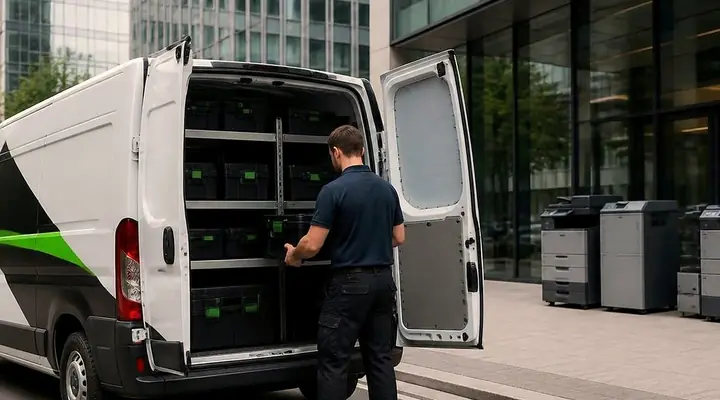 CaloundraBulcock Street counters, west side yards, beachside offices.
 Warana and Kunda ParkWarana homes and schools, and the Kunda Park trade counters, warehouses and wholesalers.
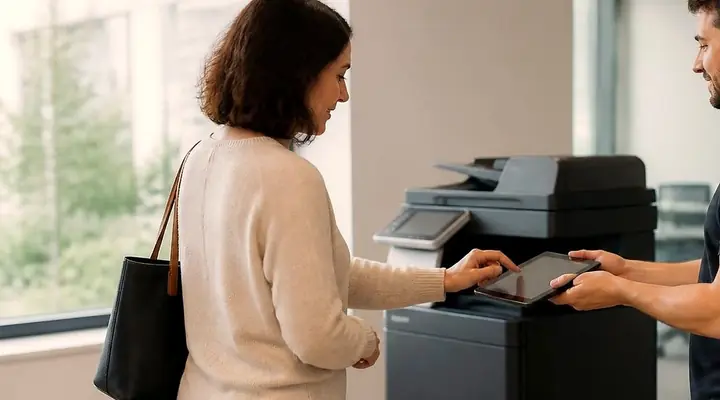 Scan to email not workingThe scan leaves the glass and never reaches the inbox.
Buy, sell and lease
Buy, sell and lease commercial copiers on the Sunshine Coast
We also sell new and second hand commercial copiers and buy used ones. Same team, same technicians.
Caloundra, Maroochydore, Noosa and the hills
What people ask when they ring
Do you do printer and photocopier service near the Sunshine Coast University Hospital?
Yes. We work across Birtinya, Kawana, Bokarina, Warana and the neighbouring suburbs. Tell us the suite or building and any access instructions when you phone, and the technician arrives expecting them.
Can you work around clinic hours?
We plan the visit with you. Early in the day or between appointments is common, and we keep the work tidy so the reception area is not left in a mess.
What is the fastest way to fix a label printer that is printing blank labels?
Check the roll is loaded the right way round and wipe the label sensor with a dry cloth. If it keeps happening, ring us. A sensor clogged with adhesive or a worn head is a quick job on site.
Our scan to the practice system stopped. Is the copier broken?
Usually not. Something in the chain changed: a password, a computer name, a folder, or a Windows update. We check the copier settings and tell you what to ask your IT provider for if the fault sits on their side.
How quickly can a technician come?
Same day service is available. Phone with the make, model and fault, and we say what is possible. If the lines are busy the call is logged and returned.
What brands do you repair around Kawana?
Toshiba, Canon, Kyocera, Ricoh, Konica Minolta, HP, Brother, Epson, Fujifilm, Xerox and OKI. We are independent of every maker.
Do you move machines when a business changes premises?
We install and relocate machines and set them up on the new network. Tell us when and where, and we talk through the steps, including who unplugs what.
Is the price confirmed before you come?
Yes. It is agreed on the phone before anyone is booked, and nothing is locked in.
Our colour prints have a repeating mark. What does that mean?
A mark that repeats at a regular distance down the page usually comes from a roller or drum with damage. The spacing tells us which one. Send us a sample, or describe how far apart the marks are, and we know which parts to bring.
Thinking about a different machine?
We buy and sell as well
New or second hand, with warranty. Ring and talk it over before you spend a cent.
Ask about machines
All of our work on the Sunshine Coast
Service pages
- Photocopier repairs Sunshine Coast
- Commercial printer repairs Sunshine Coast
- Plotter service Sunshine Coast
Fault pages
- Installation and setup Sunshine Coast
- Relocation and removal Sunshine Coast
- Copier and printer faults Sunshine Coast
- Photocopier paper jams Sunshine Coast
- Copier black lines and streaks Sunshine Coast
- Copier error codes Sunshine Coast
- Copier not printing Sunshine Coast
- Scan to email not working Sunshine Coast
- Toner smearing and fuser faults Sunshine Coast
- Printer offline and network faults Sunshine Coast
- Copier noise, grinding and squealing Sunshine Coast
- Is my copier worth repairing Sunshine Coast
- Toshiba e-STUDIO error codes Sunshine Coast
- HP LaserJet error messages Sunshine Coast
- Kyocera TASKalfa error codes Sunshine Coast
Makes we work on
- Toshiba copier repairs Sunshine Coast
- HP printer repairs Sunshine Coast
- Kyocera copier repairs Sunshine Coast
- Fujifilm copier repairs Sunshine Coast
- Xerox copier repairs Sunshine Coast
- Canon copier repairs Sunshine Coast
- Ricoh copier repairs Sunshine Coast
- Lexmark printer repairs Sunshine Coast
- Brother printer repairs Sunshine Coast
- Epson printer repairs Sunshine Coast
- OKI printer repairs Sunshine Coast
- Zebra printer repairs Sunshine Coast
- Konica Minolta copier repairs Sunshine Coast
- Sharp copier repairs Sunshine Coast
- Samsung printer repairs Sunshine Coast
- Fuji Xerox copier repairs Sunshine Coast
Coast towns and suburbs
- Printer service Caloundra
- Printer service Gympie
- Printer service Buderim
- Printer service Maleny and the Blackall Range
- Printer service Nambour
- Printer service Maroochydore
- Printer service Noosa and Noosaville
- Printer service Coolum and Peregian Beach
- Printer service Mooloolaba and Alexandra Headland
- Printer service Sippy Downs and Maroochydore industrial
- Printer service Pelican Waters and Bribie Island
- Printer service Beerwah and Glass House Mountains
- Printer service Yandina and Eumundi
- Printer service Cooroy, Pomona and Cooran
- Printer service Cooloola, Tin Can Bay and Rainbow Beach
- Printer service Kilcoy and the D'Aguilar side
- Printer service Palmwoods, Montville and Mapleton
- Printer service Landsborough and Mooloolah Valley
- Printer service Marcoola and Sunshine Coast Airport
- Printer service Coolum industrial
- Printer service Warana and Kunda Park
- Printer service Tewantin
- Printer service Bli Bli and Pacific Paradise
- Printer service Currimundi, Little Mountain and Baringa
- Printer service Kenilworth, Imbil and the Mary Valley
- Full list, Caloundra to Gympie
Got the make and the problem? That is all we need to price it.
Make, model, and what you can see
Fill in what you know and leave the rest to us. Nothing is booked until you say yes. Rather ring? (07) 5327 3472.