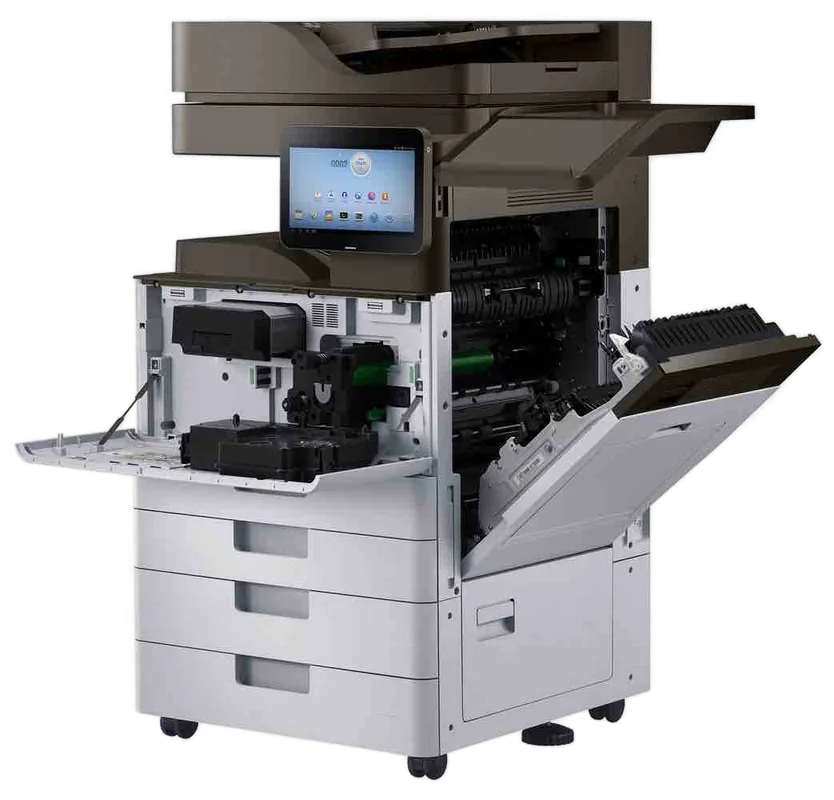
Kyocera ECOSYS, Sunshine Coast
Kyocera M8130cidn maintenance kit: the Replace MK message
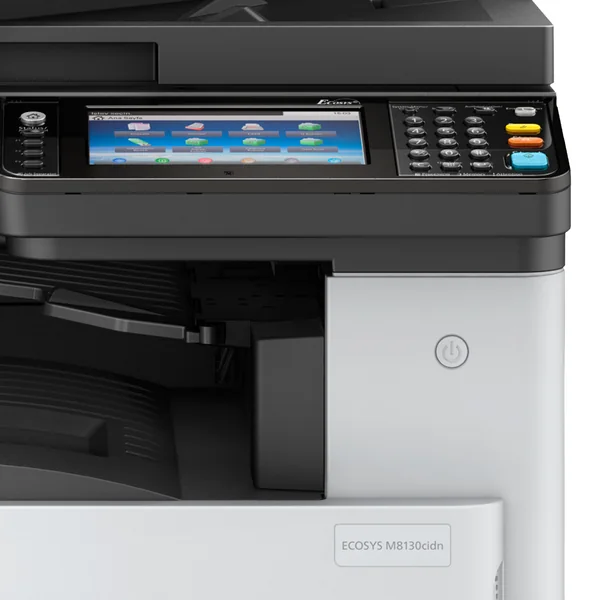
The Kyocera ECOSYS M8130cidn asks for a maintenance kit every 200,000 images. Here is what is in each kit, what wears if it is left, and how we fit it on site from Caloundra to Noosa. It is the one people call the Kyocera 8130.
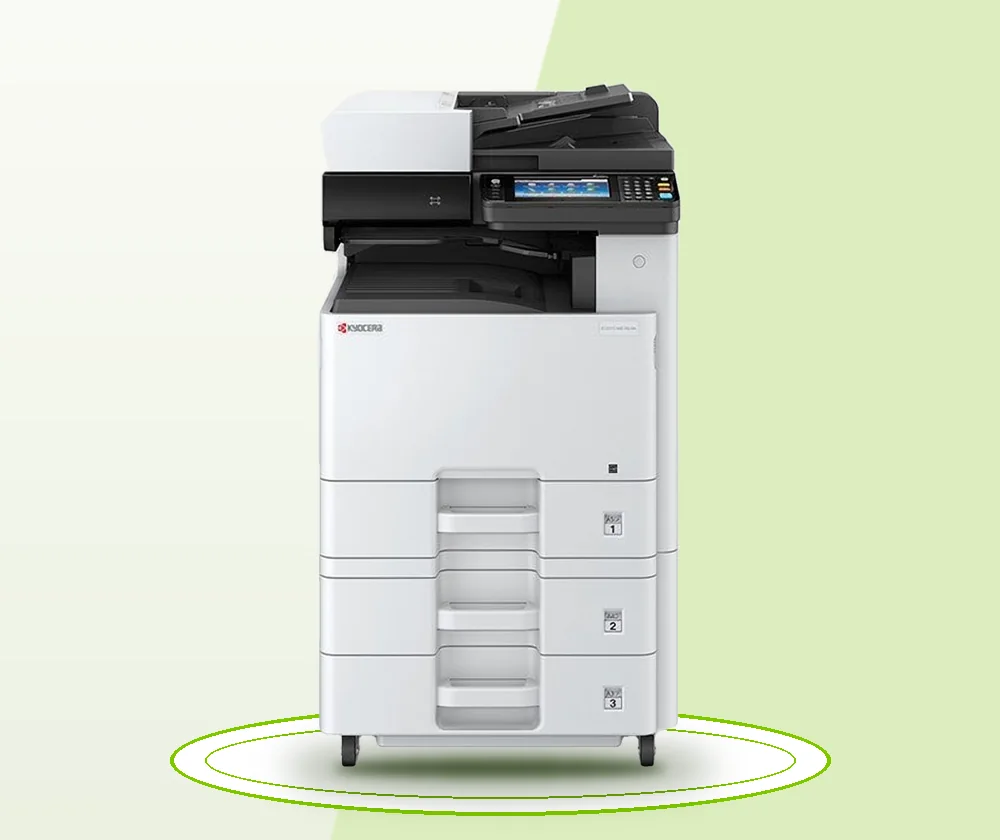 ScreenReplace MK shows hereMK-6110Feeder rollers, 300,000MK-8115A and BDrums and developersMK-8115AFuser and transfer
Copier and printer repairs, plus machines to buy and sell, on the Sunshine Coast
Replace MK on your M8130cidn
A Kyocera ECOSYS M8130cidn showing Replace MK is not broken. It is asking for its maintenance kit. This page explains what that message is, what Kyocera puts in each kit, and what happens if it is left too long.
Ring (07) 5327 3472 with the counter total and we tell you which kits are due.
Get a price in three steps
- Describe your machineMake, model and the problem you are seeing.
- We phone with the priceYou hear it before anything is booked.
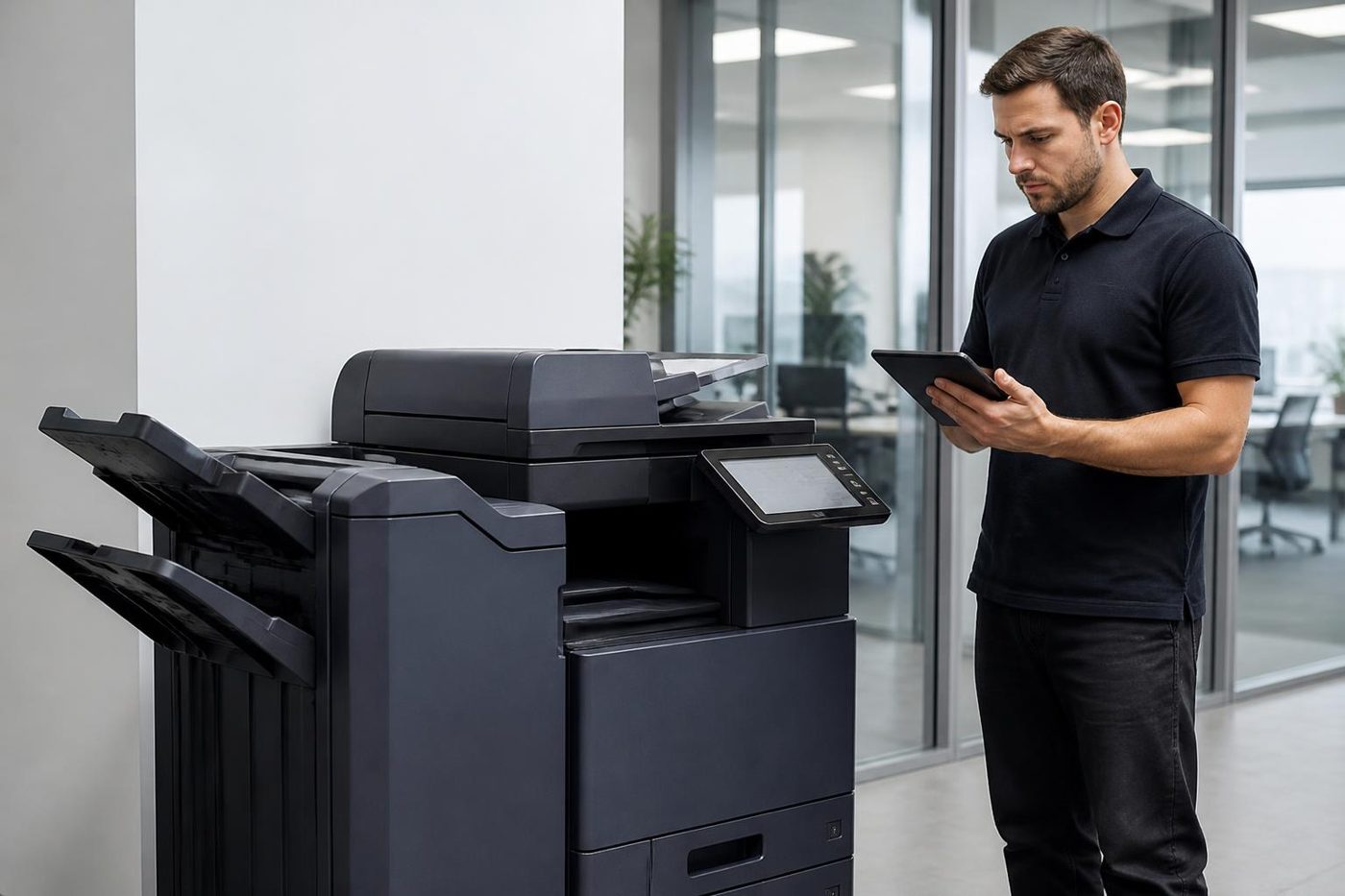
- A certified technician attendsSame day where the diary allows.
What Kyocera puts in each kit
The M8130cidn counts every image it makes and flags each kit as it nears its life. One image is one side of one page.
| Kit | Life in images | What it renews |
|---|---|---|
| MK-8115A | 200,000 | Fuser, transfer belt unit, secondary transfer roller, registration cleaner, the black drum and black developer, the cassette feed unit, and the bypass feed pulley and separation pad |
| MK-8115B | 200,000 | Cyan, magenta and yellow developers, plus a drum |
| MK-6110 | 300,000 originals | Document feeder pick up pulley and separation guide |
Toner (TK-8119, one cartridge per colour) and the waste toner box are separate. The panel asks for those as they run out or fill up, and you change them yourself.
What happens if it is left
Nothing, at first. That is why the message gets ignored. Then the worn parts start to show:
| What you notice | Usually the part |
|---|---|
| Creases, shiny patches, toner that rubs off | The fuser, in MK-8115A |
| Jams from tray 1 or the bypass tray | Feed rollers and pad, in MK-8115A |
| Blotchy colour, a code from C7611 to C7614 | Drums or developers, in both kits |
| The feeder picks two originals, or none | The feeder rollers, in MK-6110 |
| Grey background on copies | A tired drum |
A kit fitted on time costs one visit. A kit fitted after the fuser has failed can cost two visits, and time without the machine.
How we fit it
- Read the counters for each kit and the machine's error history.
- Clean out toner and paper dust from the imaging area and paper path.
- Fit the kit, or kits, that are due.
- Reset each kit counter so the next reminder comes at the right count.
- Run colour calibration, then copy, print and scan a test page.
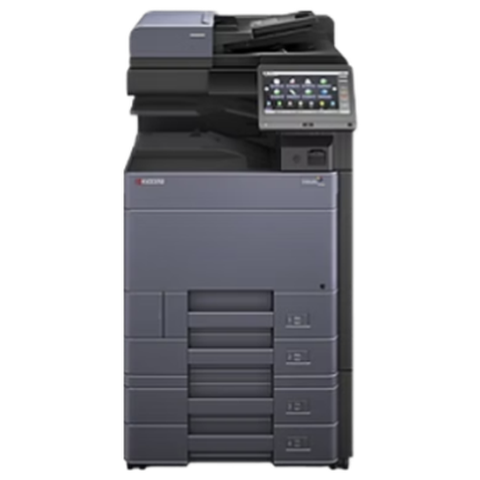
Kyocera M8130cidn
Two kits, one visit, where the counts allow
Both main kits are set at 200,000 images. On a machine that prints a fair share of colour they fall due close together.
We check the counters before we book, so you never pay for a part with life left in it.
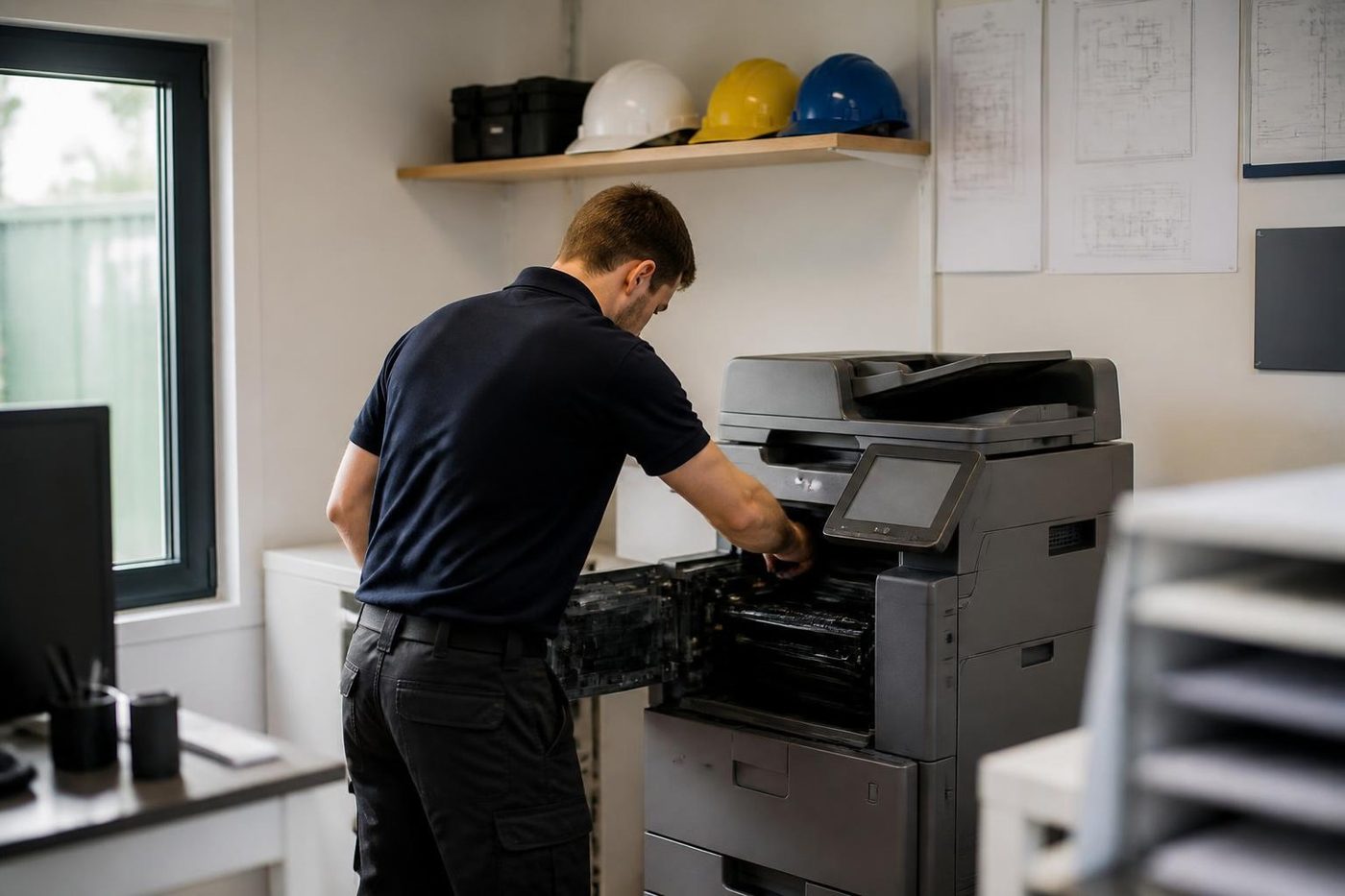
- Counters read first. Only what is due is fitted.
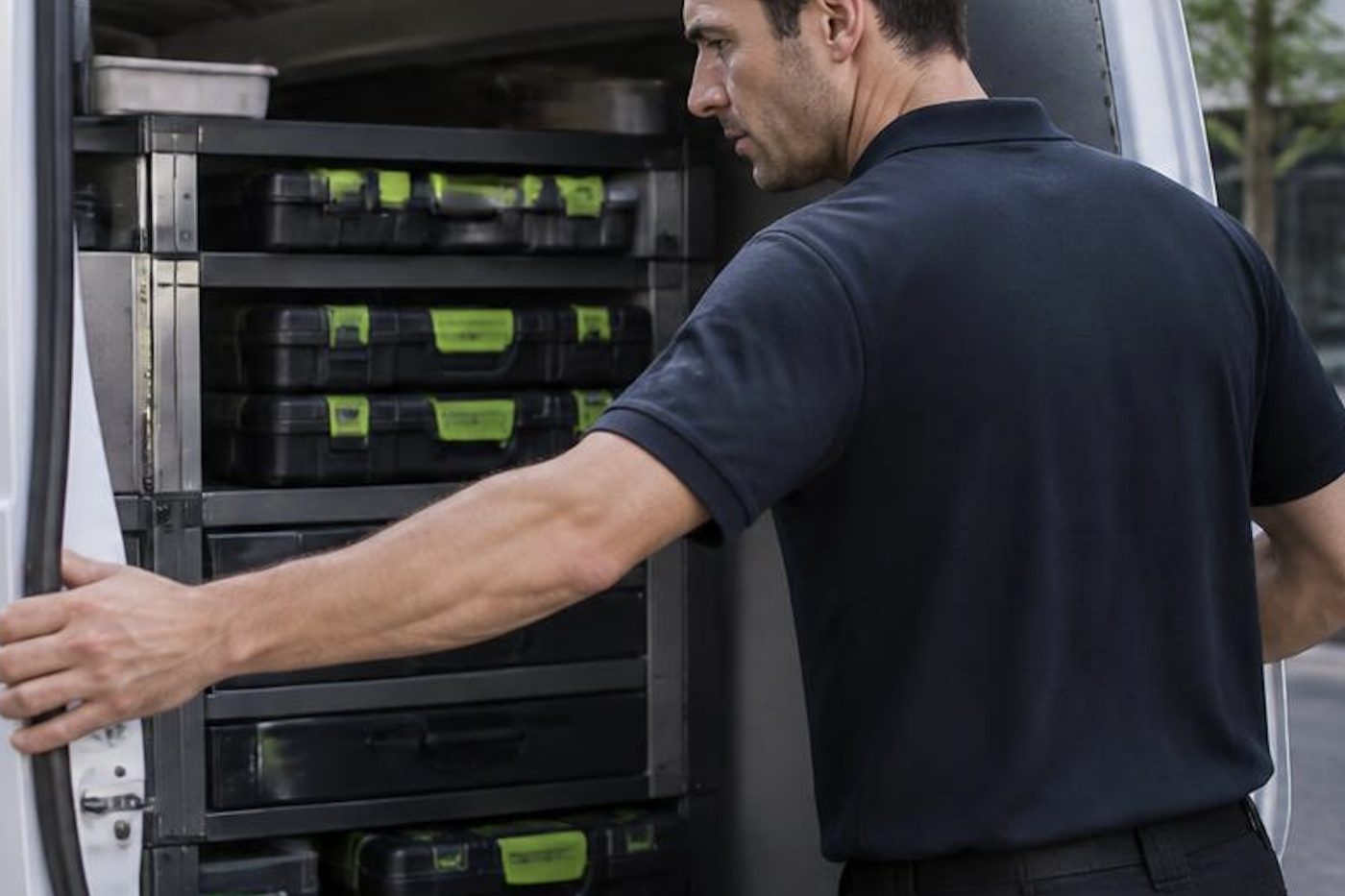
- On site. The machine stays where it is.
- Calibrated after. Colour checked before we go.
Buy, sell and lease
Buy, sell and lease commercial copiers on the Sunshine Coast
We also sell new and second hand commercial copiers and buy used ones. Same team, same technicians.
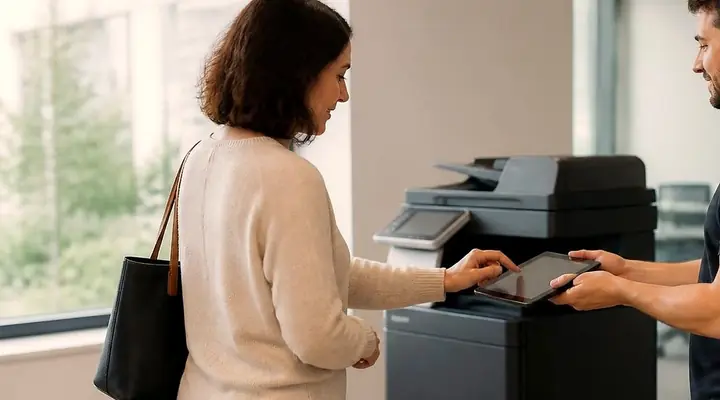
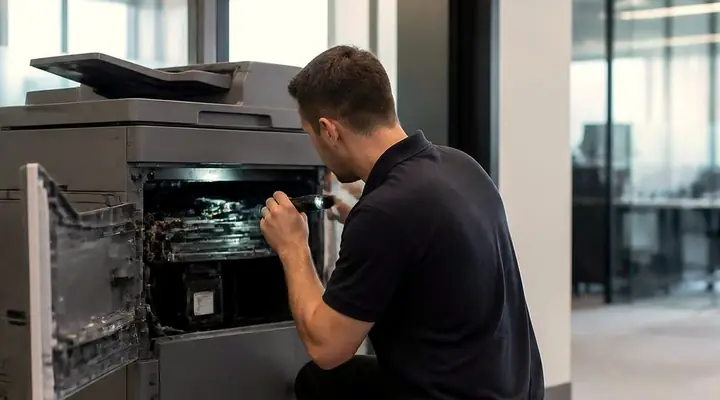
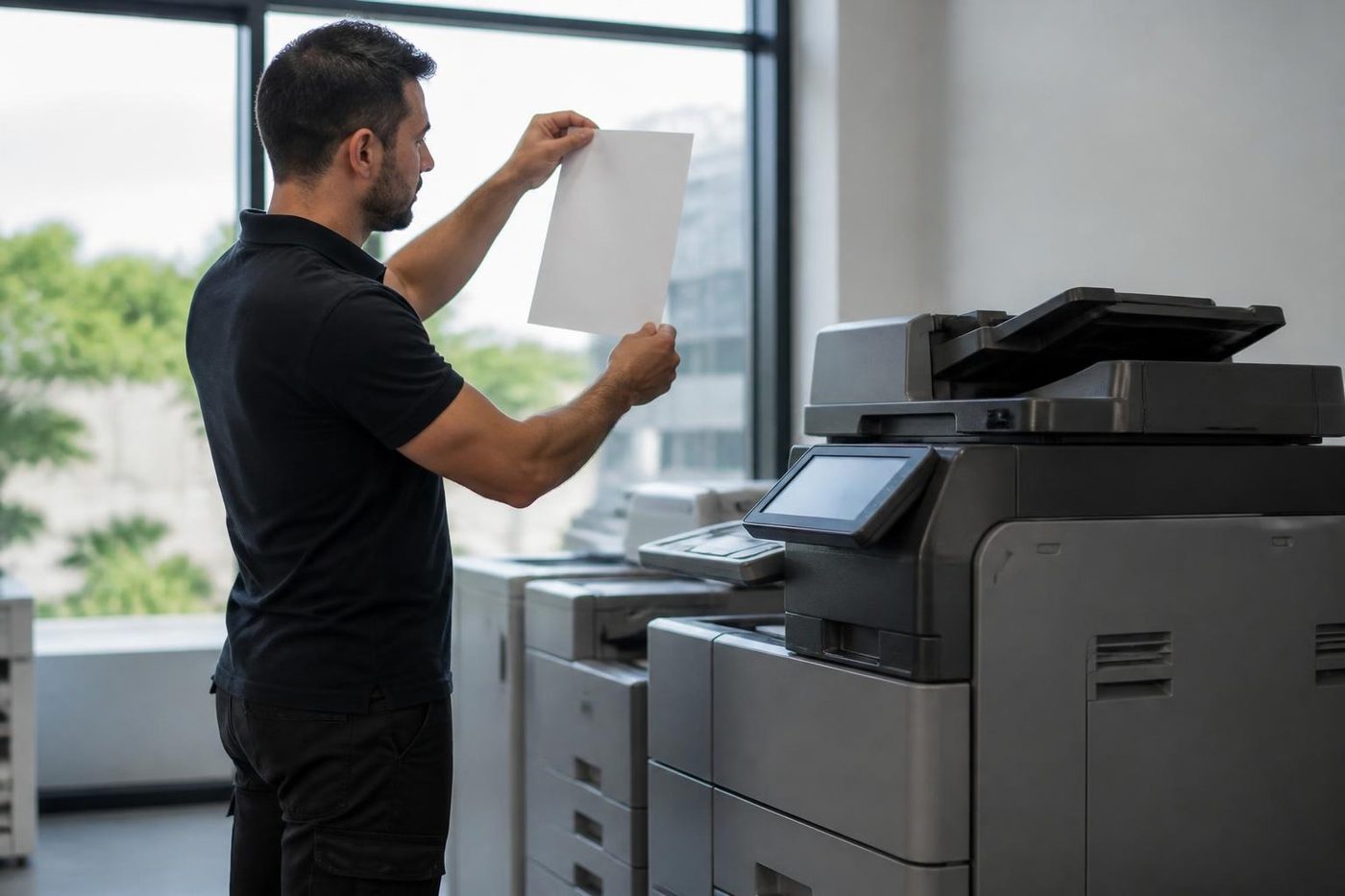
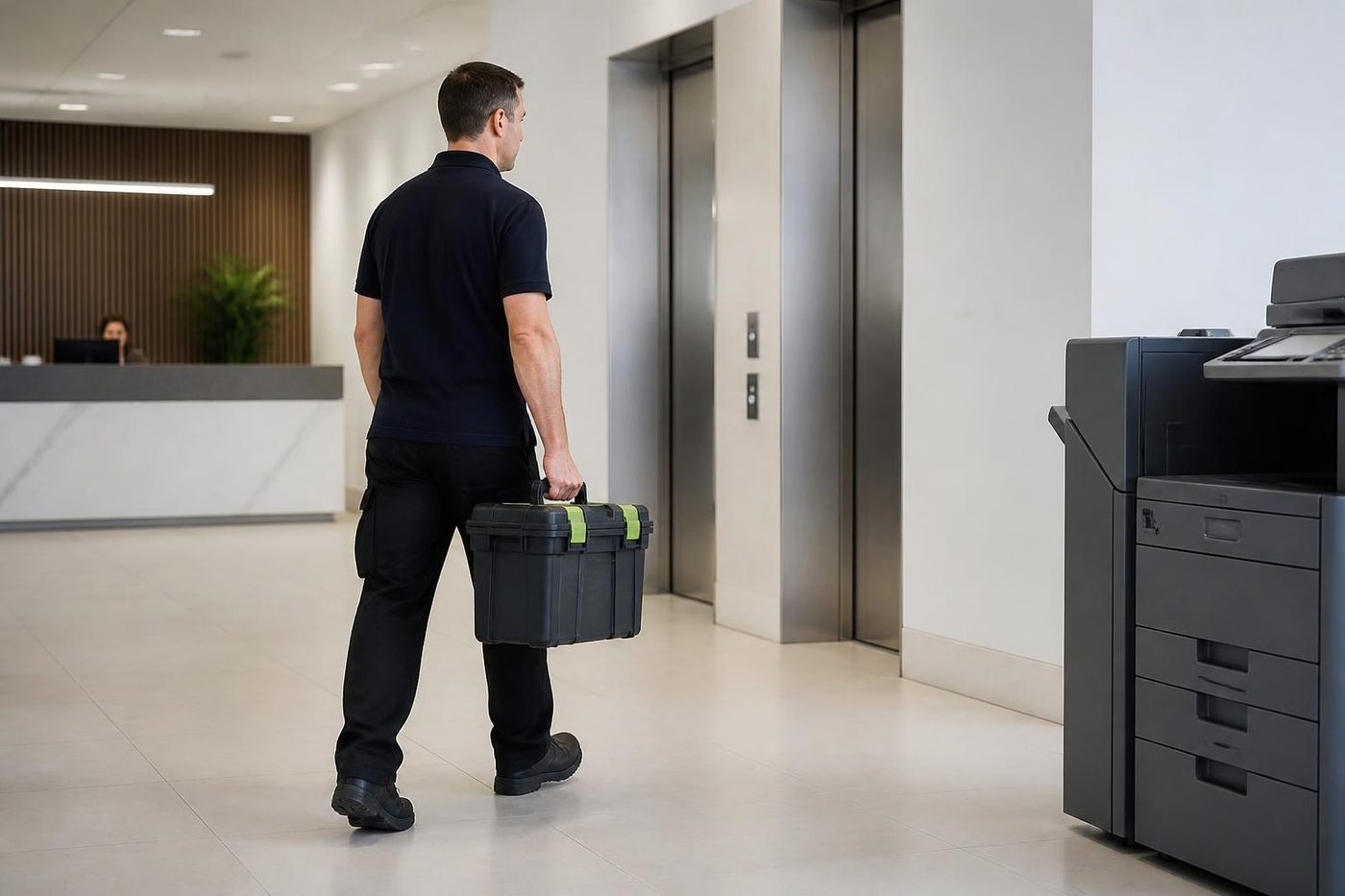
What a visit looks like
Maintenance kit questions
What does Replace MK mean on a Kyocera M8130cidn?
MK stands for maintenance kit. The machine has counted close to 200,000 images since its last kit and is reminding you the wear parts are due. It is not a breakdown.
Can we keep printing with the message showing?
Yes, for now. The risk is that the parts it refers to keep wearing until one fails, usually with jams, creased pages or a fuser code. Book it while the machine is still running well.
Are MK-8115A and MK-8115B fitted together?
Both are set at 200,000 images, so on a machine that has used both evenly they tend to fall due close together, and one visit covers both. We check the counters first and only fit what is due.
Does the machine have to go away?
No. Kits are fitted on site, and the machine is back in use the same visit.
Does the document feeder need its own kit?
Yes, MK-6110, every 300,000 originals fed. It renews the feeder's pick up pulley and separation guide.
Which areas do you cover?
Caloundra to Noosa, the hinterland towns and up to Gympie.
Toshiba and Kyocera
Phone (07) 5327 3472 for the makes we know best
Other makes get the same care. Give us the model and the message on the panel.
Send the model
All of our work on the Sunshine Coast
Service pages
- Photocopier repairs Sunshine Coast
- Commercial printer repairs Sunshine Coast
- Plotter service Sunshine Coast
Fault pages
- Installation and setup Sunshine Coast
- Relocation and removal Sunshine Coast
- Copier and printer faults Sunshine Coast
- Photocopier paper jams Sunshine Coast
- Copier black lines and streaks Sunshine Coast
- Copier error codes Sunshine Coast
- Copier not printing Sunshine Coast
- Scan to email not working Sunshine Coast
- Toner smearing and fuser faults Sunshine Coast
- Printer offline and network faults Sunshine Coast
- Copier noise, grinding and squealing Sunshine Coast
- Is my copier worth repairing Sunshine Coast
- Toshiba e-STUDIO error codes Sunshine Coast
- HP LaserJet error messages Sunshine Coast
- Kyocera M8130cidn maintenance kit Sunshine Coast
- Kyocera M8124cidn service Sunshine Coast
Makes we work on
- Toshiba copier repairs Sunshine Coast
- HP printer repairs Sunshine Coast
- Kyocera copier repairs Sunshine Coast
- Fujifilm copier repairs Sunshine Coast
- Xerox copier repairs Sunshine Coast
- Canon copier repairs Sunshine Coast
- Ricoh copier repairs Sunshine Coast
- Lexmark printer repairs Sunshine Coast
- Brother printer repairs Sunshine Coast
- Epson printer repairs Sunshine Coast
- OKI printer repairs Sunshine Coast
- Zebra printer repairs Sunshine Coast
- Konica Minolta copier repairs Sunshine Coast
- Sharp copier repairs Sunshine Coast
- Samsung printer repairs Sunshine Coast
- Fuji Xerox copier repairs Sunshine Coast
Coast towns and suburbs
- Printer service Caloundra
- Printer service Gympie
- Printer service Buderim
- Printer service Maleny and the Blackall Range
- Printer service Kawana and Birtinya
- Printer service Nambour
- Printer service Maroochydore
- Printer service Noosa and Noosaville
- Printer service Coolum and Peregian Beach
- Printer service Mooloolaba and Alexandra Headland
- Printer service Sippy Downs and Maroochydore industrial
- Printer service Pelican Waters and Bribie Island
- Printer service Beerwah and Glass House Mountains
- Printer service Yandina and Eumundi
- Printer service Cooroy, Pomona and Cooran
- Printer service Cooloola, Tin Can Bay and Rainbow Beach
- Printer service Kilcoy and the D'Aguilar side
- Printer service Palmwoods, Montville and Mapleton
- Printer service Landsborough and Mooloolah Valley
- Printer service Marcoola and Sunshine Coast Airport
- Printer service Coolum industrial
- Printer service Warana and Kunda Park
- Printer service Tewantin
- Printer service Bli Bli and Pacific Paradise
- Printer service Currimundi, Little Mountain and Baringa
- Printer service Kenilworth, Imbil and the Mary Valley
- Full list, Caloundra to Gympie
Got the make and the problem? That is all we need to price it.
Describe the fault, we ring back
Make, model and what you can see on the panel is plenty. We phone back with a price. Quicker to talk? (07) 5327 3472.