Kyocera ECOSYS, Sunshine Coast
Kyocera M8124cidn service and repairs on the Sunshine Coast
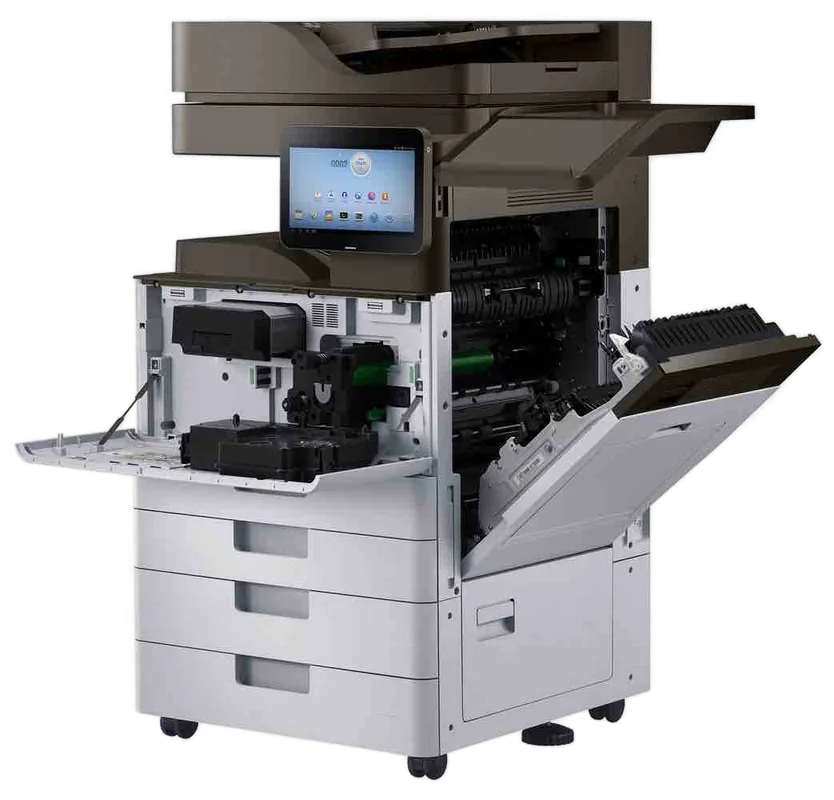
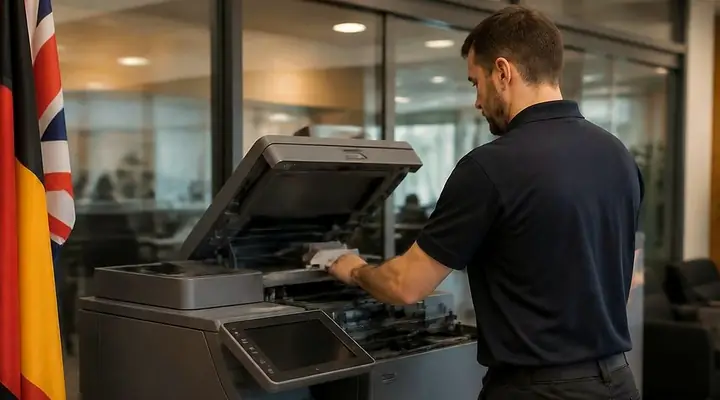
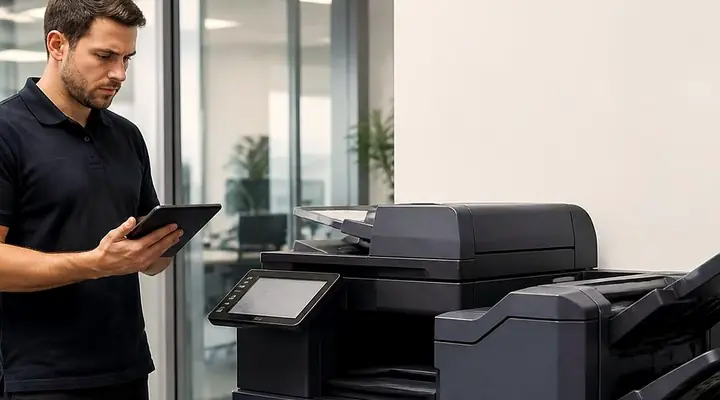
We service the Kyocera ECOSYS M8124cidn on site, from Caloundra to Noosa and up to Gympie. Below, the machine part by part, the codes that belong to each part, and what you notice first. On the Coast it usually goes by the Kyocera 8124.
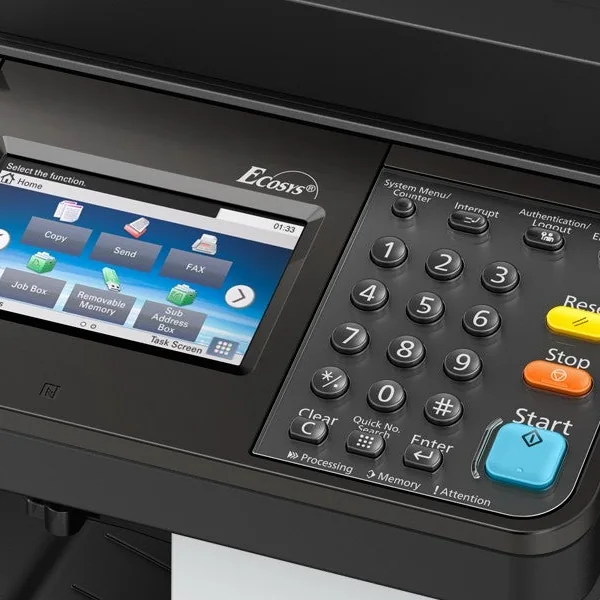
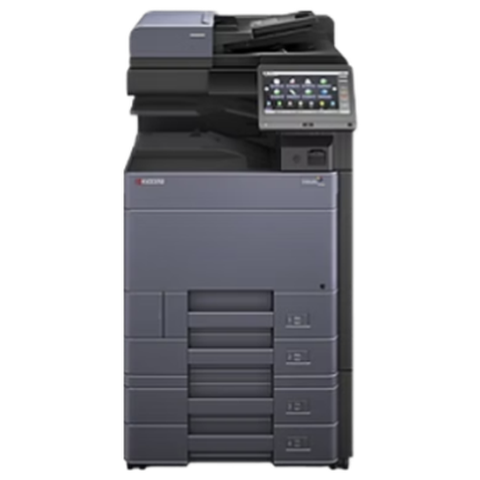
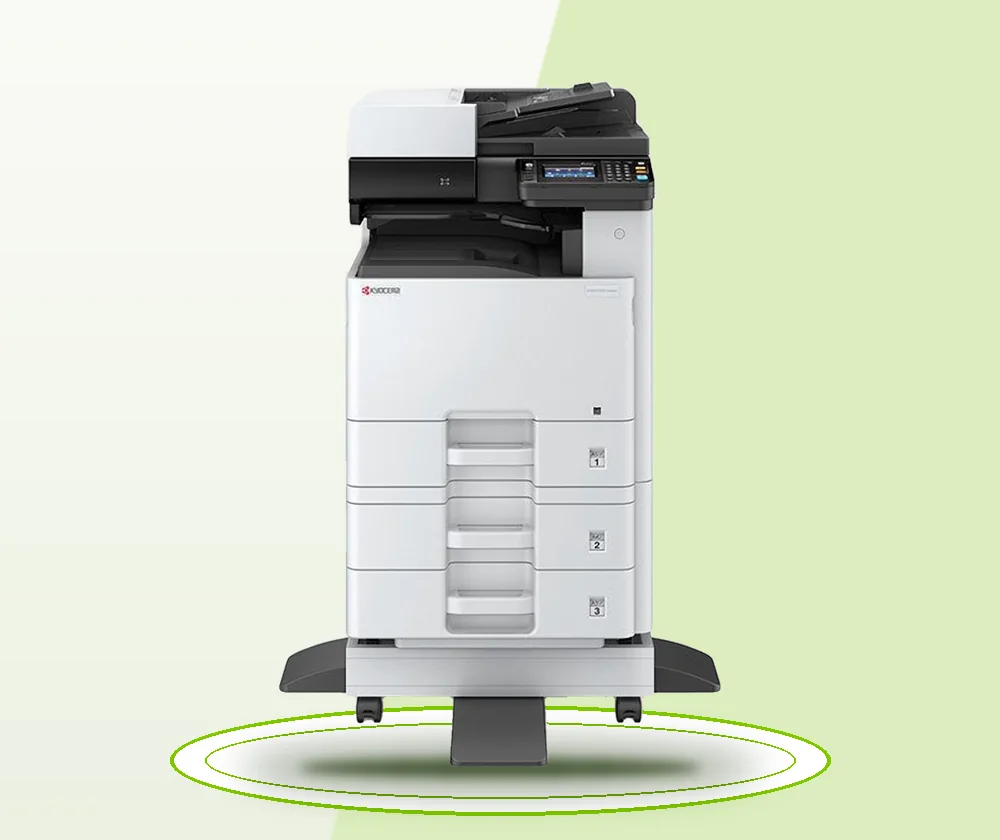 TopDocument feederPanel4.3 inch screenTonerTK-8119 in four coloursPaper500 sheets a drawer
Copier and printer repairs, plus machines to buy and sell, on the Sunshine Coast
Kyocera M8124cidn service on the Sunshine Coast
Kyocera made the ECOSYS M8124cidn as the 24 page sibling of the M8130cidn, and they turn up in offices, clinics and schools all over the Coast. We repair and service them on site. Ring (07) 5327 3472 with the code on the screen.
Get a price in three steps
- Describe your machineMake, model and the problem you are seeing.
- We phone with the priceYou hear it before anything is booked.
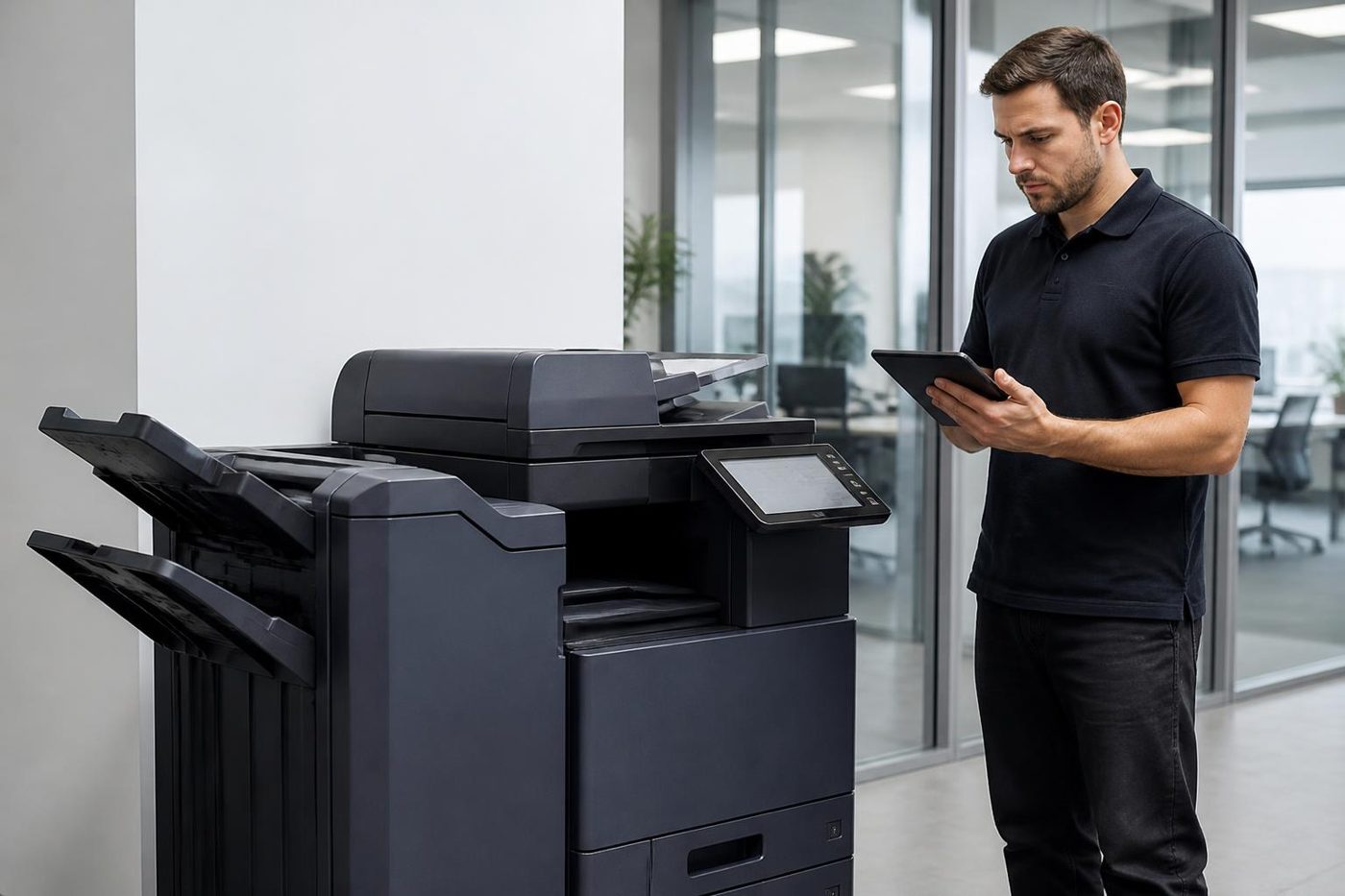
- A certified technician attendsSame day where the diary allows.
The M8124cidn, part by part
Rather than a long list of numbers, here is the machine taken apart by what it is made of: each part, the codes that belong to it, and what you notice when it is wearing.
| Part | Its codes | What you notice |
|---|---|---|
| The fuser (melts toner onto paper) | C6000 to C6990, jams around J4101 to J4119 | Creased or smudged pages, toner rubbing off |
| Drums and developers | C7101 to C7104, C7611 to C7614 | Faint or blotchy colour, a missing colour |
| Laser unit | C4001 to C4600 | Streaks along the page, a colour missing entirely |
| Drive motors | C2101 to C2700 | Grinding, then a stop |
| Paper trays and feeder | C1010 to C1900, J0501 to J0519 | Jams, trays that will not lift |
| Scanner | C3100 to C3600 | Copies and scans fail, prints still work |
| Boards and memory | C0030 to C0980 | Odd behaviour, lost settings, the clock resetting |
| Internal finisher, document feeder | C8030 to C8990, C9000, C9060 | No stapling, originals not feeding |
What is different from the M8130cidn
The 24 page model writes with a single laser beam and scans with a contact image sensor, where the 30 page model has two beams and a CCD scanner. Its first copy is a touch slower. The fuser, drums, developers, kits and nearly every code are shared, so either machine is in familiar hands.
A service visit
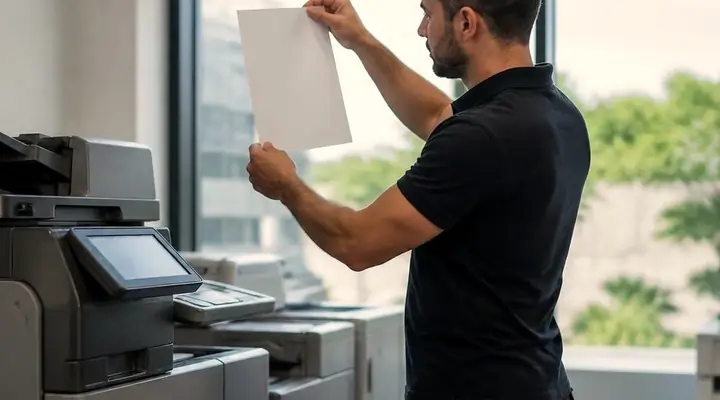
We read the counters and the error history, clean out toner and paper dust, fit what is due, reset its counter, update the firmware where needed, and finish with copy, print and scan tests. Our page on the Replace MK message explains the kits in full.
Kyocera M8124cidn
Coast to hinterland, on site
Caloundra, Maroochydore, Nambour, Noosa and the hinterland towns are all booked the same way.
Tell us the code and the counter total when you ring and the right parts come with the technician.
- Price first. Agreed before anything is booked.
- Parts on board. The common wear parts travel with us.
- Same fault, no new bill. If it comes back, so do we, at no cost.
Buy, sell and lease
Buy, sell and lease commercial copiers on the Sunshine Coast
We also sell new and second hand commercial copiers and buy used ones. Same team, same technicians.
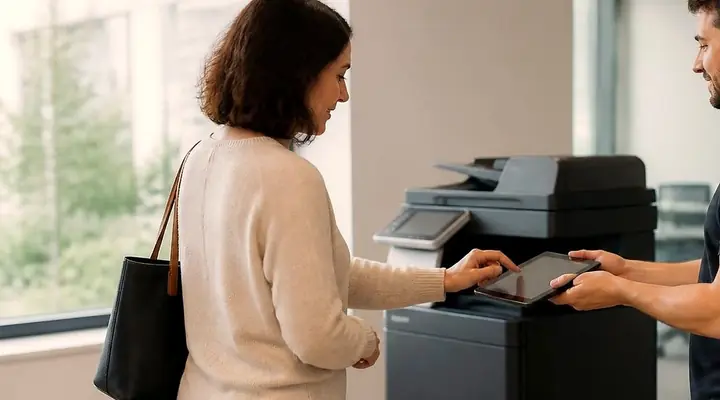
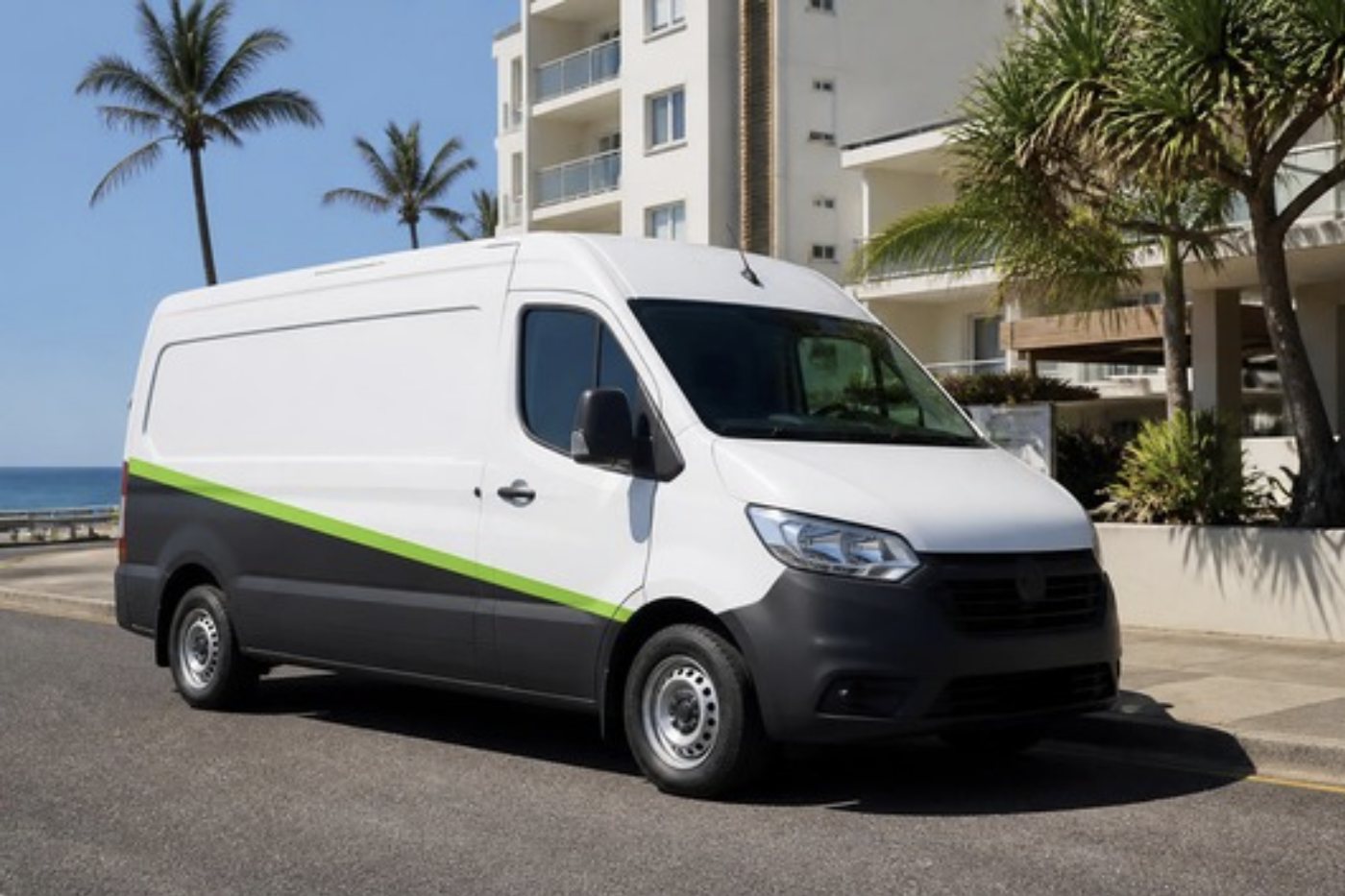
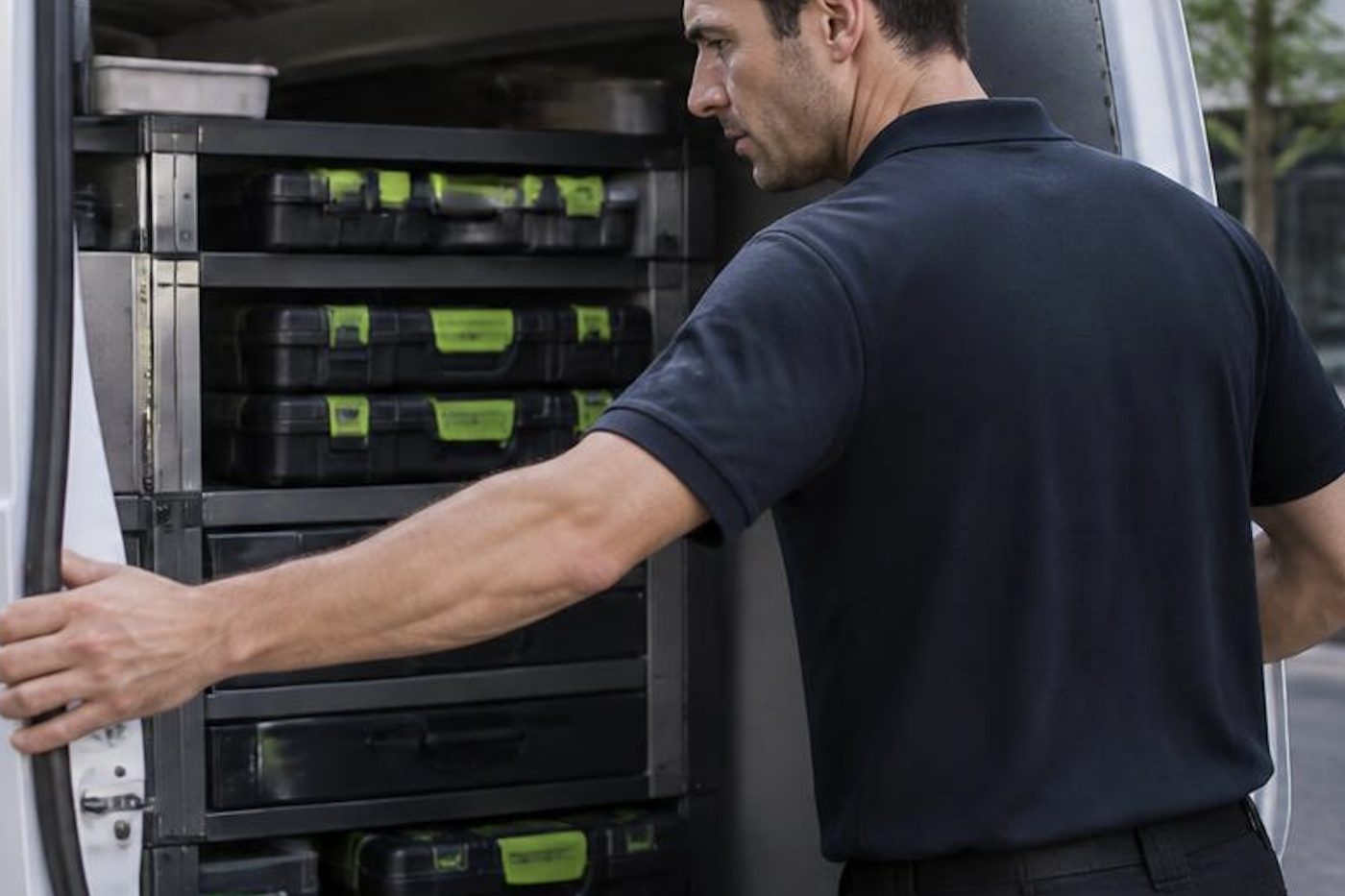
What a visit looks like
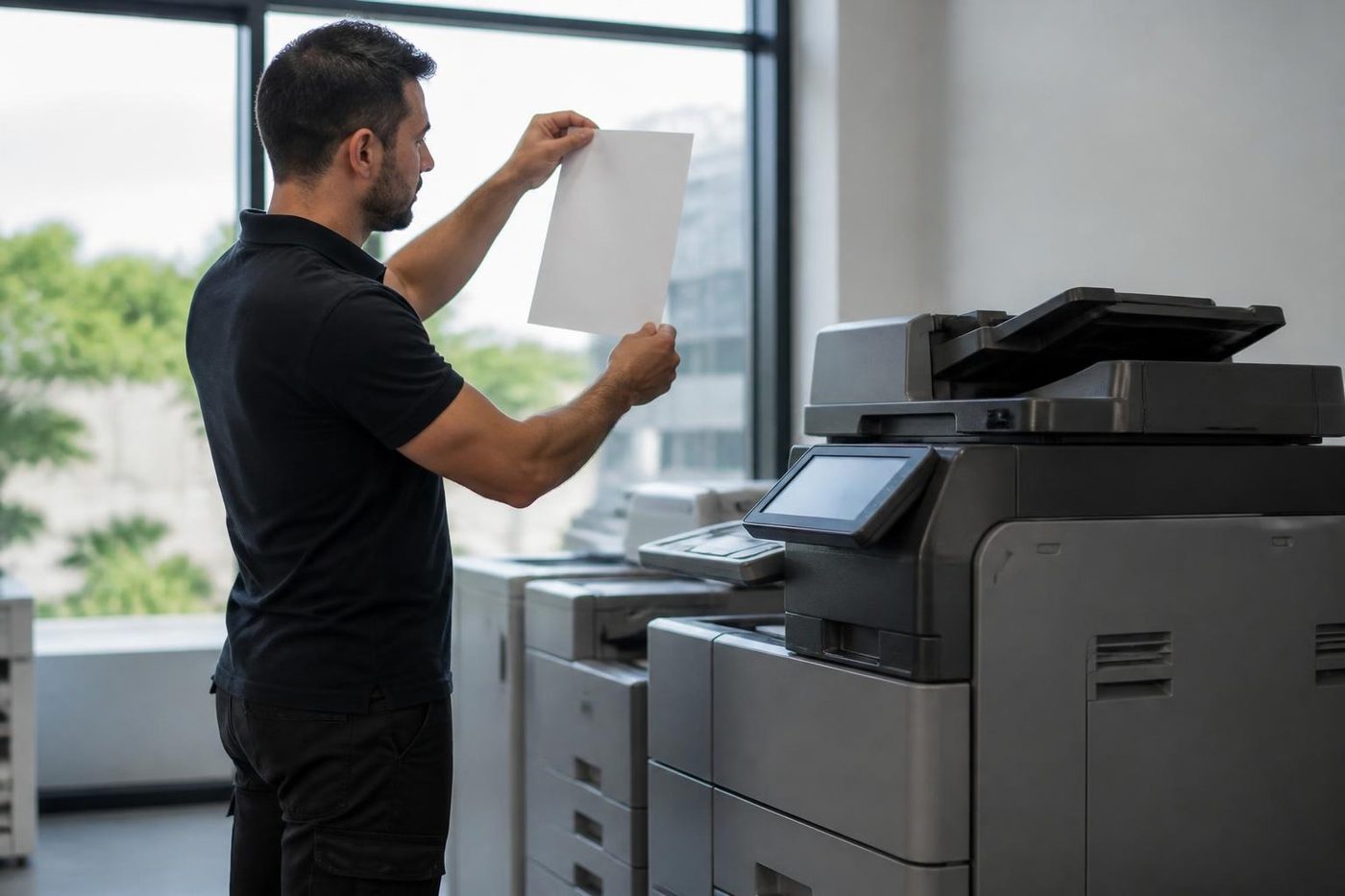
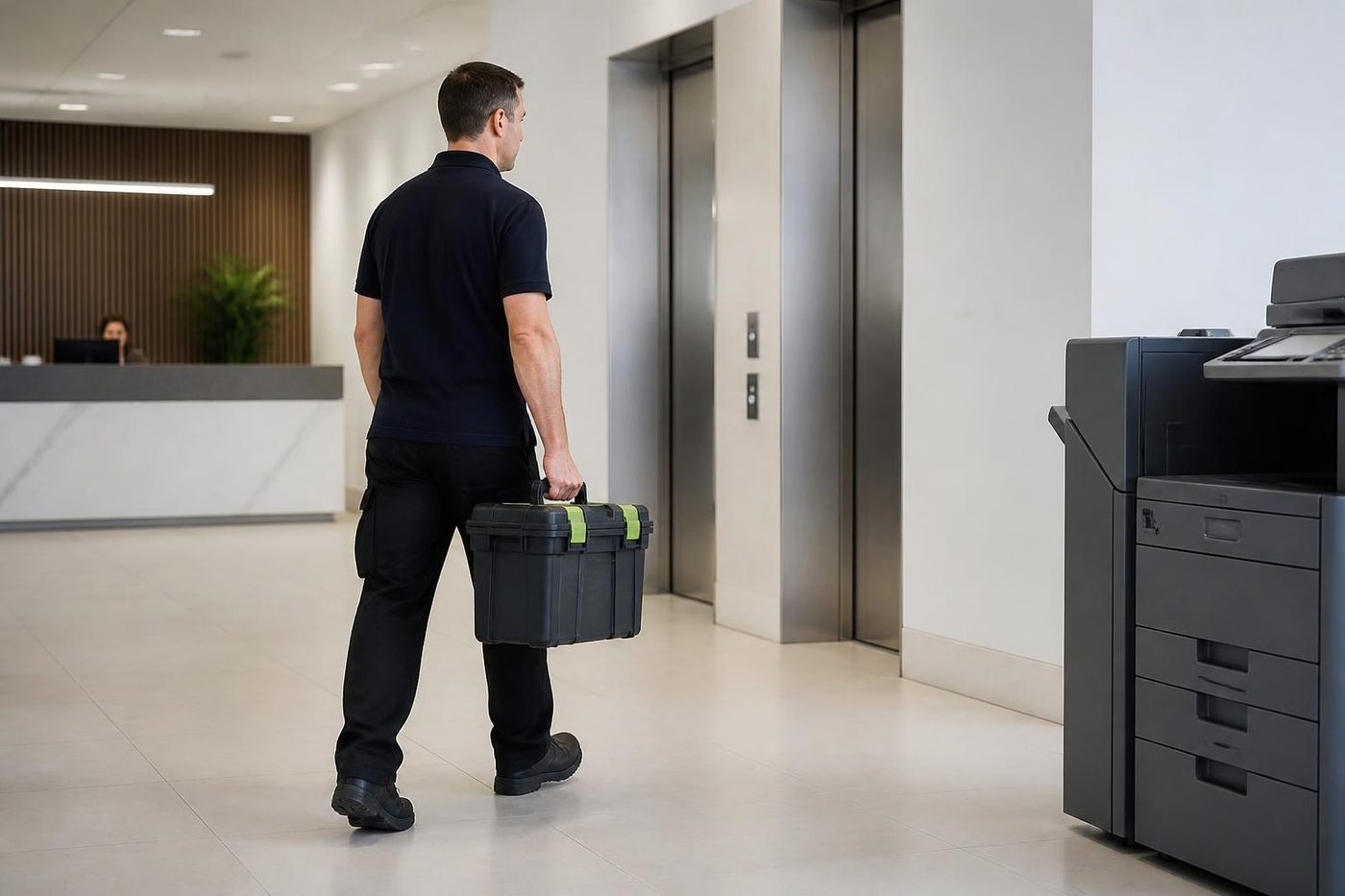
Kyocera M8124cidn questions
Do you service the Kyocera M8124cidn on site?
Yes, at your office or home office anywhere from Caloundra to Noosa, the hinterland and Gympie.
What does C6000 mean on the M8124cidn?
The fuser, which heats by induction, did not reach temperature in time. Restart once; if it returns, leave it off and ring us.
Copies fail but printing works. What is wrong?
The scanner. On the M8124cidn it uses a contact image sensor, and its codes start C3. Ring with the code.
Will you buy our old M8124cidn?
Possibly. See we buy used photocopiers, then send the model, counter and a photo.
Do you have refurbished ones?
Sometimes. Ask, or see refurbished photocopiers on the Sunshine Coast.
Is the price agreed first?
Yes. We ring back with a price and nothing is booked until you agree.
Toshiba and Kyocera
Phone (07) 5327 3472 for the makes we know best
Other makes get the same care. Give us the model and the message on the panel.
Send the model
All of our work on the Sunshine Coast
Service pages
- Photocopier repairs Sunshine Coast
- Commercial printer repairs Sunshine Coast
- Plotter service Sunshine Coast
Fault pages
- Installation and setup Sunshine Coast
- Relocation and removal Sunshine Coast
- Copier and printer faults Sunshine Coast
- Photocopier paper jams Sunshine Coast
- Copier black lines and streaks Sunshine Coast
- Copier error codes Sunshine Coast
- Copier not printing Sunshine Coast
- Scan to email not working Sunshine Coast
- Toner smearing and fuser faults Sunshine Coast
- Printer offline and network faults Sunshine Coast
- Copier noise, grinding and squealing Sunshine Coast
- Is my copier worth repairing Sunshine Coast
- Toshiba e-STUDIO error codes Sunshine Coast
- HP LaserJet error messages Sunshine Coast
- Kyocera M8130cidn maintenance kit Sunshine Coast
- Kyocera M8124cidn service Sunshine Coast
Makes we work on
- Toshiba copier repairs Sunshine Coast
- HP printer repairs Sunshine Coast
- Kyocera copier repairs Sunshine Coast
- Fujifilm copier repairs Sunshine Coast
- Xerox copier repairs Sunshine Coast
- Canon copier repairs Sunshine Coast
- Ricoh copier repairs Sunshine Coast
- Lexmark printer repairs Sunshine Coast
- Brother printer repairs Sunshine Coast
- Epson printer repairs Sunshine Coast
- OKI printer repairs Sunshine Coast
- Zebra printer repairs Sunshine Coast
- Konica Minolta copier repairs Sunshine Coast
- Sharp copier repairs Sunshine Coast
- Samsung printer repairs Sunshine Coast
- Fuji Xerox copier repairs Sunshine Coast
Coast towns and suburbs
- Printer service Caloundra
- Printer service Gympie
- Printer service Buderim
- Printer service Maleny and the Blackall Range
- Printer service Kawana and Birtinya
- Printer service Nambour
- Printer service Maroochydore
- Printer service Noosa and Noosaville
- Printer service Coolum and Peregian Beach
- Printer service Mooloolaba and Alexandra Headland
- Printer service Sippy Downs and Maroochydore industrial
- Printer service Pelican Waters and Bribie Island
- Printer service Beerwah and Glass House Mountains
- Printer service Yandina and Eumundi
- Printer service Cooroy, Pomona and Cooran
- Printer service Cooloola, Tin Can Bay and Rainbow Beach
- Printer service Kilcoy and the D'Aguilar side
- Printer service Palmwoods, Montville and Mapleton
- Printer service Landsborough and Mooloolah Valley
- Printer service Marcoola and Sunshine Coast Airport
- Printer service Coolum industrial
- Printer service Warana and Kunda Park
- Printer service Tewantin
- Printer service Bli Bli and Pacific Paradise
- Printer service Currimundi, Little Mountain and Baringa
- Printer service Kenilworth, Imbil and the Mary Valley
- Full list, Caloundra to Gympie
Got the make and the problem? That is all we need to price it.
Describe the fault, we ring back
Make, model and what you can see on the panel is plenty. We phone back with a price. Quicker to talk? (07) 5327 3472.